Inspiration
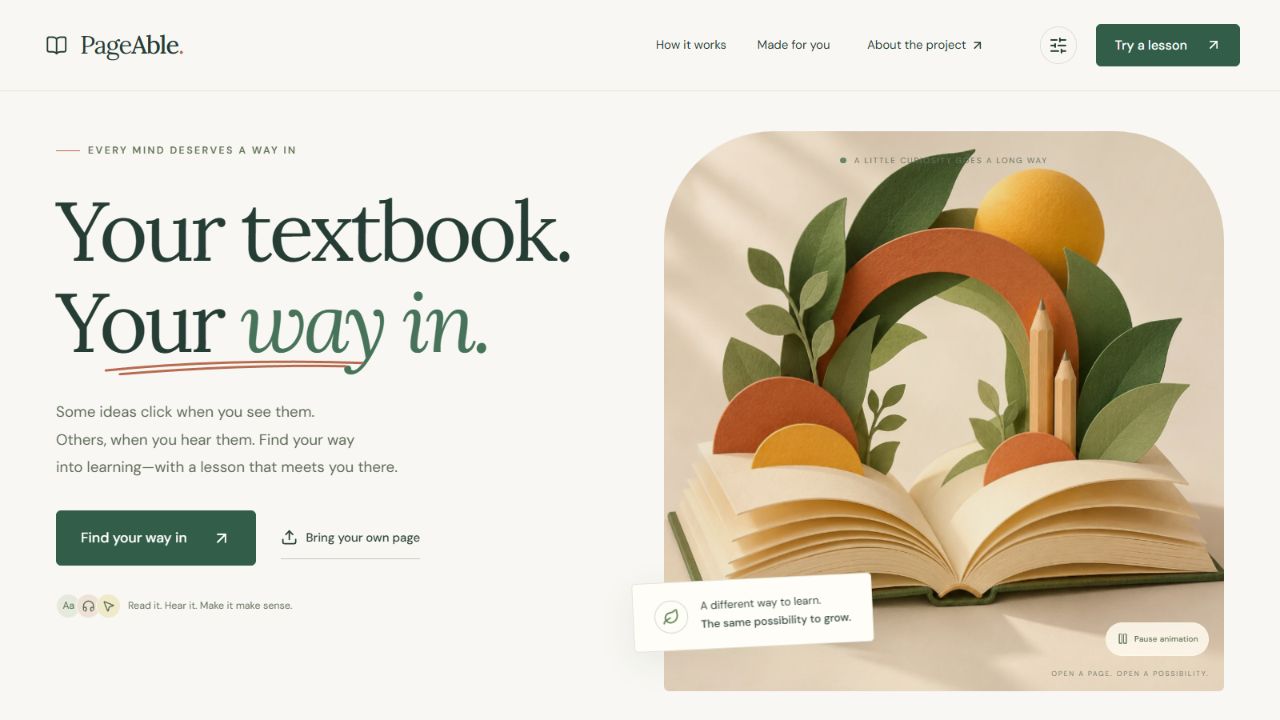
A textbook presents an idea one way. But a learner might need more space between sentences, a spoken explanation, a diagram they can explore, or a chance to explain the idea back.
I built PageAble to bring those choices to the learner’s own page while keeping the original source visible.
PageAble is my solo entry for Human Impact / HI-03: Adaptive Learning for Students with Disabilities. It offers learner-controlled presentation without asking students to disclose a disability or fit a learning-style label.
What it does
PageAble turns a readable textbook page into an interactive learning experience:
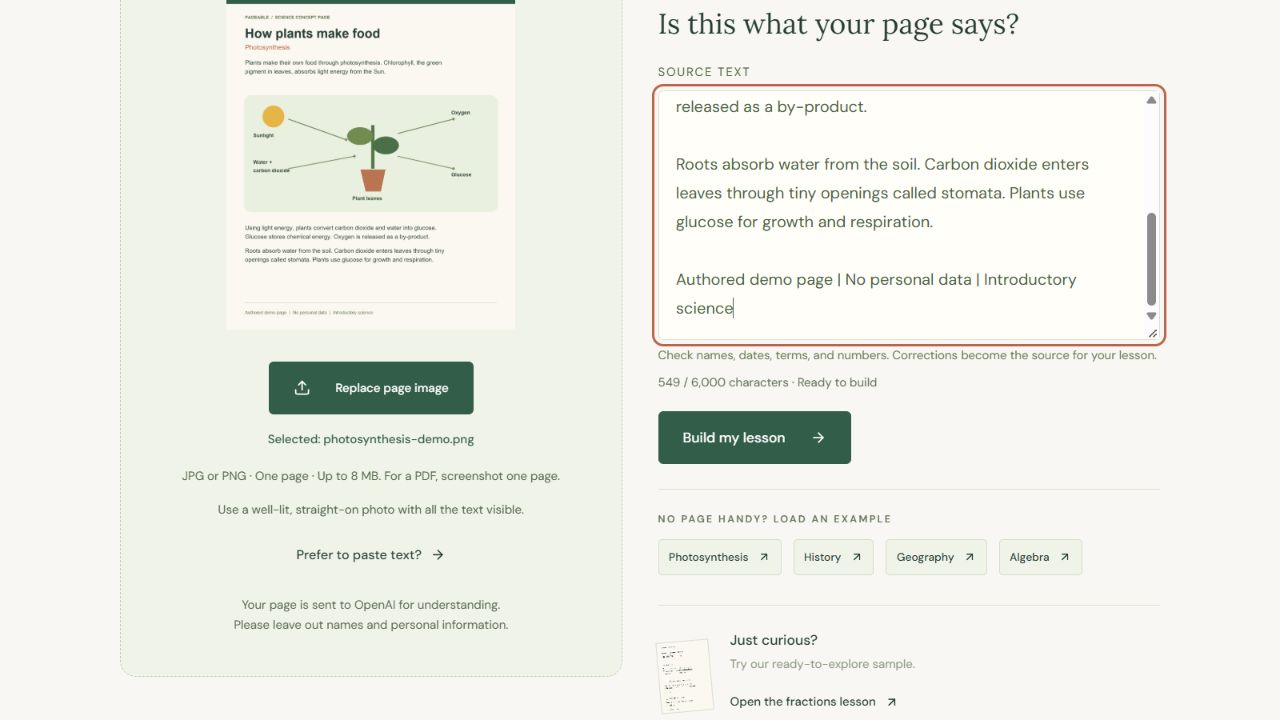
- Upload and review: Upload a JPG or PNG, or paste text. Check and correct the extracted words before creating the lesson.
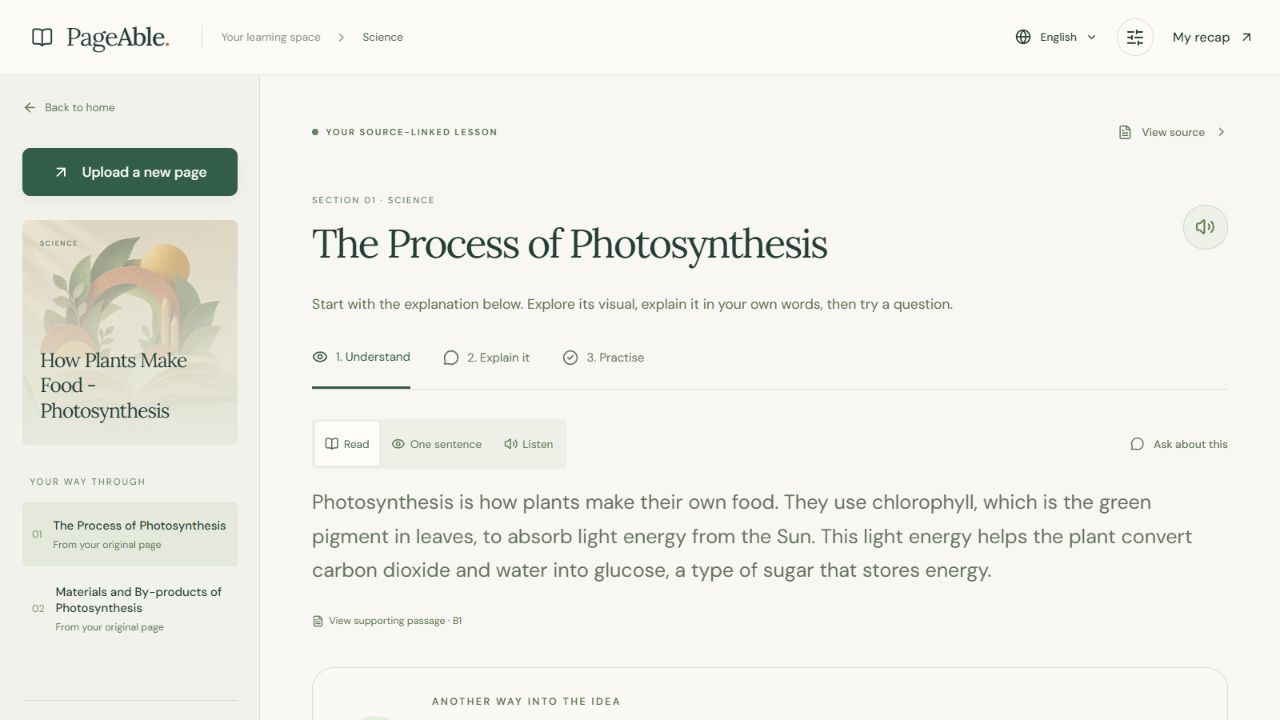
- Understand: Read short explanations, reveal one sentence at a time, or listen.
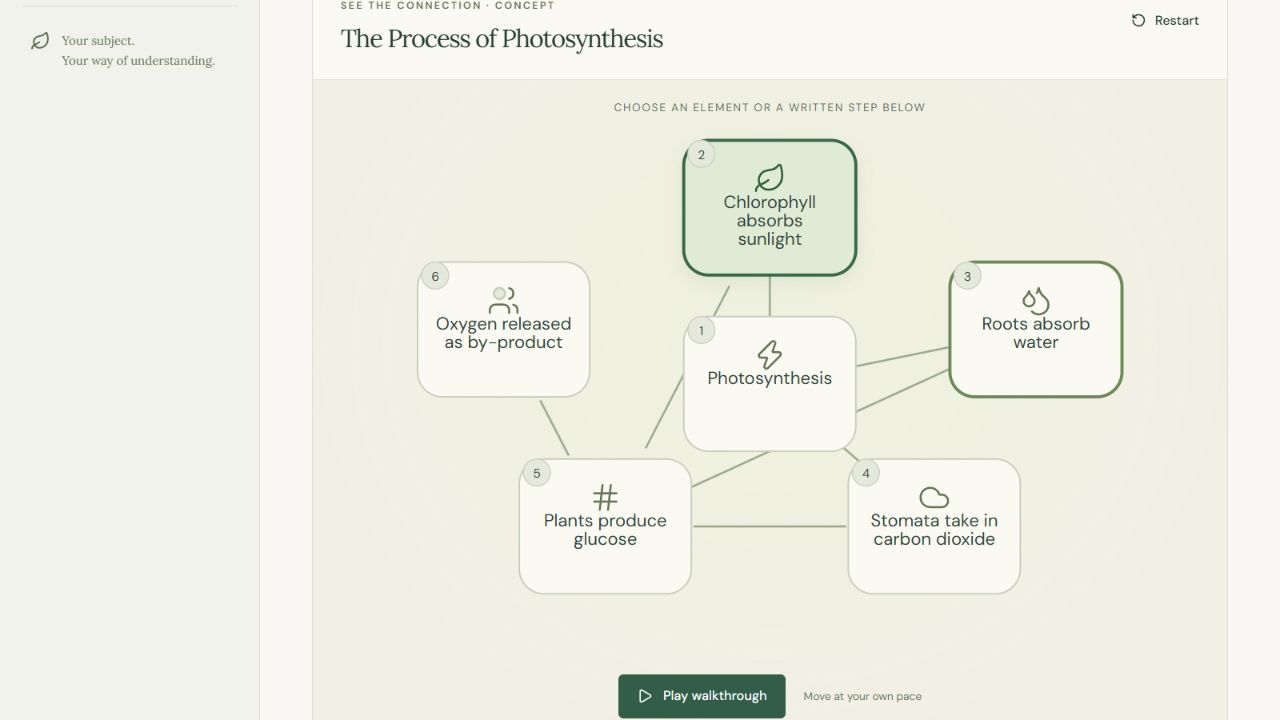
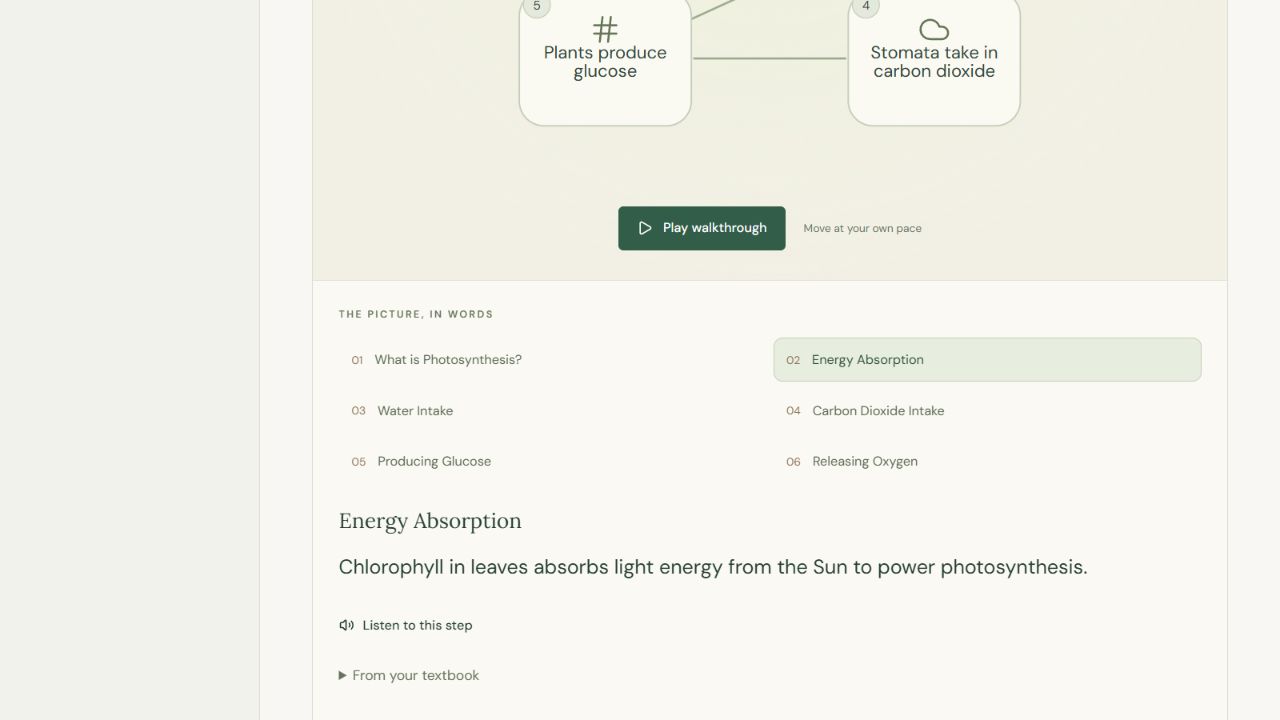
- Explore visually: Generate a clickable diagram with matching written steps. Select an element, move through the explanation, or play the walkthrough.
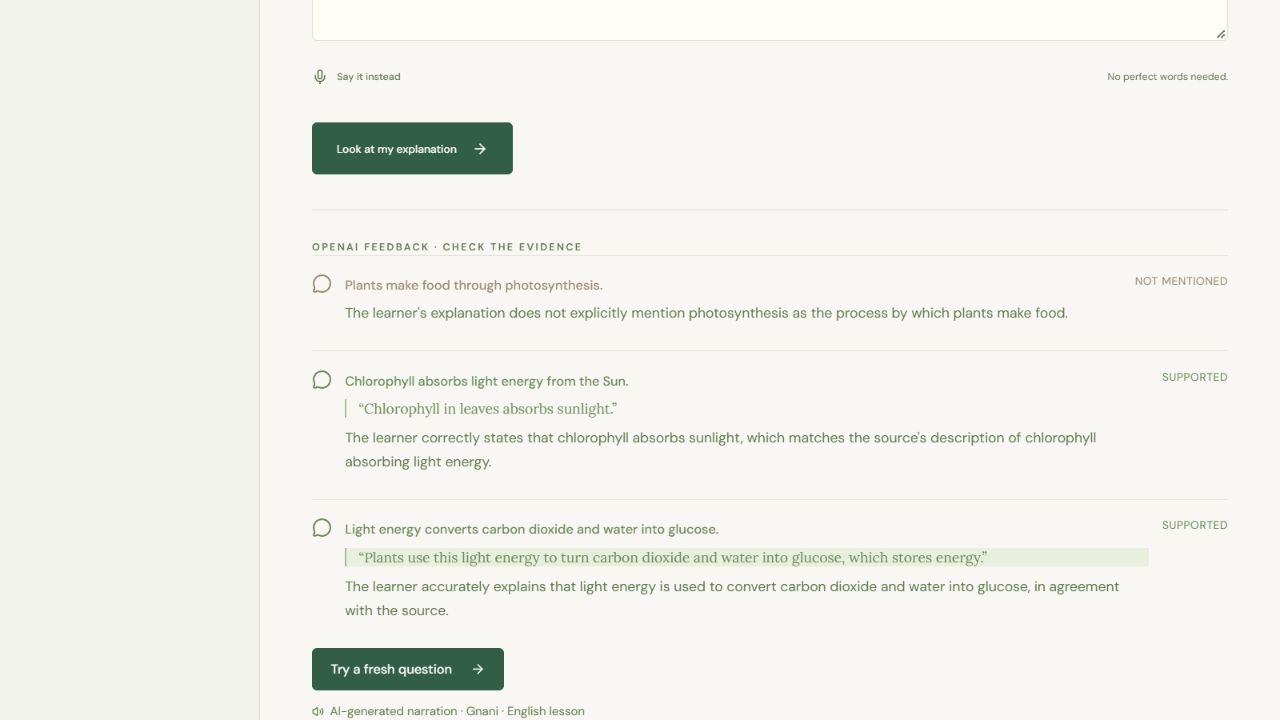
- Explain it back: Type an explanation or review a voice transcript before submitting it. Feedback identifies supported, missing, unclear, or contradicted ideas.
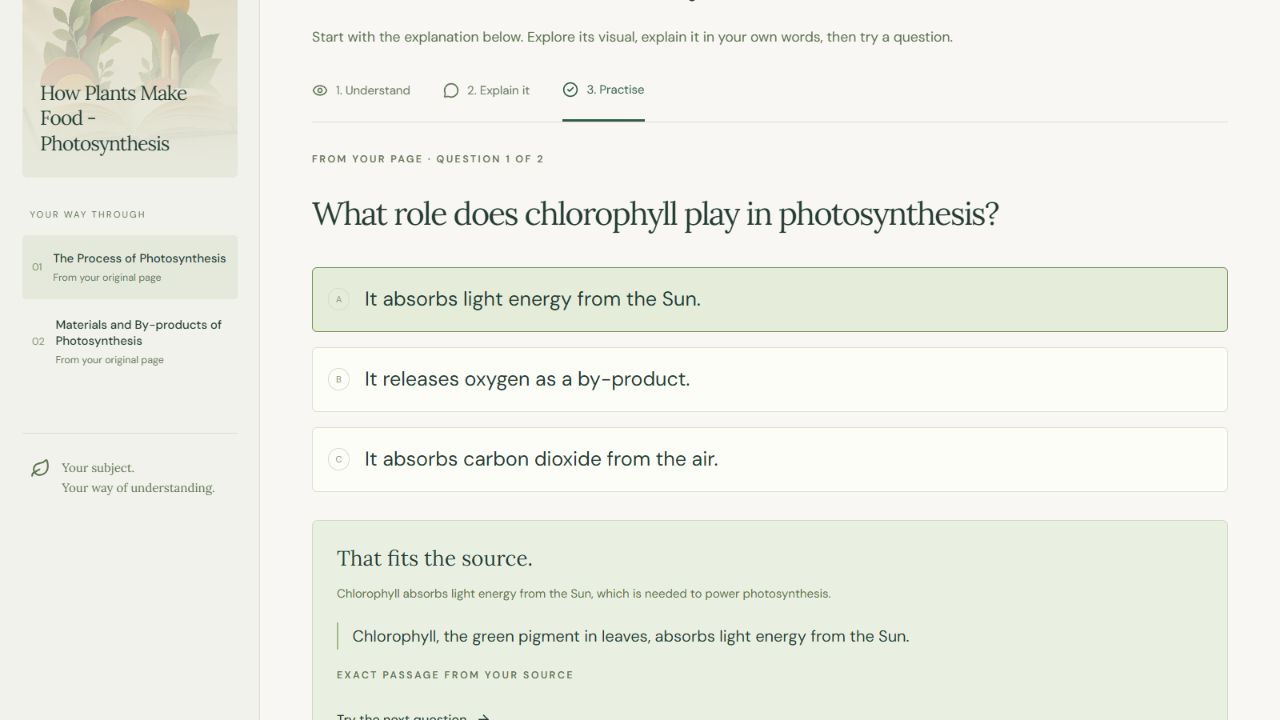
- Practise: Answer questions generated from the page and inspect the supporting passage after submitting.
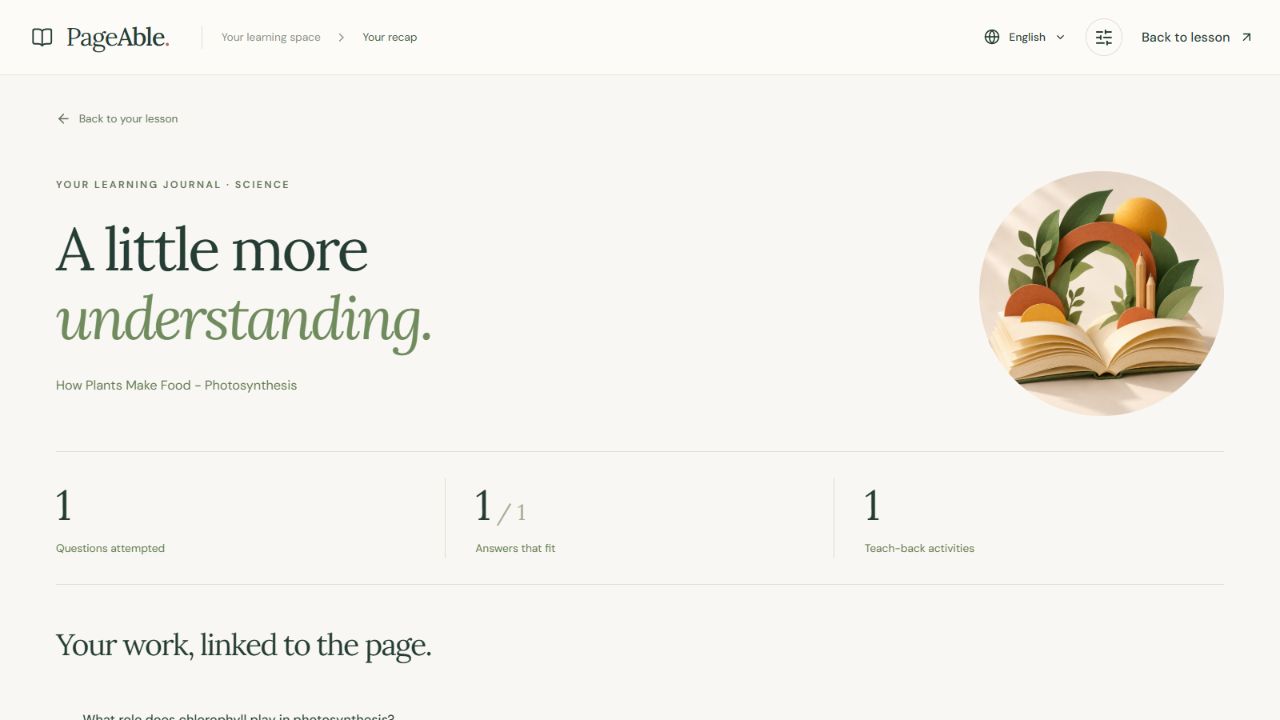
- Review: See actual practice attempts and teach-back activity in a session recap.
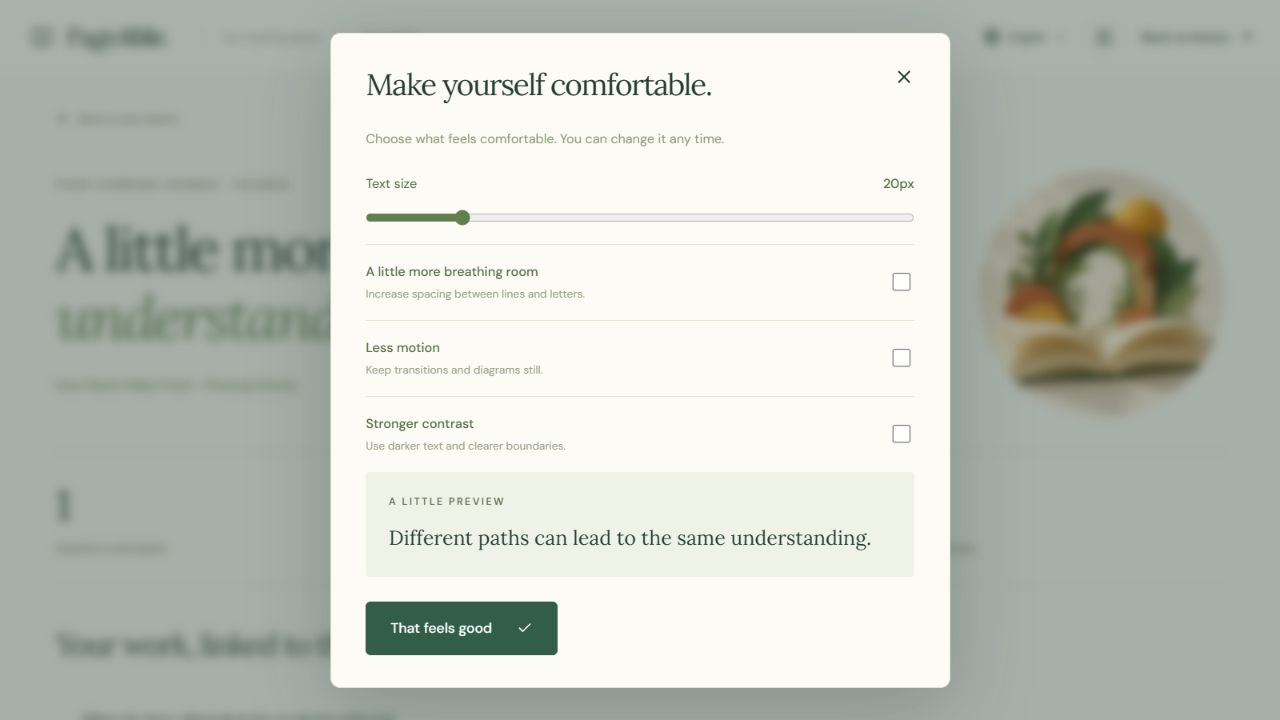
Text size, spacing, contrast, and motion preferences remain under the learner’s control.
The lesson pipeline supports readable educational content across subjects. Included examples cover science, history, geography, and mathematics. An authored fraction sample also works without API keys, with exact interactive bars and number lines.
How I built it
The backend uses Python and FastAPI for image processing, AI requests, session handling, speech, and grading.
OpenAI analyzes page images and generates structured lessons, visual plans, questions, and feedback. Pydantic validates the response structure. Lesson sections, questions, and visual explanations reference numbered passages from the confirmed source; the backend attaches the original wording.
The frontend uses React, TypeScript, Vite, and authored CSS. Interactive visuals are rendered as SVG components from structured data rather than executing model-generated code.
Gnani.ai provides speech recognition and narration. Recorded responses are transcribed for the learner to review before use. API keys remain on the server.
Multiple-choice answer keys stay on the backend until submission, and the recap reflects recorded activity rather than a generated mastery score.
Challenges I faced
The first prototype focused too narrowly on fractions. I redesigned the lesson pipeline to handle general textbook content while retaining the exact fraction explorer as a separate sample.
Source grounding was another challenge. A model could produce a useful explanation but paraphrase text inside a field intended for an exact quotation. I changed lesson and visual generation to select numbered original passages, allowing the backend to attach literal source text.
Visual explanations also needed care: separate inputs should not accidentally appear as a sequence. I refined the generation instructions and added checks for valid connections, source references, and explanation coverage.
Finally, I simplified the upload flow and made important actions more visible, with clearer progress messages, safer retries, and more readable controls.
What I learned
Structured output makes AI responses easier to process, but a valid schema does not prove that an explanation is correct.
I learned to separate model interpretation from application responsibilities: the model proposes content, while the application validates references, controls rendering, protects answer keys, and records actual activity.
I also learned that accessibility depends on small interaction details—clear labels, visible controls, readable text, manageable motion, and useful recovery messages.
Accomplishments
I built a working page-to-lesson workflow that connects text, visuals, narration, learner explanations, and practice around the same confirmed source.
The prototype includes:
- Subject-general lesson generation.
- Clickable visual explanations paired with written steps.
- Source references that learners can inspect.
- Voice transcription with review before submission.
- Learner-controlled readability and motion settings.
- An interactive fraction sample that works without provider keys.
- A recorded walkthrough showing an actual uploaded science page and its generated activities.
Testing and results
The project passes 53 backend tests, 14 existing frontend learning checks, additional UI helper checks, static rendering checks, and a production build.
Live checks exercised image extraction, lesson creation, visual generation, practice submission, and recap.
The approximately one-minute demo shows an actual photosynthesis-page upload, extracted-text review, generated lesson, visual explanation, teach-back feedback, practice answer, and session recap. Processing waits were shortened during editing.
These are engineering checks, not evidence of model accuracy, accessibility certification, or improved student learning outcomes. Generated explanations still require educational accuracy review.
What’s next
I want to test PageAble with learners and assistive technology, evaluate explanations against labelled educational material, improve language and speech coverage, and add persistent storage for a hosted full-stack version.
Uploaded general lessons currently use English. An authored Hindi sample preview is included, but it still needs fluent review.
AI development disclosure
I developed this solo project with OpenAI Codex / ChatGPT assistance for planning, implementation, debugging, documentation, and test preparation.
OpenAI Image Generation produced the decorative book artwork and editorial learning image. Runtime AI features use OpenAI and Gnani.ai. No from-scratch model training or student learning study is claimed.
Explore PageAble
- Frontend demo: Try PageAble
- Video walkthrough: Watch the complete demo on YouTube
- Source code: View the GitHub repository
The hosted frontend demonstrates the interface and authored interactive fraction sample. Uploaded-page analysis and live AI activities require the Python backend; these are demonstrated in the recorded local walkthrough.
Built solo by Priyanshu Gupta for Neural Storm 2026.
Built With
- css
- fastapi
- gnani
- openai
- pydantic
- python
- react
- svg
- typescript
- vite

