Inspiration
Most webpage screenshot extensions force users to make frustrating compromises: they require intrusive user accounts, upload sensitive browsing data to third-party cloud servers, fail on long dynamic pages, or quietly downscale and blur tall captures to bypass browser memory limits. I hated it! That why I decided to build Page to Image.
We wanted a tool that respects user privacy and treats fidelity as a non-negotiable guarantee:
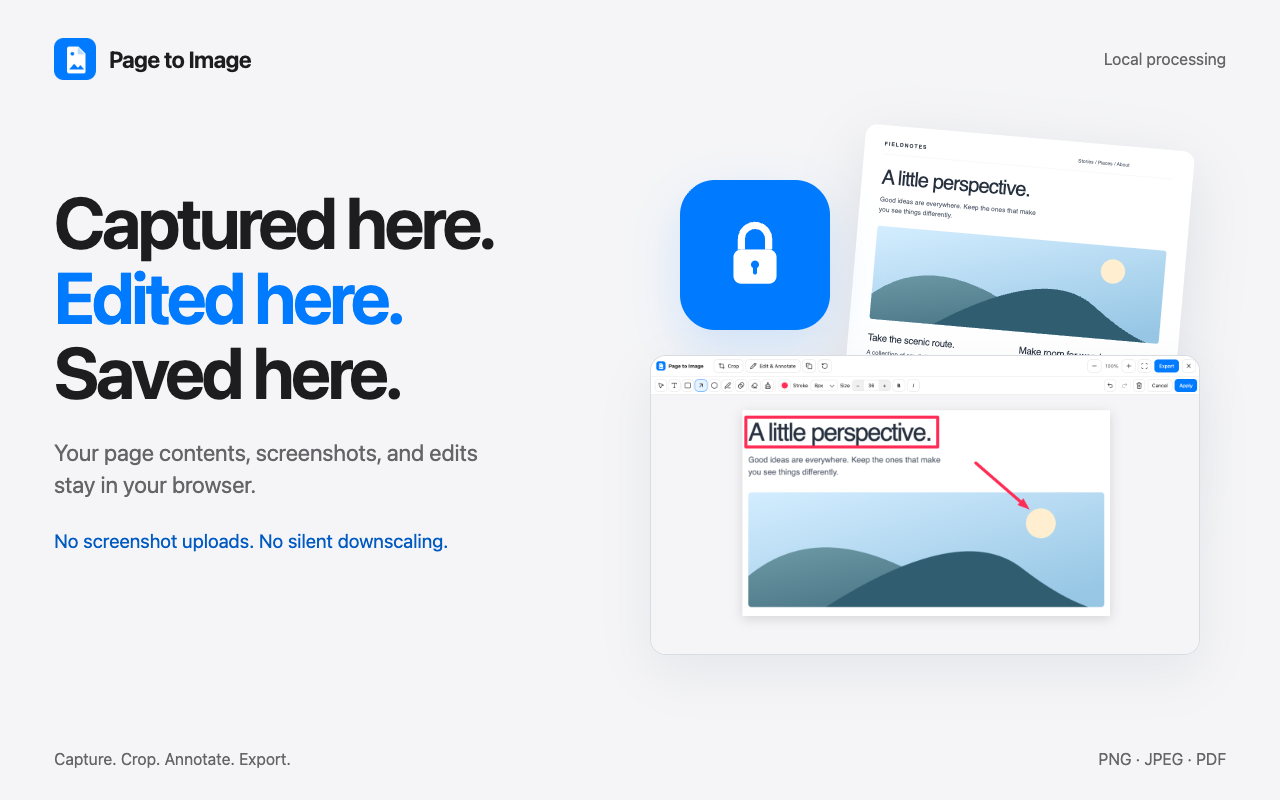
- 100% local processing with zero uploads of screenshots, page URLs, or content.
- Zero silent downscaling: preserving every single pixel at retina clarity, even on towering documentation or lengthy chat transcripts.
- A thoughtful, friction-free workflow: capturing the page, seamlessly refining it (crop, annotate, redact), and exporting directly to PNG, JPEG, or paginated PDF without leaving the browser.
What it does
Page to Image is a modern, privacy-first extension that captures, refines, and exports webpages entirely on-device:
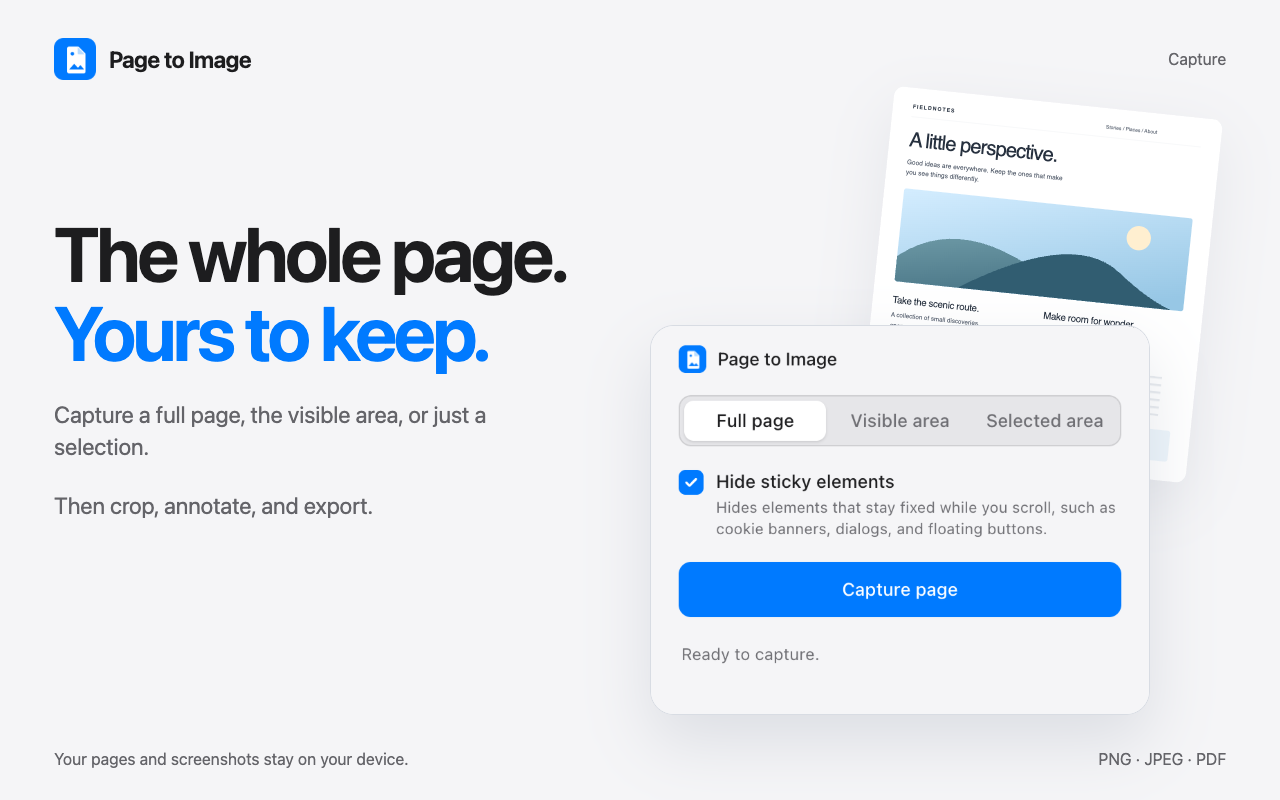
- Comprehensive Capture Modes: Capture full scrolling documents (including below-the-fold content), the visible viewport, or a user-selected custom rectangular area.
- Declutter On Capture: Automatically detect and temporarily hide sticky navigation bars, floating action buttons, cookie consent modals, and overlays during capture, restoring them cleanly afterward.
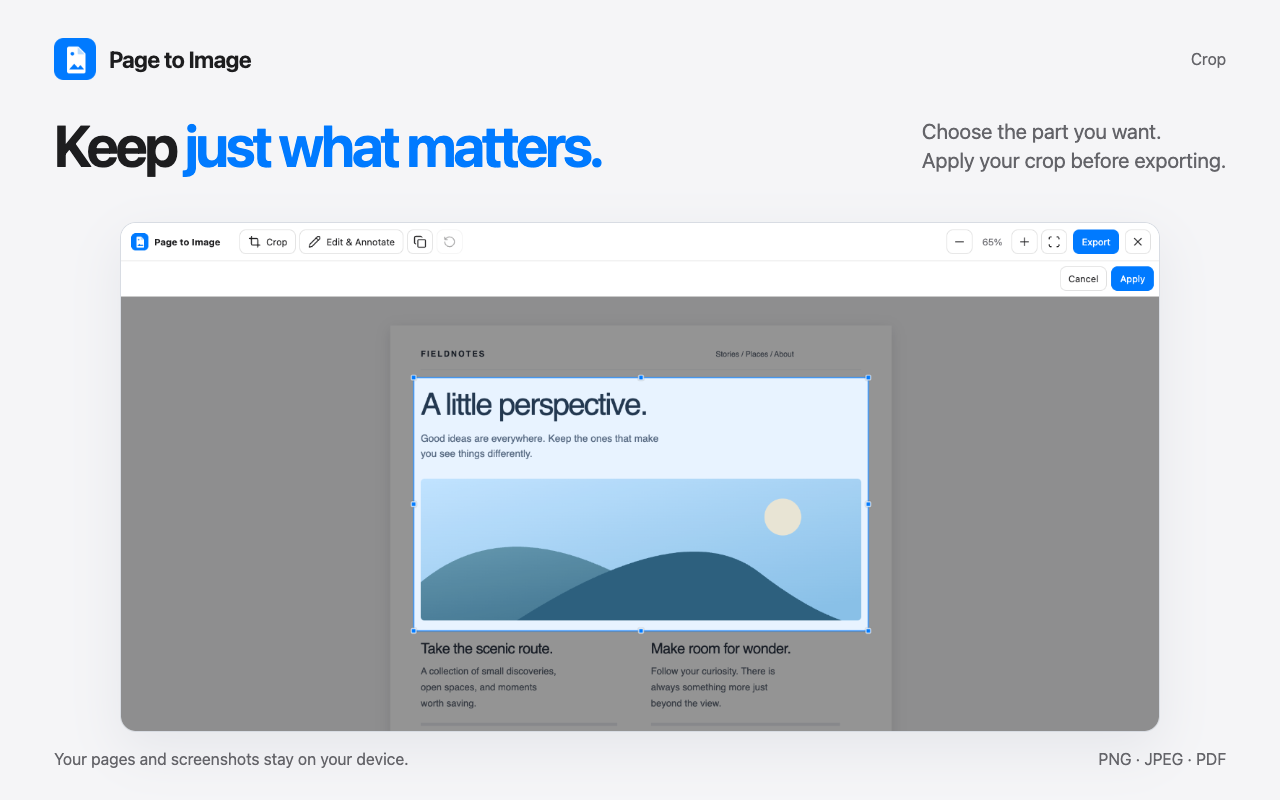
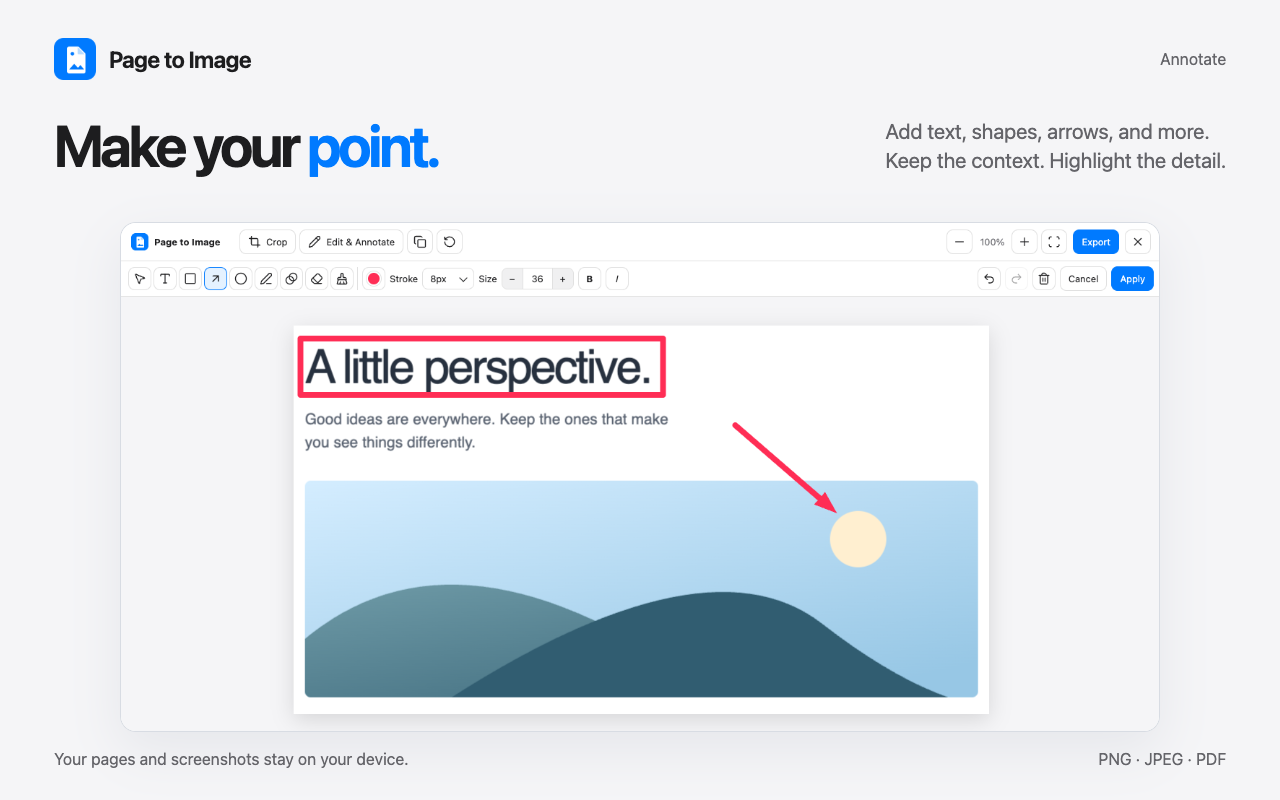
- Dedicated Capture Review & Editing Workspace: Opens captures in a dedicated non-destructive review tab. Users can crop, draw, add text, highlight with shapes and arrows, blur sensitive information, erase, and undo/redo edits without risking popup dismissal.
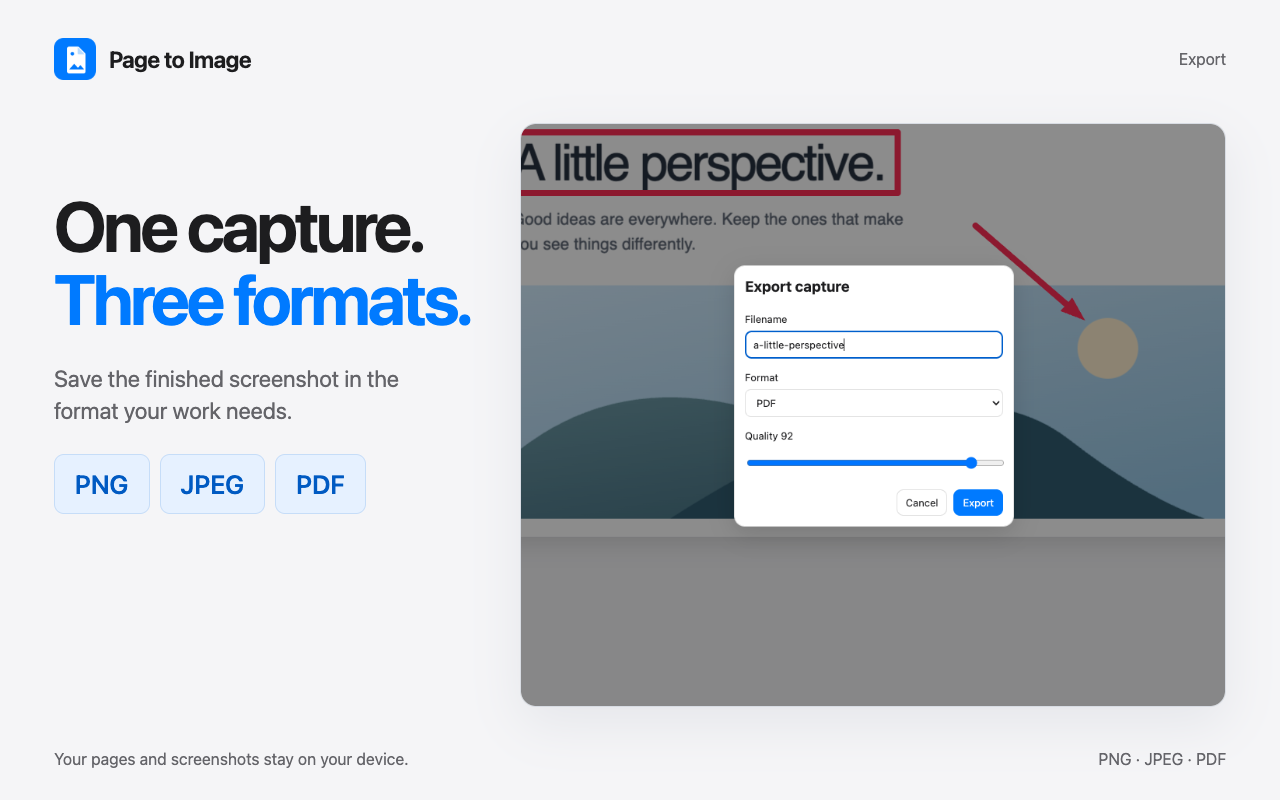
- Multi-Format Export: Export to clipboard, crisp PNG, quality-adjustable JPEG, or multi-page image-only PDF with sensible, auto-generated filenames based on page title and date.
- Unbounded Tall Page Handling: Uses an innovative multi-tiered rendering pipeline (GPU -> CPU -> Streaming PNG -> Segmented Parts) to capture arbitrarily tall pages without downscaling or crashing.
How I built it
The project is structured as a modern monorepo:
- Extension (
apps/extension): Built on Manifest V3 using TypeScript and WXT (Web Extension Tools). Designed with zero heavy runtime canvas or WASM dependencies:- Capture Engine: With custom stitching algorithms that account for viewport scaling, scrollbars, and
devicePixelRatio. - Custom Streaming PNG Encoder: Encodes raw RGBA viewport bands directly to compressed PNG chunks on the fly using native capabilities, completely bypassing canvas dimension limits.
- Custom PDF Engine: Creates paginated, print-ready PDF documents directly from captured image buffers.
- Capture Review Tab: An interactive canvas workspace managing non-destructive vector annotations, crops, redaction filters, and local drafts.
- Capture Engine: With custom stitching algorithms that account for viewport scaling, scrollbars, and
- Marketing Site: Built with Astro for optimal performance, zero client bloat, and accessibility, complete with interactive FAQs and privacy documentation.
- Automated Verification Pipeline: Uses Vitest for comprehensive unit testing and custom headless Chromium end-to-end tests driven via Chrome DevTools Protocol (CDP) to verify captures on pages ranging from small snippets to 60,000px+ tall documents.
Challenges I ran into
- The Chromium Canvas Ceiling:
- Web browsers enforce hard limits on the
<canvas>element: GPU-accelerated canvases fail around 16,384px per dimension, and software-rasterized (CPU) canvases strictly fail at 65,535px or 268 megapixels. - Most tools silently downscale images or produce black/corrupted files. I engineered a cascading architecture: standard pages stitch on an accelerated canvas; pages exceeding GPU limits fall back to software compositing; pages past 65,535px bypass
canvasallocation entirely by streaming viewport slices straight through our custom streaming PNG encoder; and extreme non-PNG formats cleanly produce numbered part files.
- Web browsers enforce hard limits on the
- Resilience Against Popup Teardown:
- In Chrome Manifest V3, closing an extension popup immediately terminates its execution context. If a user closed the popup during a full-page scrolling capture, the host webpage could be left scrolled mid-page with hidden headers and mutated CSS styles.
- I solved this with an autonomous restore watchdog injected into the page that expects regular heartbeats from the capture driver. If communication drops for ~3 seconds, the watchdog triggers on its own, restoring original scroll offsets, sticky styles, and DOM state cleanly.
Accomplishments that I'm proud of
- Zero-Dependency Streaming PNG Pipeline: Wrote an incremental PNG encoder in pure TypeScript using native capabilities that formats IHDR chunks, applies Up-filter scanline transformations, and writes chunked CRC-checked PNGs with virtually zero memory overhead.
- Strict Privacy Integrity: Not a single byte of captured page content or image data leaves the user's computer.
- Uncompromised Image Fidelity: Never downscaling or blurring captures to "make them fit" — staying true to the promise of full-resolution captures.
- End-to-End CDP Test Suite: Automated real-world browser testing with Chrome for Testing across retina display ratios and challenging real-world layouts.
- Thorough Localization: Fully localized UI strings translated across every supported language.
What I learned
- Deep PNG Specifications & Chromium Internals: Learned the low-level mechanics of binary image formats (deflate compression trees, filtering strategies, CRC32 calculations) and empirical limits of Chromium's Blink rendering engine and Skia canvas backends.
- State Machine Resilience in Browser Extensions: Navigating the asynchronous, ephemeral lifecycle of Manifest V3 service workers, popups, and isolated-world content scripts.
- Local-First Architecture: How to build polished editing and licensing workflows that keep user data decentralized and self-contained on the client.
What's next for Page to Image: Screenshots & PDFs
- Cross-Browser Support: Expanding native extension support to Firefox and Safari.
- Extended Annotation Tools: Adding magnifying loupe callouts, numbered step badges, and OCR text extraction directly within the Capture Review workspace.
Built With
- chrome
- extension
- typescript
- wxt


Log in or sign up for Devpost to join the conversation.