-
-
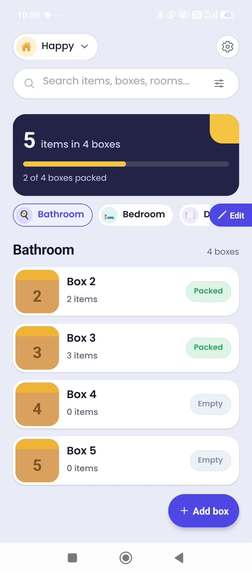
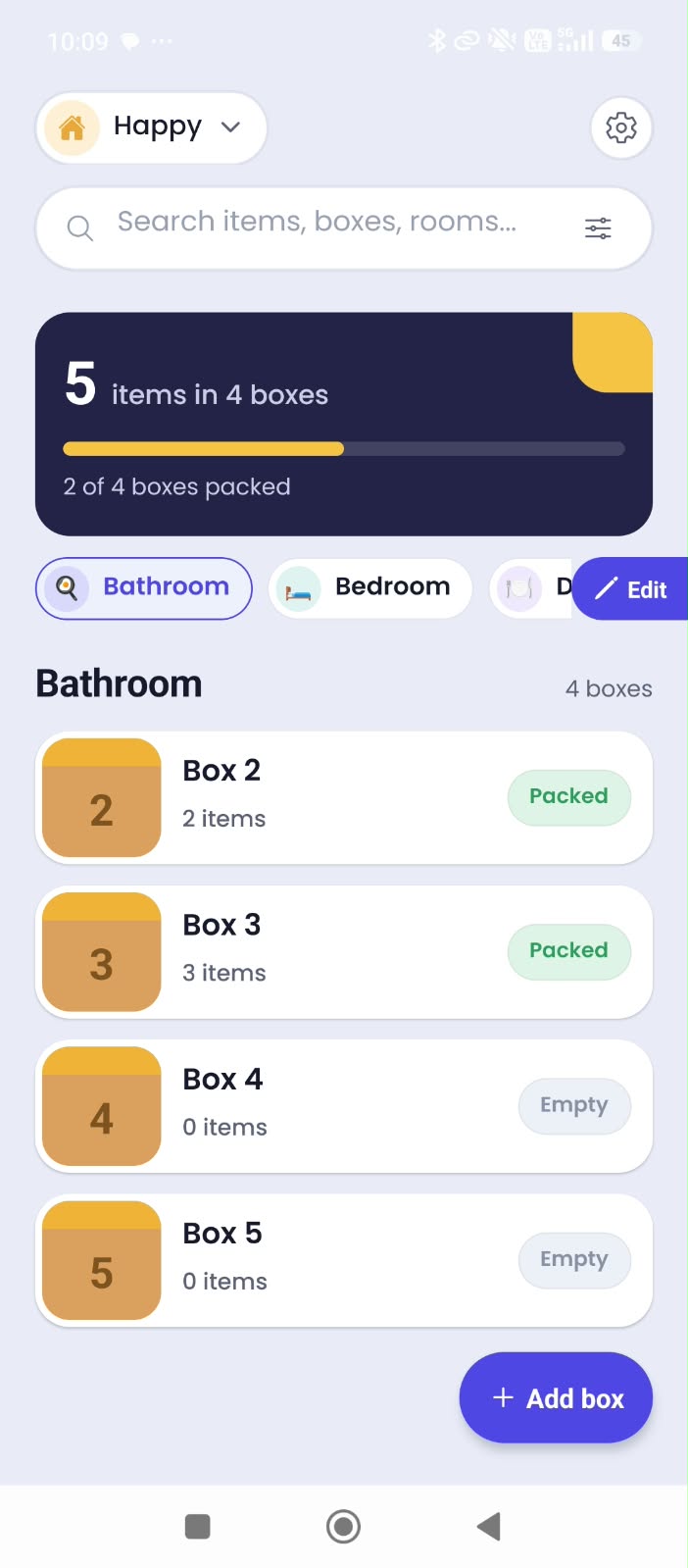
HOME PAGE
-
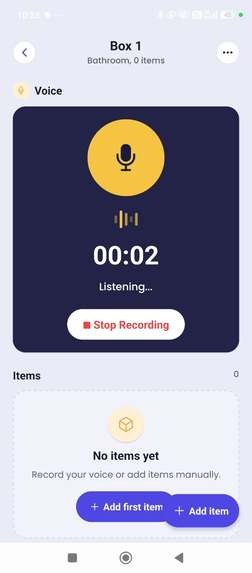
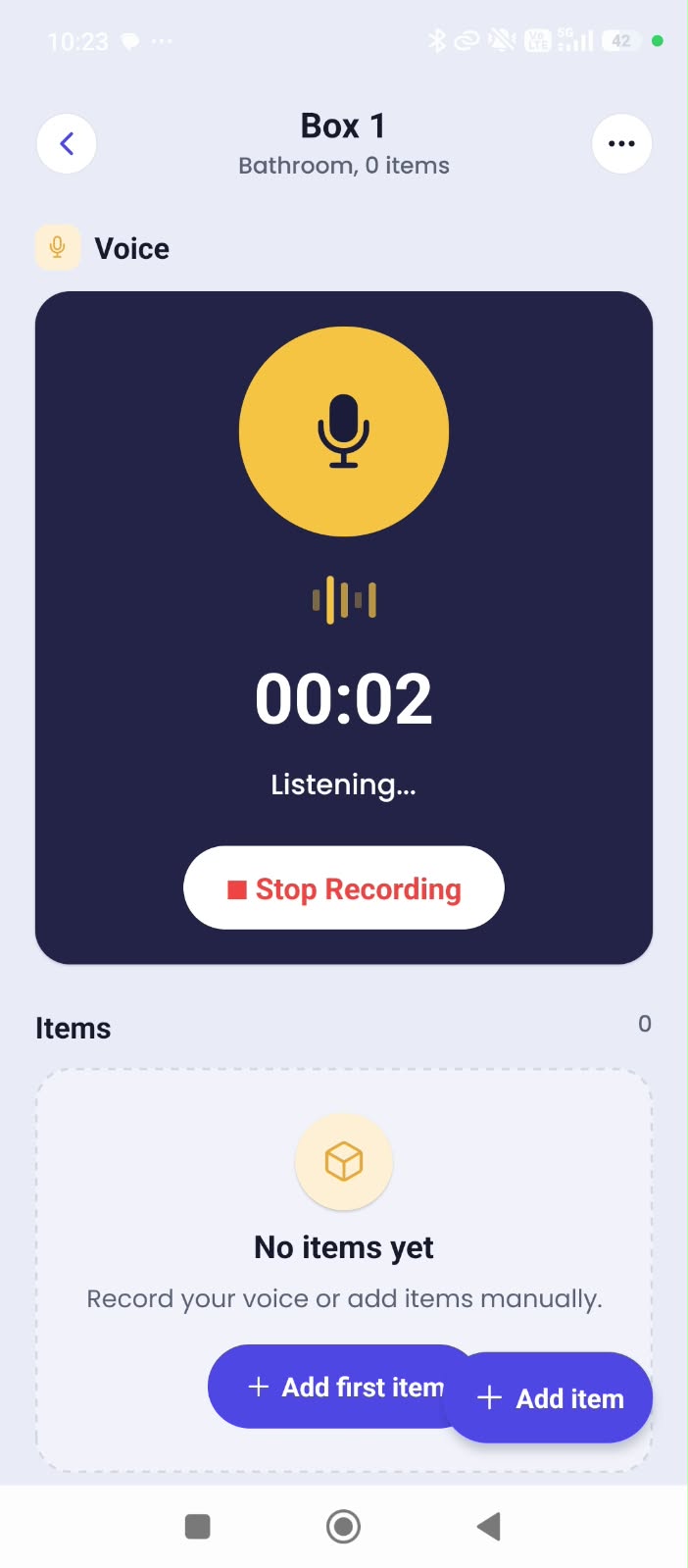
BOX PAGE
-
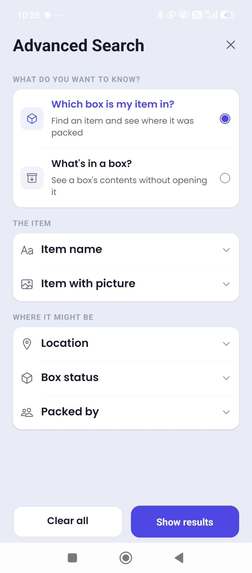
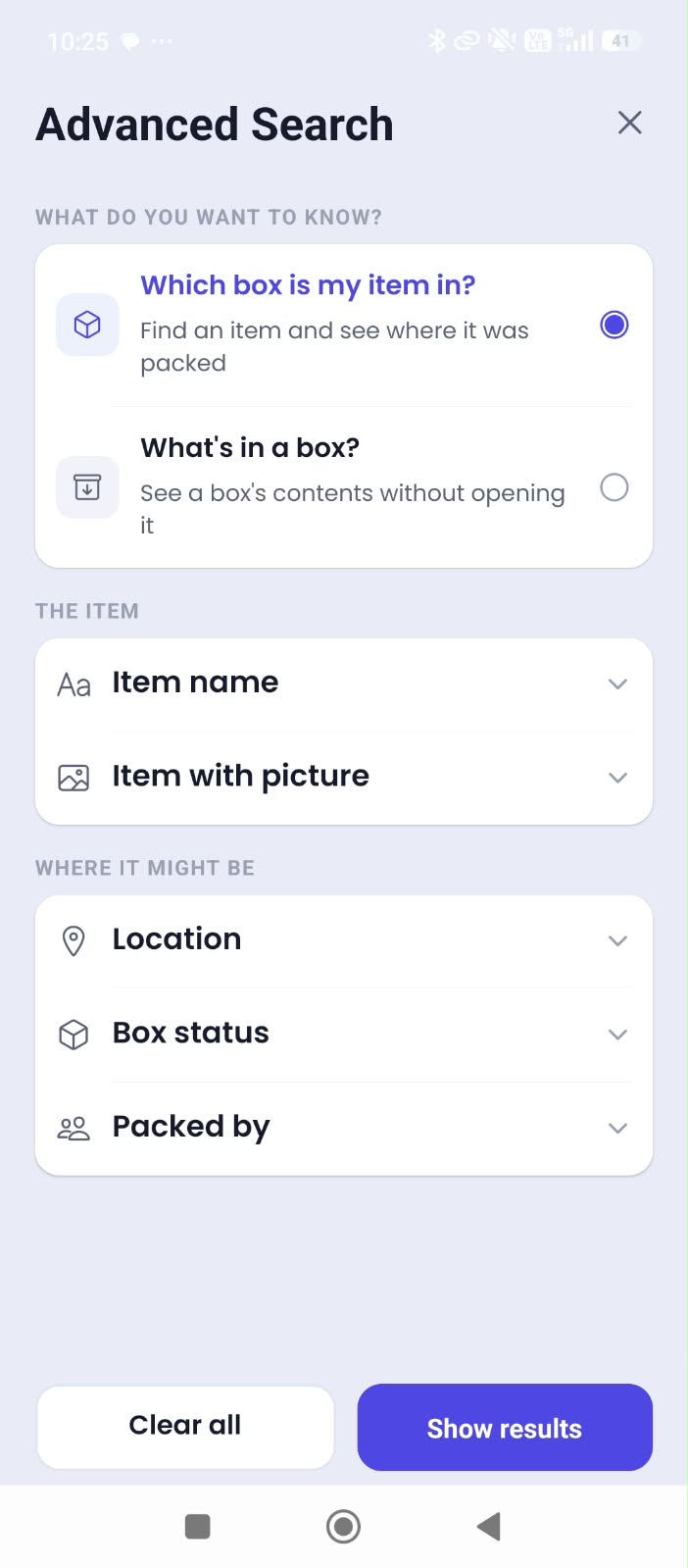
ADVANCED SEARCH PAGE
-
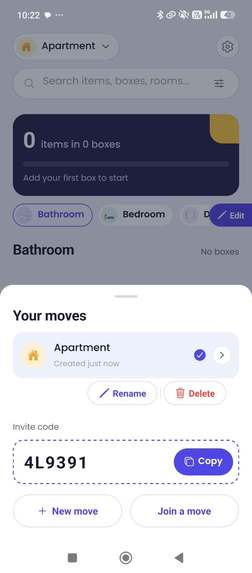
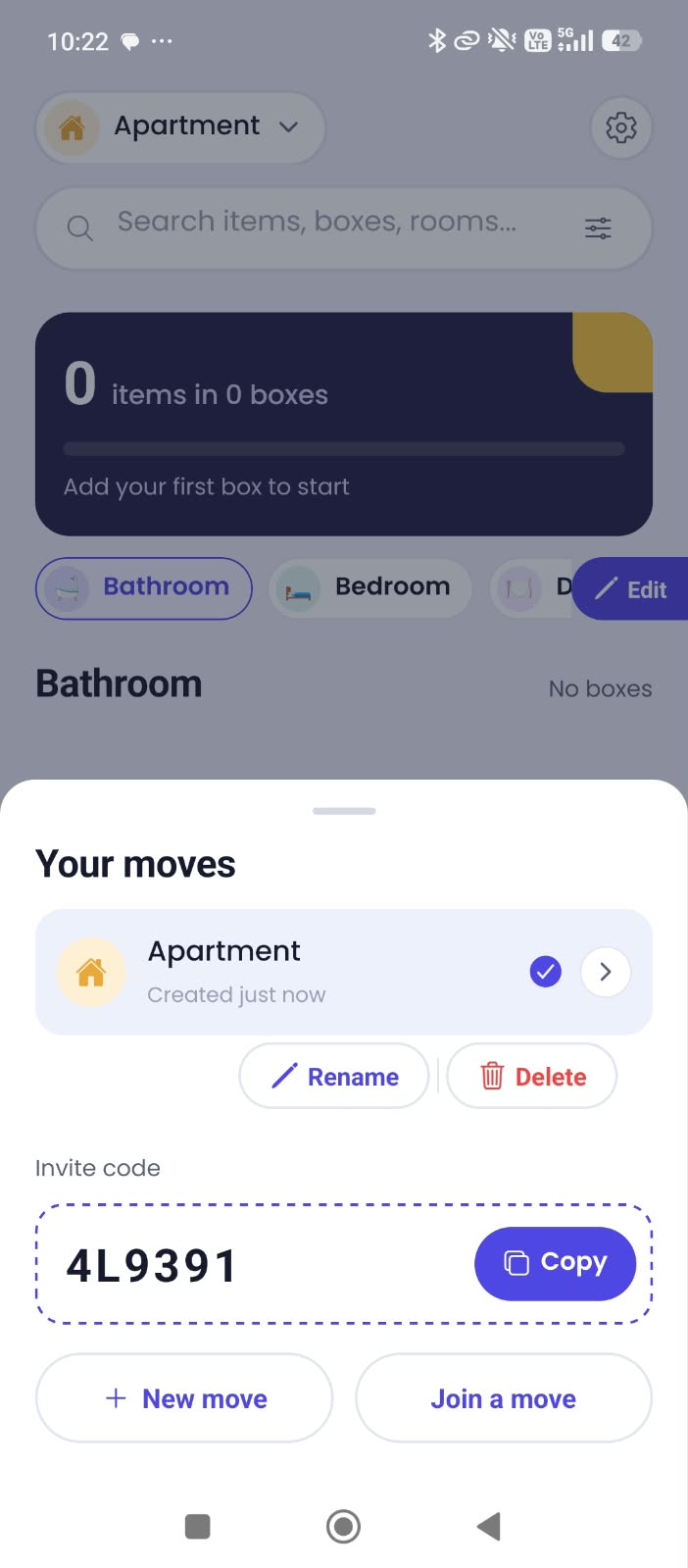
MOVE SHEET
Inspiration
Inspiration
Moving into a new home is exciting, but packing and unpacking can quickly become chaotic.
When a family packs clothes, kitchen items, books, toys, electronics, and other belongings, they often write simple numbers like "Box 1", "Box 2", and "Box 3" on the physical boxes. The problem comes after the move: the boxes are everywhere, and finding one specific item can mean opening several boxes just to figure out where it is.
i wanted to make those boxes searchable.
That idea became Packly — a collaborative moving inventory that helps families keep track of what is inside their boxes and quickly find items after moving.
What it does
With Packly, a family can create a move or join an existing move and organize their inventory by rooms.
For each room, users can create boxes and give them the same numbers they wrote on their physical boxes. Instead of manually typing every item, users can record their voice and describe what's inside the box.
Packly uses AI to process the recording and turn the recognized items into a structured inventory.
After the move, users can search for an item and immediately see which box it belongs to, instead of opening boxes one by one.
Packly also supports:
- Shared moves for family collaboration
- Room-based organization
- Box photos for visual reference
- Voice-based inventory recording ,AI-powered item extraction
- Searchable box contents
- User accounts and authentication
- Subscription-based AI credits
How i built it
Packly is a native mobile application built with React Native and Expo, with Supabase providing authentication, database storage, backend functionality, and photo storage.
The AI inventory workflow uses a Supabase Edge Function to securely process voice recordings and communicate with the AI service without exposing the API key inside the mobile application.
The application uses a structured database to connect moves, members, rooms, boxes, and items. Row Level Security helps control which users can access shared move data.
For monetization, i integrated RevenueCat with Google Play Billing. Packly uses an AI credit system so AI processing can be tied to a user's available credits rather than being completely unlimited.
I also designed the application around a progressive onboarding flow so that users are introduced to the important parts of Packly as they use it instead of being presented with a large tutorial upfront.
What I learned
One of the biggest things I learned was that building an application is much more than creating individual screens.
As Packly grew, I had to think about authentication, database relationships, permissions, file uploads, realtime collaboration, backend functions, AI processing, error handling, subscriptions, usage limits, and mobile deployment.
I also learned how important it is to design around the actual workflow of the user. Instead of forcing someone to manually enter every item, voice recording makes inventory creation much faster. Similarly, using the same box number on the app and on the physical box connects the digital inventory to something people can actually see while moving.
Building Packly also taught us how to use AI coding agents as a development tool. I used AI extensively to help implement features, investigate bugs, iterate on the UI, and work through technical problems. At the same time, this process showed us how important it is to understand the architecture behind the generated code, test each feature carefully, and make deliberate product decisions rather than simply accepting generated implementations.
Challenges
One of our biggest challenges was making the AI workflow reliable enough to be useful. A voice recording can contain many different items, natural speech, repeated words, and incomplete descriptions. I needed to turn that unstructured input into a useful inventory without making the user manually clean up everything.
Another challenge was building collaboration around a shared move. Multiple family members need to see the same rooms, boxes, items, and photos while still respecting access permissions.
I also had to think carefully about mobile-specific concerns such as photo uploads, authentication redirects, secure backend API usage, subscription handling, and maintaining a responsive interface while network operations happen in the background.
Packly is still evolving, but building it gave us the opportunity to take a real-world problem and turn it into a functioning mobile product with AI, cloud infrastructure, collaboration, and subscription infrastructure working together.
What it does
How I built it
Challenges I ran into
Accomplishments that I am proud of
What I learned
What's next for Packly
Built With
- ai
- expo.io
- gemini
- native
- postgresql
- react
- supabase
- typescript


Log in or sign up for Devpost to join the conversation.