-
-
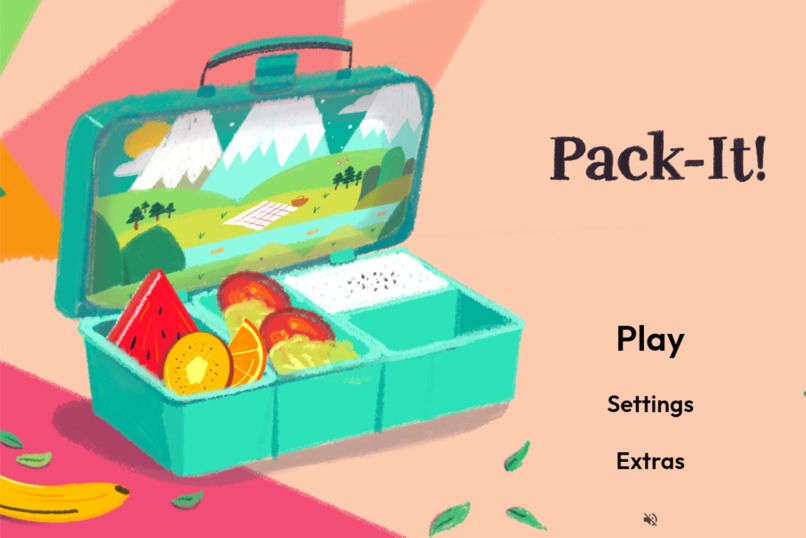
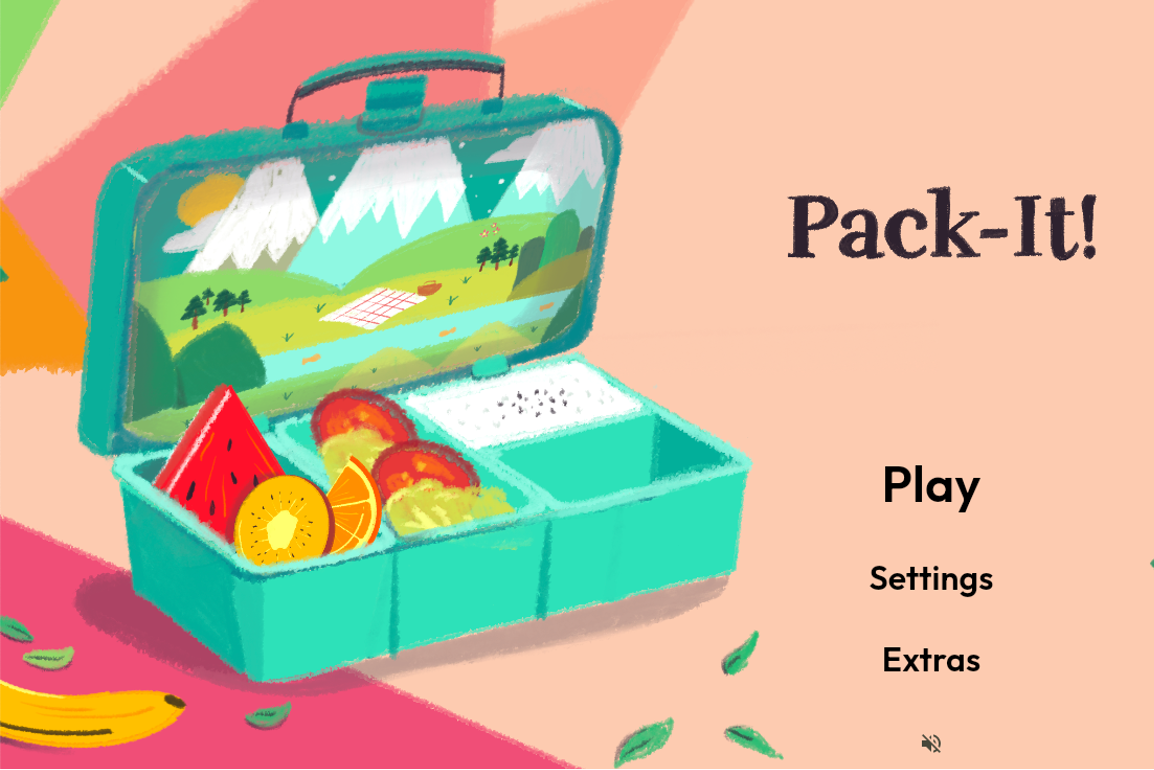
Title screen
-
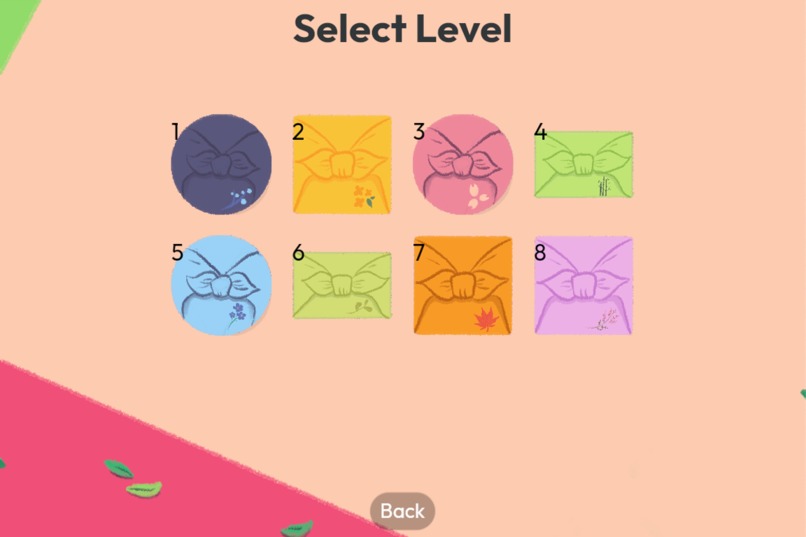
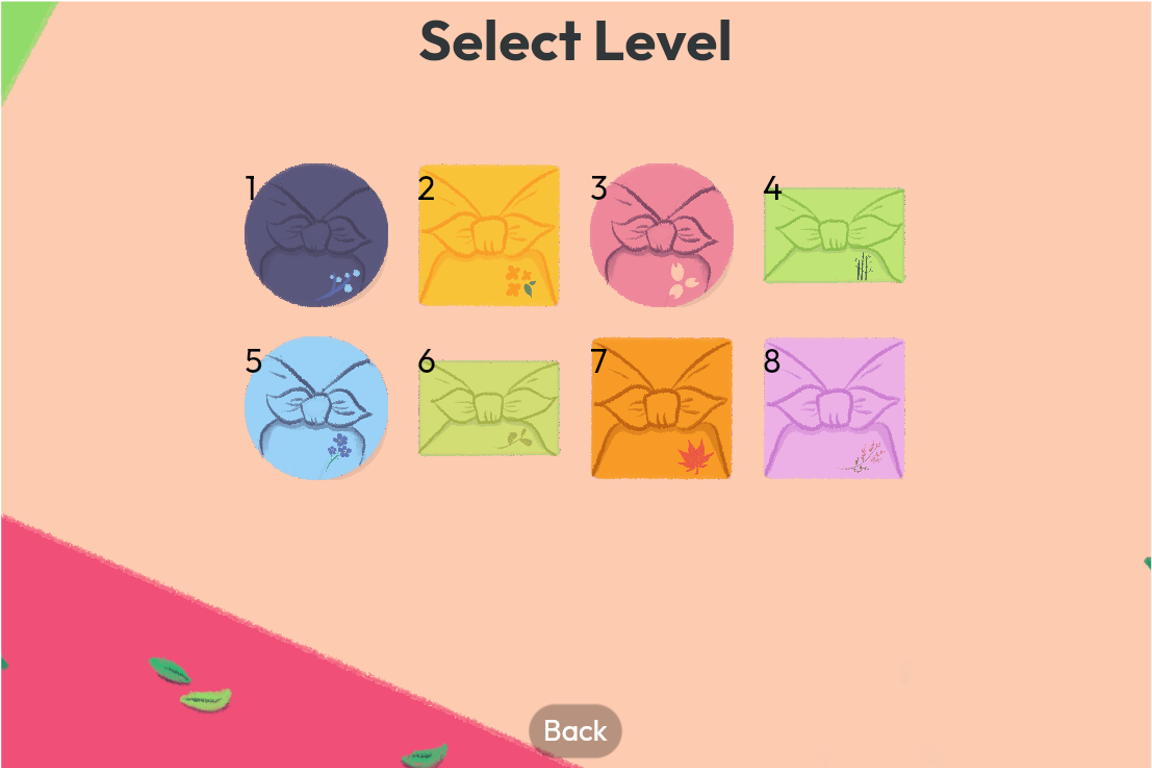
Level selection screen
-
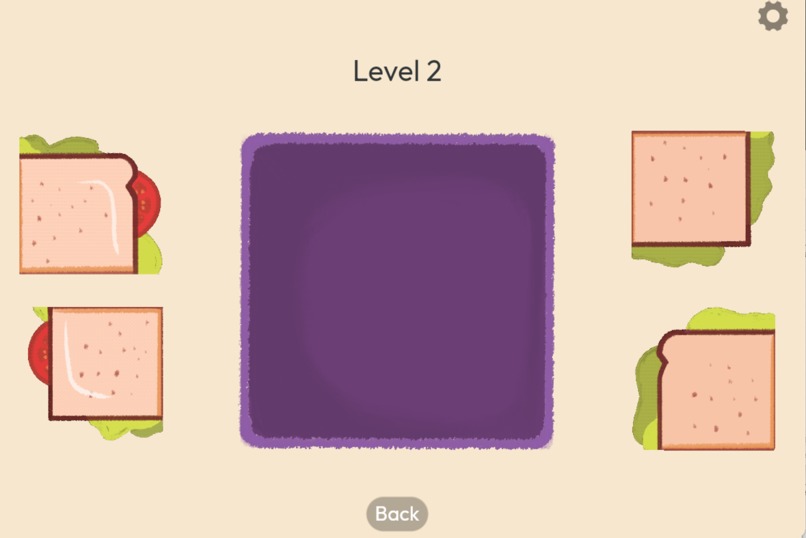
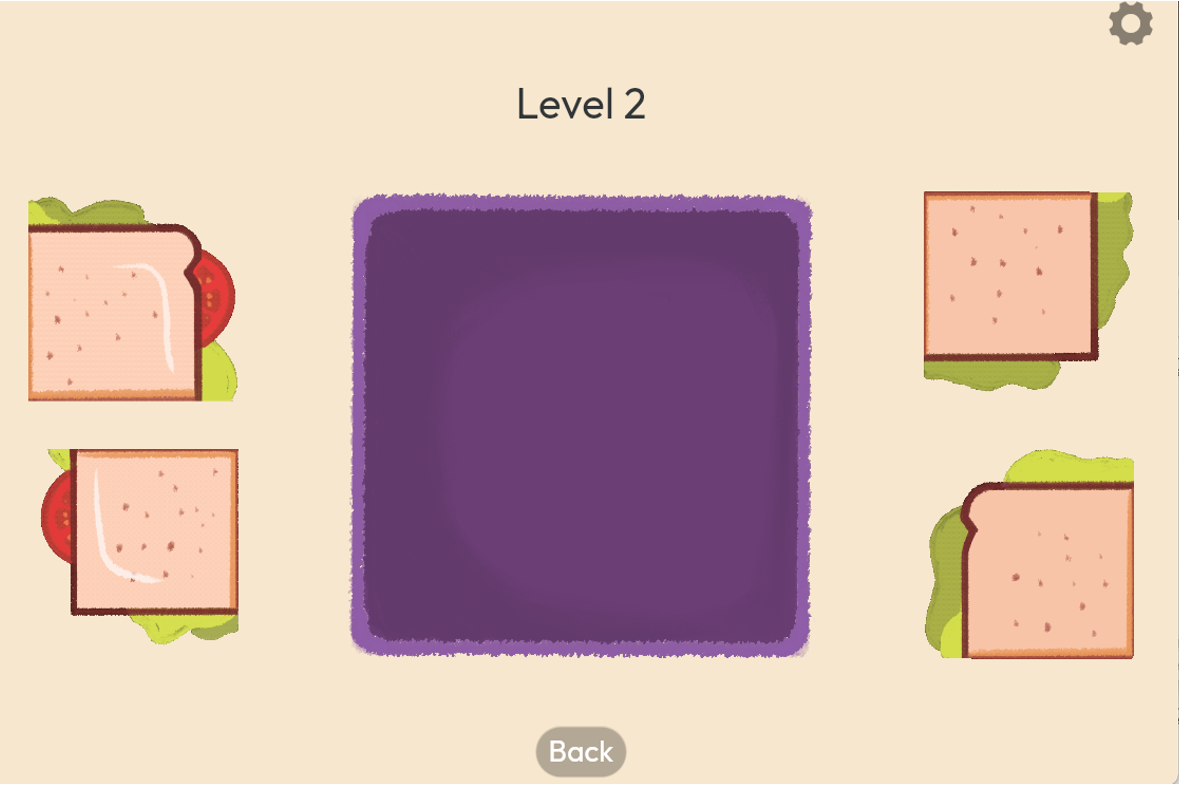
Gameplay screen
-
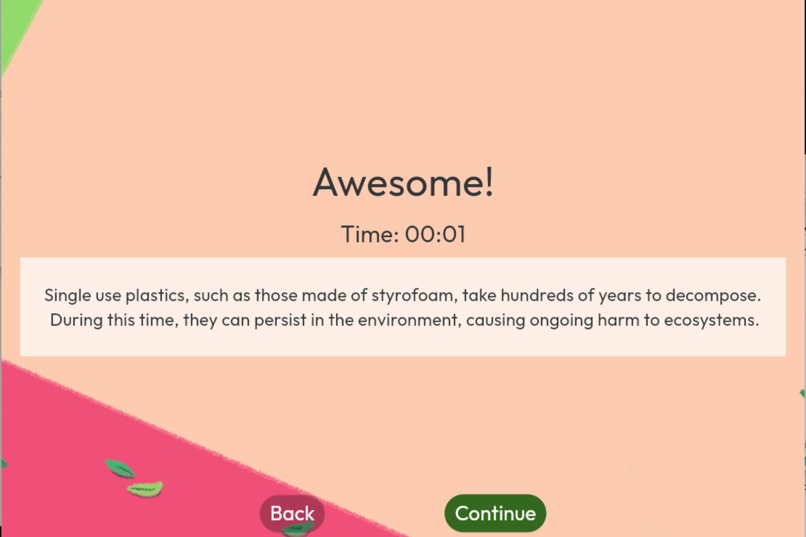
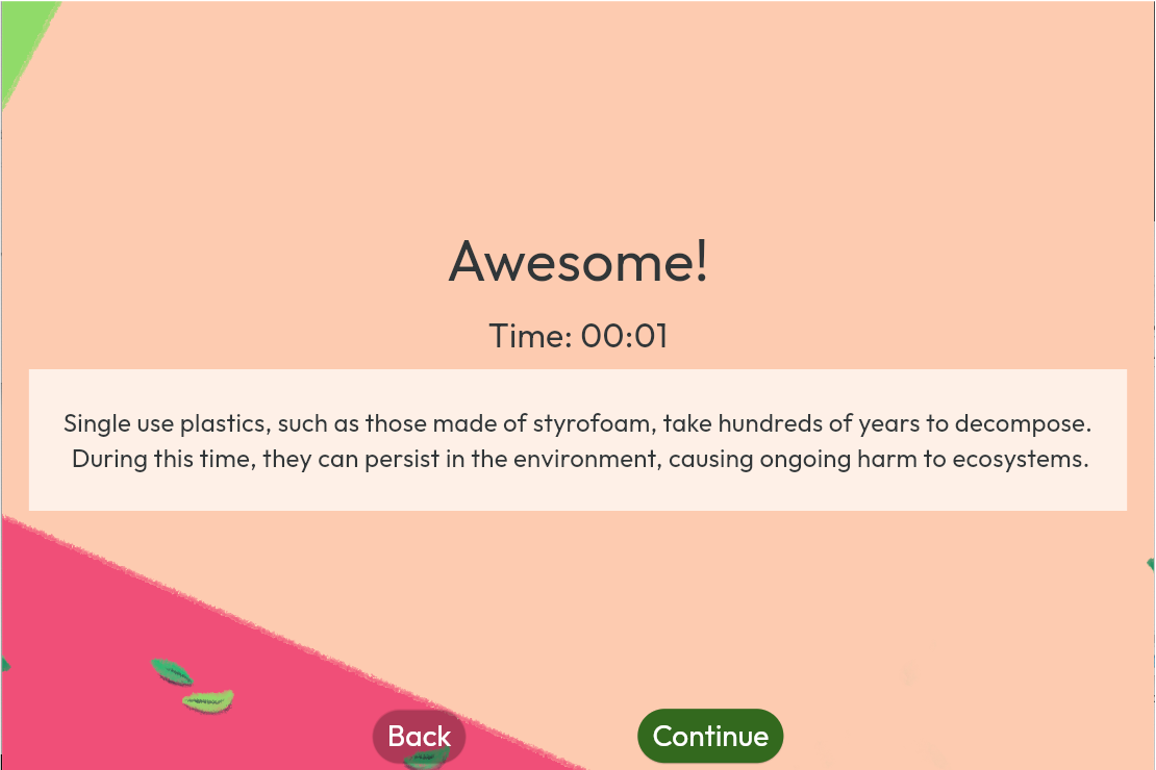
Level win message
-
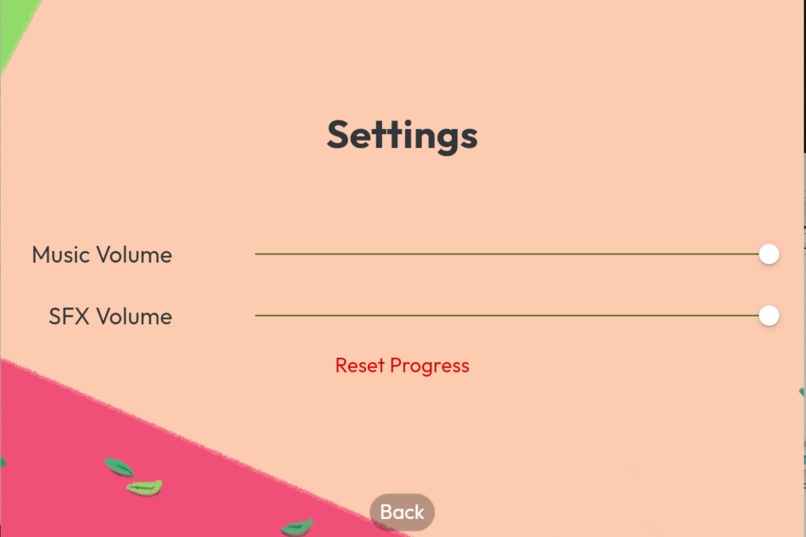
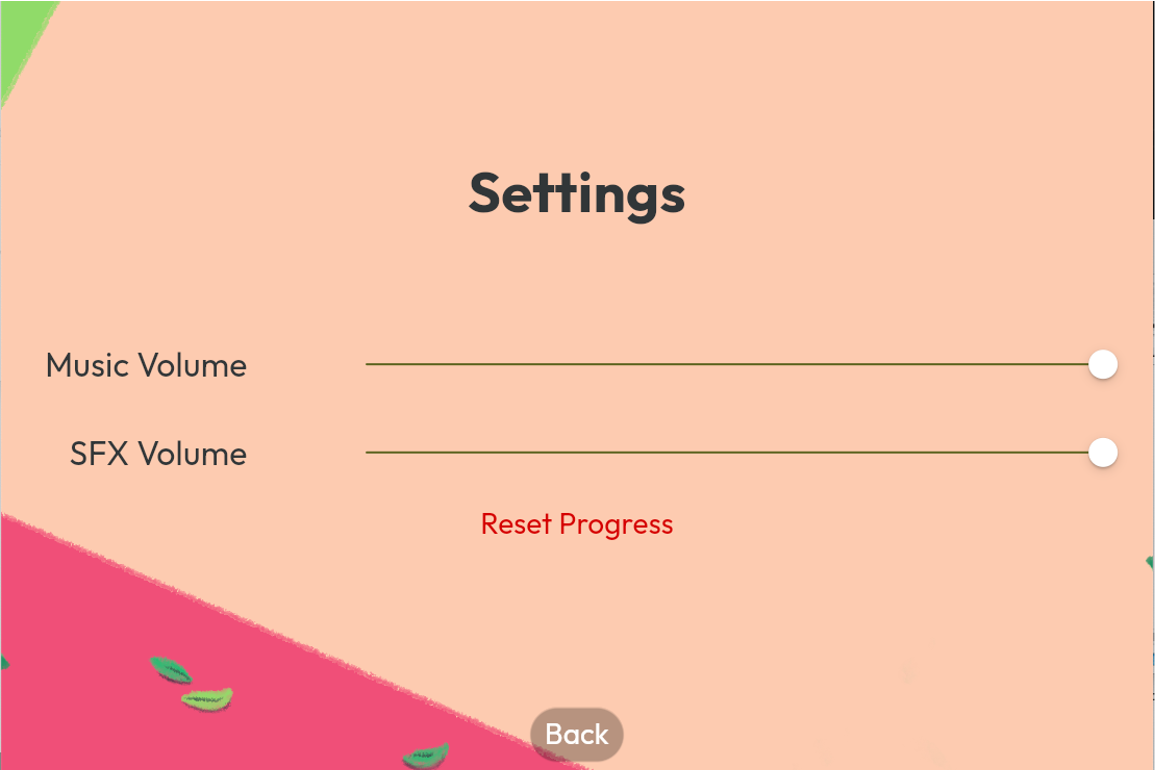
Settings screen
Inspiration
Pack-It! is a puzzle game that encourages players to bring their own lunchboxes instead of using disposable plastics when ordering takeaway food.
I personally love puzzle and strategy games that inspire players to think about clever solutions to every level and wanted to make a game of that genre. Given that one of the Global Citizen campaigns was to encourage a reduction in use of single-use plastics, I thought it would be symbolic, as someone living in SEA, if I could make a game in response to this campaign. My idea was to make a game about arranging food items (puzzle piece) in a lunchbox (game board) to inspire players to swap out single use plastics such as styrofoam for sustainable lunchboxes.
Features
Gameplay Mechanics
Use context clues (shape, colour, size etc.) to solve the puzzle hidden in each level for a successful bento box. Understanding the pattern required for each level is key to solving the puzzle. Each level is timed to show you how long you took to complete the level. Win screen after each level educates players on the harmful effects of single-use plastics, especially those made out of styrofoam.
Level Design
Each level comes with a reusable lunchbox in the centre of the screen, with food items surrounding it. Each food item is draggable (works with mouse and touch gesture) and have a pre-determined position in the lunchbox. To finish a level, put all food items into the correct positions.
Graphics and Art Style
The game's art style follows that of a colourful, "chalk" painting style, to attract players. Colours are chosen from a set palette to ensure game cohesiveness and to make use of colours creatively. Some amount of colour theory was used to select game elements (eg. colours of wrapping clothes should generally be complementary to that of the lunchbox).
Sound and Music
Relaxing acoustic guitar melody played on loop to enhance the chill mood of the game. Sounds are added when navigating between pages to provide responsiveness to players. Sounds are added when dropping food into the correct positions and on level victory as a audio cue to players.
Development Process
Dynamic Layouts using Flutter
Each level was pre-planned by drawing on paper before being translated into code. The drawn plans can be directly translated into Flutter cleverly through the use of the Flexible and FractionallySizedBox widgets. An example of such a design pattern would be to use Flexible in a Row to specify how much screen space the “left and right spawn areas” of food items should occupy, then use FractionallySizedBox (nested in AspectRatio and Stack) to control how big the food items should be relative to the screen.
Animations with Flutter
In order to make the game more captivating, the use of animations enhances symbolic actions like swapping the use of plastics with reusable lunchboxes after winning a level. I decided to simulate this “swapping” effect using Flutter’s AnimatedCrossFade widget. The use of Flutter Curves gives the animation a unique feel and enhances it beyond the default cross fade effect. It controls the velocity and contour of how the animation should proceed, giving it more character.
Challenges and Solutions
One challenge faced was a bug that appeared upon trying to deploy to web. Some image assets for the food items went missing. Upon inspecting the console on my browser, I realised that the missing assets returned a 404 error saying that they could not be found. After some searching, I found out that I have incorrectly provided the file paths of the missing assets. The assets worked fine previously using flutter run because macOS file paths are case-insensitive. This, however, was not the case when you build to web with flutter build web, resulting in “broken” asset file paths. The file paths were quickly corrected to the correct file paths.
Key Accomplishments
Fully Hand-Drawn Assets
I am especially happy with the design of the food items especially since they were hand drawn (using Procreate). Being able to create my own assets and to polish them well is important to me because it enriches my game development process.
Animations and Music
This is the first game I have made that came complete with animations and music/sounds. This started out initially as a challenge for myself but I quickly realised the importance of these two components in enhancing player responsiveness and engagement.
Main Takeaways
Use (and Abuse) the Hot Reload Function
Flutter’s hot reload functionality makes it easy to shift UI elements and experiment with widgets, before viewing these changes almost instantaneously. (The “r” keyboard shortcut for the hot reload function was probably my most commonly used command when developing).
Setting Up File Naming Conventions
I learnt about the importance of instilling the discipline to name my files with proper naming conventions so that bugs like the above will not happen. It was something too onerous to "correct" after the project has advanced so far. Given the chance to restart the development, I would have made it a point to list out some guidelines when managing the game's folder structure.
What's next for Pack-It!
If given more time, I hope to be able to extend more levels to Pack-It! that add on to the challenge of the game. I wish to add more types of food items (such as soup, drinks etc.) to show players that making the sustainable decision to swap to lunchboxes can be easily applied to everyday life. I would also like to enhance the game based on responses from UAT:
- Make win game screen more attractive with additional artwork (also add a completion screen for finishing all levels)
- Include a 'rejected' sound FX when food item is placed in wrong position
- Add a confirmation dialog before resetting progress
- Optimise sprites to make the pattern more obvious
- Add a 'Collection' screen to review all sustainable-related facts again (once unlocked)
- Show high score for each level
- Randomise spawn location of food items to increase replay-ability

Log in or sign up for Devpost to join the conversation.