-
-
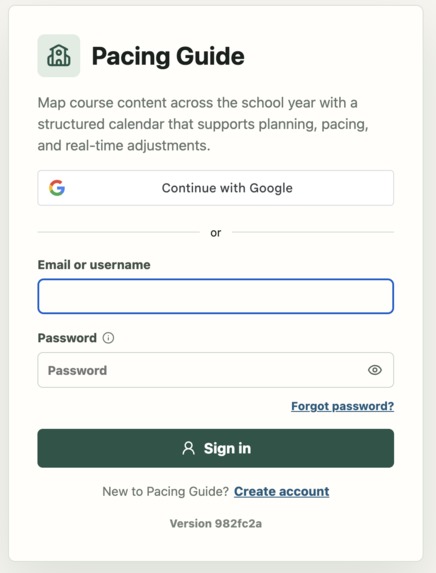
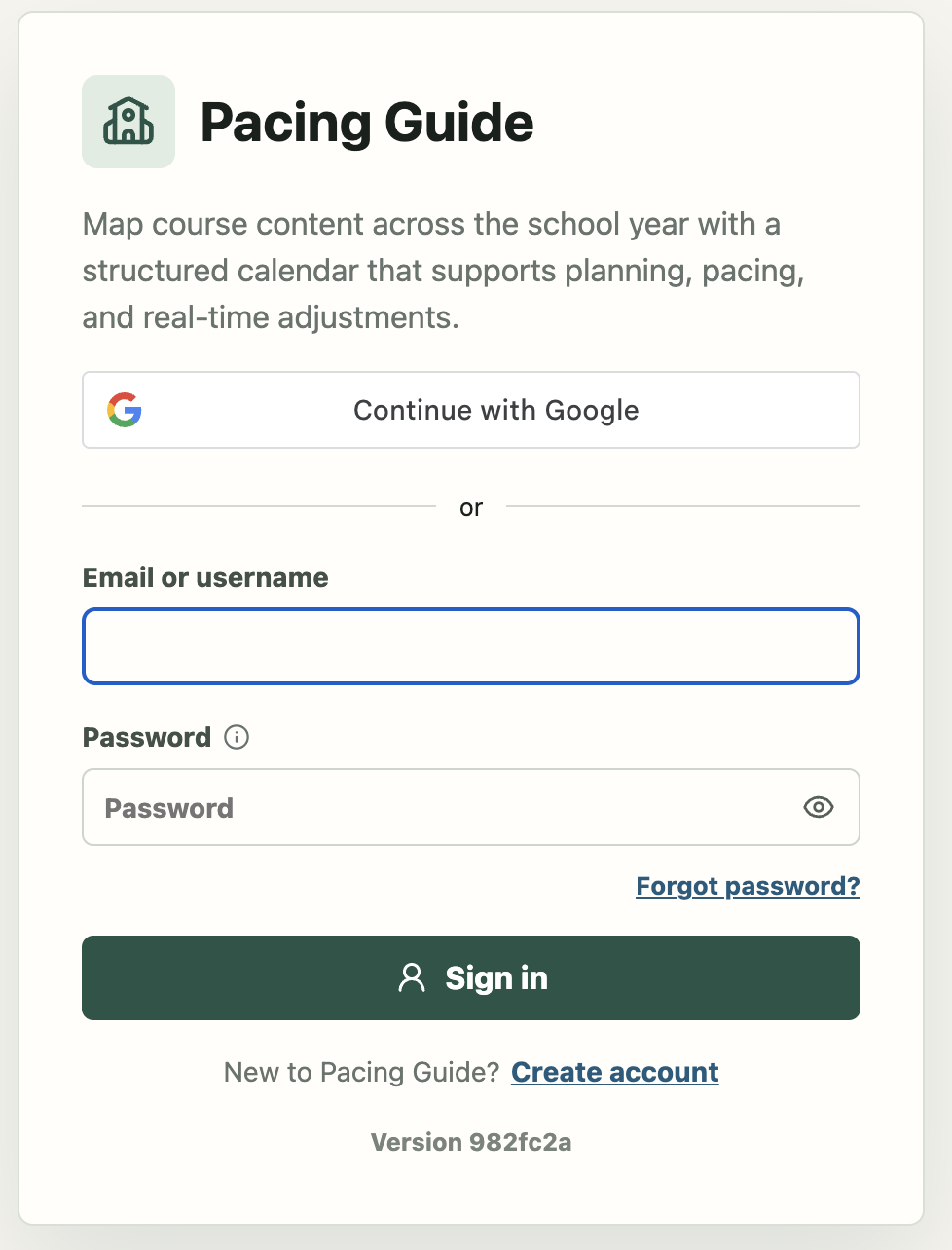
Login
-
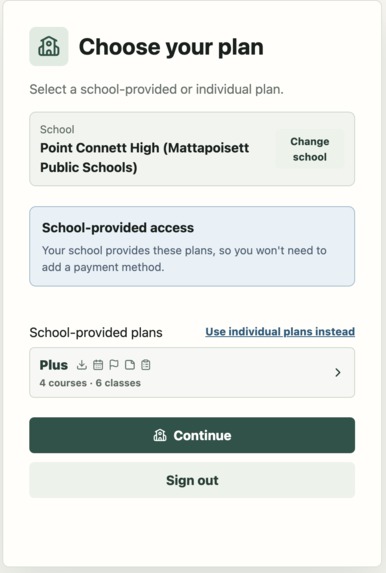
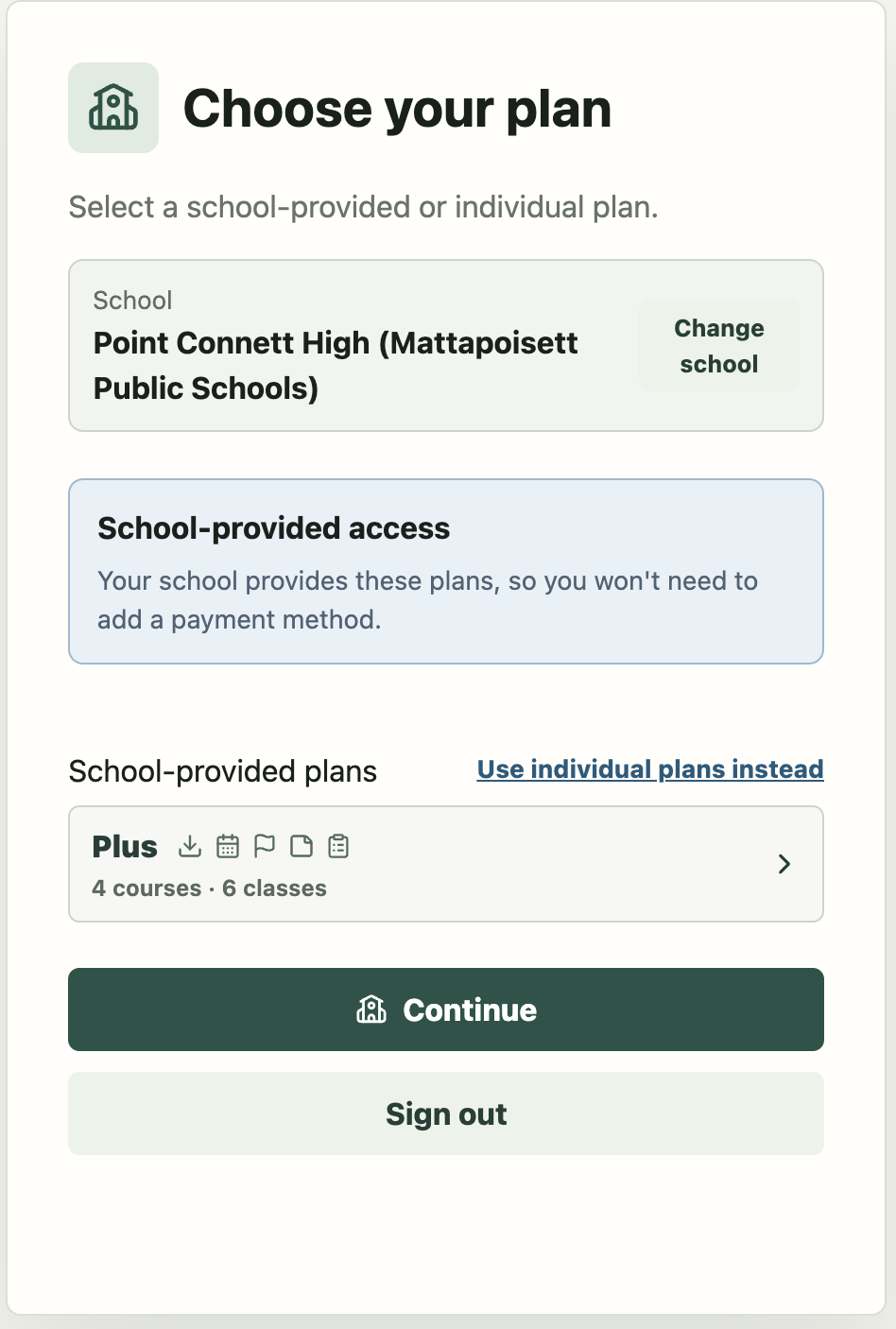
Choose your Plan
-
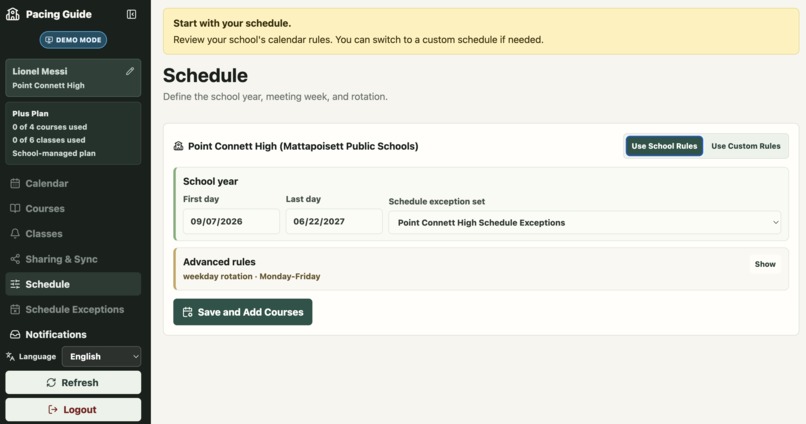
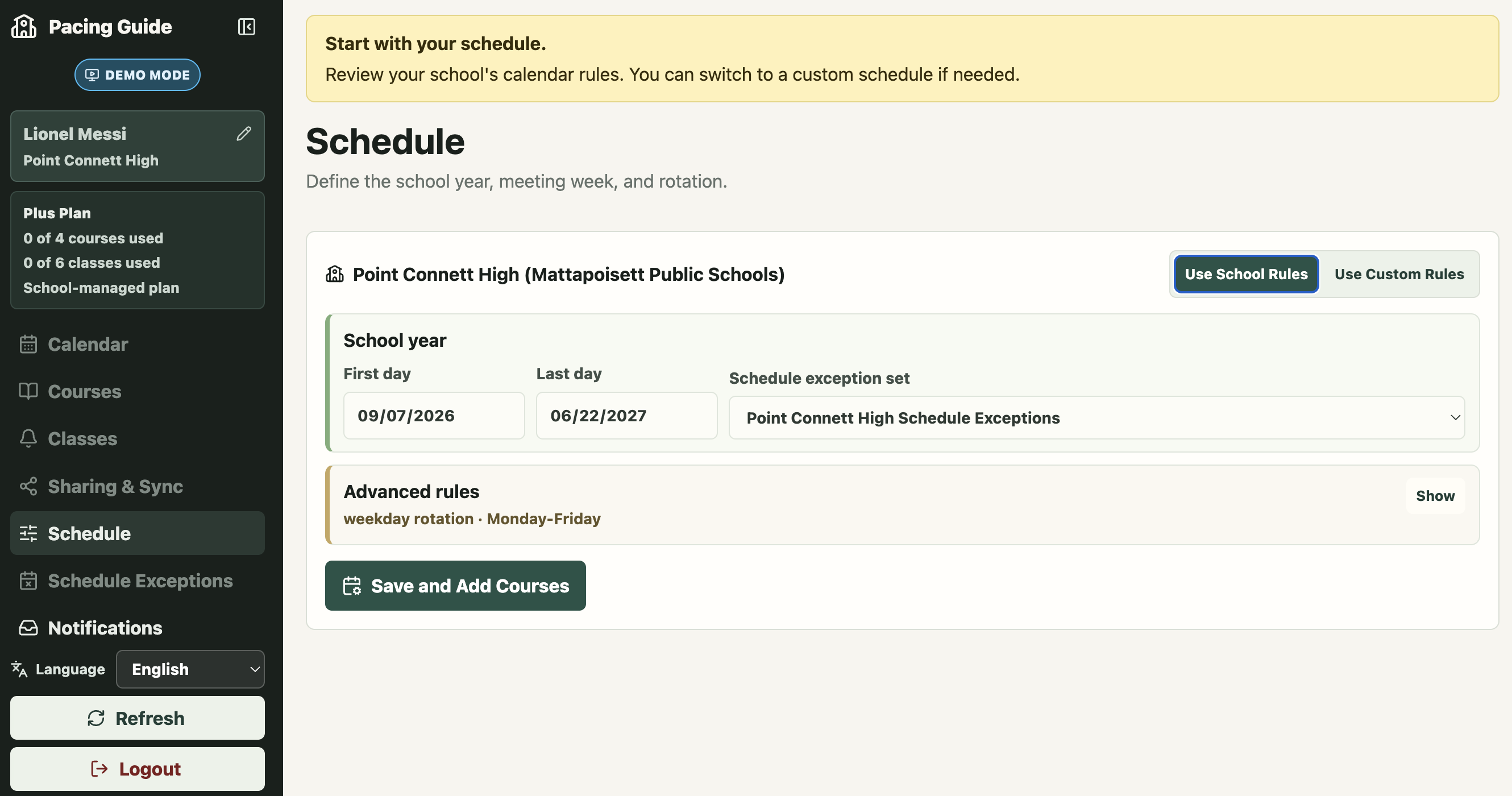
Schedule Setup
-
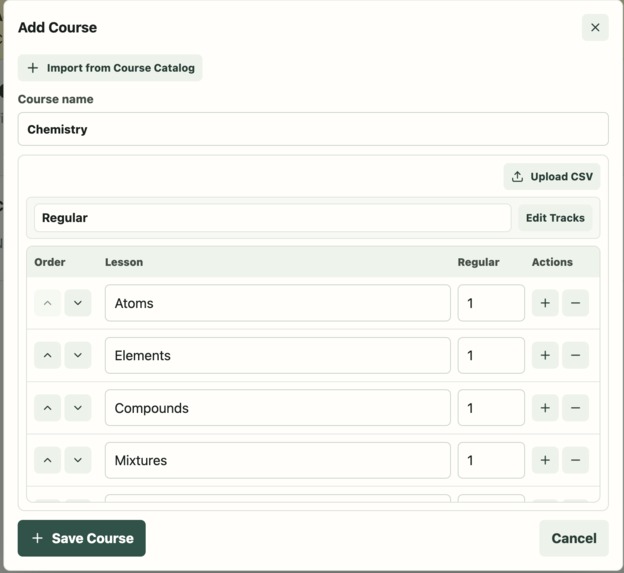
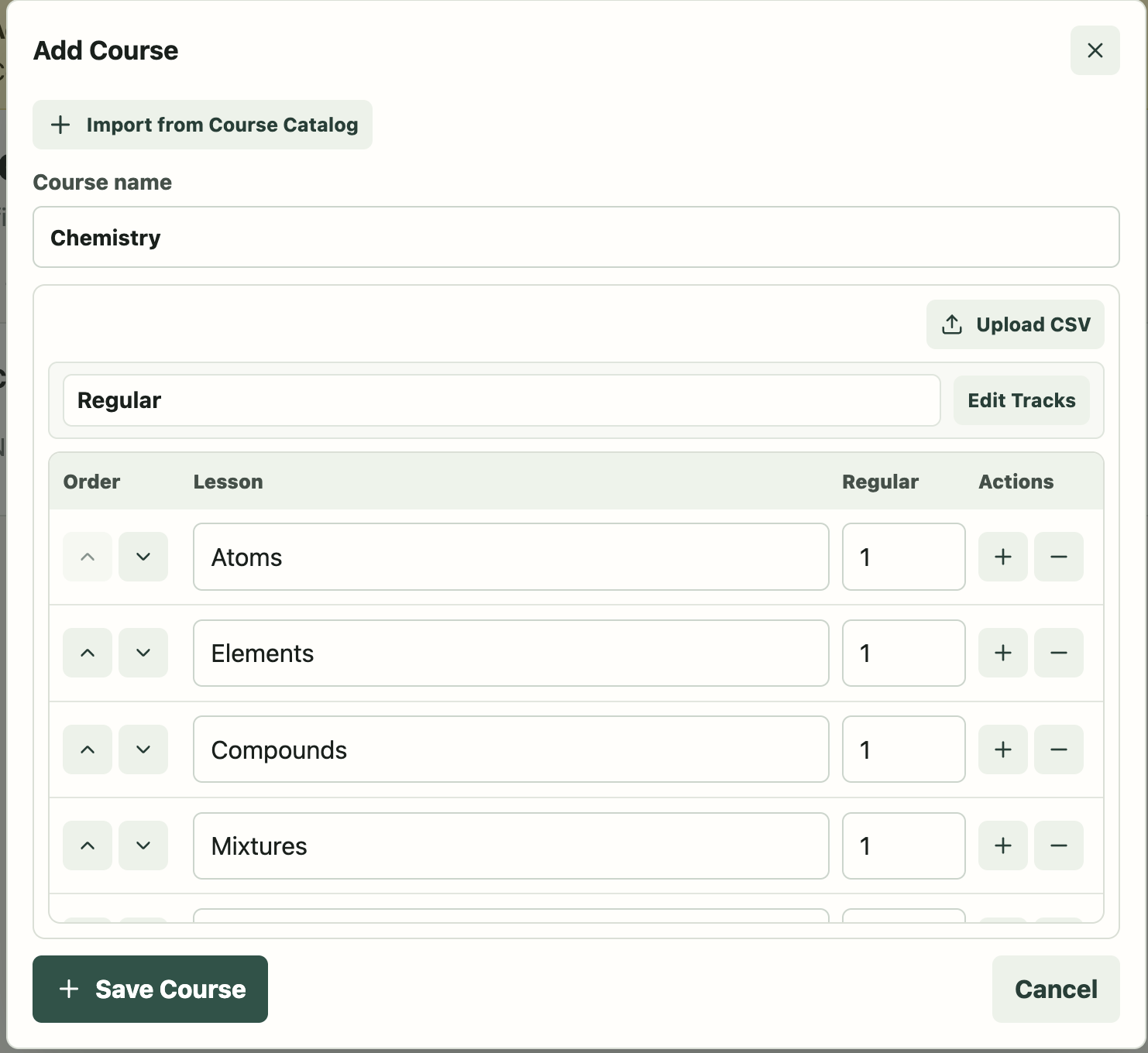
Add a Course
-
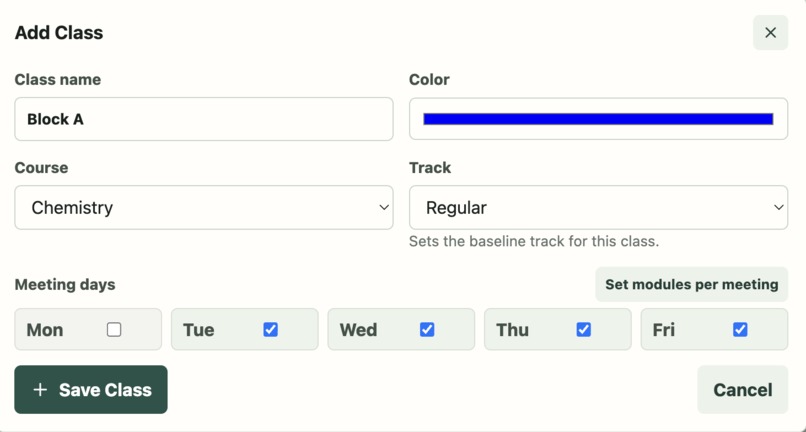
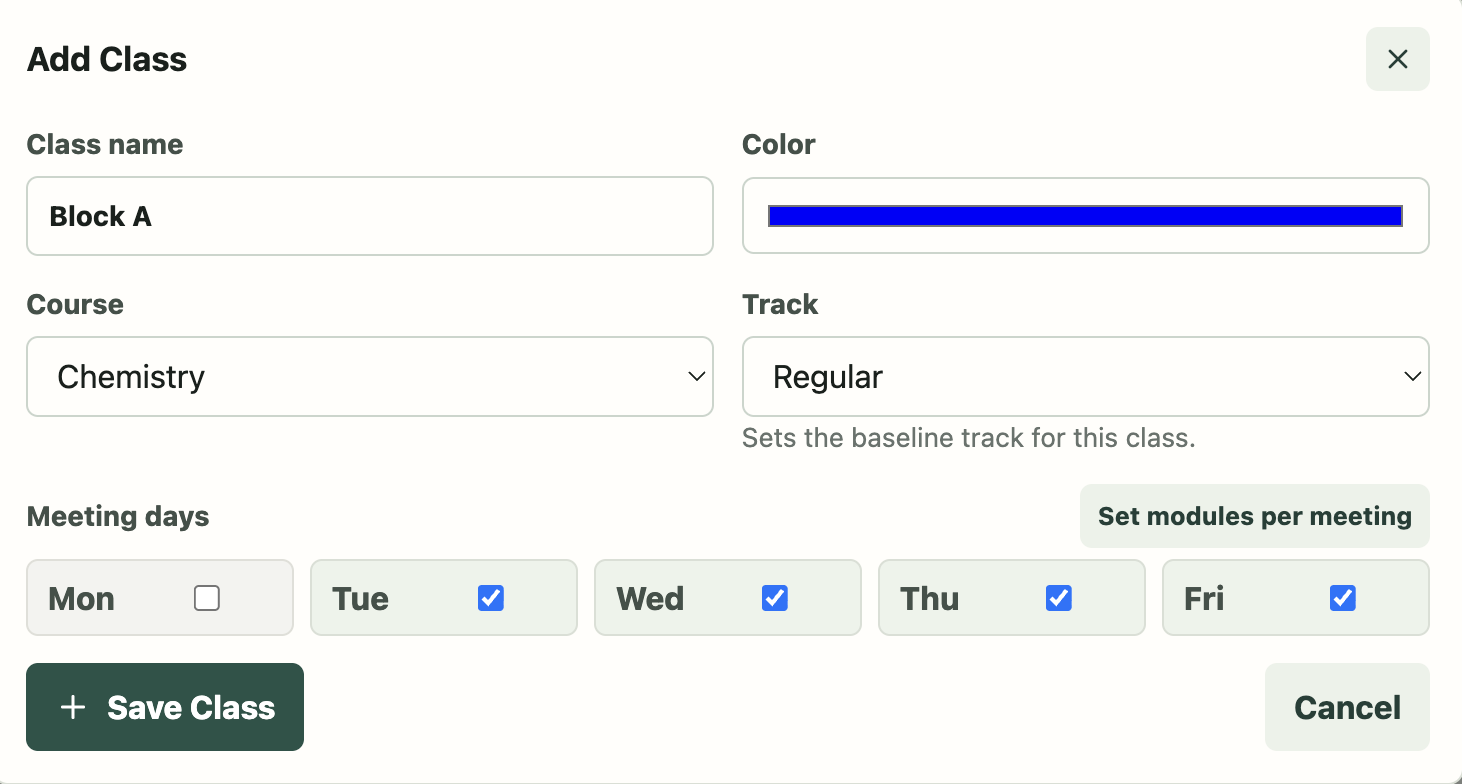
Add a Class
-
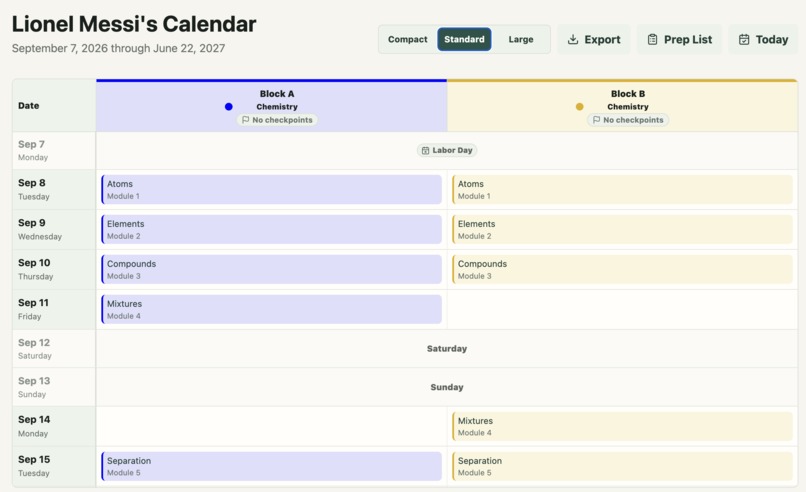
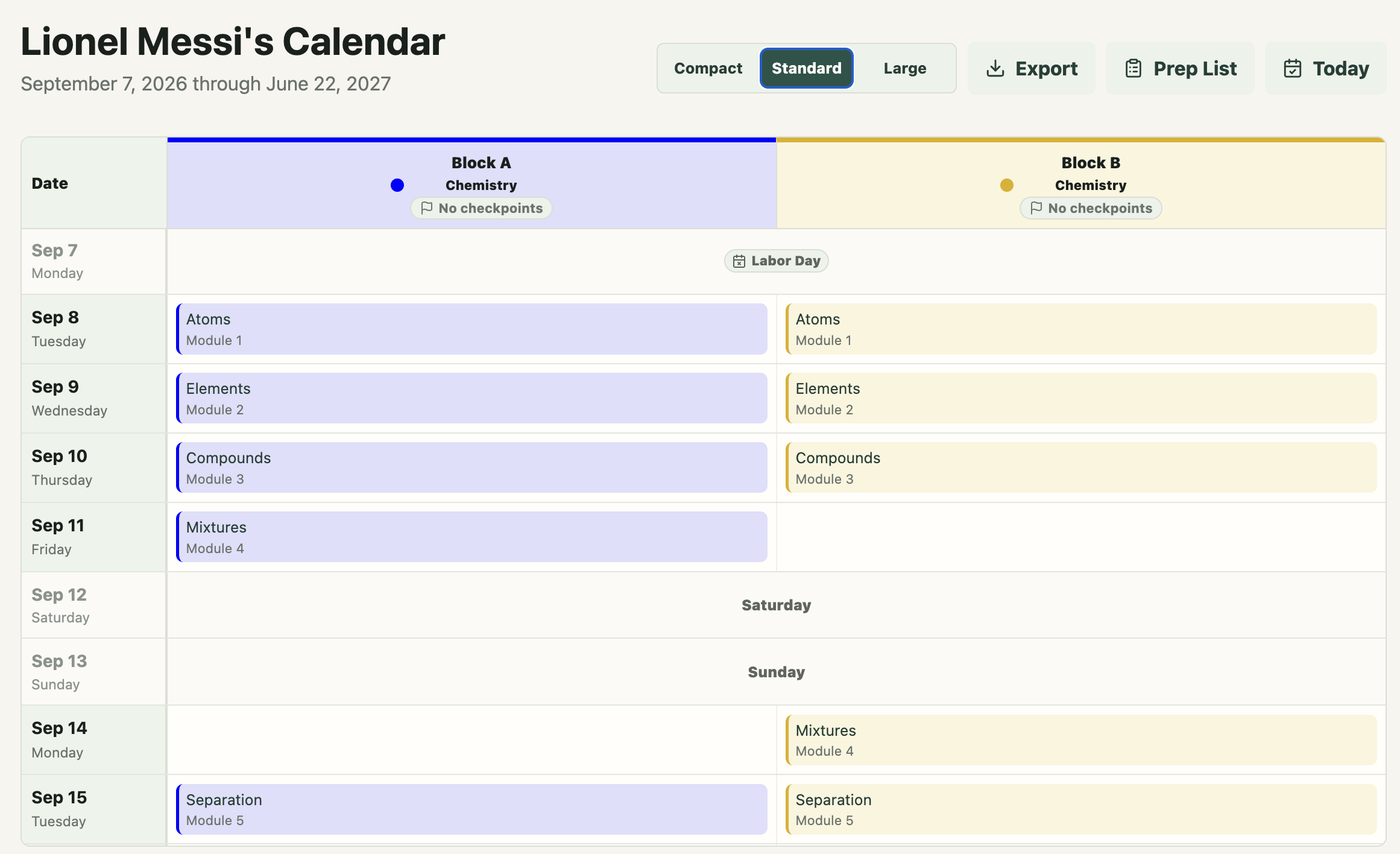
Calendar
-
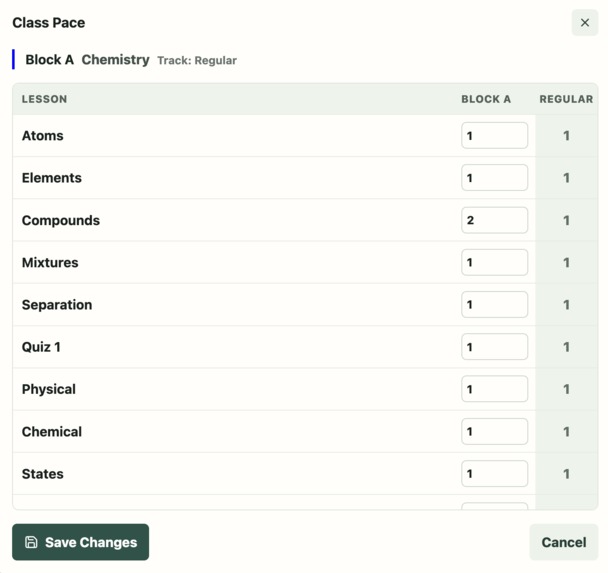
Class Pacing
-
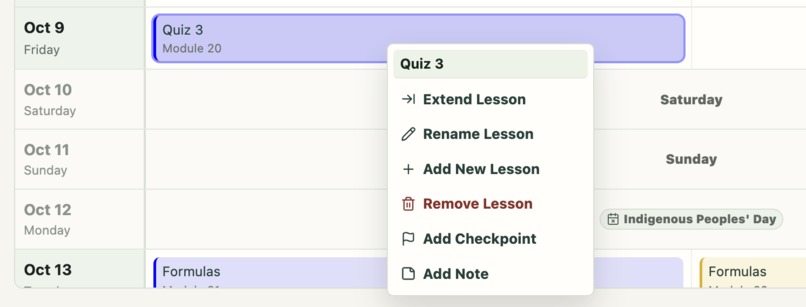
Right-click Menu
-
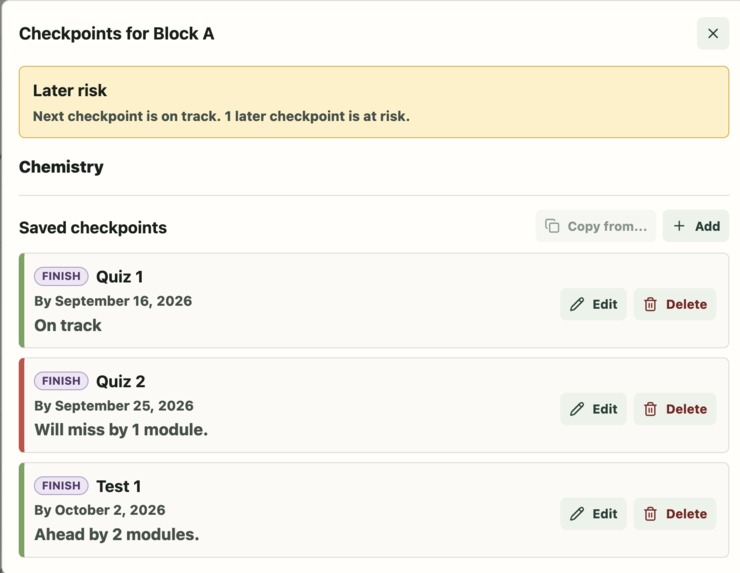
Checkpoints
-
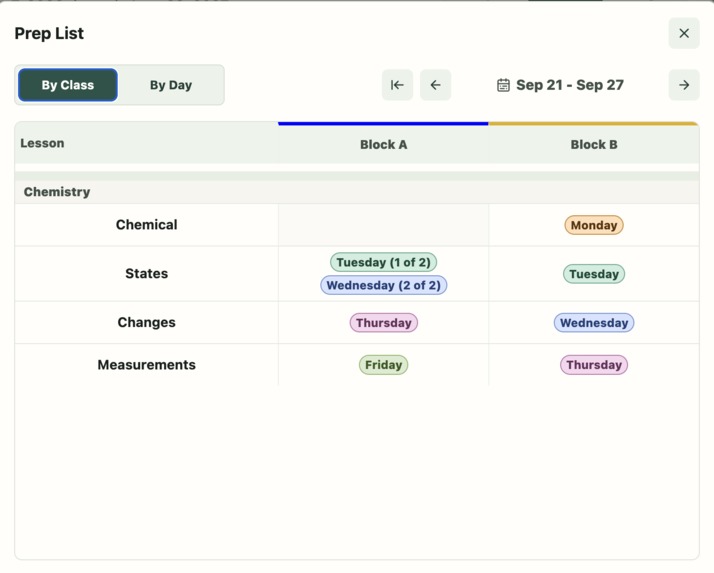
Prep List (By Class)
-
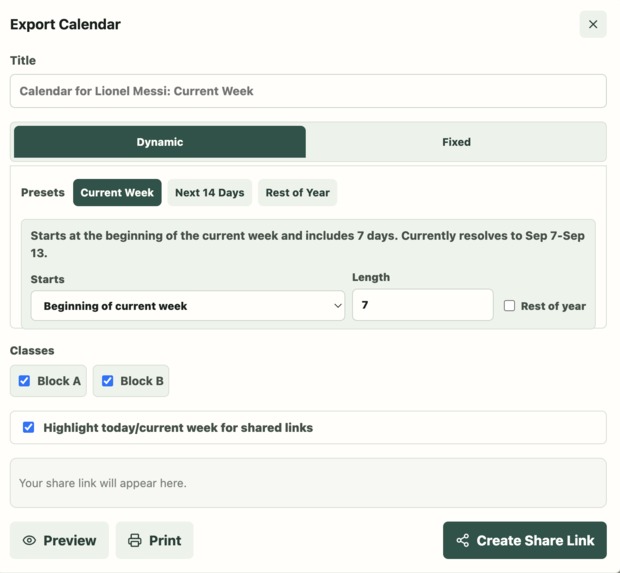
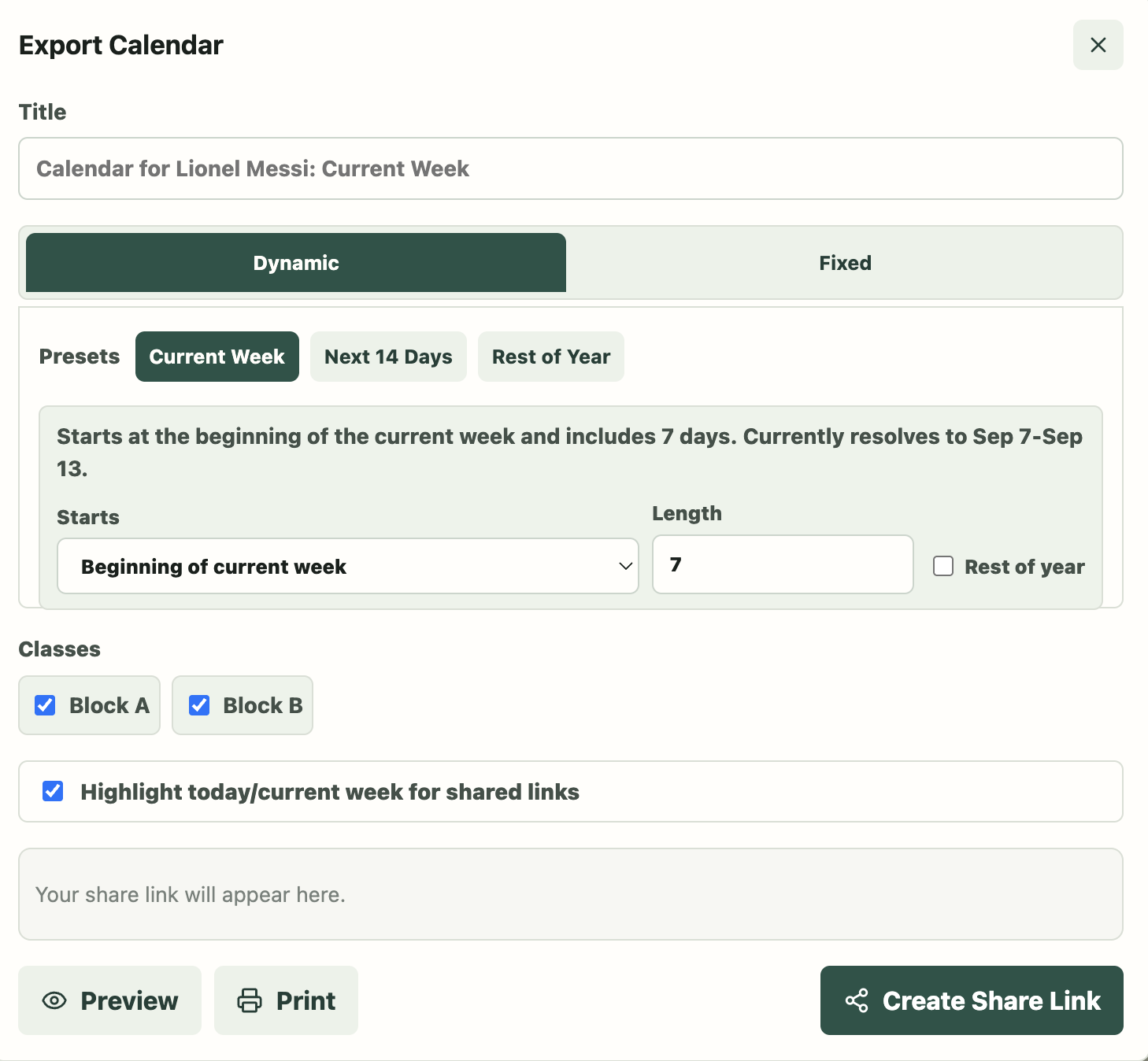
Export Calendar
-
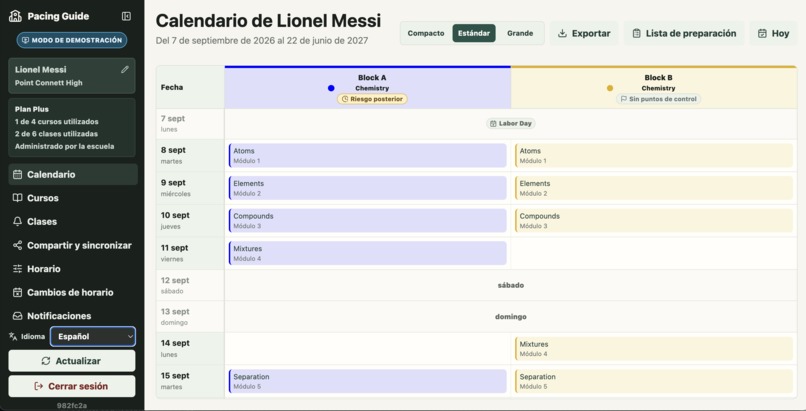
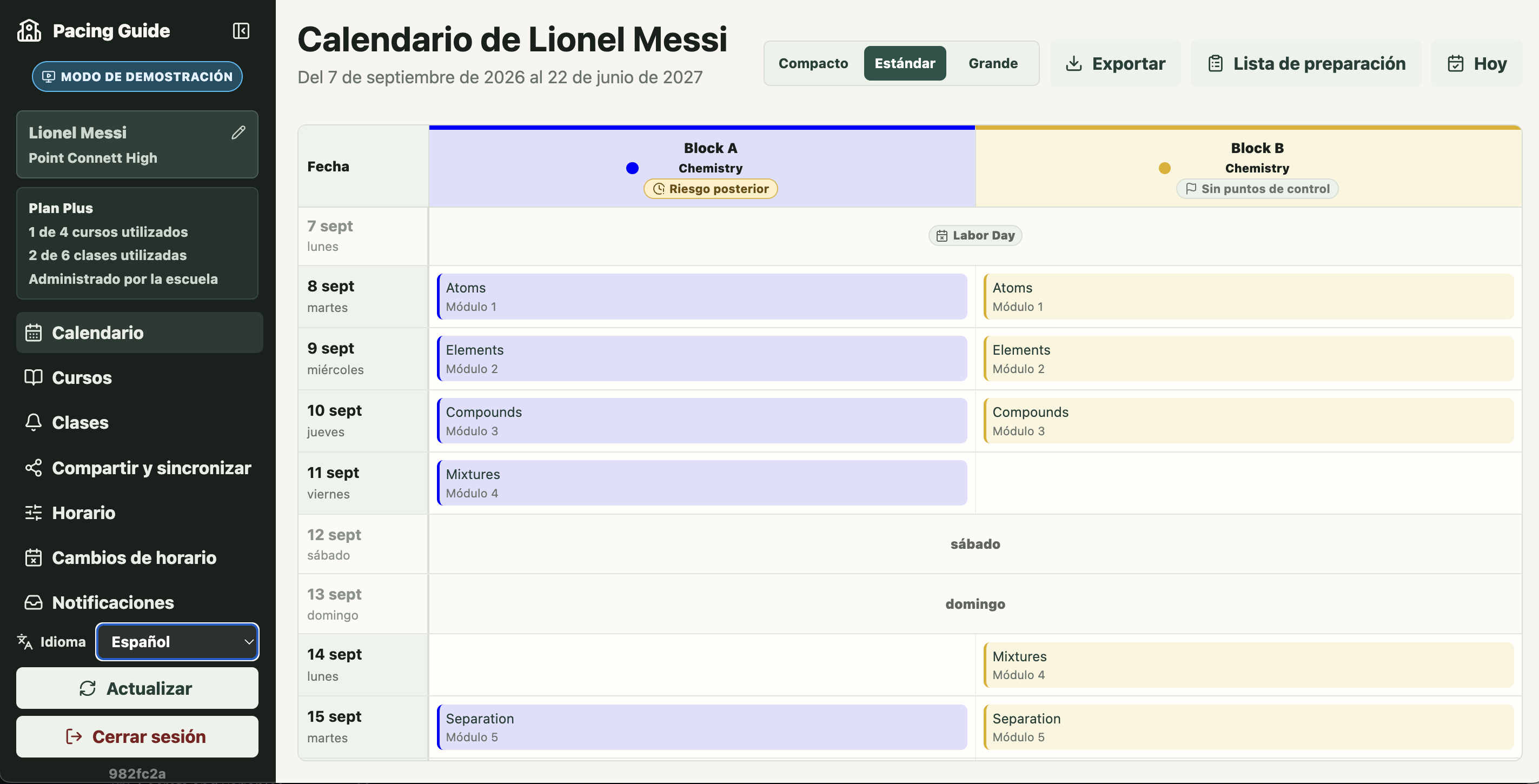
Internationalization
-
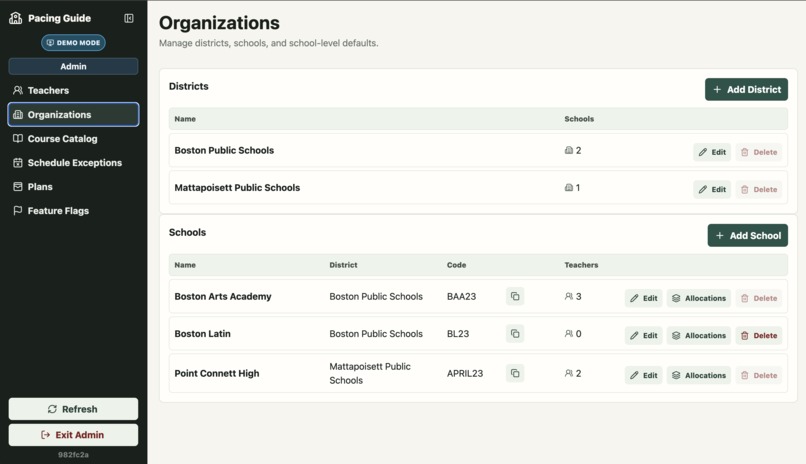
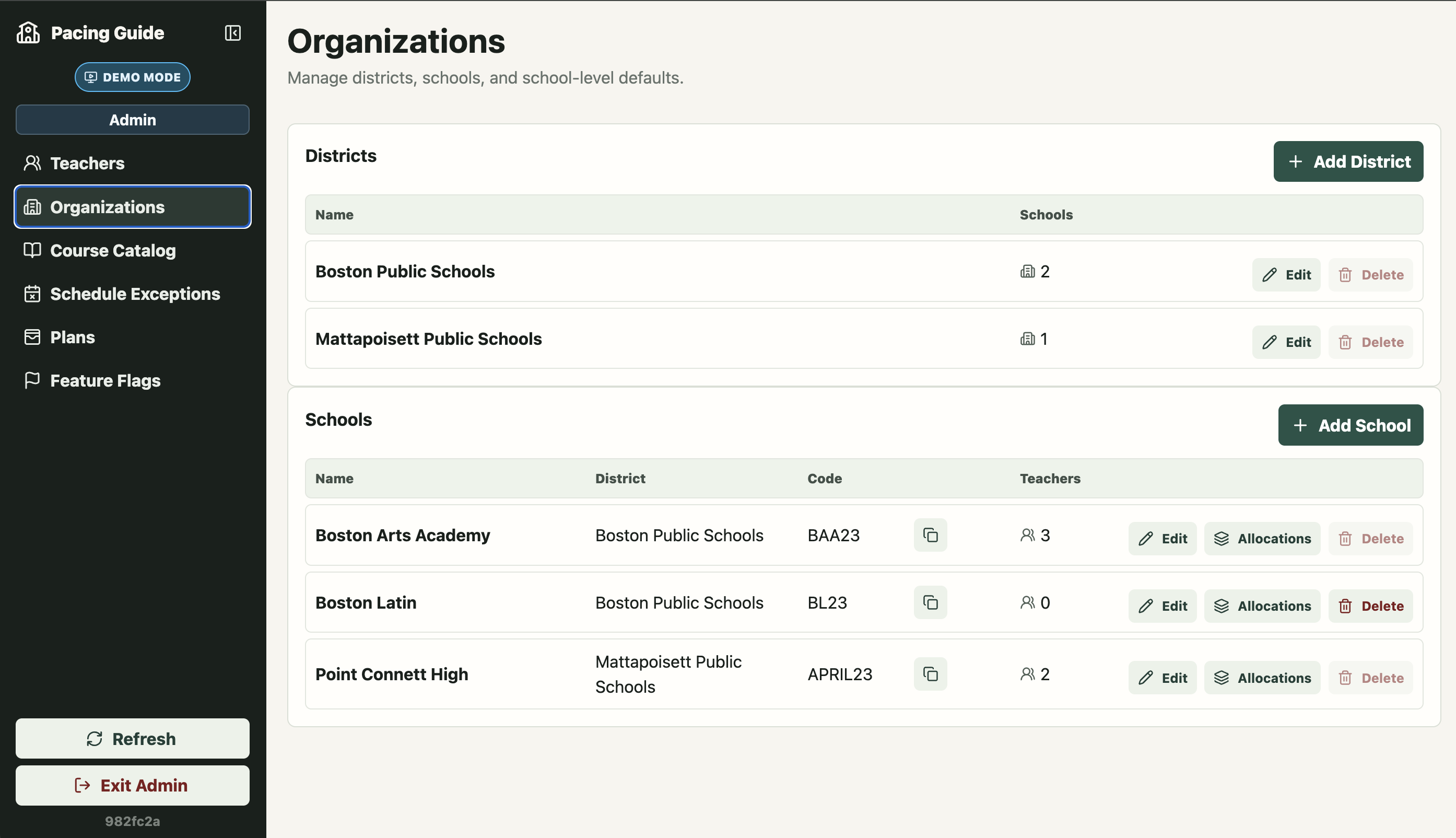
Admin: Organizations
-
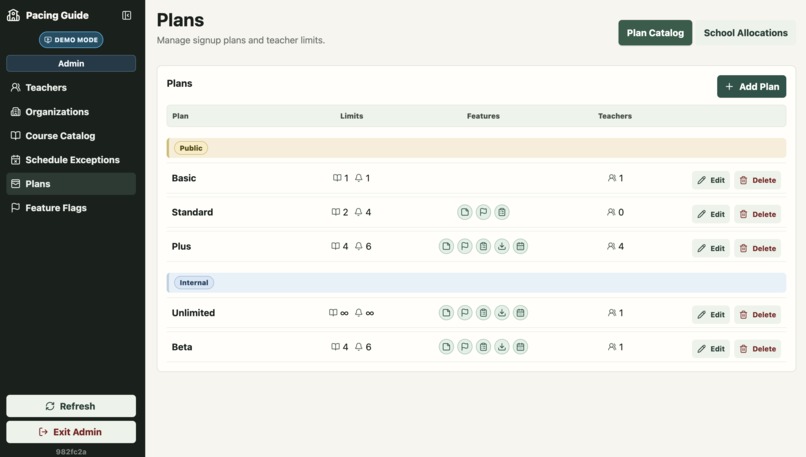
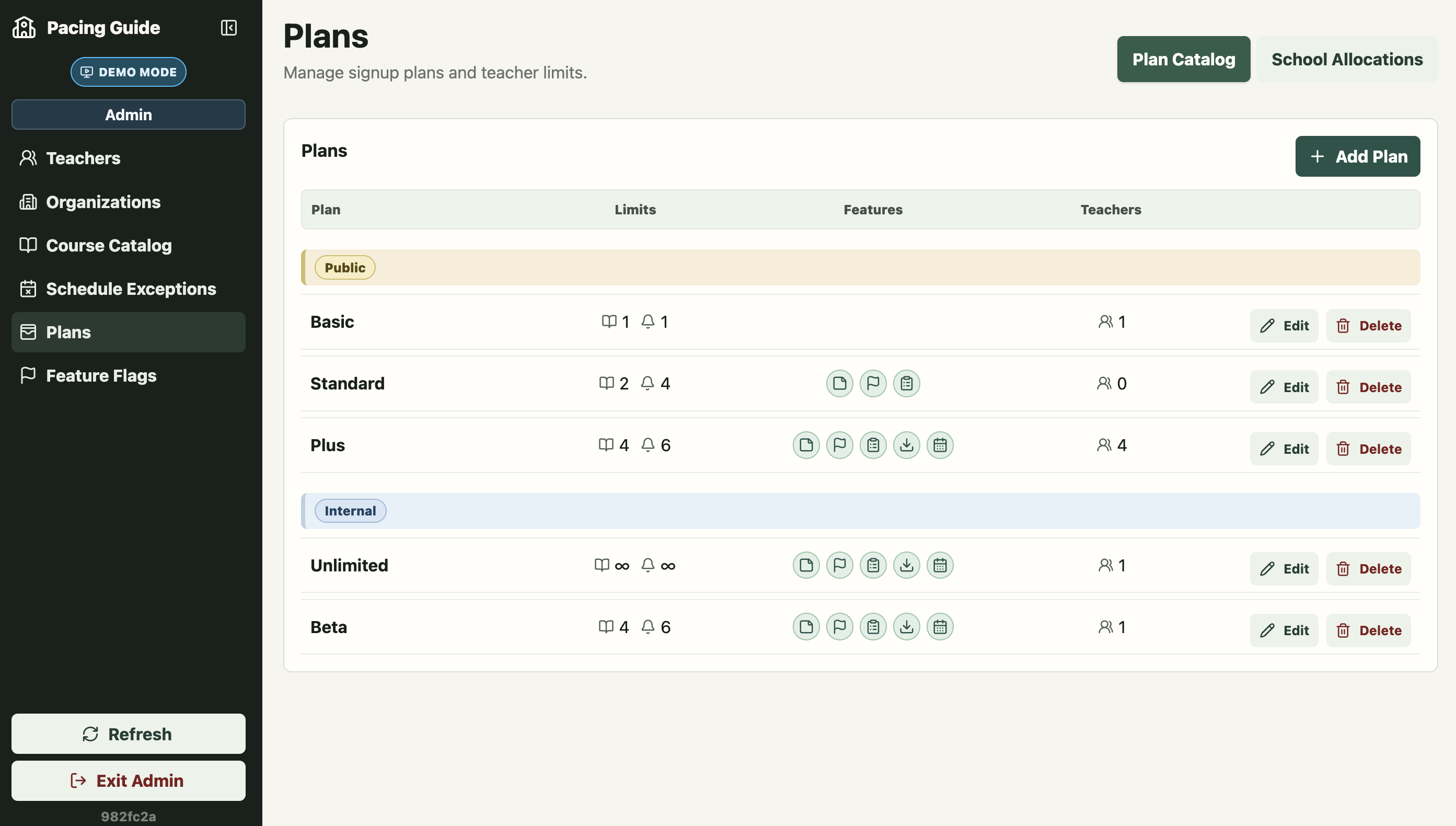
Admin: Plans
Inspiration
Pacing Guide began with a problem one member of our team faced as a teacher: keeping multiple classes aligned when they did not actually move through a course at the same pace.
The first version was a spreadsheet. It mapped lessons onto a school calendar, accounted for schedule changes, and showed what each class should be covering on a given day. Classes following the same course could move ahead or fall behind one another, so their pacing needed to adjust independently.
Teaching at different schools then exposed how much more varied the problem could be. Schools use different weekly schedules and class rotations, while holidays, testing days, assemblies, and other calendar changes interrupt classes differently. The spreadsheet gradually became more sophisticated to account for those realities.
When we decided it could help other teachers, we developed a way to distribute it while protecting the formulas and other intellectual property behind it. That worked as an experiment, but it was not a scalable product. Supporting different versions, updating formulas, onboarding teachers, and adapting the spreadsheet to new schools would eventually become unmanageable.
We decided to turn the idea into a web application.
What it does
Pacing Guide helps teachers keep every class on pace, even when schedules, calendar changes, and instructional progress diverge.
Teachers can:
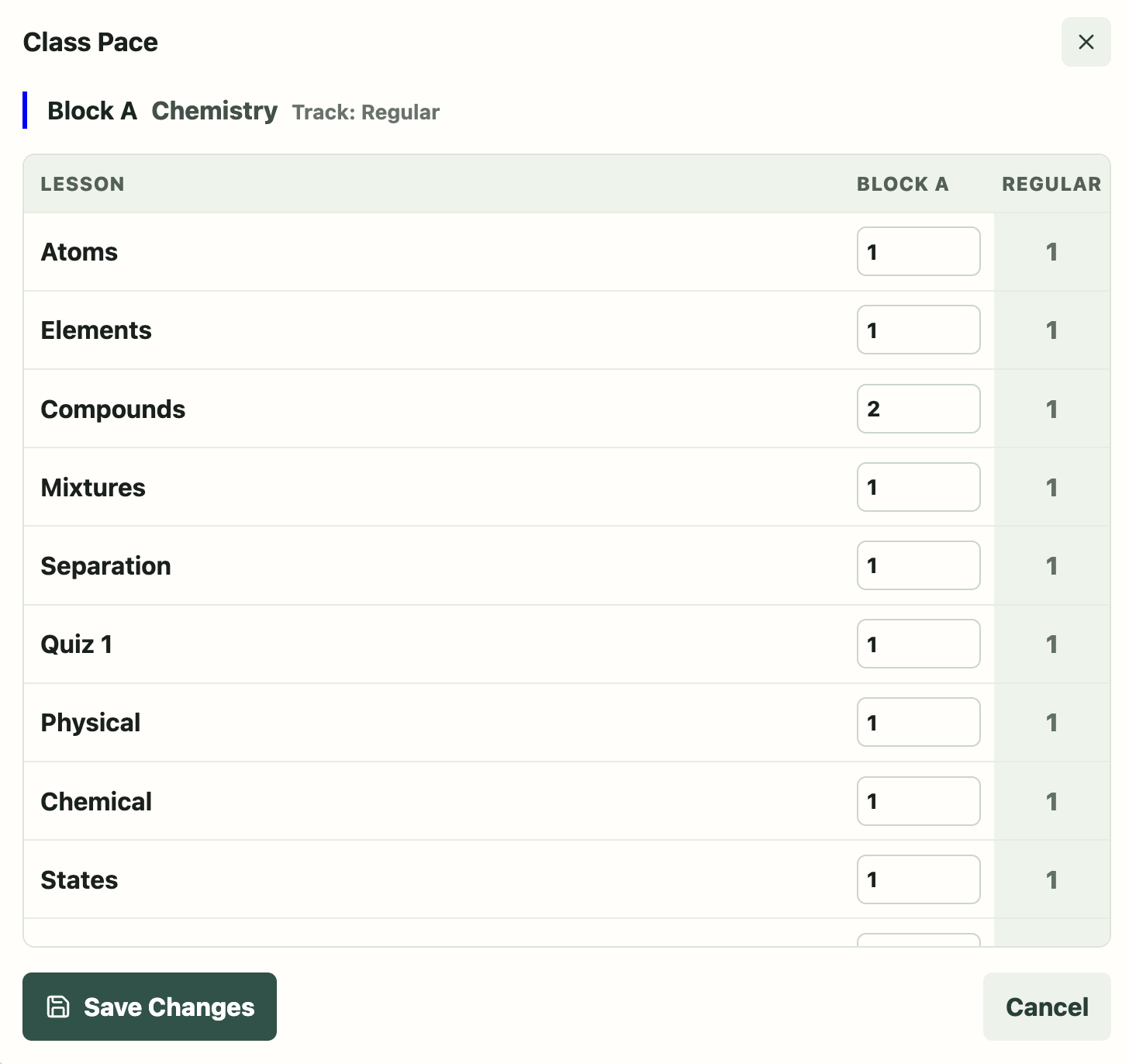
- Build courses from an ordered sequence of lessons.
- Create different pacing tracks for the same course.
- Assign courses and tracks to individual classes.
- Define weekly schedules and more advanced rotations.
- Account for holidays, testing days, assemblies, and modified schedules.
- Adjust a class when it moves ahead or falls behind.
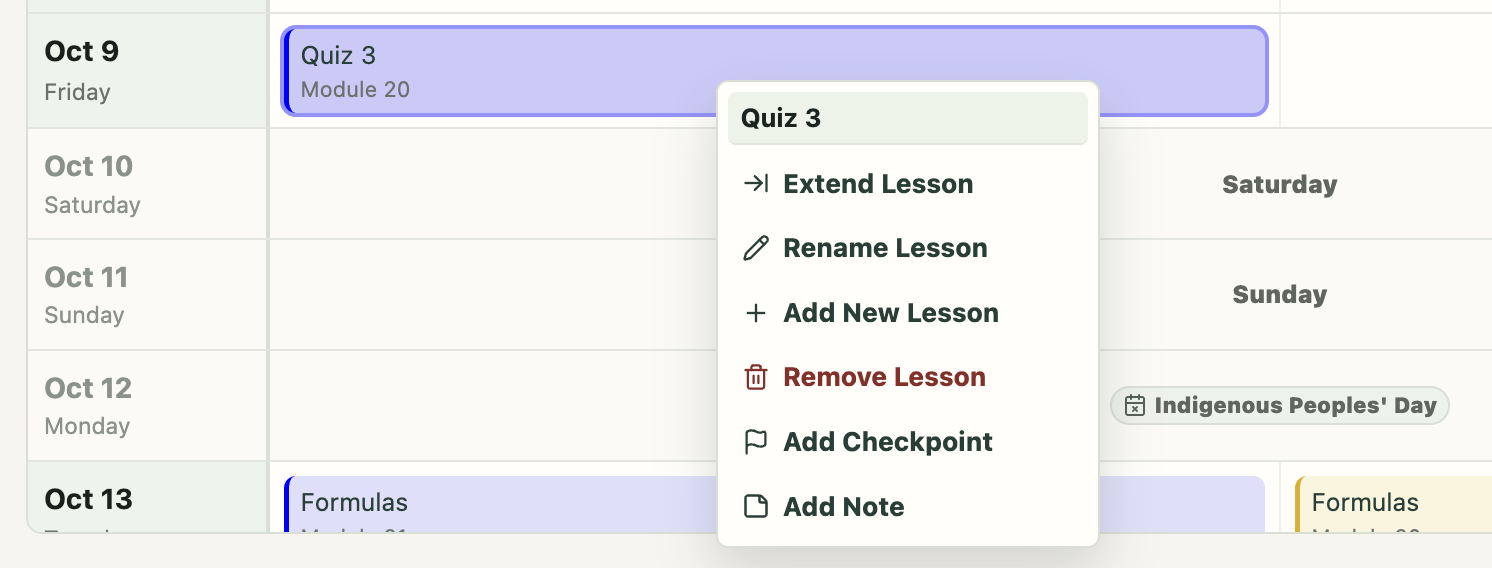
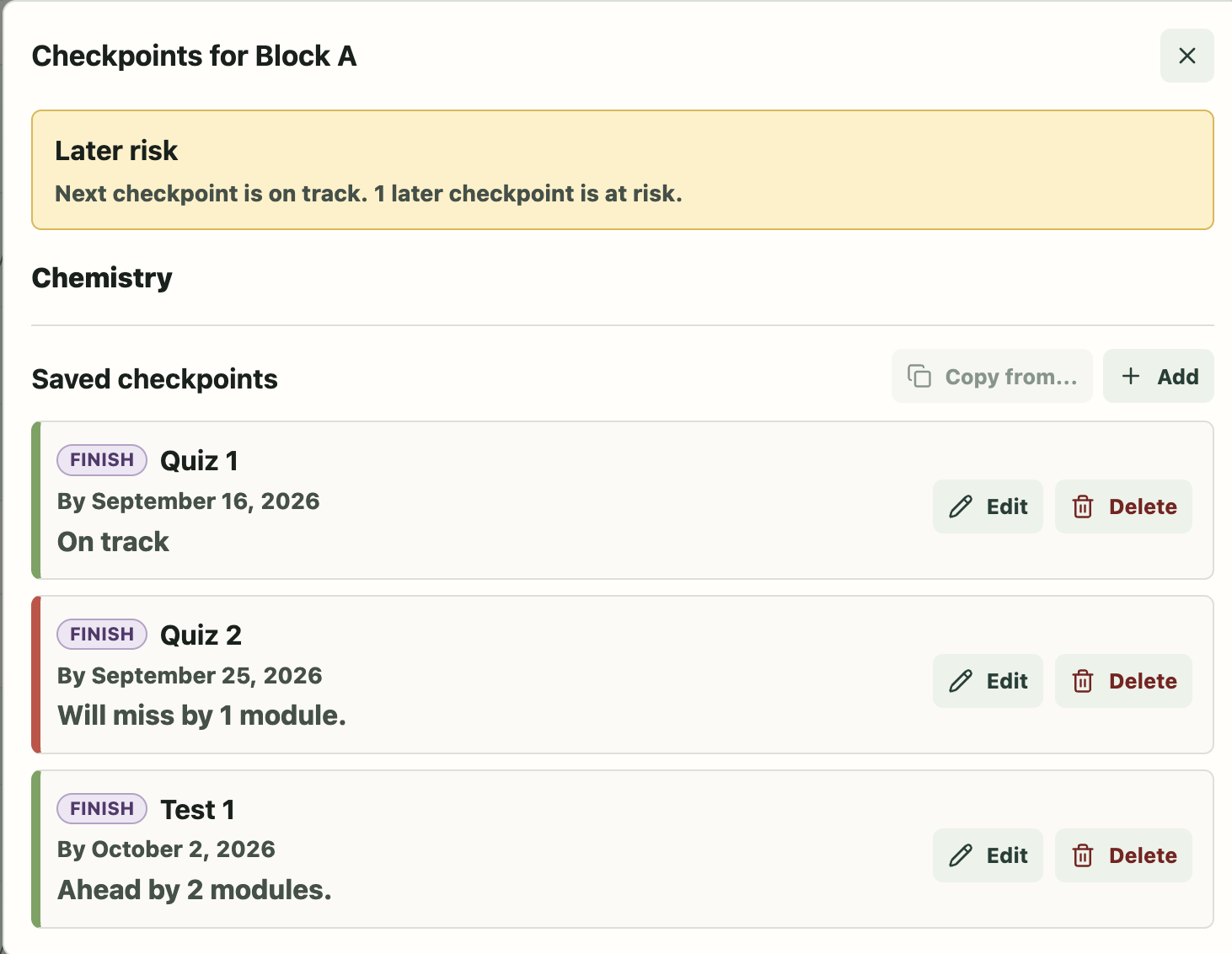
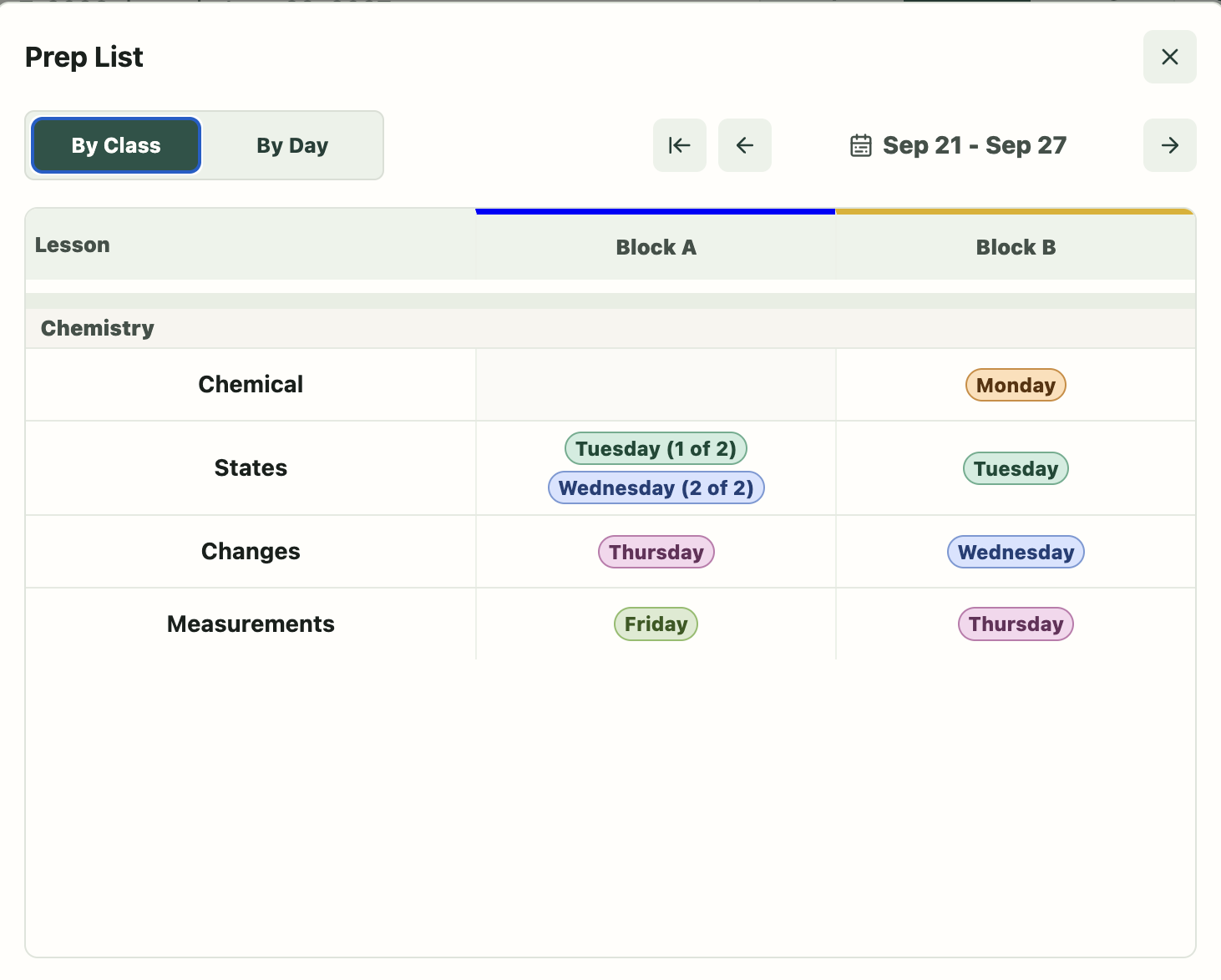
- Use lesson notes, checkpoints, and planning tools to organize upcoming work.
- View the resulting plan as a continuously updated teaching calendar.
- Share calendars with others and synchronize them with external calendar apps.
The application also supports schools. A school can provide schedule defaults and calendar changes, manage plan allocations for teachers, and provide subscription access without requiring each teacher to purchase an individual plan.
How we built it
We began developing the web application with Codex in early June. Pacing Guide uses:
- React and TypeScript for the frontend.
- Python and FastAPI for the backend API.
- PostgreSQL for persistent data.
- Docker for local development.
- Google OAuth and local account authentication.
- Resend for verification and account-recovery email.
- Stripe test mode for individual teacher subscriptions and trials.
- English and Spanish internationalization.
- Automated backend integration tests, frontend checks, and CI.
The underlying pacing and calendar engine existed before OpenAI Build Week. During the contest period, we used Codex and GPT-5.6 to meaningfully extend that foundation and turn it into a much more complete, deployable product.
That Build Week work included:
- Real teacher accounts and authenticated sessions.
- Password authentication and Google sign-in.
- Email verification and password recovery.
- API authorization and account isolation.
- School-managed plan allocations and seat limits.
- Individual subscription and trial workflows backed by Stripe test-mode billing.
- English and Spanish interfaces.
- Admin tools and read-only teacher previews.
- Security hardening and authentication throttling.
- Expanded integration testing and CI.
- Extensive frontend modularization and reusable components.
- Plan-selection, subscription-management, and onboarding improvements.
Codex was involved throughout the process: reviewing the existing code, proposing data models, implementing frontend and backend changes, writing and running tests, identifying regressions, and helping us iterate rapidly on product and interface decisions. We did not simply ask it to generate an application from one prompt. The project developed through an extended collaboration in which we evaluated tradeoffs, tested behavior, rejected approaches that felt overly complicated, and refined the product through many small, reviewable changes.
Challenges we ran into
Separating the schedule from the learning progress. The hardest calendar problem was recognizing that “when does this class meet?” and “what should this class learn next?” are related but different questions. A holiday may pause or advance a rotation. A modified day may include only some classes. A class may lose a meeting, finish an extra lesson, or move independently from another class using the same course. We had to model those changes without rewriting the underlying course or allowing one class's progress to disturb another's.
Making shared school calendars useful without taking control away from teachers. Schools can provide common dates and schedule defaults, but an inherited calendar change may not apply exactly as expected to every teacher. We needed a system where teachers could review a school-provided change, keep it, override it, ignore it, or later restore it. That required treating inheritance and teacher decisions as durable data rather than copying dates into every account.
Untangling plans, payment, and access. A teacher can subscribe individually through Stripe, receive a seat from a school allocation, or be granted access directly. A teacher can also belong to a school for schedule defaults without using a school-funded seat. Early versions treated “school plan” as its own kind of plan, but that mixed the product being offered with who paid for it. We redesigned the model so plans remain reusable definitions while subscriptions and school allocations determine access, expiration, billing ownership, and seat usage.
Turning sign-in into enforceable account isolation. We built local accounts with passwords, email verification, and recovery alongside authentication through Google. Secure sessions, throttling, and authorization checks then had to protect every teacher-facing API, not just the screens that exposed it. At the same time, administrators needed to open the same teacher experience through a deliberately read-only “View as” mode, with permissions kept separate from normal teacher access.
Evolving quickly without turning the code into a prototype we would have to discard. The product changed repeatedly as we tested real workflows, and much of the frontend had accumulated in one large application component. We used Codex to identify stable boundaries, extract focused components and hooks, remove obsolete paths, and add integration tests around authentication and authorization. Spanish support created an additional stress test: longer labels exposed crowded layouts and hidden English-only assumptions, forcing the interface to become more resilient rather than merely translated.
Accomplishments that we're proud of
We are proud that Pacing Guide has grown from a spreadsheet built for one teacher into a working full-stack platform that can support both individual teachers and schools.
During Build Week, we crossed the line from a capable engine to a product that a new teacher can actually enter and use. A teacher can create and verify an account, sign in locally or with Google, join a school or choose an individual plan, complete setup, and reach a calendar isolated to that account. Administrators can manage access and preview the same teacher experience without gaining editing access. The interface works in English and Spanish, and the subscription flow can be exercised safely through Stripe test mode.
We are especially proud that these product and infrastructure improvements preserve the distinctly practical workflow that motivated Pacing Guide. A teacher can define a course once, teach it to several classes following different schedules or pacing tracks, respond to calendar disruptions, and continue seeing an accurate plan for each class. The scheduling complexity remains in the system instead of becoming another manual planning task for the teacher.
What we learned
We learned that turning a useful tool into a product requires much more than reproducing its original features. Authentication, authorization, onboarding, billing, school administration, internationalization, testing, recovery workflows, and maintainable architecture are what make it possible for real teachers and schools to adopt the tool reliably.
We also learned how effective Codex can be as an ongoing engineering collaborator. Its greatest value was not a single large code-generation step. It was the ability to maintain context across product discussions, inspect the existing implementation, challenge or refine data-model decisions, implement changes across the stack, and verify those changes while we concentrated on the teaching problem and the experience we wanted to create.
What's next for Pacing Guide
For our first public release, we plan to add privacy-conscious usage metrics so we can understand which workflows and planning tools provide the most value. We will also conduct a thorough UI/UX review, finish preparing payments for production, and complete end-to-end testing of account creation, onboarding, subscriptions, and recovery.
After the first public release, we want to expand school administration beyond our internal tools by introducing school and potentially district administrator accounts. Those administrators could manage their own teachers, access, allocations, and shared scheduling information. We also want to let teachers recommend courses for inclusion in the shared Course Catalog.
Throughout that work, our goal is to keep making Pacing Guide a better day-to-day planning workspace, so teachers can focus on teaching and preparing lessons instead of managing the scheduling nuances behind them.
Built With
- docker
- fastapi
- github-actions
- google-oauth
- gpt-5-6
- i18next
- neon
- openai-codex
- postgresql
- python
- react
- render
- resend
- sqlalchemy
- stripe
- typescript
- vite
- vitest
