Inspiration
Students are constantly told to “manage their time better.”
But academic workload is not just a time-management problem.
A student can have three assignments, two exams, different difficulty levels, different deadlines, and only a limited amount of usable study time. A simple to-do list can tell you what exists, but it does not answer the question that actually matters:
What should I work on next?
That was the problem behind PACE.
I wanted to build something that treats academic planning as a workload and capacity problem rather than simply another checklist.
The goal was to create a planner that could look at deadlines, priorities, estimated effort, difficulty, and available study capacity, then turn that information into a realistic plan.
What it does
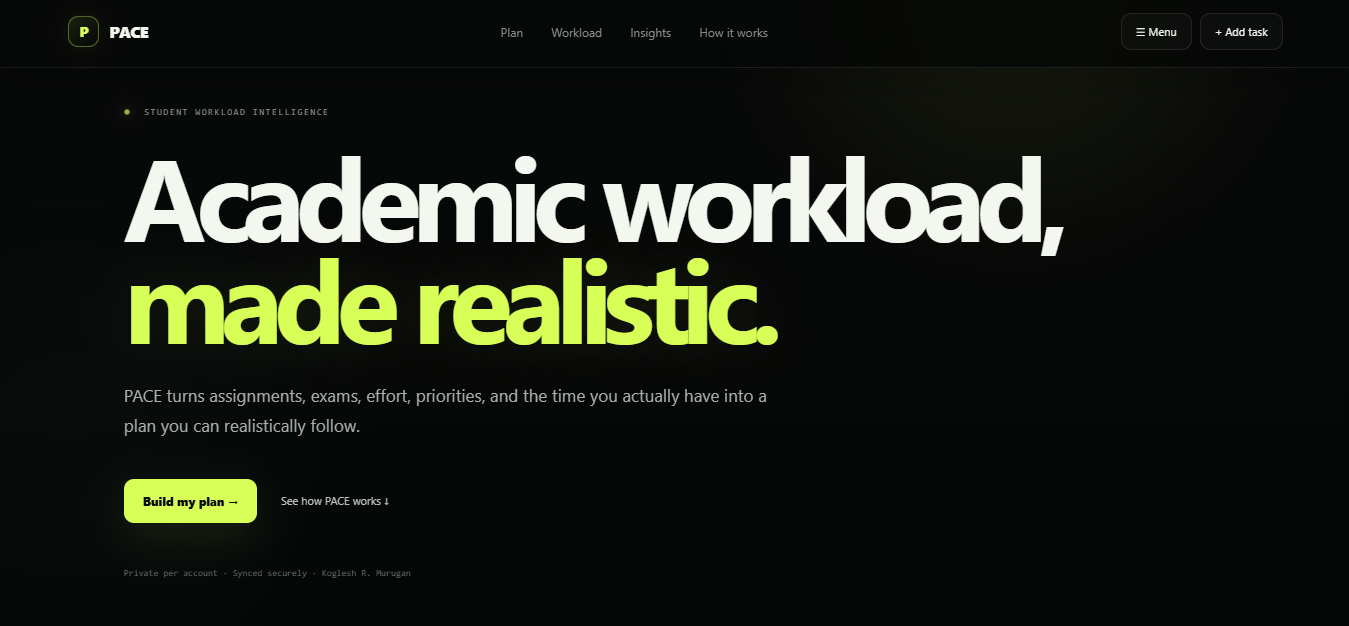
PACE — Academic workload, made realistic.
PACE helps students turn a collection of assignments and exams into a realistic academic plan.
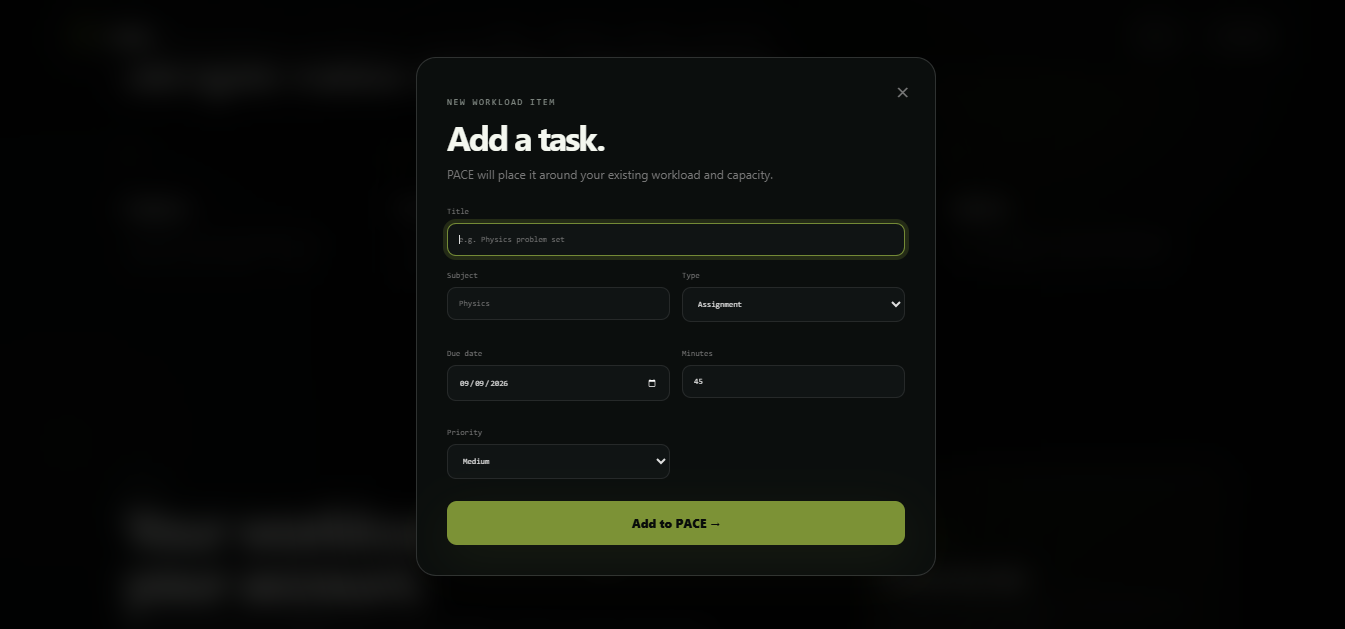
Students can create tasks with information such as:
- Subject
- Deadline
- Estimated time required
- Difficulty
- Priority
- Task type
- Completion status
PACE then uses that information to organize unfinished work around the student's available study capacity.
Instead of simply sorting tasks alphabetically or by creation date, PACE considers factors such as urgency, priority, workload, and available time.
The result is a planning experience centered around one important question:
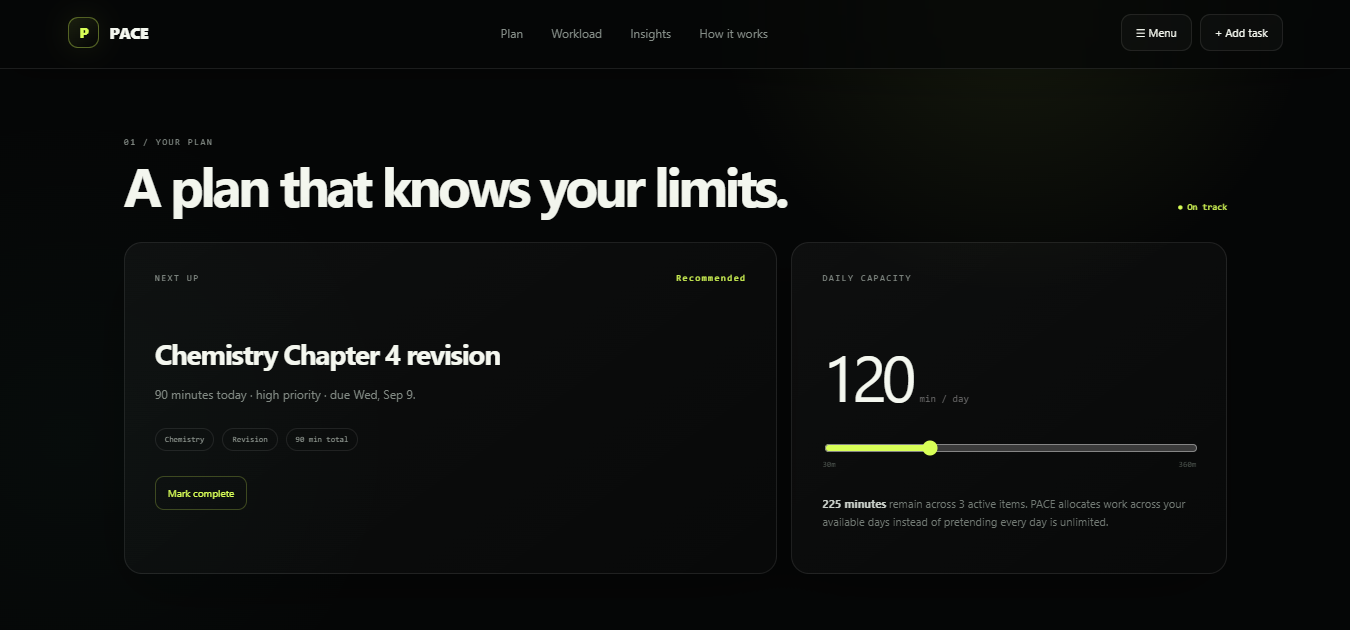
What should I do next?
PACE provides:
- Next-task guidance — quickly identify the most useful task to work on.
- 7-day planning — see how remaining work fits into the coming week.
- Capacity awareness — compare workload against realistic available study time.
- Deadline awareness — surface work that needs attention before it becomes a problem.
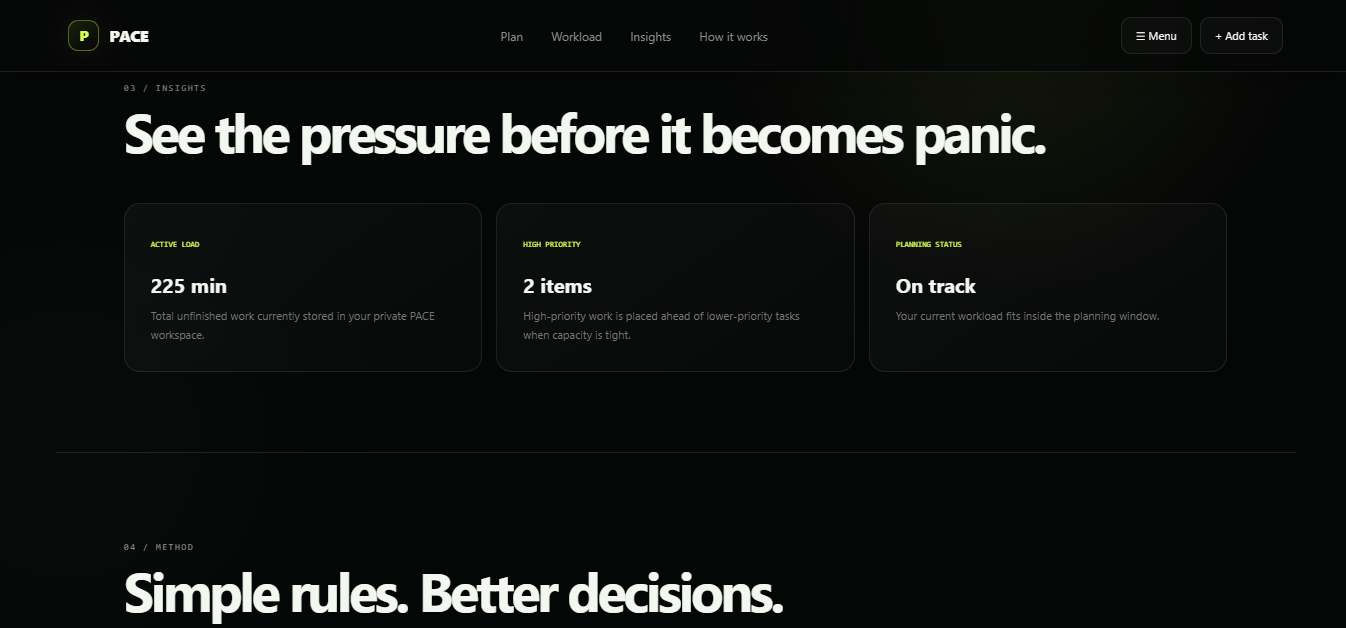
- Workload insights — understand whether the current schedule is manageable.
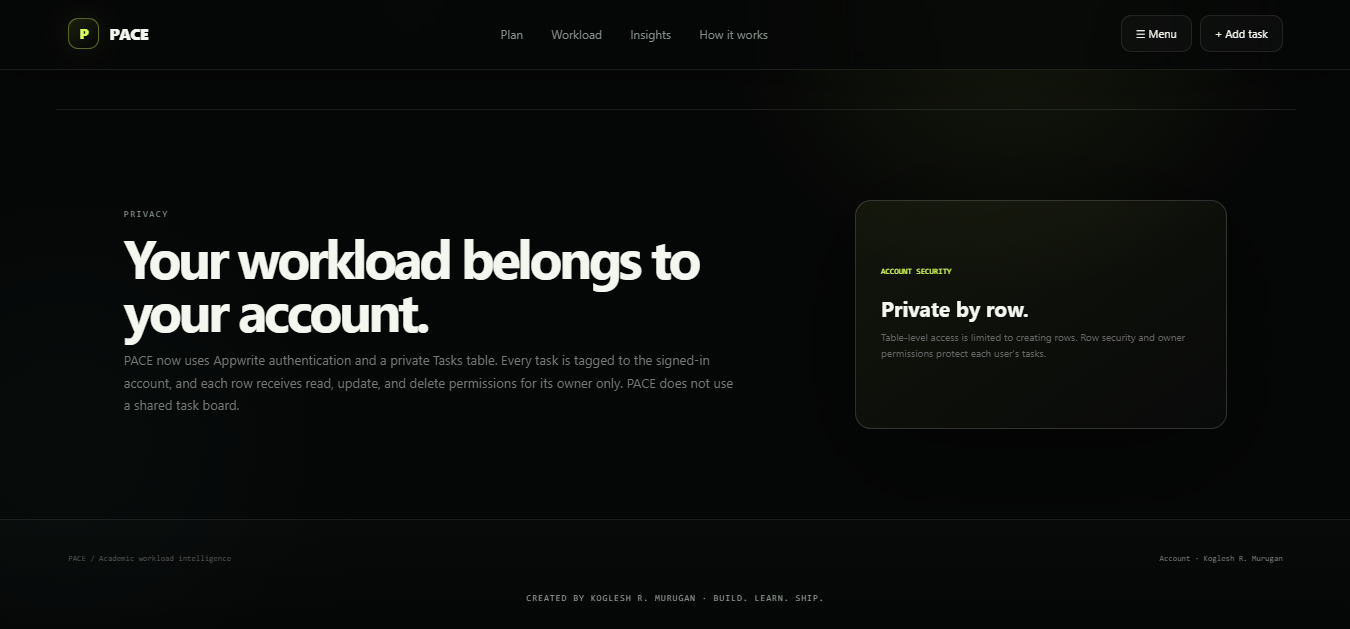
- Persistent accounts — each student's tasks belong to their own account rather than being shared with everyone using the application.
- Responsive interface — designed to work across desktop and smaller screens.
The goal is not to make students study more.
It is to help them make better decisions about what to study, when to study it, and what can realistically fit.
How we built it
PACE was built as a full-stack web application using a modern web stack.
Frontend
The interface was built with:
- Next.js
- React
- TypeScript
- CSS
- Lucide React
The UI was intentionally designed around a focused dark interface with a small lime accent system, strong visual hierarchy, responsive layouts, and minimal distractions.
Backend & data
PACE uses Appwrite Cloud for:
- Authentication
- User accounts
- Persistent task storage
- Per-user database access
- Row-level permissions
Each task is associated with its owner's user ID, and permissions are assigned to that specific user when the task is created. This allows PACE to keep each student's workload separate.
Deployment
The application is deployed with Vercel and is available as a live web application.
The project source code is publicly available on GitHub.
Planning engine
Rather than relying on a black-box recommendation system, PACE uses deterministic planning logic.
Tasks are evaluated using information such as:
- Deadline proximity
- Priority
- Estimated effort
- Difficulty
- Remaining study capacity
The planner then distributes unfinished work across available capacity and identifies the most appropriate next task.
This was important to me because a student should be able to understand why something was recommended rather than receiving an unexplained result.
Challenges we ran into
One of the biggest challenges was realizing that academic planning is much more complicated than displaying a list of tasks.
A task that is due tomorrow is not automatically the most important task.
For example, a difficult two-hour assignment due soon may deserve more attention than a small assignment due slightly earlier. At the same time, a student may not have two hours of realistic study capacity available that day.
This meant the planner needed to consider multiple variables instead of relying on a single sort order.
Another major challenge was turning a local prototype into a real multi-user application.
The early version of PACE relied heavily on browser storage. That was useful for quickly proving the concept, but it meant the application was fundamentally tied to one browser.
Moving to account-based persistence required introducing authentication, a database, per-user queries, and row-level permissions.
We also had to deal with deployment-specific concerns such as environment variables, production domains, database permissions, date handling, and browser security.
These problems were not visible in the original prototype, but solving them turned PACE from a UI concept into a usable web application.
Accomplishments that we're proud of
The biggest accomplishment is that PACE became more than a visual planner.
It became a working system that connects:
Student → Workload → Capacity → Planning → Action
We are especially proud of:
- Building a functional full-stack application.
- Implementing account-based task persistence.
- Separating each user's data.
- Creating a workload-aware planning system.
- Designing a polished, competition-focused interface.
- Deploying the application publicly.
- Building a responsive experience without relying on a large UI framework.
- Adding production metadata, sitemap, robots configuration, and a custom application icon.
- Making the system explainable instead of presenting recommendations as unexplained “AI magic.”
PACE was designed around a simple principle:
A good planner should not just show you everything you have to do. It should help you decide what to do next.
What we learned
This project taught us that building a useful product is very different from building a prototype.
A prototype can look convincing while still hiding difficult problems underneath.
Building PACE forced us to think about:
- Authentication
- Data ownership
- Database design
- Permissions
- API integration
- Date handling
- Responsive design
- Production deployment
- Error states
- Search engine discoverability
- User experience
We also learned that simplicity is difficult.
It is easy to keep adding features to a student productivity application. It is much harder to decide what not to build.
Instead of turning PACE into another application filled with calendars, notifications, social feeds, gamification, and unnecessary dashboards, we focused on the core problem: helping students make realistic workload decisions.
What's next for PACE
PACE is currently focused on making academic planning realistic and actionable.
The next stage would be expanding the planning intelligence while keeping the experience simple.
Potential improvements include:
- More advanced workload forecasting
- Better deadline-pressure analysis
- Smarter schedule adjustments when a student falls behind
- More detailed explanations for planning decisions
- Long-term workload trends
- Calendar integrations
- Improved accessibility
- More personalized study-capacity modeling
The long-term vision is for PACE to become a planning layer between a student's academic workload and their actual available time.
Not another checklist.
Not another productivity dashboard.
A system that helps students make realistic decisions about their workload.
Built with
Next.js · React · TypeScript · Appwrite · Vercel · GitHub · CSS · Lucide React
Created by Koglesh R. Murugan
Build. Learn. Ship.
Built With
- appwrite
- css
- github
- lucide
- next.js
- react
- typescript
- vercel


Log in or sign up for Devpost to join the conversation.