-
-

TriviaAI
-
Intro
-
TriviaAI
-
Trivia AI's Vision
-
TriviaAI's functionality
-
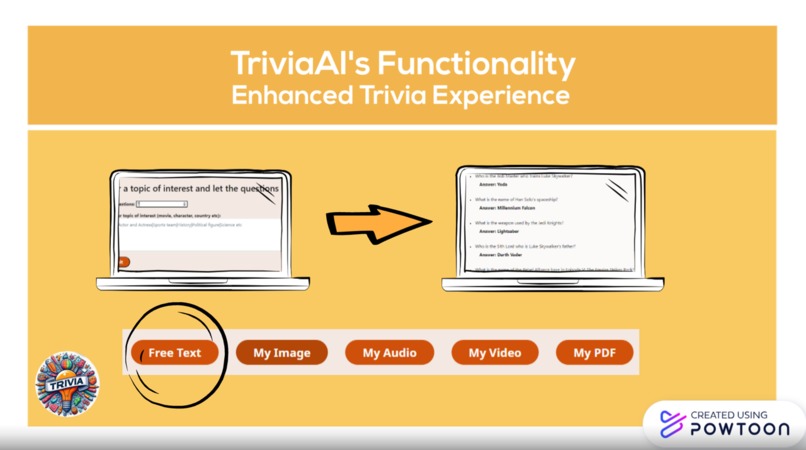
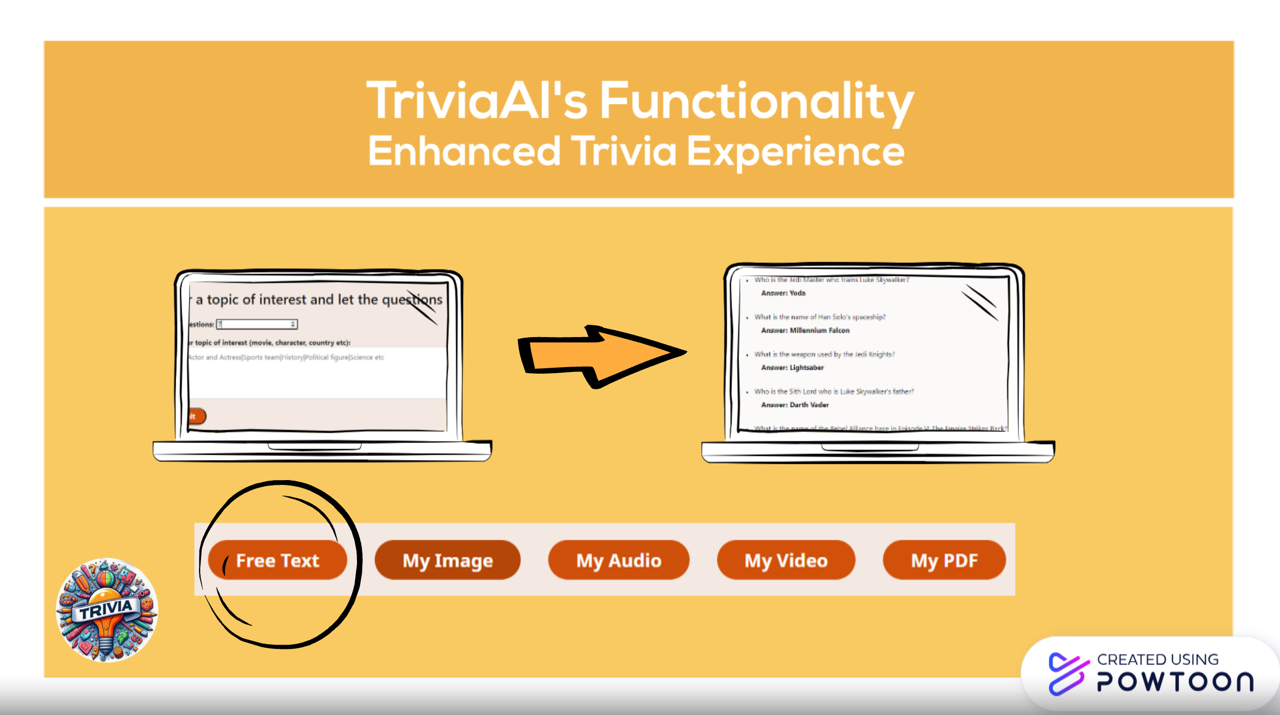
TriviaAI's functionality - Free Text
-
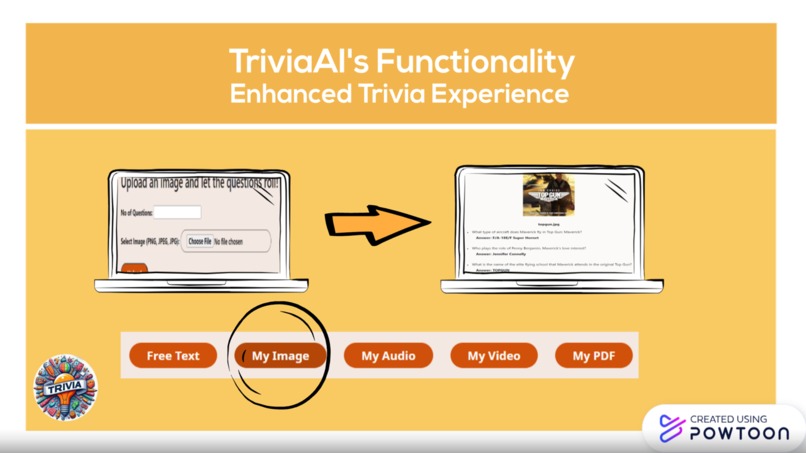
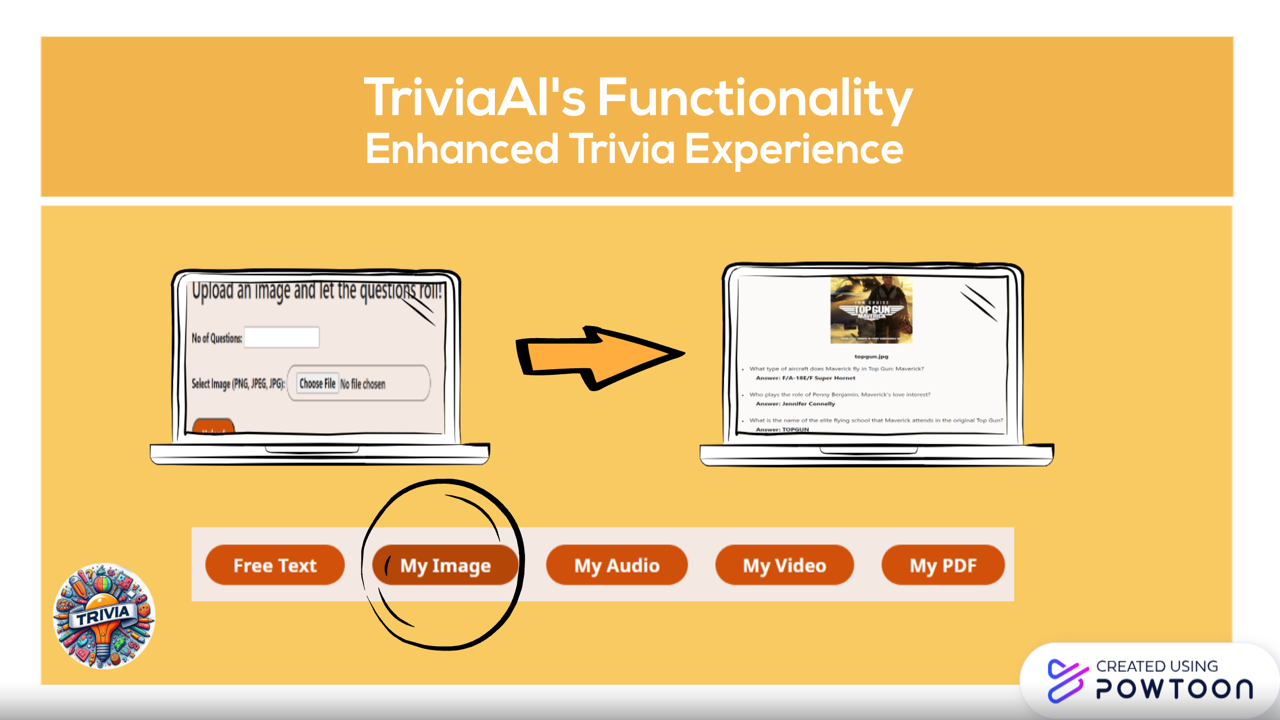
TriviaAI's functionality - Custom Image
-
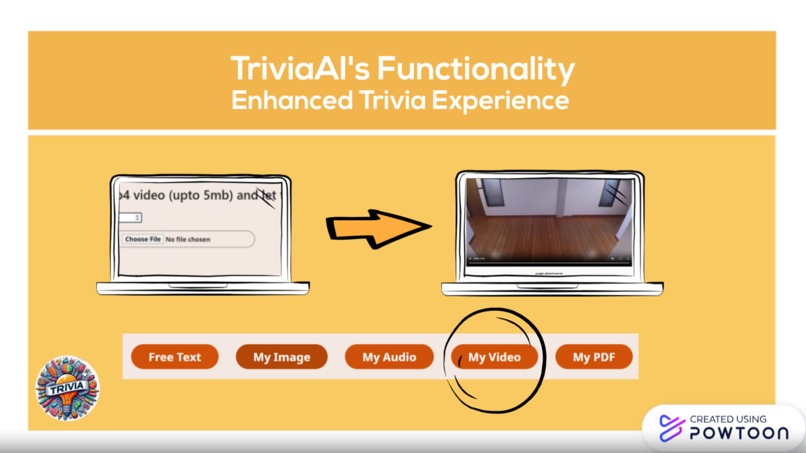
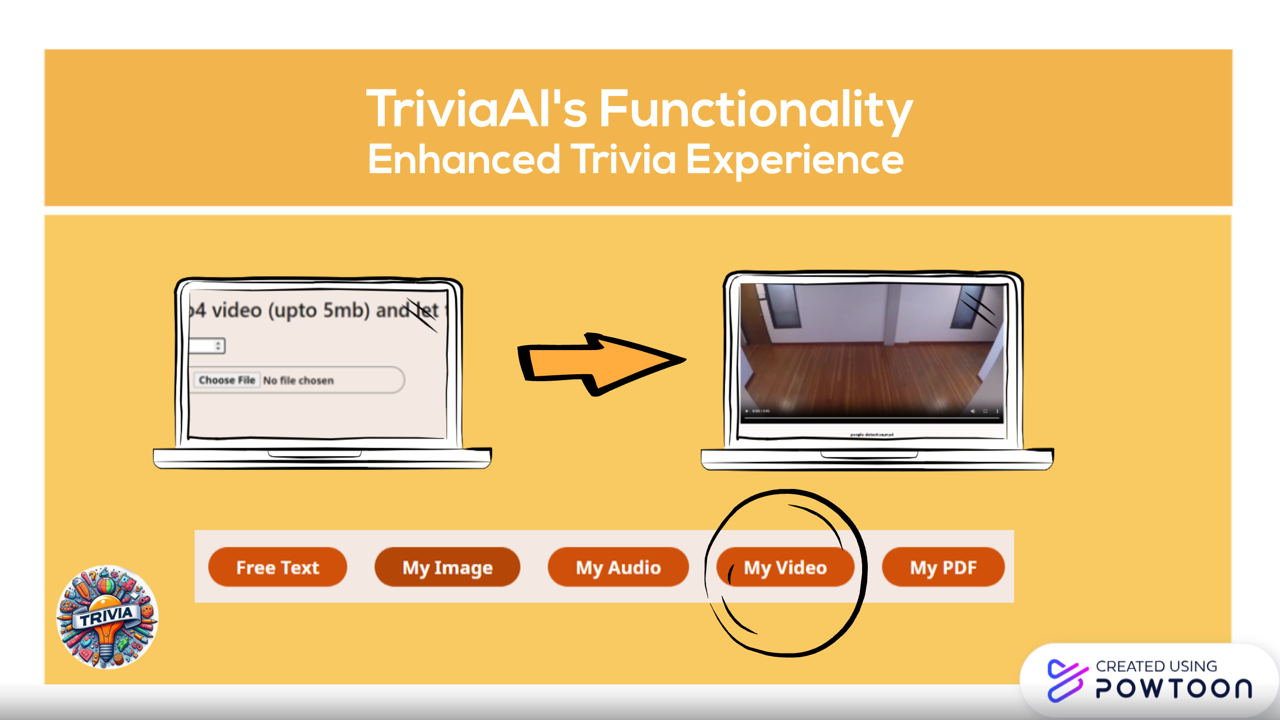
TriviaAI's functionality - Custom Video
-
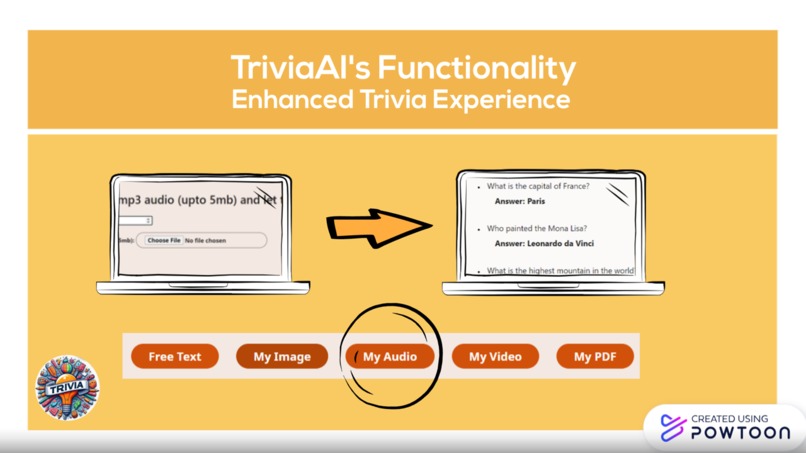
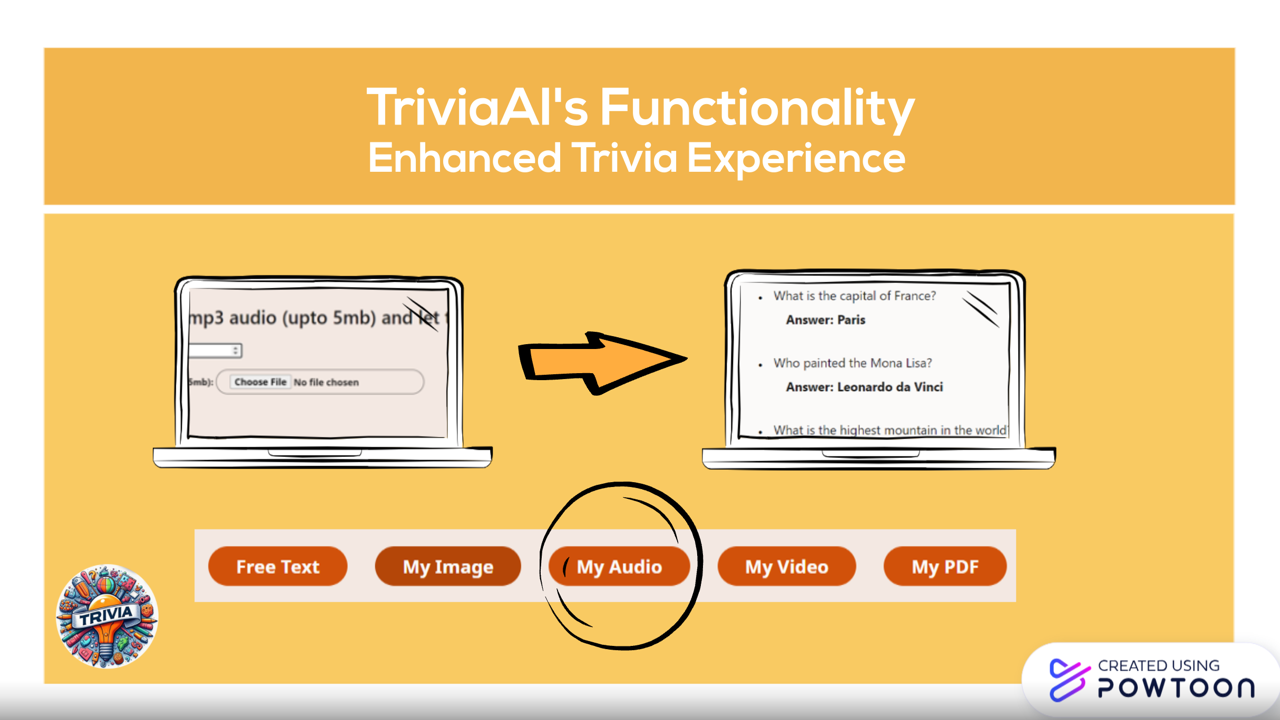
TriviaAI's functionality - Custom Audio
-
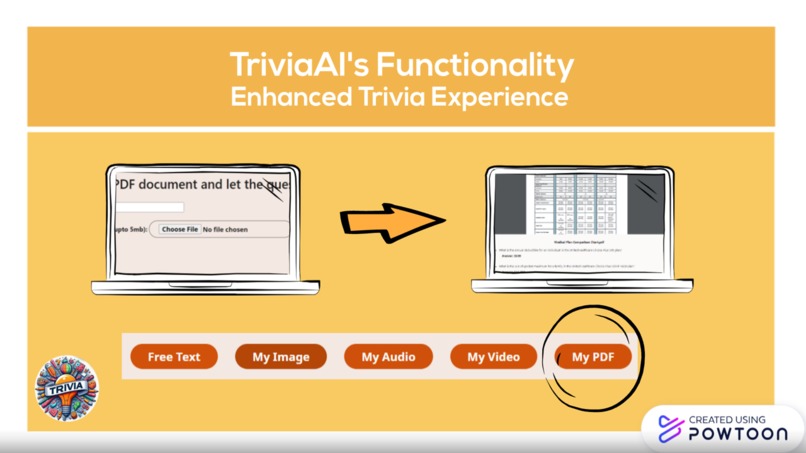
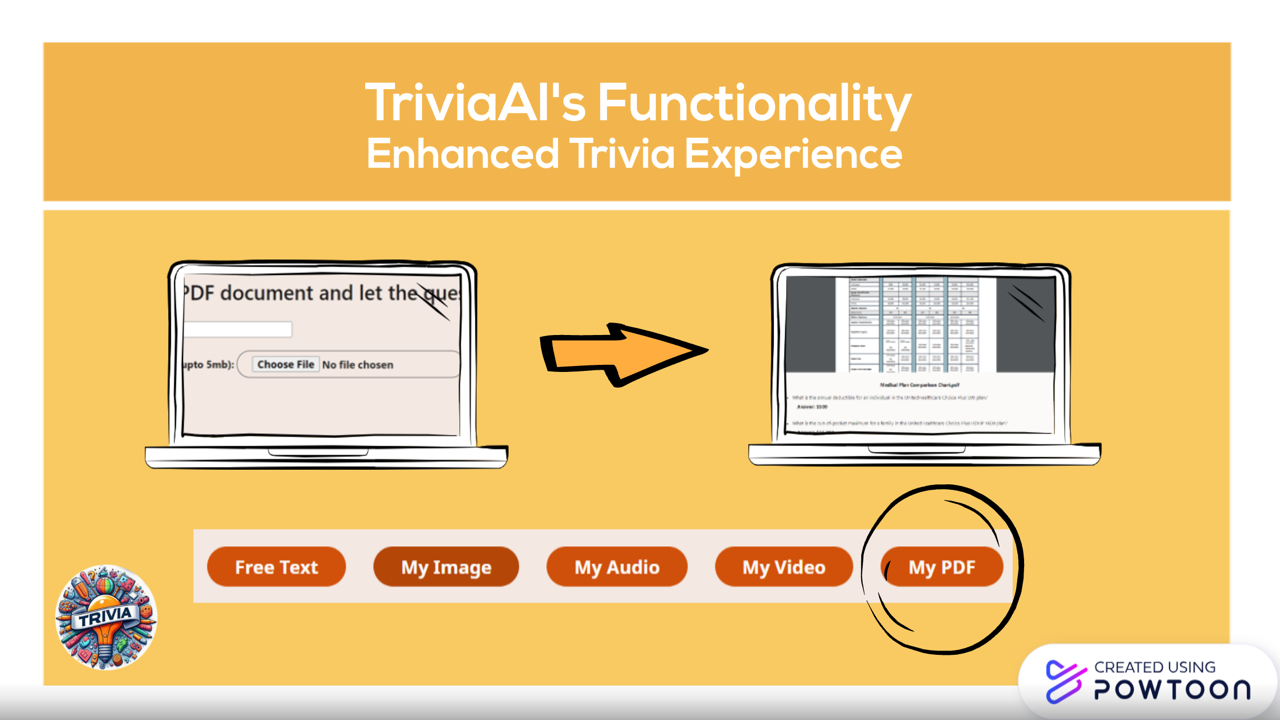
TriviaAI's functionality - Custom PDF
-
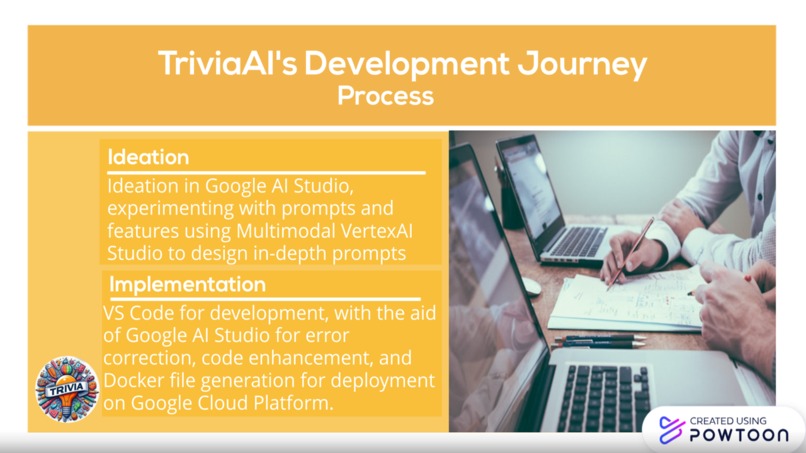
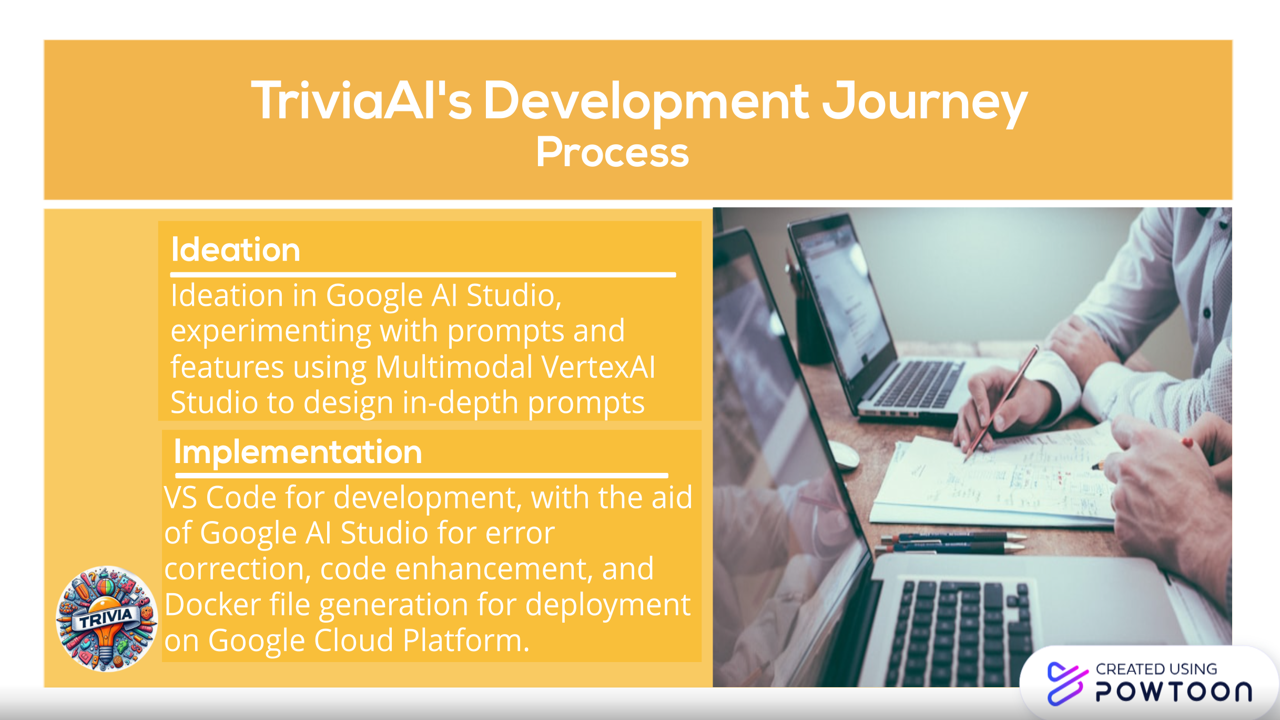
TriviaAI's development journey - ideation and development
-
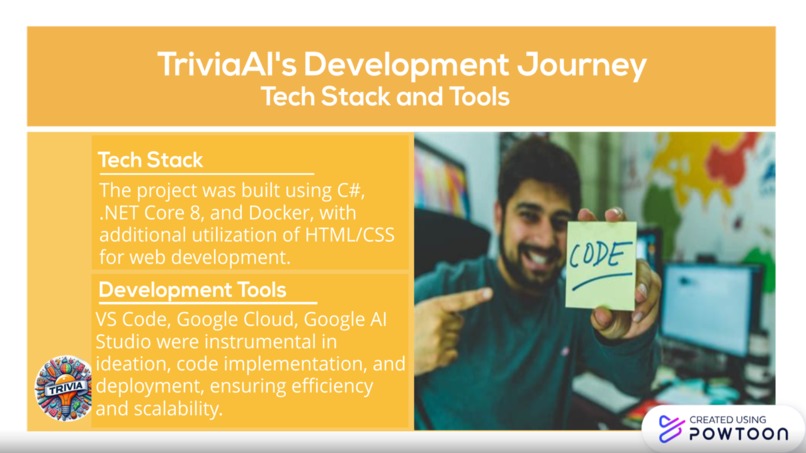
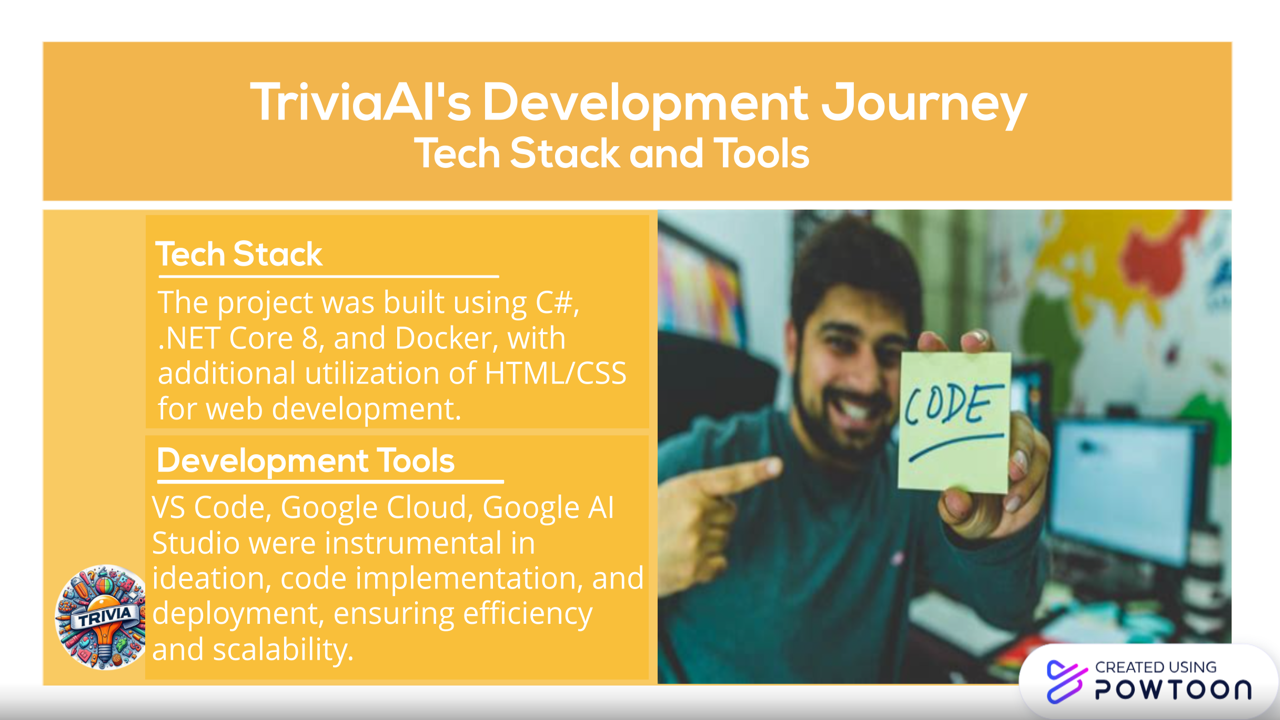
TriviaAI's development journey - tech stack and tools
-
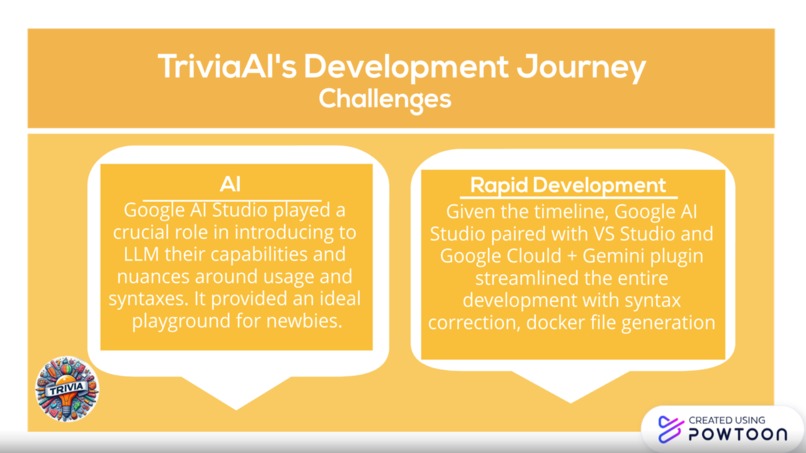
TriviaAI's - Challenges
-
Thank you

Inspiration
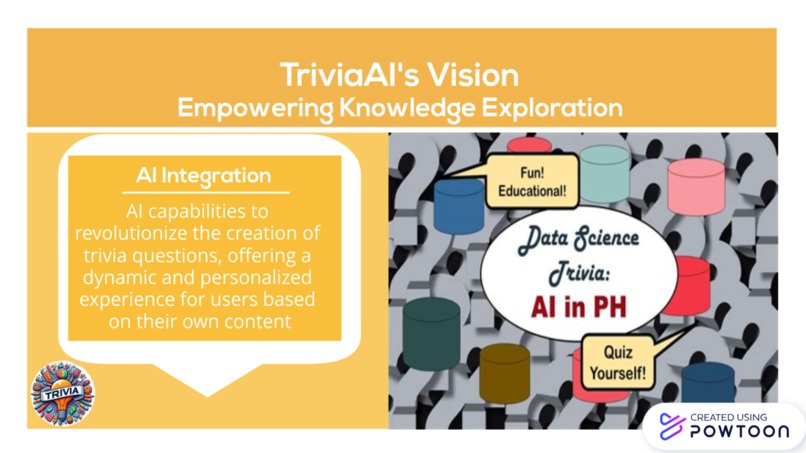
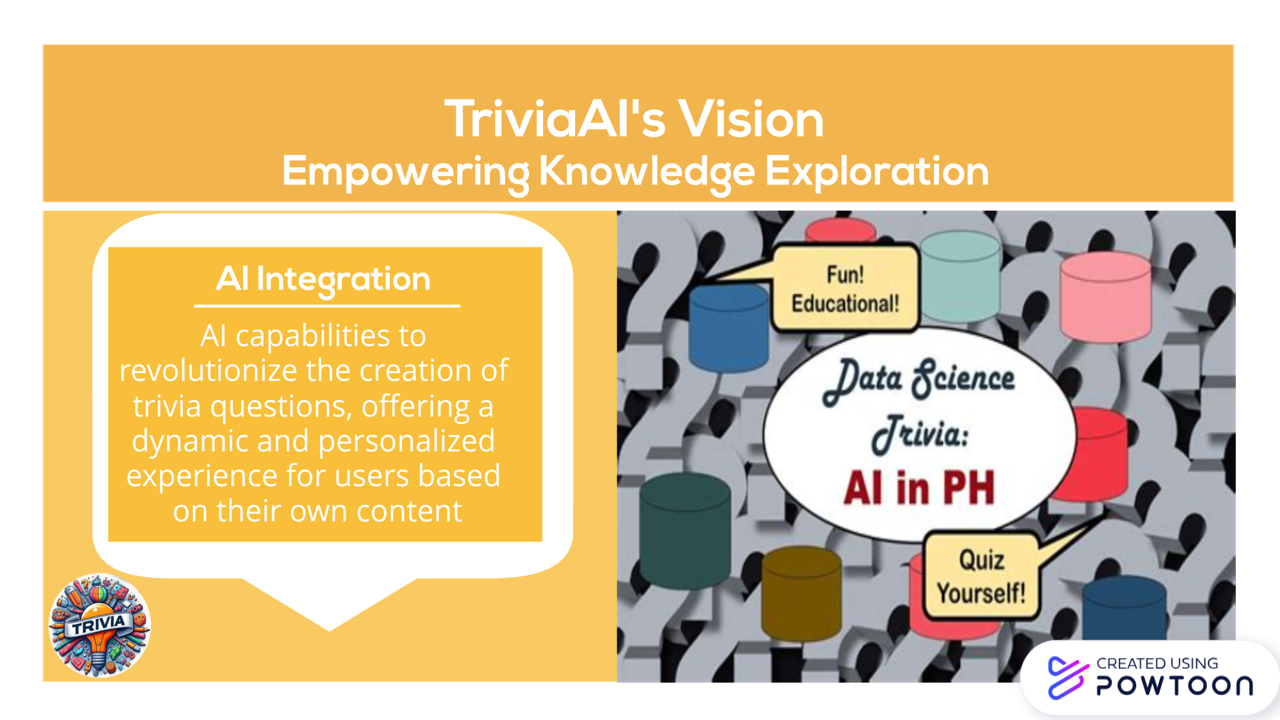
As a trivia enthusiast myself, I saw an opportunity to harness the power of AI to breathe new life into this timeless pastime. Previously, the struggle was to come up with creative and intriguing trivia questions on custom topics with ease. By leveraging AI capabilities, I aimed to break free from these constraints and offer users a dynamic and personalized experience based on their content. With Trivia AI, I wanted to empower individuals to explore the vast realms of knowledge in a fun and innovative way, ultimately creating a community united by a shared passion for learning and discovery.
What it does
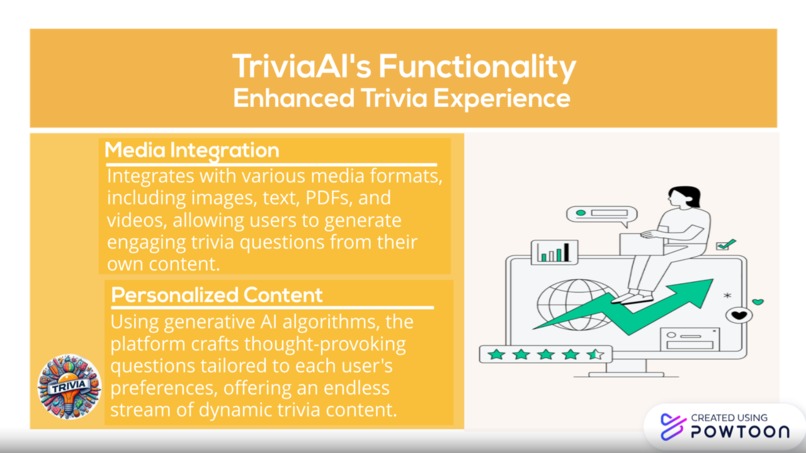
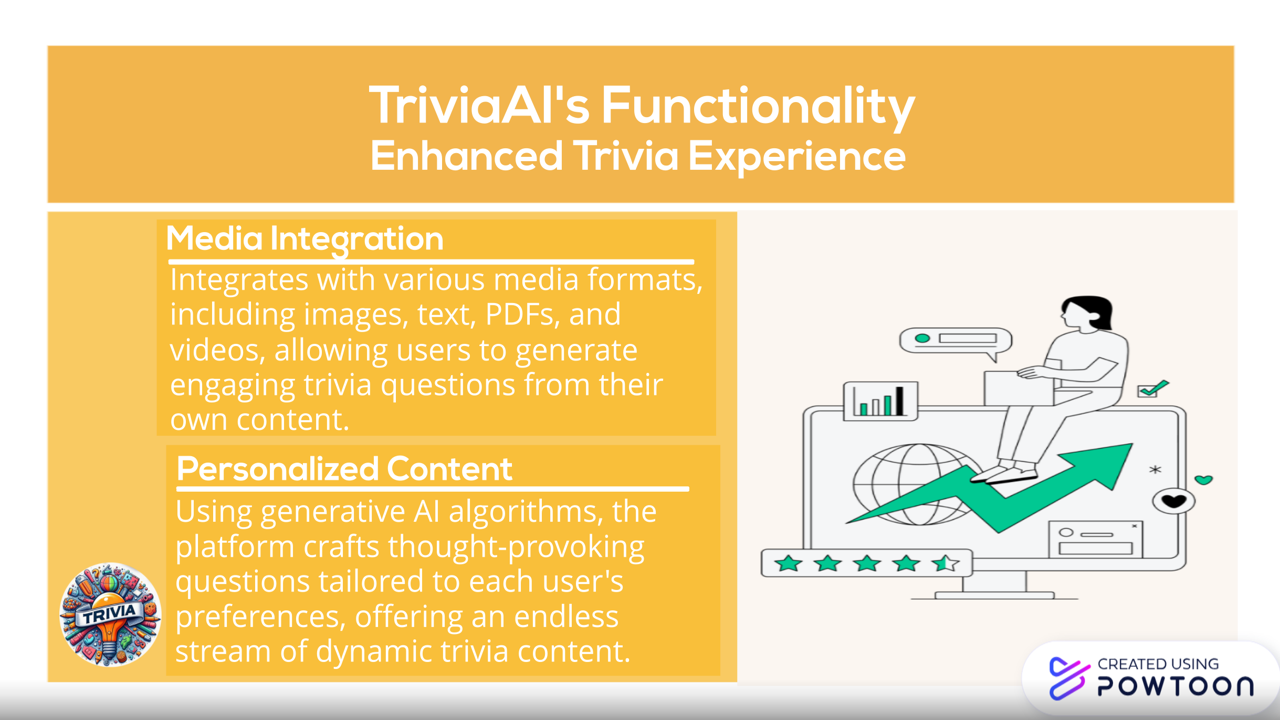
Trivia AI is a trivia platform powered by AI, designed to enhance the way we engage with trivia. My app integrates with various media formats, including images, text, PDFs, and videos, allowing users to generate trivia questions from their own content. Using generative AI algorithms, Trivia AI analyzes the provided media to craft engaging and thought-provoking questions tailored to each user's preferences. Whether you're hosting a game night with friends or looking to challenge yourself solo, Trivia AI offers an endless stream of dynamic trivia content to entertain and inspire. From pop culture to science, history to literature, our app covers a wide range of topics, ensuring there's something for everyone to enjoy. Get ready to experience trivia like never before with Trivia AI!
How I built it
The tech stack I used for this project includes:
- C#
- .NET Core 8
- Docker
- HTML/CSS The additional tools I used includes:
- Visual Studio Code
- Google Cloud
- Google AI Studio
To build the Trivia AI app, I began by ideating in Google AI Studio to conceptualize the features and functionality. In Google AI Studio, I experimented with prompts by using the Multimodal VertexAI Studio to design in-depth prompts. I began by inputting various prompts related to trivia questions, such as "Generate trivia questions from images," "Create trivia questions based on text," or "Craft trivia questions from videos."
Then, I utilized Visual Studio Code to write the code in C#, leveraging the .NET Core 8 framework. I heavily relied on boilerplate code to expedite the development process, ensuring efficiency and consistency in the codebase. I used the Gemini AI and Google Cloud VSCode extension to locally deploy the web app.
Throughout development, Google AI Studio was instrumental in correcting syntax errors, enhancing code quality, and accelerating development speed. Additionally, Google AI Studio assisted in generating the Docker file for containerization and facilitated deployment using Google Cloud Platform, streamlining the deployment process and ensuring scalability and reliability for the Trivia AI app.
Challenges we ran into
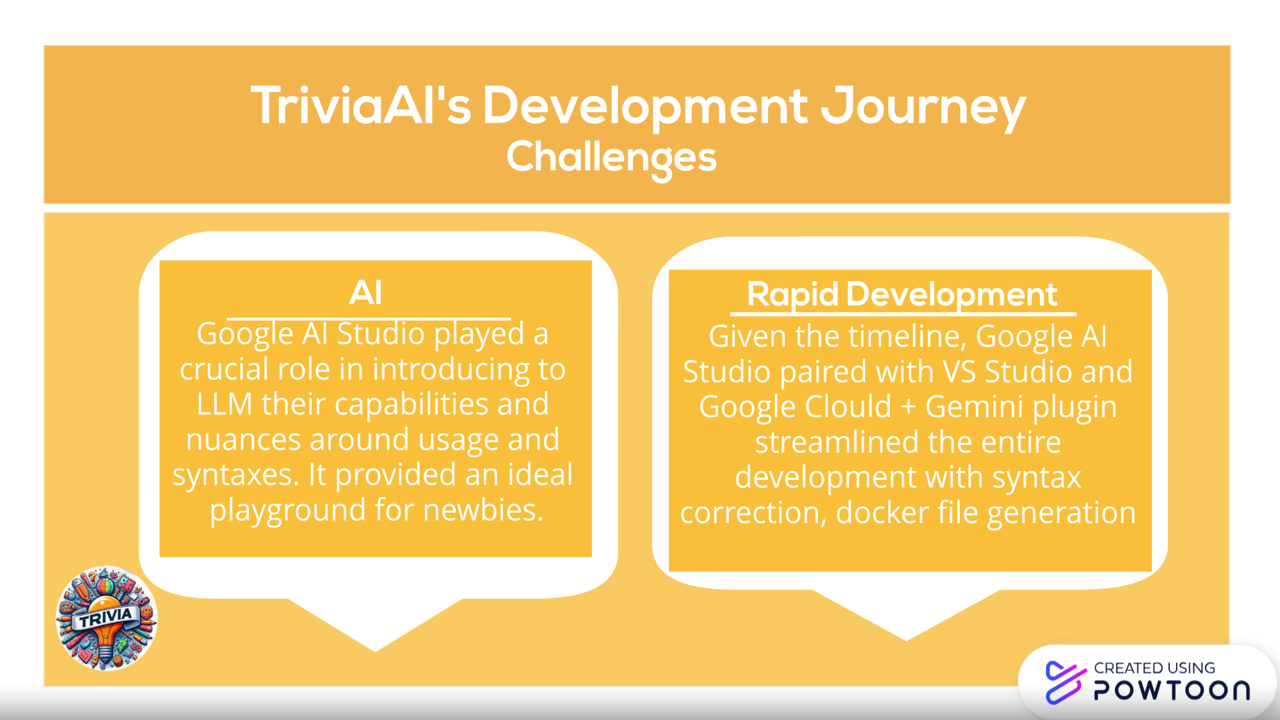
1 - Familiarity with AI, capabilities, API usage. Google AI Studio was a blessing which provided a playground to quickly address the challenges
2 - Timelines - I am a rising Sophomore with my finals due soon and with a very strict timeline, the biggest challenge was to translate my idea into a working MVP. With the help of Google AI Studio, and combo of VS Code and Google Cloud/Gemini plugin, development was quick and efficient. I had not worked with Docker and Gemini plugin was instrumental in guiding and building the docker file and helping to deploy to Google Cloud.
Accomplishments that we're proud of
Being in CS, I keep hearing the capabilities of LLM and have tried chatGPT for personal use. I was amazed how easy Google has made adoption of LLM and really proud to translate my idea into a MVP in such a short duration.
What we learned
1 - Capabilities of MultiModal AI
2 - LLM, Google AI offerings, Safety parameters and prompt engineering
3 - Containerization, Google Cloud
What's next for Trivia AI
Extend beyond MVP to add more functionalities

Log in or sign up for Devpost to join the conversation.