-
-
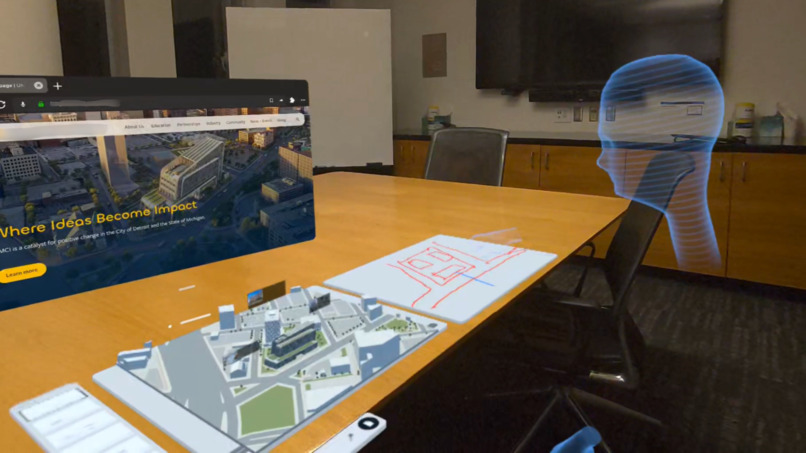
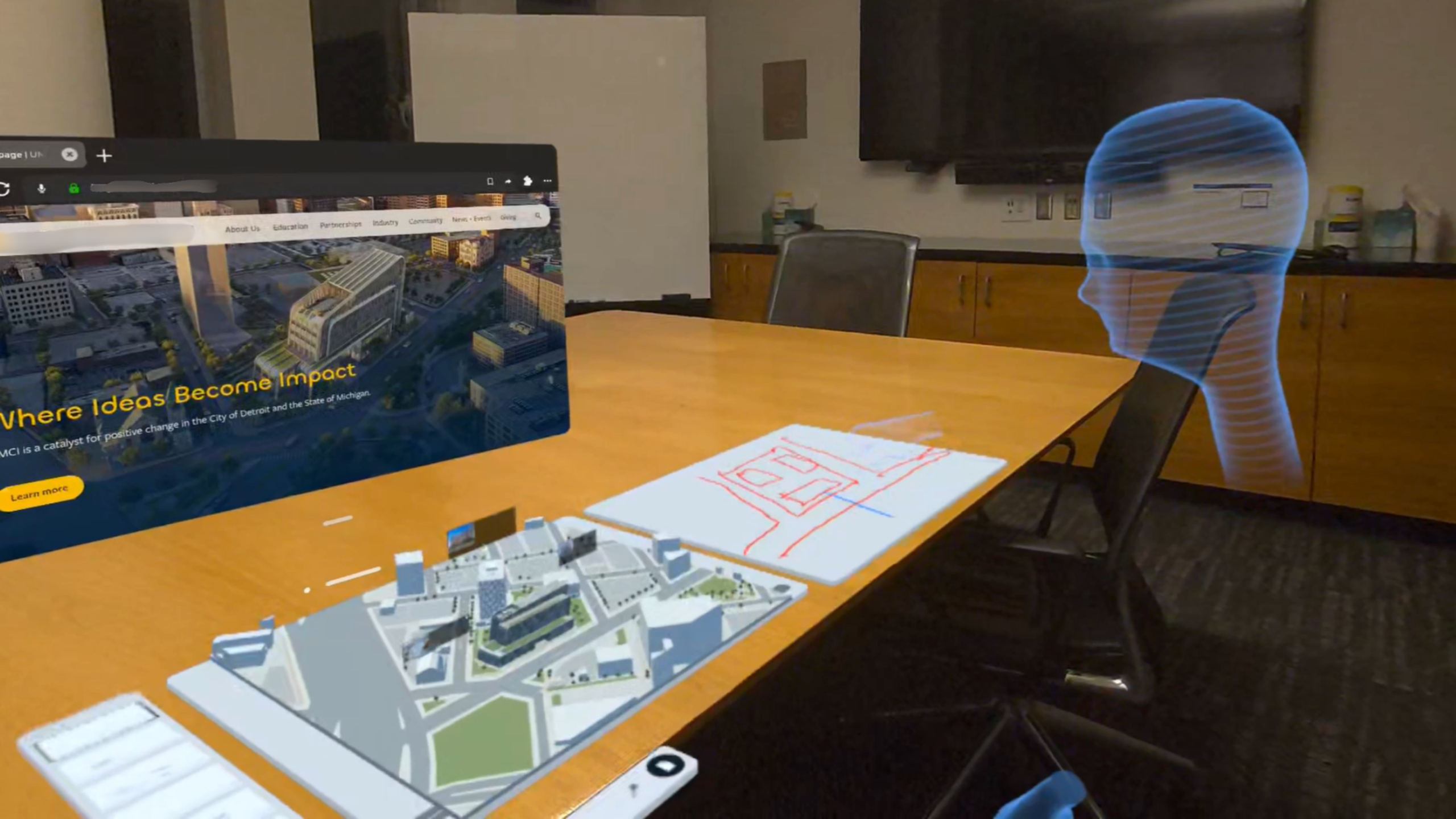
Multitasking View: Collaborate with colleagues on a shared spatial whiteboard.
-
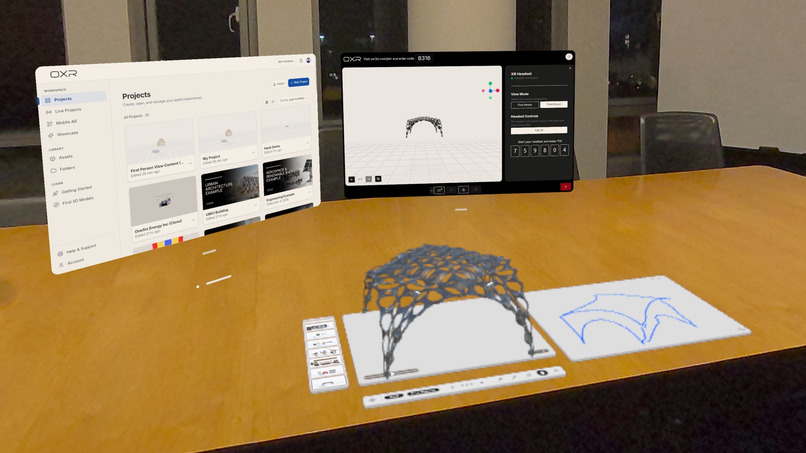
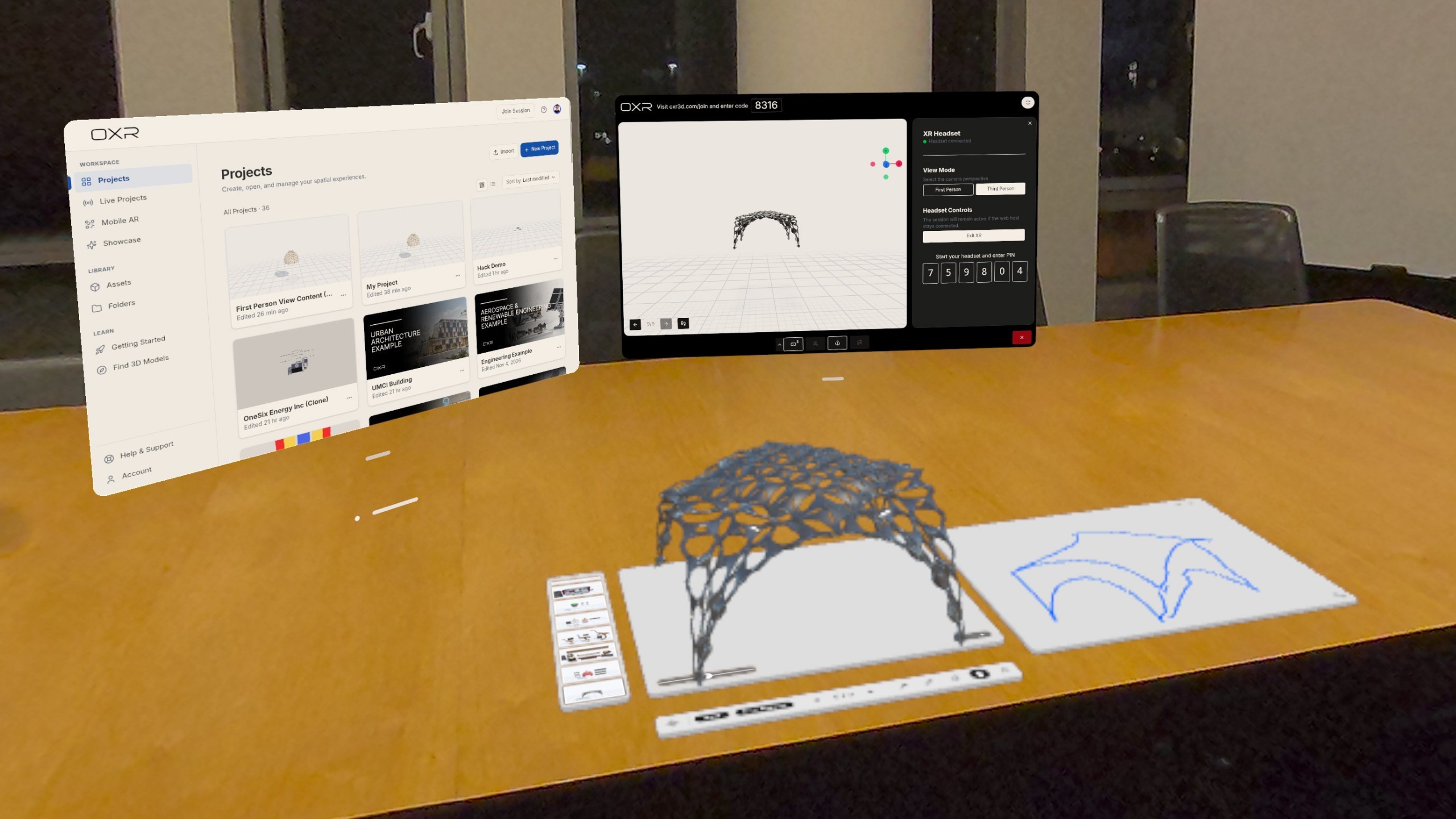
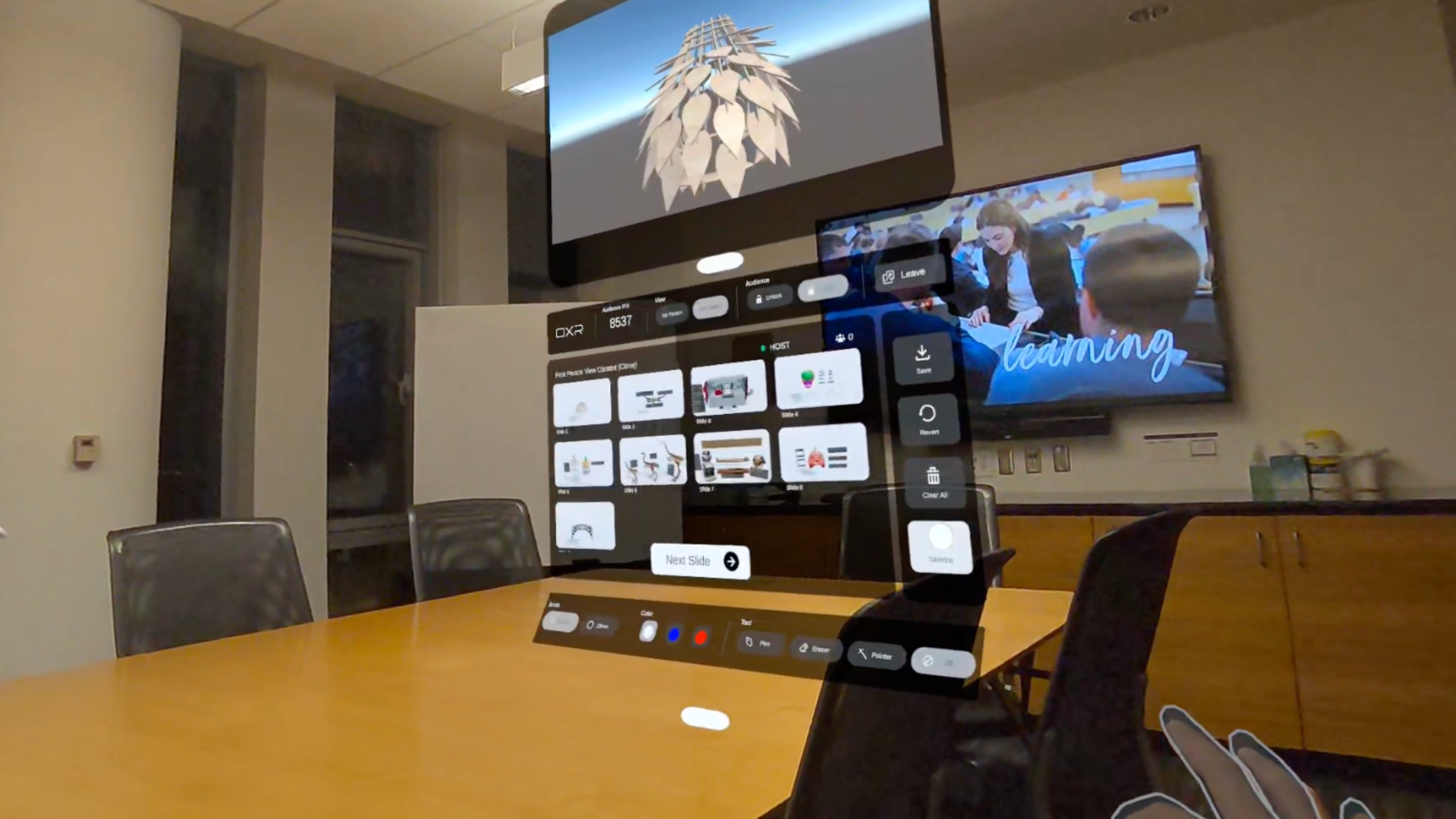
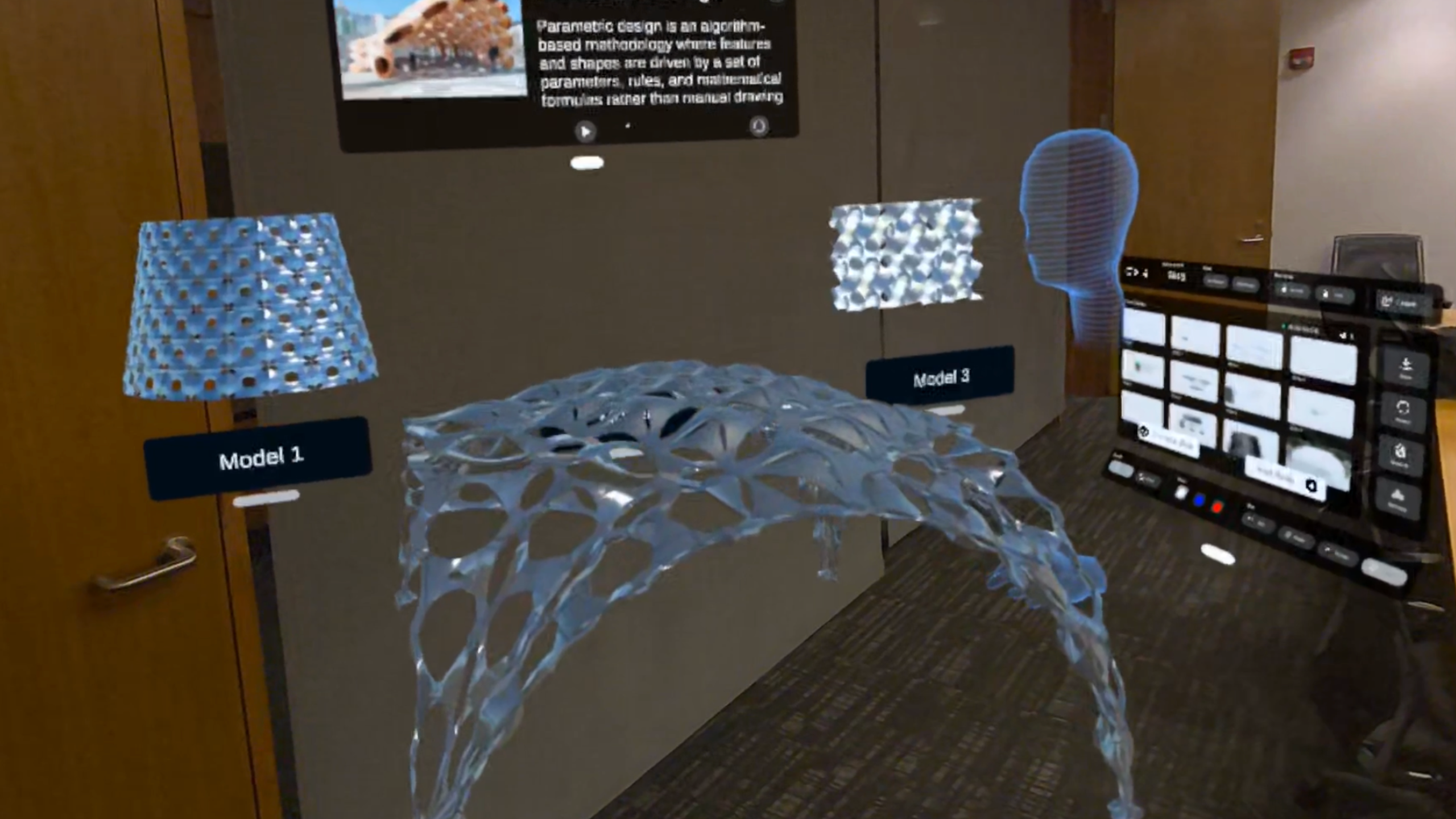
Multitasking View: Explore 3D presentations alongside a spatial whiteboard in tabletop mode.
-
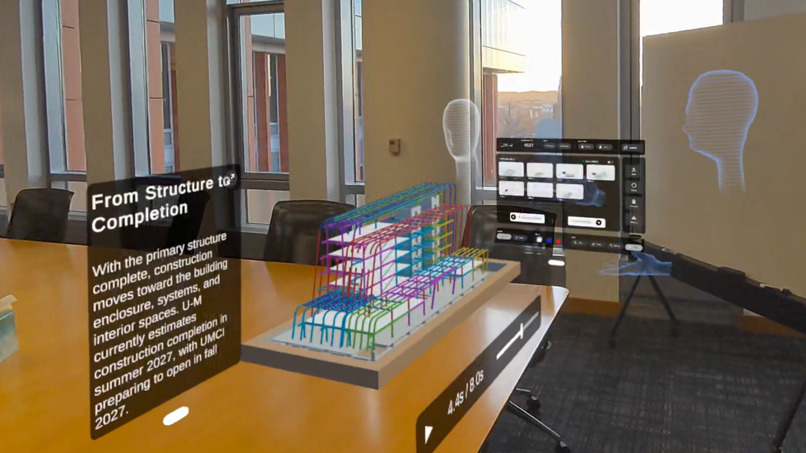
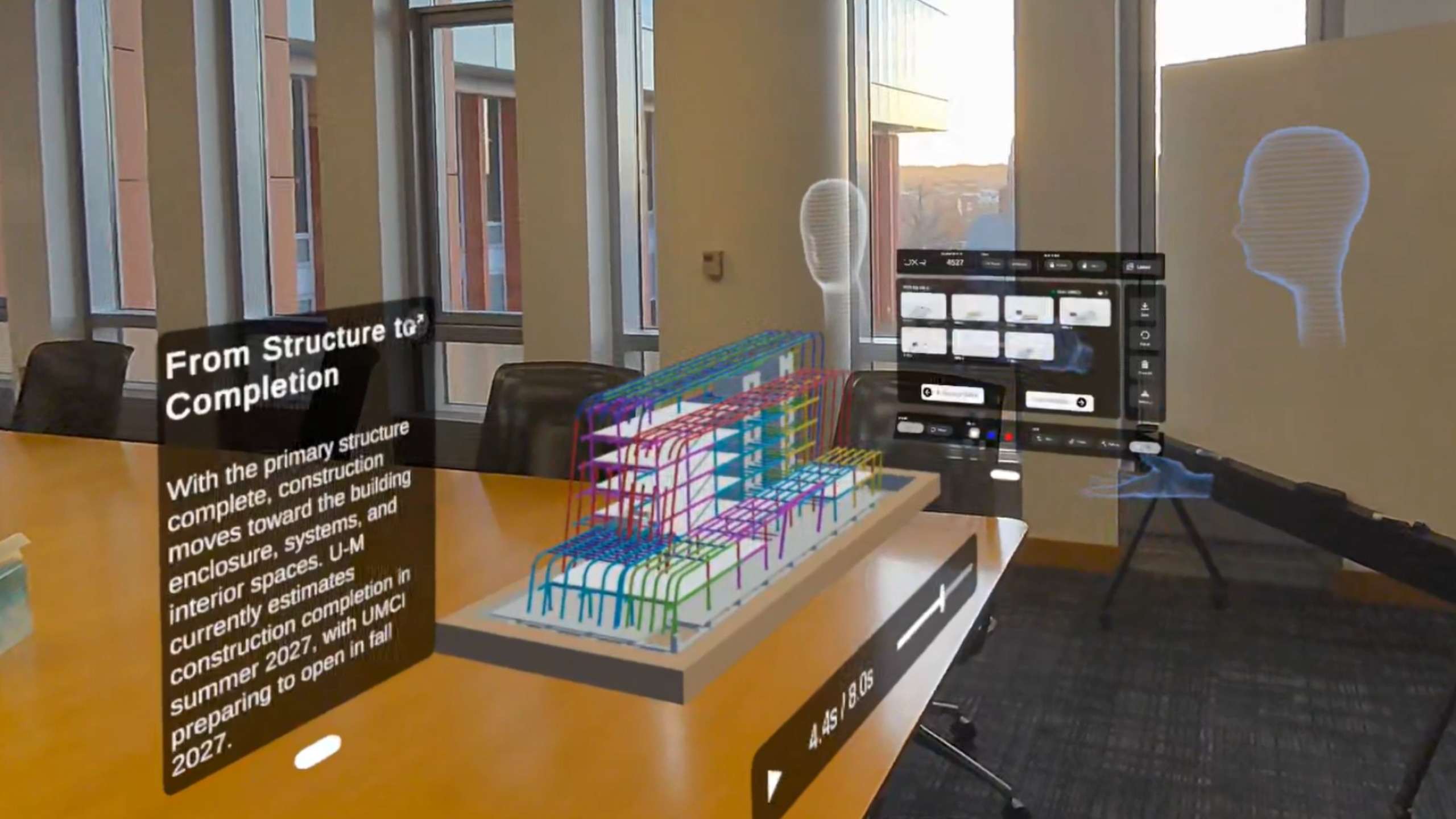
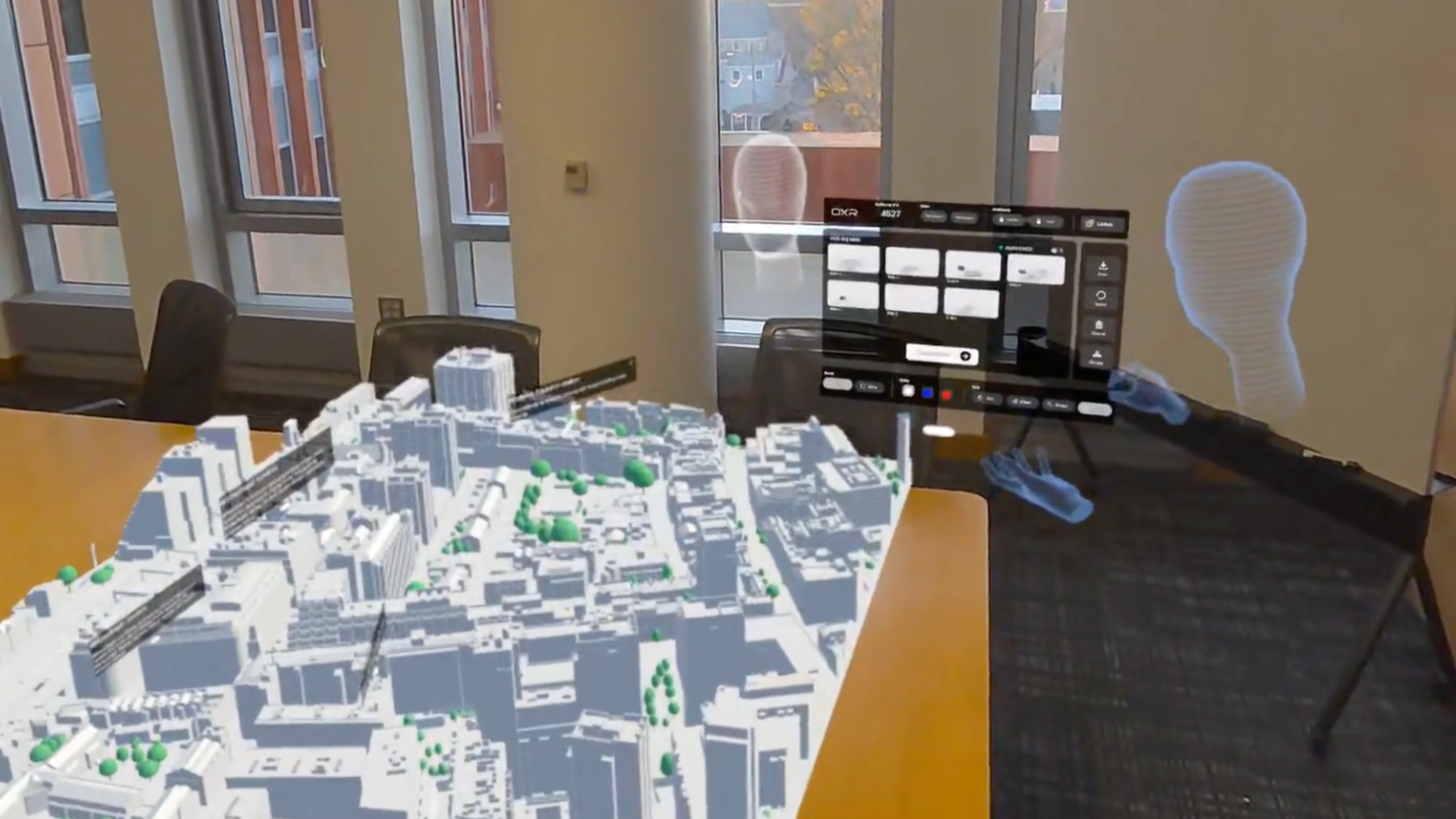
Spatial Telepresence: Present architectural structures with remote participants in a shared 3D space.
-
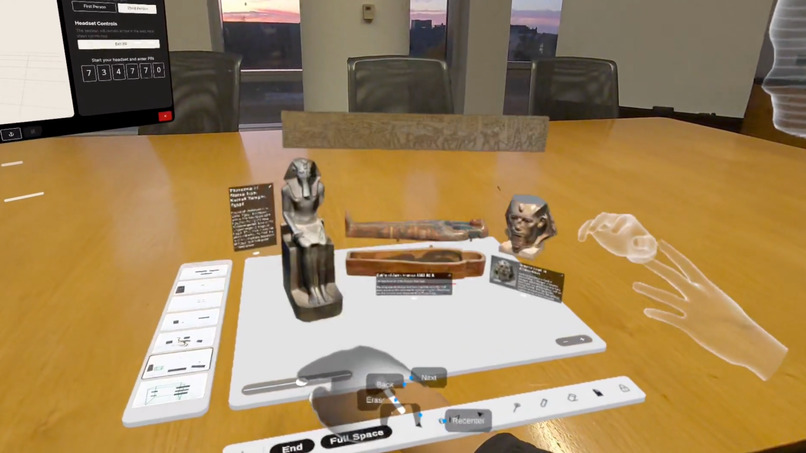
Tabletop Interaction: Rotate and explore 3D models in OXR tabletop mode.
-
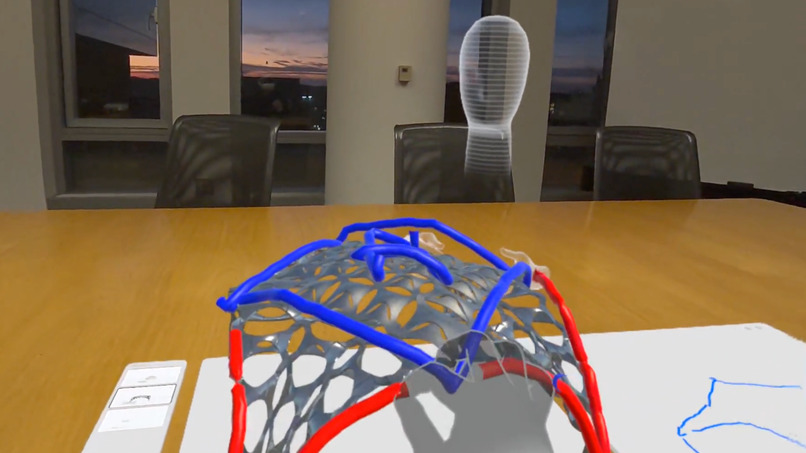
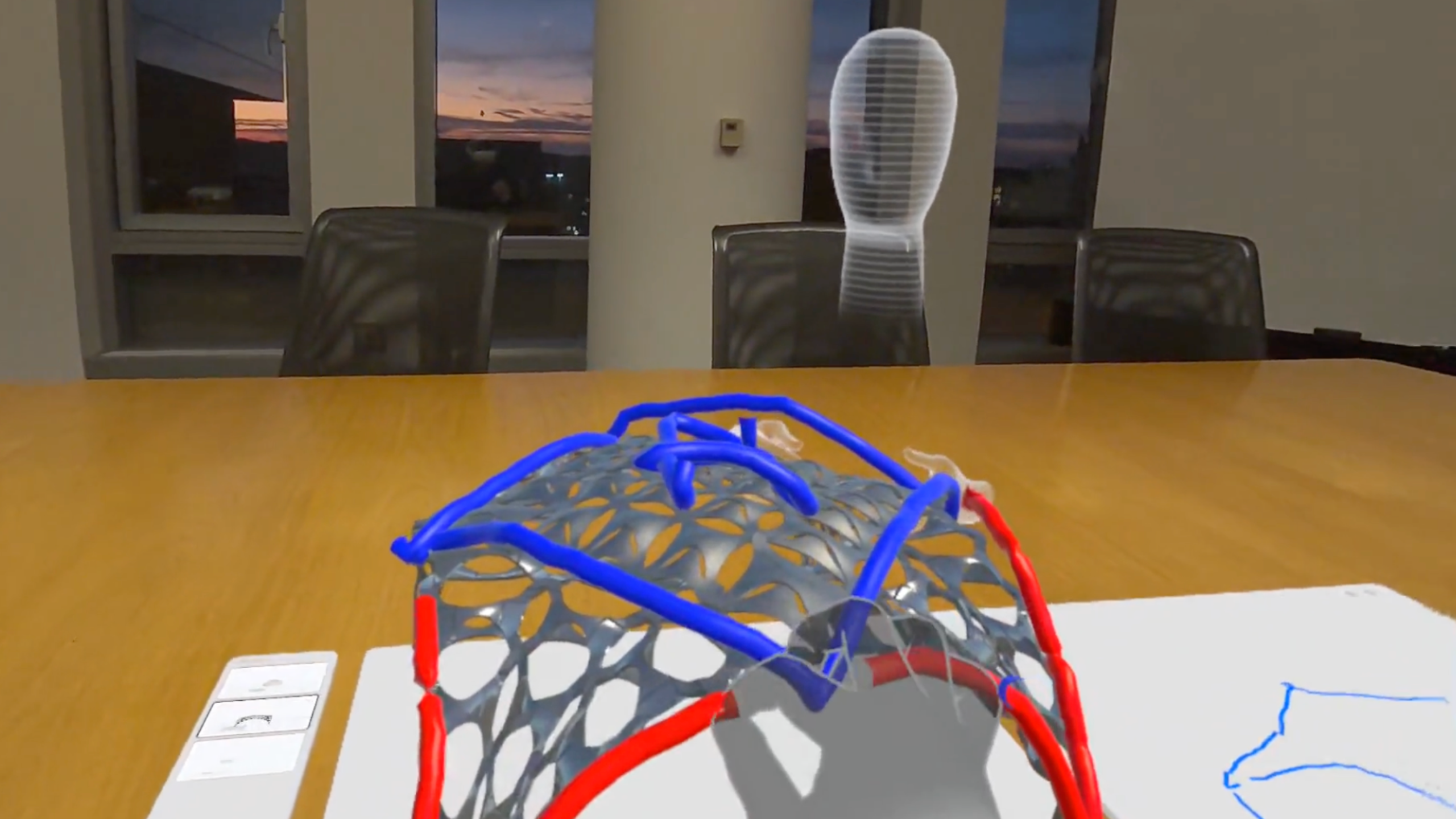
Spatial Annotations: Draw and annotate in 3D using hand tracking.
-
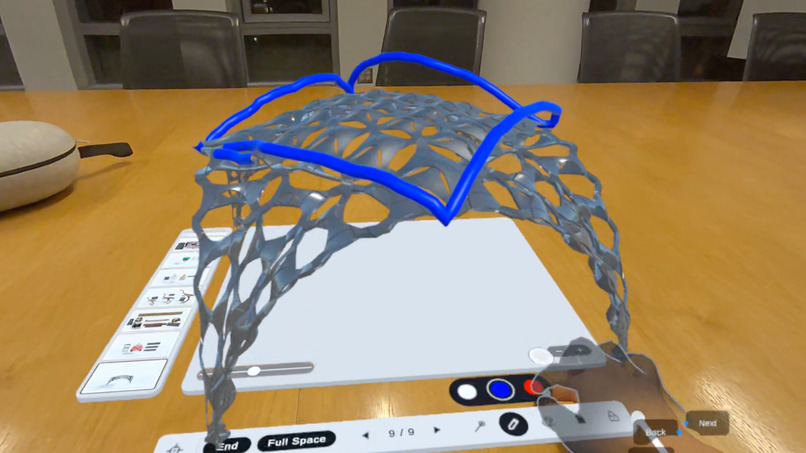
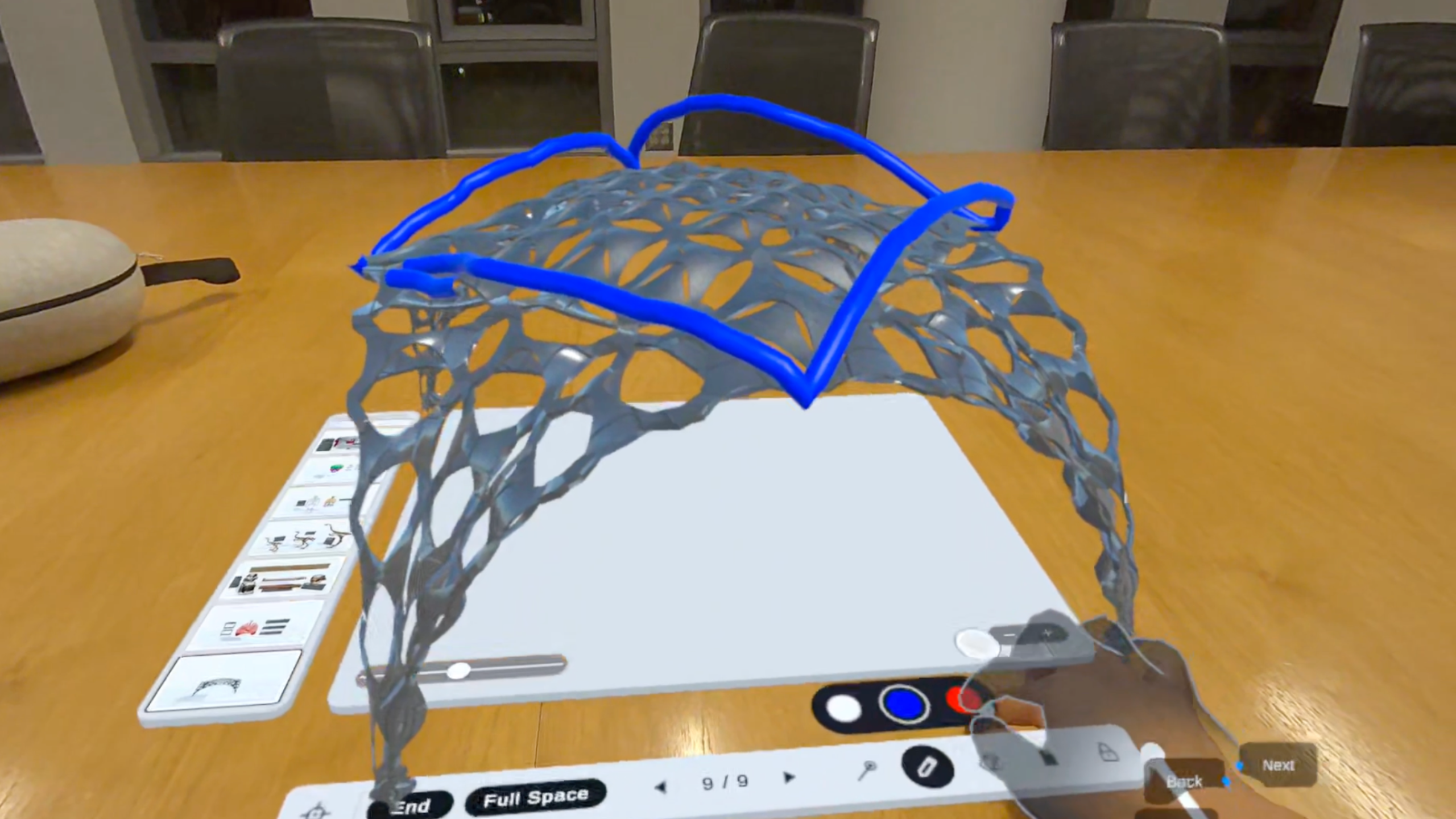
Interactive Pen Controls: Switch pen colors using interactive tabletop buttons.
-
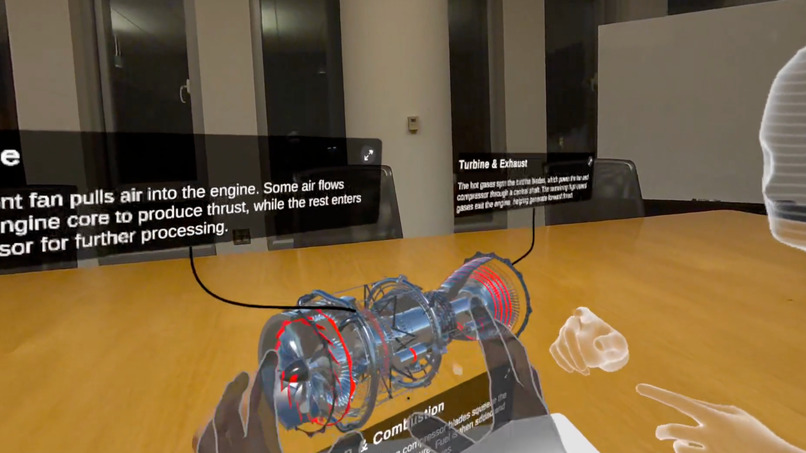
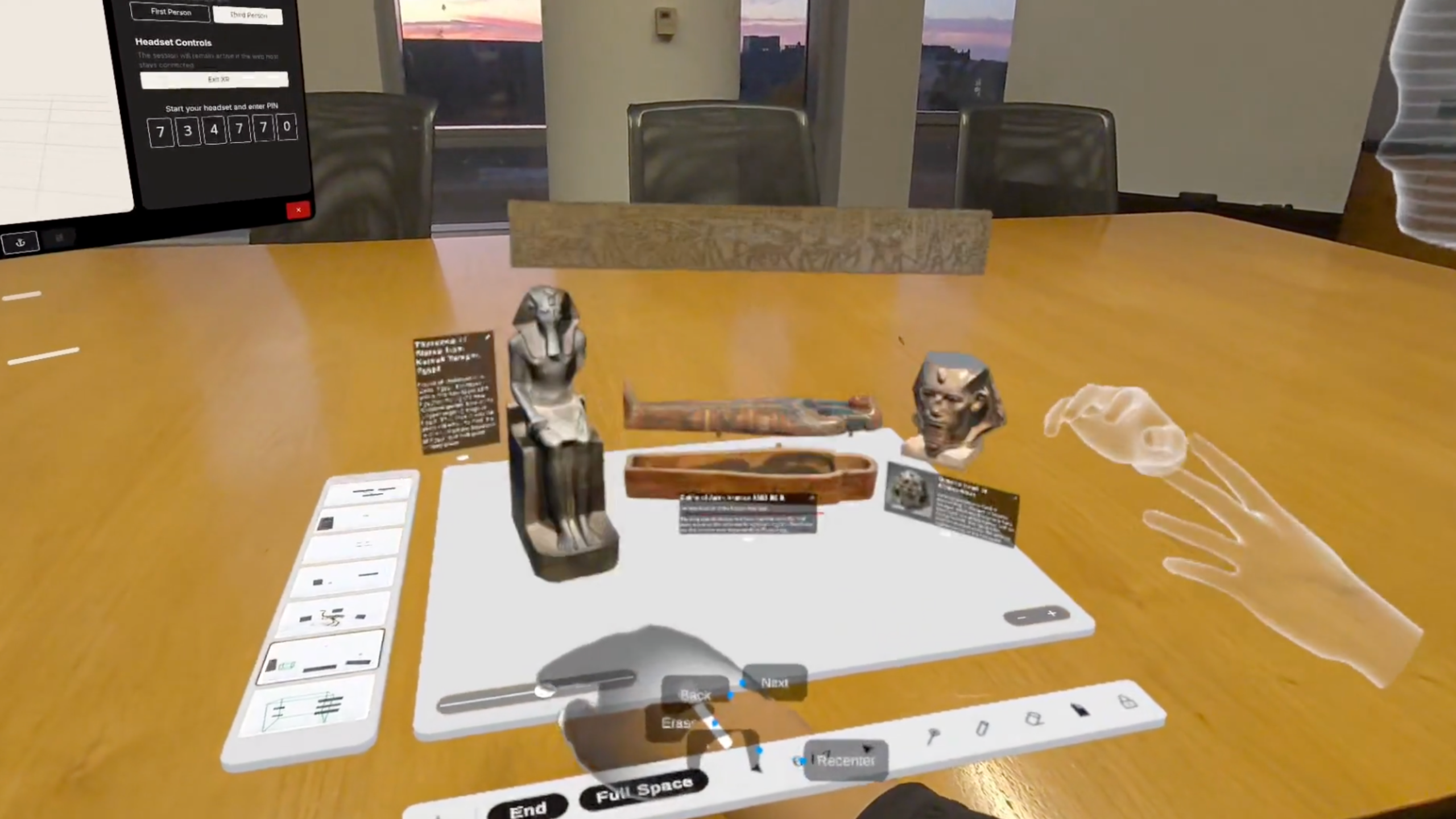
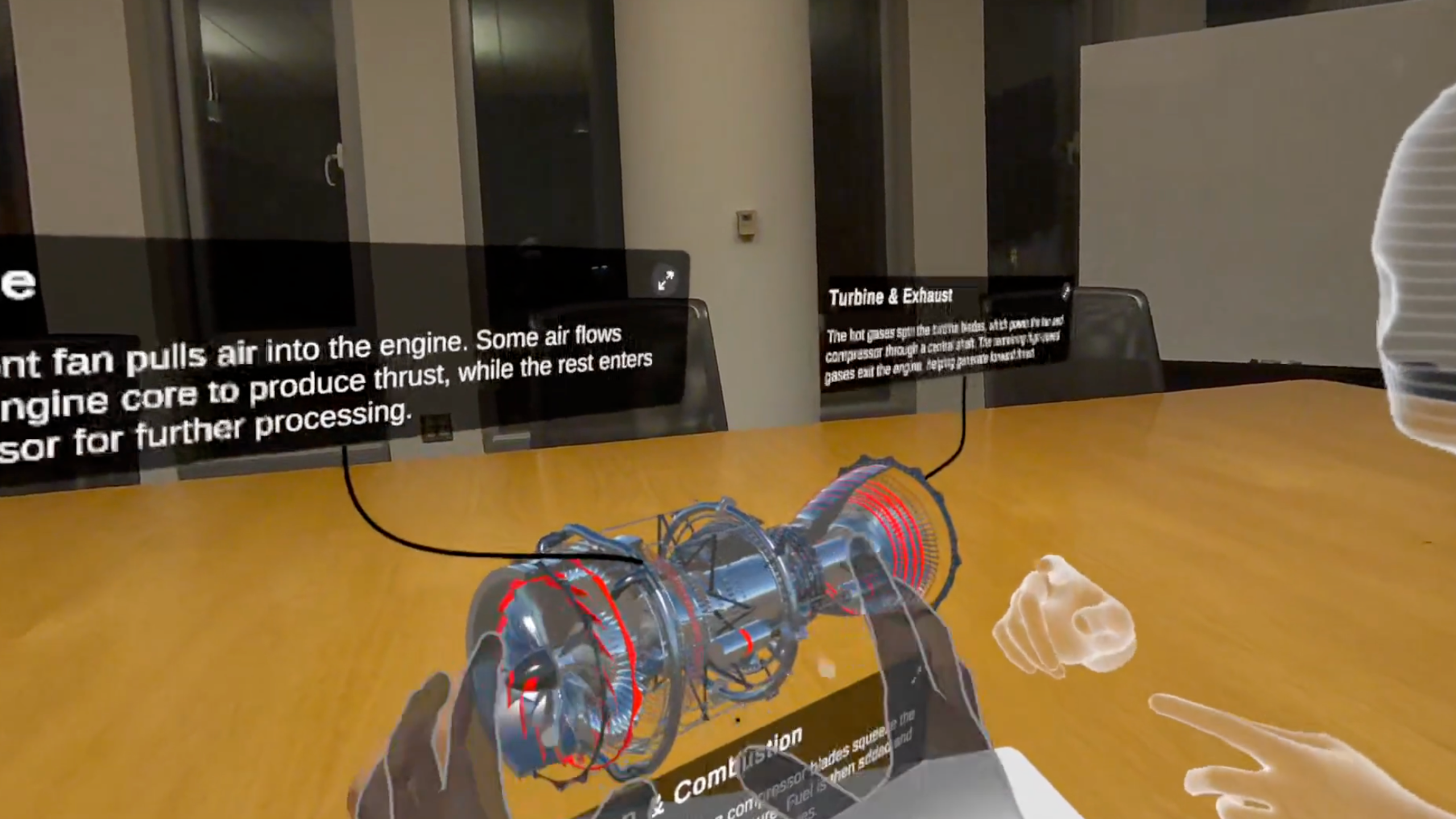
Hand Tracking Interaction: Grab and interact with 3D objects featuring attached information cards.
-
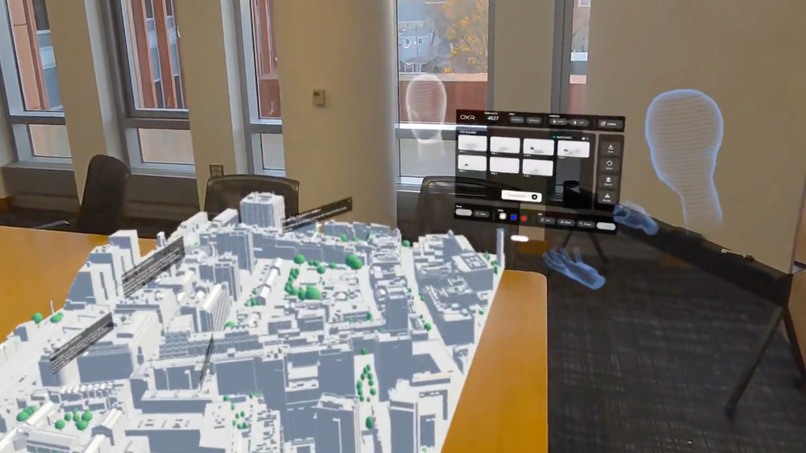
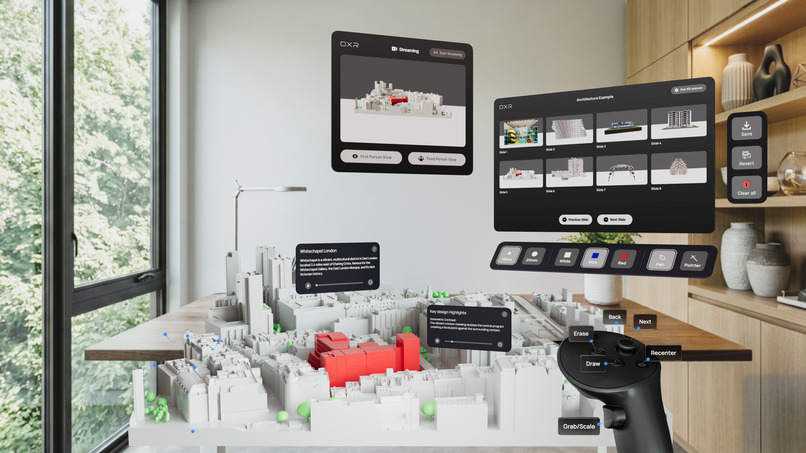
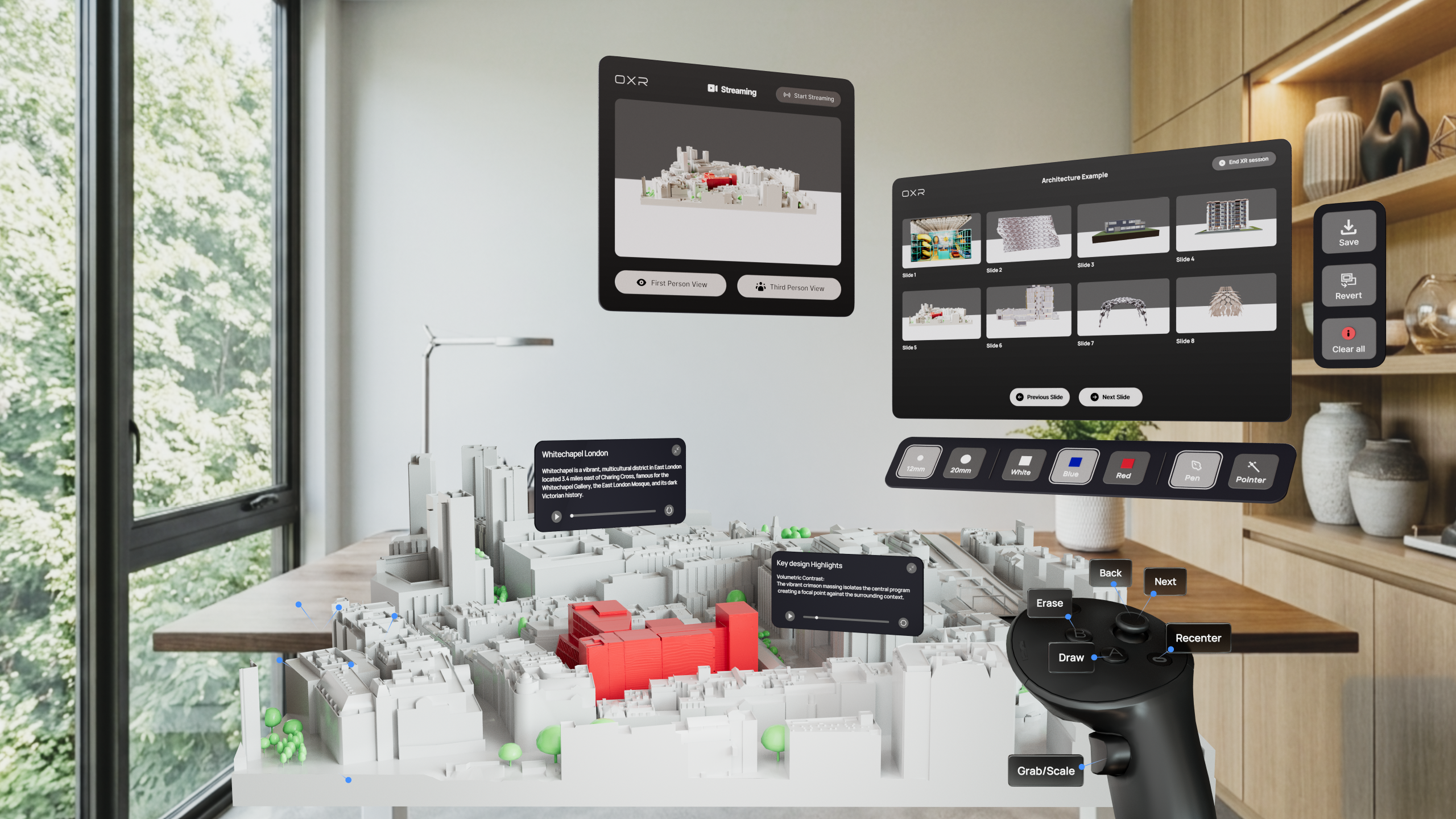
Full-Space Presentation: Present and explore a city model
-
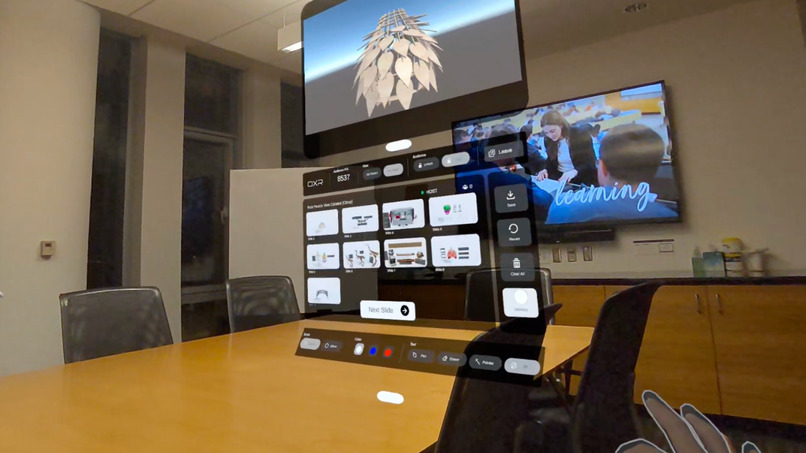
Presenter Panel: Control presentations with a virtual camera preview
-
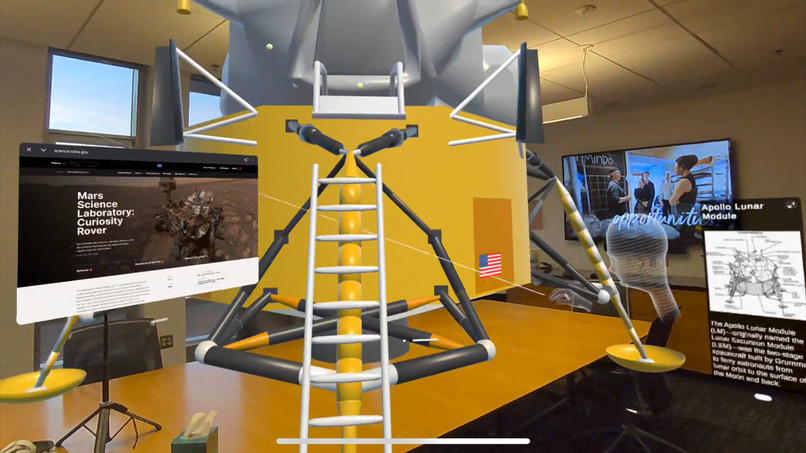
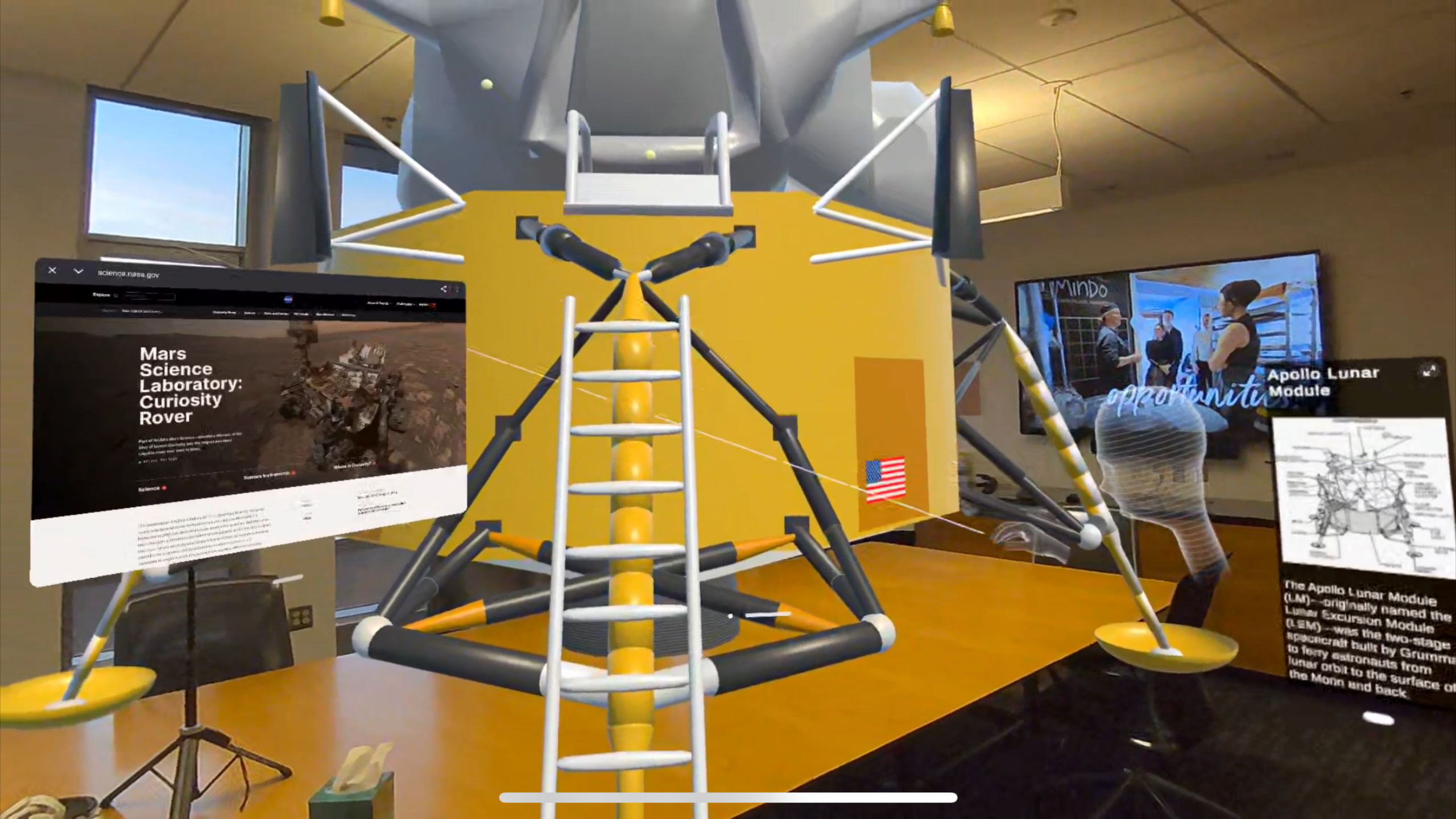
Spatial Pointers: Highlight and guide attention using pointers in full-space mode.
-
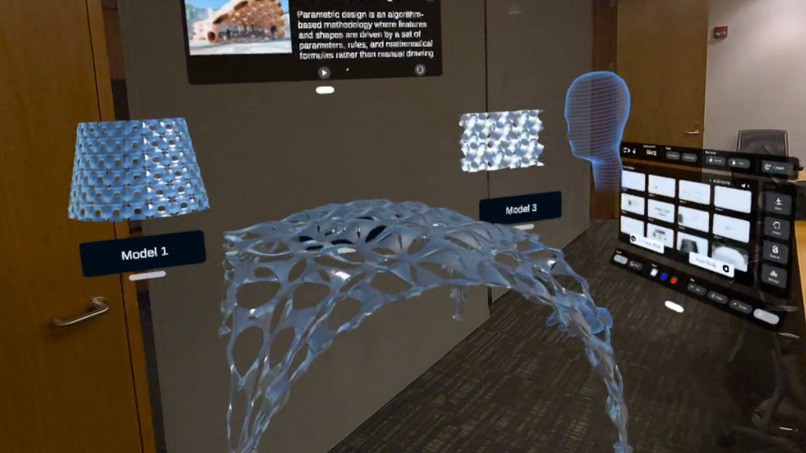
Spatial Scaling: Scale and manipulate 3D objects directly
-
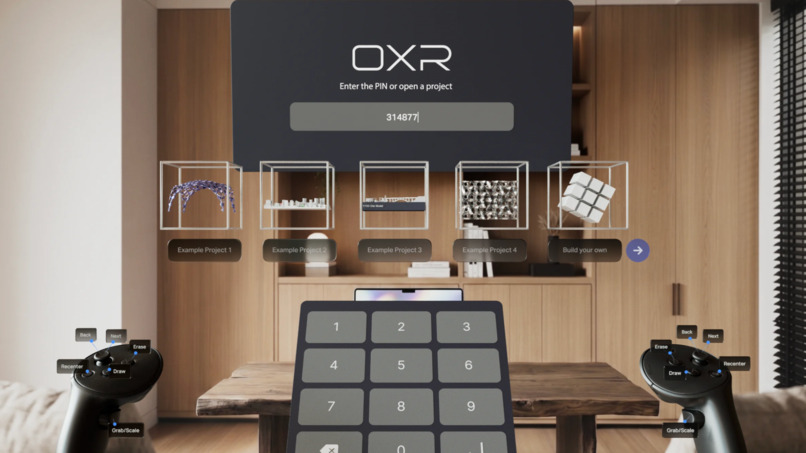
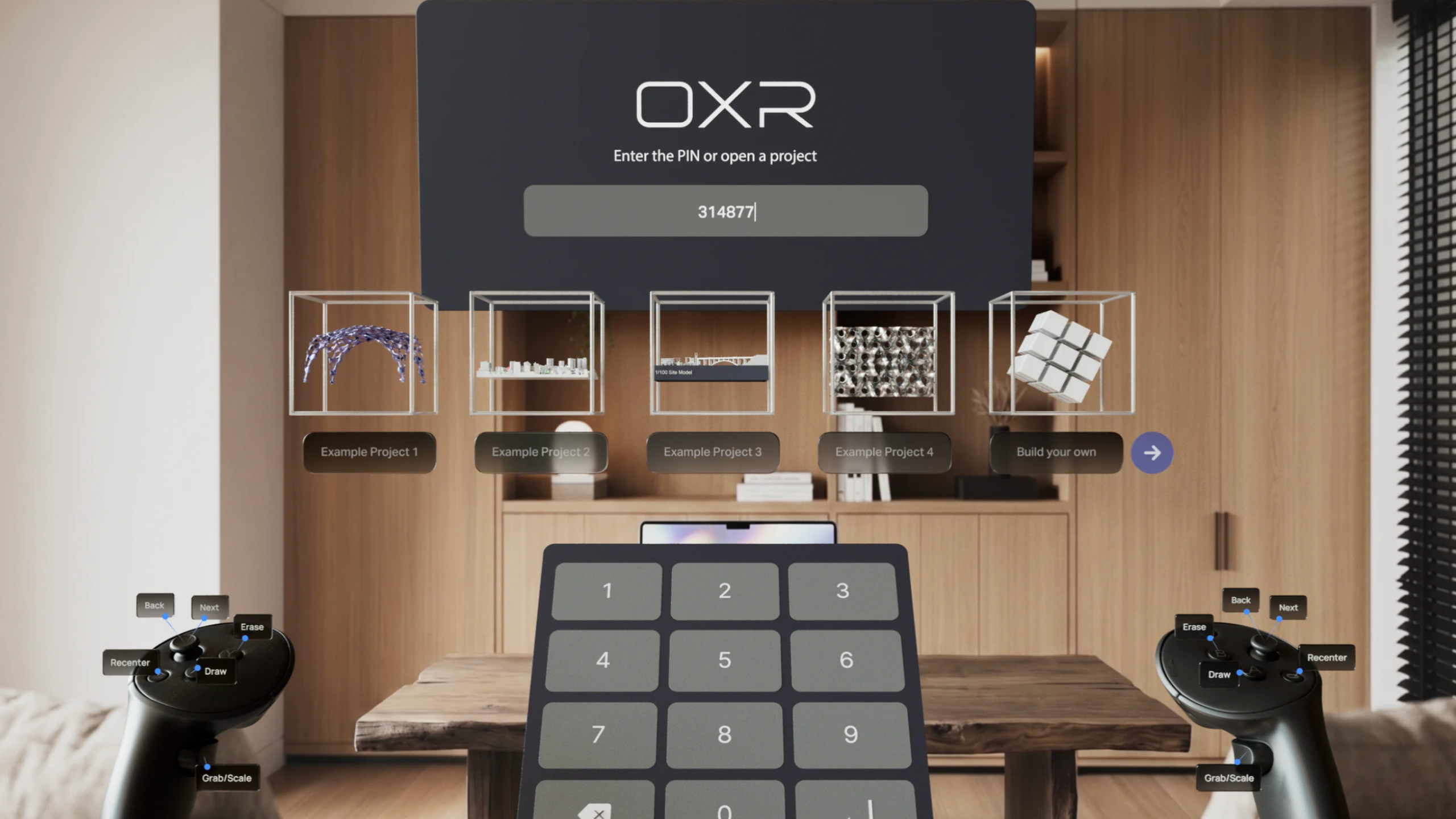
OXR Lobby
-
-
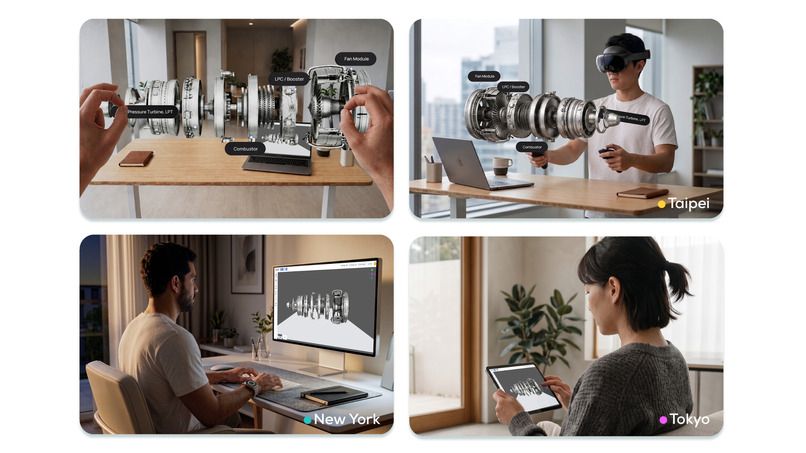
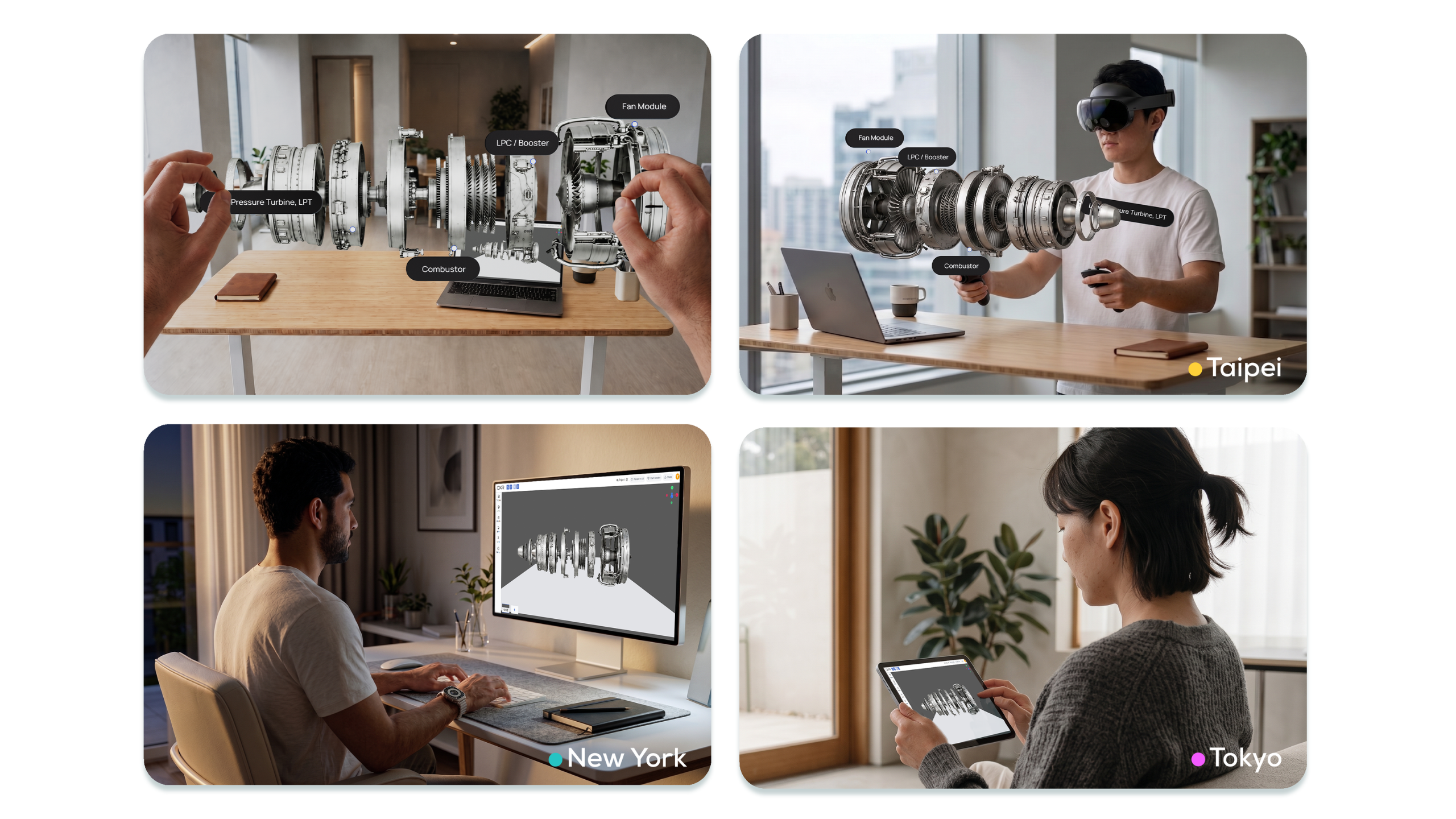
OXR Join from anywhere
Inspiration
Our journey began in late 2024, bringing XR experiences into classrooms. While students were excited, we saw two major barriers: complex content creation and the difficulty of managing large groups in XR. This inspired a simple question: What if creating XR experiences were as easy as making slides, and joining them as seamless as Zoom?
What it does
OXR is a cross-device spatial presentation platform that makes creating, presenting, and collaborating in XR as intuitive as building slides and joining a Zoom meeting.
- Web-Based Spatial Creation: Upload 3D models and CAD files through our web editor, then use spatial templates and interactive widgets to build engaging 3D scenes with a familiar slide-based workflow.
- One-Click Session Launch: Once a project is ready, simply click "Launch Session." OXR generates a six-digit Host PIN and a four-digit Audience PIN, allowing presenters and audiences to join seamlessly from web browsers or XR headsets.
- Immersive XR Presentations: Choose between full-space and tabletop experiences. Interact directly with 3D objects using hand tracking, navigate slides through a presenter panel, and guide audiences with spatial annotations and pointers.
- Spatial Collaboration & Telepresence: Collaborate using spatial whiteboards and see other participants through spatial avatars (currently supporting up to five participants). Presenters can also enable audience agency, allowing individuals to independently explore and interact with 3D content.
- Save to Local: From the XR presenter panel, users can select "Save to Local" to store their spatial presentations directly on their XR devices for future access.
How we built it
After winning the Learning Lever pitch competition at the University of Michigan, we founded our startup and began building OXR through an iterative, user-centered process: designing MVPs, conducting user testing, running real-world pilots, and continuously refining our product and technical architecture. Our early prototype enabled XR presenters to host sessions with browser-based audiences. Through testing, we realized users needed more than screen sharing. This led us to develop a multi-device orchestration architecture where each participant renders their own 3D environment, synchronized through lightweight updates rather than bandwidth-intensive video streaming.
Challenges we ran into
Our biggest challenge was making complex XR technology intuitive for non-technical users while keeping everything in real-time sync across headsets and the web. We had to rethink traditional XR workflows. By re-architecting our live session system, we allow multiple users to join and share one live immersive experience from different devices, and we redesigned our interfaces and remapped the interactions so that the presentations can fit on a desk, paving the way for the future of lightweight AR glasses. Throughout, we balanced rendering performance, network efficiency, presenter control and accessibility across platforms
Accomplishments that we're proud of
We transformed an academic prototype into a working platform deployed across educational and industrial settings. OXR was recognized as an AWE Auggie Awards Finalist, and we shared our research findings and XR design patterns through a tutorial at IEEE VR 2026. One of our proudest moments was hosting hands-on workshops with The Clubhouse Network, where site managers shared how OXR helped them unlock the potential of their existing XR equipment. We're also excited to see users organically discovering OXR and upgrading to paid subscriptions, even before our official launch. These milestones reinforce our belief that making XR accessible can empower more people to create and share immersive experiences.
What we learned
Technology alone doesn't drive adoption. Accessibility, intuitive workflows, and the ability to guide shared experiences matter just as much as immersion. Continuous testing with educators, students, and non-technical users taught us to design around people's existing workflows rather than expecting them to adapt to XR.
What's next for OXR
We're expanding our spatial templates and interactive widgets, enabling users to create richer experiences without coding. Our next step is AI-assisted authoring, allowing users to describe ideas in natural language and generate interactive spatial scenes. Our ultimate vision is to make XR an everyday productivity and collaboration tool, accessible to anyone, anywhere, on any device.
Built With
- metaxrsdk
- mruk
- unity6


