-
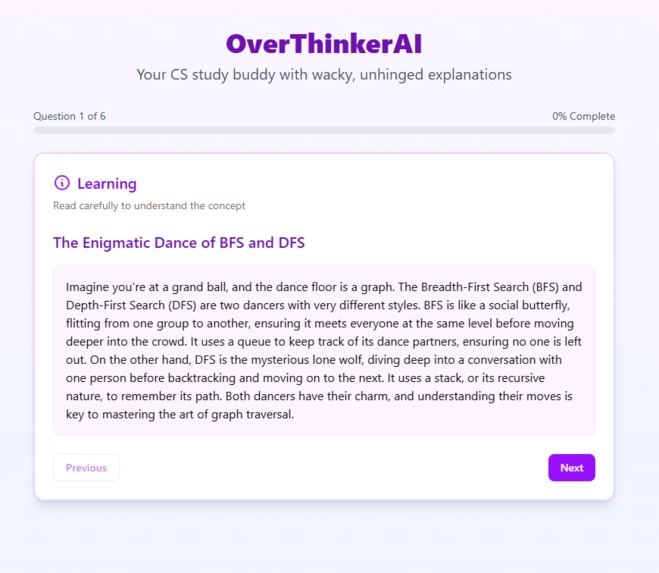
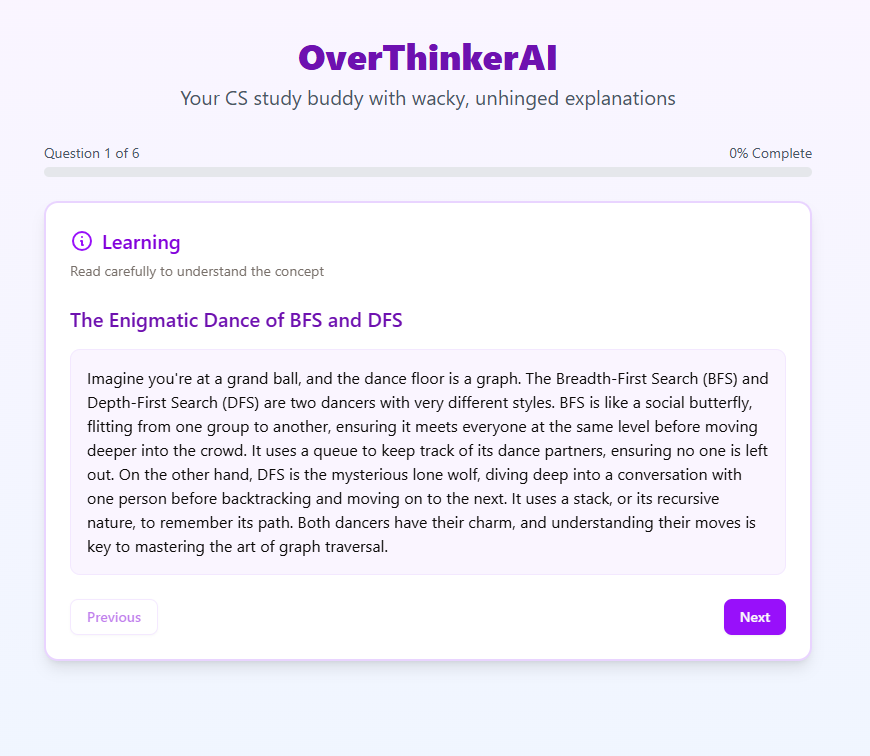
Overview
-
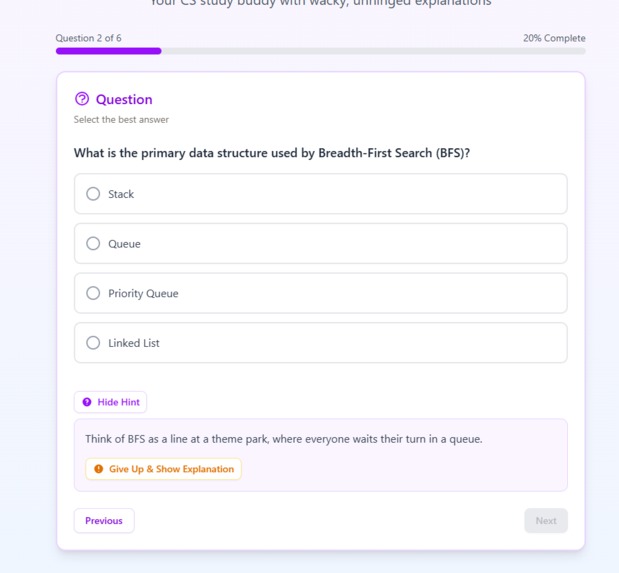
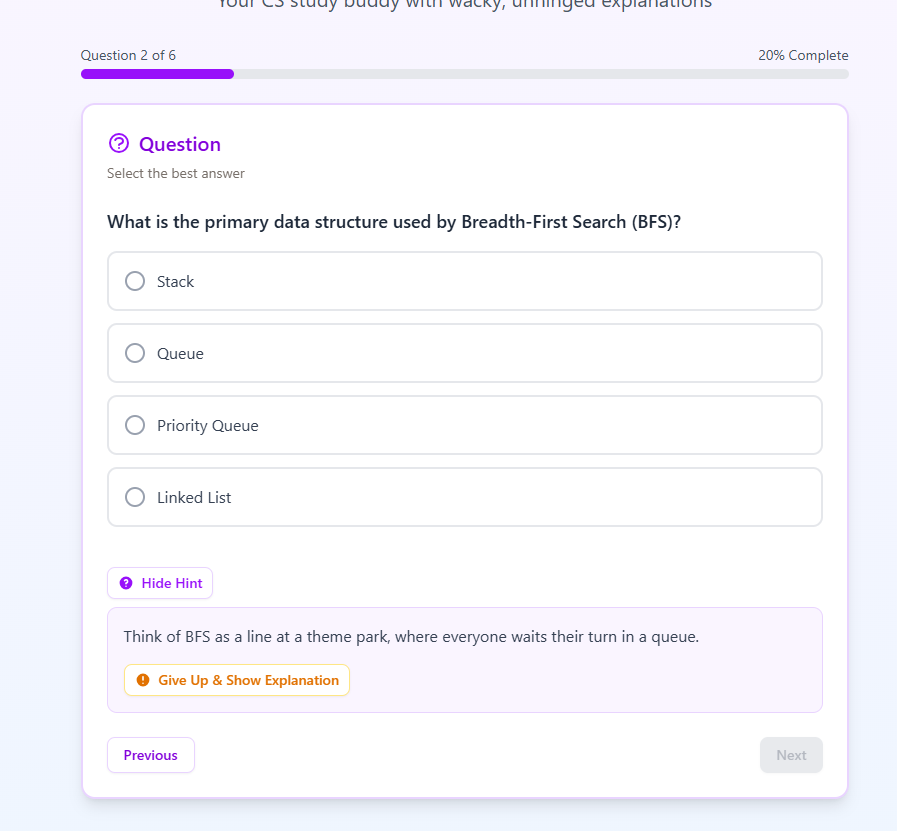
Multiple Choice Question with Hint
-
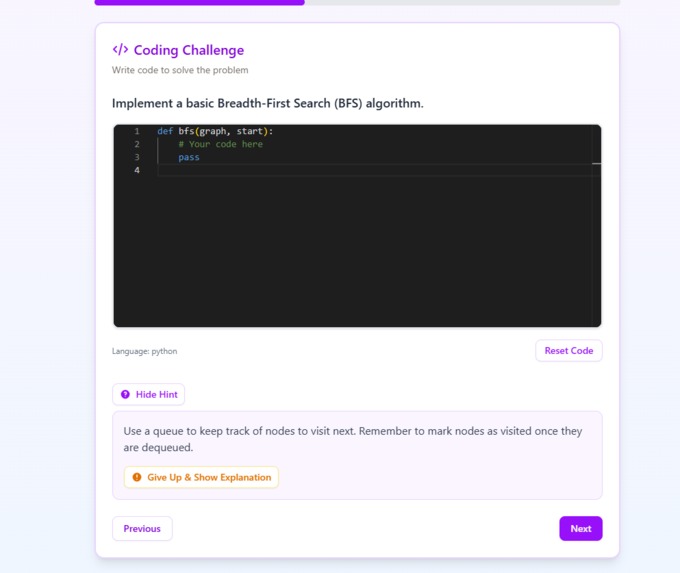
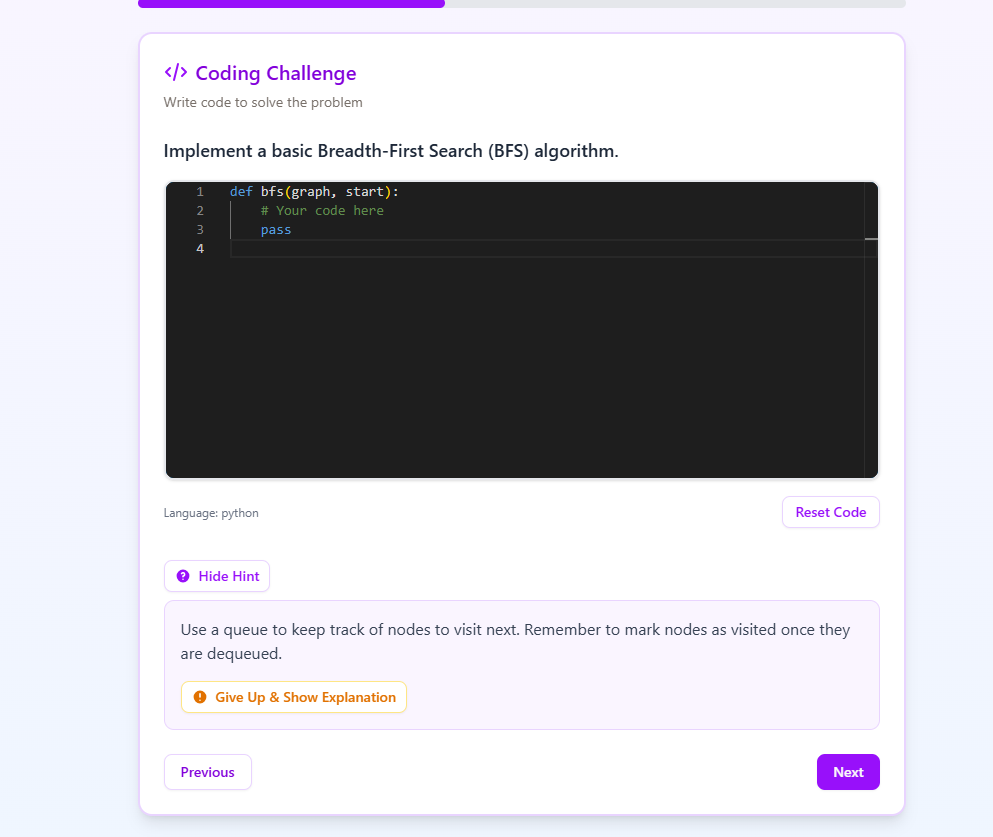
Coding Challenge with Hint
Inspiration
Studying doesn’t have to feel like a grind. We’ve all tried reading lecture notes for hours only to zone out five minutes in. We wanted to fix that by creating something chaotic, funny, and actually helpful. It's something that keeps you engaged and helps you retain the info.
OverThinkerAI is that idea in action: a study assistant that takes your lecture notes and turns them into ridiculous, over-the-top learning experiences that somehow still help you pass the class.
What it does
OverThinkerAI lets users:
- Input or interact with quizzes built from lecture material
- Answer questions across multiple choice, true/false, free response, and code formats
- Get instant (and eventually smart) feedback
It's built to make studying feel alive, with absurd explanations and the potential for avatars and chaos-infused feedback. For now, it focuses on usability and quiz logic, while laying the groundwork for RAG-driven content generation.
How we built it
Tech Stack:
- Next.js for the fullstack frontend/backend app
- TailwindCSS + ShadCN for styling and components
- Weaviate for vector search and RAG (Retrieval-Augmented Generation) using lecture notes
OpenAI for text-generation and vector embeddings
Sam worked on the backend functionality and some frontend styling
Alvaro designed the UI for the quiz and homepages
Asif acted as Project Lead, managing the Next.js architecture and scoping the MVP, while co-designing the UX with David.
The system is designed so users can upload lecture notes, which are chunked, embedded, and stored in Weaviate. This enables semantic search + context-aware quiz generation via RAG, which allows for accurate information retrieval.
Challenges we ran into
- Balancing ambition with the MVP scope is something that gave us some trouble. Finding the right balance between complex features and being demo-ready was challenging and thus we had to narrow down some of the features down to the core ready-to-ship logic.
- Setting up Weaviate and preparing for RAG even before integrating the LLM. This was our first real attempt at using a tool like Weaviate and there were many challenges in getting the RAG set up properly. We faced frequent configuration issues and roadblock errors. To solve this, Asif served as lead technical researcher, diagnosing API errors and providing actionable fixes to get the team back on track.
- We had to ensure a clean and reactive UX across the different question types.
Accomplishments we are proud of
- In under 48 hours, we built a demo-ready MVP that successfully ingested 3 comprehensive lecture decks and instantly generated 50+ accurate, context-aware quiz questions, reducing manual prep time from hours to seconds
- We built out a clean and scalable MVP with support for 4 different types of questions
- Fully integrated Weaviate cluster with working vector storage, retrieval, and RAG
- Solid UI/UX foundation using ShadCN + TailwindCSS that we can build more features on top of
What we learned
- How to use Weaviate to manage and query over user lecture notes via semantic search and use RAG
- The importance of good UX when juggling flexible content types
- A little humor and chaos can make studying more bearable, if not enjoyable
What's next?
- Auto-grading for code and free-response type questions using GPT
- Character-driven UI using an avatar to react to the way a user answers a question, or can provide more insight on the contents of the document
- Potential text-to-speech capabilities to help auditory learners as well as provide a smoother conversational experiences to all users
Built With
- javascript
- next.js
- openai
- weaviate

Log in or sign up for Devpost to join the conversation.