-
-
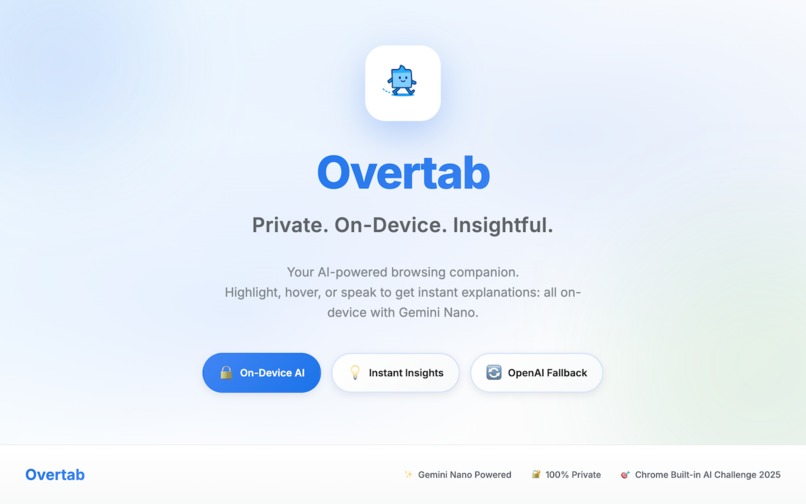
Your on-device AI browsing companion - private, fast, and built with Gemini Nano!
-
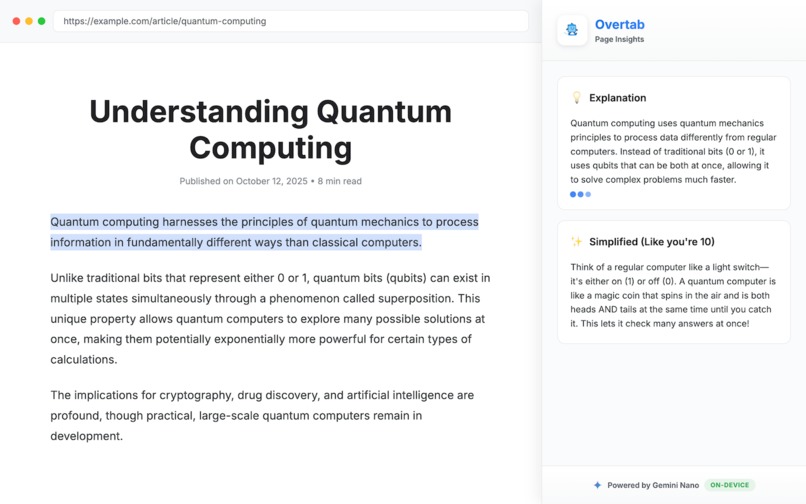
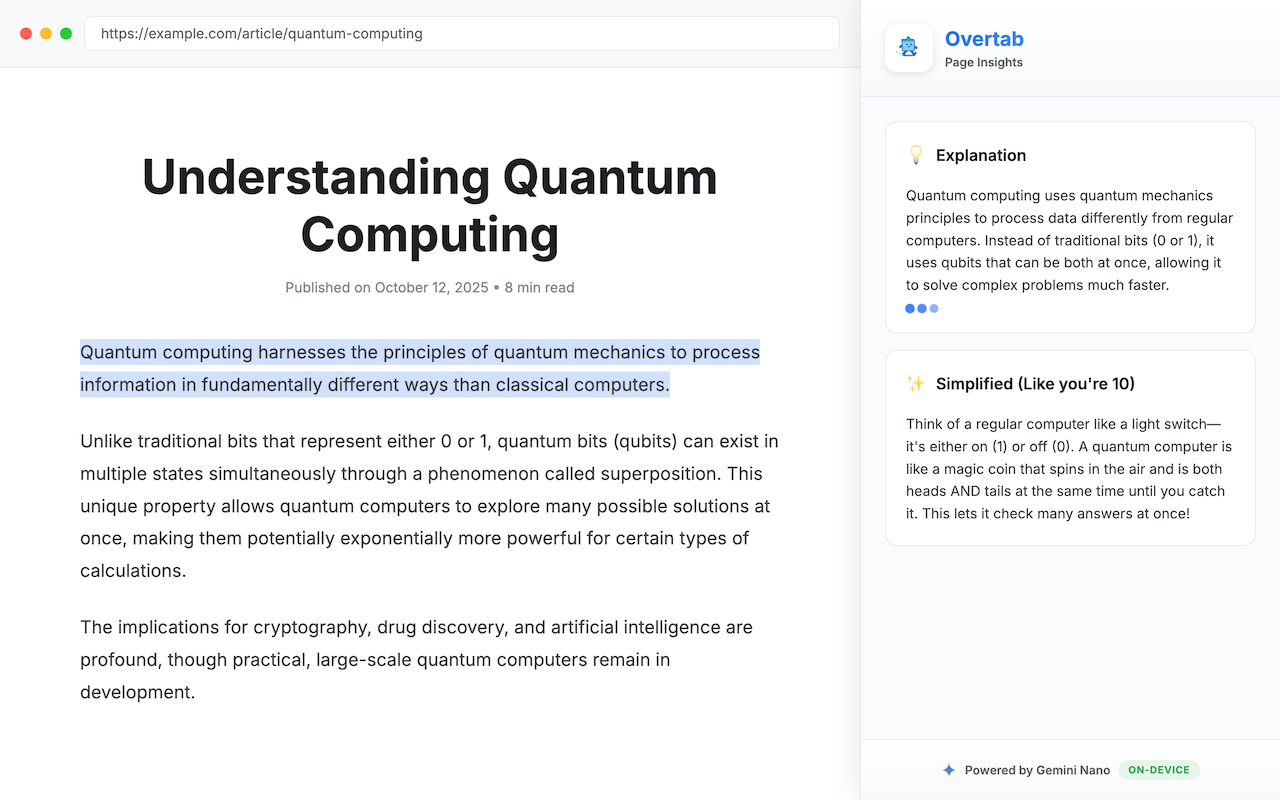
Highlight text to get instant, privacy-safe explanations and summaries.
-
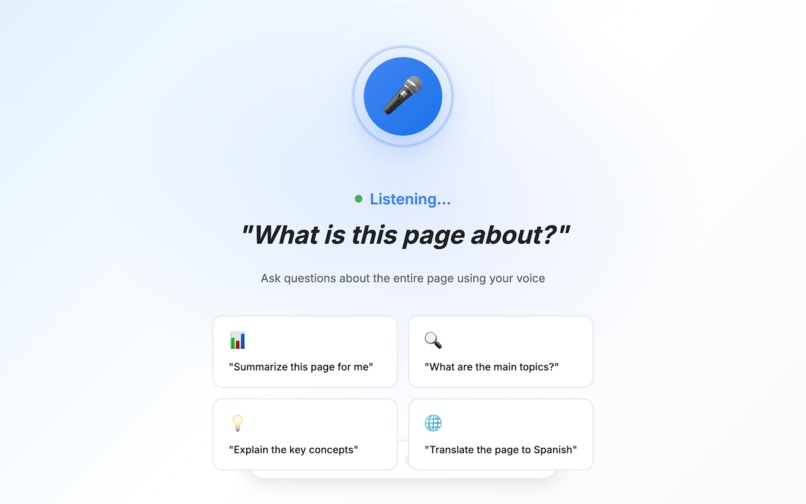
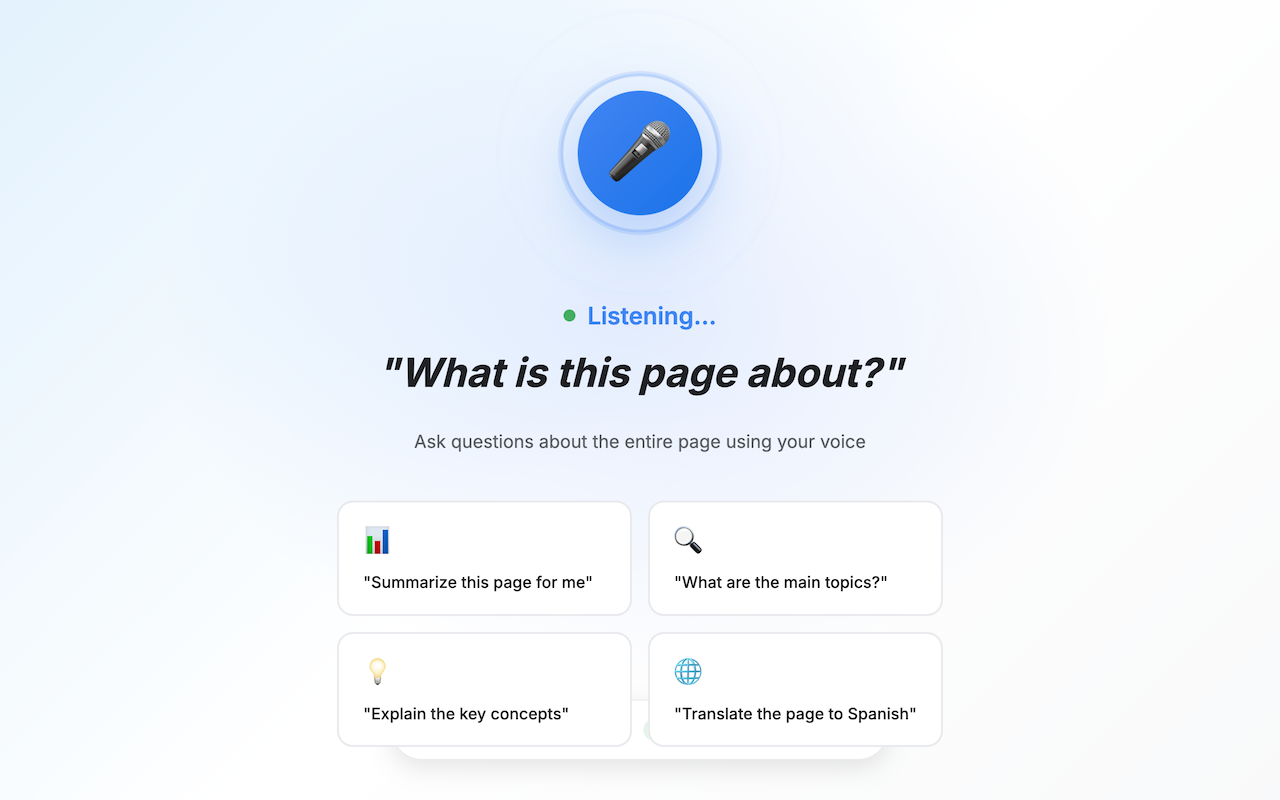
Ask questions by voice and get instant page insights: no typing needed.
-
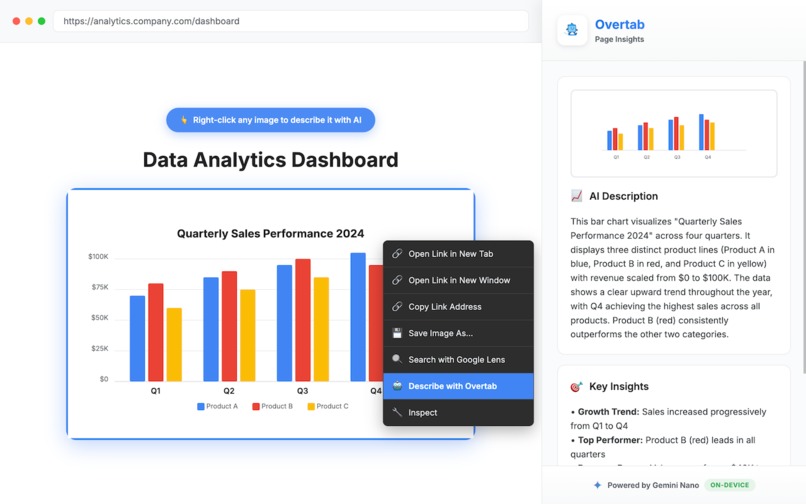
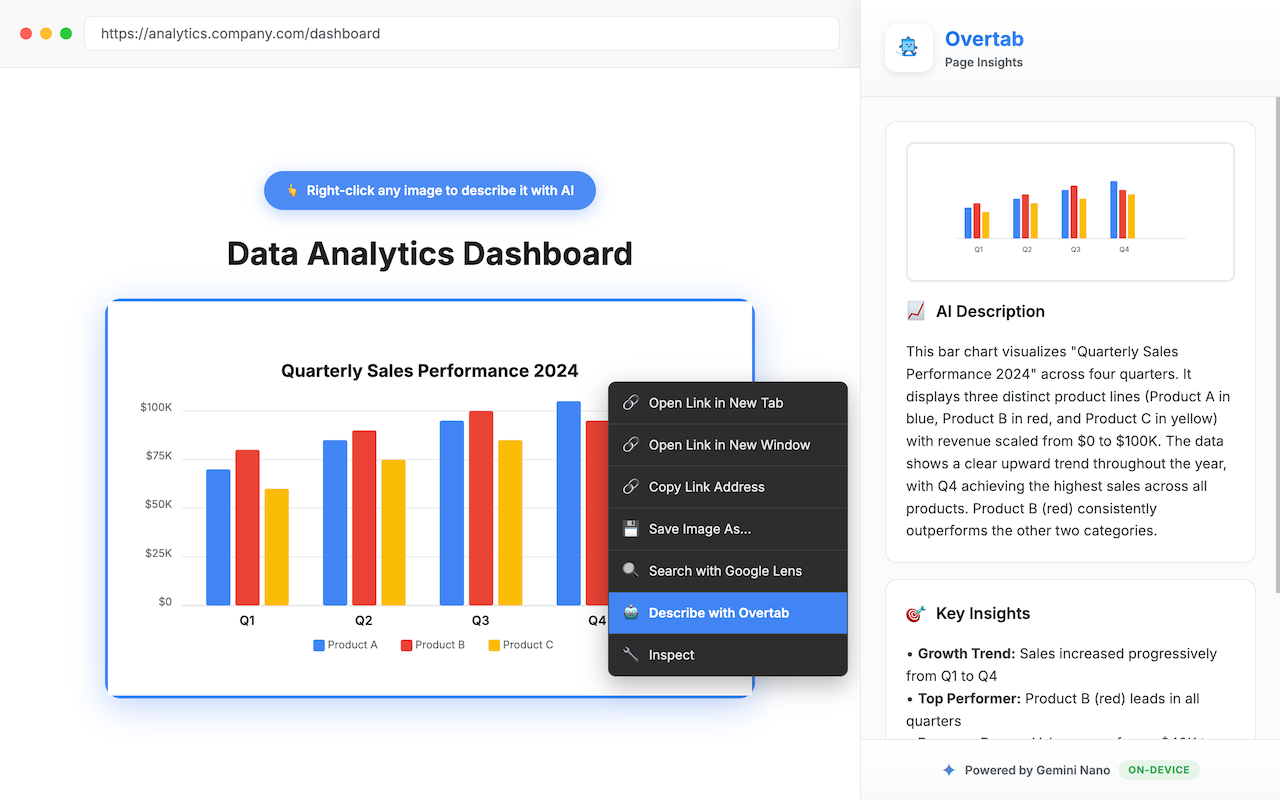
Right-click any image to get AI-powered descriptions, fully on-device.
-
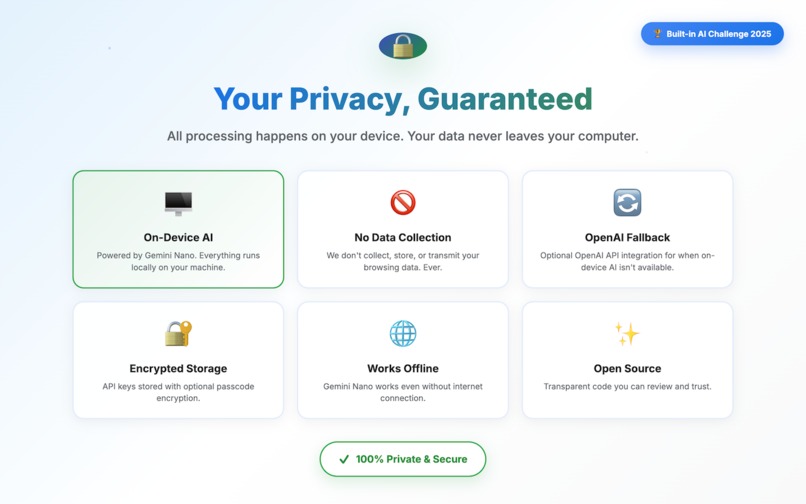
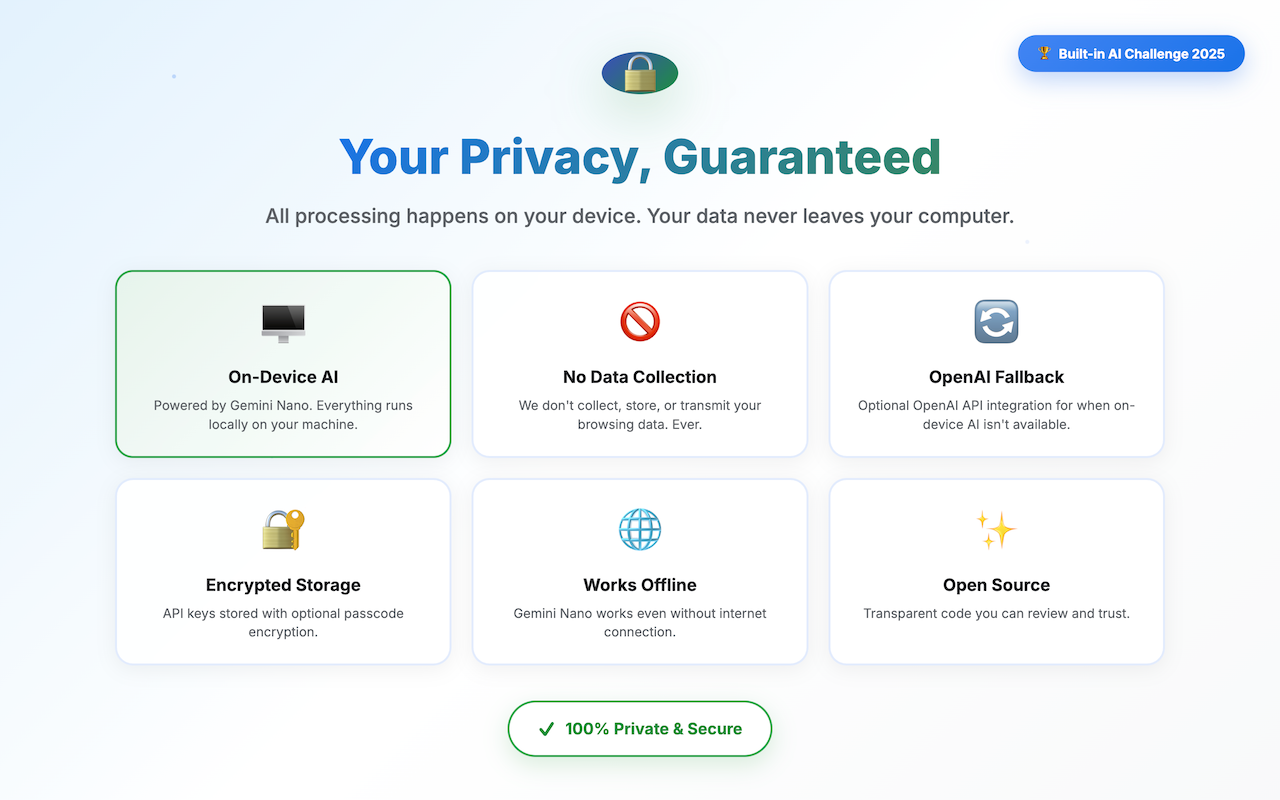
All processing happens locally. No cloud, no data collection (ever).
💡Inspiration:
The web is overflowing with information, but understanding it shouldn't require copy-pasting into AI tools or leaving your browsing flow. When Google announced the Chrome Built-in AI Challenge with Gemini Nano, I saw an opportunity to build something truly privacy-first: an AI assistant that lives in your browser, processes everything on-device, and never breaks your reading flow :)
I wanted to solve a simple problem: "What if you could highlight any text, right-click any image, or speak any question and get instant, intelligent help - without data ever leaving your device?" That's how Overtab was born!
🎯 What it does:
Overtab is your privacy-first AI browsing companion that makes understanding the web effortless:
- Highlight text → Get instant explanations, simplifications, or translations (6 languages)
- Right-click images → AI describes them using page context
- Speak a question → Voice command answers using the current page
- Generate research links → Find similar resources on any topic
- Chat with context → Ask follow-up questions about anything
Everything appears in a clean sidebar. Your browsing never gets interrupted.
🛠️ How I built it:
Chrome Extension (Manifest V3) with a smart AI fallback system:
Primary: Chrome Built-in AI (Gemini Nano)
- 100% on-device, zero network requests
- Uses 5 different APIs: LanguageModel, Summarizer, Rewriter, Translator, Proofreader
Optional: OpenAI fallback
- Users provide their own API key (encrypted client-side with AES-GCM)
- Only used if Gemini unavailable or user chooses
Key Technical Features:
- Web Speech Recognition for voice commands
- Smart image context extraction (11 metadata sources)
- URL verification system (catches AI hallucinations)
- Client-side encryption (PBKDF2 + AES-GCM)
- Conversation state management
🧩 Challenges I ran into:
1. Chrome's AI has no vision capabilities - can't actually "see" images
Created a context extraction system that scrapes 11 metadata sources (captions, alt text, filenames, aria-labels) and generates descriptions from what the page says about the image.
2. AI hallucinates non-existent URLs when generating research links
Built an async verification pipeline that fetches each URL, checks status codes, inspects content for hidden 404s, normalizes redirects, and deduplicates - only showing verified links.
3. Storing API keys securely without a backend server
Implemented client-side encryption using Web Crypto API: PBKDF2 key derivation (100K iterations) + AES-GCM encryption. Keys stay encrypted in local storage; passcode lives in session storage and clears on browser close.
🏆 Accomplishments I am proud of:
- ✅ Live on Chrome Web Store! - Published, approved, and ready for real users.
- ✅ Zero-server architecture - Literally no backend. Everything runs in-browser.
- ✅ 5 Chrome AI APIs integrated - LanguageModel, Summarizer, Rewriter, Translator, Proofreader all working together seamlessly.
- ✅ URL verification prevents hallucinations - 60% of AI-generated links were broken before verification. Now 0%.
- ✅ Beautiful UX that feels native - Tooltips, sidebar, voice UI: everything feels like it's part of Chrome.
- ✅ Military-grade encryption, zero backend - AES-GCM + PBKDF2 protecting API keys entirely client-side.
📚 What I learned:
- Prompt engineering is everything with Gemini Nano - be explicit, directive, structured
- Privacy is a killer feature: users love "no servers, no tracking"
- AI-generated URLs need verification - 60% were broken without it
- Sidebar > New tabs for AI results - never interrupt the user's flow!
🚀 What's next for Overtab
Short-term:
- Vision API integration (when Chrome releases it)
- More languages + inline translation
- Summarization presets (TL;DR, academic, bullet points)
Long-term:
- Writing assistant with tone control
- Multi-page research mode
- Text-to-speech for accessibility
- Browser-to-browser sharing (WebRTC, no servers)
So here is:
Overtab: Highlight. Understand. Move on.
🔒 Privacy-first • 🤖 On-device AI • ⚡ Zero interruptions
Built With
- aes-encryption
- chrome-ai
- chrome-extensions-api
- chrome-scripting
- chrome-storage
- css3
- fetch-api
- gemini-nano
- html5
- javascript
- manifest
- openai-api
- pbkdf2
- web-crypto
- web-speech-api

Log in or sign up for Devpost to join the conversation.