-
-
-
-
-
-
-
-
-
-
screenshot
-
screenshot
-
screenshot
-
screenshot
-
screenshot
-
screenshot
-

icon

Inspiration
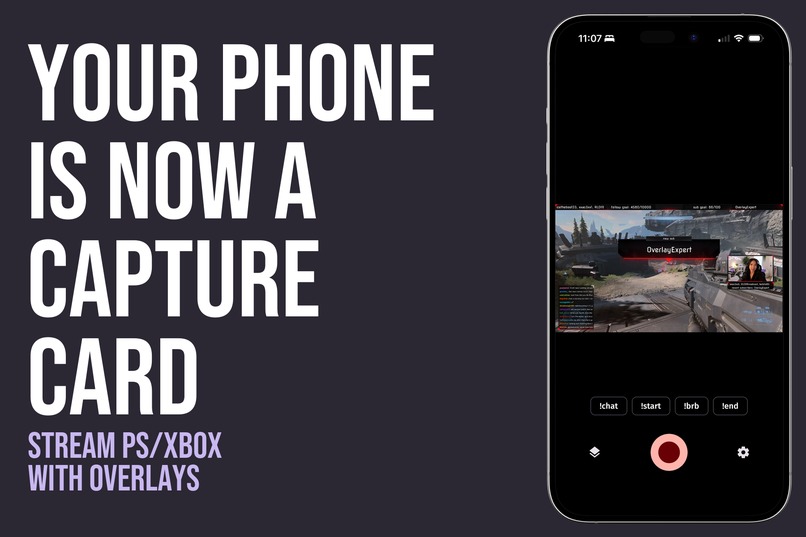
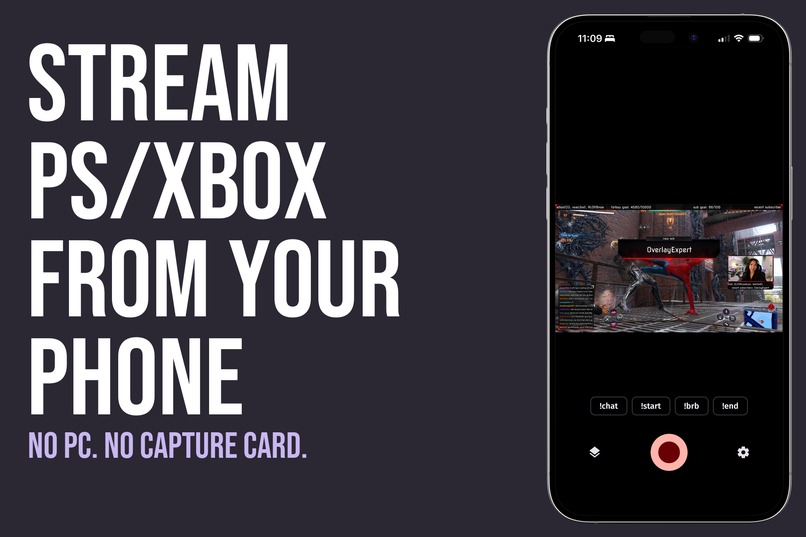
On November 19, GTA 6 launches on PlayStation and Xbox only, with no PC version. Millions of players are going to hit "Go Live" straight from their console, and those streams have no overlay, no camera frame, no alerts and no branding. When millions of people stream the same game, your overlay and branding are what make viewers remember you, follow you and come back. The usual fix is a gaming PC and a capture card: thousands of dollars of gear.
Since 2019, our Overlay Expert Twitch Extension has put overlays on console streams without a PC, and over 5,000 streamers use it every week. But Twitch only shows Extensions on desktop. Viewers on phones and TVs, and every VOD and clip, see the game with no overlay at all. Streamers asked Twitch to fix this in two requests with almost 10,000 votes between them. It never happened, so we built the fix ourselves.
What it does
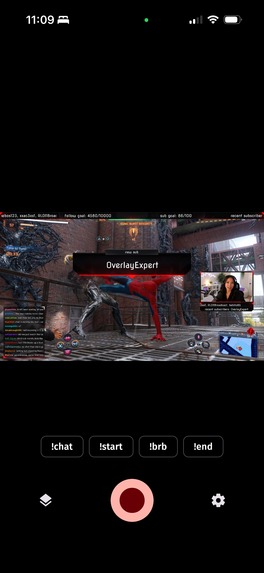
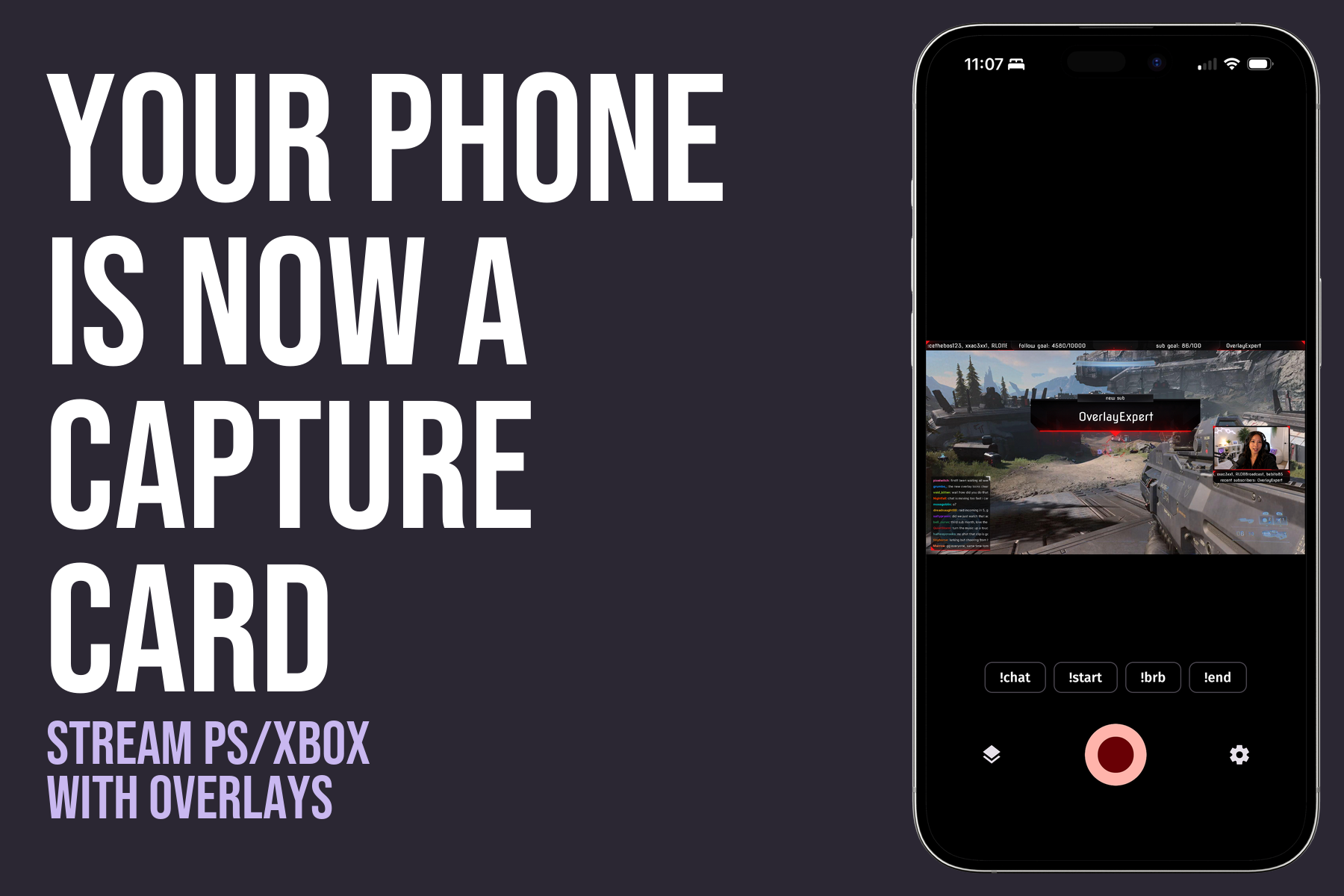
The Overlay Expert mobile app turns your phone into the ultimate broadcasting tool:
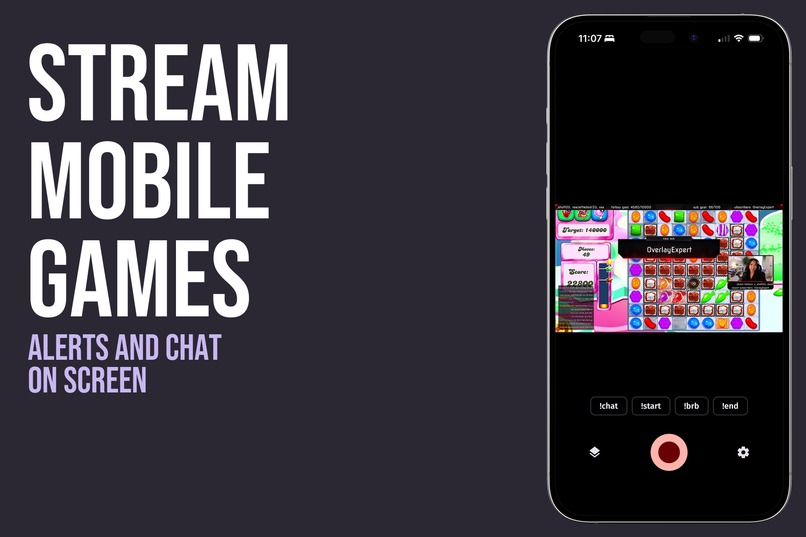
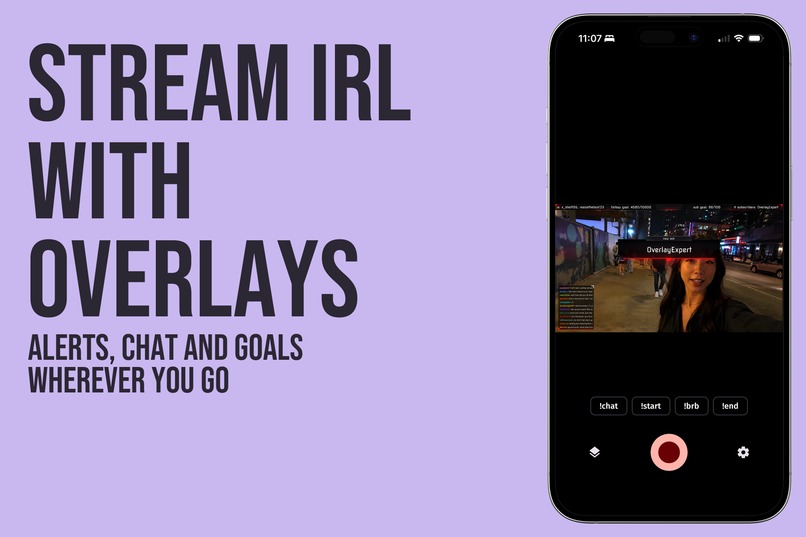
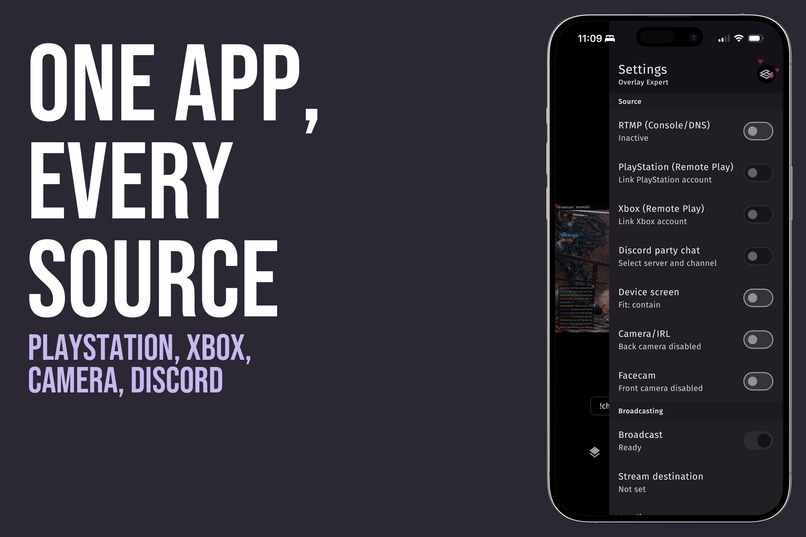
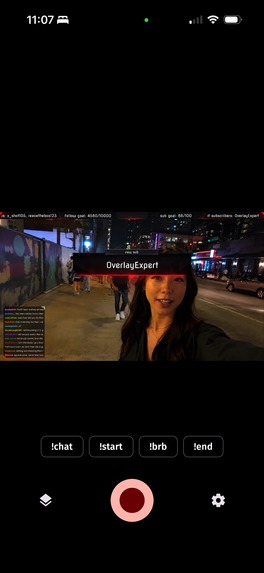
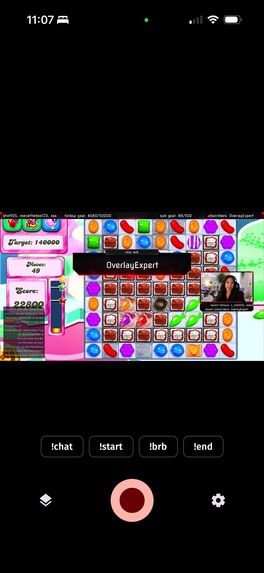
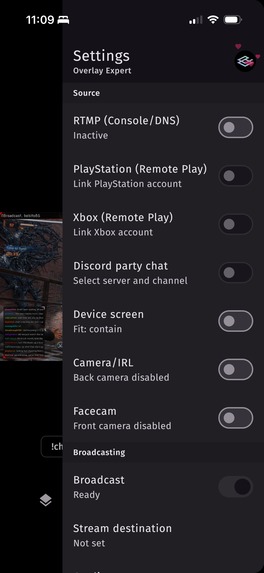
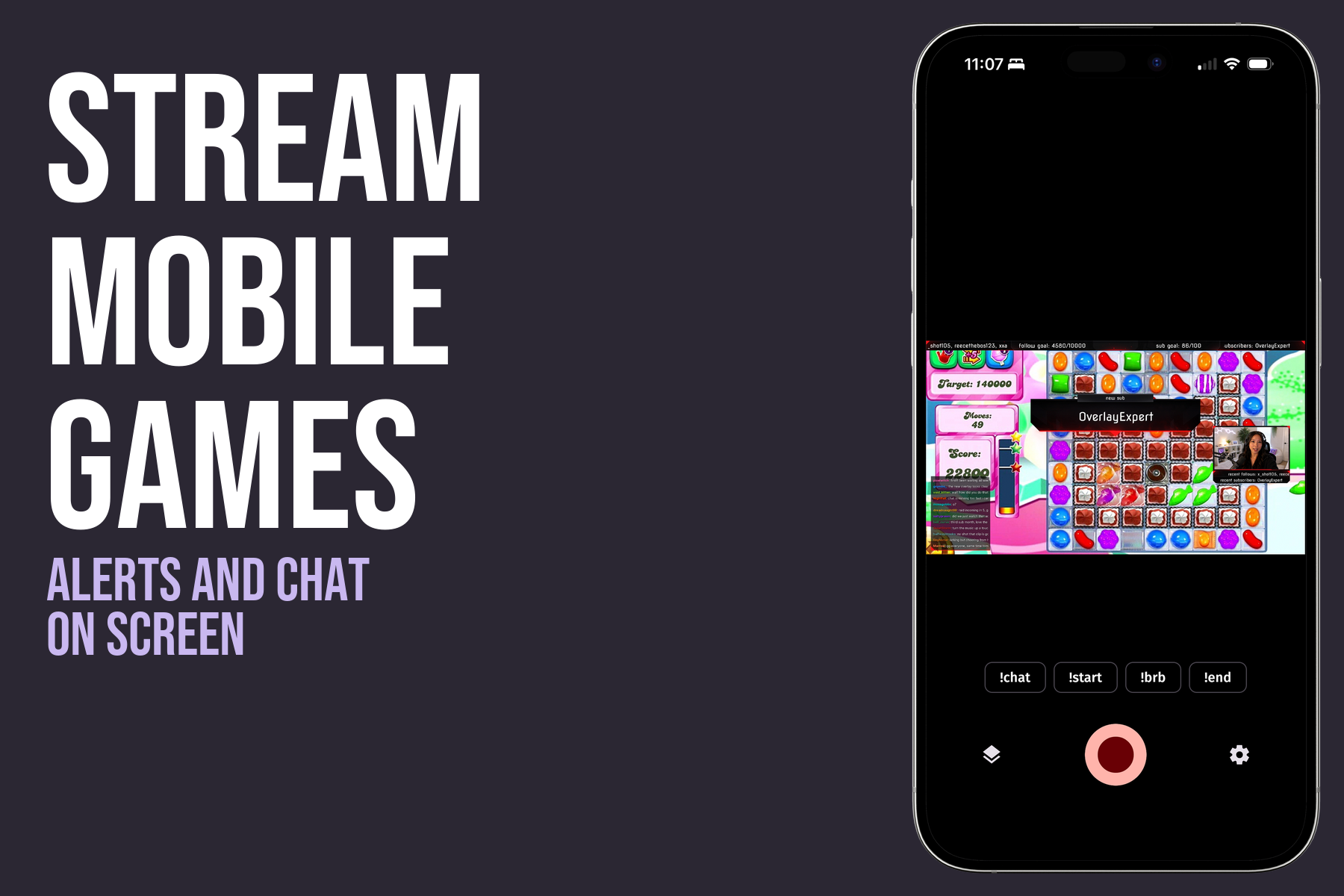
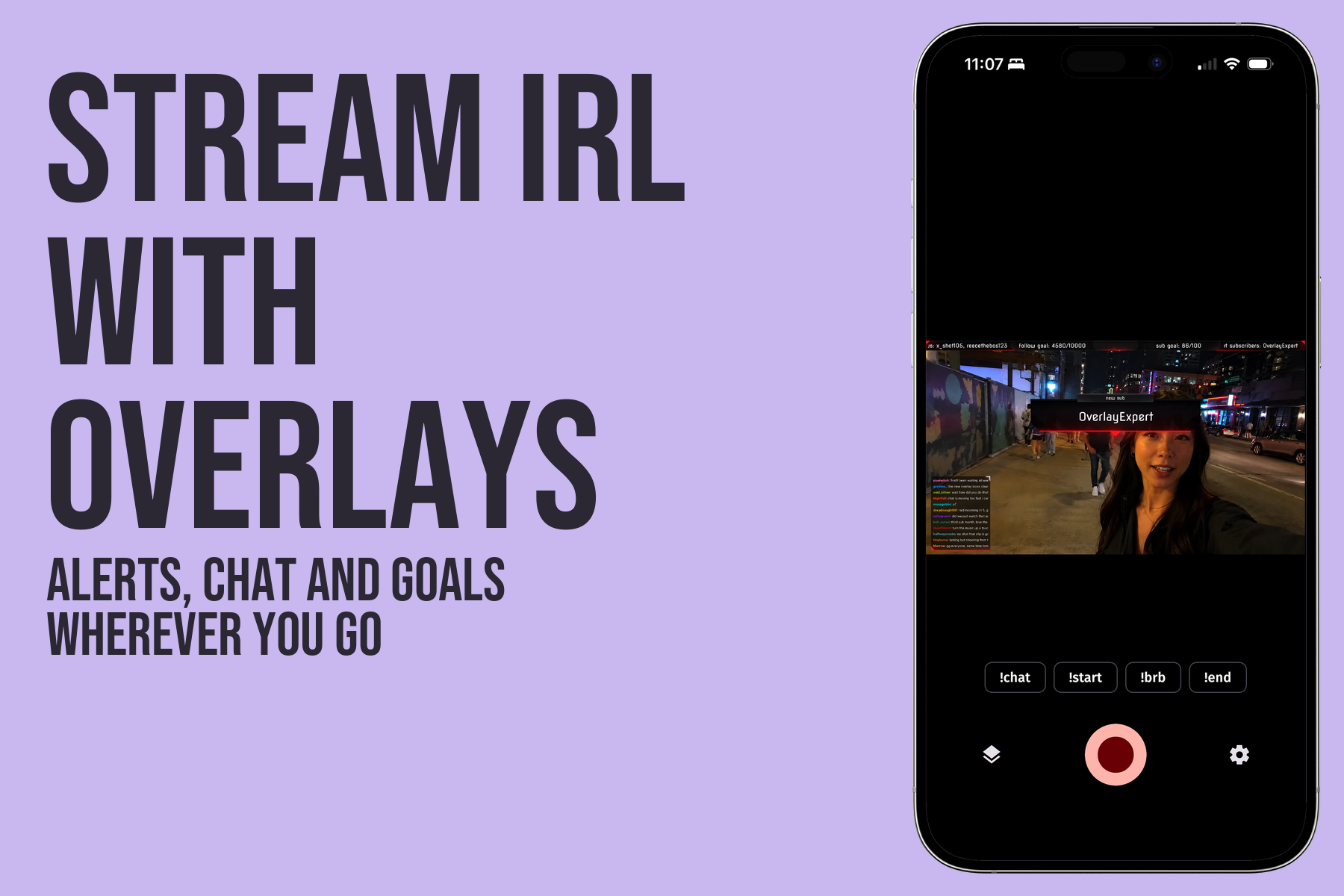
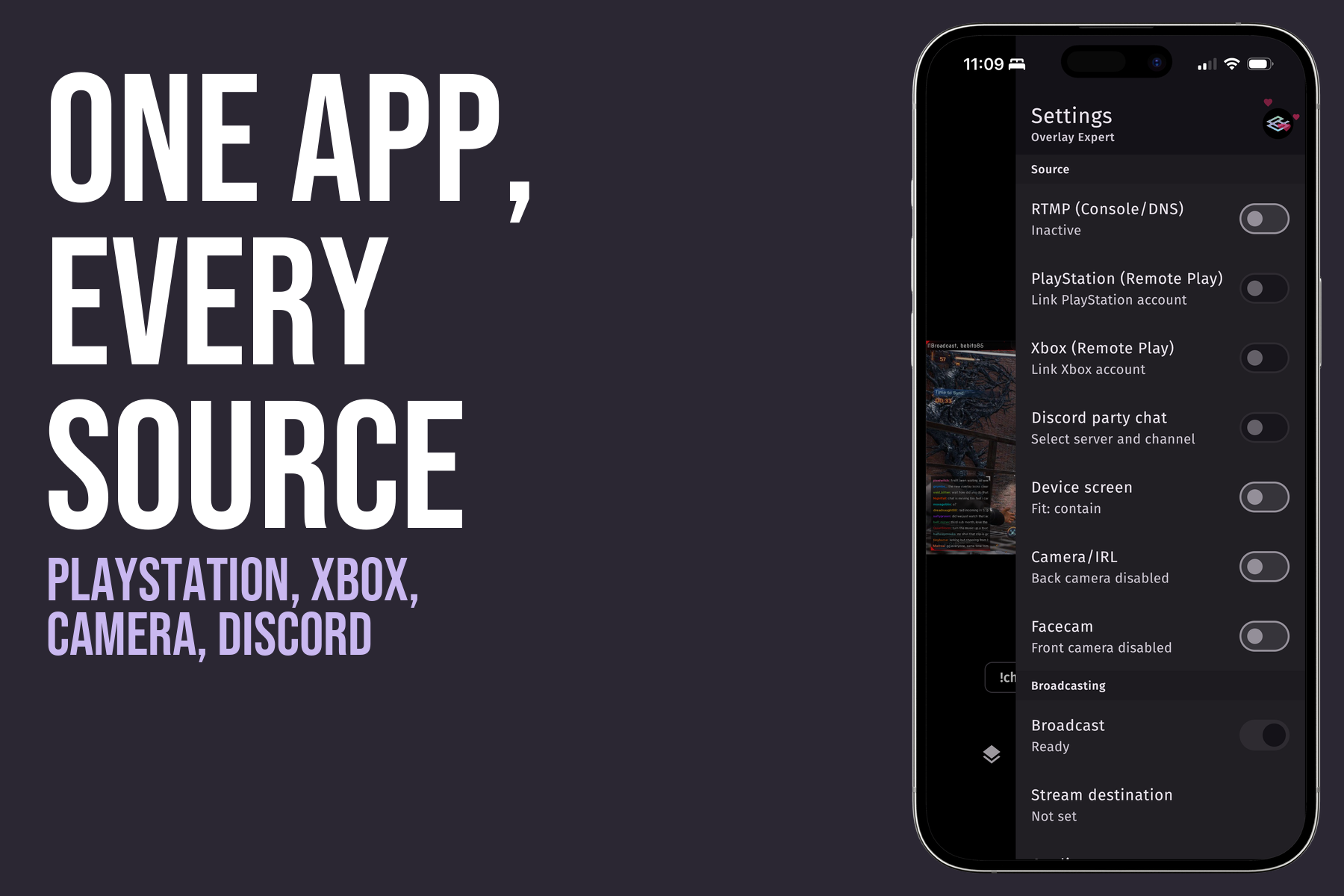
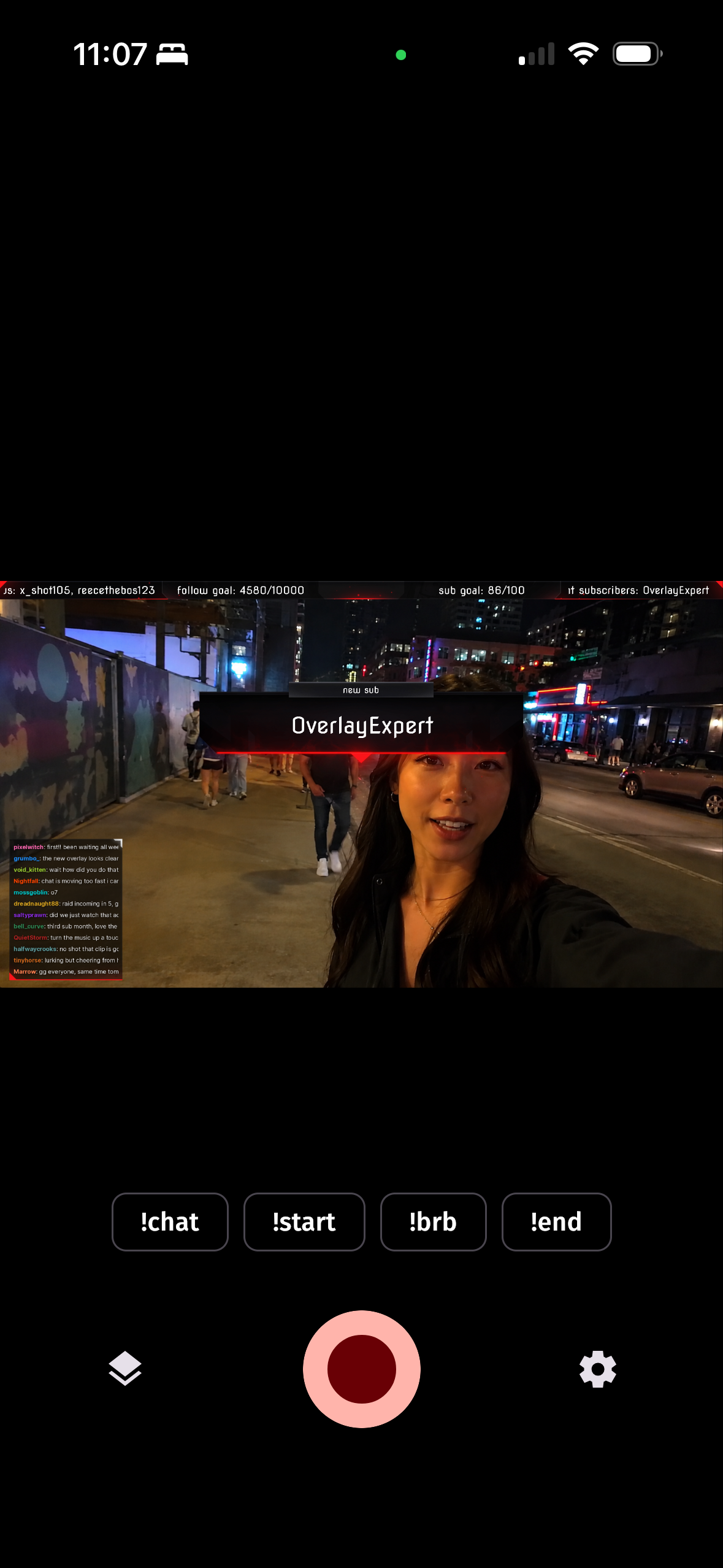
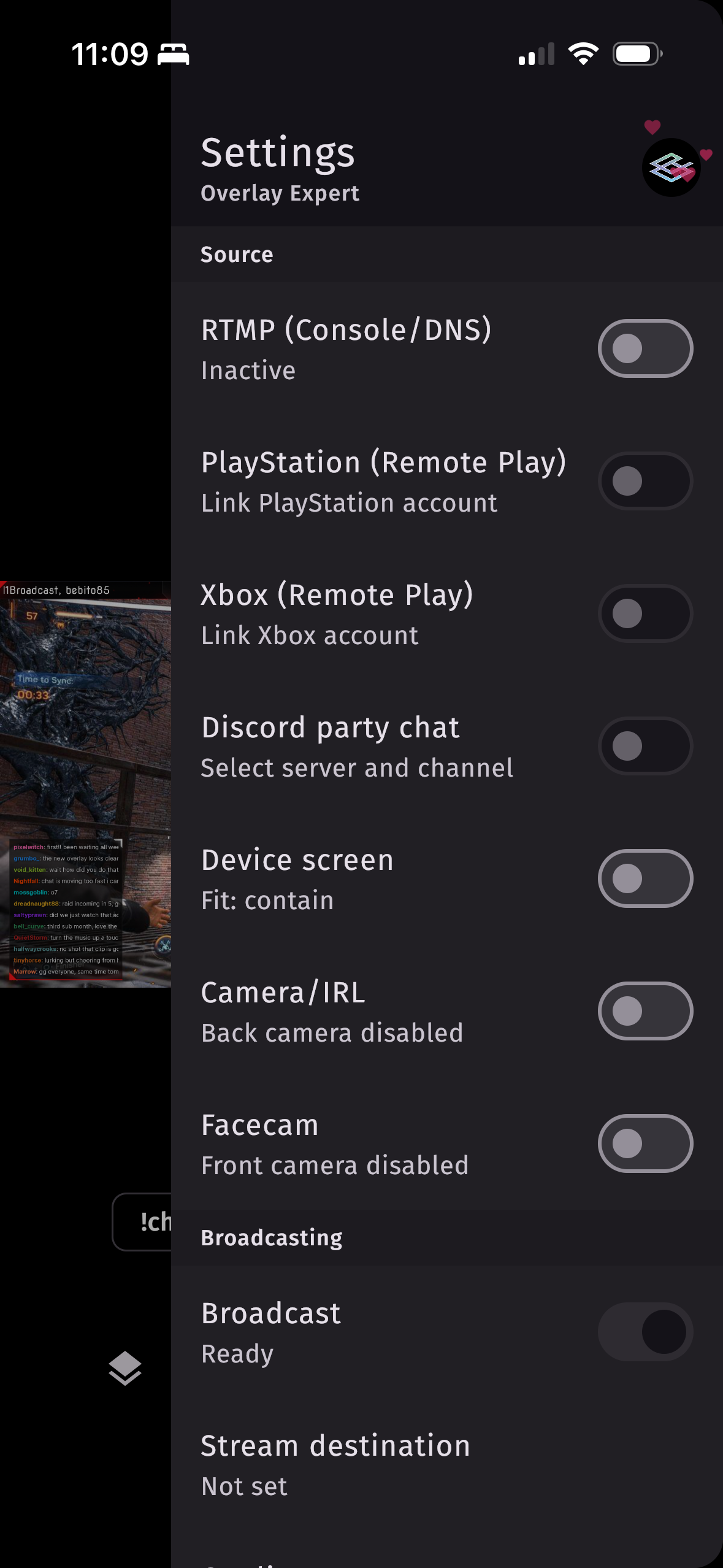
- Capture anything: your PlayStation or Xbox over Remote Play, your phone's camera for IRL, your mobile games (Android), or any device that streams to the app's built-in streaming server.
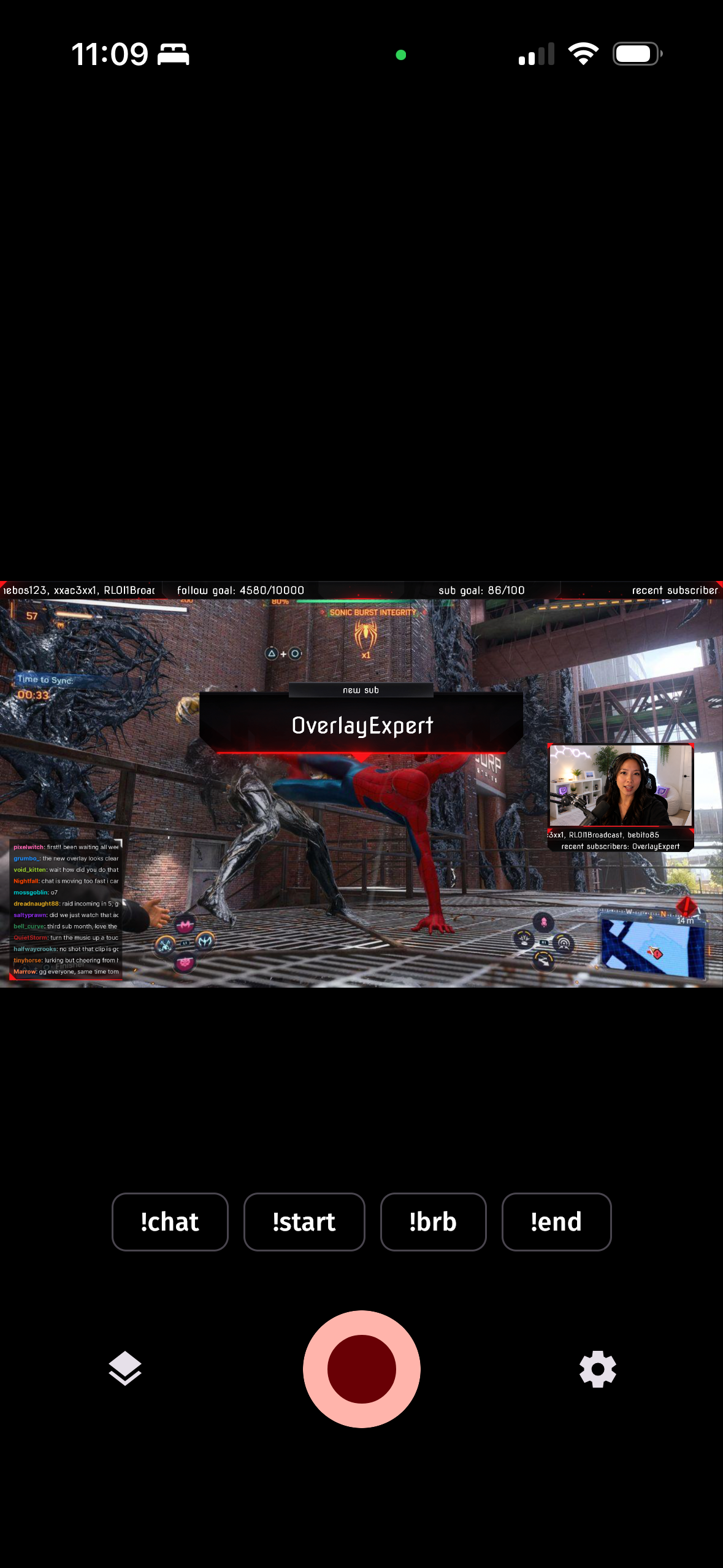
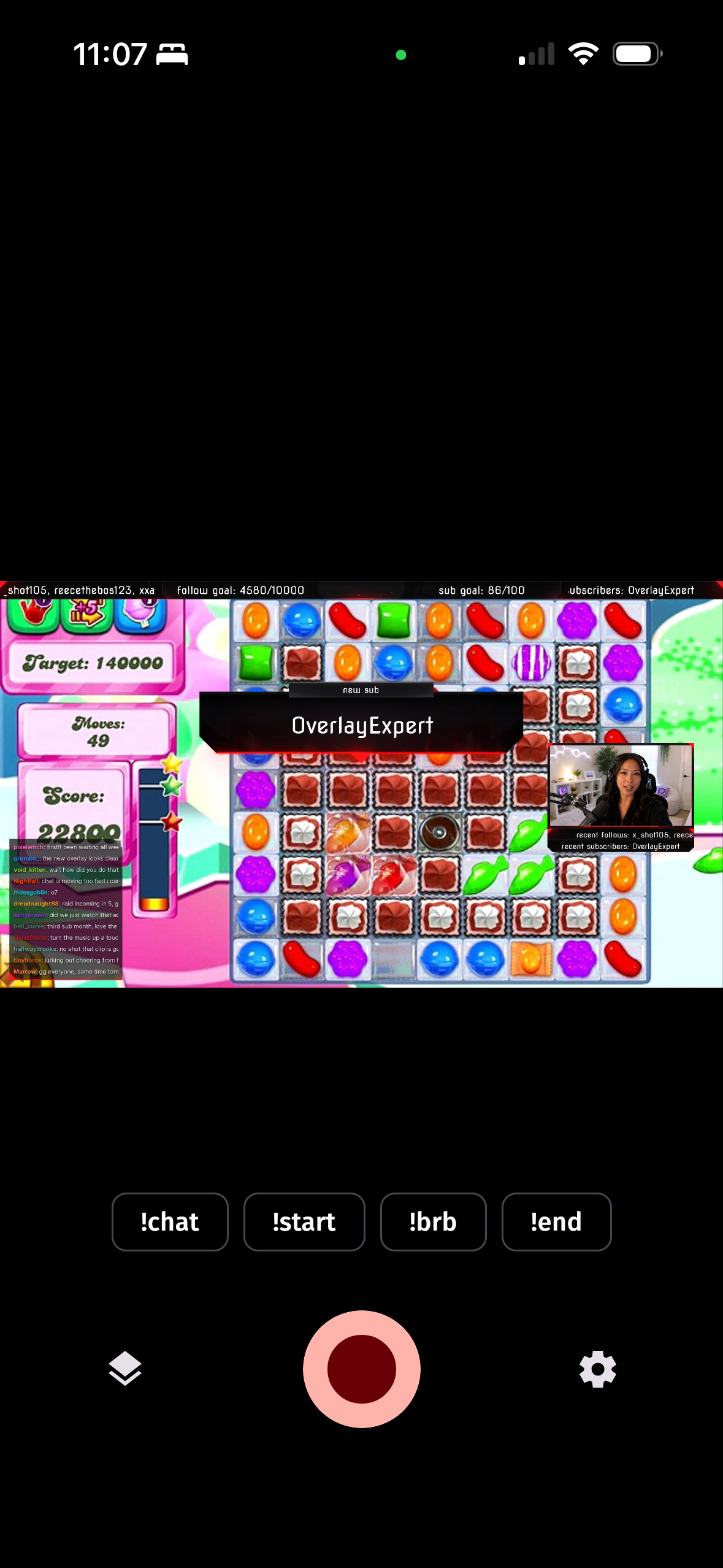
- Your overlay, in the video itself: the app renders your overlay into the stream, so every viewer on every device, and every VOD and clip, sees your branding.
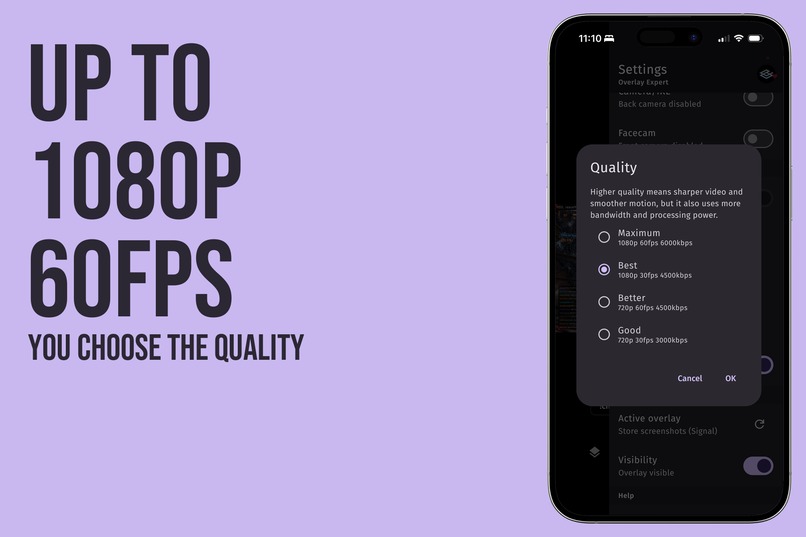
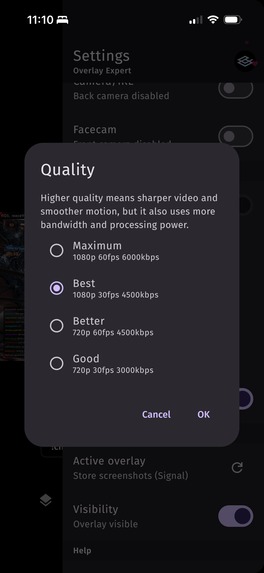
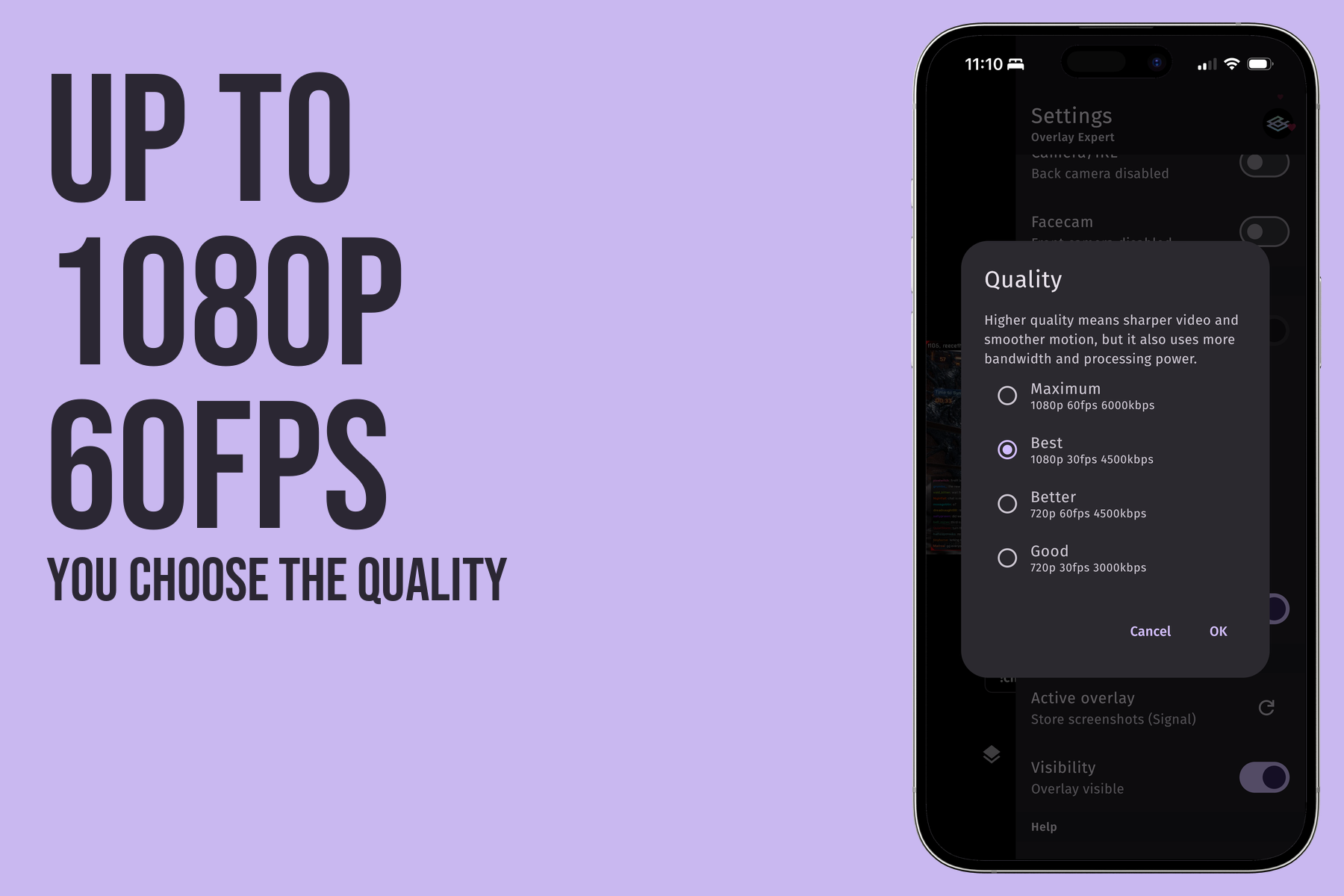
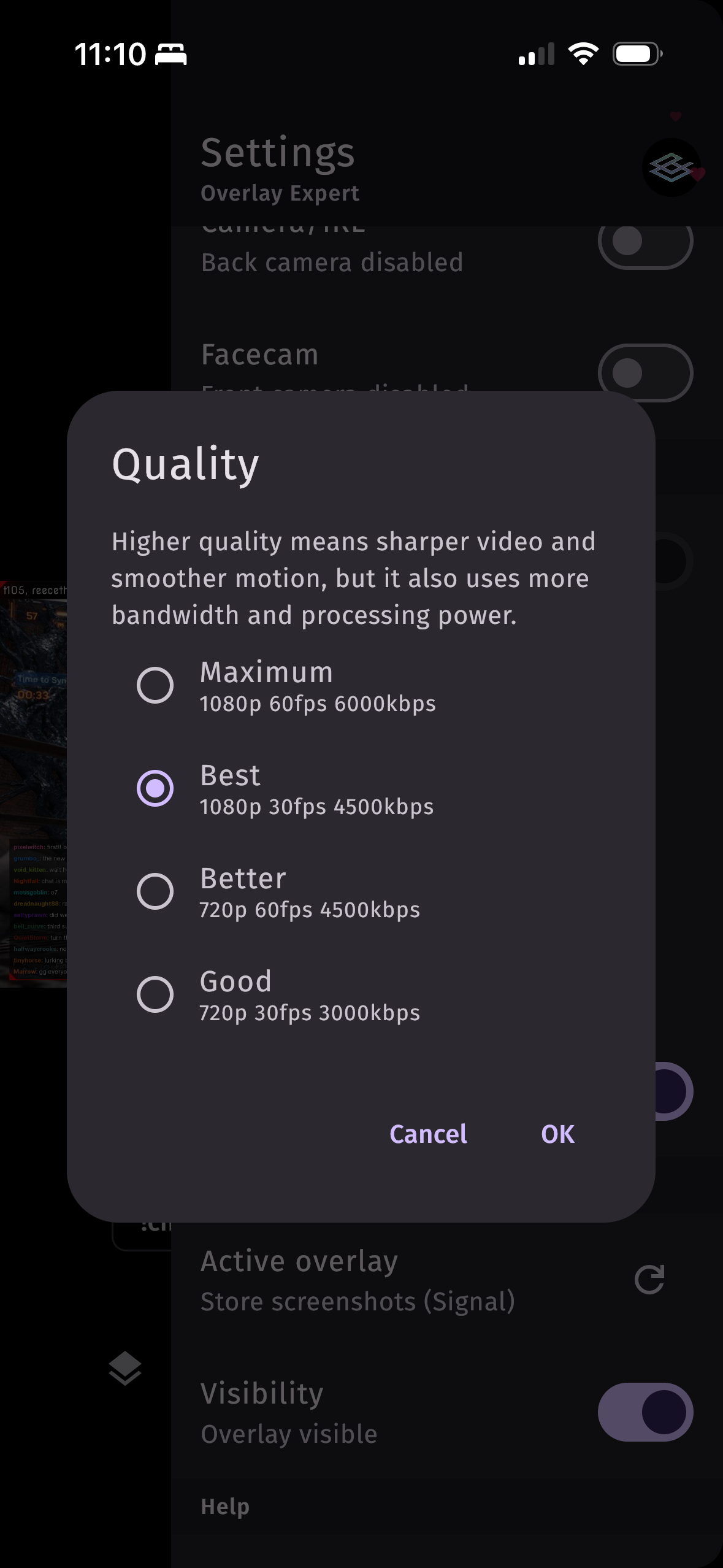
- Go live anywhere: Twitch, YouTube, Kick, TikTok or any RTMP server, in up to 1080p60.
- Design-driven layout: your overlay decides where the game and facecam go.
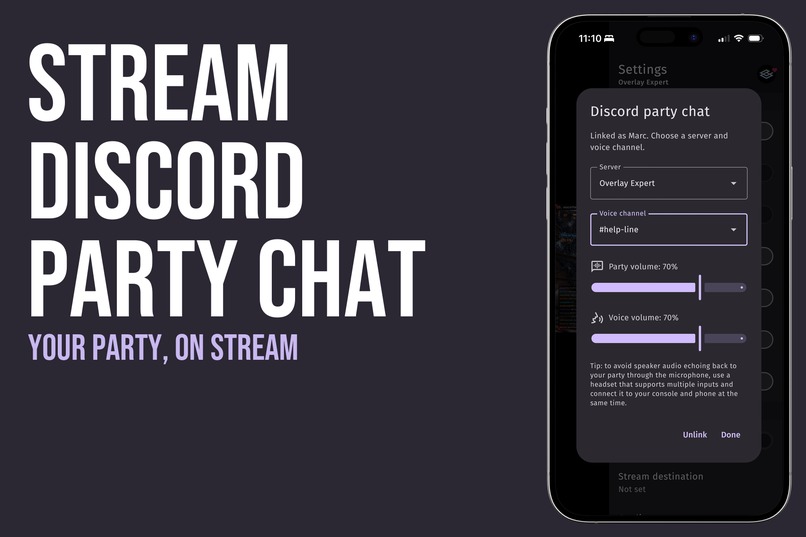
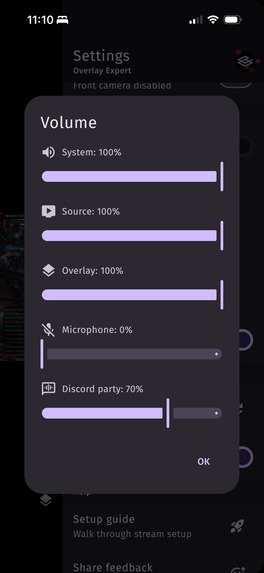
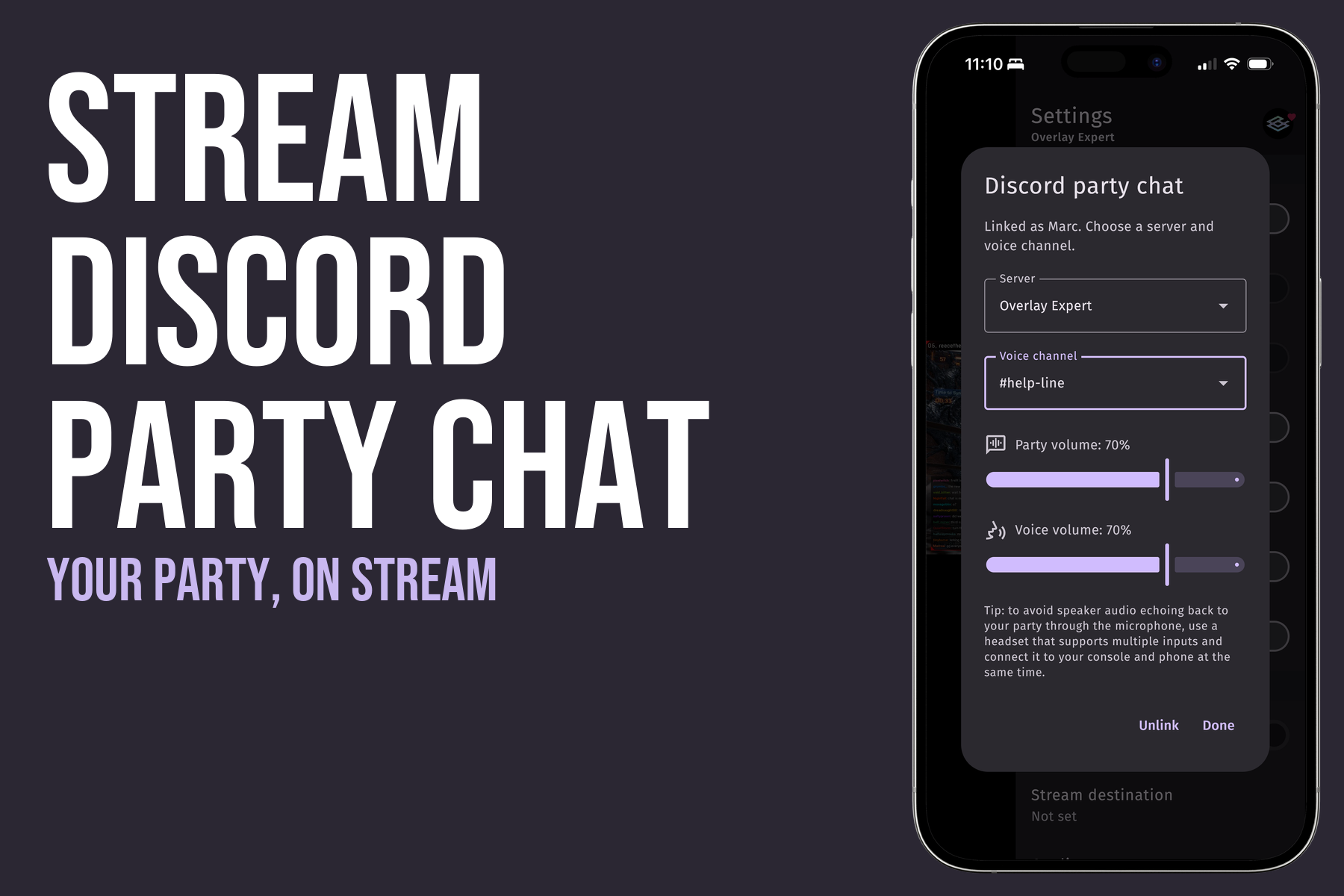
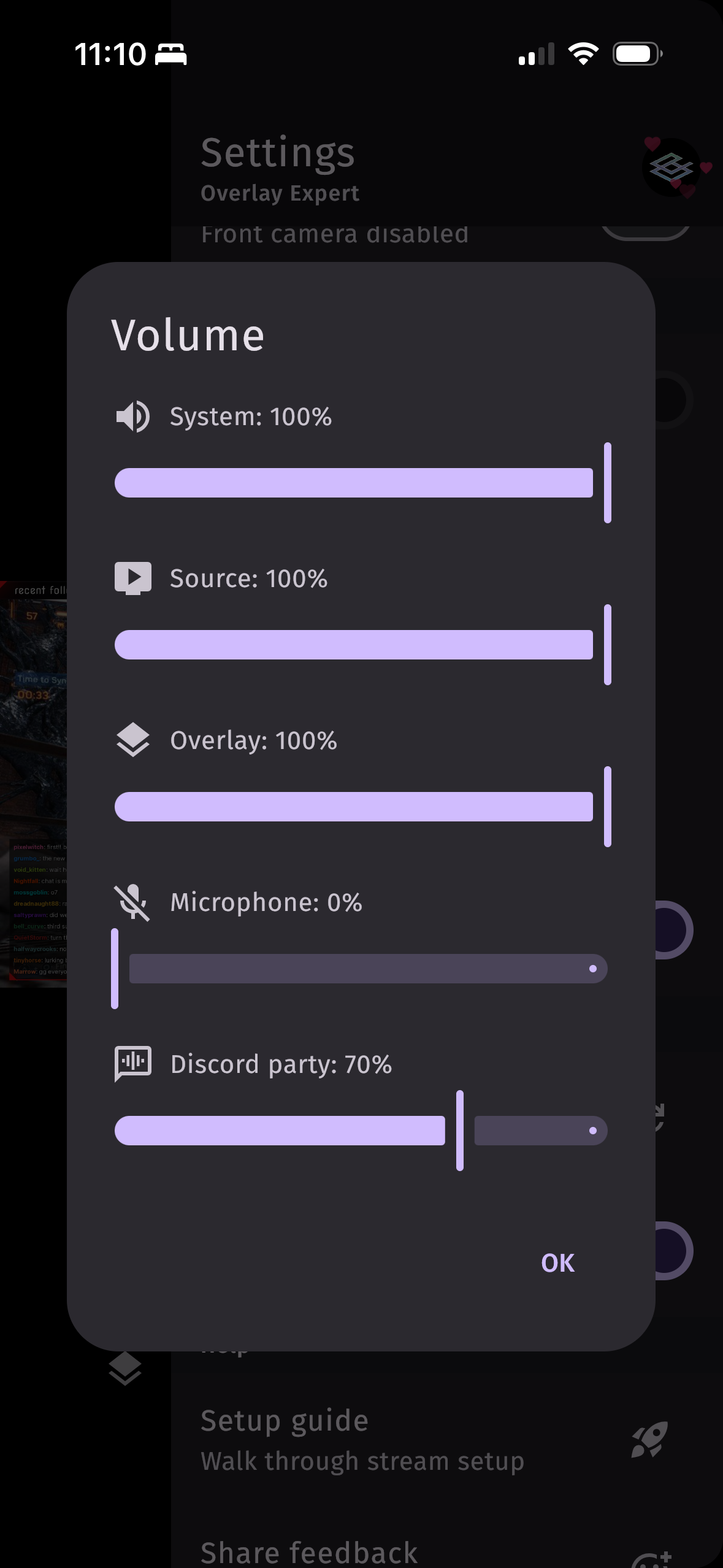
- Discord party chat mixed into the stream, with end-to-end encrypted voice.
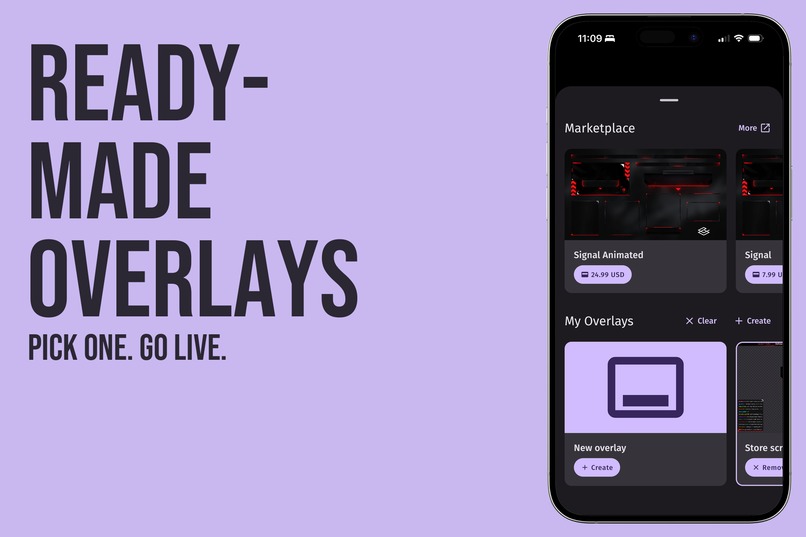
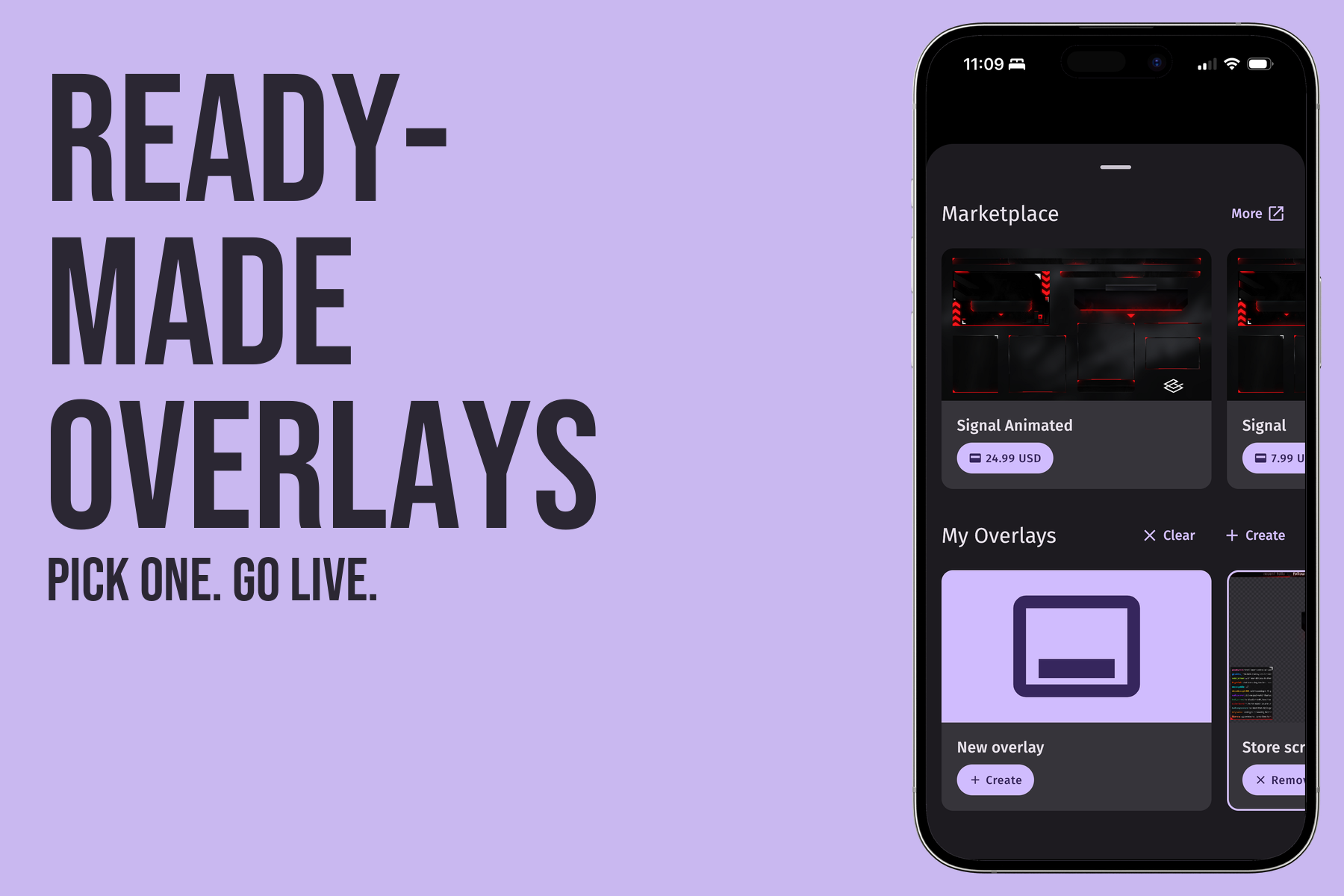
- Your overlays are already there: sign in with your Extension account, or pick a ready-made overlay from the Marketplace. Overlays are built on overlay.expert, a powerful overlay builder, and the same overlay works in the app, the Twitch Extension and OBS.
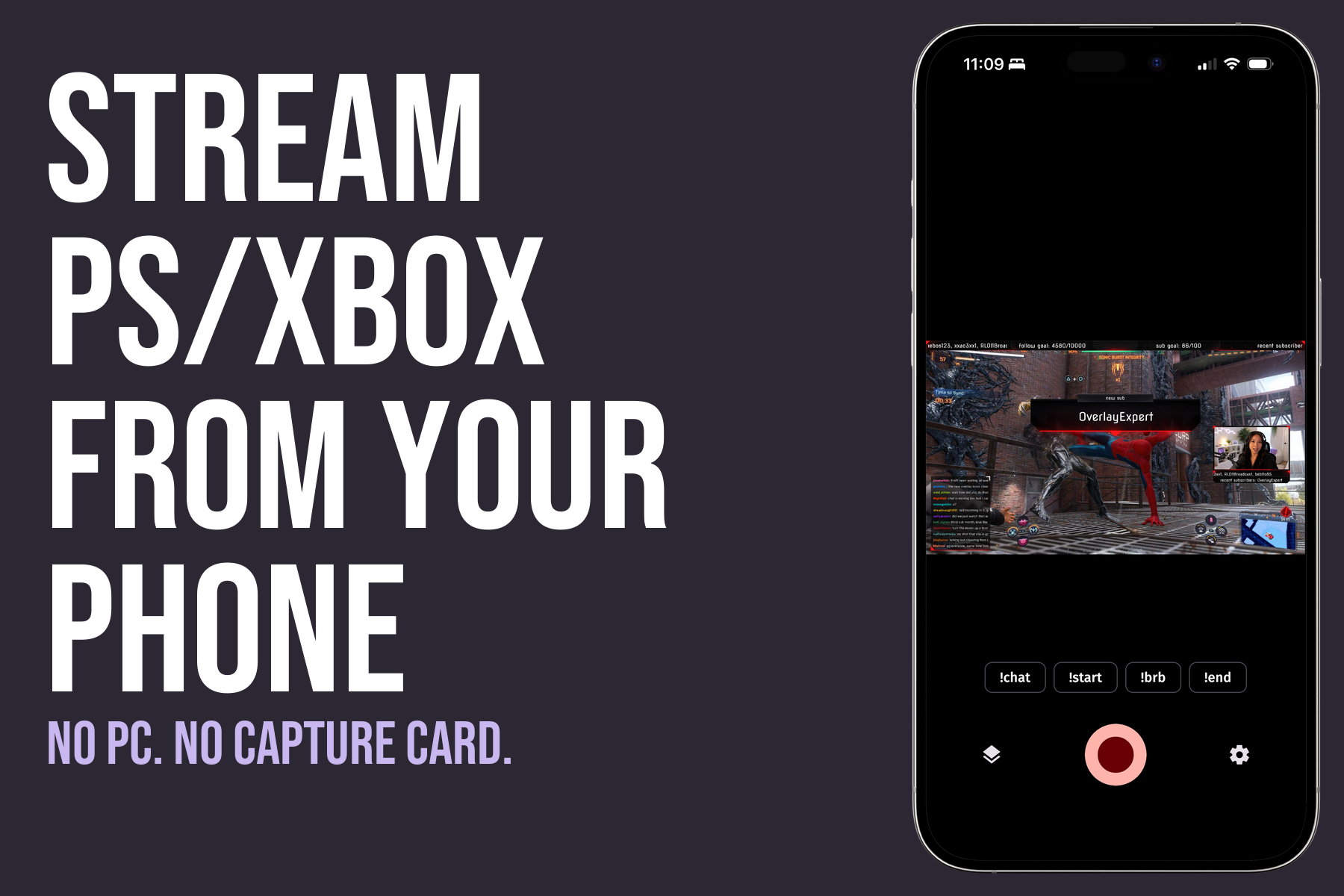
No PC, no capture card.
How we built it
Overlay Expert is built by one developer, with Kotlin Multiplatform and Compose Multiplatform. Every screen and the protocol logic live in one shared codebase, about 70% of the app, used by both iPhone and Android:
- The PlayStation Remote Play protocol and the Xbox Remote Play session protocol, implemented in shared Kotlin
- A streaming server (RTMP) that runs on the phone
- Discord voice for party chat
- All of the UI, networking, settings, and billing through RevenueCat
Platform code is kept to what has to be native: camera and screen capture, hardware encoding, the Xbox video connection, Discord's voice encryption library, a Metal GPU compositor on iOS and an OpenGL pipeline on Android. RevenueCat handles the Partner and Expert subscriptions and Marketplace purchases from shared code, and a webhook unlocks purchased overlays on our backend.
Challenges we ran into
- Real-time video on a phone: rendering a live overlay over 1080p60 game video, encoding it once and holding the frame rate took a GPU compositor on each platform and a lot of profiling.
- Speaking the consoles' language: Remote Play for two different consoles, keeping audio and video in sync across every kind of source, and recovering cleanly when Wi-Fi drops.
- One codebase for two platforms: moving the protocols into shared Kotlin first, then all of the UI, while keeping the platform code to what truly has to be native.
Accomplishments that we're proud of
- The first app to combine PlayStation and Xbox Remote Play, its own streaming server and overlay rendering, all on the phone itself.
- A console streamer with nothing but a phone can go live with an overlay that every viewer sees, which Twitch itself declined to build for Extensions.
- One codebase shipping to the App Store and Google Play.
- Our Discord community: streamers report bugs, send logs, test beta builds on their own consoles and networks, and suggest features. Many fixes started as a Discord thread.
What we learned
Kotlin Multiplatform is ready for a demanding real-time app, and for a solo developer it makes all the difference. One implementation, one test suite and one bug fix cover both platforms, and a new feature ships to iPhone and Android on the same day. I couldn't have built this without it.
What's next
Getting ready for GTA 6 on November 19, and then:
- Portrait streams for TikTok, YouTube Shorts and phone-first viewers
- Multistreaming to Twitch, YouTube, Kick and TikTok at the same time, from one phone
- Better chat and alert notifications on the phone while you play
- Screen capture on iOS, as Android has today
- More Marketplace overlays
Most of this roadmap comes straight from requests in our Discord community.

Log in or sign up for Devpost to join the conversation.