-
-
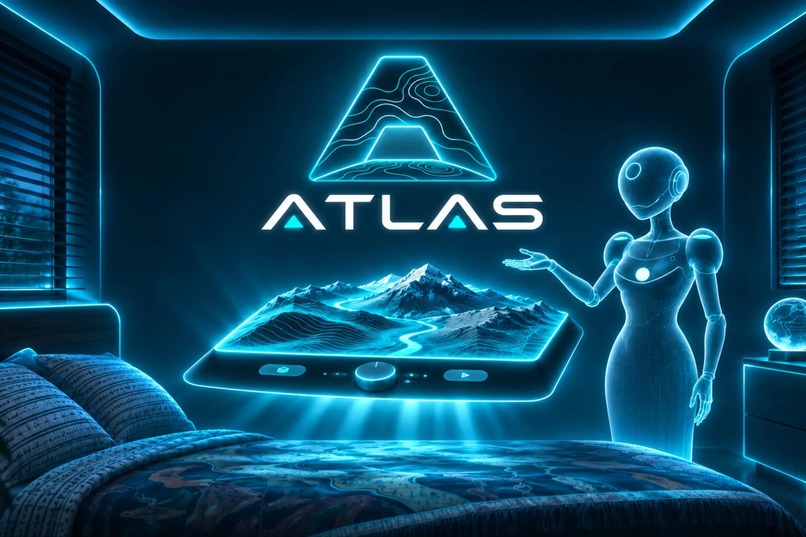
Atlas: a holotable for any place on Earth, the Moon or Mars, with an AI guide who talks, points and builds the answer in 3D.
-
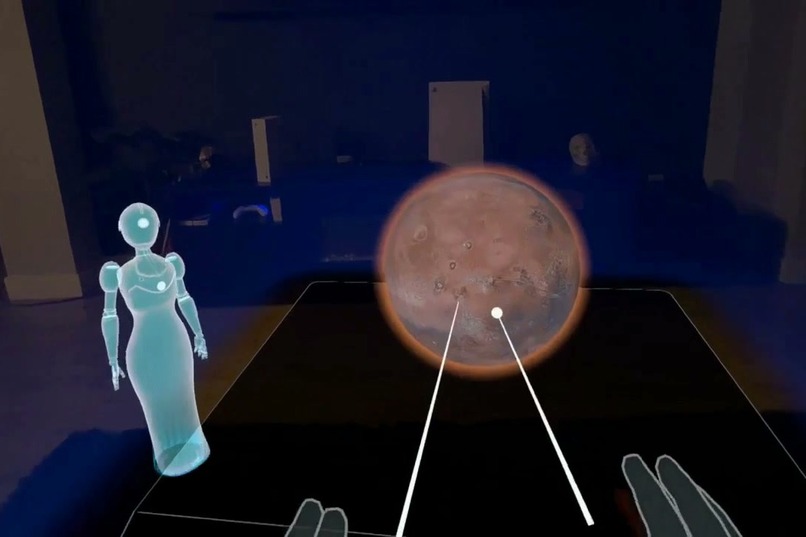
Pick any place on a globe of Earth, the Moon or Mars, and it lands on the table.
-
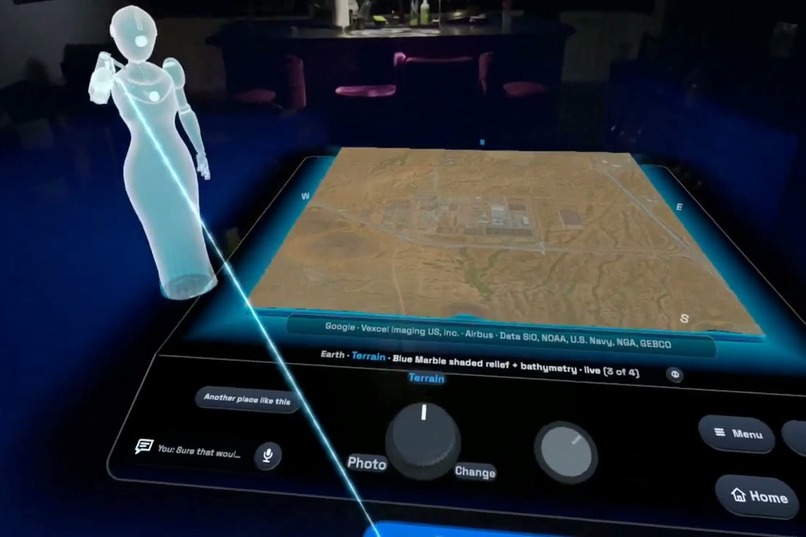
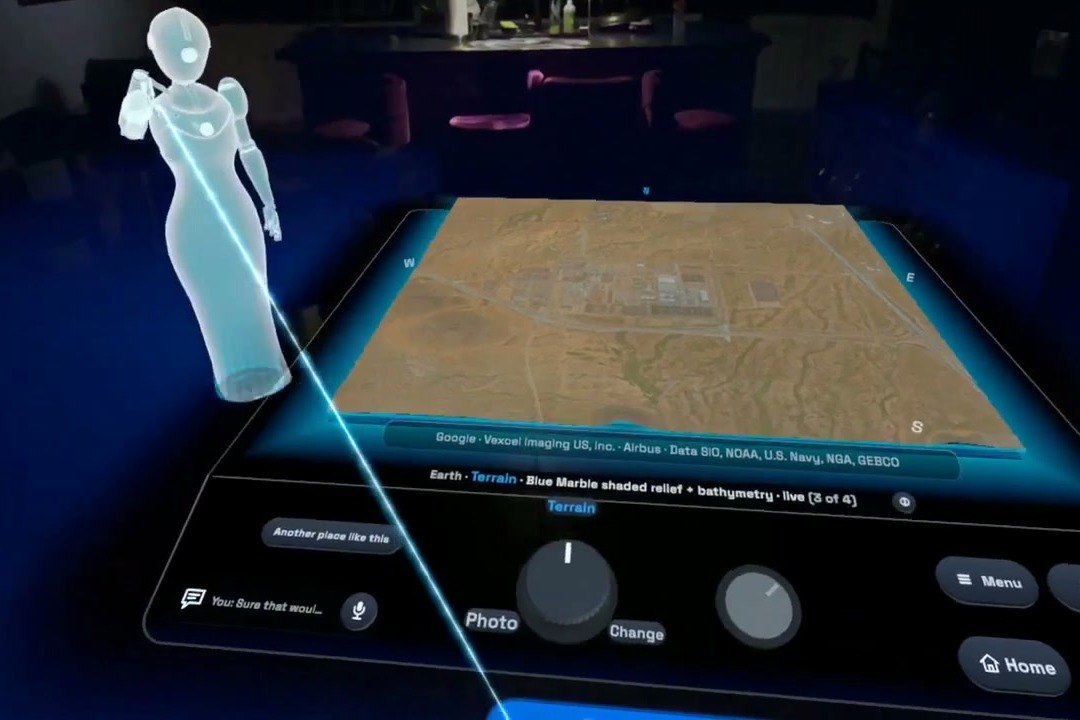
Atlas points at things with a beam of light while she explains it. Two knobs on the console control what the map shows.
-
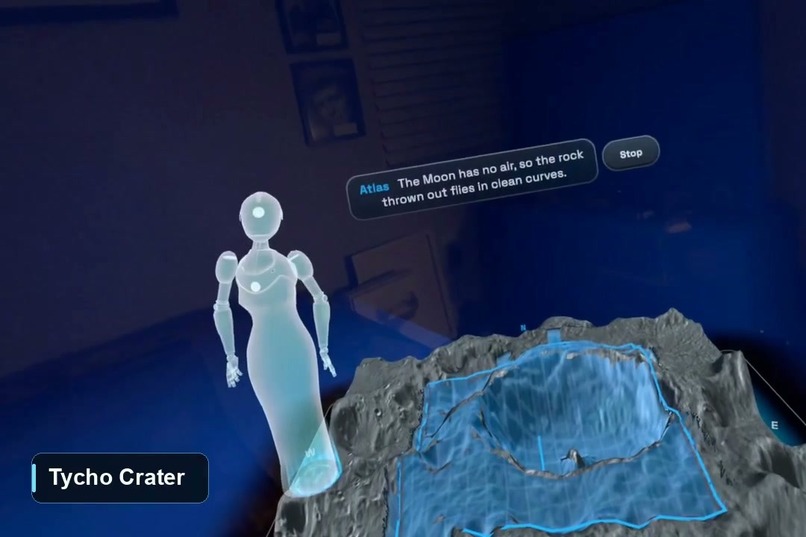
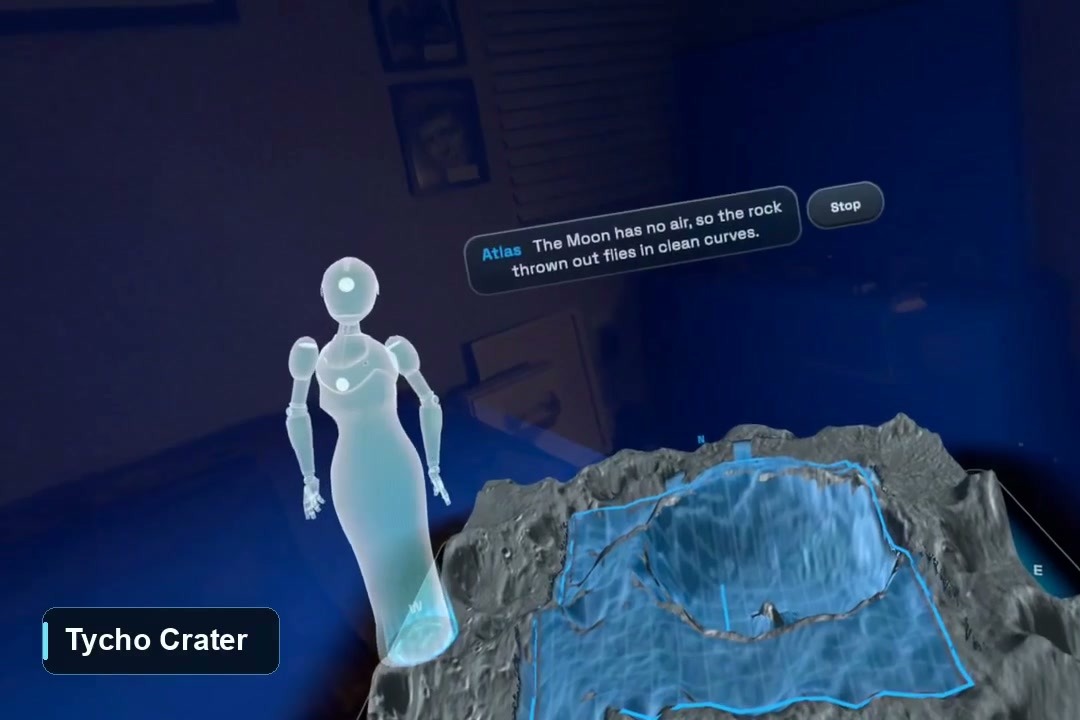
Tycho Crater on the Moon, with its real elevation, on the table in your room. Atlas explains what you are looking at.
-
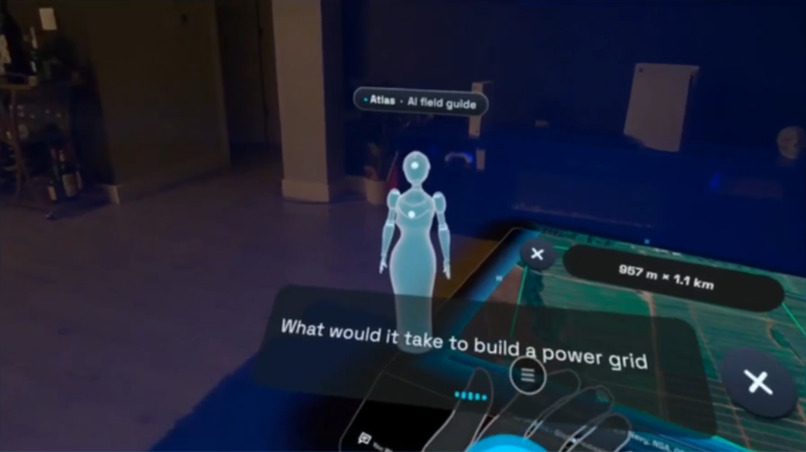
Talk to Atlas: tap the microphone and ask about any place. She answers aloud, with captions, and controls the app while she explains.
-
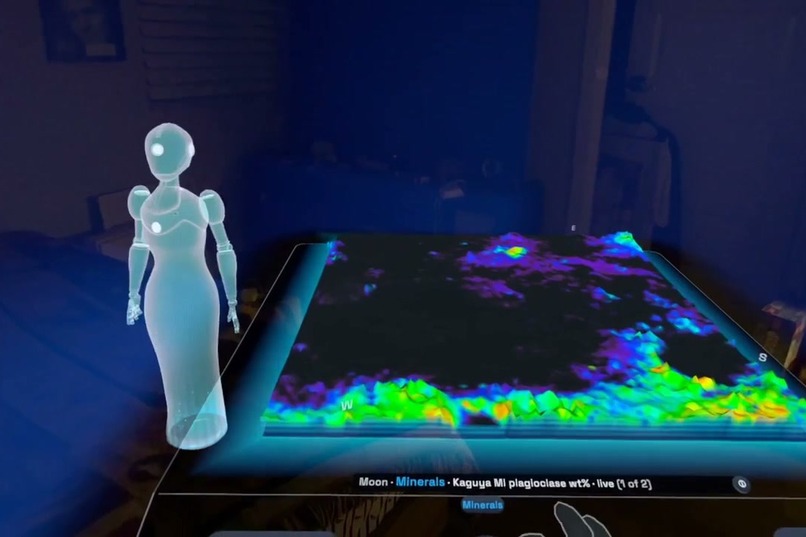
Each layer names its source. Here, minerals on the Moon from Kaguya data, chosen with the console's knob.
-
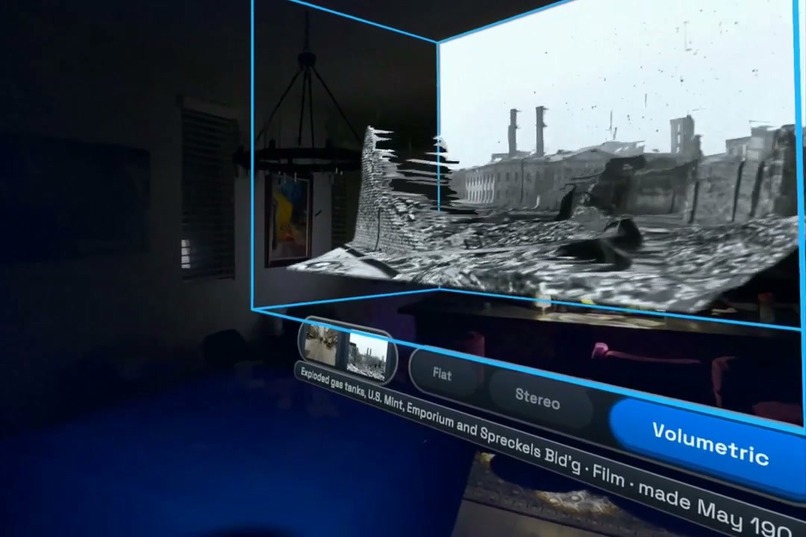
Archival film of San Francisco after the 1906 earthquake, shown as volumetric depth in your room. Flat or stereo are one tap away.
-
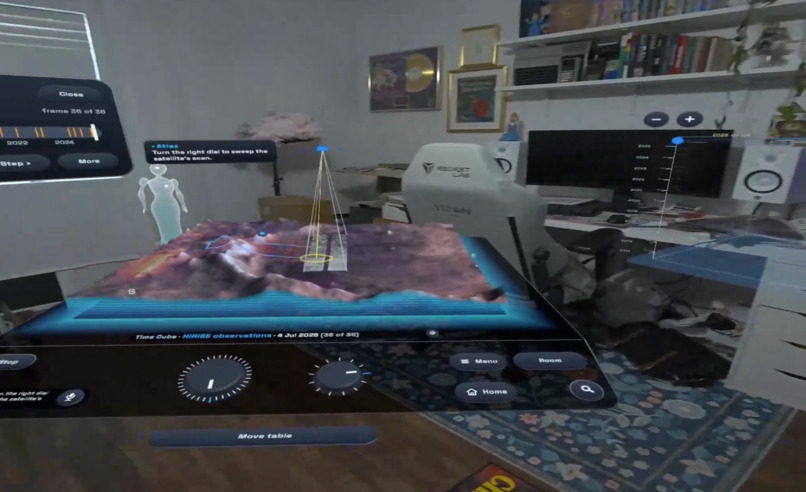
Explore satellite scans of the Moon and Mars with the Time Cube dials!
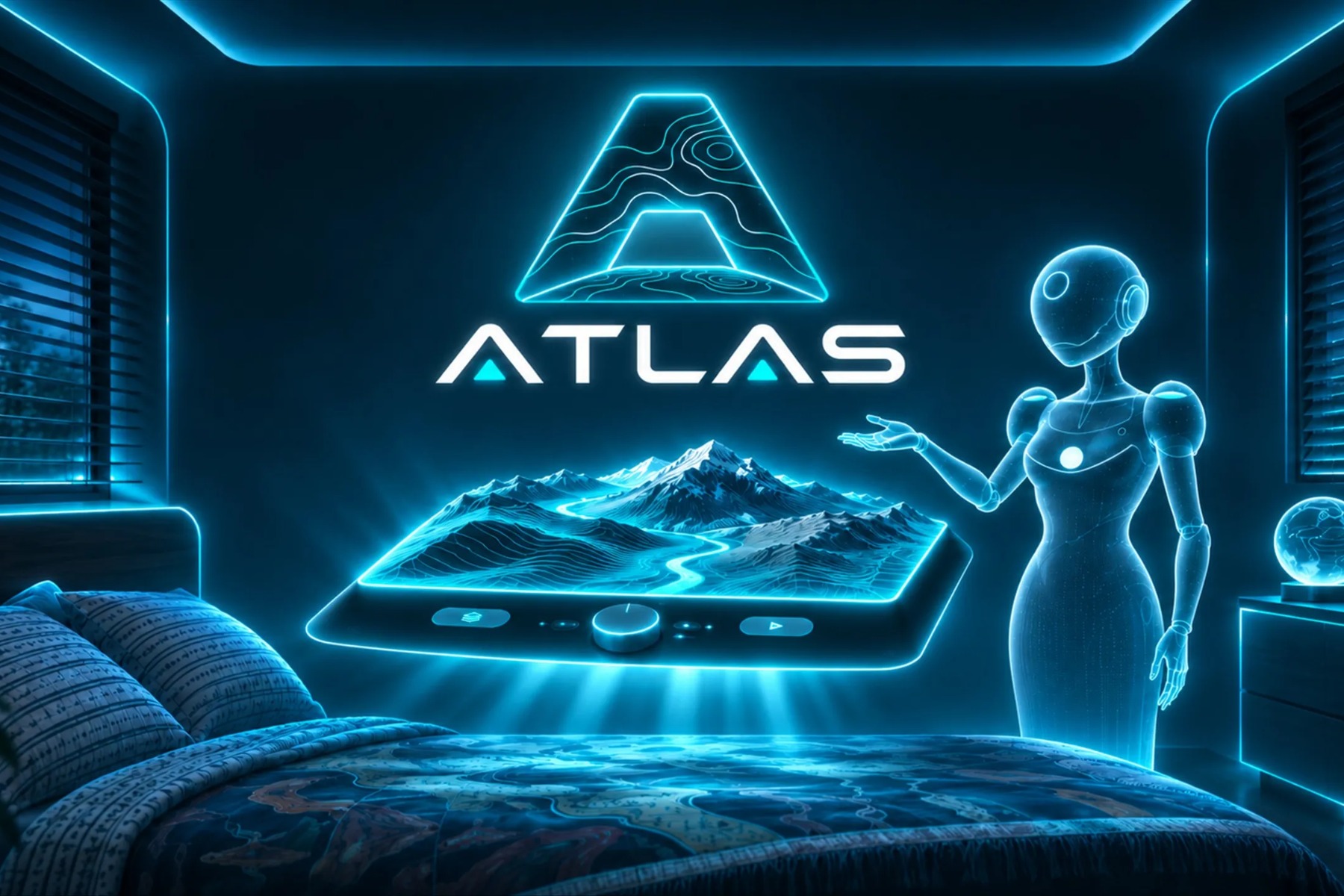
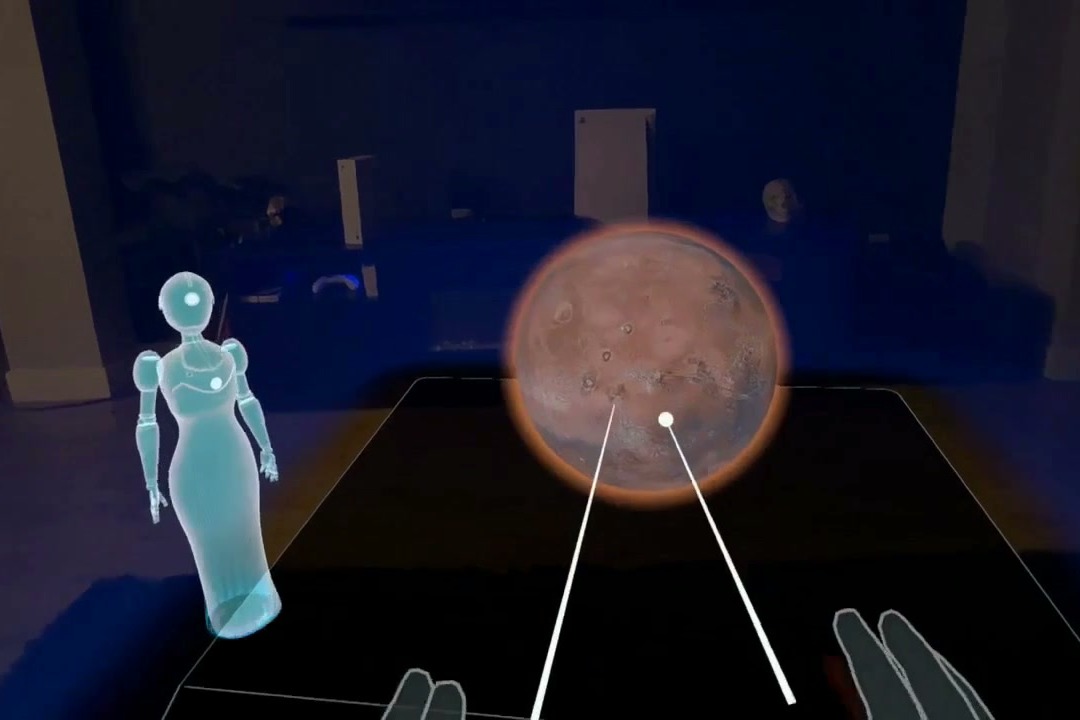
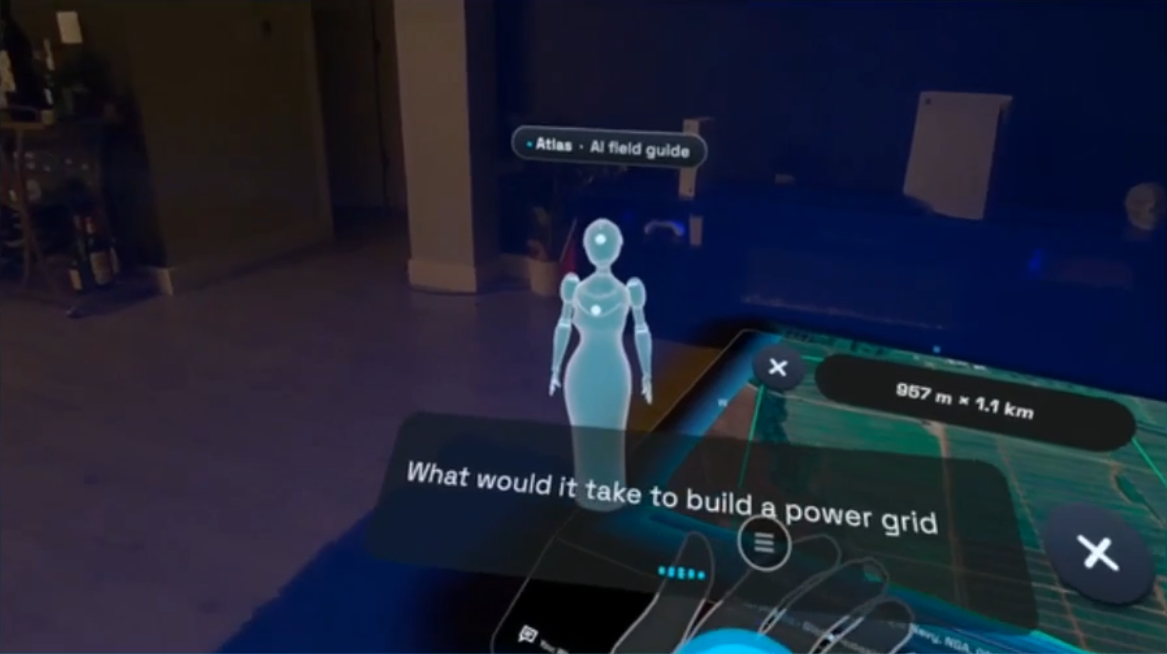
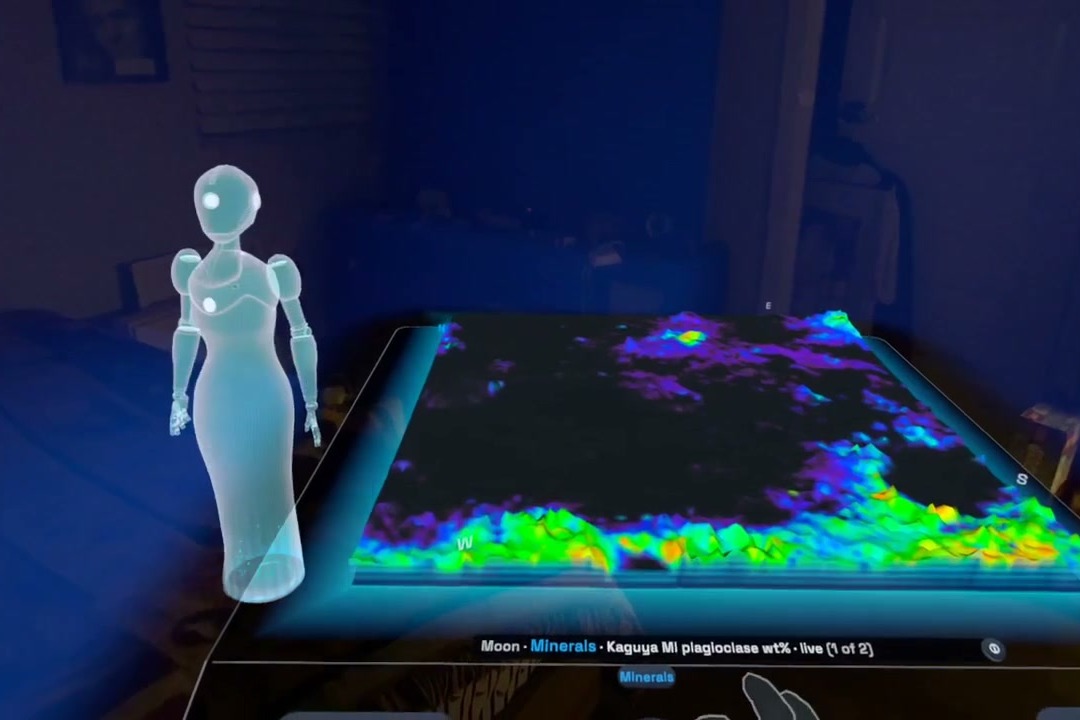
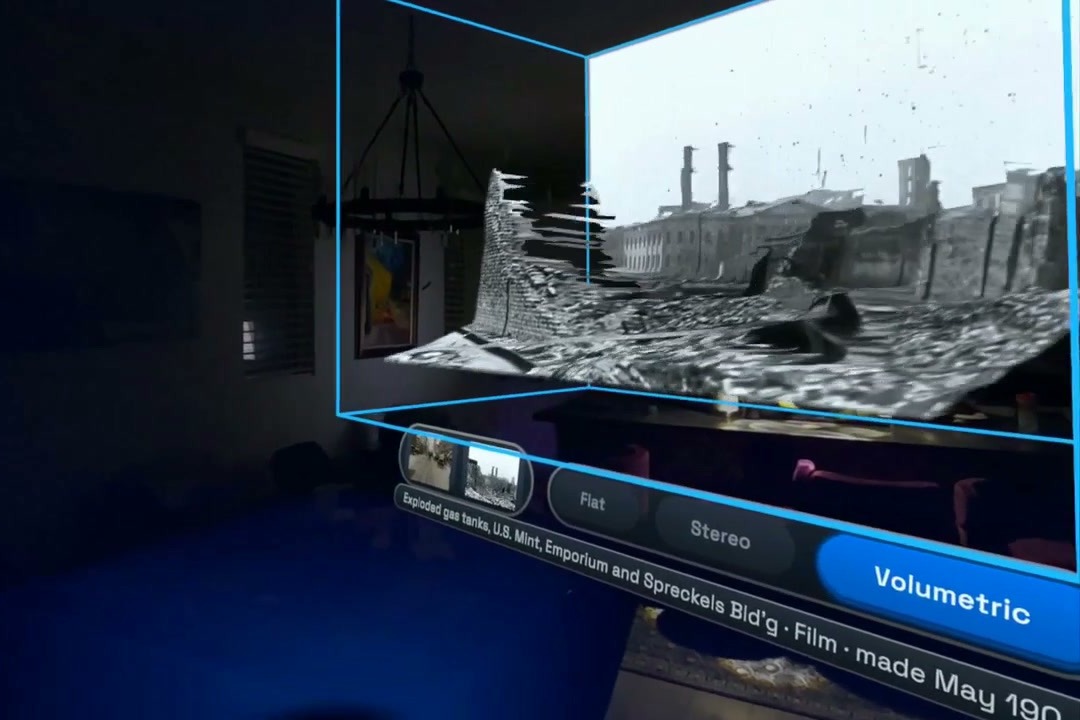
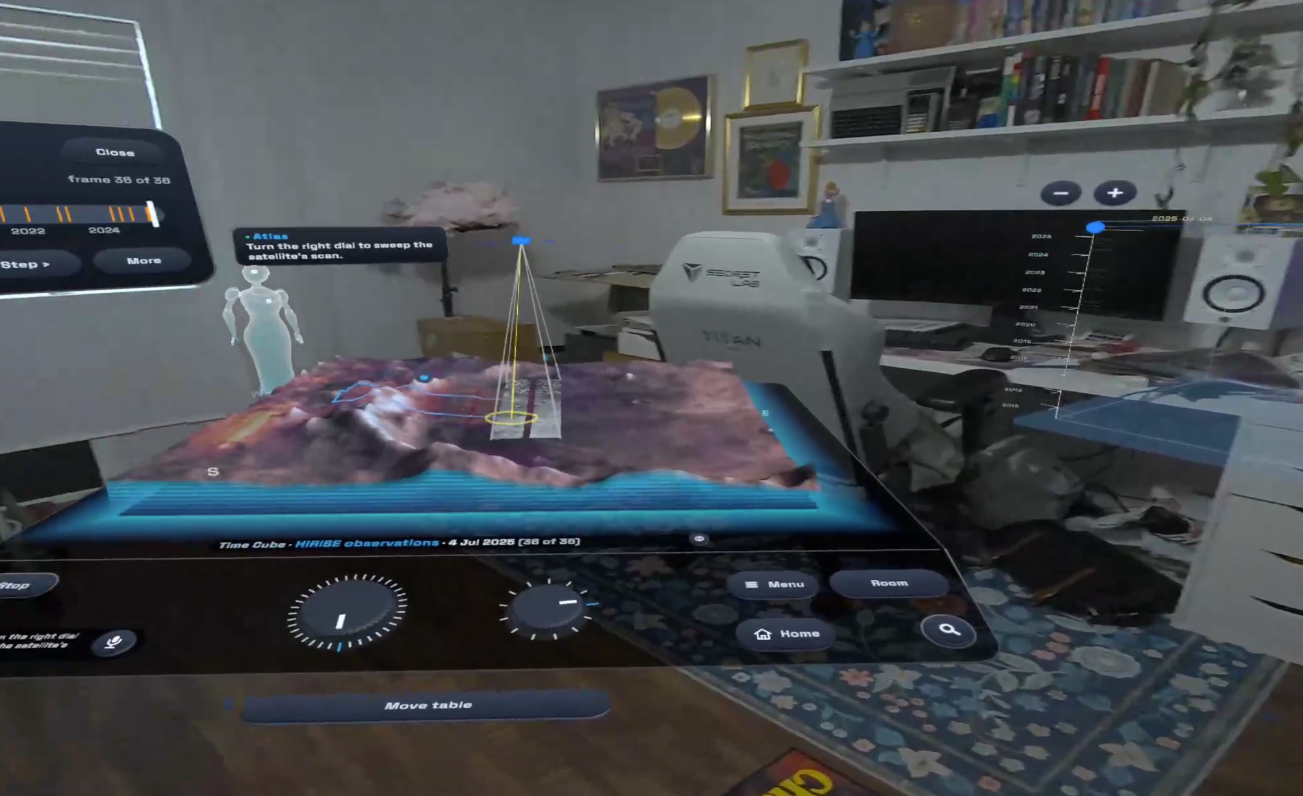
Atlas is a holotable for exploring the past, present and future of any place on Earth, the Moon or Mars. The table sits in your room in mixed reality. A guide comes with it, also named Atlas: she talks with you, points with a beam of light and builds each answer on the table in 2D and 3D.
What it does
The table. Pick any place on a globe of Earth, the Moon or Mars, and its real elevation and imagery land on the table in front of you. Two knobs on the table's console choose what the map shows, and each layer names its source. The table lights your real room around it.
The guide. Atlas speaks with captions, points at the terrain and gives short spatial lessons on the history, science and stories of a place. Talk to her, or just explore on your own. Anything you can do in the app, she can do for you: through more than 60 tools she reads what the table shows and presses the same controls you press. Meta's Model API drives her.
The overlays. Ask about a place and Atlas brings the evidence to the table: archival photos and maps with their citations, and generated pictures and short clips of what may have happened there. They appear as stereo pictures or as volumetric depth, a point cloud or a mesh, on the real ground. Generated media is always labelled as a simulation.
Time. The Time Cube stacks dated satellite images of one place, and a knob steps you through the dates.
Inspiration
We have both spent years between immersive tech and planetary data, in academia and in industry. We wanted the holotable from the movies: Tony Stark's workshop, and the memory designer's studio in Blade Runner 2049, where a scene is built layer by layer with dials and a voice. Atlas is a first step toward that: a real place on your desk and a guide you can ask about it. Tools like this exist in a few research labs. Most people who are curious about a place can't use them, and neither can most of the scientists who study it.
How we built it
- Unity 6 (URP) and Meta XR SDK 207. Interaction SDK for hands, passthrough, the Mixed Reality Utility Kit for the room scan, spatial anchors to remember where the table stands, and Voice SDK.
- Atlas's mind and voice. Meta's Model API with tool calls into every panel. Wit.ai for her speech and for speech-to-text.
- Terrain. Cesium 3D tiles for Earth, the Moon and Mars, plus public NASA elevation and imagery repositories (LOLA, MRO and others).
- Sources and citations. Wikipedia, Wikimedia Commons, Openverse, the Library of Congress and the Brave Search API.
- Generated media. Gemini for pictures, Gemini Omni Flash on fal for five-second clips, Video Depth Anything on fal for depth, and Immersity AI for stereo pairs.
- One rule: every panel a person can see, Atlas can operate. That rule also made her our test harness. The Meta XR Simulator and scripted runs press the real UI end to end.
- We are an AI-assisted studio. Claude and Codex wrote much of the code with us. We designed it, reviewed it and tested every pass on a headset.
Challenges we ran into
- Two people with day jobs and families. Atlas was built in evenings and on weekends.
- AI-native handoffs. When both people build with coding agents, every handoff is a large body of work, and that carries risk. We learned to hand off with test plans, simulator runs and live PCVR sessions with the agent, so big changes could land without breaking the headset build.
- Latency. We tried 3, 5, 7 and 10-second clips to find the shortest that still tells a story (5 seconds). We weighed stereo against volumetric display to get 3D in front of you quickly.
- Streaming terrain without stutter. Tiles stream as you move. Dissolves and loading states keep the table steady.
- Hands-first controls. Knobs you grip with your whole hand were new to us, and they took many headset passes to feel right.
Accomplishments that we're proud of
- Atlas is responsive for how much it does: live speech, generated media in 2D and 3D, and streamed terrain for three worlds, all on a Quest.
- A guide who can drive the whole app for you, in an app you can still drive yourself.
- We finished it, and it is on a release channel for you to try.
What we learned
- A label in the frame beats a paragraph beside it.
- An agent that can press every button is also your best tester.
- With AI collaborators, the harness matters more than the handoff note.
What's next for Atlas
- Cinematic lighting for the scene.
- Shared, co-located sessions: two people and one guide around the same table.
- Grounded answers from science models such as NASA and IBM's open models, and dedicated servers for higher-quality licensed depth models.
- Continuity with Meta's AI, so a conversation about a place can leave the headset and come back.
- Better models as they arrive. Every model in Atlas can be swapped, so it improves as they do.
Where it goes
We want Atlas on people's headsets, not only in a competition, starting with the Meta Horizon Store. If a sustainable cost model proves hard, we will open-source it so others can build on it. Researchers are a natural partner too.
Try it
Quest 3 or 3S, with hands and Wi-Fi, seated at a desk. On first launch, Atlas introduces herself and gives a short tour. Allow Spatial Data access if you want the table to light your room. Then turn the knobs, press Home to pick a place, or tap "Chat with Atlas" and ask her anything.
Team
Alireza Bahremand, lead engineer: the runtime, Atlas's agent and tools, the generation and terrain pipelines, and the test harness.
Don Balanzat, product, design and QA: UX direction, the table console and design system, headset playtesting, and the video.
