-
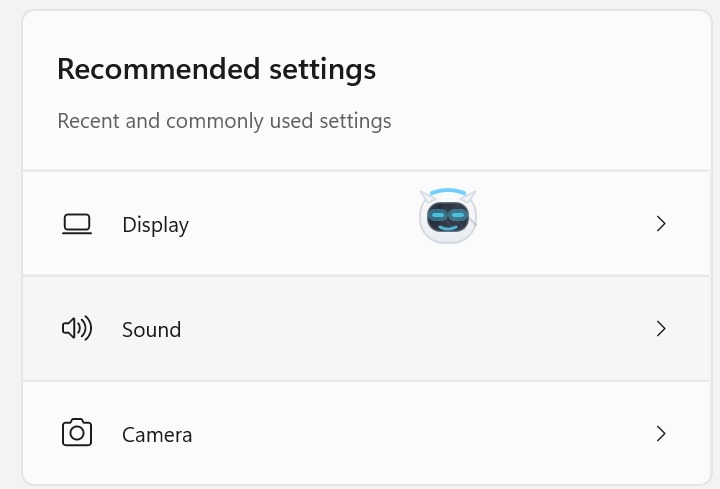
Overlay AI Assistant
-
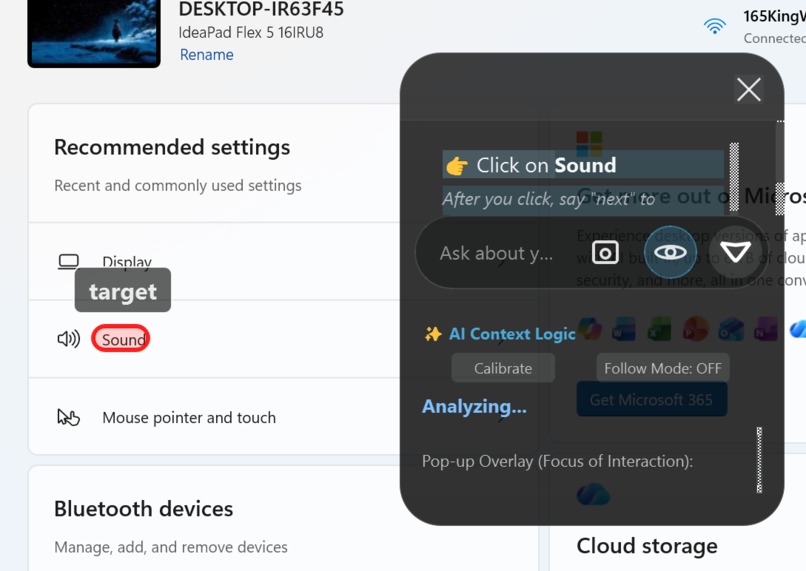
guided highlights and chat
Inspiration
I noticed how Google is integrating Gemini across platforms, Gmail, YouTube, Colab, Docs, and it raised a question: Why isn't there a single AI that works across ALL screens? Not just inside Google apps, but everywhere on your computer. That's what this project aims to solve.
What It Does
Overlay AI Assistant is an always-on AI companion that stays with you across all apps, screens, and windows. It offers:
- Instant chat with screenshot attachment for context-aware answers
- Live screen awareness that understands what you're looking at
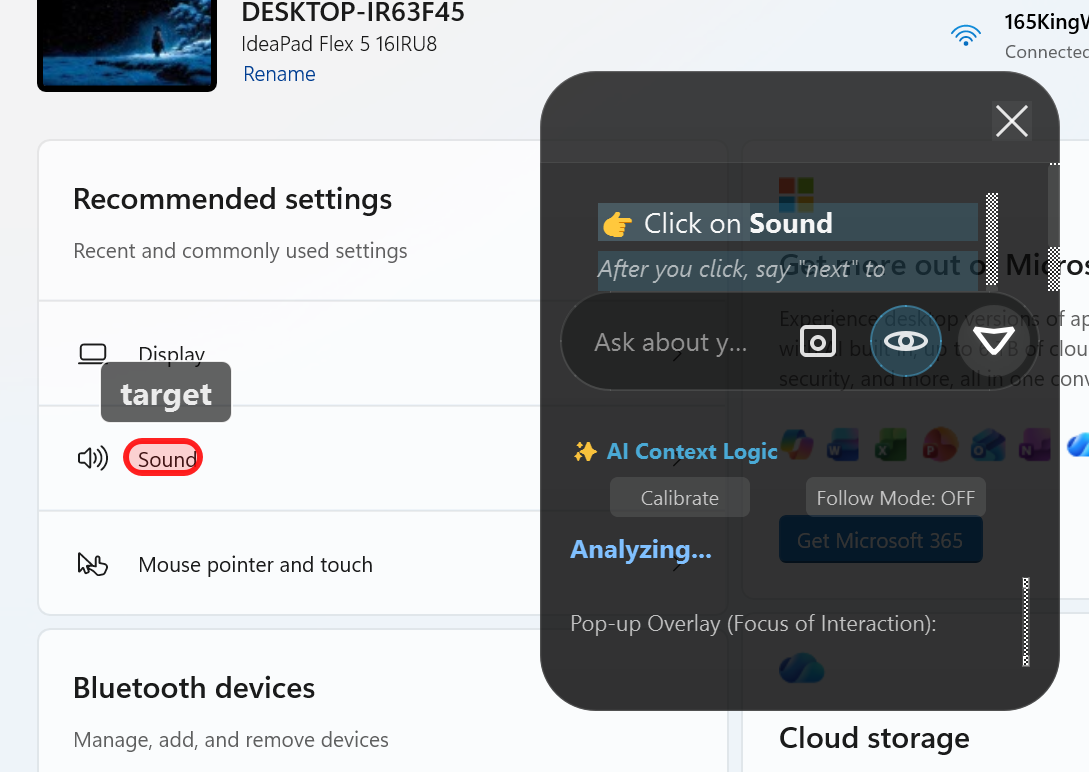
- Guided instructions that visually highlight exactly where to click, not just telling you, but showing you
How We Built It
- PyQt5 for the glassmorphism UI with transparent overlays
- Google Gemini API for multimodal AI (understands both text and images)
- Tesseract OCR to read text from screenshots and locate UI elements
- 6-step pipeline that separates logical reasoning from screen analysis for efficiency
- PIL/Pillow for fast screenshot capture
Challenges We Ran Into
The biggest challenge was overlay alignment. The AI could identify what to click, but the highlight rectangle kept appearing in the wrong place. We solved this by:
- Separating OCR coordinate systems from screen coordinates
- Implementing DPI-aware scaling
- Using a hybrid approach: AI identifies the target word, OCR finds its exact position
Accomplishments We're Proud Of
The guided learning system is our biggest achievement. It can help both non-technical users (who struggle to find settings) and technical users (who want quick navigation in unfamiliar software). It's like having a patient teacher who never gets tired of showing you where to click.
What We Learned
- Multimodal AI is powerful but needs structured pipelines to be efficient
- OCR is surprisingly accurate for UI element detection
- Sometimes the best UX is the simplest: just draw a rectangle around what matters
What's Next for Overlay AI Assistant
Three major upgrades planned:
- Voice interaction – Ask questions and receive guidance via audio
- Cursor control – Optional auto-click
- MCP server integration – Connect the AI assistant to external tools and APIs for expanded capabilities


Log in or sign up for Devpost to join the conversation.