-
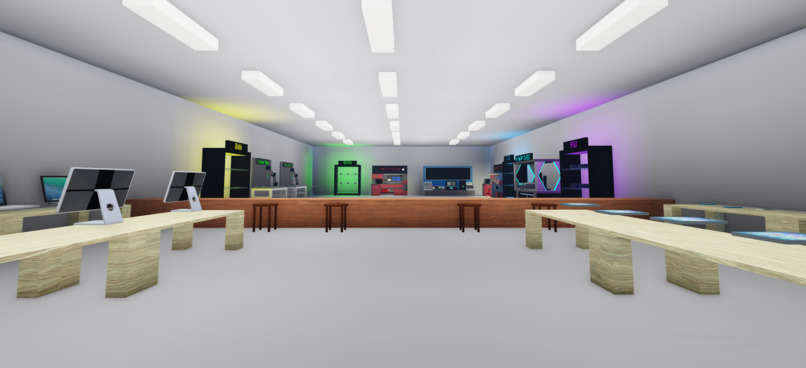
In Game
-
-
-
-
-
Inspiration
We took inspiration from the teamwork and fast-paced chaos of Overcooked and Papa’s cooking games, but brought that experience into an IT repair shop.
We also wanted to encourage people to feel more comfortable with computer hardware. Fixing a PC can seem intimidating when you don’t recognize the components or know where to start. Overclocked introduces those parts through playful, simplified tasks that we hope spark curiosity about how computers work.
What it does
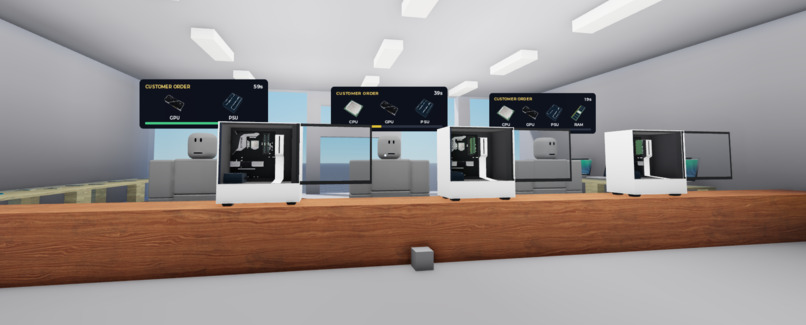
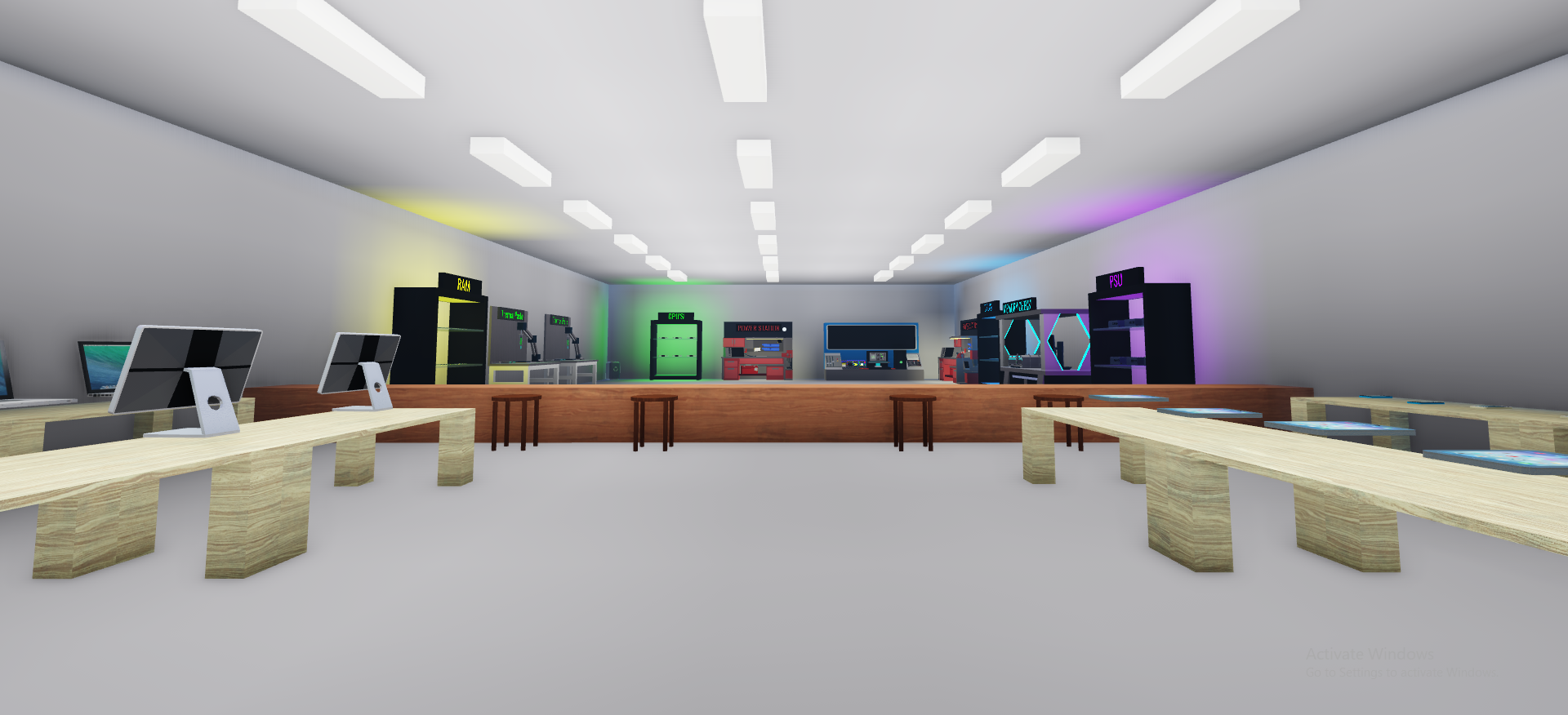
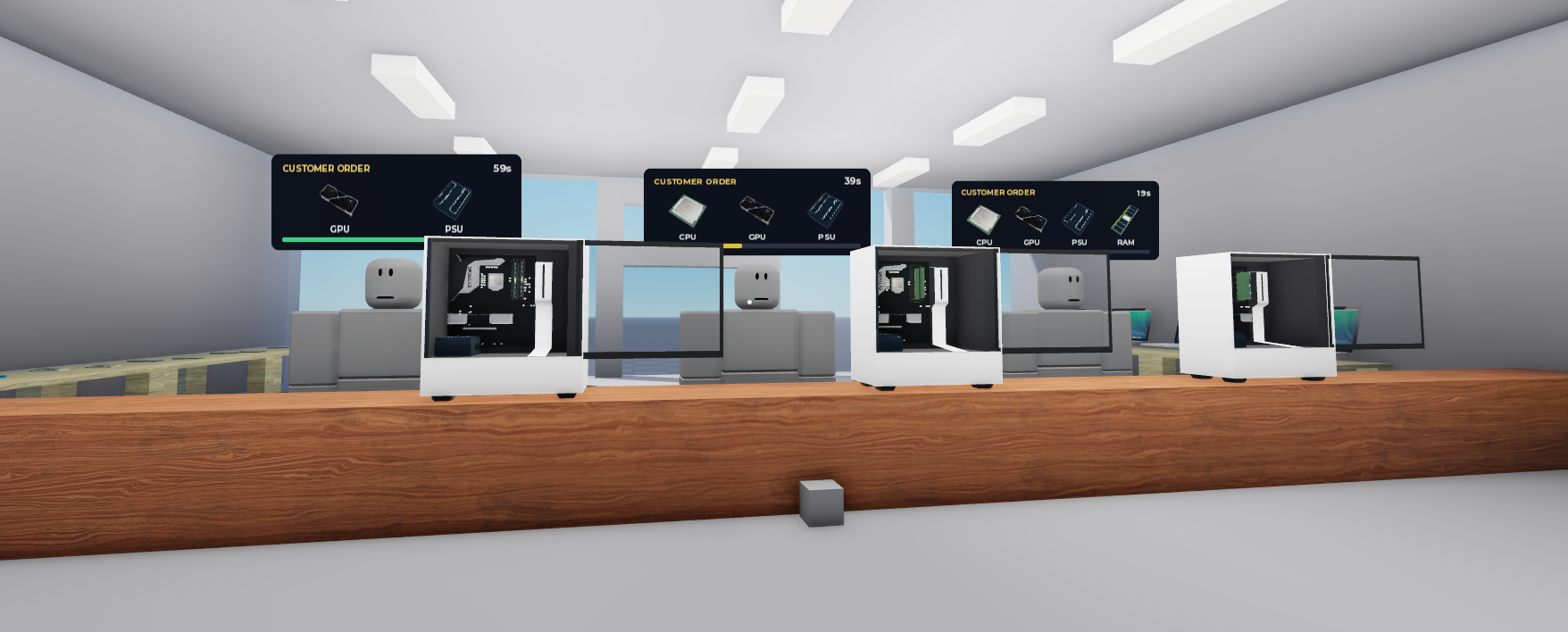
Overclocked is a cooperative PC repair game on Roblox, playable solo or with friends across PC and VR. Players manage customer orders, prepare replacement components, and repair computers before time runs out.
Players complete four preparation tasks:
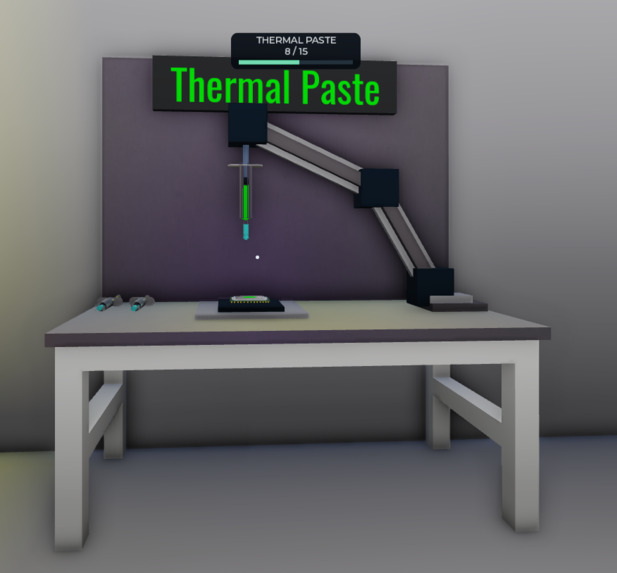
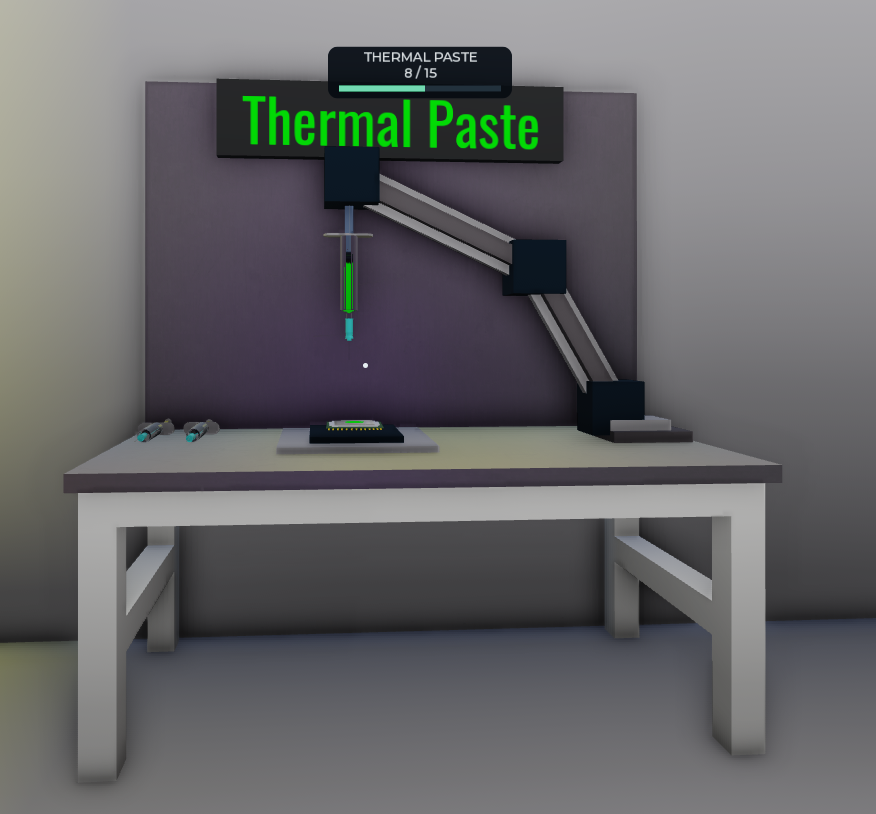
- CPU: Apply thermal paste through a button-mashing task.
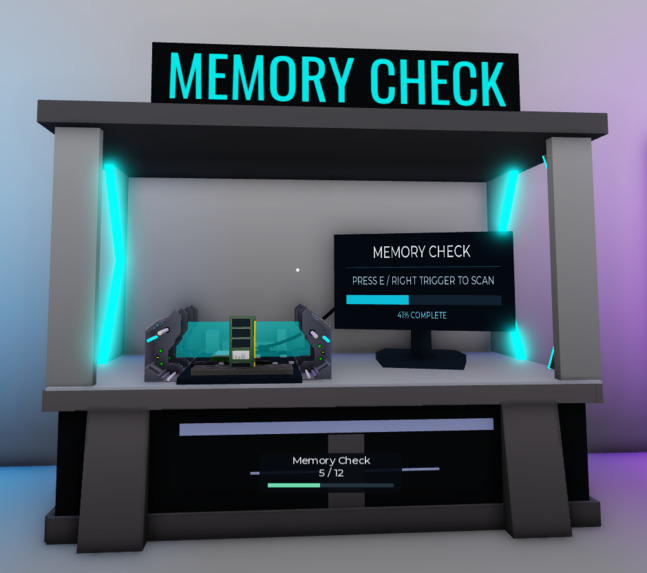
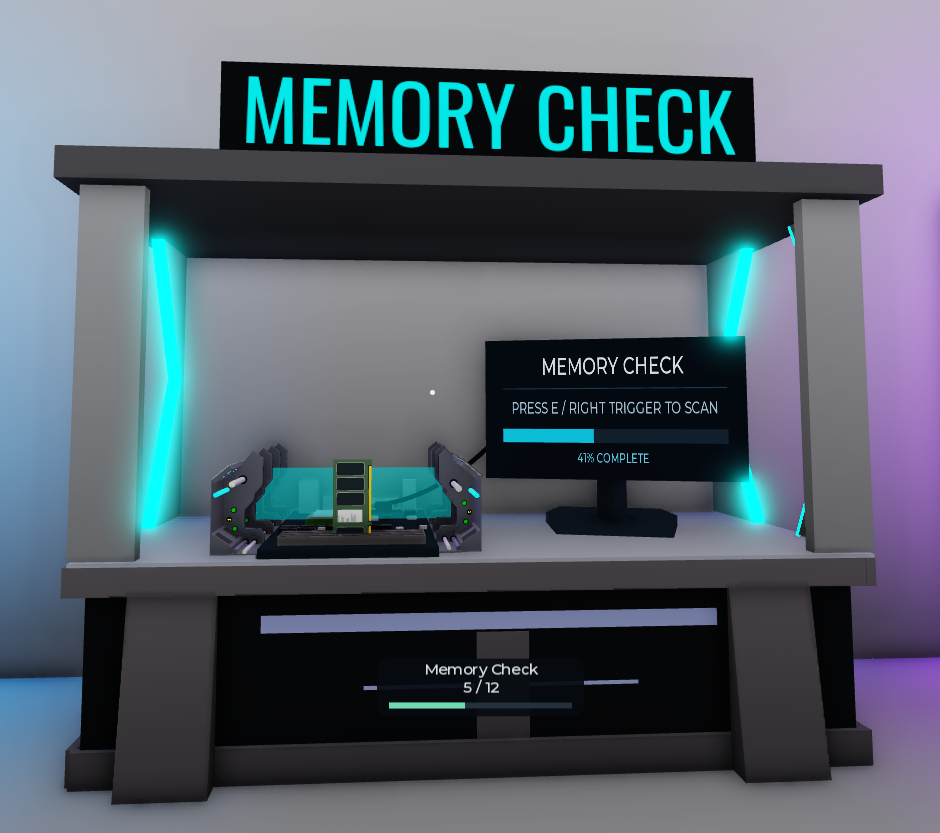
- RAM: Run a memory scan while advancing a scanner.
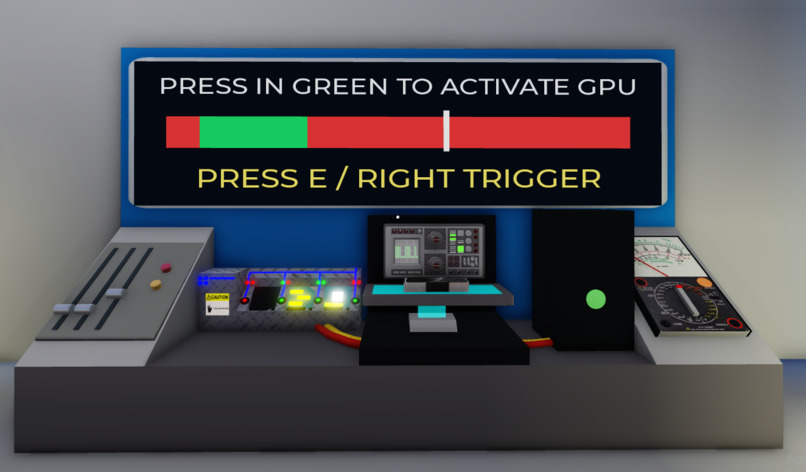
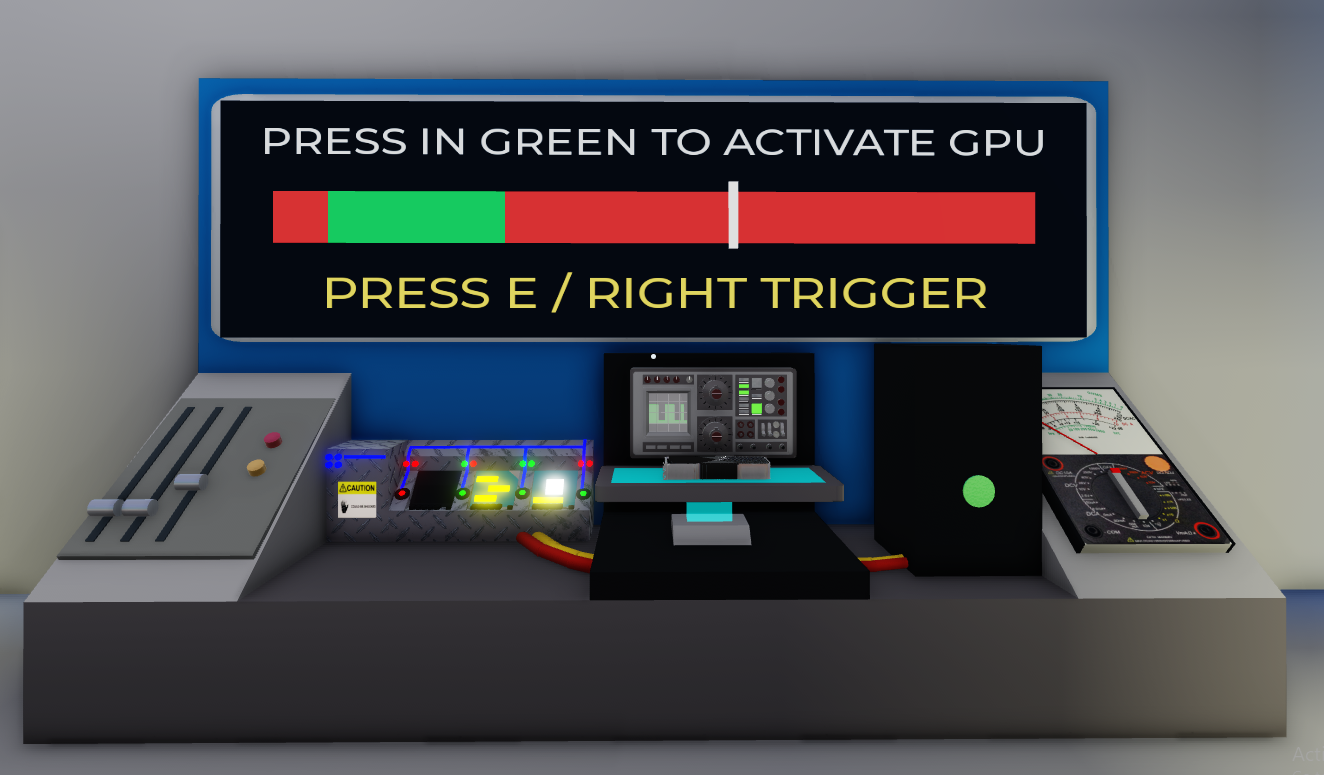
- GPU: Time a button press to hit a moving target within the green zone.
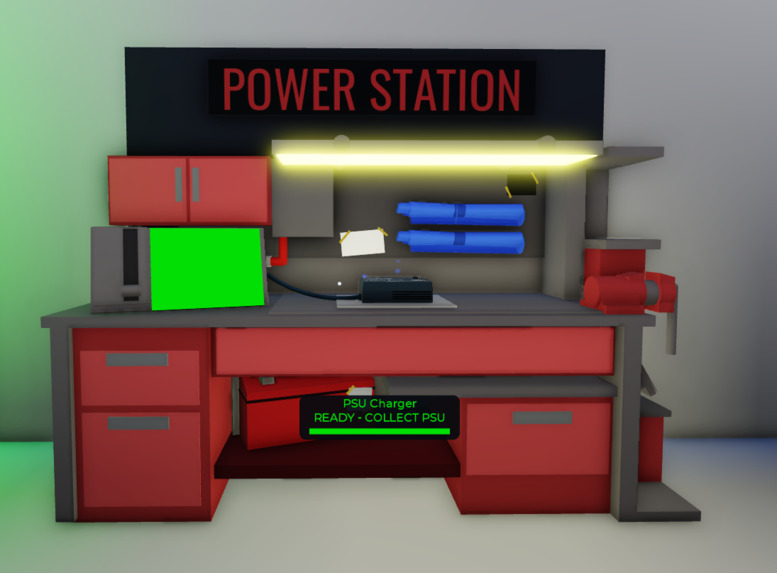
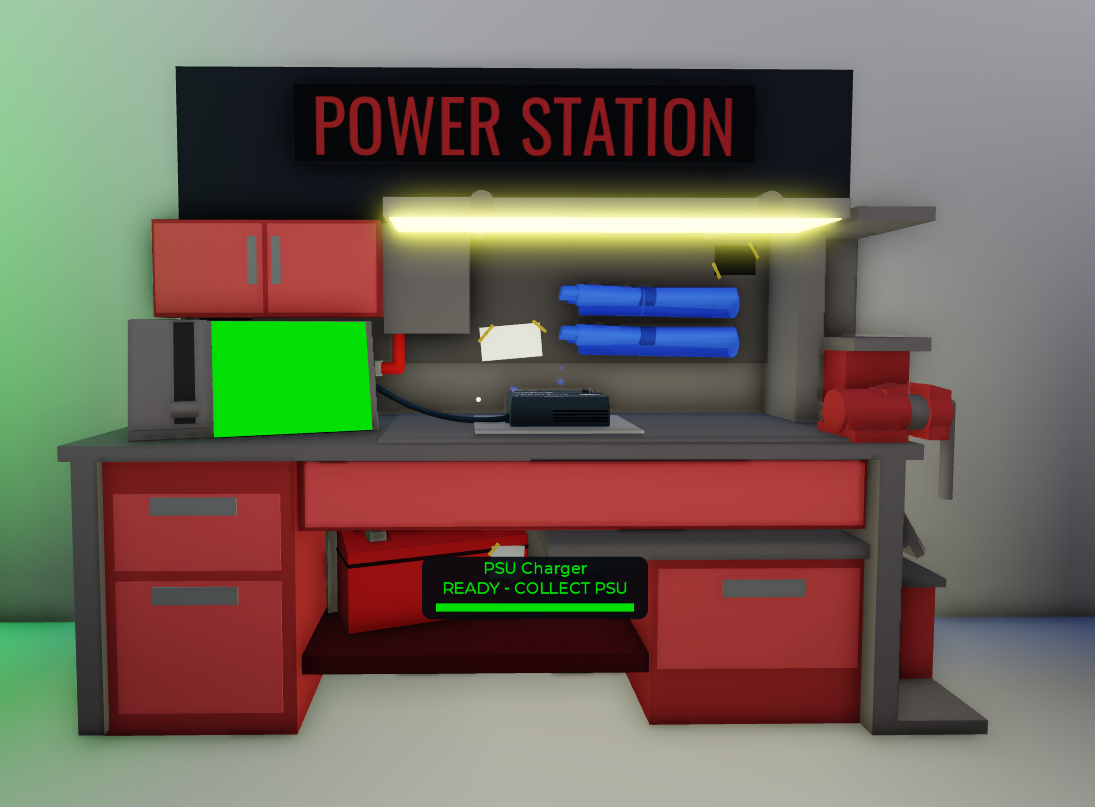
- PSU: Charge a power supply while managing other tasks—and retrieve it before it burns out.
The mechanics are intentionally exaggerated for gameplay. Our goal is to build familiarity and confidence that encourages players to explore real PC maintenance and repair.
How we built it
We built Overclocked in Roblox Studio using Luau, combining existing models with custom station layouts, interfaces, animations, and effects.
We created a shared interaction system for desktop and VR, using keyboard controls on PC and right-controller interactions in VR. Server scripts manage item ownership, station progress, and task results, while client scripts handle targeting, carrying, and prompts.
This reusable structure allowed us to build four preparation stations while keeping the controls consistent.
Challenges we ran into
Making the game feel comfortable across desktop and VR was one of our biggest challenges. We repeatedly adjusted pickup targeting, controller inputs, and text placement so players could understand and use the stations.
Multiplayer required careful handling of shared objects. Players needed to pick up, prepare, drop, and exchange components without conflicting ownership or duplicated items.
We also encountered performance issues with detailed models, component orientation differences, and difficulties positioning readable displays on physical screens. Our limited development time pushed us to prioritize the core repair loop.
Accomplishments that we're proud of
We’re proud of bringing desktop and VR players into the same cooperative experience and creating four stations with distinct mechanics.
We also enjoyed making the shop feel responsive through visual feedback: dispensing thermal paste, a moving RAM scanner, a GPU timing display, and electrical effects that warn players before a power supply burns out.
Most of all, we’re proud of turning computer hardware into something approachable, social, and fun to explore.
What we learned
We learned how important clear feedback is, especially in VR. Small changes to prompts, targeting, and display placement made a noticeable difference in how easily players understood an interaction.
We strengthened our understanding of multiplayer synchronization, network ownership, and separating server-controlled game state from local controls and visuals.
We also learned that introducing a technical subject through a game means balancing recognizable concepts with accessible mechanics. We want players to leave curious enough to ask questions, learn more, and feel confident exploring PC repair themselves.
What's next for Overclocked
We want to expand the repair scenarios, refine the VR controls, and balance the game for different team sizes.
We’d also like to add optional explanations connecting the game’s simplified tasks to real hardware practices. This would give interested players a path from recognizing components in Overclocked to learning how to troubleshoot and maintain an actual PC.
Longer term, we’d love to introduce new shop layouts, difficulty progression, and shift leaderboards that reward teamwork and keep players coming back.
Built With
- game-design
- lua
- roblox
- simulation


Log in or sign up for Devpost to join the conversation.