-
-

OutlookImgur
-
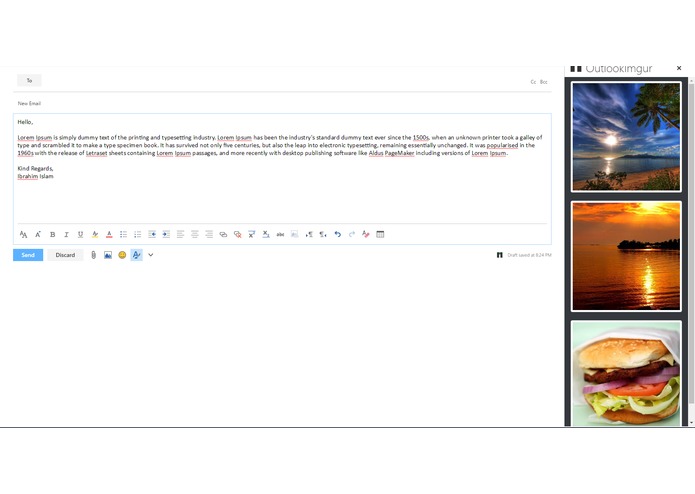
albums
-
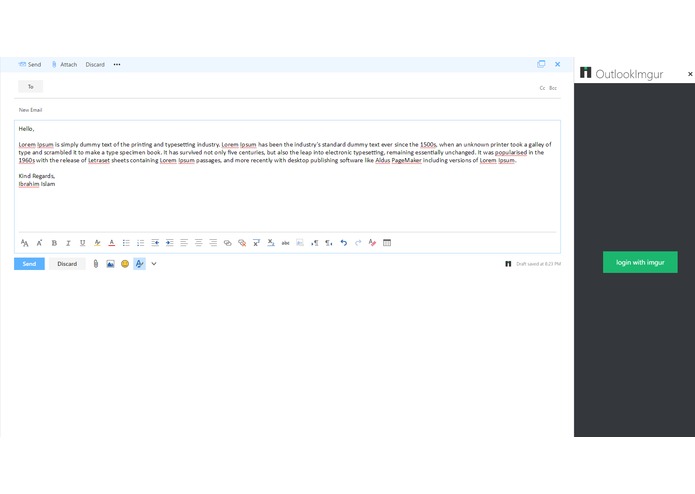
login
-
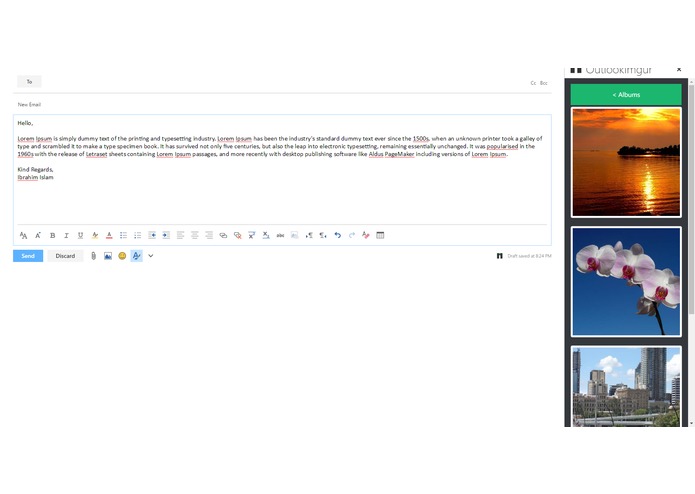
images

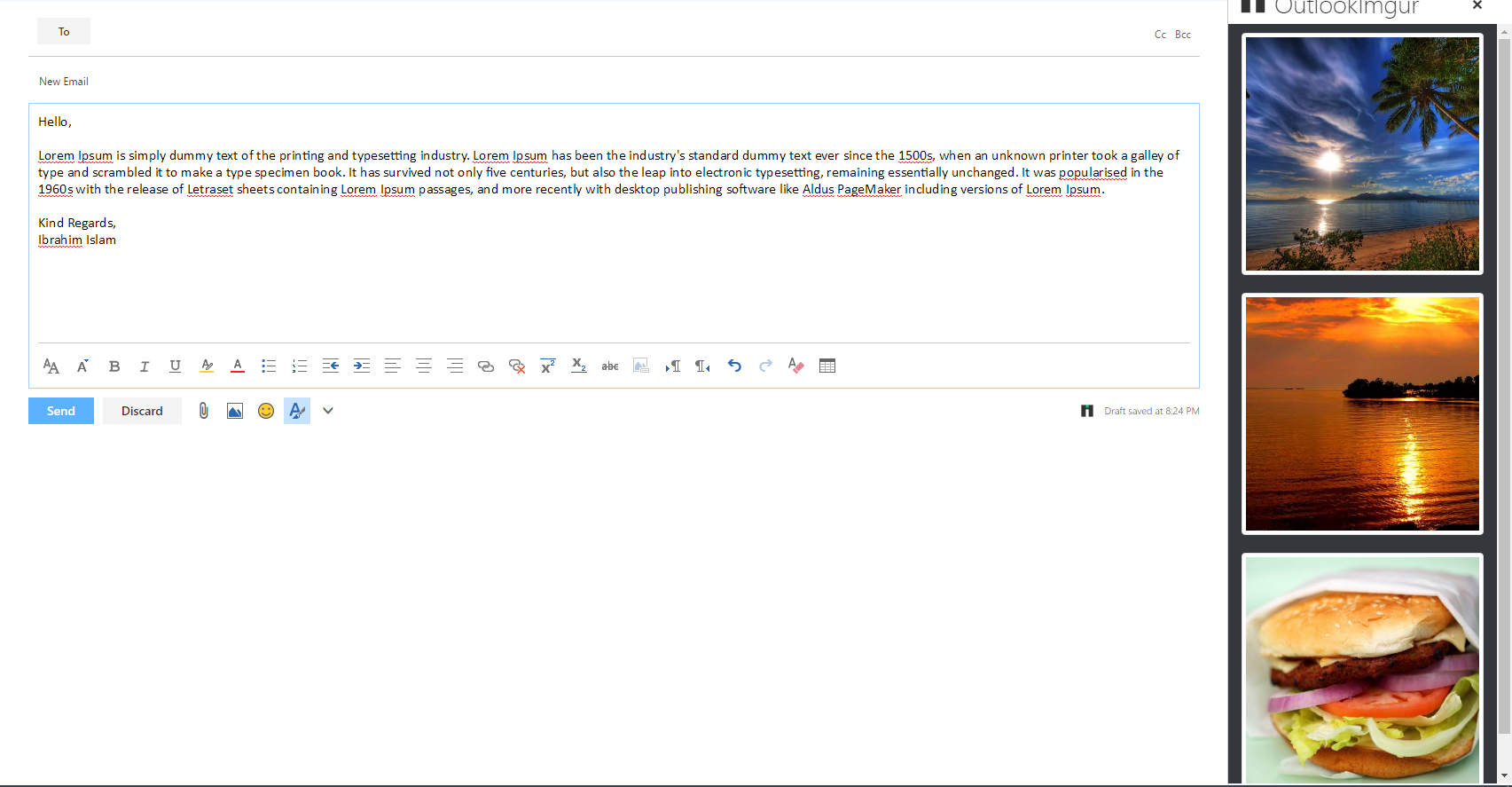
OutlookImgur
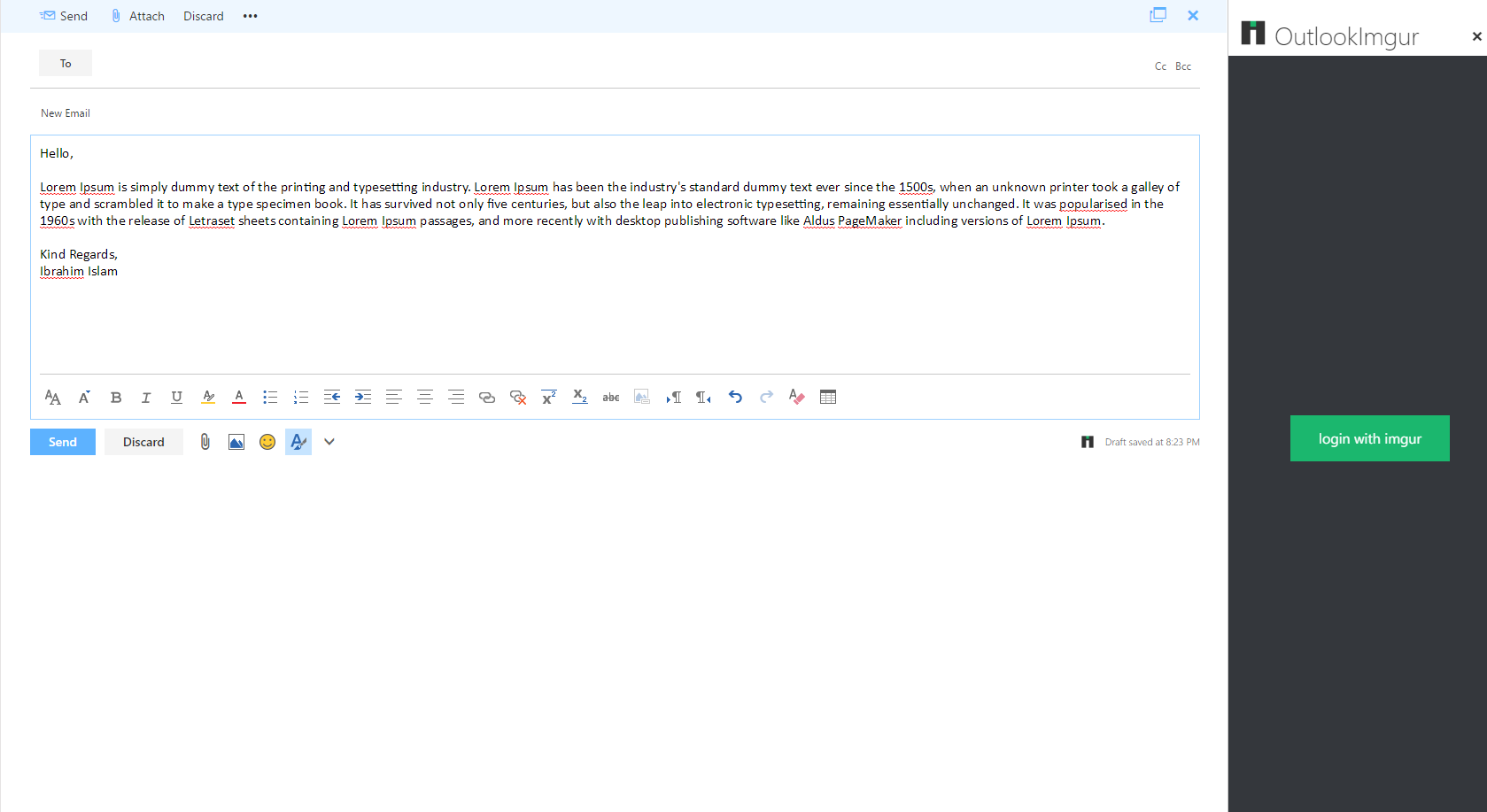
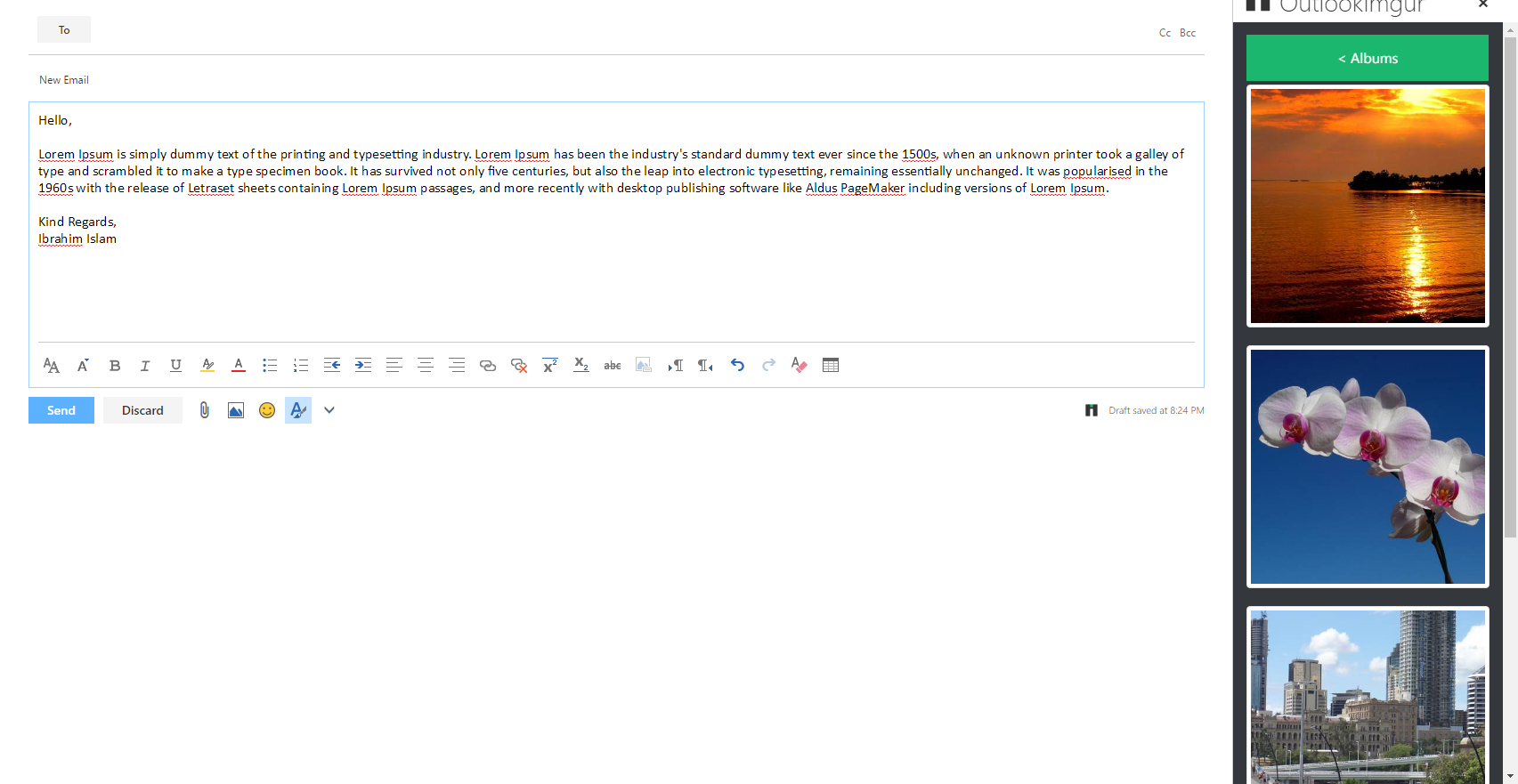
Access your imgur directly from Outlook Mail.
Running the addin
git clonethe project- Run
npm install - Run
gulpto build the app - Once building complete, run
gulp serverto deploy the app in a separate console - Logon to Outlook Web Access. Click on the gear cog in the upper right corner of the page and click on
Manage apps. - On the
Manage appspage, click on the '+' icon, selectAdd from file. Browse to thedist/manifest.xmlfile included in the project. - Return to the Mail view in Outlook Web Access.
- To use the add-in, create a new message/email.
- You should see an icon of the addin at the bottom of the mail body box. Click on it to activate the addin.


Log in or sign up for Devpost to join the conversation.