-
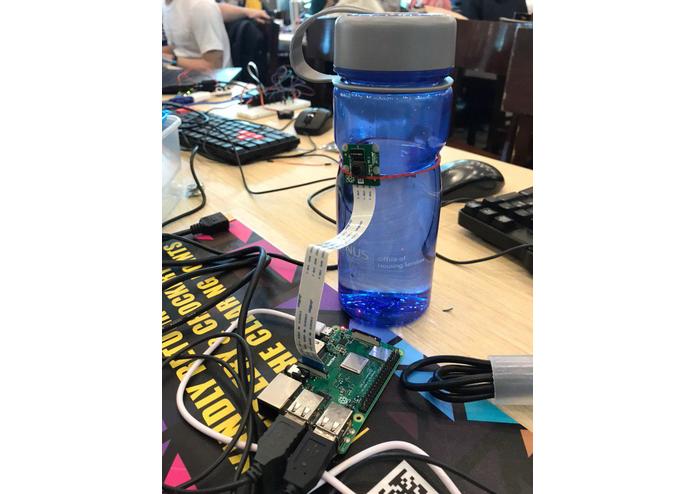
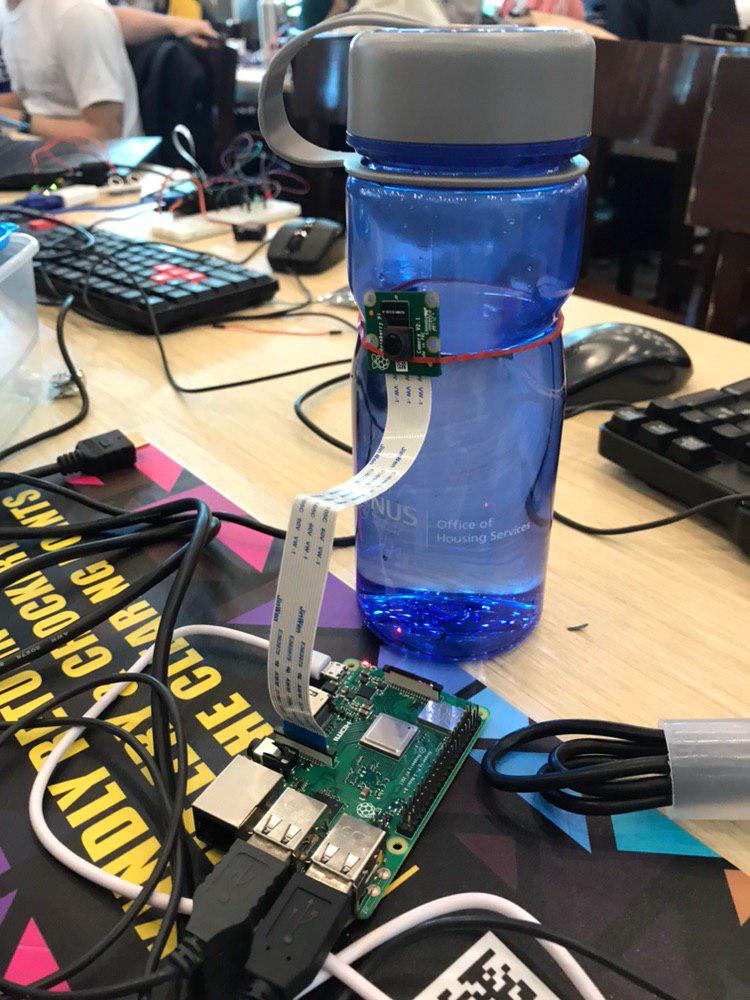
The basic, bare-bones set-up
Team Members
Rohan Arya Varma (ID: 598) Sujay R Subramanian (ID: 599) Tan Chin Khang (ID: 585)
Inspiration
There are many ways to secure transactions and information exchange in the virtual world, however your data could be easily compromised by a person just standing right behind you.
What it does
After detecting motion via a remote camera, a user-defined response is automatically executed in the display of interest, which can be one of the following:
- Window Minimization
- Screen Brightness Reduction
- Opening Random Resource Site
An alert popup is also created, which upon confirmation will restore the original display.
How we built it
We used a Raspberry Pi 3 Model B+ with a Camera module to map the immediate surroundings of the user or entry point and detect motion. Using SSH, byte-sized data is transmitted over to the user's computer, which when received, will proceed to the action, which was selected via a GUI during the initialization process.
Challenges we ran into
- Connection to Wi-Fi and Stability Issues
- Efficiency in Image Processing
- Visual 'Noise'
- Data Management in Server
- Difficult finding HWND
Accomplishments that we're proud of
- Establishing a working communication protocol with auto-reconnect capabilities.
- Optimization of Real-Time Image Capture and Processing for Raspberry Pi
- Successful coding of multiple execution options
What we learned
- Networking and Interfacing
- Multiple libraries we had little to no experience with (subprocess, tkinter, ctypes, picamera, socket)
- Interacting with computer display using different libraries
- Technicalities regarding computer display (E.g. HWND, Use of Powershell)
What's next for Outcognito
- 3D Printed Case with camera slot
- Improvement of GUI


Log in or sign up for Devpost to join the conversation.