-
-
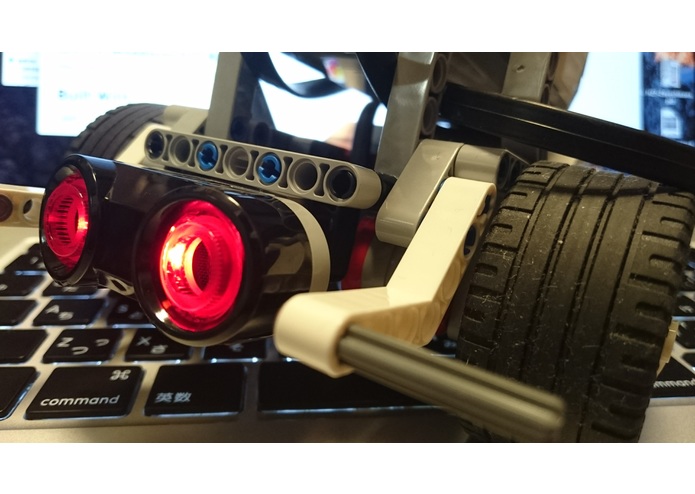
face side of robot
-

app icon
-
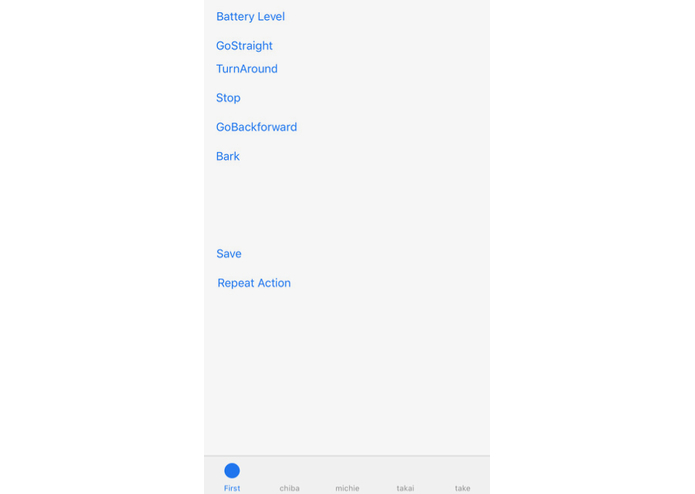
app screenshot with simple UI button
-
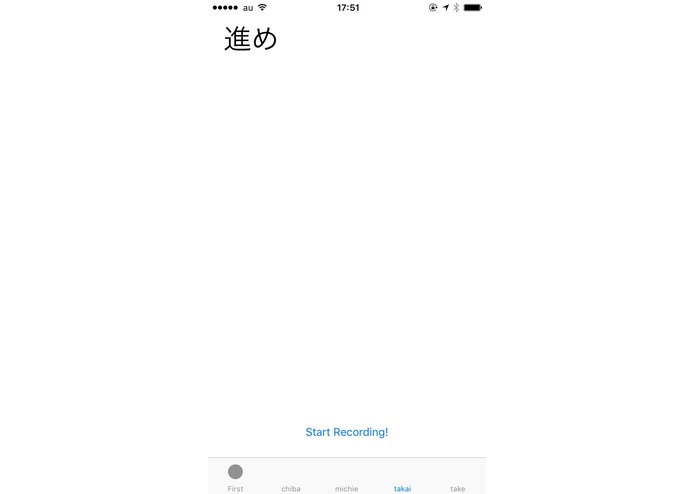
app screenshot recognizing voice command
-
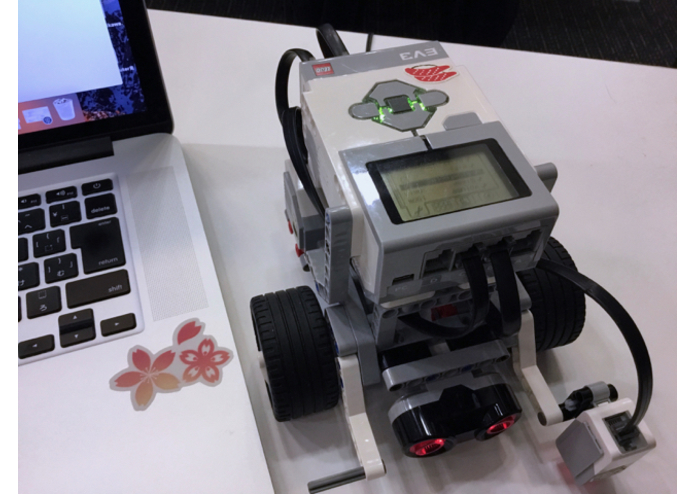
robot
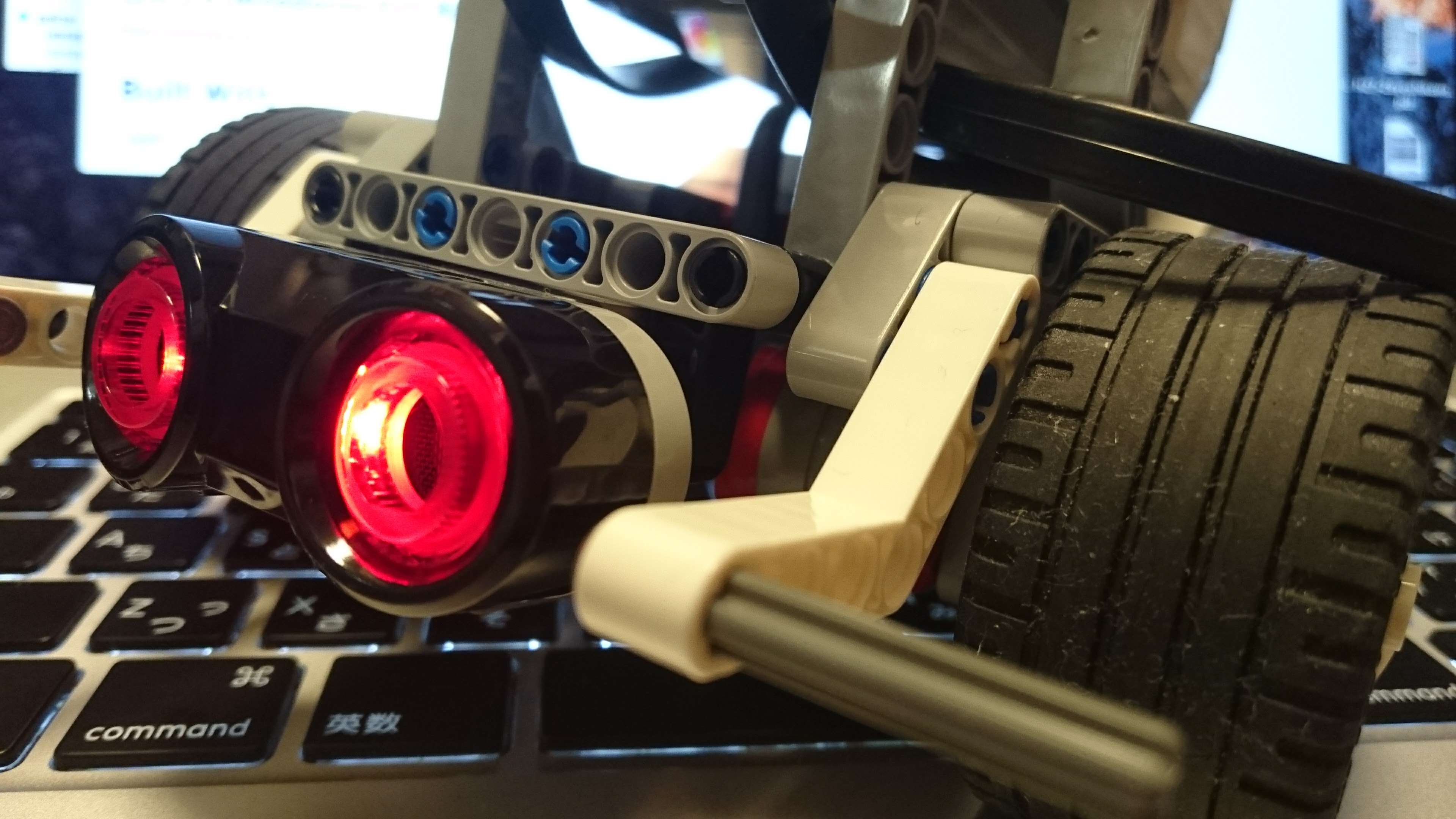

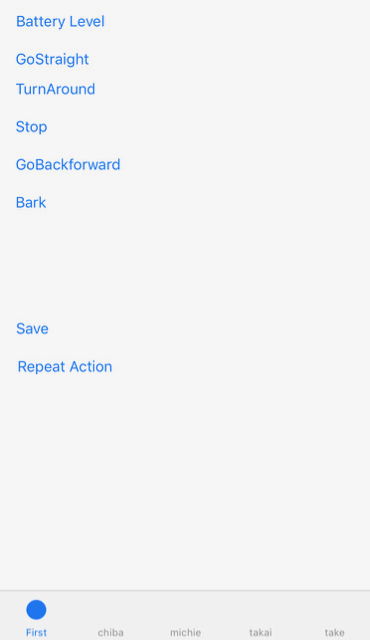
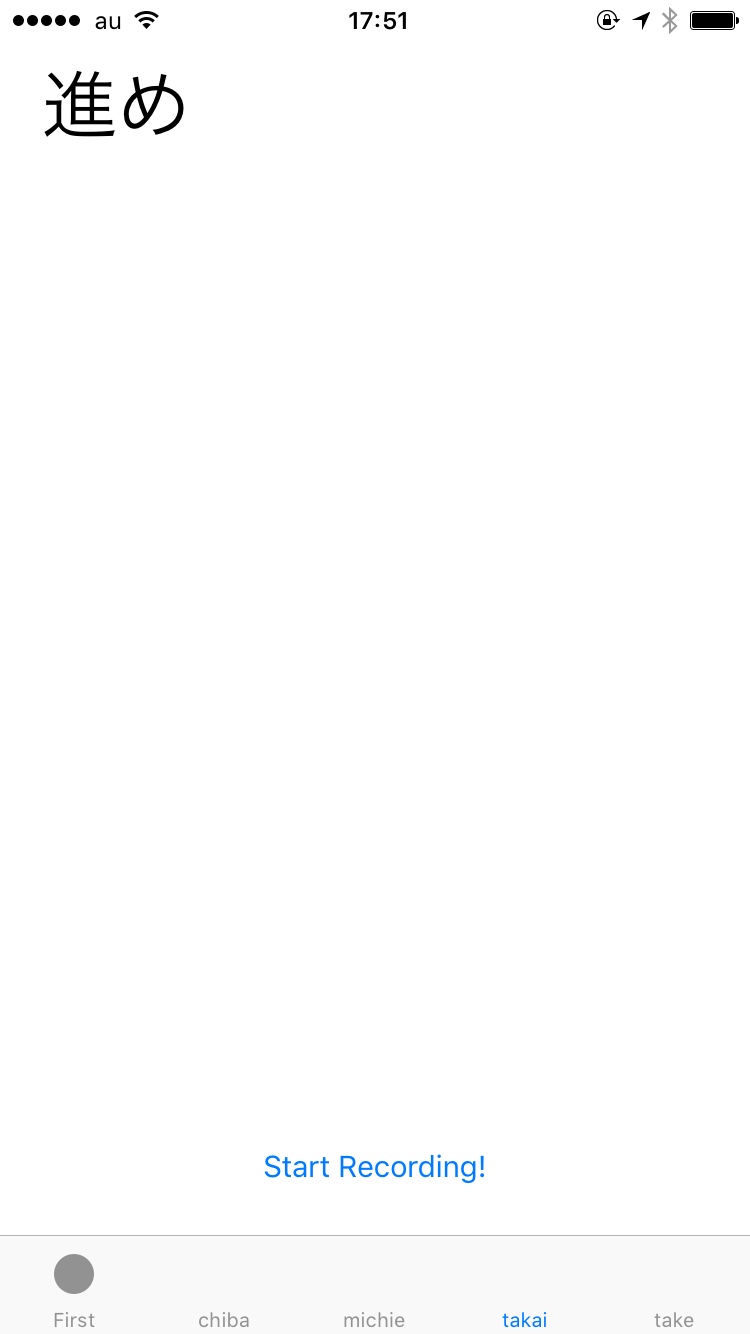
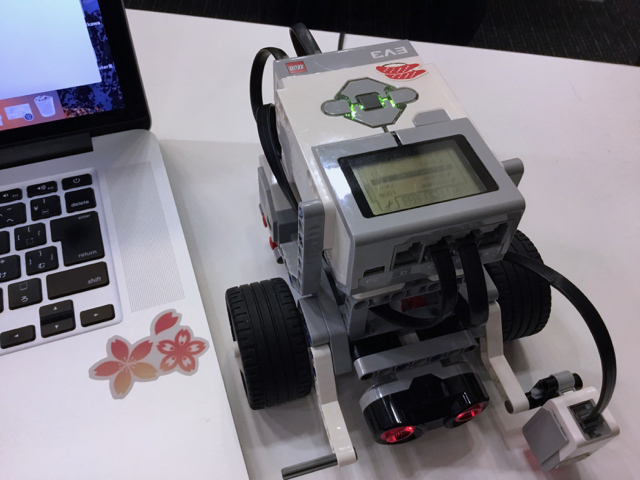
"Pochi (ぽち)" is the name of our project, our app and our robot with LEGO Mindstorms EV3
Goal / ゴール
Cool and extreme remote control iOS app controlling the robots like your pet. You can communicate with the robot by your voice, touching and intention of crowd.
クールで今までに体験したことのない方法でロボットをペットのように操作するリモコンアプリ
3 ways to control your robot "Pochi"
- Simple UI Button on iOS device
- Voice Command in Japanese
- Firebase (replaying)
Behavior of your robot
BASIC action
- Go ahead
- Turn right or left
- Go back
- Bark
COMBINATION action
- Your robot barks and responds to your voice.
- You can store the scenario of actions of your robot in firebase, and replay the actions for loading from firebase.
- Your robot are following you using ultra-sonic sensor. (We cannot implement this function today)
GitHub repository of Our App
https://github.com/takaishota/Pochi/
What we learn this project
- Bluetooth communication (External Acccessory Framework)
- Voice Recognition
- Controlling the motors of robot and playing the voice of dog (rsf sound format customized for LEGO).
- Firebase
Target robot / 対象となるロボット
- LEGO Mindstorms EV3 https://www.lego.com/ja-jp/mindstorms/about-ev3
Spec of Robot / ロボット仕様
Three-wheel vehicle robot / 三輪車両型ロボット
- Motor x2 (Right and Left Wheel)
- Color Sensor x1
- Ultrasonic Sensor x1
- Bluetooth communication unit
Reference / 参考リンク
LEGO Mindstorms EV3 Developer Kits
https://education.lego.com/en-us/support/mindstorms-ev3/developer-kits
"EV3 Communication Developer Kit" : communication specification / 通信仕様
LEGO EV3 (EV3 API implemented for .Net)
https://github.com/BrianPeek/legoev3
EV3 iOS SDK (EV3 API implemented in Swift)
https://github.com/andiikaa/ev3ios
Assembly drawing of Basic robot
http://robotsquare.com/wp-content/uploads/2013/10/45544_educator.pdf


Log in or sign up for Devpost to join the conversation.