-
-
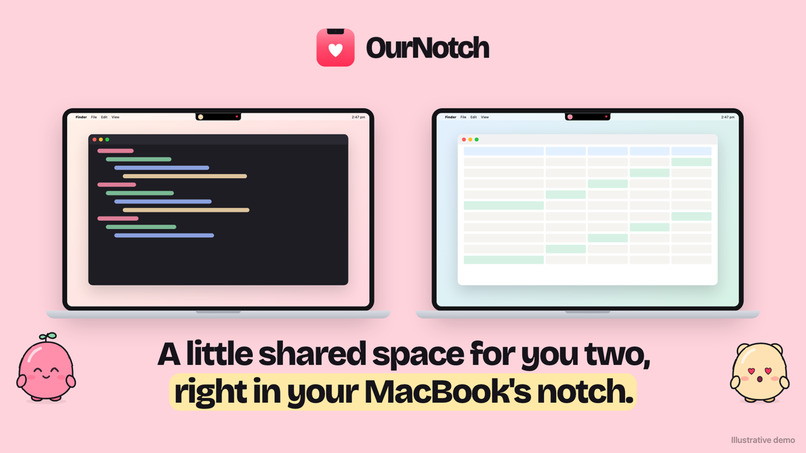
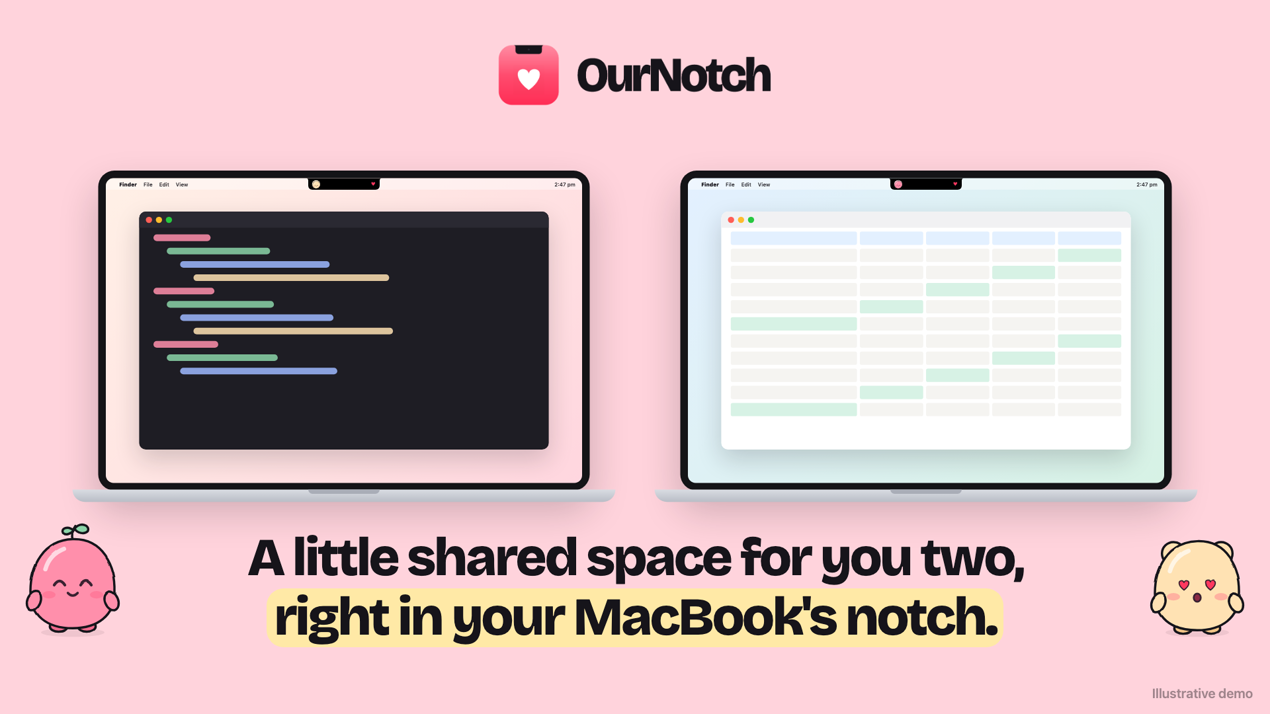
OurNotch turns your MacBook notch into a little shared space for you and your person.
-
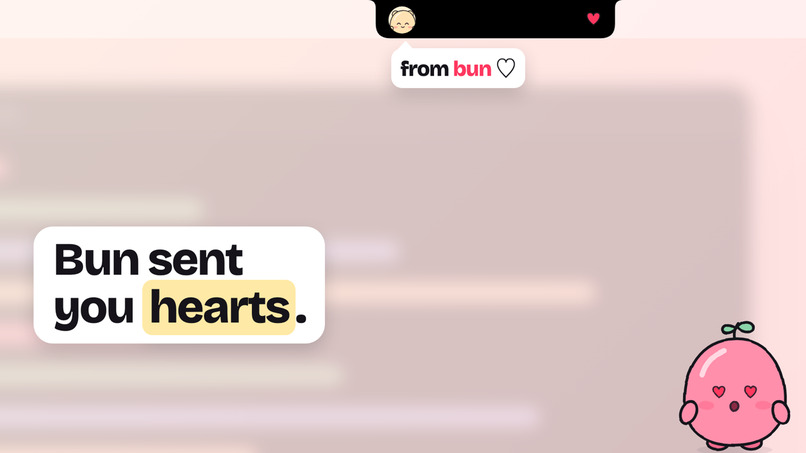
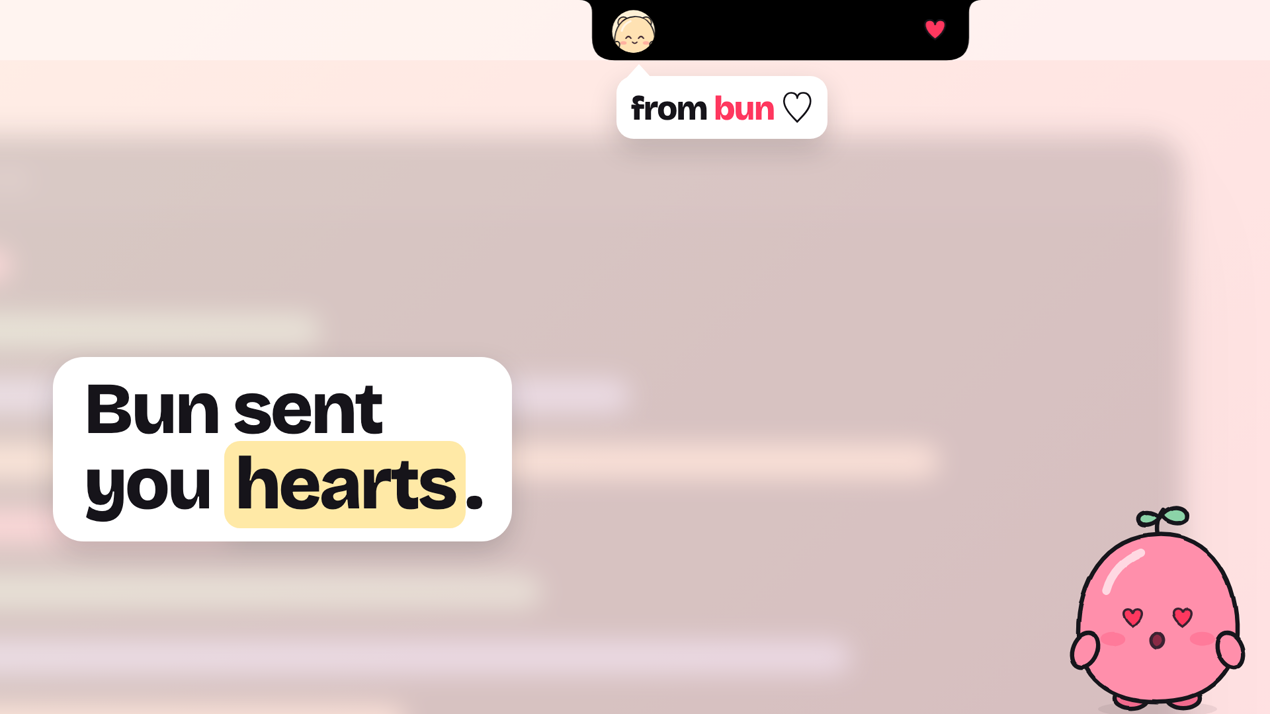
A heart from your partner arrives in your notch.
-
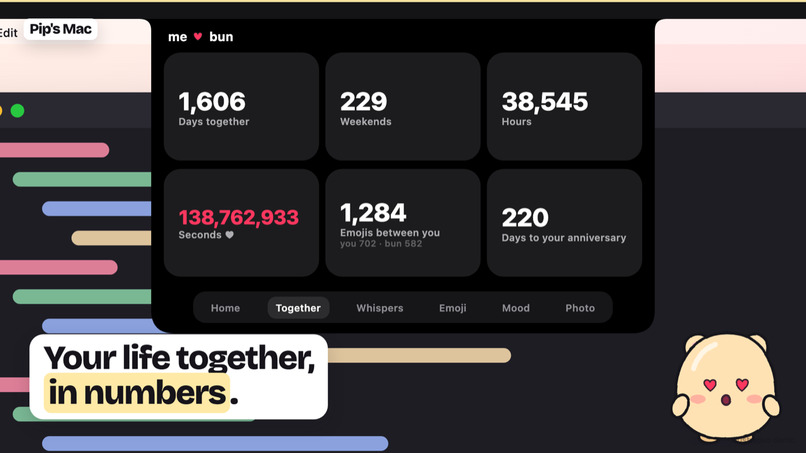
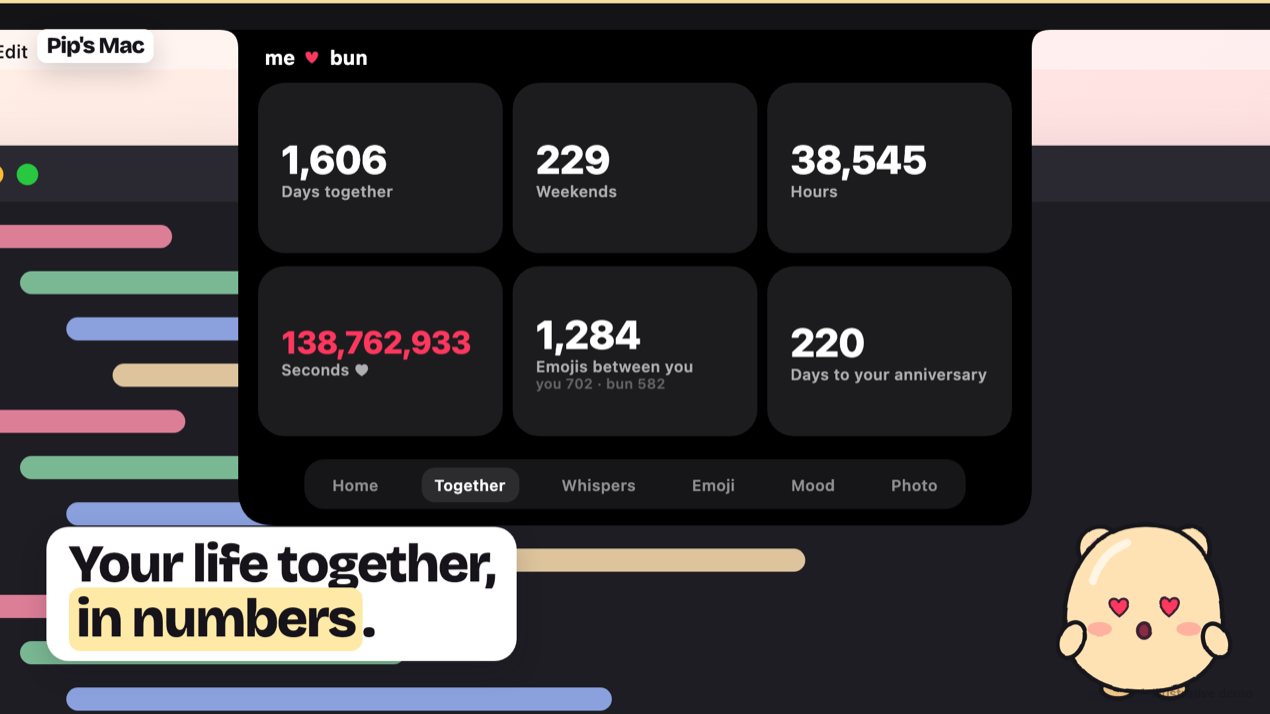
Open the Together tab to see your life together in numbers: days, weekends, hours, every second, and the countdown to your anniversary.
-
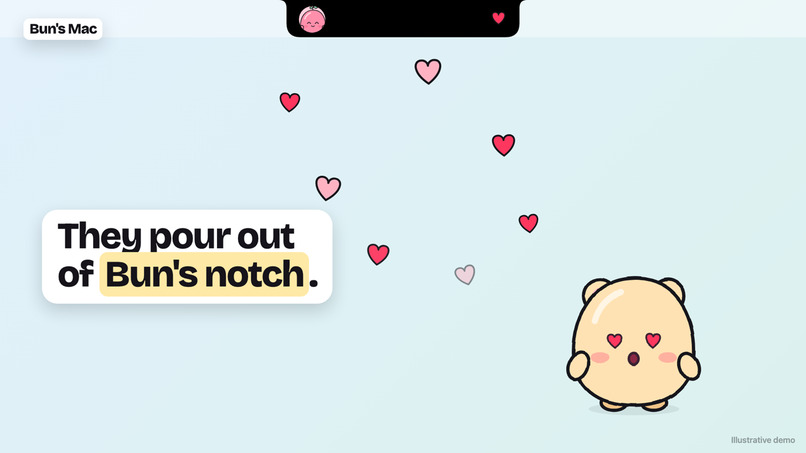
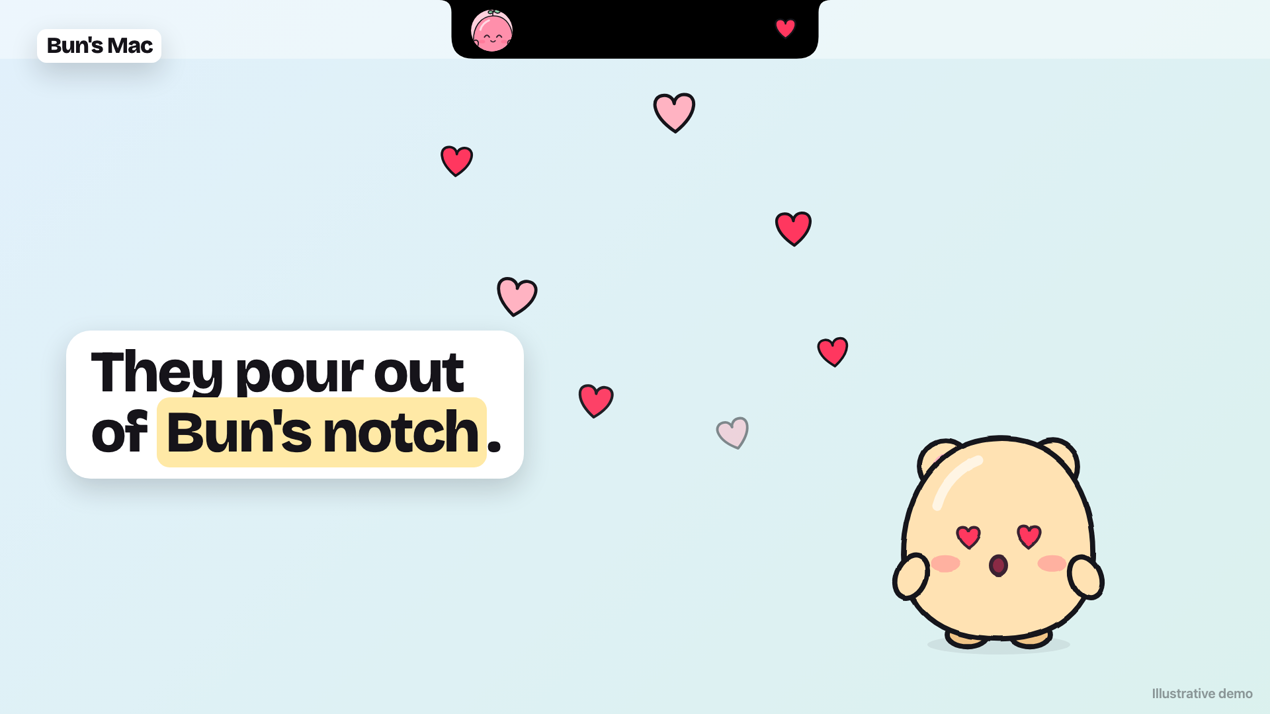
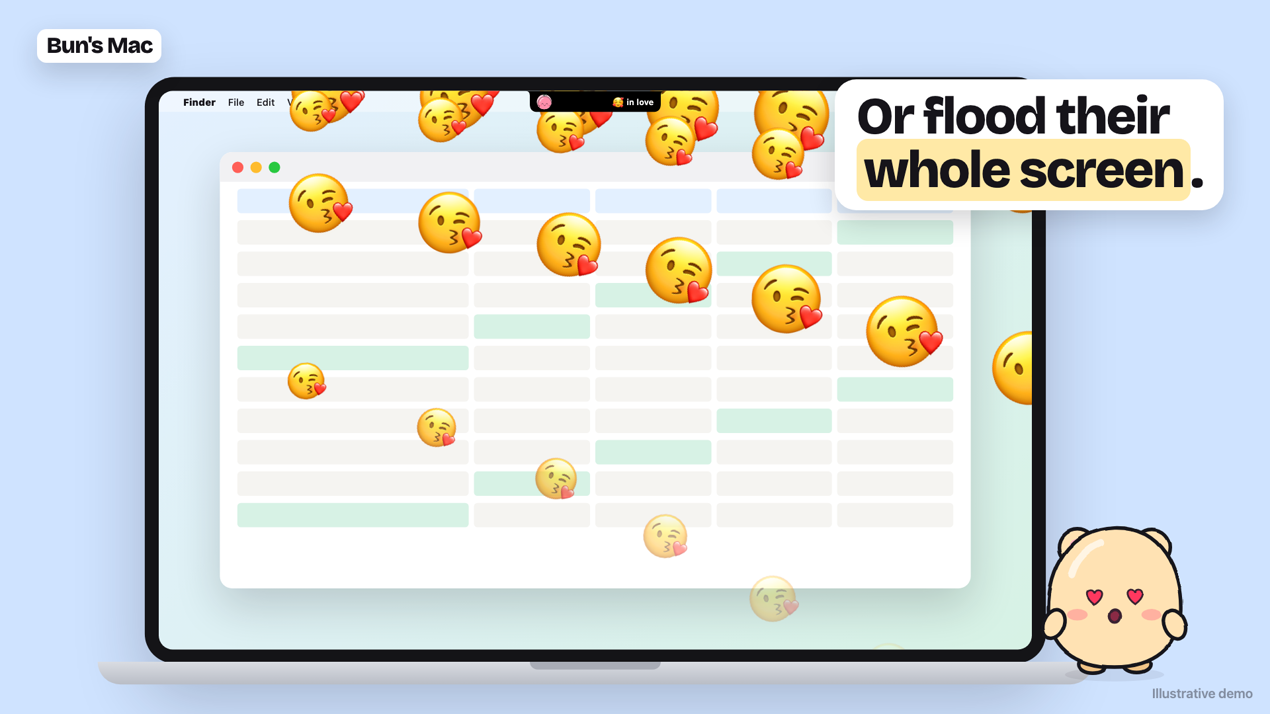
Tap a heart and it pours out of your partner’s notch on their Mac
-
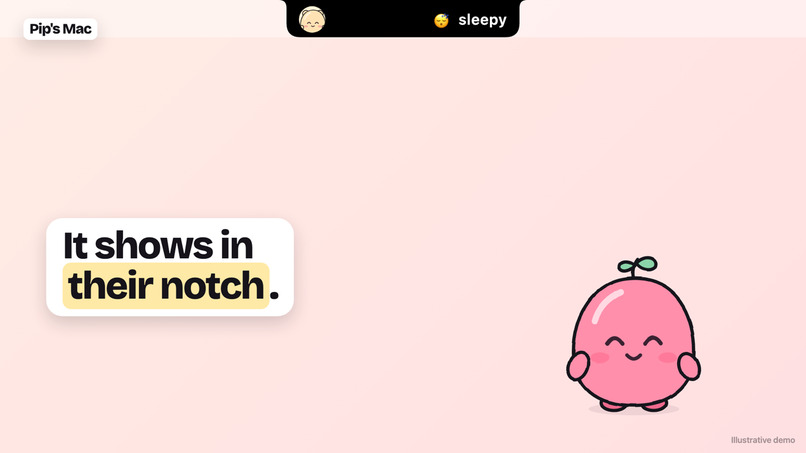
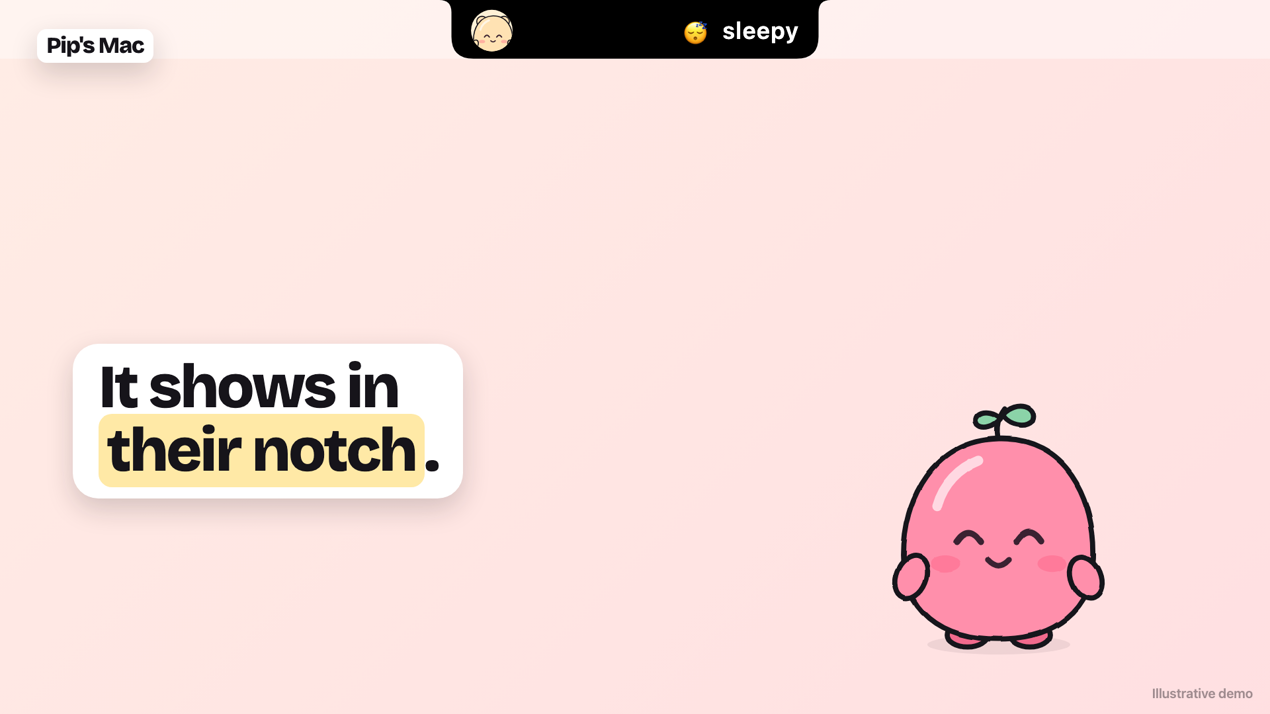
Set your mood and it shows in your partner’s closed notch
-
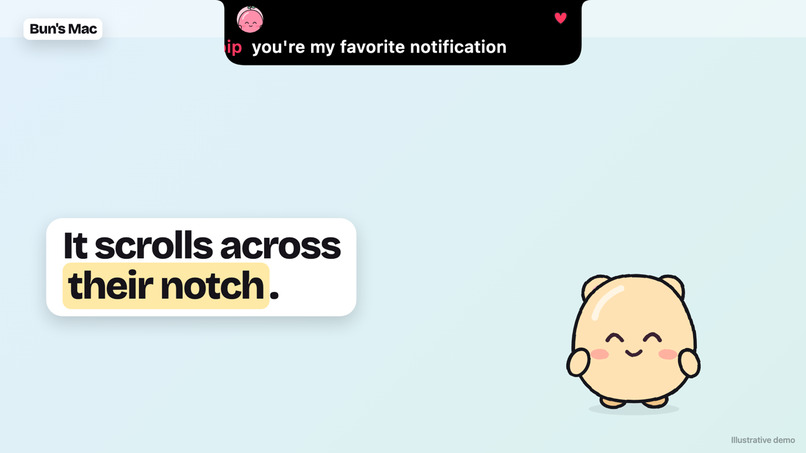
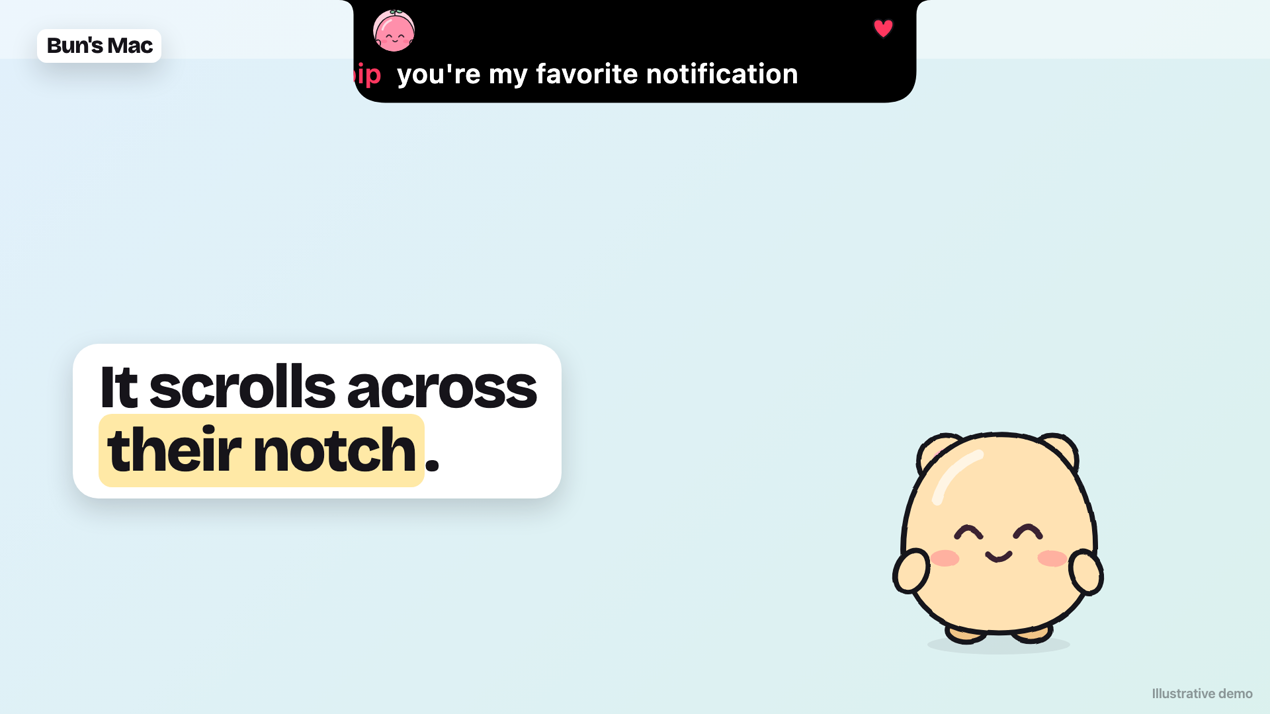
Type a short note and it scrolls across your partner’s notch.
-
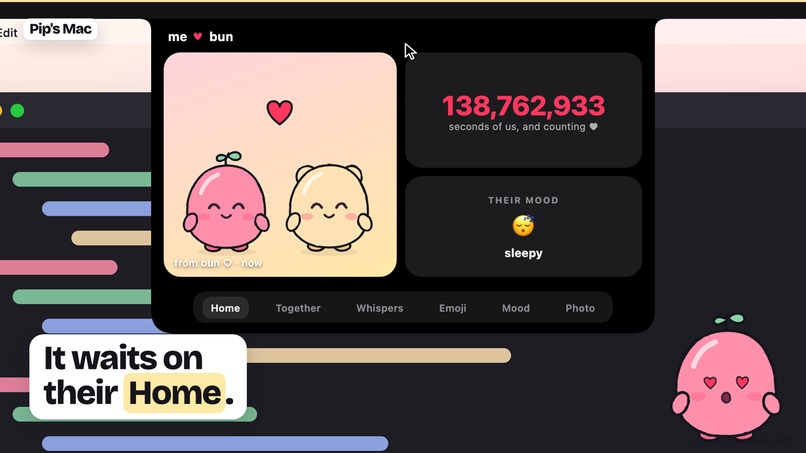
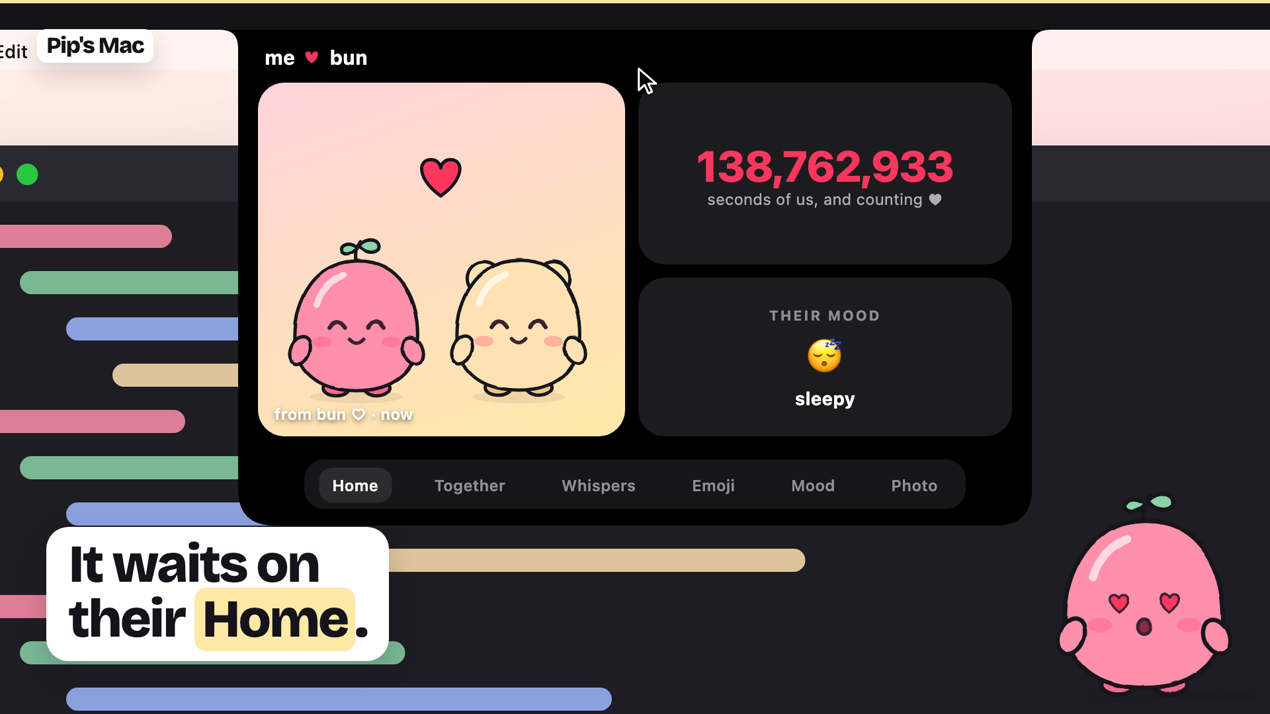
Hover to open the notch: a shared photo, a seconds-together counter and your partner’s mood
-
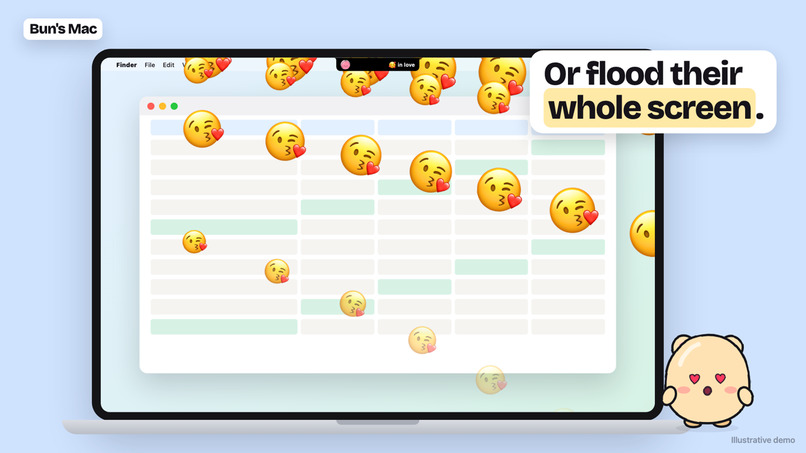
send emojis that flood your partner’s whole screen
Inspiration
My partner and I spend our days on our MacBooks in different places. A quick "thinking of you" text gets buried under work chats, and the notch sits at the top of the screen doing nothing. So I turned the notch into a tiny shared space for two of us.
What it does
OurNotch lives in the MacBook notch. Hover and it opens:
- Hearts and emojis pour out of your partner's notch
- Notes scroll across their notch like a banner
- Mood shows next to your photo in their notch
- Photos wait on their Home tab
Pair two Macs once and you're done. There's no server of ours involved: everything goes through iCloud and is end-to-end encrypted.
How I built it
I had never written Swift before. I built OurNotch with Claude Code using a plan-first loop: scope, then PRD, then spec, then small slices, each one its own pull request.
- Notch window: a borderless panel above the menu bar, with a SwiftUI shape inside that grows and shrinks
- Sync: CloudKit, with push pings and a 60-second safety-net check
- Encryption: each Mac has its own key pair, and pairing derives a shared key both Macs use
- Product: Dodo Payments licences, a Next.js website, notarization and auto-updates
Challenges
- Learning Swift, AppKit, CloudKit and signing, all at once
- Jittery notch animations, and the notch disappearing when I switched apps
- Messages lagging between two real Macs. I fixed it by measuring delivery times and checking more often while the app is active.
What I learned
Planning first makes AI-built code much better, and real two-Mac testing catches what assumptions miss.
Built With
- cloudflare
- cloudkit
- swift

Log in or sign up for Devpost to join the conversation.