-
-
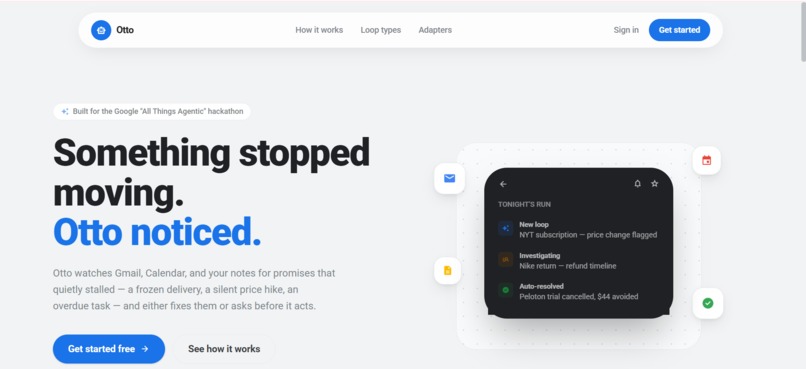
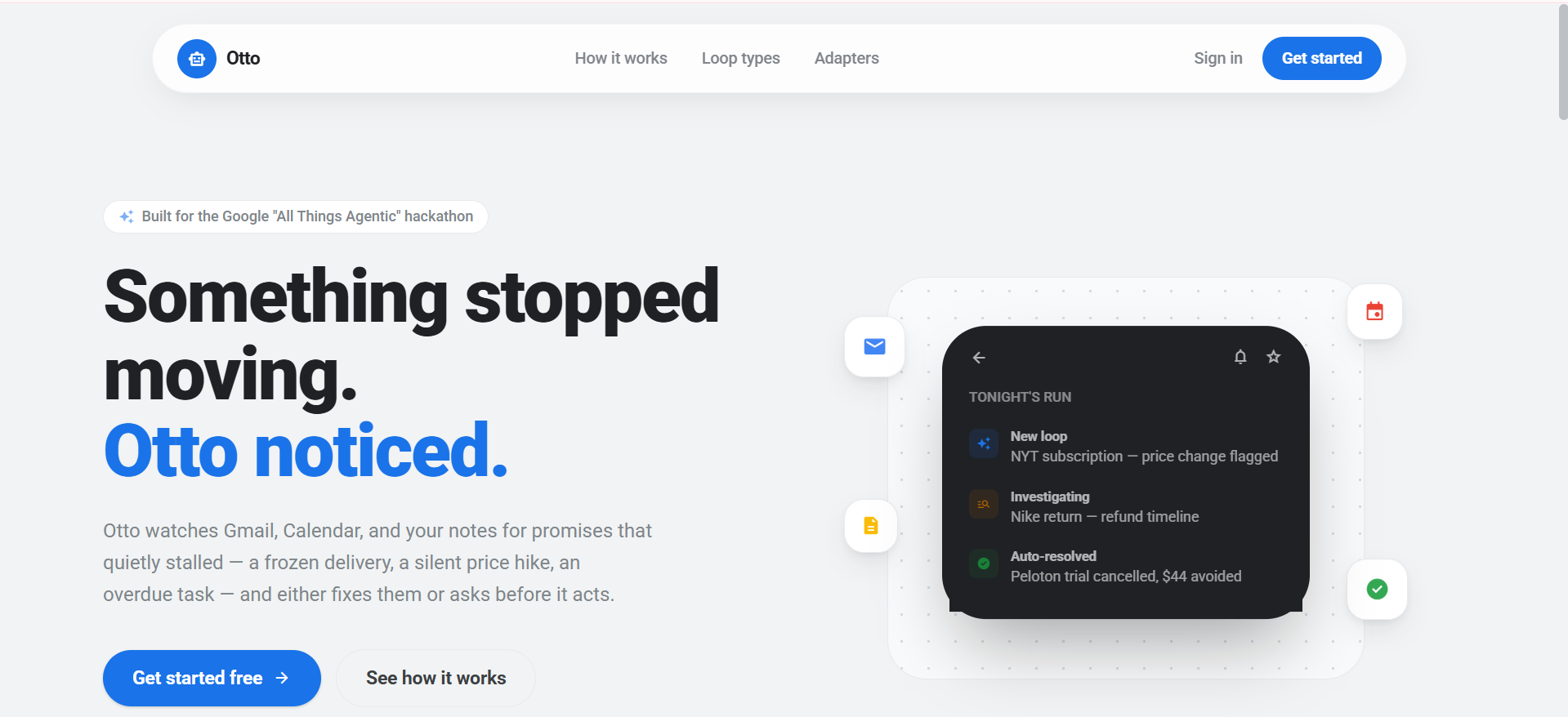
1.1 Landing Page
-
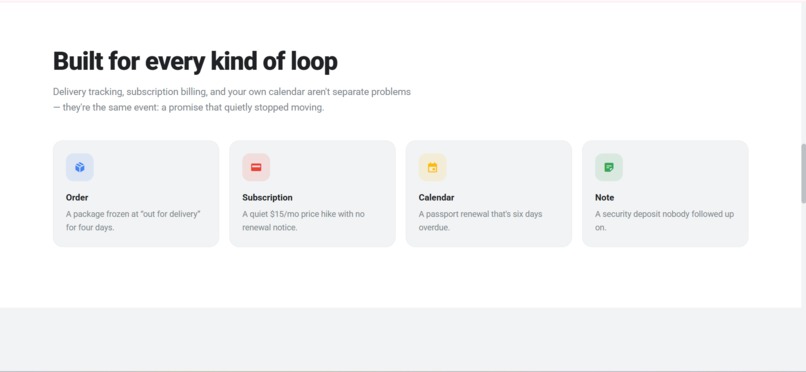
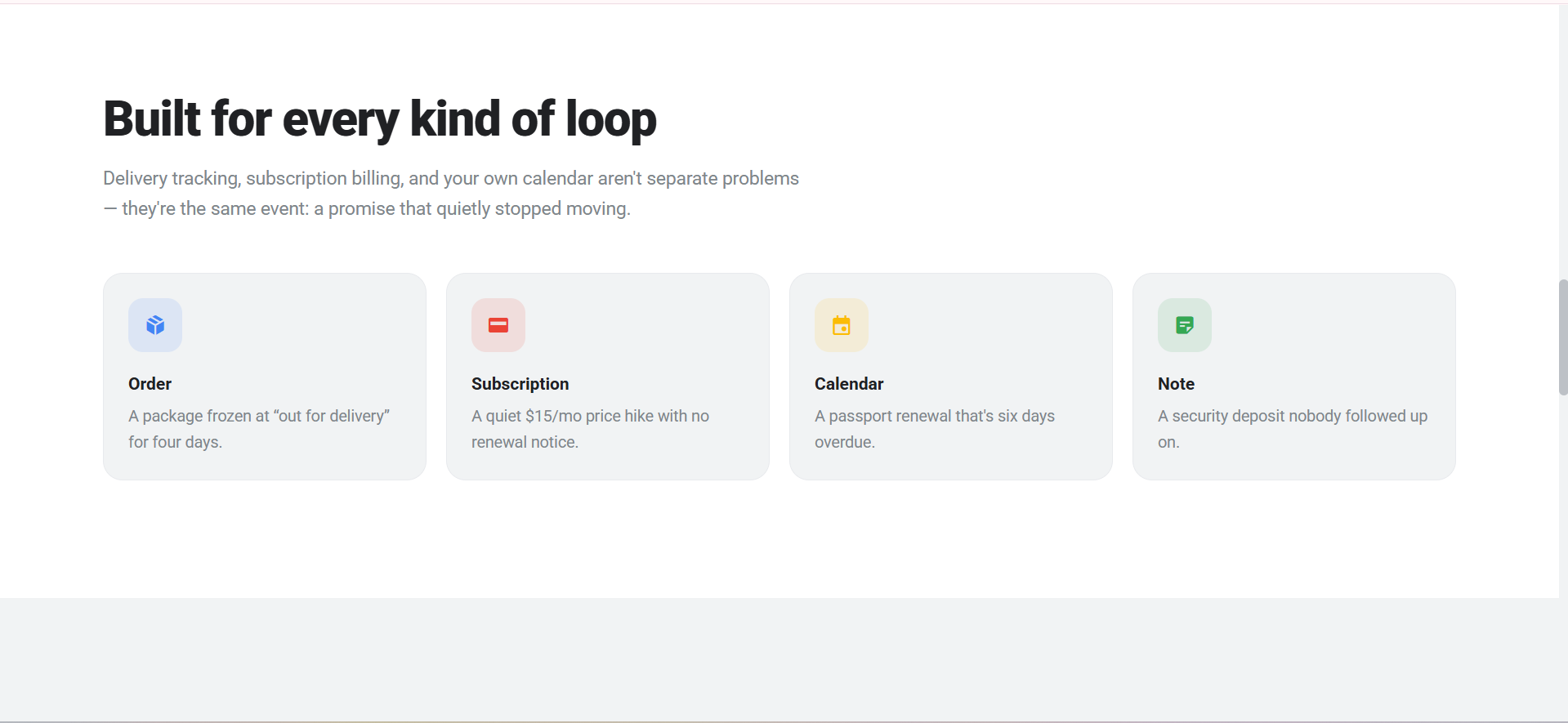
1.2 Landing Page
-
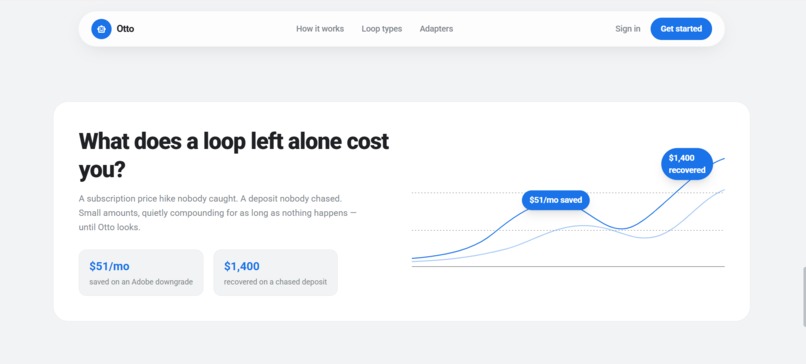
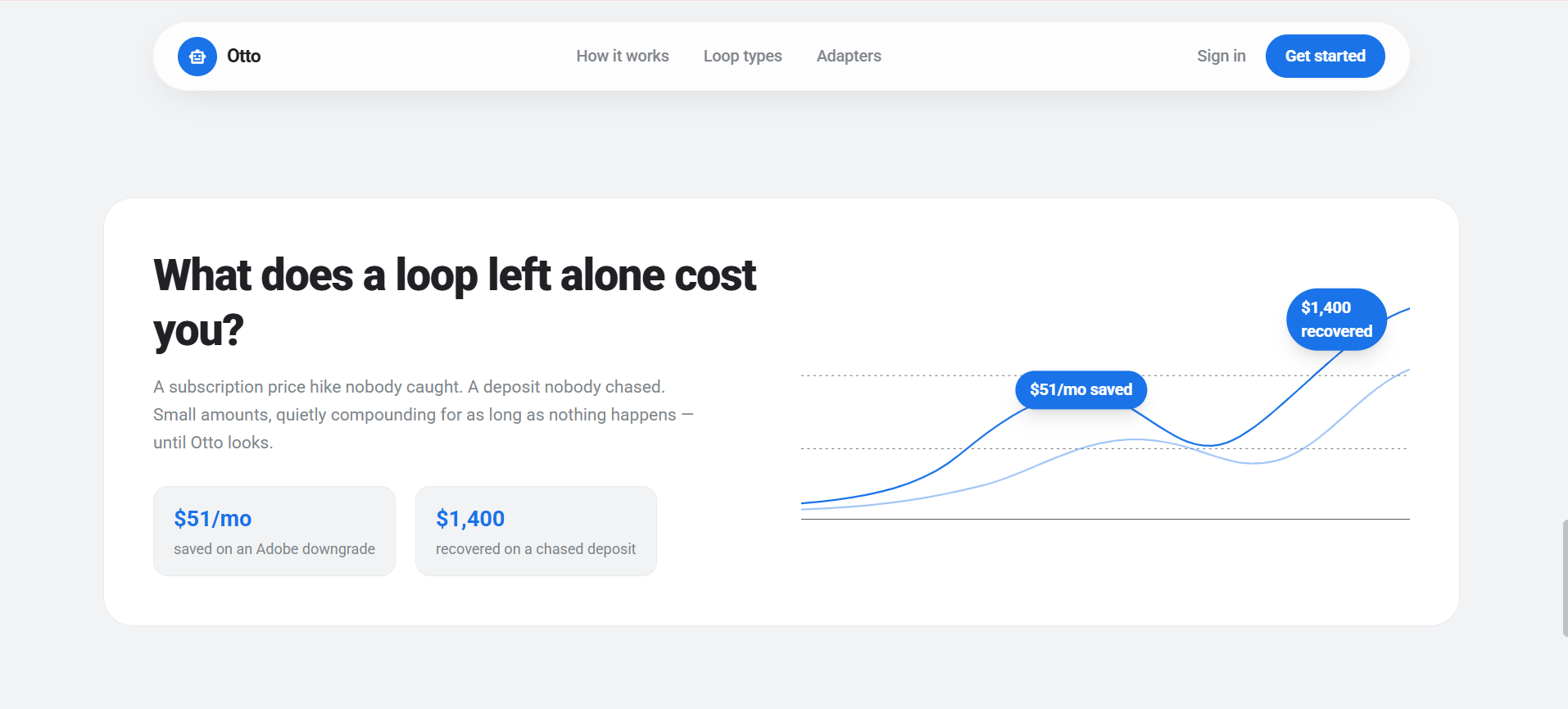
1.3 Landing Page
-
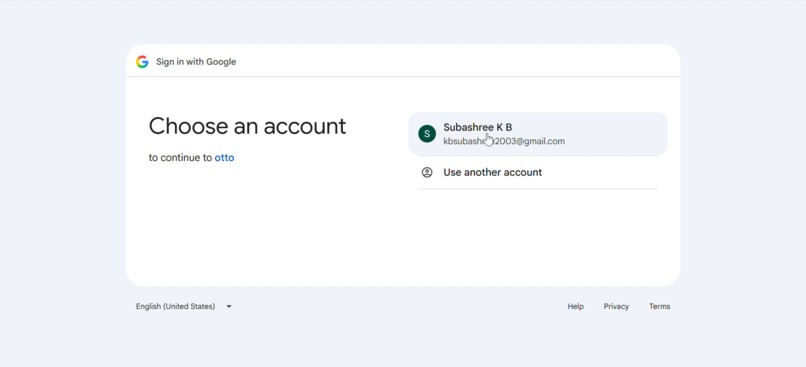
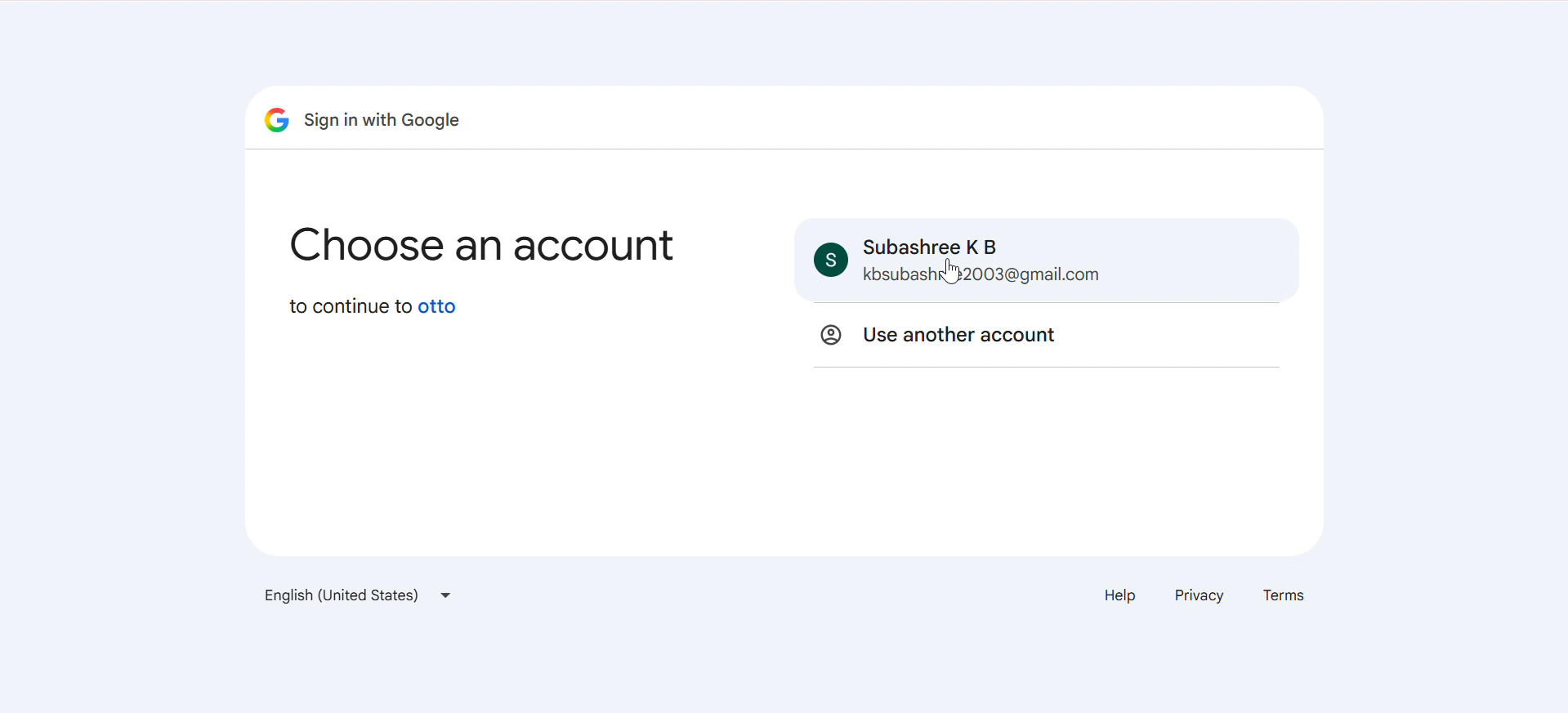
2. OAuth Sign In
-
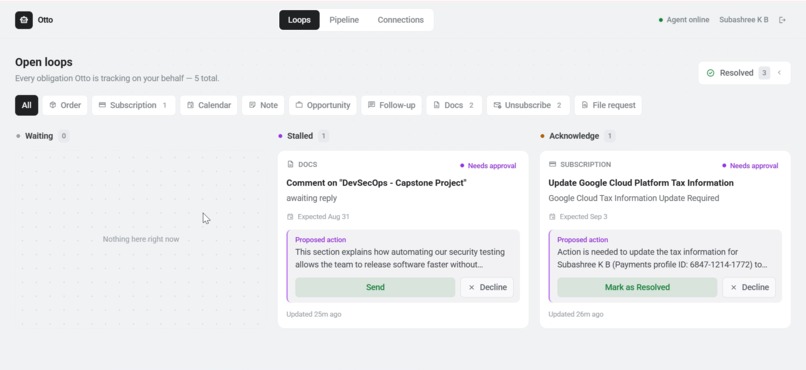
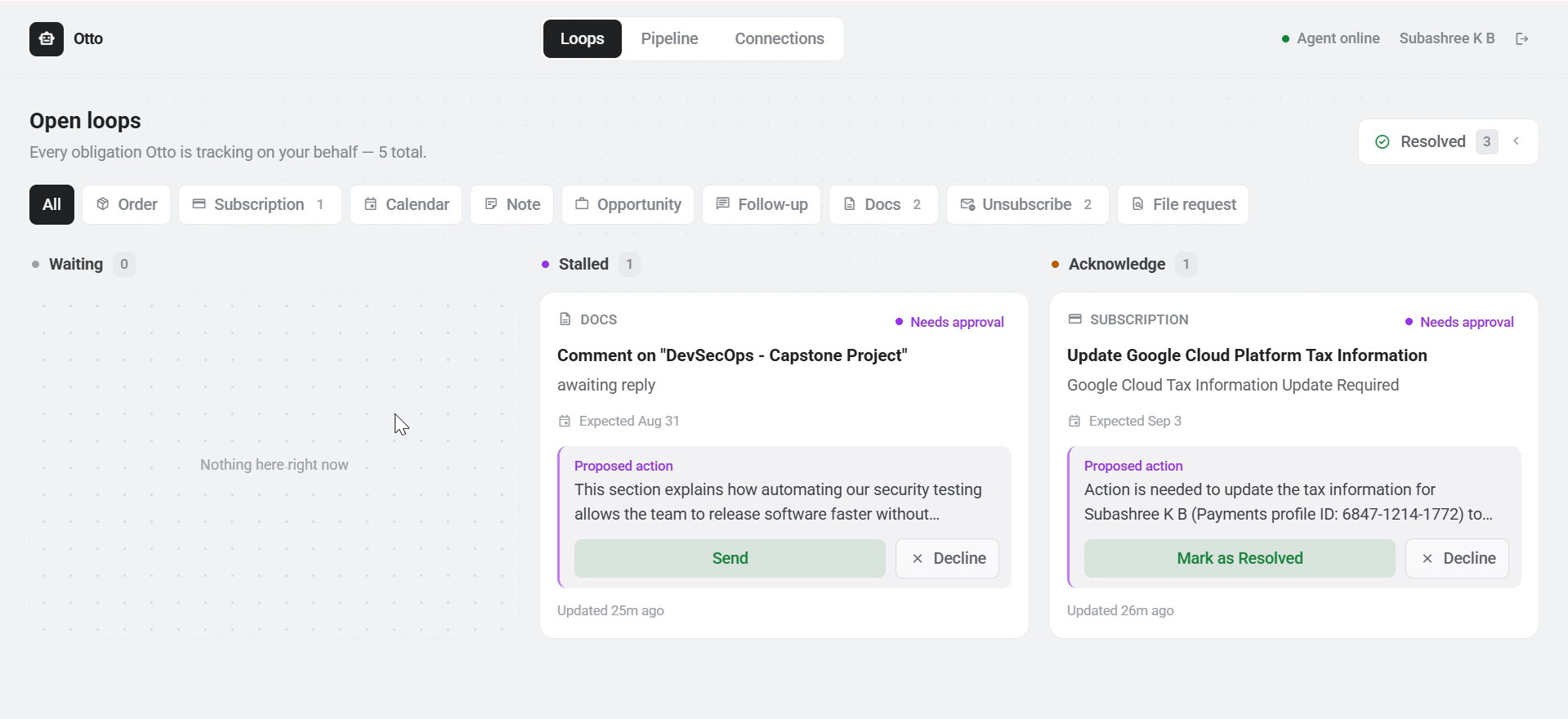
3.1 Loops Tab: To display the pending tasks and resolve
-
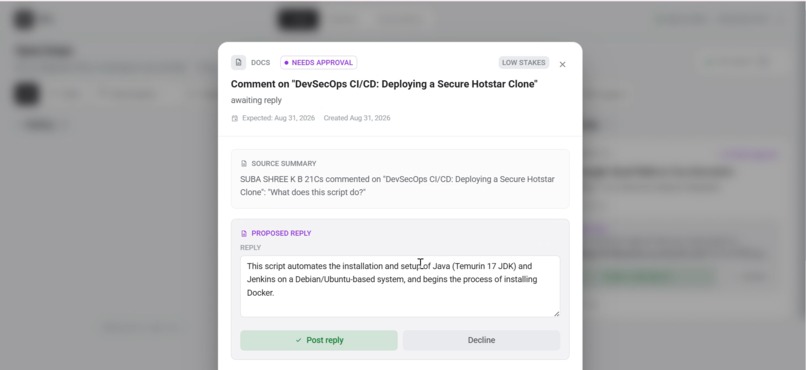
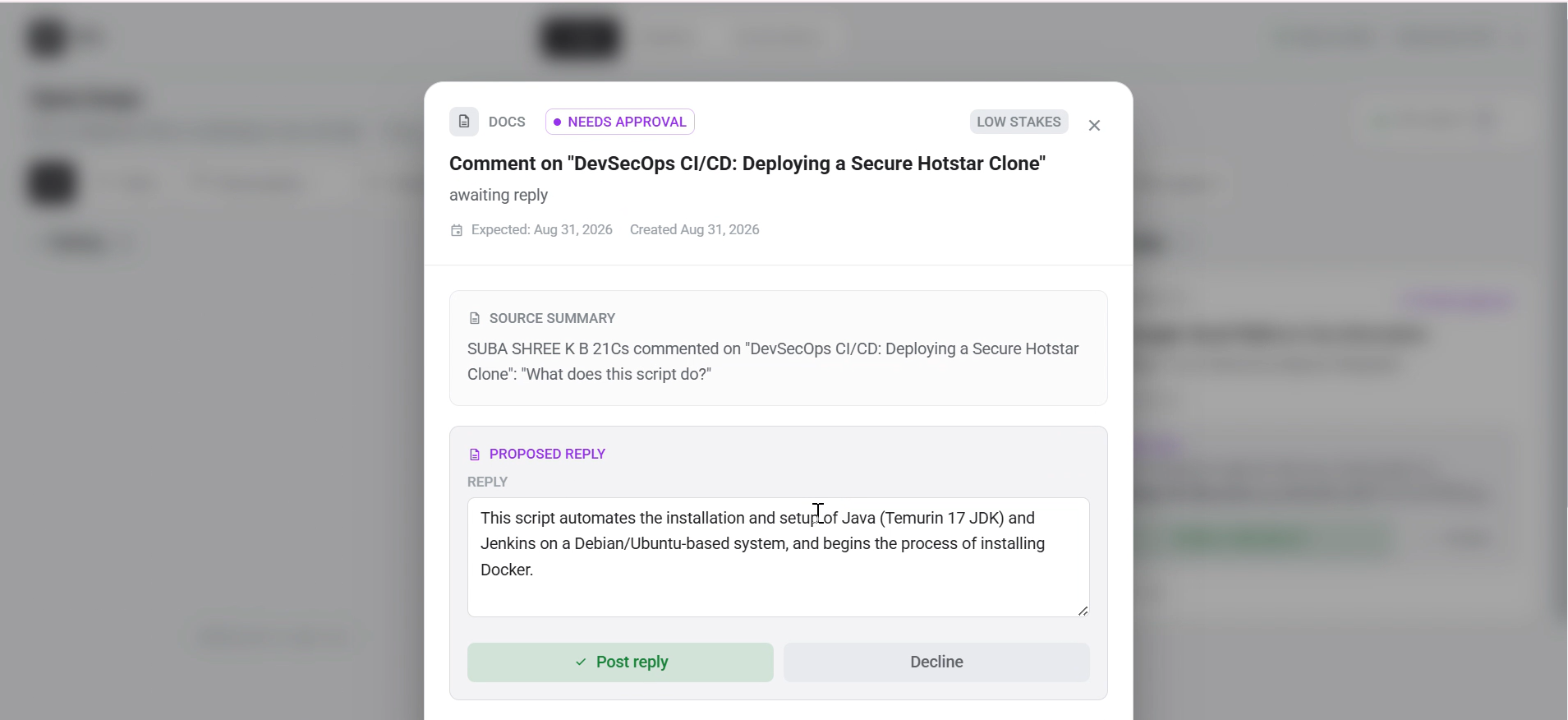
3.2 Loops Tab: View of an individual task fetched
-
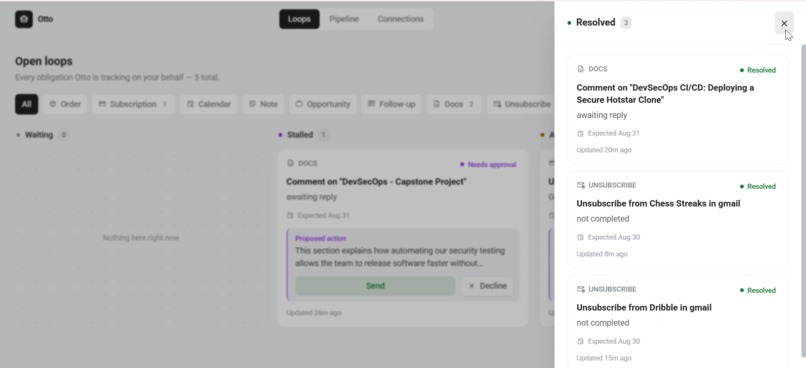
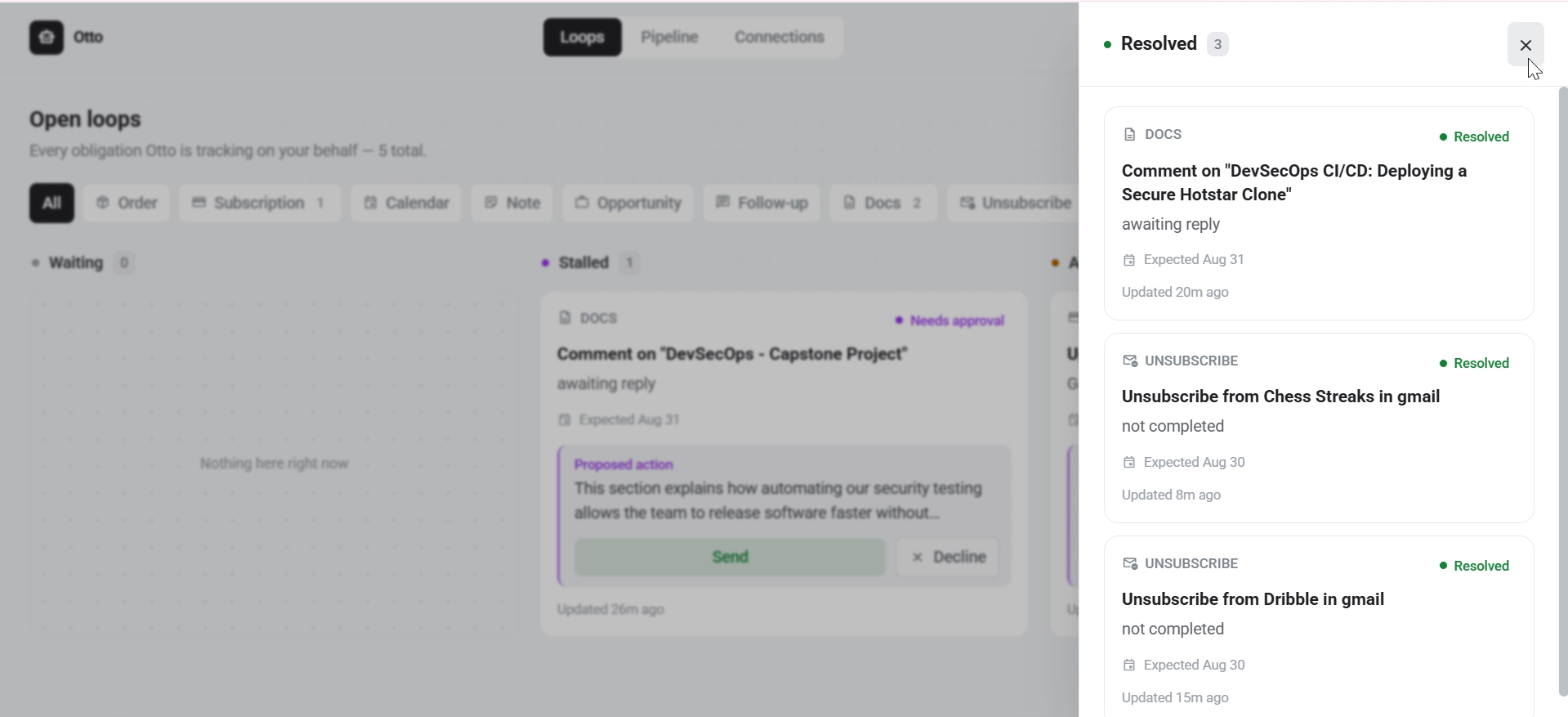
3.3 Loops Tab: Resolved section displays resolved tasks
-
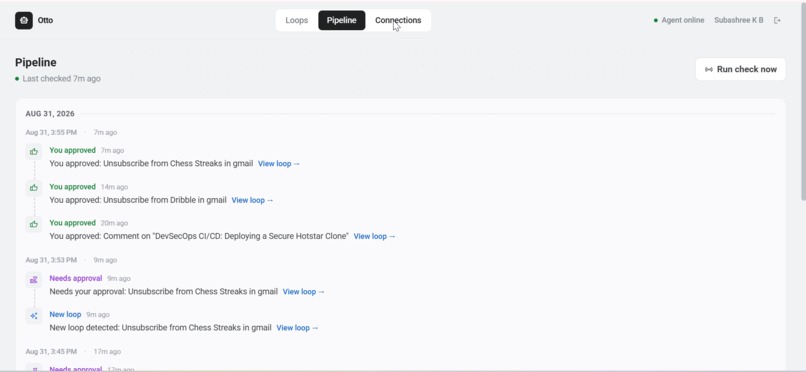
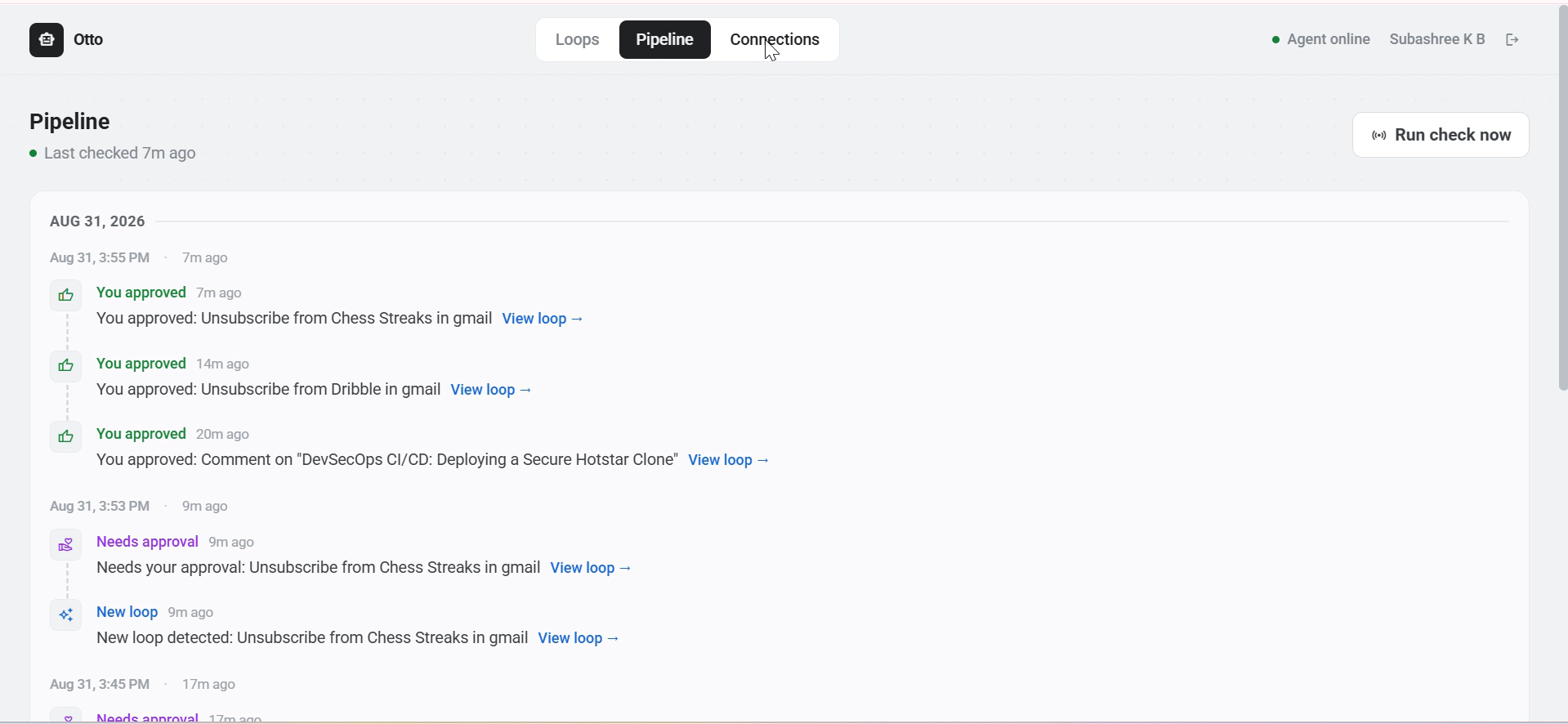
4. Pipelines Tab: To track the tasks statuses
-
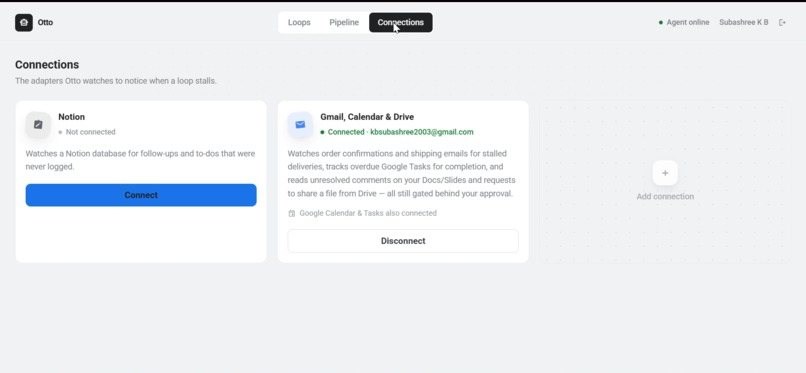
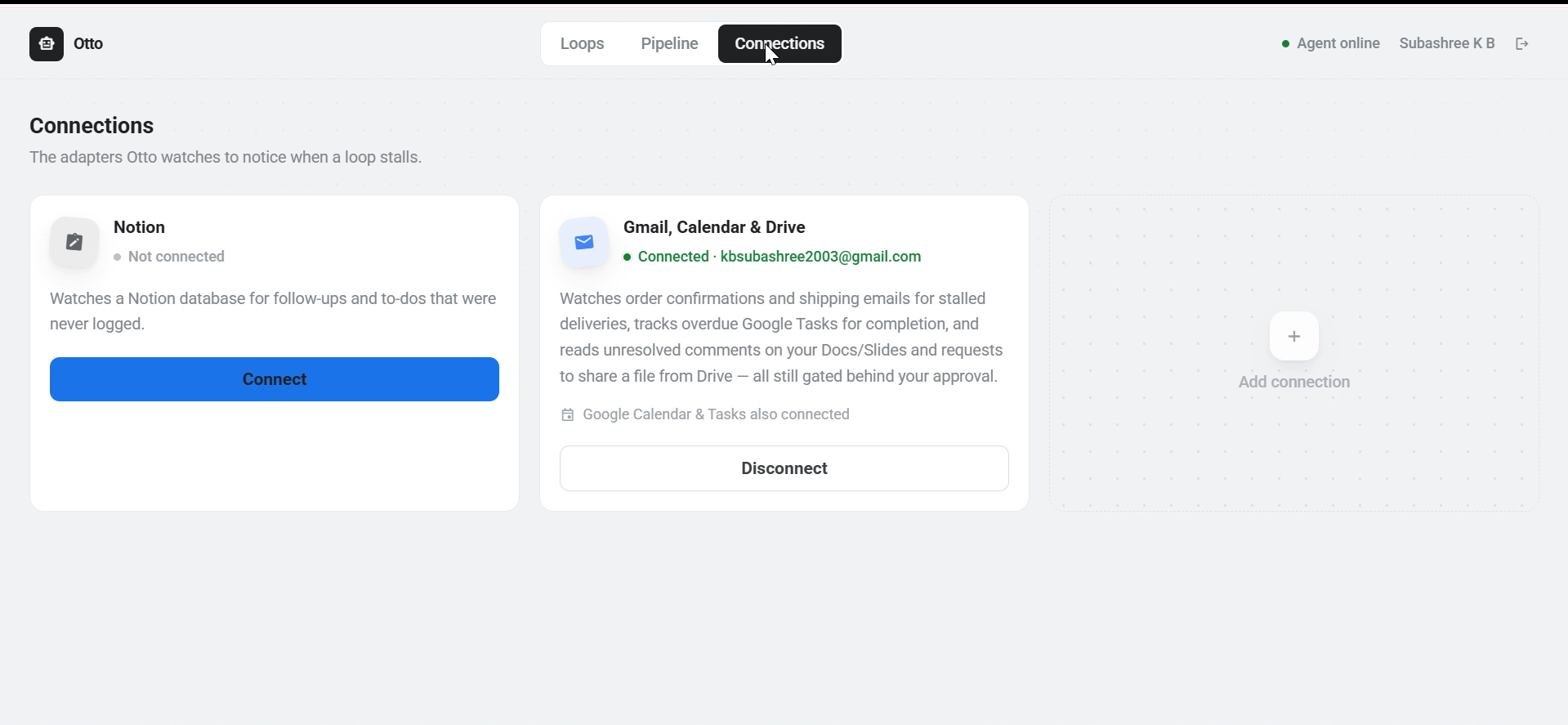
5. Connections Tab: Connect Otto with External Apps
-
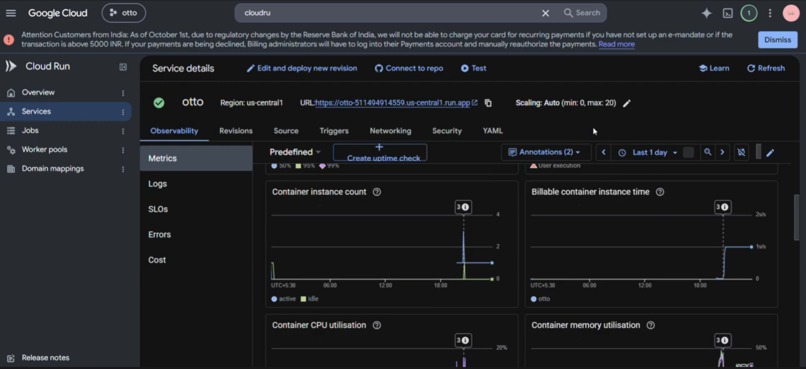
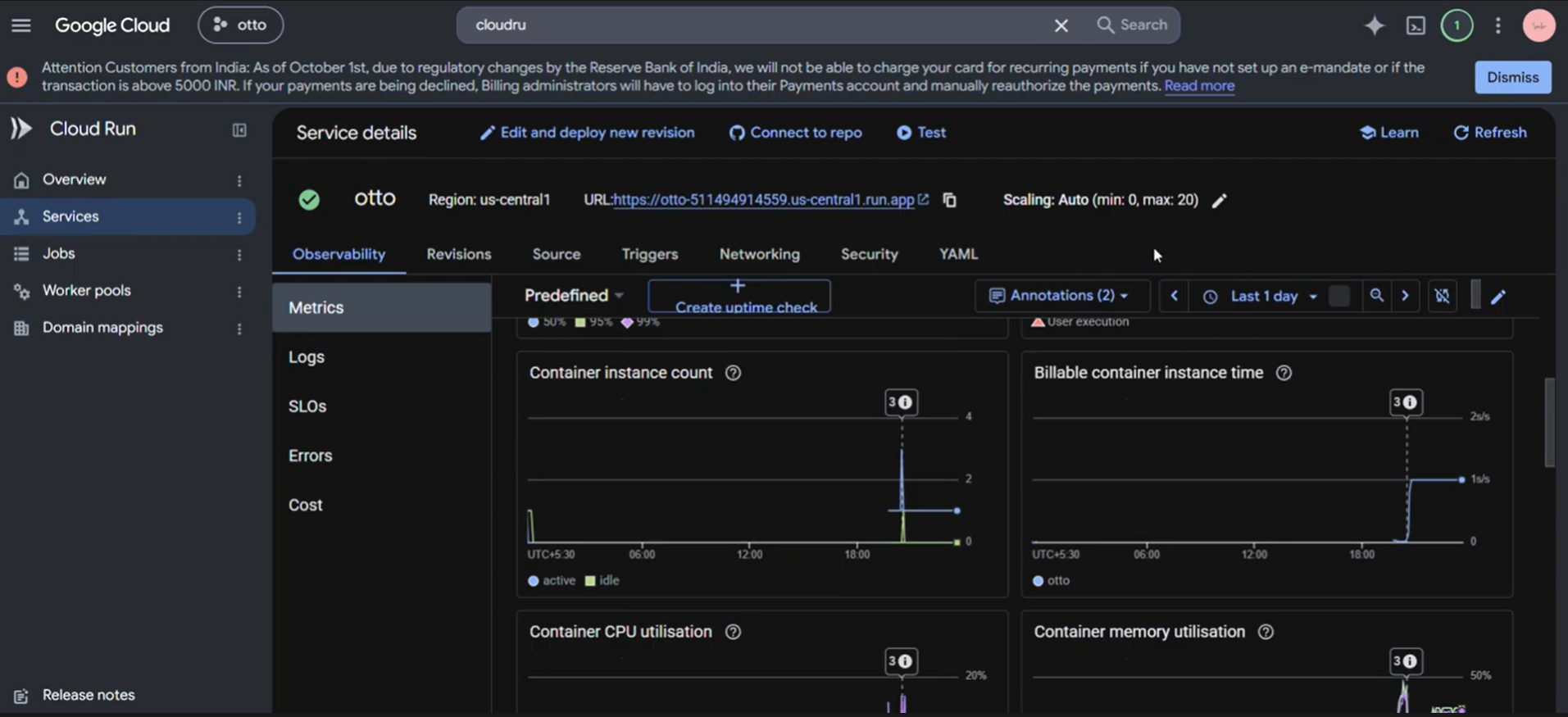
6.1 GCP: Cloud Run
-
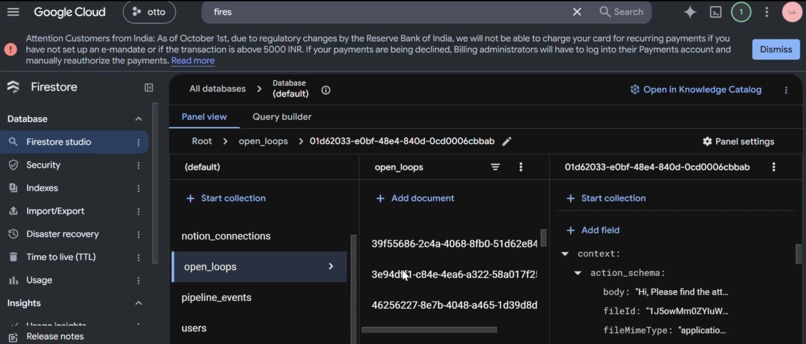
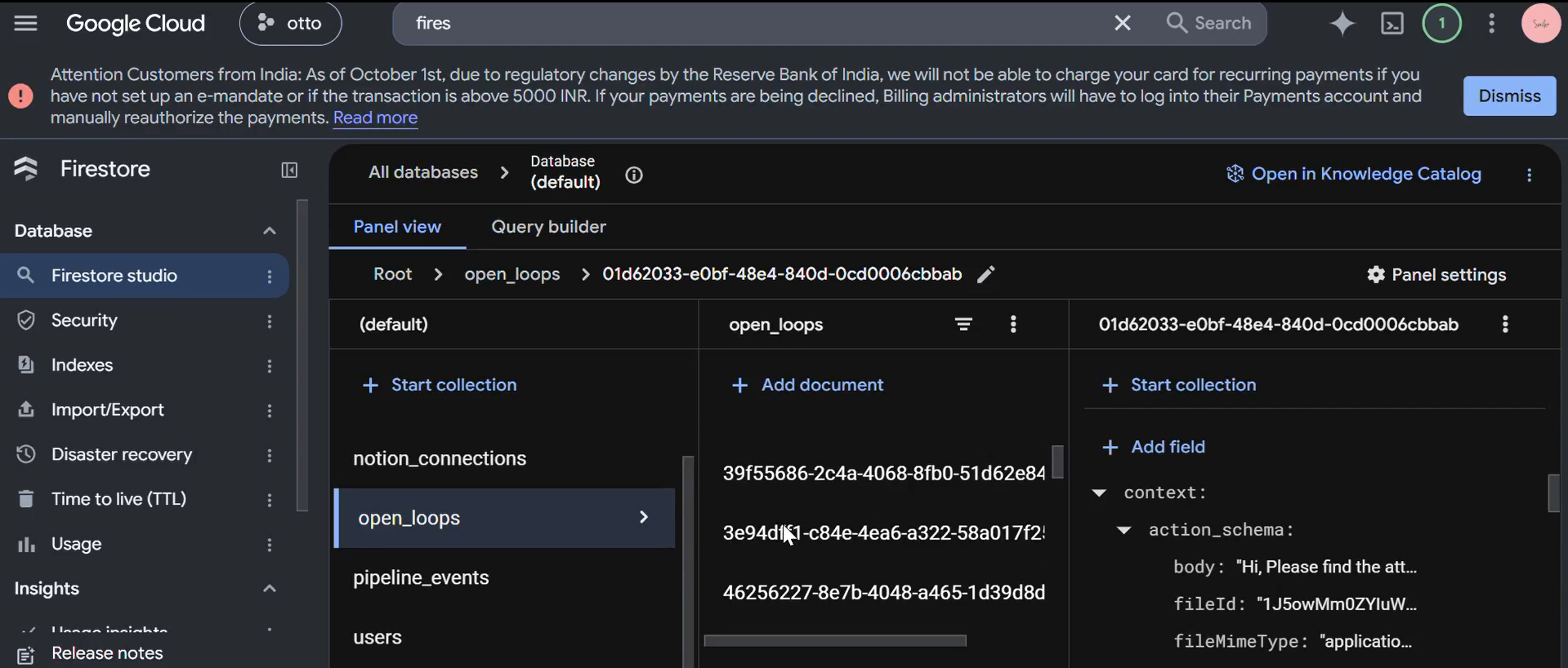
6.2 GCP: Firestore
-
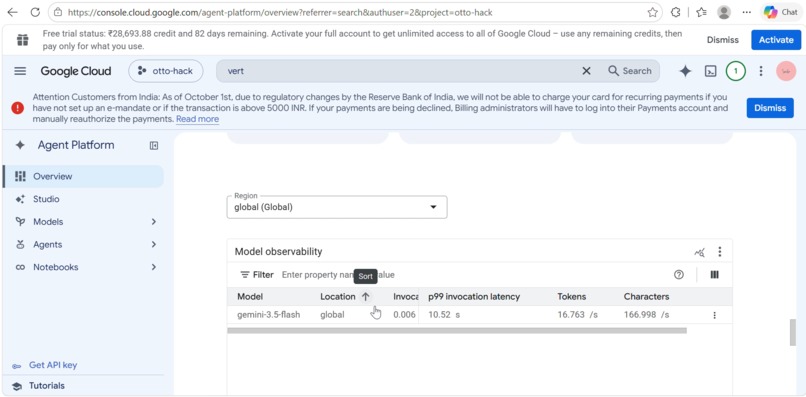
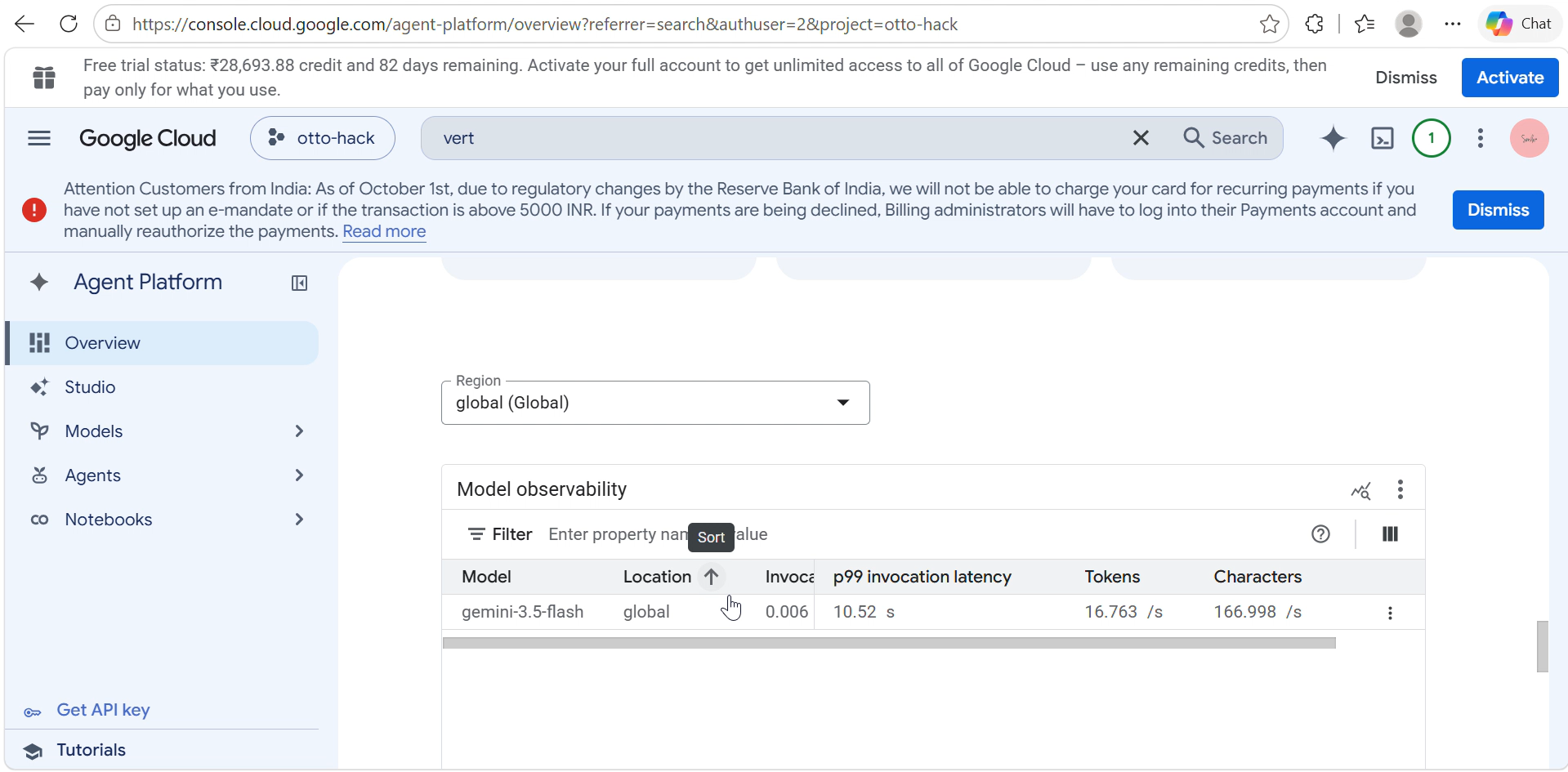
6.3 GCP: Vertex
Inspiration
It started with an email I never sent.
I had a document ready. The reply was practically written in my head — I just needed five minutes to sit down and do it. But then a meeting came up, a Slack thread pulled me in a different direction, and before I knew it, two days had passed. Then three. On day four, the other person followed up asking if I'd had a chance to look at it. That sinking "oh no" feeling — equal parts embarrassment and frustration — is something every knowledge worker knows intimately.
What made it worse wasn't the forgetting. It was realizing that everything I needed was already there. The original email was sitting in my inbox. The doc was in my Drive. The context was completely intact. The only thing missing was something to bridge the gap between "I meant to" and "I actually did."
We started mapping out how often this happens in a normal work week. Follow-up emails that die in a busy afternoon. Documents promised before meetings that never get shared. Tasks committed to inside email threads that never make it into a task manager. Notion pages stuck at "In Progress" for two weeks with no one noticing. The tools we use every day are incredibly powerful at storing information — but none of them close the loop. Your inbox doesn't know what you promised inside it. Your calendar doesn't know about the document you were supposed to send beforehand. Your Notion workspace doesn't know that the task you marked "In Progress" last Tuesday has completely stalled.
The deeper problem is structural: every productivity tool we use is passive. It waits for you to act on it. It stores your commitments but never holds you accountable to them. And the more tools you use, the more places a commitment can quietly disappear.
We asked ourselves: what if there was an agent that watched all of those places simultaneously — not to remind you, but to actually follow through? Not a notification. Not a badge. An agent that acts.
That question became Otto.
What It Does
Otto is an AI accountability agent that lives inside your Google Workspace and Notion. Once connected, it begins silently monitoring your Gmail inbox, Google Calendar, Google Docs, and Notion pages — looking not for keywords or tags, but for the shape of a commitment. A promise to send something. A task marked in-progress. A meeting where someone said they'd follow up. A deadline buried inside a doc.
Every detected commitment becomes an open loop — a structured object that captures what was committed to, who it involves, when it's expected, and what "done" looks like. Otto tracks these loops continuously. On every pass, it rechecks each active loop: has the email been sent? Has the doc been updated? Has the task moved? If yes, the loop closes automatically. If no, Otto checks whether it's stalled — and if it is, it doesn't just surface a notification. It drafts the action.
For a stalled email follow-up, Otto drafts the reply. For an overdue Notion task, Otto updates the page. For a commitment that requires more judgment, Otto flags it in the approval queue with full context — what the original commitment was, what's happened since, and what action it recommends — so you can approve or decline with a single click.
The result is a system where open loops don't survive by default. They either close naturally, or Otto closes them for you.
For this google hackathon we have kept in mind the google theme and built the applications revolving all google apps
How We Built It
We wanted Otto to do more than understand a task. And also we wanted it to be something that represents google. It needed to continuously look for things that were happening, understand what they meant, remember them, and take action when the time was right.
So we built the system in a few layers, with each part handling a specific job.
Frontend — React + TypeScript + Vite
The frontend is built with React and TypeScript, using Vite for fast development. We use Zustand to manage things like loop state, connection status, and user sessions.
The UI has five main areas:
Landing — introduces Otto. Dashboard — shows live loop counts and statuses. Loops — lets users review loops and approve or decline actions. Pipeline — shows the history of everything Otto has done. Connections — where users connect their Google and Notion accounts.
Authentication uses Google OAuth, with sessions maintained securely through signed cookies.
Backend — Node.js + Express on Google Cloud Run
The backend runs on Node.js and Express, deployed on Google Cloud Run.
At the center is a scheduler that checks for new activity every 60 seconds. On each run, Otto fetches information from connected services, removes duplicates, creates new loops, rechecks existing ones, looks for stalled loops, applies its trust policies, and triggers actions when needed.
We also built a way to manually trigger a run from the dashboard, which was especially useful during development and testing.
The backend is separated into authentication and dashboard functionality, and every request requires a valid user session.
AI Core — Gemini + Vertex AI + Google ADK
Gemini, accessed through Vertex AI, is the reasoning engine behind Otto.
We mainly use it in two stages.
First, extraction.
The adapters send raw information such as email threads, calendar descriptions, Notion pages, and document content to Gemini.
Gemini determines whether there is a real commitment hidden in that information and turns it into a structured open loop. It can also infer things like the expected deadline, how important the commitment is, and what would count as completion.
Second, resolution.
When a loop needs to be closed, Gemini looks at the full context and helps determine the appropriate action — whether that's drafting a reply, updating a page, adding a calendar note, or preparing another action.
For these agentic workflows, we use Google's Agent Development Kit (ADK) to orchestrate the individual tasks instead of relying on one large prompt to handle everything.
Adapters — Connecting Otto to the Services We Use
Each service has its own adapter, which keeps the integrations modular.
Every adapter can bring new information into Otto and check existing loops to see whether anything has changed.
For Gmail, we have separate flows for general follow-ups, subscriptions and newsletters, document-sharing requests, and unsubscribe actions.
The Calendar adapter looks for commitments in event descriptions, attendee notes, and action items.
The Google Docs adapter looks for in-progress tasks, assigned actions, and pending deliverables.
The Notion adapter reads connected pages and databases and looks for tasks, projects, and commitments that have stalled or passed their due dates.
This modular approach means each service can have its own logic while everything ultimately feeds into the same open-loop system.
Database — Firebase Firestore
Firestore is the single source of truth for Otto.
It stores the user's connections, open loops, their current state, approvals, and the complete history of actions Otto has taken.
Each loop moves through a defined lifecycle:
Pending → Active → Stalled → Resolved
If a user rejects a proposed action, it can instead move to Declined.
Keeping this state in Firestore is important because Otto doesn't only work while someone is looking at the dashboard. It needs to remember what it has already seen, what it is working on, what is waiting for approval, and what has already been completed.
Authentication — Google OAuth 2.0
Google services are connected through Google OAuth 2.0.
A single Google sign-in gives Otto scoped access to Gmail, Calendar, and Docs. Tokens are stored securely per user, refreshed automatically, and used by the relevant adapters during background runs.
Notion is connected separately through Notion's OAuth flow.
We also made sure that authentication failures are isolated per user, so an expired connection doesn't stop Otto from processing everyone else's loops.
Putting It All Together
At a high level, Otto works like this:
Google & Notion → Adapters → Gemini → Open Loops → Policy Engine → Action → Firestore → Dashboard
The connected services provide the signals.
The adapters collect them.
Gemini understands what they mean.
Firestore remembers the state.
The policy engine determines whether Otto can act automatically or needs approval.
And the action layer closes the loop.
That is what turns Otto from an AI interface into an agent that can keep working in the background.
And finally we deployed it all on cloud run.
Challenges We Faced
Some of the hardest problems were surprisingly basic.
One of our first challenges was getting Gemini to tell the difference between a real promise and a polite sentence. For example, phrases like “let me know if you have any questions” can sound like commitments, but they aren't actually tasks someone promised to complete. Our early versions were too eager and created loops that didn't really exist.
We improved this by giving the model clear examples of both real commitments and false positives, asking it to explain why something qualified, and making it more conservative when it wasn't confident.
The duplicate-loop problem Our scheduler checks for new activity every 60 seconds. Early on, we didn't handle duplicates properly. The same email or page could be detected again and again, creating multiple copies of the same loop.
Very quickly, the dashboard filled up with duplicates and the system became difficult to use. We fixed this by making every adapter check whether an item had already been processed before creating a new loop. We also added another layer of protection inside each scheduler run. It wasn't the most exciting feature to build, but it was essential.
An agent that keeps discovering the same task isn't really helping. Making “stalled” mean something At first, our definition of a stalled loop was simple: If the expected date has passed, it's stalled. That turned out to be far too aggressive.
Some tasks naturally take longer. Others don't have a specific deadline at all. A high-priority commitment also shouldn't be treated the same way as something that can wait another week.
So we gradually made the stall detection smarter. Otto now considers different signals instead of relying on a single timestamp.
It's still not perfect, but it is much better at distinguishing “this is overdue” from “this is still moving normally.”
What We Learned
This project taught us that building an agent is about much more than just using an AI model.
We discovered how many powerful tools Google provides for building agentic applications, and how these services can come together to build something useful without having to build everything from scratch.
We also learned a lot about structuring and architecting an autonomous system — especially how different agents, tools, data, and workflows need to work together reliably.
And perhaps our biggest lesson was this:
The hardest part of building an autonomous agent isn't the AI. It's the state machine. When does a loop actually start? When is it stalled? When is it truly closed? And when should the agent act versus wait for the user? Getting those decisions right is what makes an agent reliable — not just intelligent.
Built With
- express.js
- firestore
- gemini-3.5
- gmail-api
- google-adk
- google-calendar-api
- google-cloud-run
- google-docs-api
- google-oauth-2.0
- node.js
- notion-api
- react
- typescript
- vertex-ai
- vite
- zustand


Log in or sign up for Devpost to join the conversation.