-
-
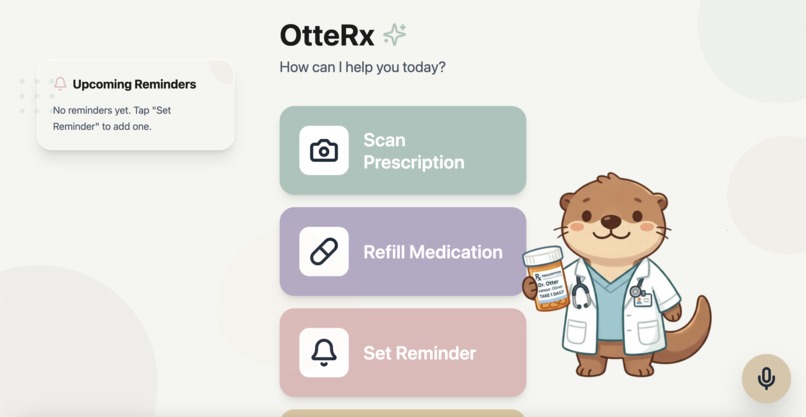
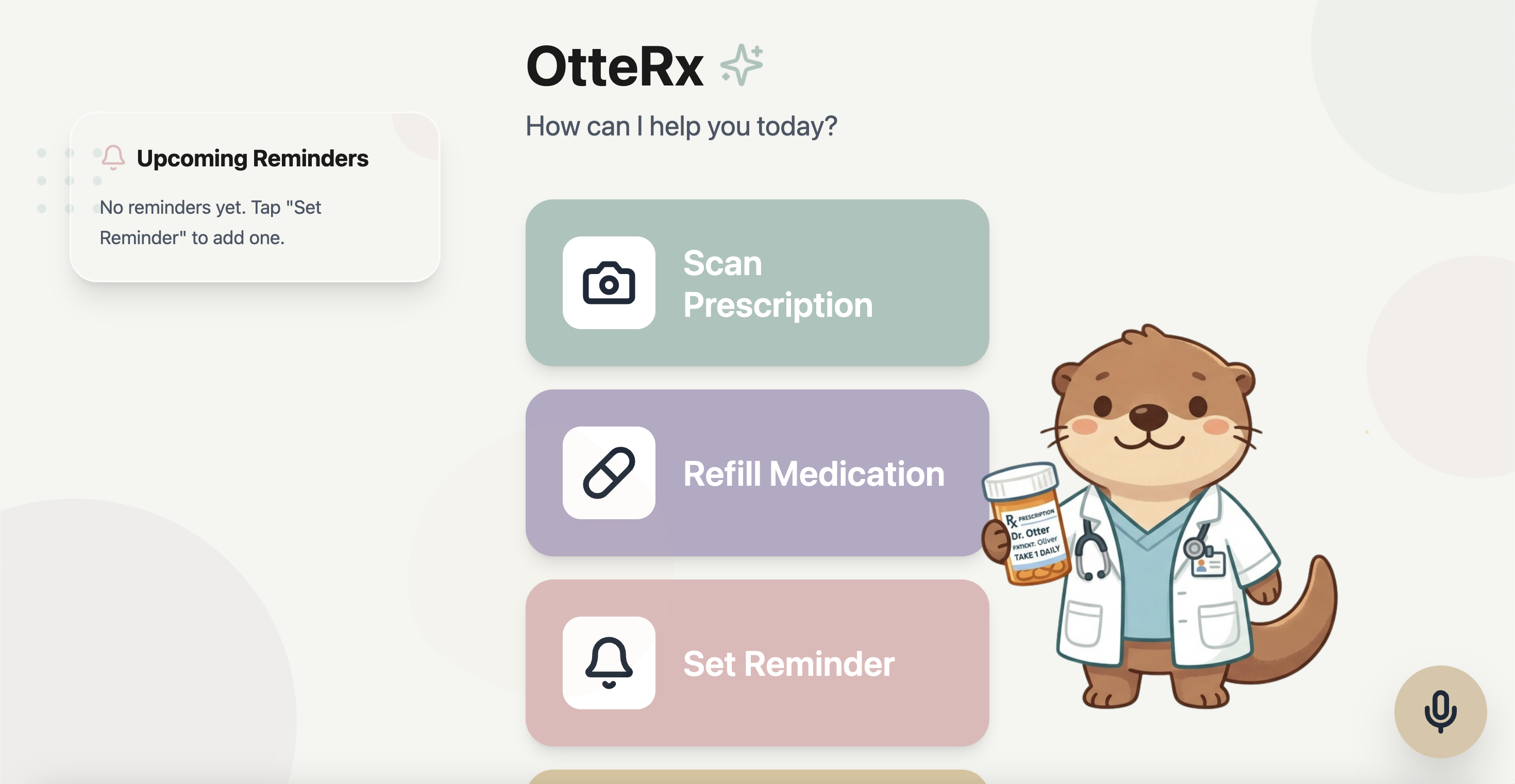
Home Page
-
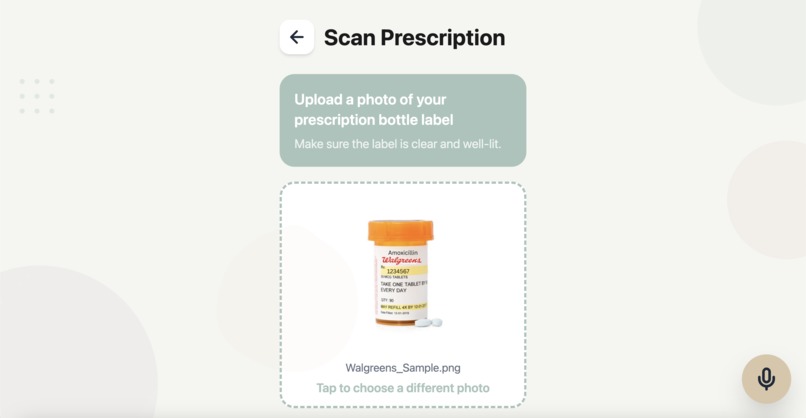
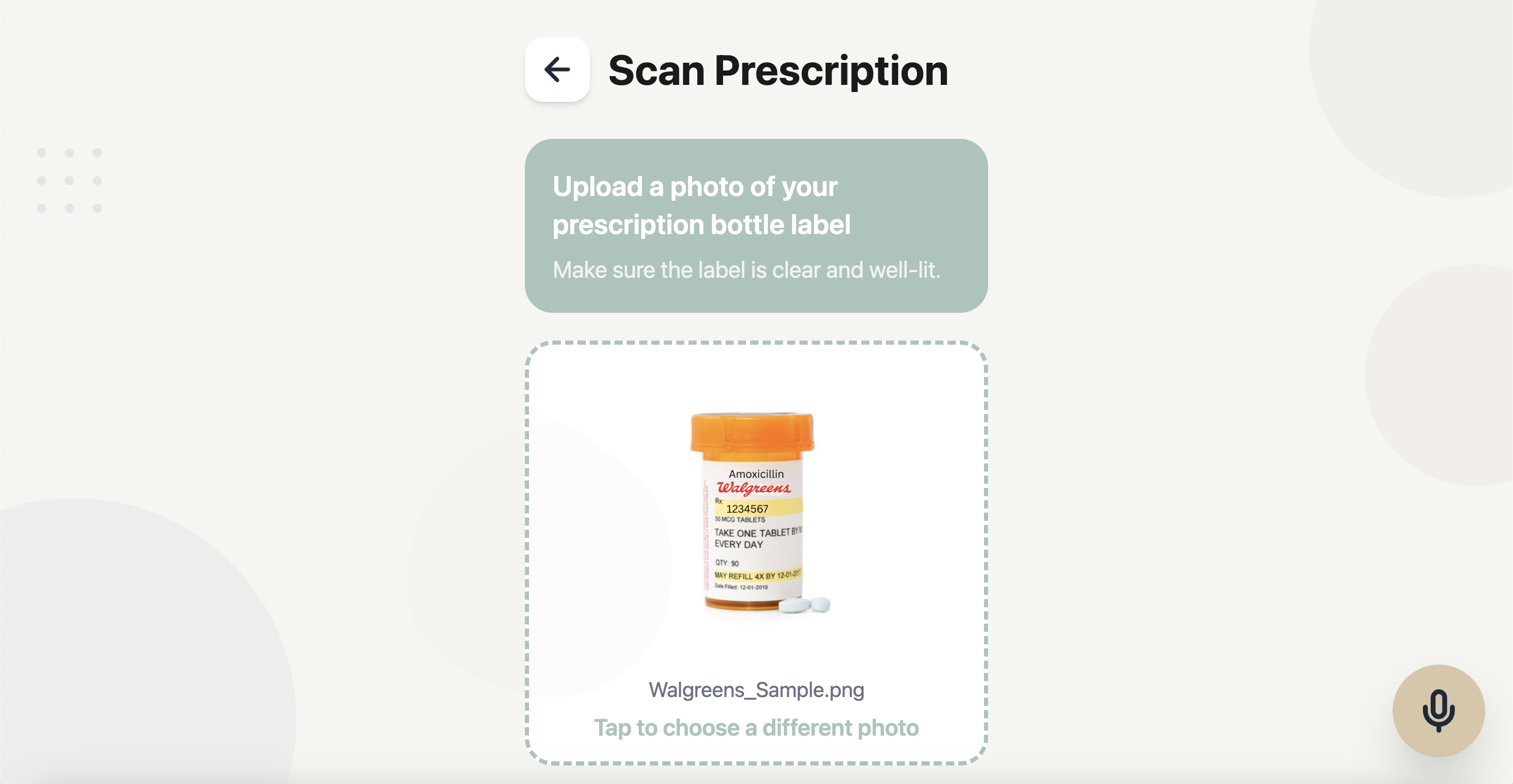
Scanning Prescription
-
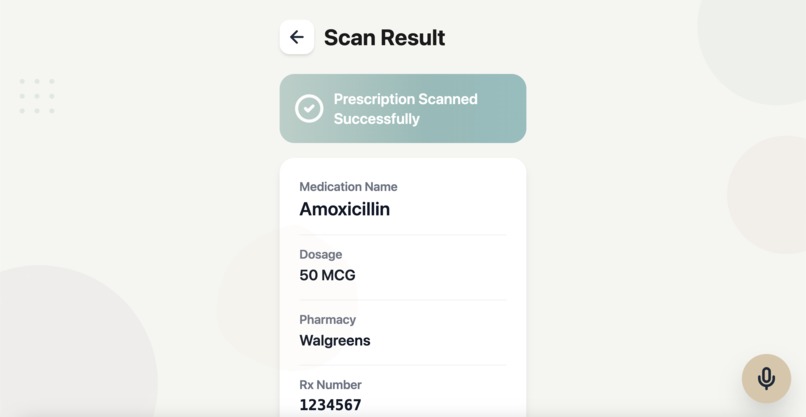
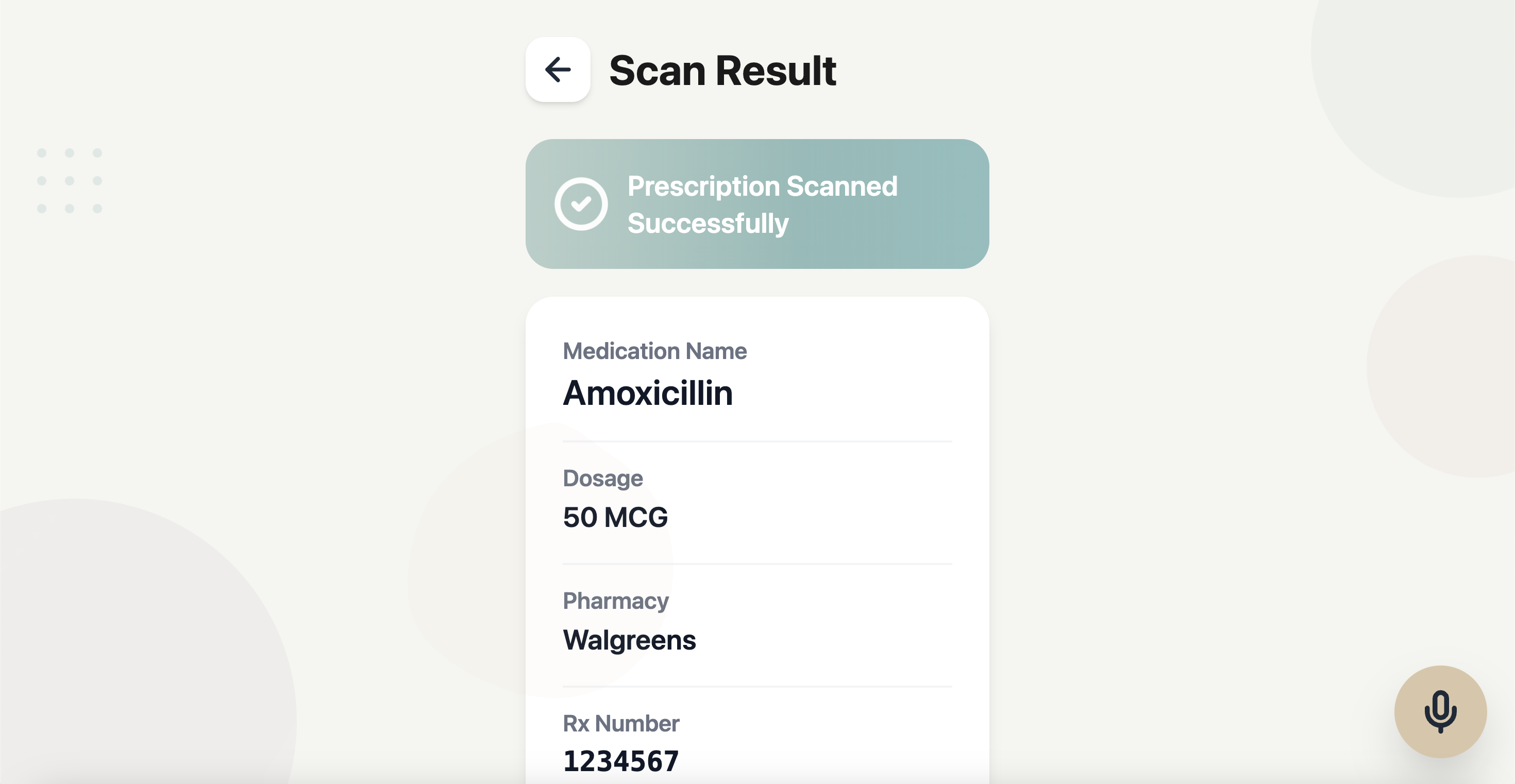
Scan Success
-
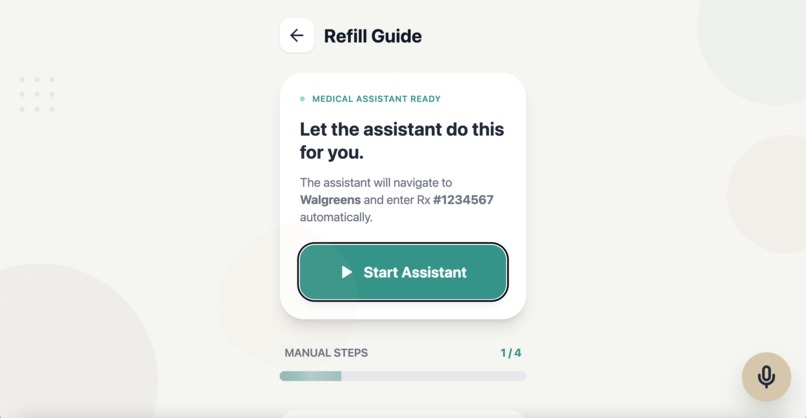
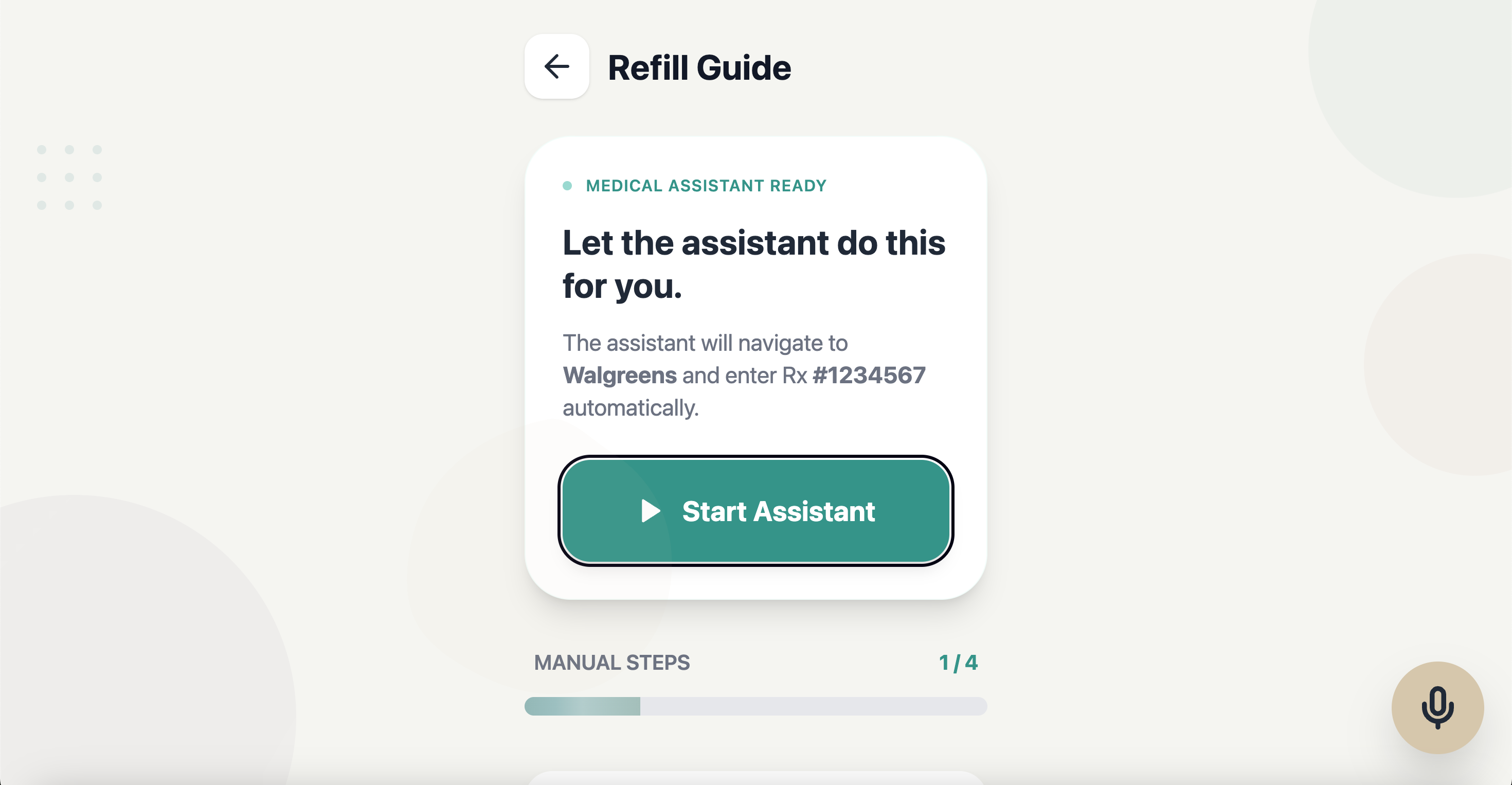
Guided Refill
-
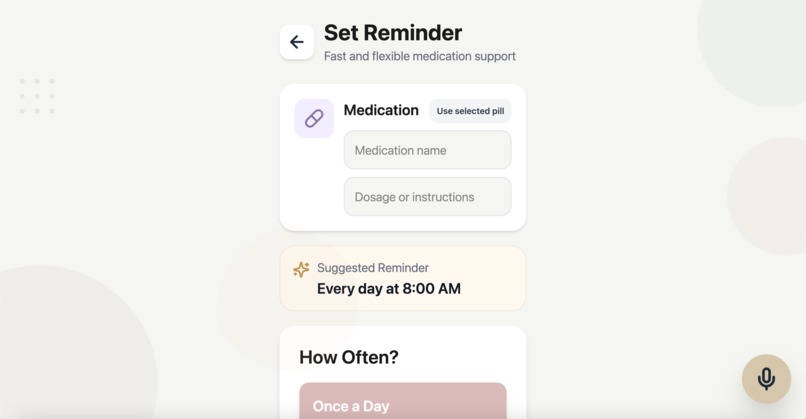
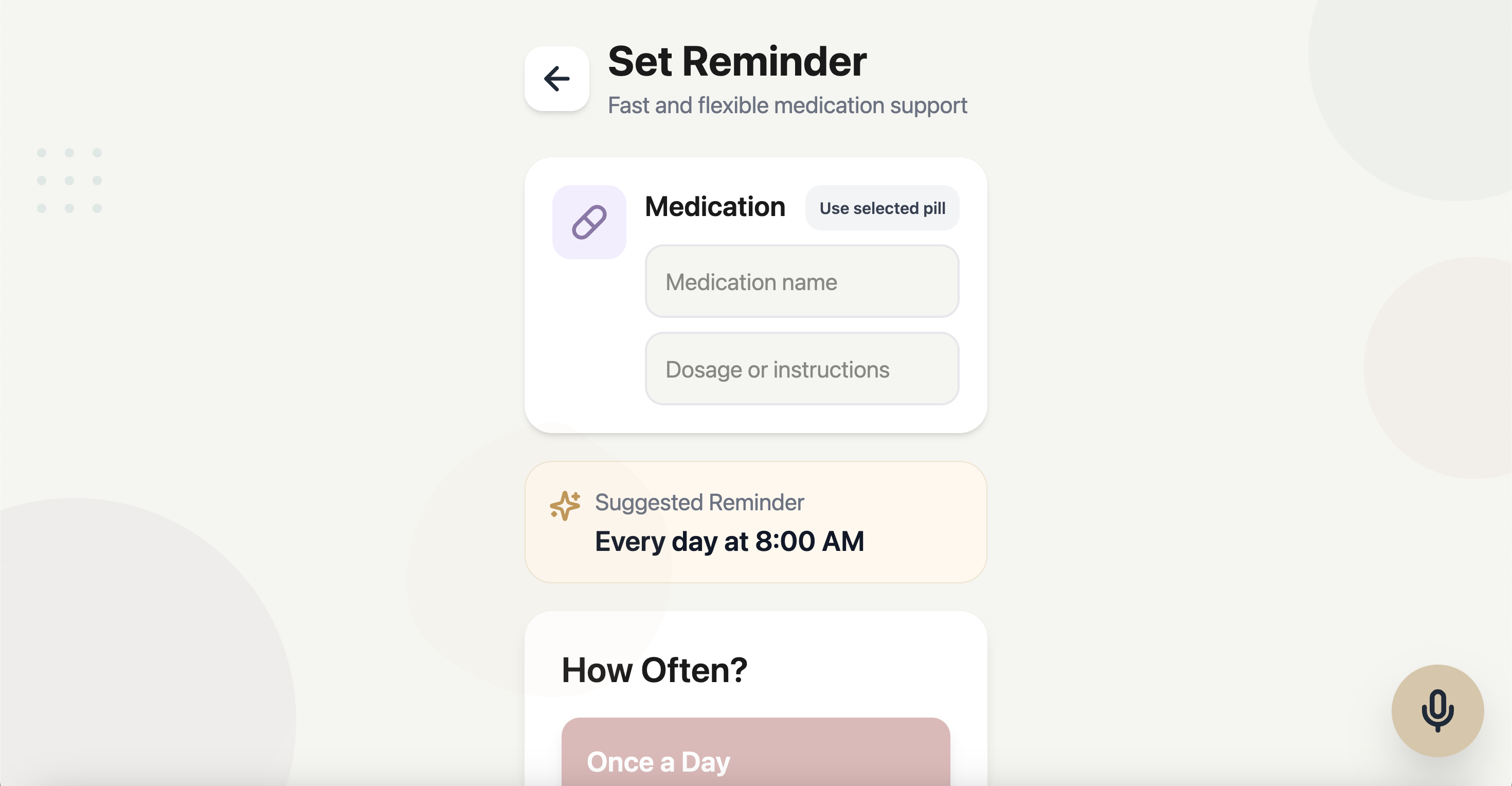
Setting Reminders
-
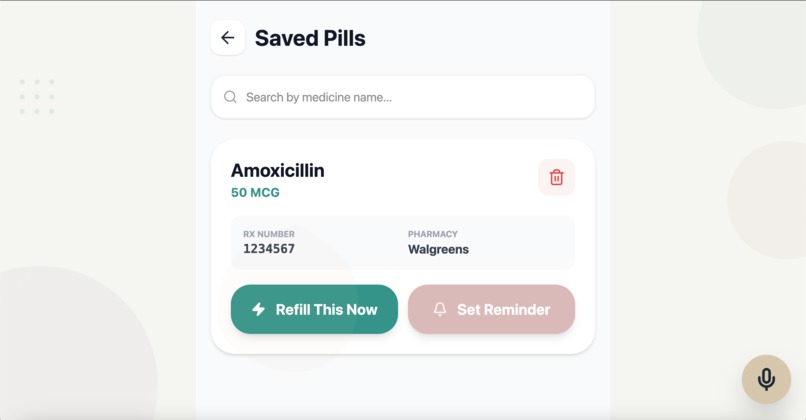
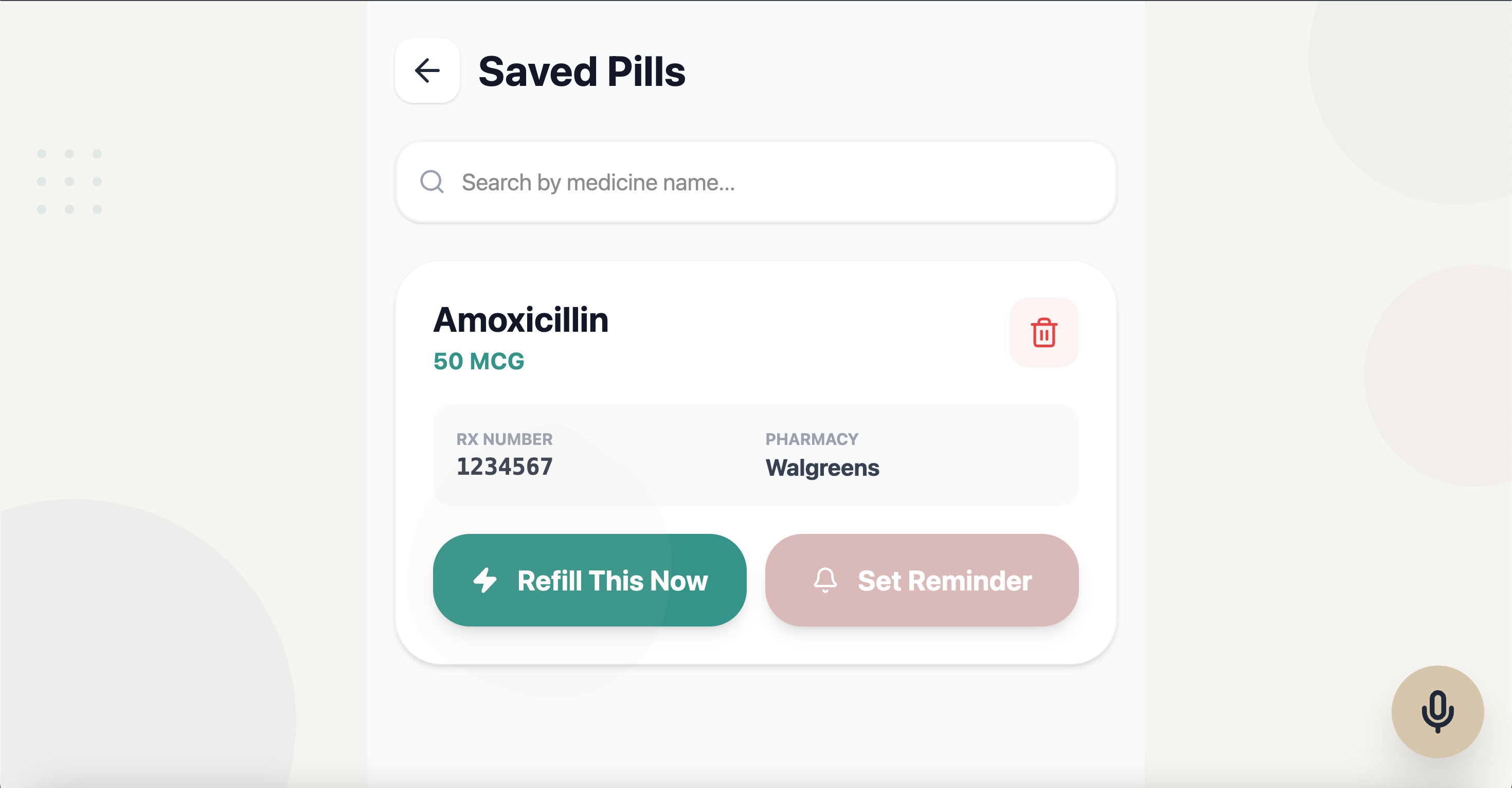
Saved Pills
Inspiration
The elderly often manage multiple medications and must navigate cluttered portals and pharmacy refill systems. Pharmacy sites already support refill flows, but the interaction burden is high: users may need to find the correct refill page, sign in, locate an Rx number, and follow prescription-label directions carefully. Official resources emphasize following prescription-label directions, and pharmacy help pages expose refill-centric workflows that can still be confusing for older users. How might we make pharmacy sites and its functionalities more accessible for the elderly?
What it does
Our application has 3 key features:
- Identifies a medication from a typed name or photo of a prescription bottle/label.
- Guides the user through the official refill flow on a trusted pharmacy website.
- Reminds the user when to take medication or when to begin a refill.
How we built it
- Frontend: React + Vite and Tailwind CSS
- Design: Figma
- Backend: Developed in Python. We use:
- MongoDB for managing scanned prescriptions data
- ElevenLabs API for speech-to-speech and text-to-speech voices
- Browser-Use API for guided navigation through pharmacy portals
- Gemini API for identifying a medication from a photo of a prescription bottle/label
Challenges we ran into
- Gemini didn't always scan the prescription photo as expected when prompted to
- The microphone wasn't "omnipresent" and responsive to the user's voice, even while the narrator was speaking
- Integrating the Browser-Use API and connecting the prescription result on the pharmacy website to OtteRx
Accomplishments that we're proud of
- Creating a clean user interface that's easy to navigate and that smoothly operates
- Having a Browser-Use integration that helps the user log in to the pharmacy portal and retrieve their prescription


Log in or sign up for Devpost to join the conversation.