-

Mascot
-

-
App Icon
-
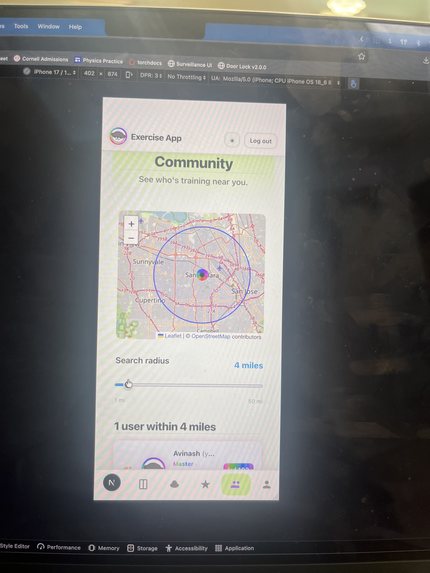
Location Sharing
-
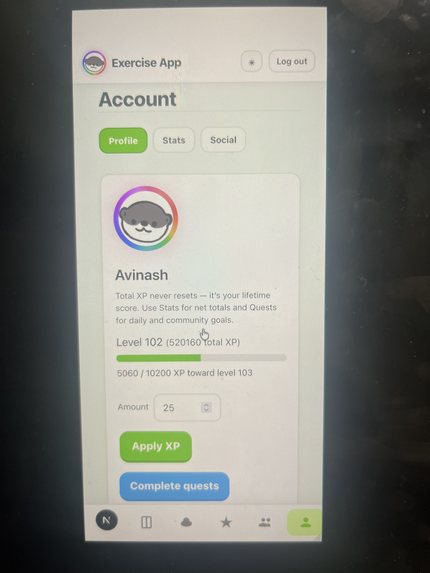
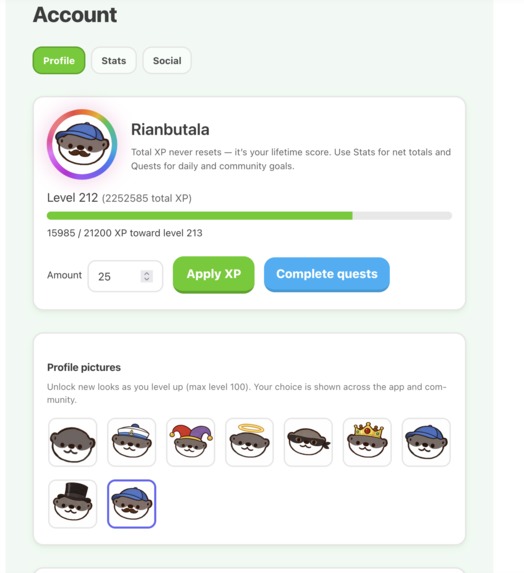
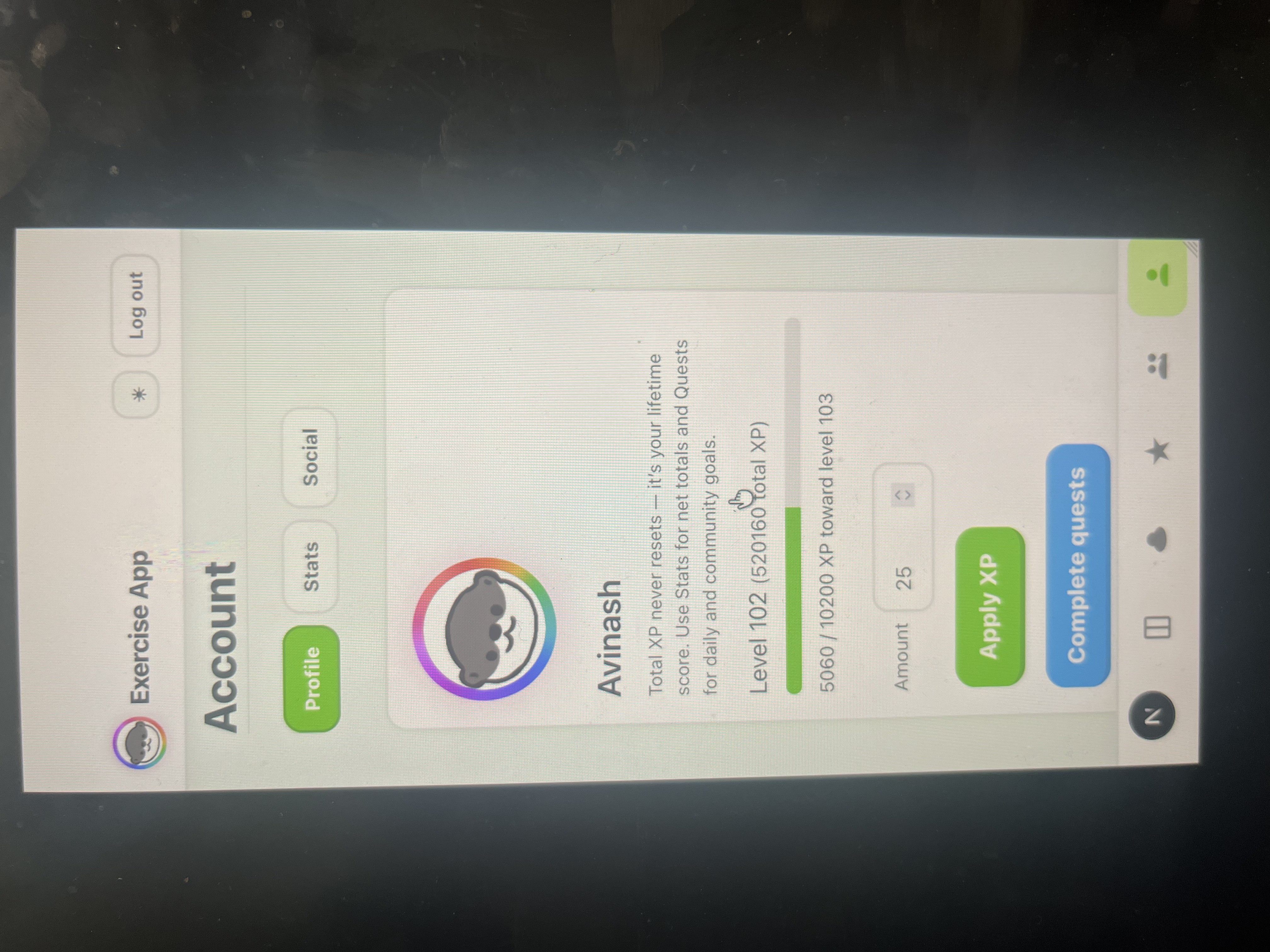
Profile with Custom Trim
-
-
-
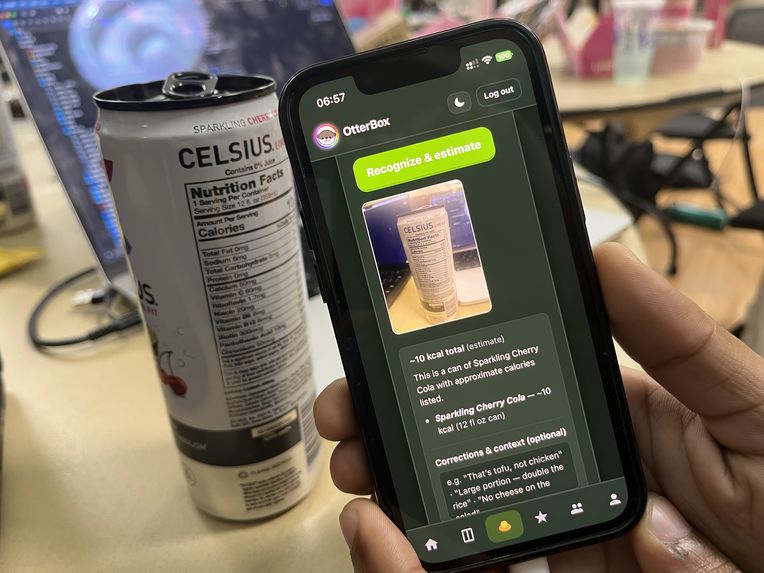
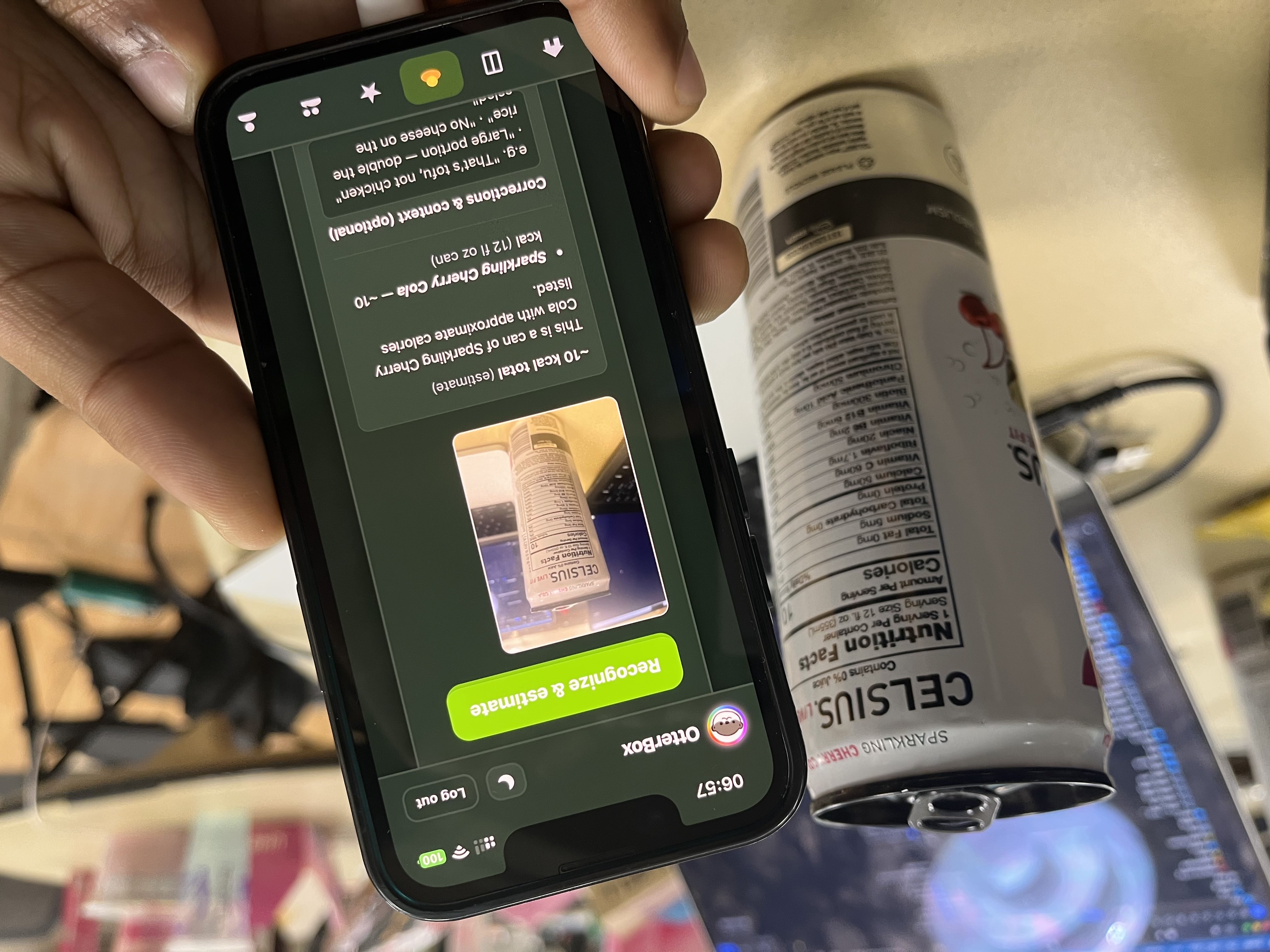
calorie recognitiion ai
-
-
-
-



Inspiration
I’ve struggled with consistency for a long time. With ADHD, it wasn’t that I didn’t want to improve, I did. I tried to work out, fix my sleep, eat better, even start journaling. But everything would fall apart after a few days. It felt like I was constantly starting over.
At one point, it got serious. My grades dropped, my routines disappeared, and I felt like I was losing control of everything I had worked for. The only options in front of me were expensive ones, private counseling, medication, structured programs that not everyone can afford or access.
What made it hit harder was seeing it happen again, this time to someone close to me. My teammate’s younger brother is going through the same cycle right now. The same frustration, the same feeling of trying and failing to stay consistent, the same pressure of knowing what you should do but not being able to actually do it.
That’s where this came from. I wanted to build something I wish I had during that time. Something that makes progress visible, something that keeps you accountable, and something that reminds you that you’re not doing this alone.
What it does
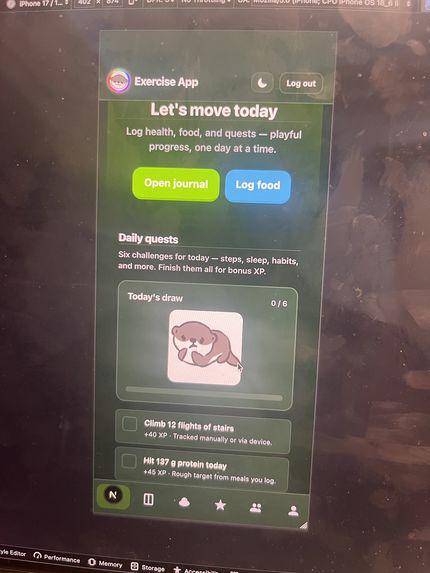
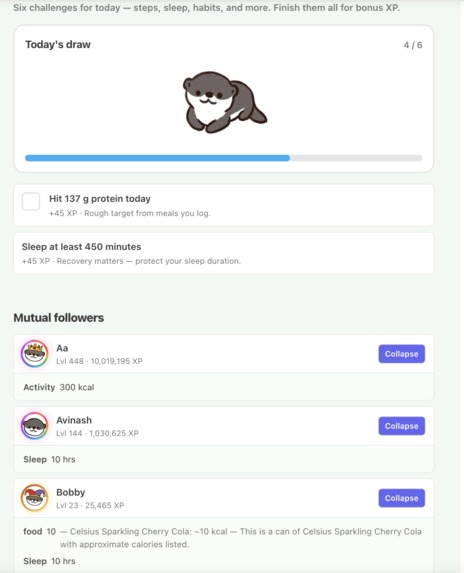
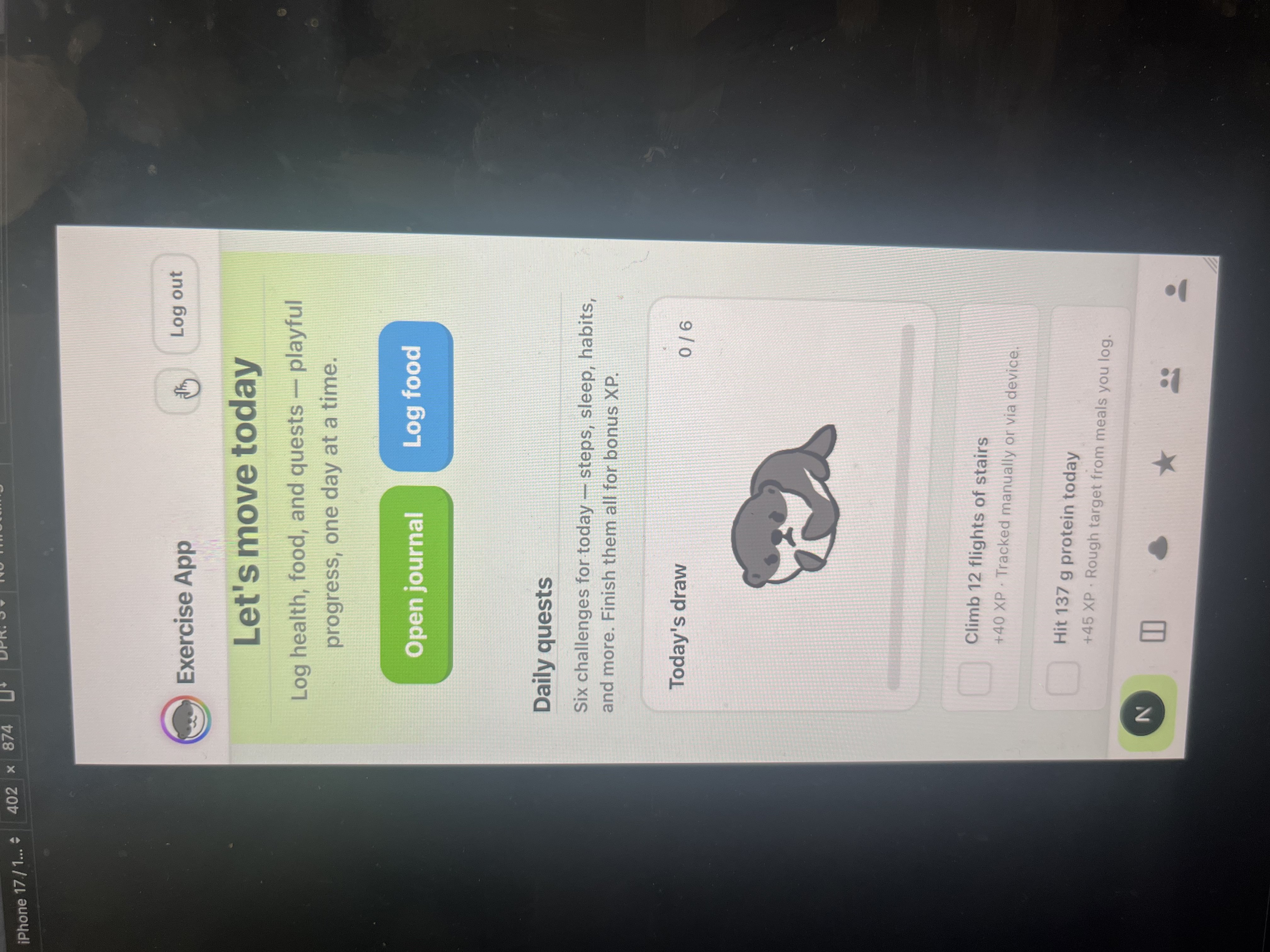
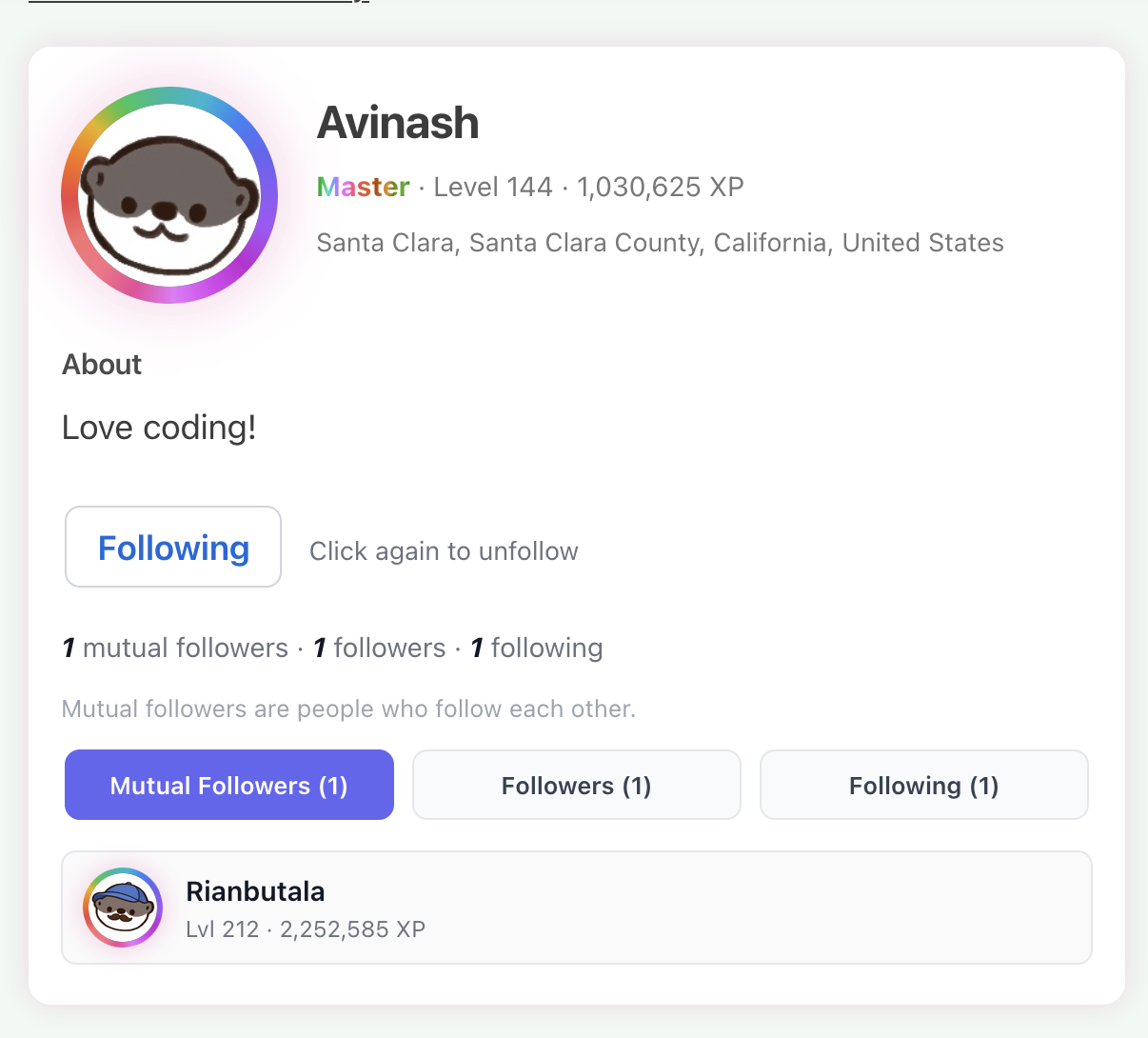
OtterBox is a social wellness platform that turns health into a shared experience. Instead of being just another tracking app, it functions like a form of social media where your real-life habits become the content.
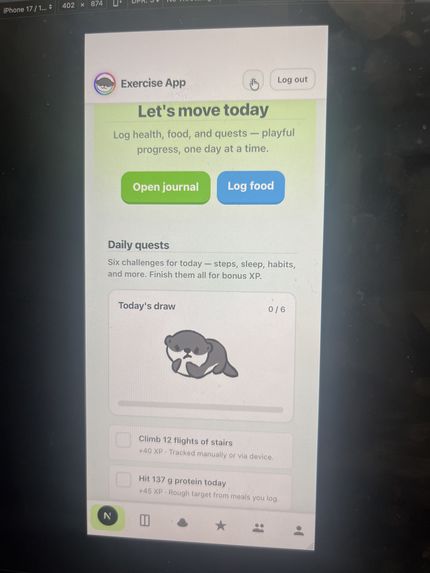
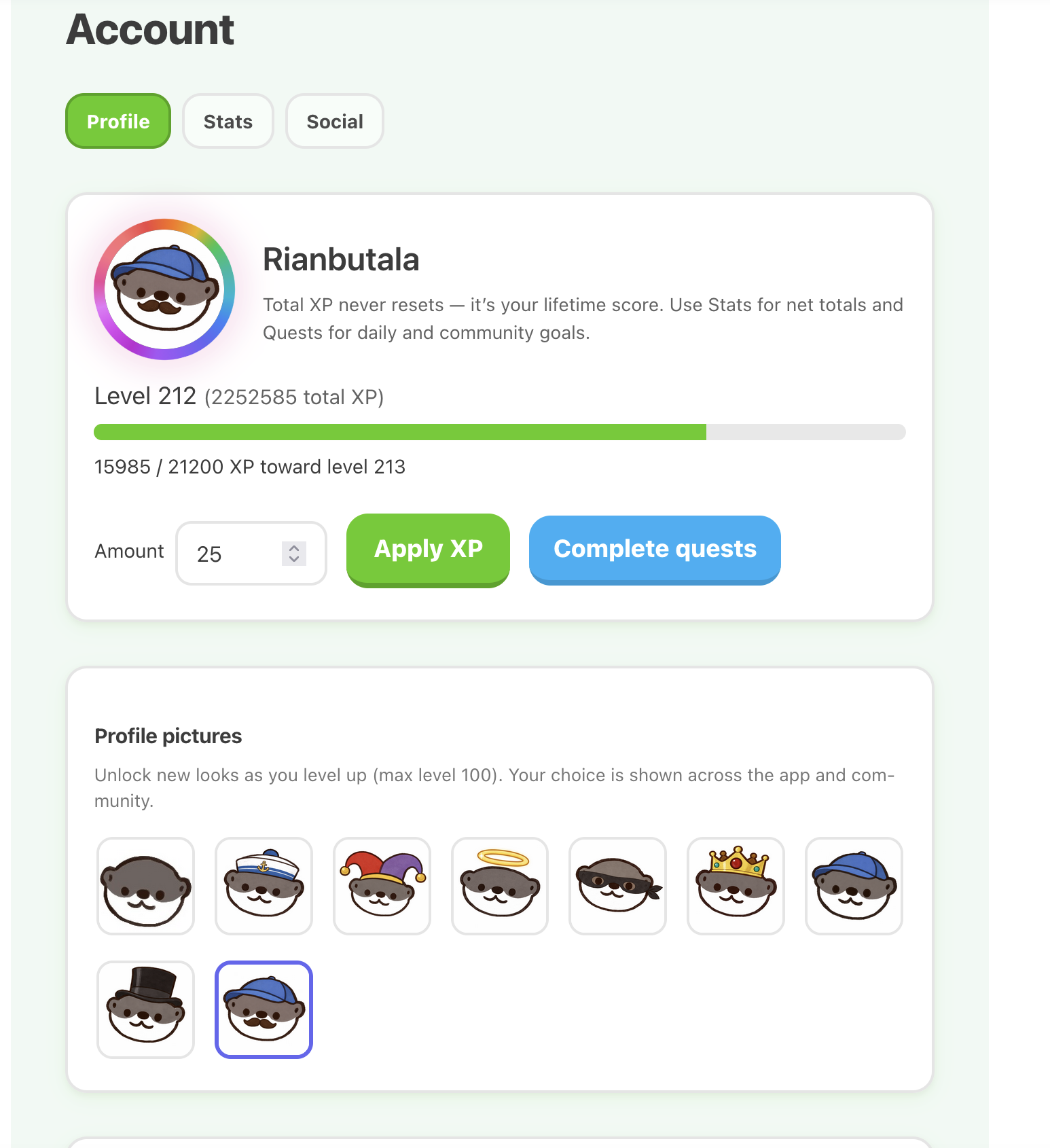
Users earn XP for workouts, logging food, sleep, and journaling, but the core experience is built around interacting with others:
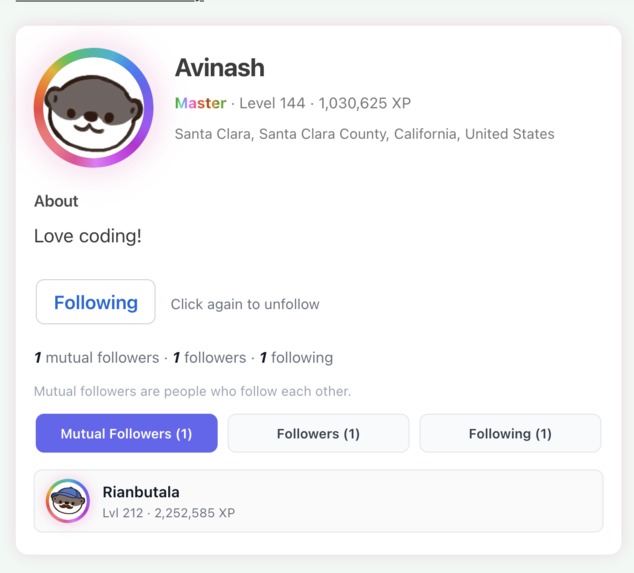
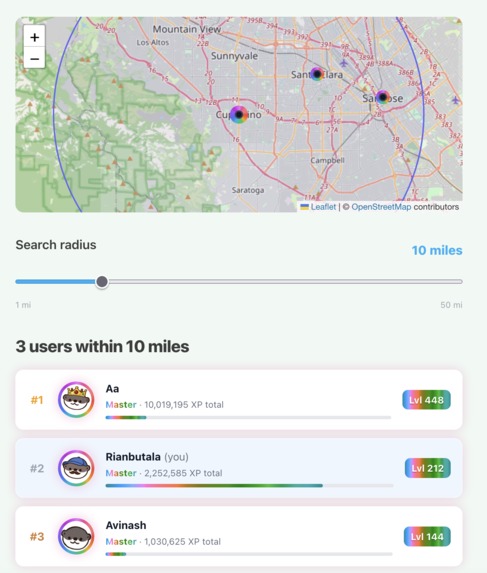
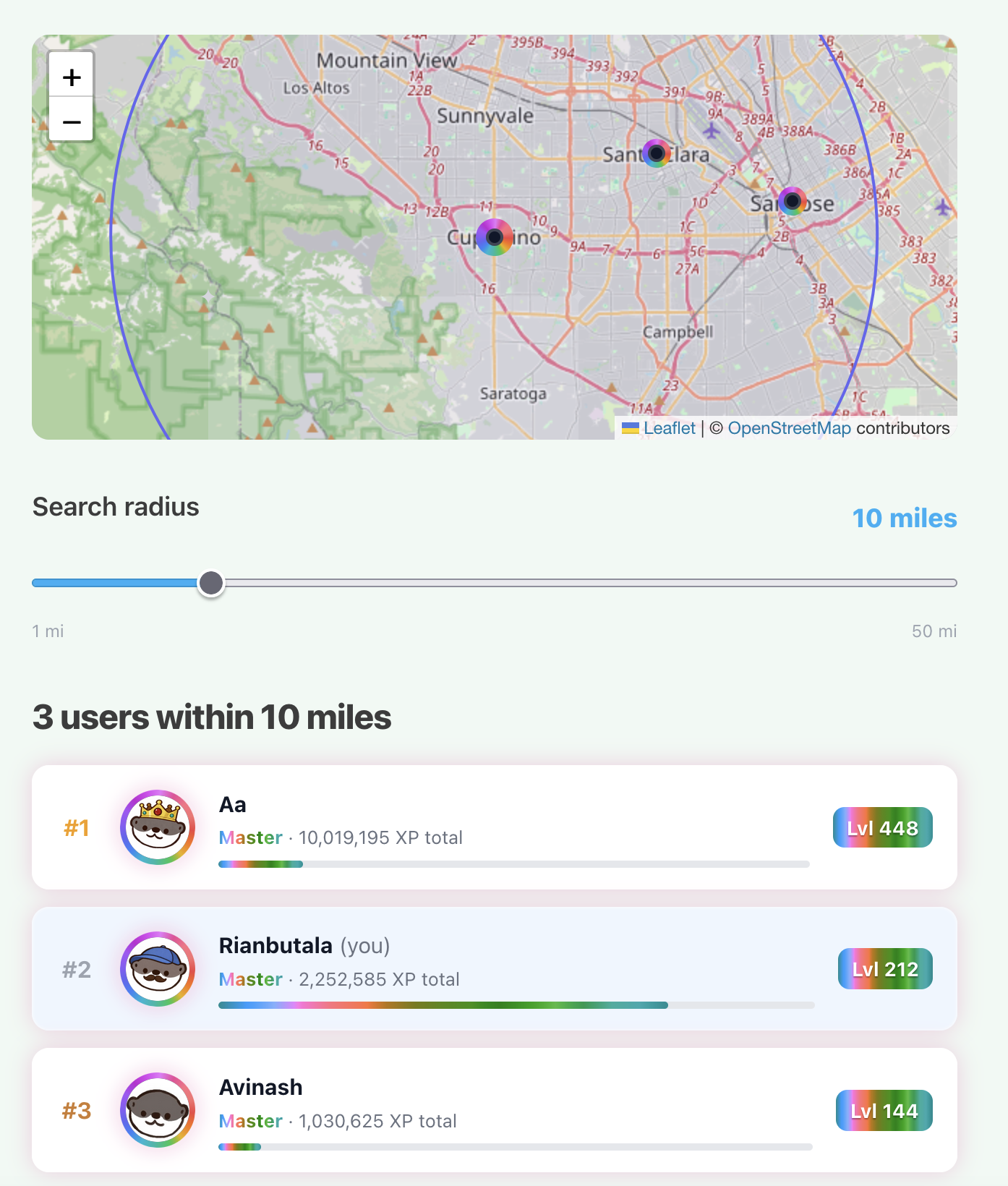
Compete on local leaderboards with people around you Collaborate through team challenges (ex: burn 10,000 calories together) Contribute to community-wide quests that everyone works toward Connect through shared progress, activity, and accountability
The goal isn’t just self-improvement, it’s building a system where people grow together.
This matters because the problem is bigger than just fitness. Over 40% of U.S. adults are obese, and at the same time, loneliness is rising, with studies showing around 1 in 2 young people report feeling socially disconnected. These issues reinforce each other: lack of social connection makes it harder to stay consistent, and lack of consistency worsens physical and mental health.
OtterBox addresses both at once by creating a space where:
Progress is visible Effort is recognized And people don’t have to do it alone
It’s not just about getting healthier, it’s about building consistency, community, and real connections through shared goals.
How we built it
We built OtterBox as a hybrid mobile app using a modern web stack wrapped in a native iOS shell. The core product is a Next.js 16 app written in React 19 and TypeScript, with the App Router powering routes for core experiences like journaling, food logging, auth, community, and account management. We used a single-page style architecture to keep the experience fast and fluid, then exported the production build as a static bundle. That bundle is loaded into a Capacitor 8 iOS container, which lets the app run inside a native WKWebView while still feeling like a mobile product.
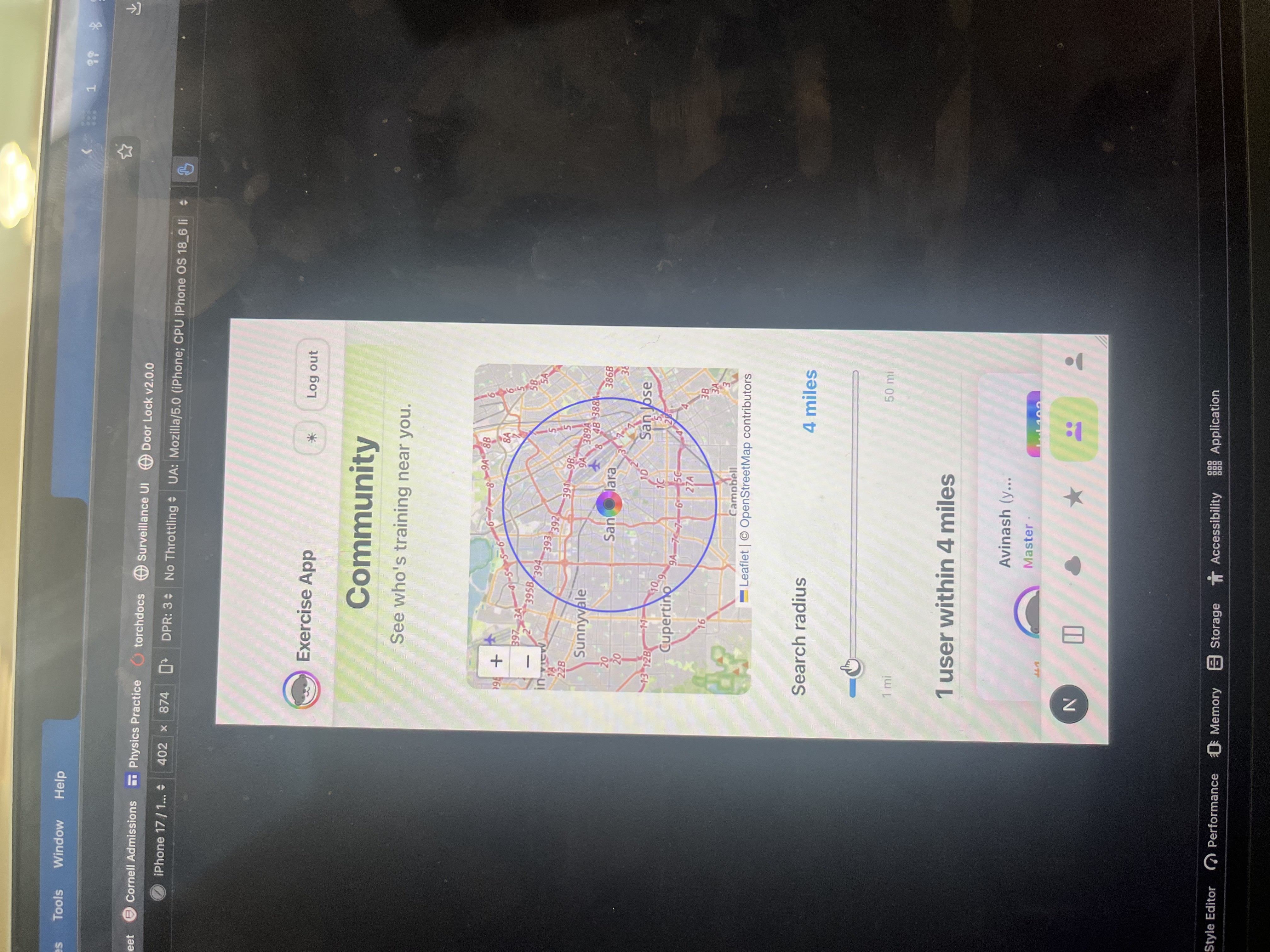
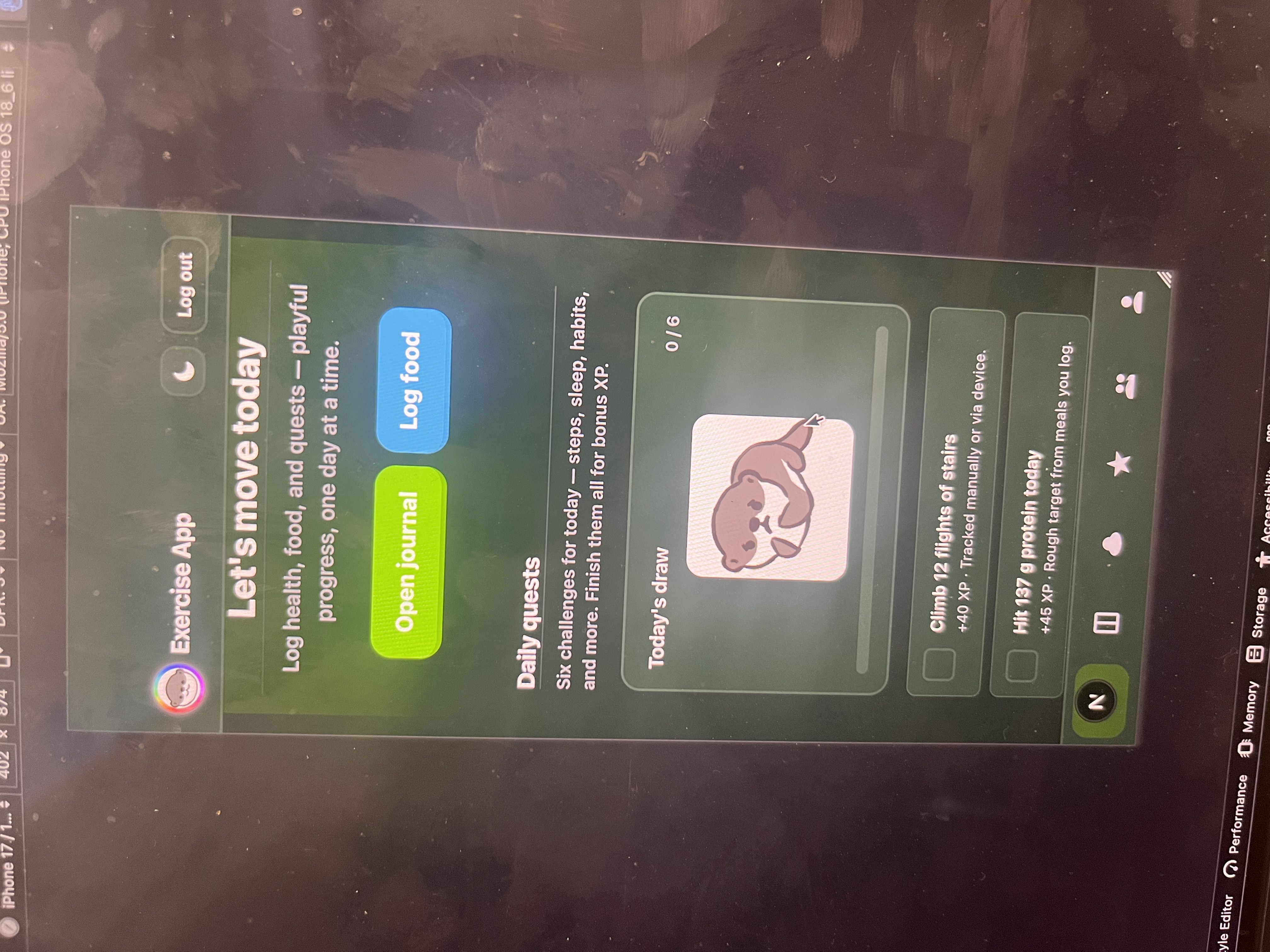
On the frontend, we used Tailwind CSS 4 along with custom CSS for styling, and Konsta UI to give the app a clean iOS-inspired interface. We also structured the app around React context providers for authentication and gamification so that user state, XP, quests, and progression update across the app in real time. For the community experience, we integrated Leaflet and React Leaflet to power map-based views and local social features.
For backend infrastructure, we used Firebase Authentication and Cloud Firestore. Firebase handled user accounts, login state, and persistent real-time data for features like social progress, journaling, quests, and community interaction. Because the app runs inside a Capacitor WebView, we had to configure Firebase carefully: we used custom authentication persistence strategies and forced Firestore into long-polling mode to avoid common WebView networking issues. That was one of the more technical parts of making the app reliable on mobile.
We also built an AI-powered food analysis pipeline. On the server side, we added an API route that accepts food images and forwards them to an OpenAI vision-based analysis flow, allowing users to take a picture of a meal and get calorie and nutrition estimates. This gave us a much smoother food logging experience than manual entry alone. Since the app is statically exported for production, that AI functionality depends on a deployed backend route or build-time environment configuration for the client-side fallback.
On the native side, Capacitor handled the bridge between the web app and iOS. Xcode and Swift were used for the container setup, app permissions, assets, and iOS packaging. The final build pipeline was: Next.js build, static export to the out/ directory, Capacitor sync into the iOS project, then Xcode compilation into the final native app.
Overall, the stack combined a fast TypeScript React frontend, Firebase for real-time backend services, OpenAI for food vision, Leaflet for location-based community features, and Capacitor for native iOS delivery. That let us move quickly while still building something that feels like a real mobile social platform rather than just a website in a phone screen.
If you want, I can also turn this into a more polished Devpost-style version that sounds a little more impressive and award-oriented.
Challenges we ran into
One of the biggest challenges was that mobile app development was completely new territory for us. We weren’t just building a web app, we were building a hybrid system that had to work seamlessly across a Next.js frontend, a Capacitor iOS shell, and Firebase in the backend. Debugging issues inside a WKWebView environment was especially difficult, since errors weren’t always visible or behaved differently than in a normal browser. We had to learn how to handle things like authentication persistence and Firestore networking constraints in a mobile WebView, which added a layer of complexity we didn’t initially expect. Another major challenge was collaboration under time pressure. With two people working on different parts of the app, managing Git branches, resolving merge conflicts, and keeping pull requests clean became difficult, especially on a tight hackathon timeline. Small conflicts in shared files slowed down progress, and we had to quickly adapt our workflow to avoid blocking each other. We also had to work within strict resource limits. Since we were using Firebase’s free tier, we had to be careful with how often we read and wrote data, especially with real-time features like leaderboards and community updates. At one point, we were close to hitting usage limits, which forced us to optimize queries, reduce unnecessary reads, and rethink how often certain data should update.
Accomplishments that we're proud of
One of our biggest accomplishments was building a fully functional remote backend instead of relying on a local or mocked setup. We successfully integrated Firebase Authentication and Firestore to handle real users, persistent data, and live updates across devices. This meant the app wasn’t just a demo, it was something people could actually use, with real accounts, real progress, and real interaction. We’re also proud of implementing AI-powered food recognition. Instead of forcing users to manually search and log meals, we built a system where users can take a photo and receive calorie and nutrition estimates. Getting this to work reliably required connecting image input, backend processing, and response handling in a smooth flow, which significantly improved the user experience. Another major accomplishment was deploying the app as a real iOS application. Rather than stopping at a responsive web app or a local prototype, we packaged the project using Capacitor and successfully ran it inside a native iOS environment. This involved configuring the build pipeline, handling permissions, and ensuring everything worked inside a mobile WebView. Having a working app on iOS made the project feel complete and production-ready. We also put significant effort into custom-designed assets and visuals. From UI elements to avatars and cosmetic progression, we created a cohesive visual identity that makes the app feel polished and engaging. These assets aren’t just aesthetic, they reinforce the gamification system by making progress visible and rewarding.
What we learned
One of the biggest things we learned was how to work in parallel as a team. Early on, we realized that if we all worked on the same parts of the codebase, we would constantly block each other with merge conflicts and slow progress. We shifted to a parallel workflow, splitting the app into clearly defined areas like frontend UI, backend logic, and gamification systems. This let us move much faster and integrate everything at the end. We also learned how important it is to design systems before building them. Features like XP, quests, and leaderboards seem simple, but they require clear logic and structure to feel consistent. Taking time to think through how everything connects made implementation much smoother.
What's next for OtterBox
We want to continue expanding OtterBox into a truly social and seamless wellness platform.
Deeper social features like friend feeds, reactions, and shared milestones Smarter, more personalized quests that adapt to user behavior and consistency Expanded community competitions across cities and regions Better long-term progress visualization to make growth more meaningful over time
We’re also working toward automatic integration with wearable devices like Apple Watch and Fitbit. This would allow health data such as steps, activity, and sleep to sync seamlessly without manual input. While the implementation on the software side is relatively straightforward, it requires navigating platform restrictions and securing the necessary permissions from Apple’s ecosystem (something that requires at least two weeks for apple’s approval process).
Built With
- capacitor
- eslint
- firebase
- github
- konsta
- leaflet.js
- next.js
- openai
- react
- swift
- tailwind
- typescript


Log in or sign up for Devpost to join the conversation.