-
-
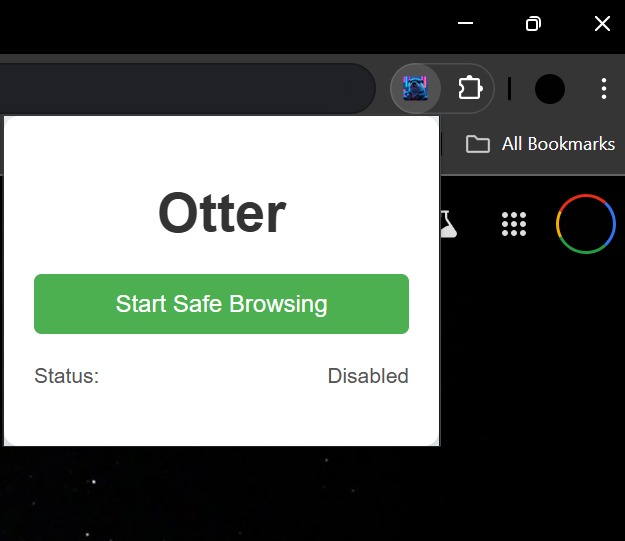
Otter Extension
Inspiration
We have noticed that many people in our family don't understand the importance of browsing the web safely and all of the possible threats that are out there. We have had family members asking us whether a site is safe or not. The number of online threats is only growing, with this project we strive to take a step in a positive direction where everyone is able to browse the web safely.
What it does
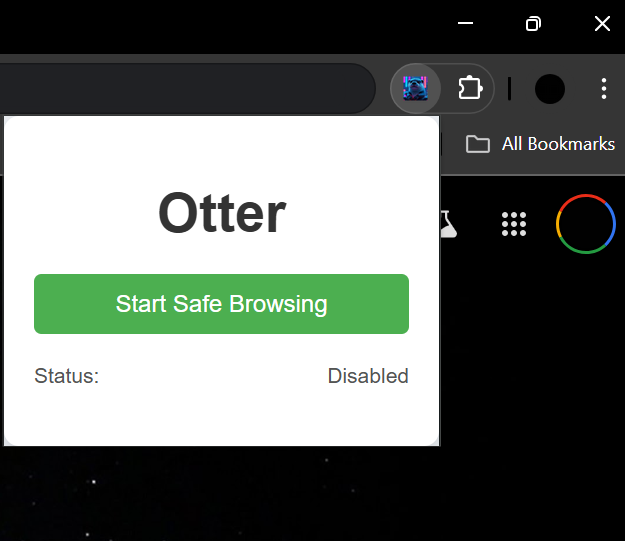
When active Otter will check the website that the user is visiting and will send this URL to an API (ipqualityscore) which determines whether a website is potentially risky based on several factors. Using the risk score provided by this website we then warn the user if the website is potentially risky. Several factors can affect whether the website is deemed as risky such as how often the domain changes owners or the content of the actual site, for example, my own personal website is flagged as risky because I acquired the domain recently, while a much more established domain such as amazon.com is not flagged. NOTE: The extension only warns users of a certain website once per session.
How we built it
The extension itself was build using HTML, CSS and Javascript, while the backend which handles the URL checking was implemented using Python, more specifically Flask.
Challenges we ran into
We ran into several challenges when implementing this, for starters, none of our team members had experience developing extensions which delayed the process of developing quite a bit. Additionally, the scope of the project was a bit larger as we intended to integrate with an existing VPN so that Otter would auto-initialize a VPN for you, making your browsing experience even safer, however, we ran into multiple integration issues and had to reduce the scope of the project for now and hope to add this once we have obtained more experience.
Accomplishments that we're proud of
Our team is proud to present a working solution that could be useful for those who are not particularly tech savvy.
What we learned
We learned several interesting concepts when it comes to developing extensions and many of the developer tools provided by Chrome.
What's next for Otter Safe Browsing Extension
As mentioned previously, we would like to extend the functionality so that Otter initializes a VPN for you when it is activated in addition to the URL checking. Additionally, we would like to add additional functionality to keep passwords locally in your computer rather than in the browser as an option for users who want to keep their passwords safe while still having them accessible from within their browser once they have authenticated themselves.


Log in or sign up for Devpost to join the conversation.