-
-
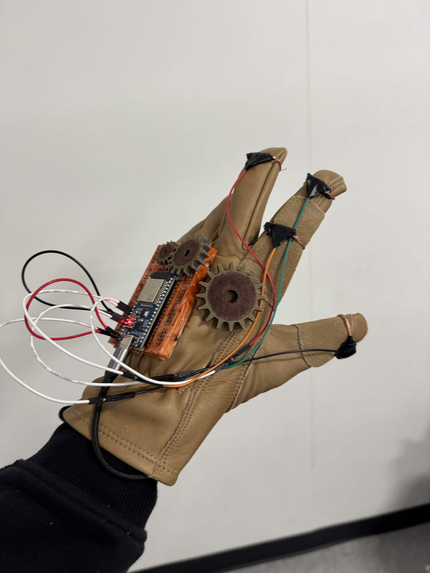
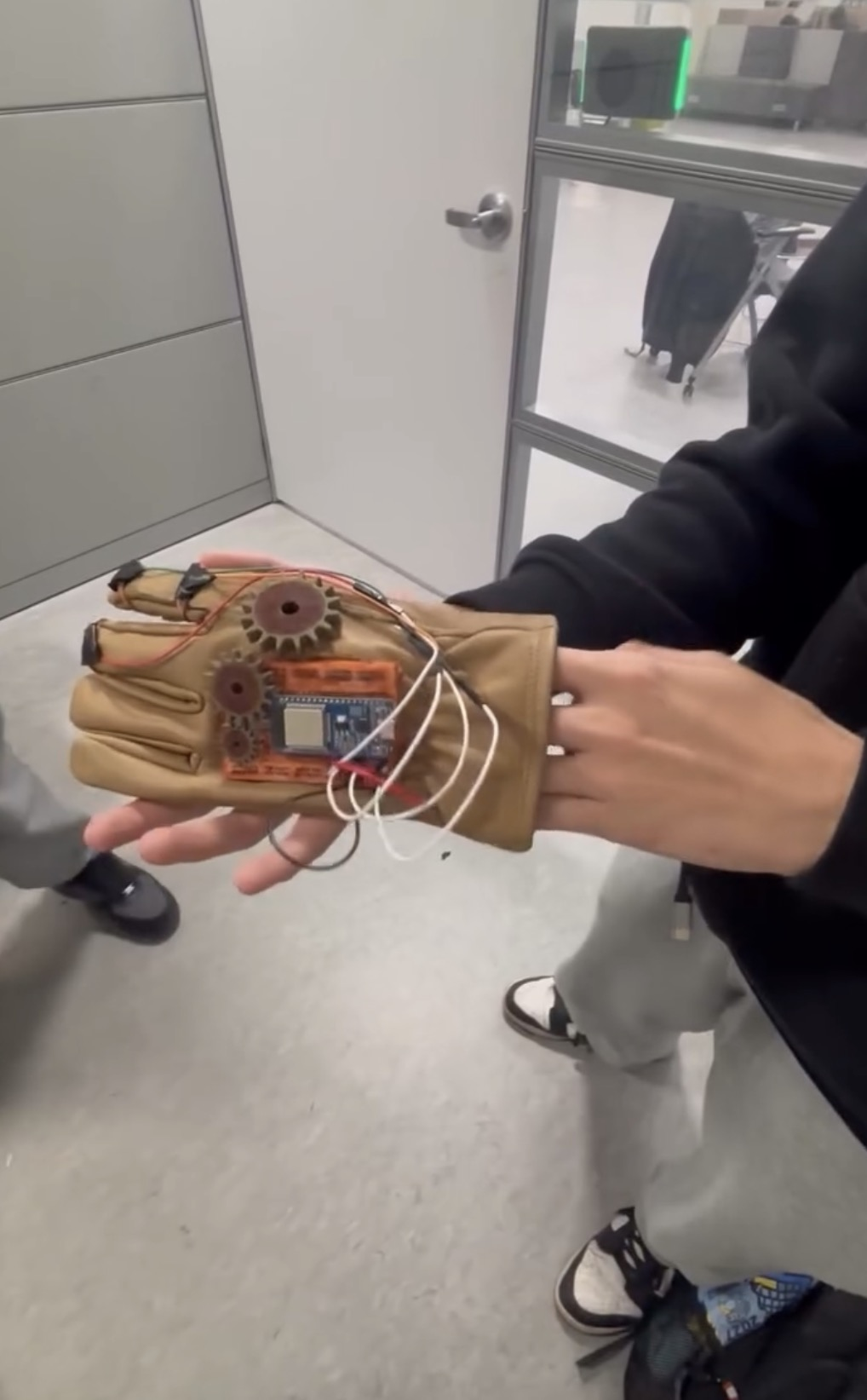
View of the glove from the user's perspective.
-
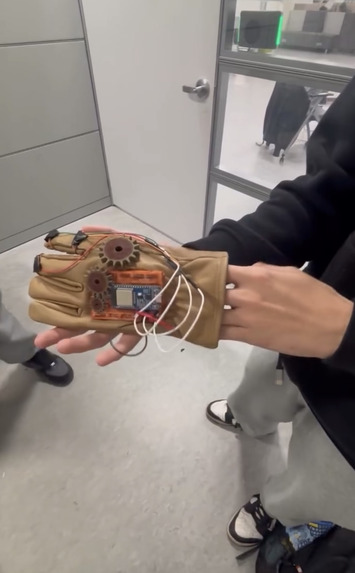
View of the glove from the perspective of a passerby.
-
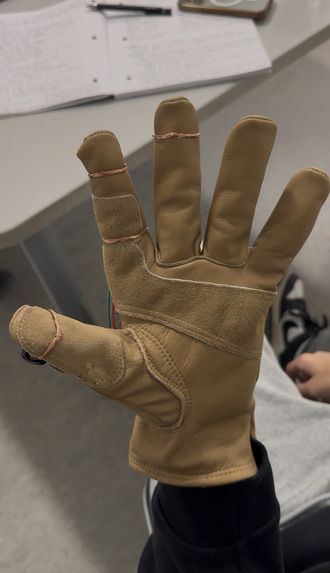
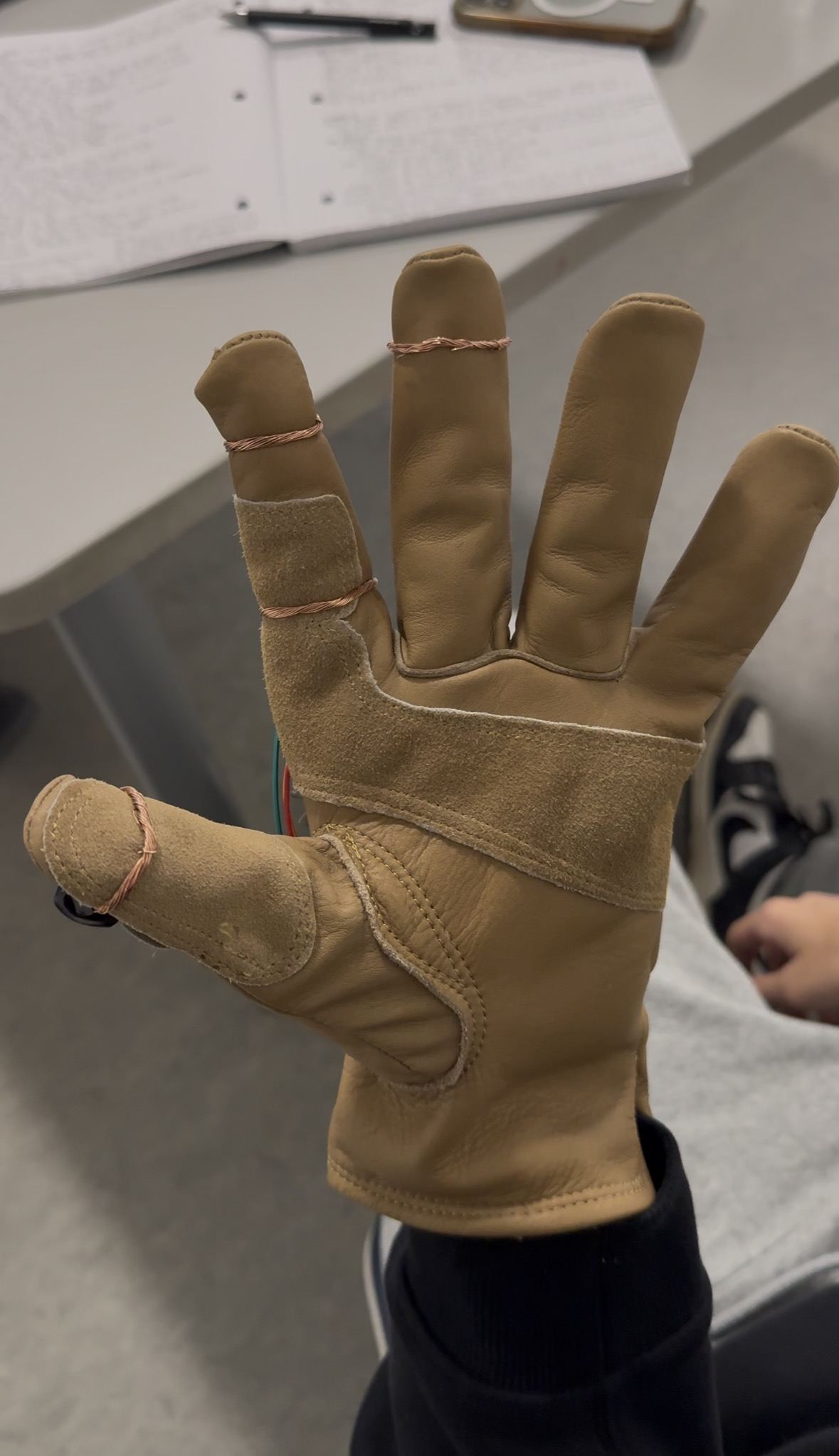
View of the bottom of the glove
Studying from lecture slides is clumsy. You scroll with one hand, flip back three slides to find a definition, switch to a chatbot tab, paste in a paragraph, explain which lecture it came from, and by the time you're back you've lost your place. Tools like NotebookLM can answer questions about your documents, but they don't know which page you're on, and they still need a mouse and keyboard. We wanted studying to feel like having a patient tutor beside you, reading the same page, controlled from your hand. The theme, Steel and Steam, gave us the character: Oswald, a calm Victorian engineer from Sheffield who now works as your study partner.
Board is a study reader you control by touching your fingertips together. Touch your index fingertip to your thumb to turn the page, slide your thumb lower on the same finger to go back, and touch your ring finger to ask Oswald a question. You load your PDFs, lecture slides, Word and Pages files or web pages, and every one of them becomes pages your fingers can turn. Ask "what does this mean?" or "where did we cover entropy?" and Oswald answers out loud, jumps to the page that explains it, and cites his sources in the chat. He also writes notes, study guides and summaries that link back to the exact pages they came from. He makes quizzes you can answer by saying the letter, and flashcards your index finger turns over. He edits your notes when you ask, researches topics on the web, and files everything into folders, so Lecture 1, Lecture 2 and the study guide made from them sit together.
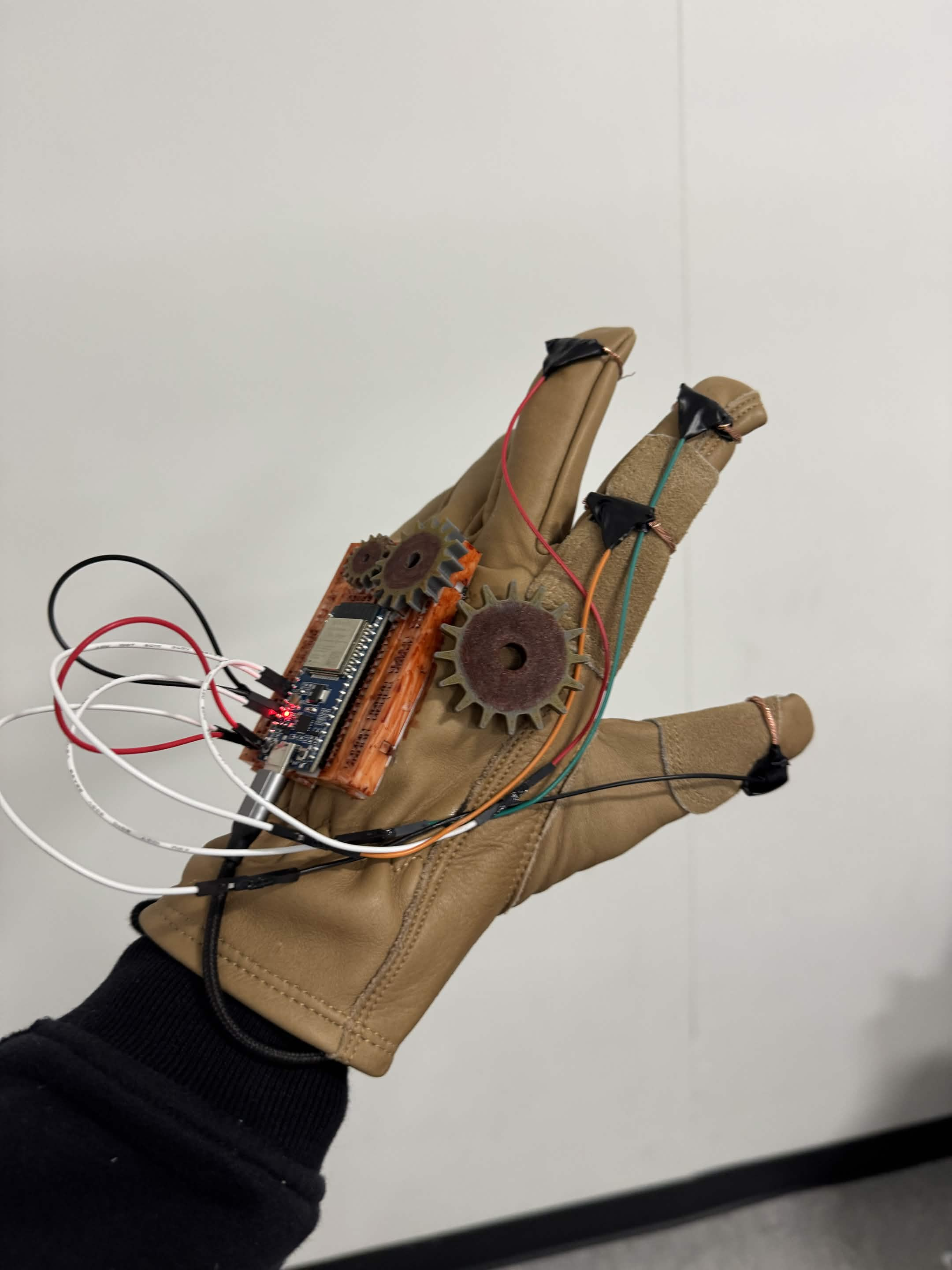
The board itself is an ESP32 on a half-size breadboard, worn on the hand and powered by a 9 V breadboard power module. Copper tape pads sit on the fingers, with the thumb as ground. It acts as an ordinary Bluetooth keyboard, sending Page Down, Page Up, or F18 to summon Oswald, so the laptop needs no drivers or pairing app. On the laptop, a Python hub serves the reader, listens for the F18 key in any app, records your question with the mic, and talks to Google Gemini using a structured JSON reply. That reply tells the reader what to do next: answer, jump to a page, write a document, edit a note, search the web or sort files into folders. The reader is a single steampunk web page in brass, parchment and dark wood. It uses PDF.js for PDFs, lays web pages and notes out in CSS columns so Page Down works everywhere, and draws maths with KaTeX. We also made cost a design rule. A question never sends your whole library, only the page on screen, what you've highlighted, and the few best-matching passages from a search of your documents. Whole documents go to Gemini only when Oswald writes something from them.
Getting there meant solving problems we didn't expect. Gemini writes LaTeX inside JSON, where a backslash followed by "f" is read as a hidden control character, so "\forall" in our flashcards kept arriving as "orall". We wrote a cleaner to restore the lost backslashes. Our first attempt at detecting when you'd finished speaking needed perfect silence, so a laptop fan or a busy hackathon hall kept Oswald listening far too long. We rebuilt it to compare against the room's background noise and against your own voice. Turning pages quickly could send Oswald the text of the page you had just left, until we tied each page's text to its page number. Some Gemini models refused the lowest thinking setting and made the first answer painfully slow, and our free key had no quota for Google Search. The hub now remembers what each model needs, and when it can't search, Oswald answers from what he knows and says so. On the hardware side we rewired the breadboard several times, redrawing our wiring diagram after every change.
We're proud that the whole loop works by hand: turn a page, ask a question out loud, and hear the answer while the reader jumps to the right slide. Because everything becomes pages, including quizzes and flashcards, three finger gestures run the entire app. We also built a test suite that runs with no key and no internet. It uses a fake Gemini, a headless Chrome driven over the DevTools protocol, and a simulation of the board's finger logic compiled to run on the laptop.
The biggest lesson was that grounding an AI in what you're looking at right now matters more than handing it everything you have. A small, precise context gave better answers and cost far less. We also learned that structured replies turn a chatbot into something that can actually operate an app, and that pretending to be a keyboard is the simplest way to connect hardware to software. Next we want spaced repetition for flashcards, a small vibration motor so you can feel each tap, a mic and speaker on the board itself, and a sturdier wearable build to replace the tape and breadboard.
Built With
- c++
- claude
- esp32
- gemini
- html5
- javascript
- python

Log in or sign up for Devpost to join the conversation.