-
-
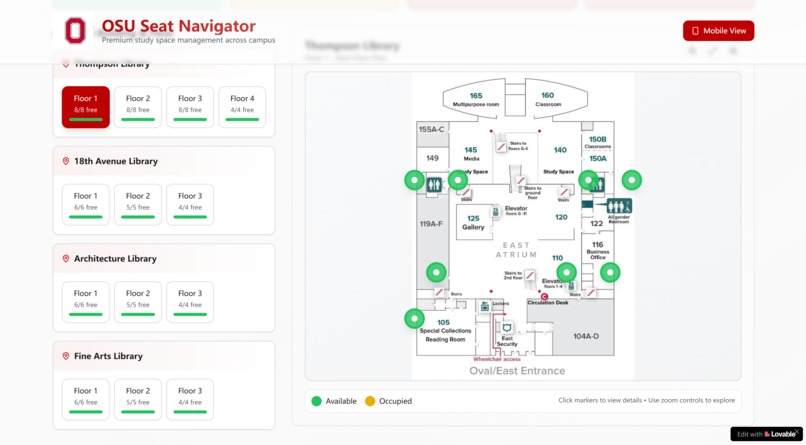
Campus Seat Map Dashboard
-
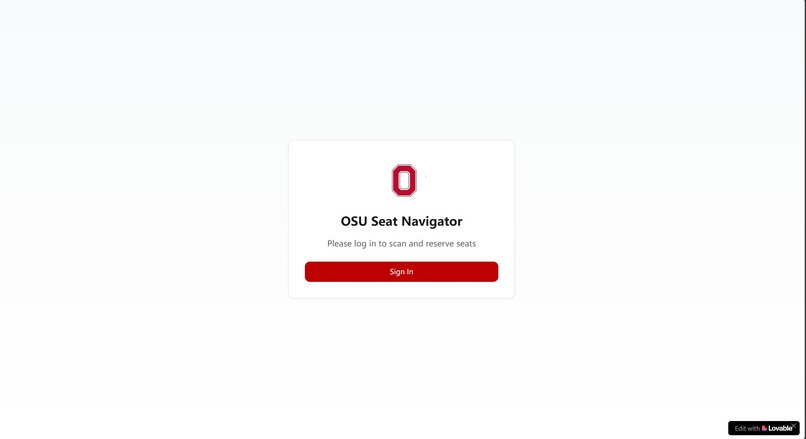
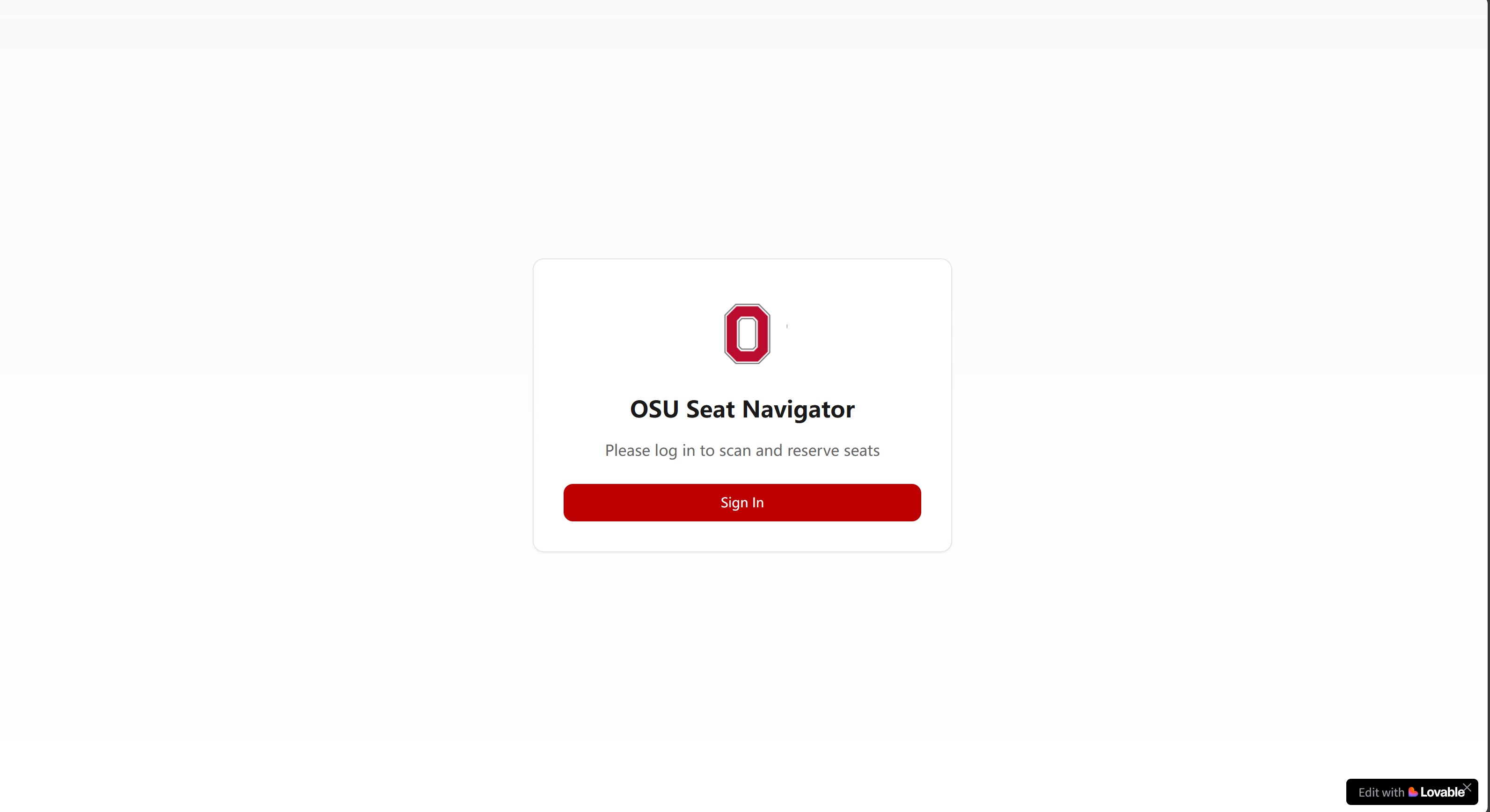
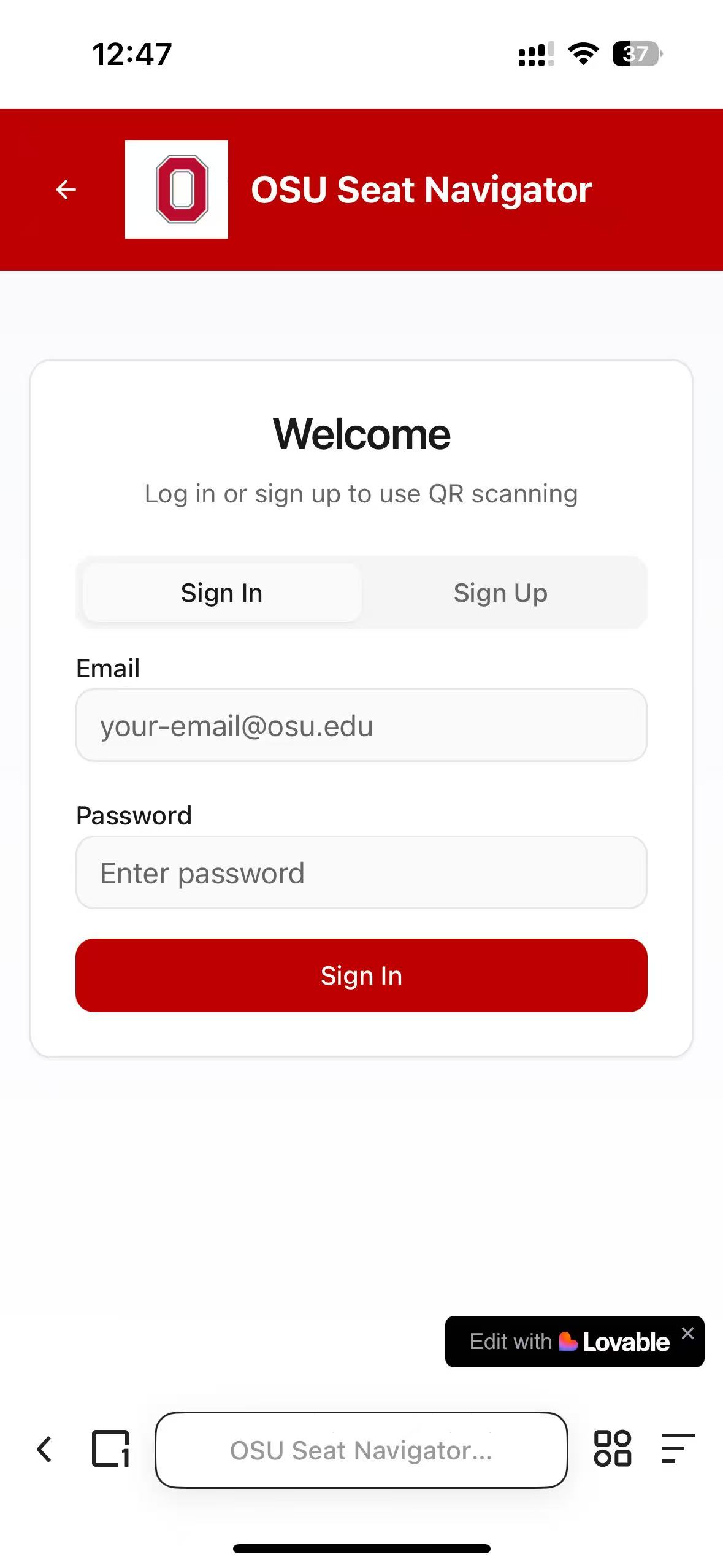
User Authentication Screen
-
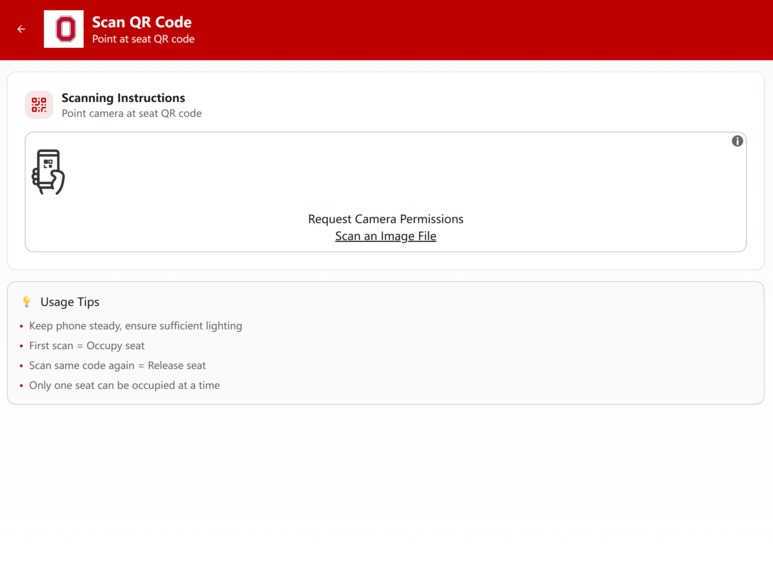
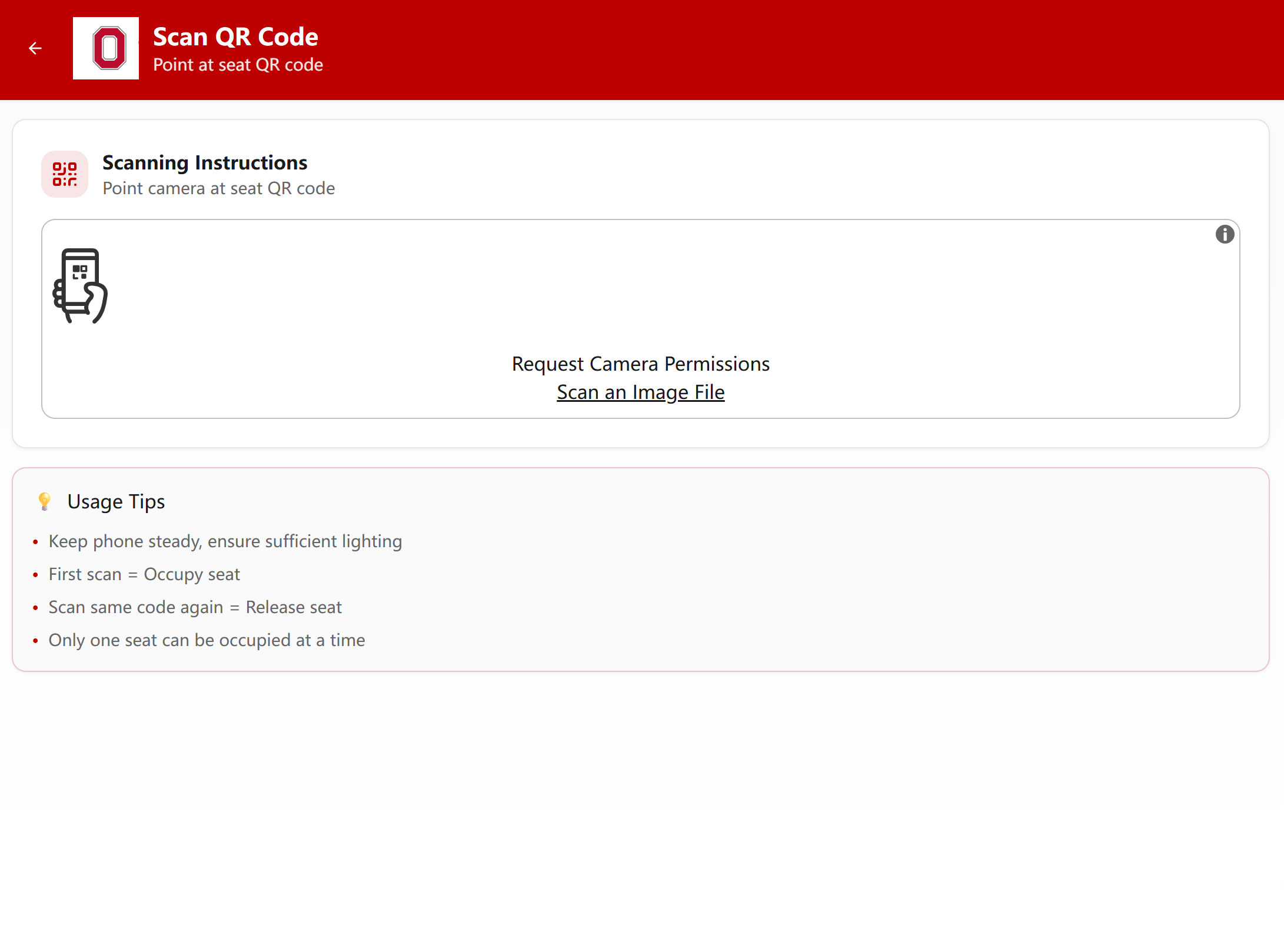
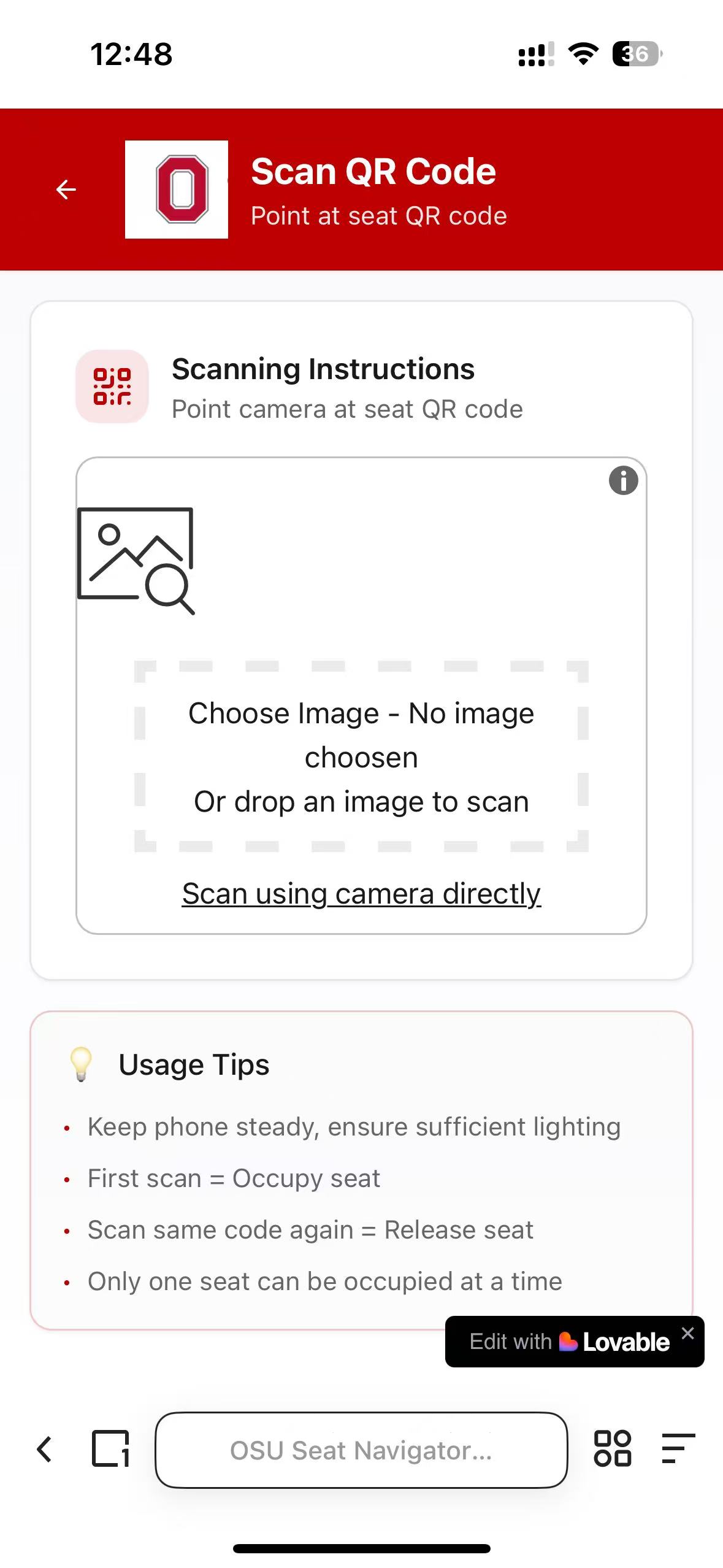
QR Code Scanning Interface
-
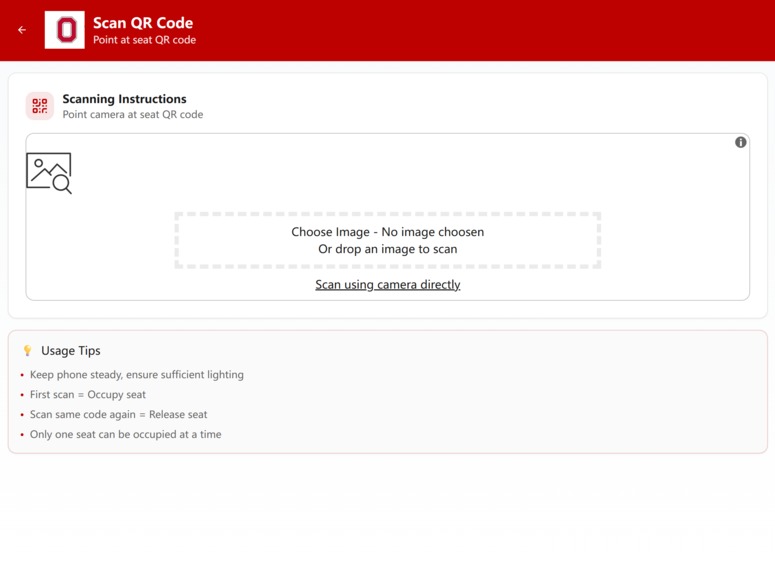
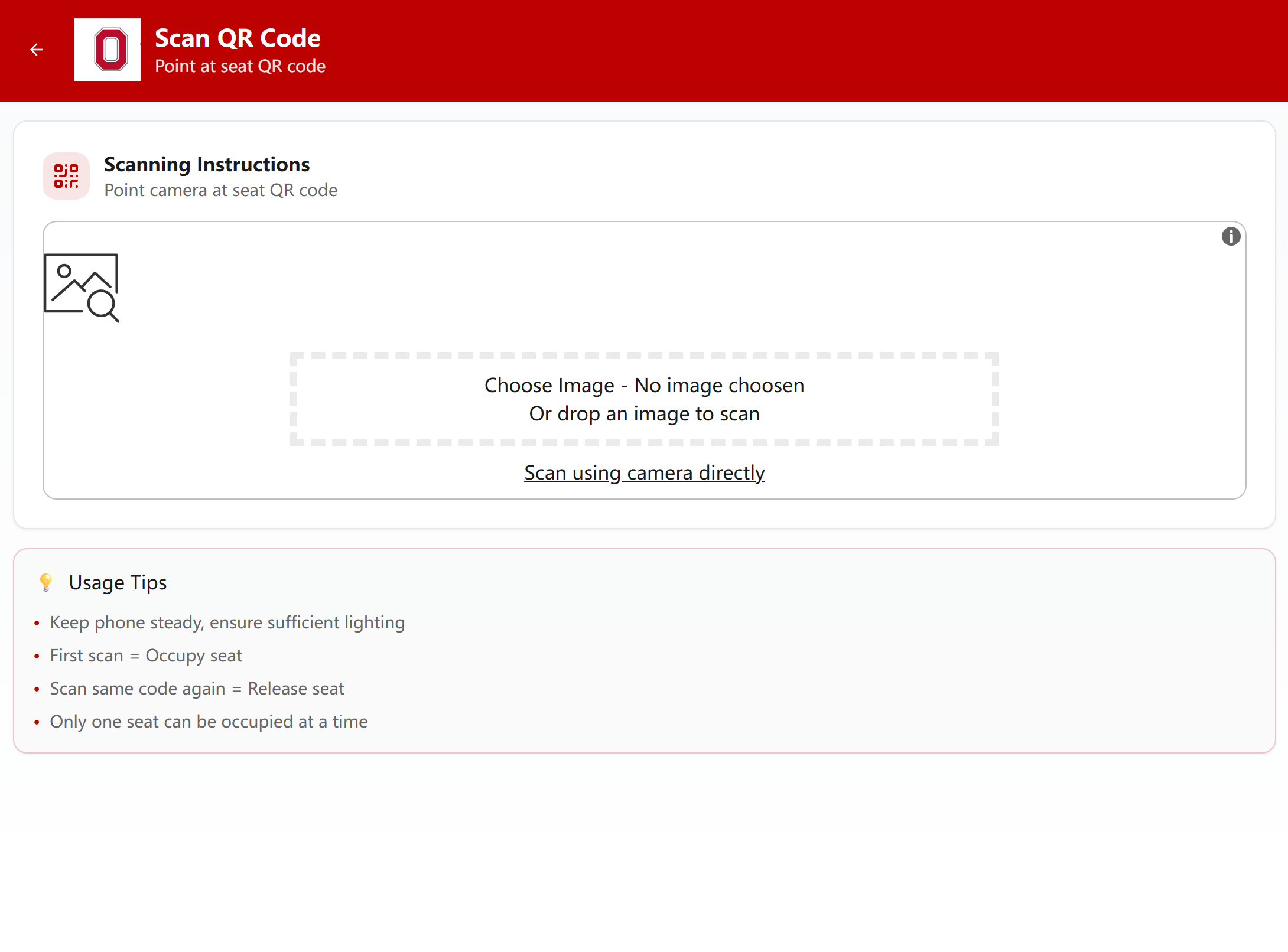
Image-Based QR Scanning Option
-
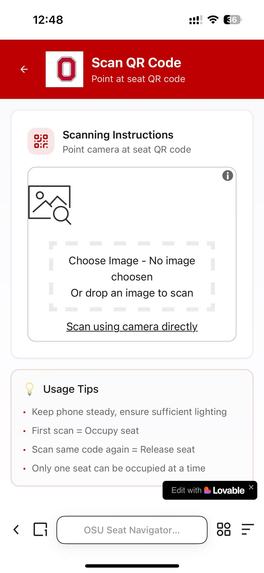
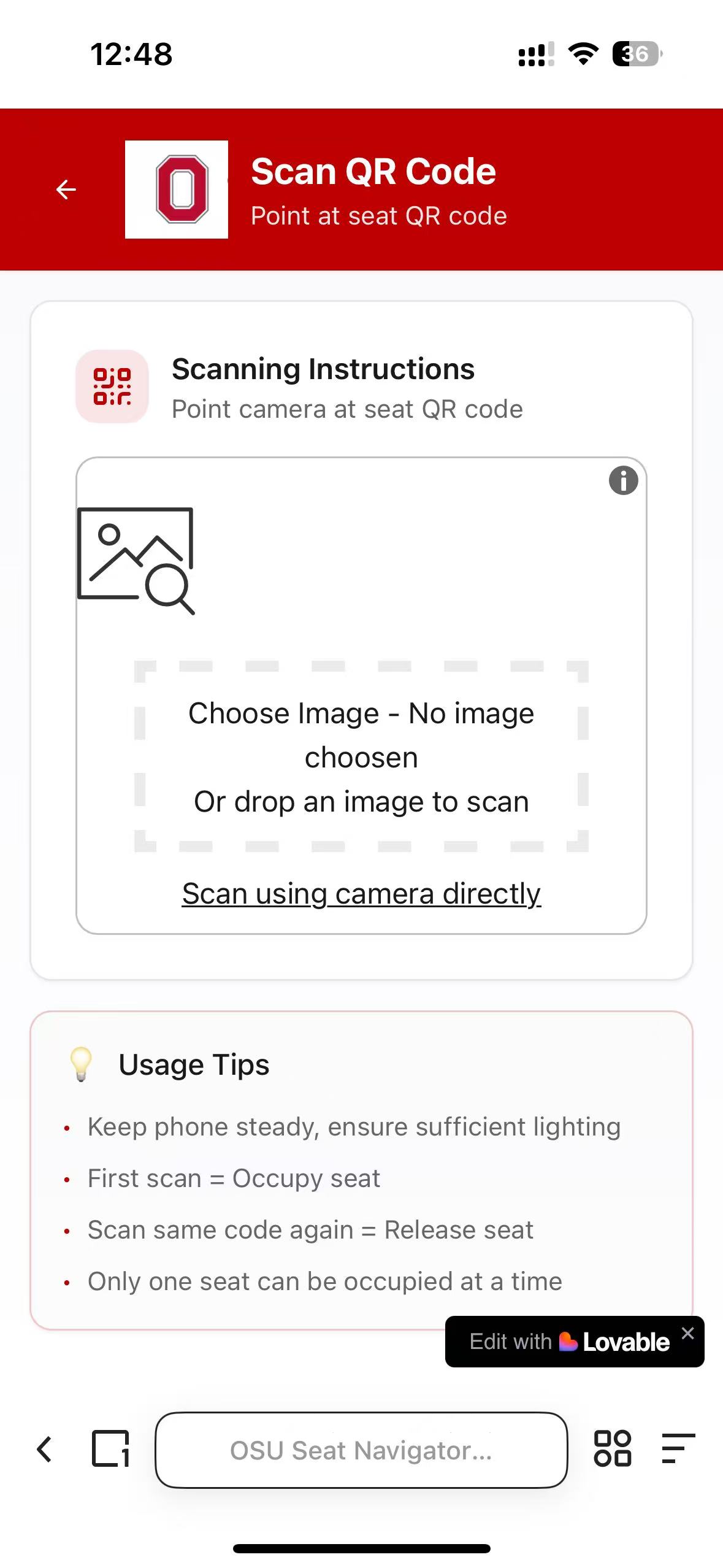
Mobile QR Code Scanning Interface (Image Upload Option)
-
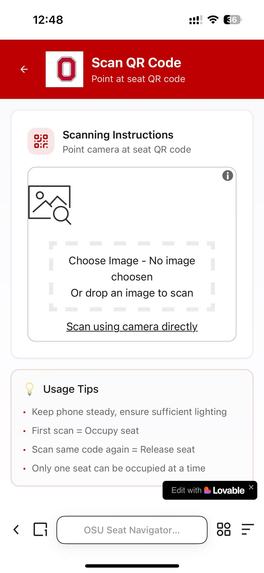
Active Reservation Dashboard
-
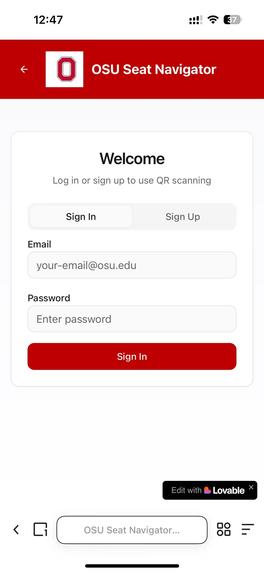
User Authentication Screen (Mobile)
OSU Seat Navigator: Revolutionizing Campus Seat Discovery with QR Codes and Cross-Platform Access
Inspiration
We were inspired by the frustration of students struggling to find available seats in OSU’s libraries and academic buildings. Countless hours were wasted wandering to locate a study or class space, so we set out to create a solution that simplifies seat discovery and management.
What it does
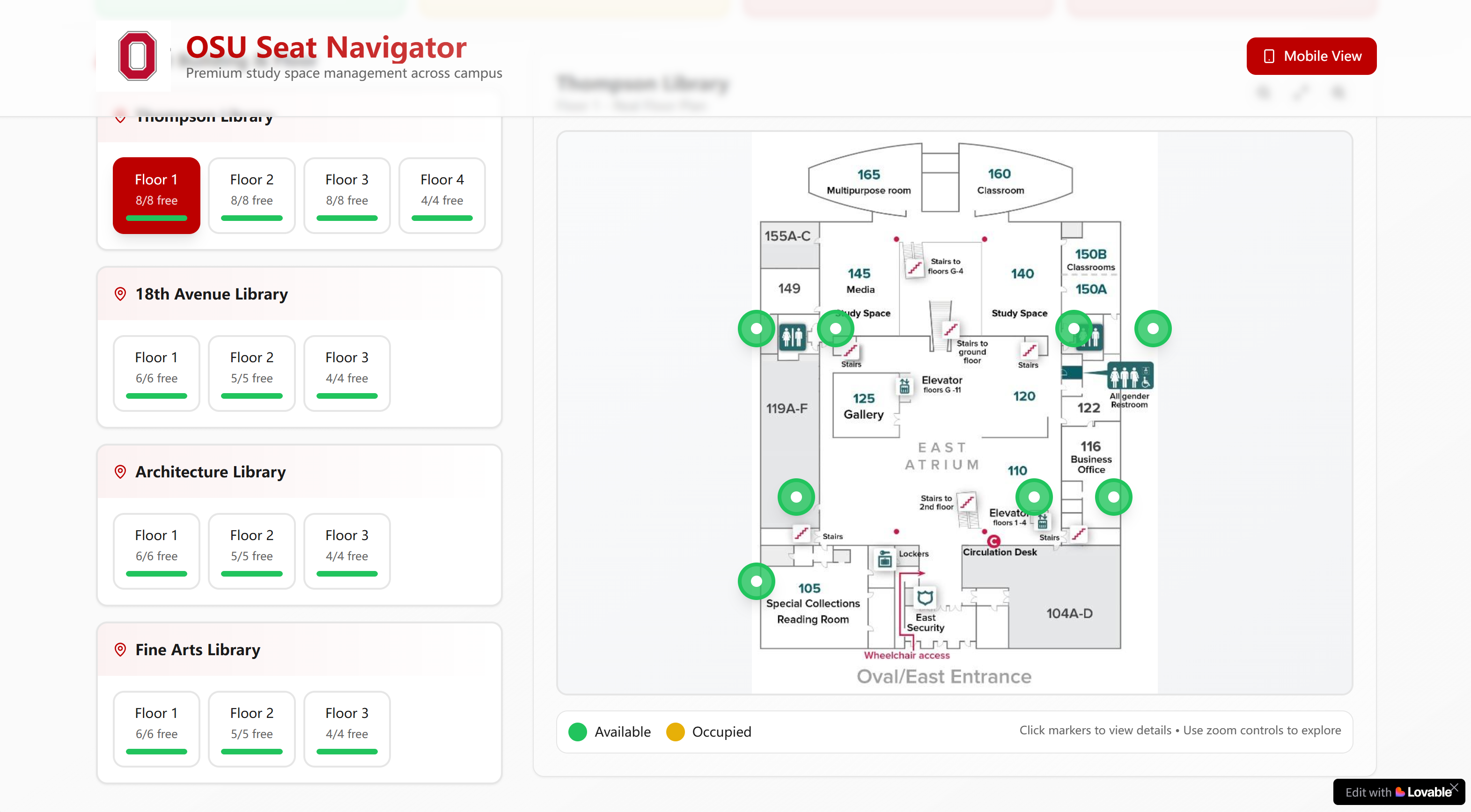
OSU Seat Navigator helps students quickly find and navigate to available seats across OSU campus. It provides real-time visibility into occupied and unoccupied seats in libraries, classrooms, and other academic spaces. Users can: Check seat availability via a web portal (computer) with interactive layouts of buildings and floors. Use a mobile app to scan QR codes placed on seats—this marks a seat as “occupied” when scanned by a student, and “available” when the student scans again to indicate they’ve left. Receive prompts to confirm seat extension if they’ve occupied a seat for extended periods (e.g., 2–4 hours), ensuring fair seat access for all.
How we built it
We built OSU Seat Navigator with a cross-platform approach: Web Portal (Computer): Developed with HTML, CSS, JavaScript, and a backend (Python/Flask) to manage seat data, building layouts, and real-time updates. Mobile App: Created a responsive mobile interface (compatible with iOS and Android) using React Native, enabling QR code scanning (via device cameras) to sync seat status with the central database. QR Code Integration: Generated unique QR codes for each seat, linked to its location ID. When scanned, the app sends a request to the backend to update seat availability. Database: Used PostgreSQL to store seat locations, building/floor layouts, user interactions, and real-time seat statuses.
Challenges we ran into
The most significant challenge was gathering and mapping comprehensive location data for all OSU academic buildings and their seating layouts. Compiling detailed floor plans, seat counts, and exact seat positions across multiple buildings required extensive coordination and on-site verification—an ongoing task as we scale to more areas of campus.
Accomplishments that we're proud of
We’re proud to have successfully integrated cross-platform functionality (web and mobile). The QR code system works seamlessly: scanning a QR code on a seat instantly updates its status across both the web portal and mobile app, ensuring real-time, synchronized data for all users. We’ve also built a robust foundation for seat management, including automated prompts for extended seat usage—laying the groundwork for fair and efficient seat sharing.
What we learned
This project taught us how to rapidly iterate on a full-stack application, balancing frontend usability (e.g., intuitive seat maps, mobile scanning) with backend data management (real-time updates, database scaling). We also gained insights into user-centered design for campus tools, and how critical it is to align technical solutions with real-world student needs (like quick seat access and fair usage policies). Additionally, we learned the importance of robust database security and configuration—such as properly setting function search paths and enabling password leak protection—to safeguard user data and ensure application reliability.
What's next for OSU Seat Navigator
Next, we plan to: Expand location coverage: Map out full floor layouts for all OSU libraries and academic buildings, ensuring every seat and its QR code is cataloged. Enhance user features: Add filters for seat preferences (e.g., quiet zones, group study areas, access to power outlets) and integrate with OSU’s calendar systems to sync class schedules and seat availability. Optimize scalability: Refine the backend to handle increased user traffic and seat data as we roll out the tool across more of campus. Strengthen security: Address database configuration warnings (like function search path and password protection) to ensure user data privacy and application stability.
Built With
- generation
- html5-qrcode
- qrcode
- react
- react-router
- shadcn-ui-components
- supabase-(database-&-authentication)
- tailwind-css
- typescript
- vite


Log in or sign up for Devpost to join the conversation.