OS Resume: Oversimplified Resume Builder
Create a professional resume in 15 minutes.
💻 Screens
| Landing Page | Templates Page |
|---|---|
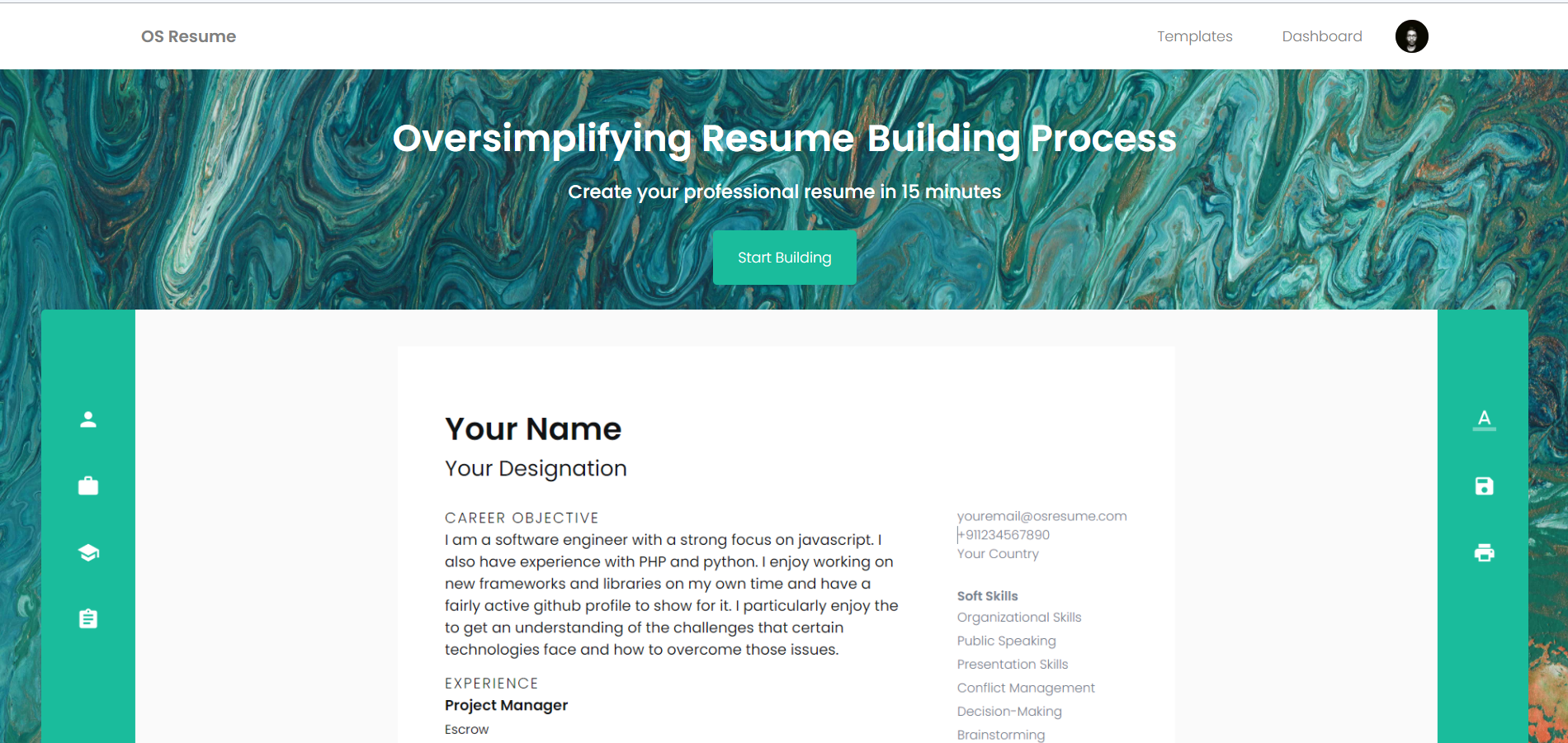 |
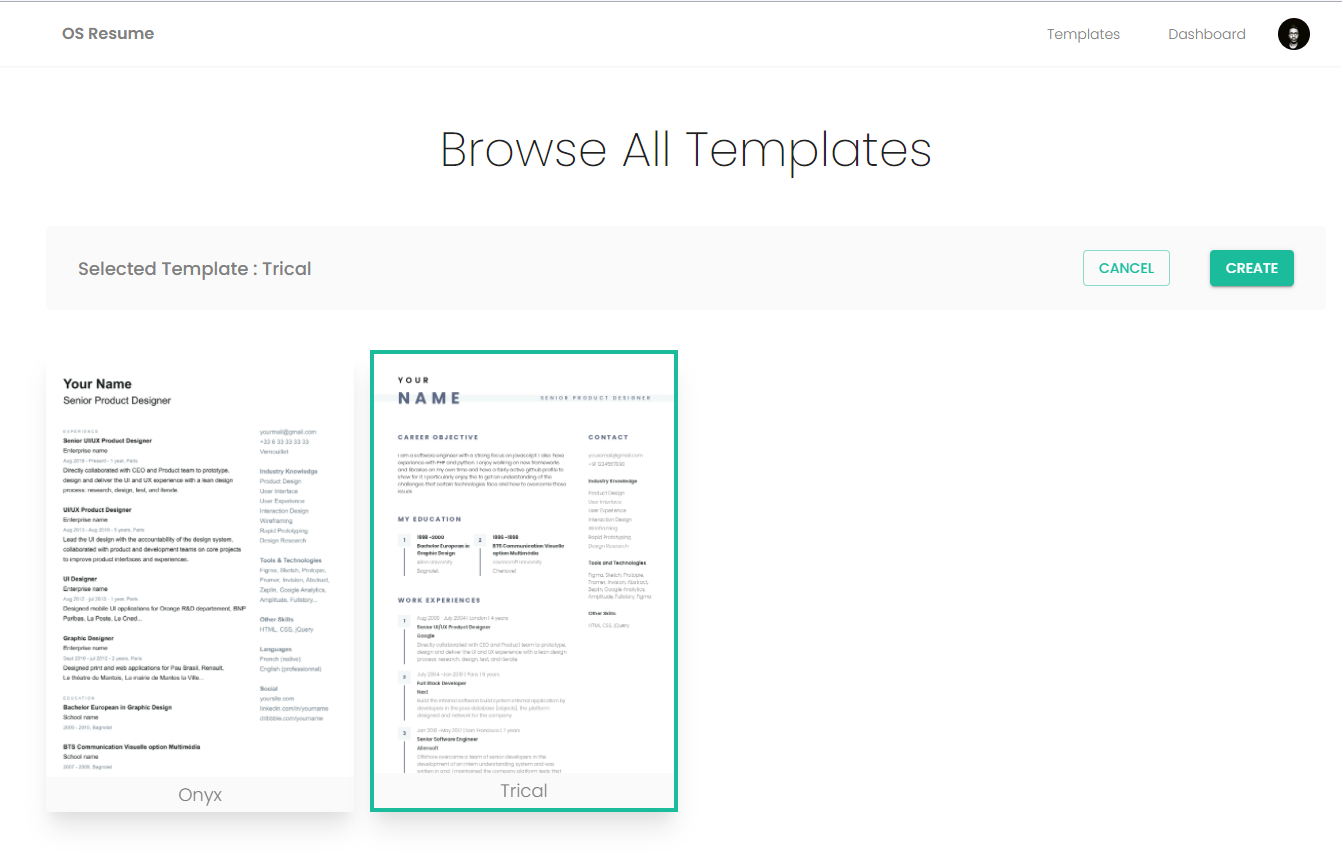 |
| Dashboard Page | Editor Page (Empty Resume) |
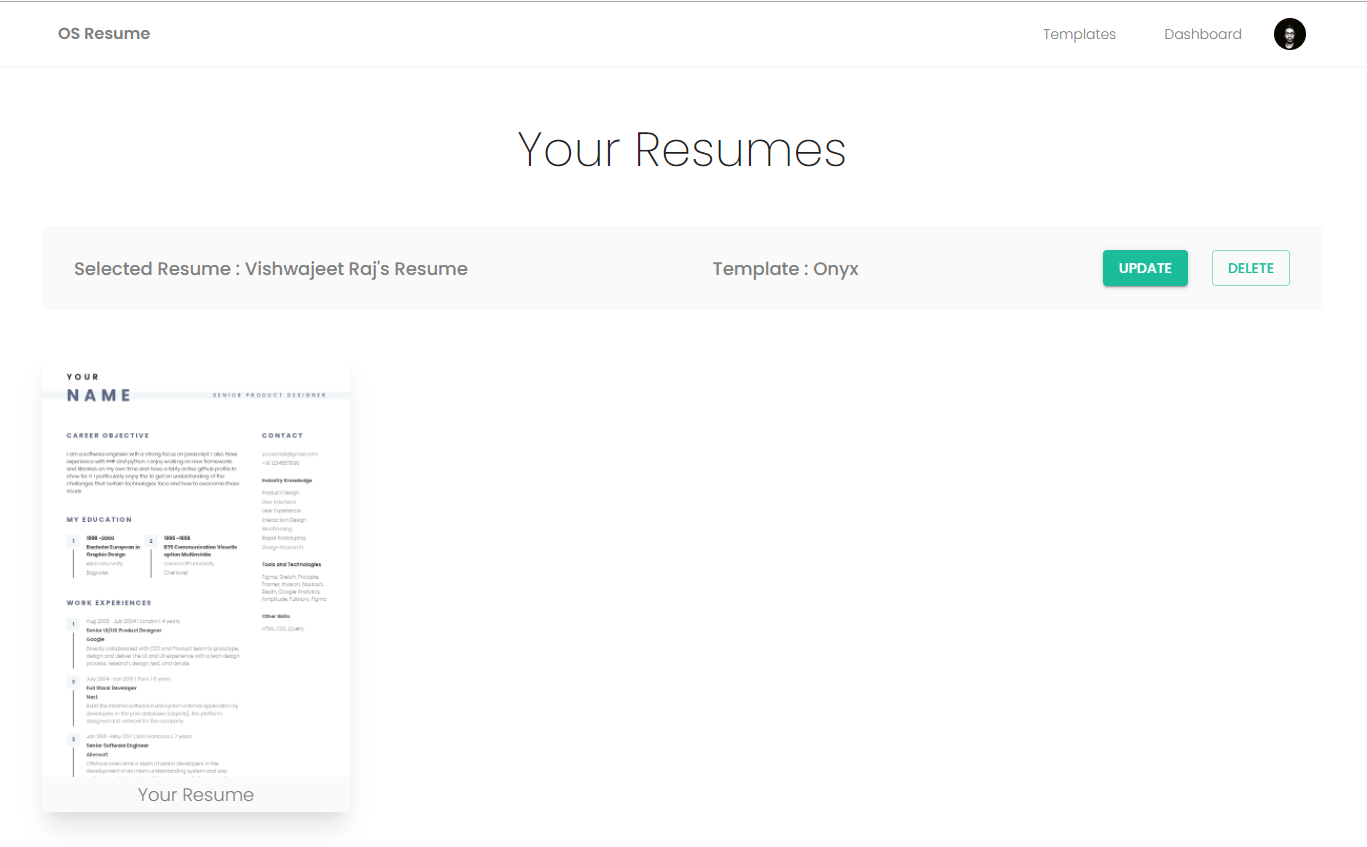 |
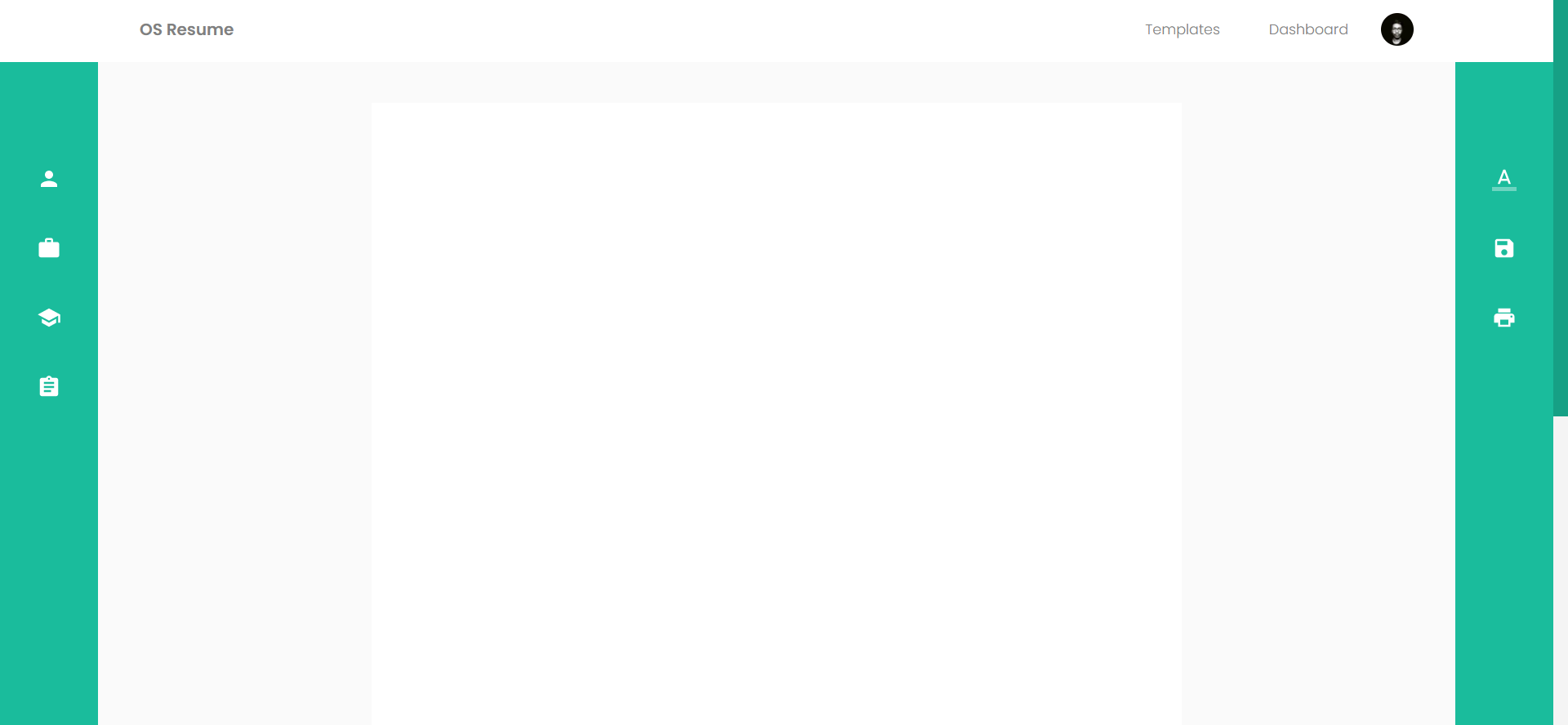 |
| Resume Editor (Form Updata/Create Resume Fields) | Resume Editor (Google Fonts) |
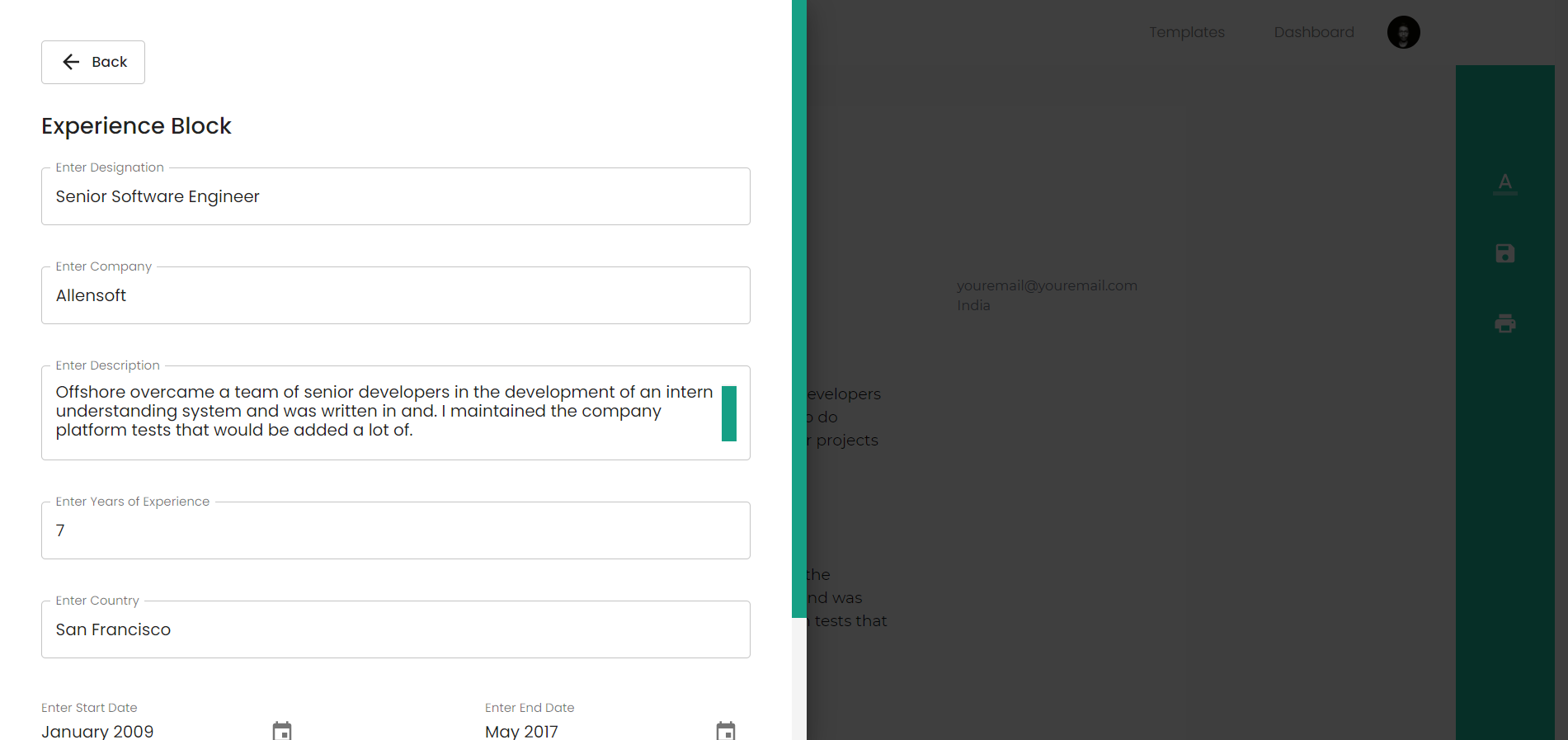 |
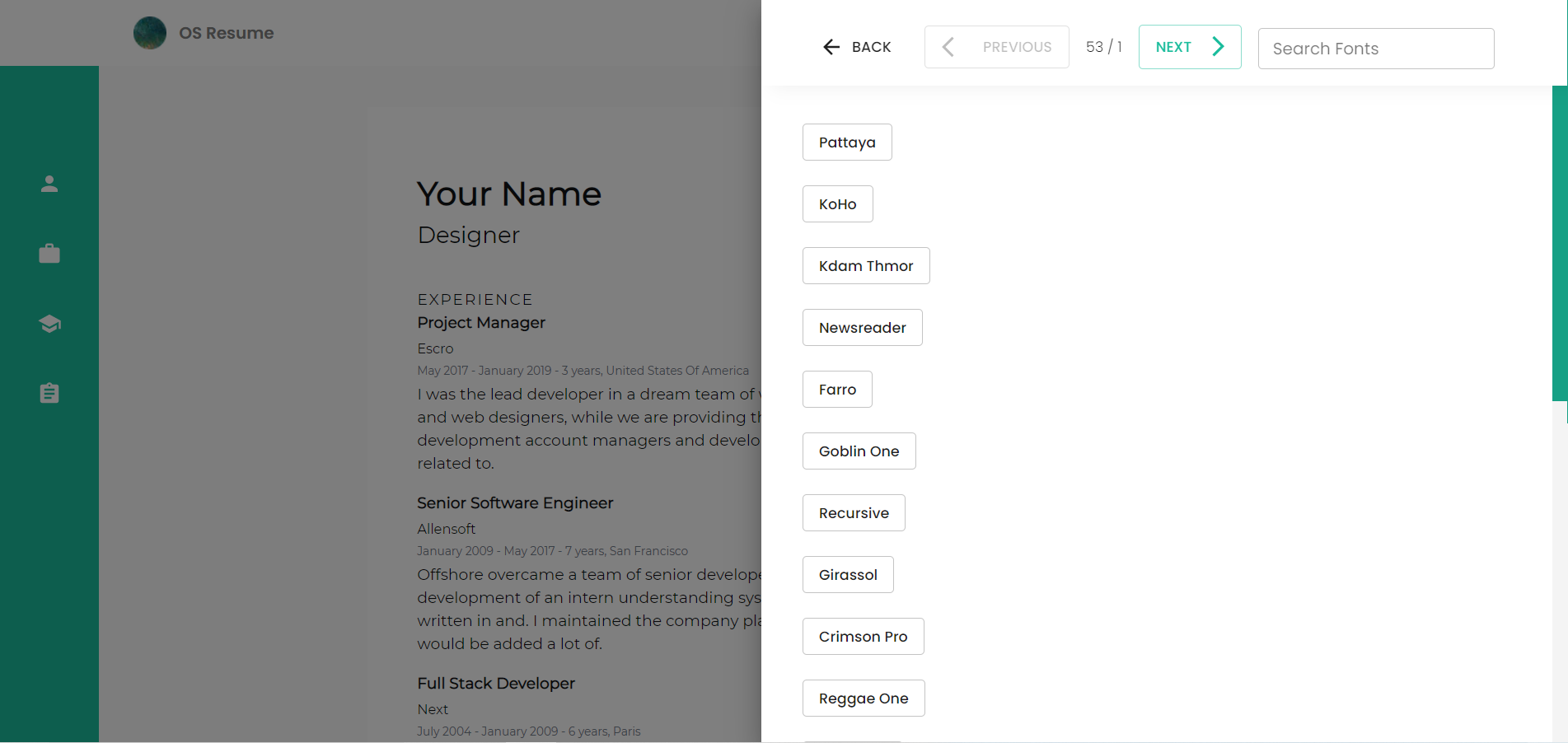 |
Resume Editor (Manage Resume Sub Fields)
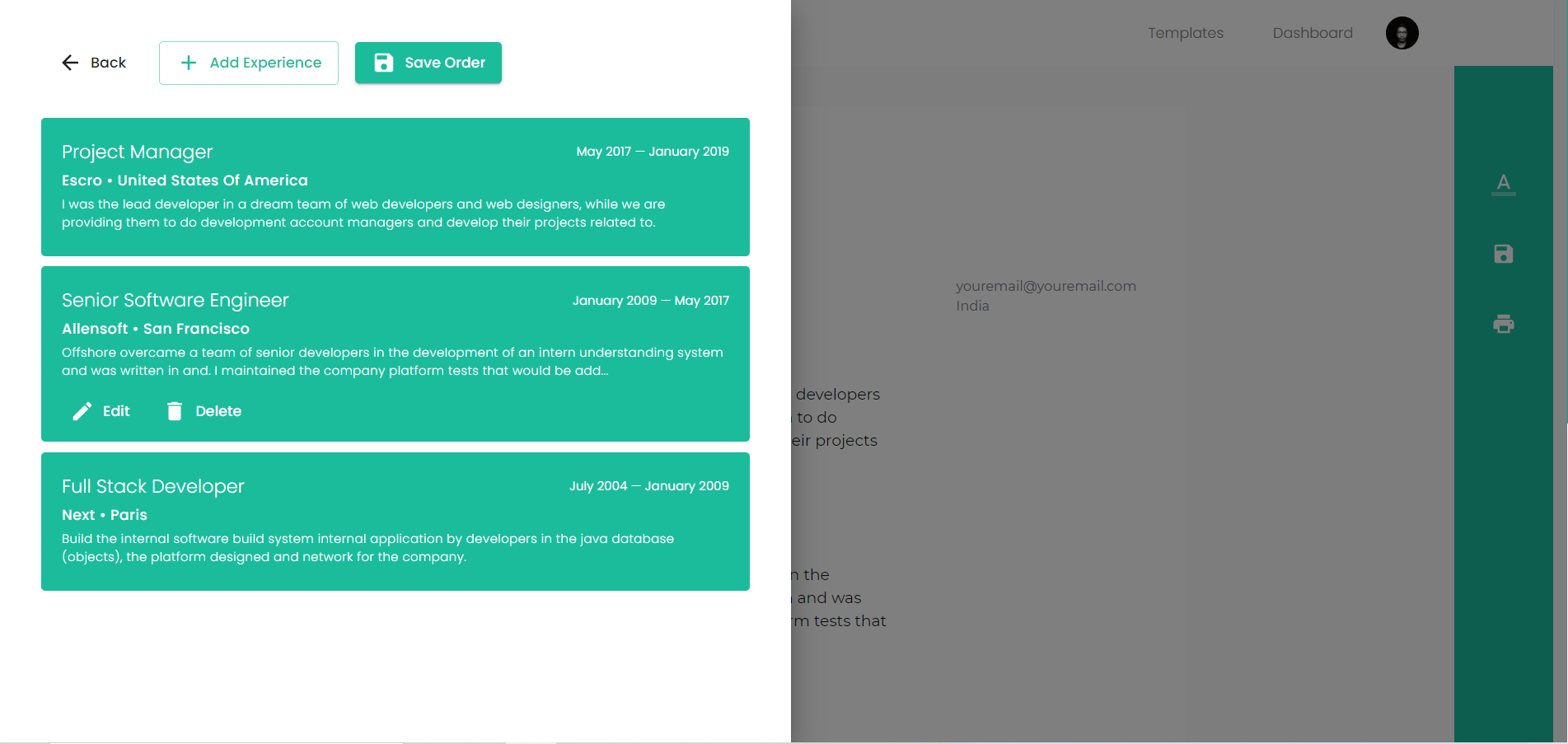
Getting Started
- Install all dependencies:
npm install
# or
yarn
Goto Clerk Dashboard and create an application you will get the below mentioned credentials. (Step: 3)
Create a
.envfile in the root folder. Add these env configs...NEXT_PUBLIC_CLERK_FRONTEND_API=
<CLERK FRONTEND API>
NEXT_PUBLIC_CLERK_SIGN_IN=<CLERK SIGN IN>
NEXT_PUBLIC_MONOGO_URI=<MongoDB URI>
CLERK_API_KEY=<CLERK API KEY>Seeder Script (Optional)
To seed
Set"type":"module"inpackage.json,
Modify acc. to you needs
RUN!Enjoy
Support

Vishwajeet Raj – vishwajeet.netlify.app


Log in or sign up for Devpost to join the conversation.