-
-
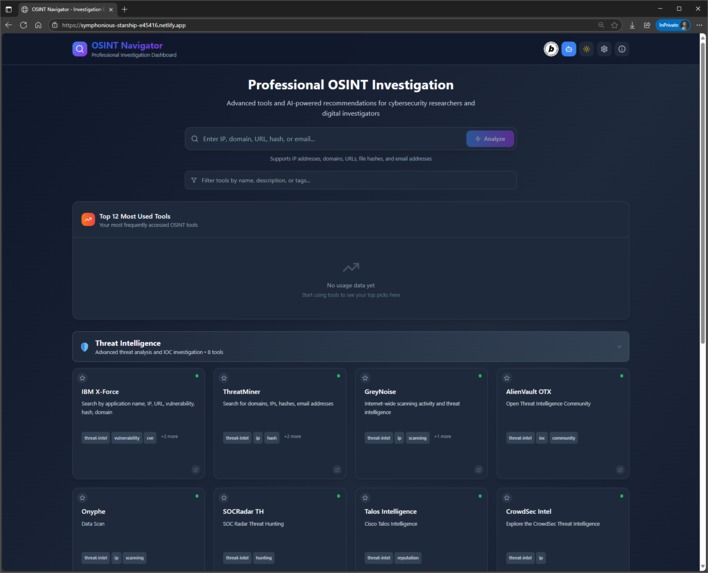
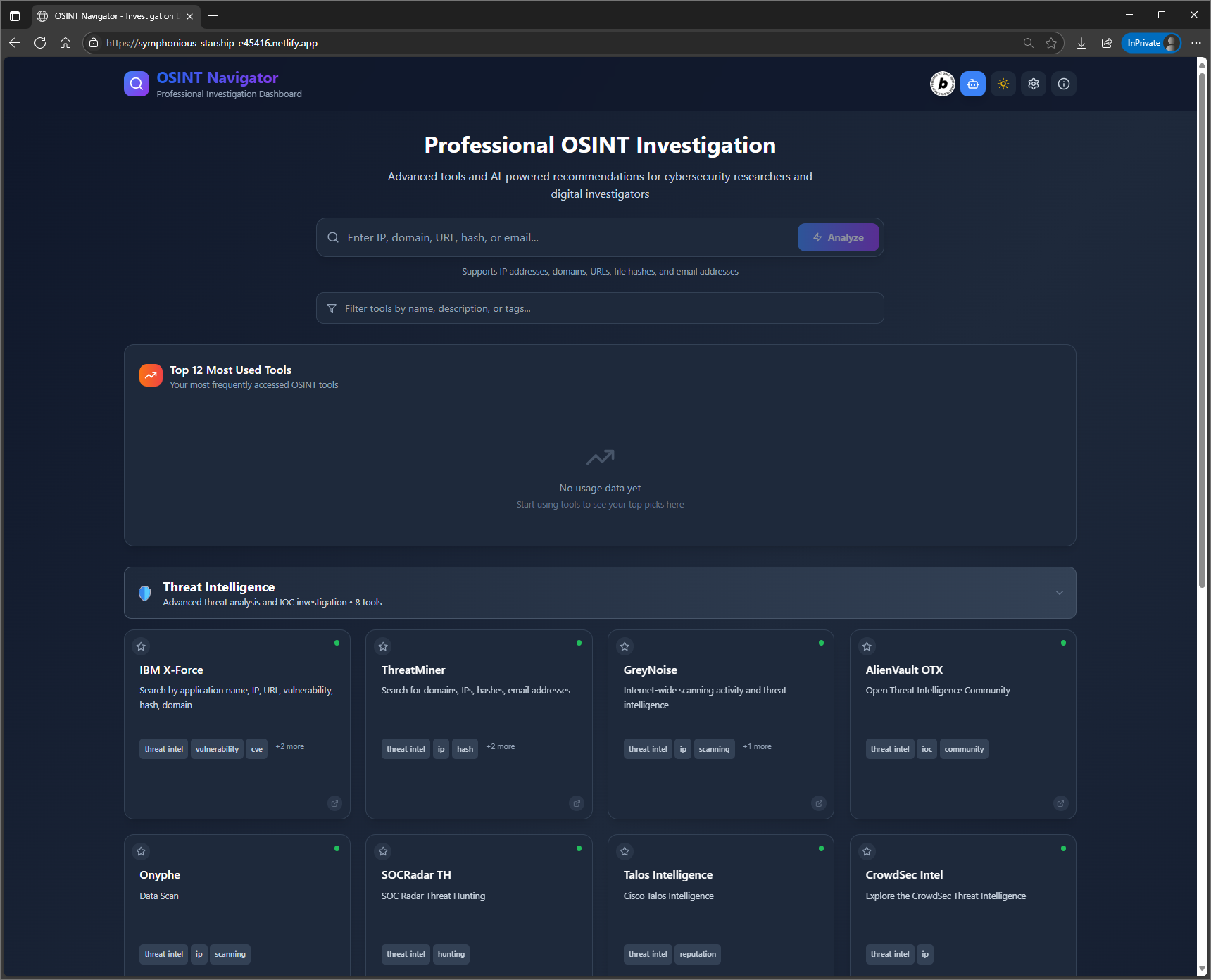
Home screen with dark mode
-
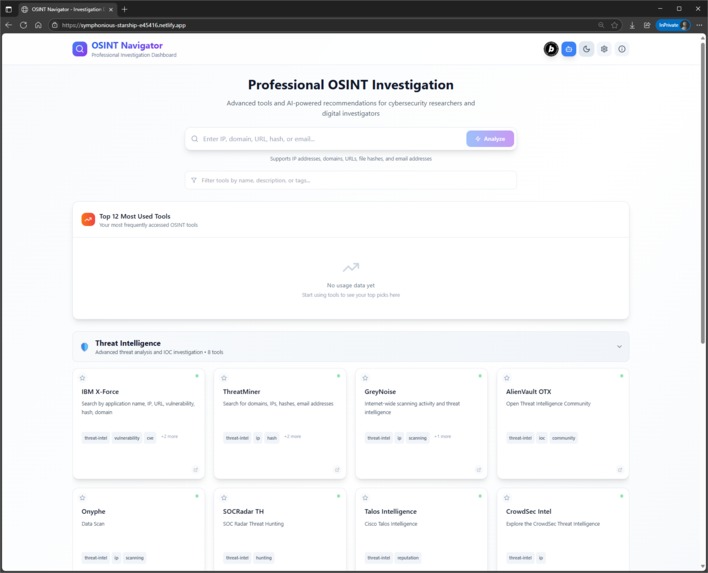
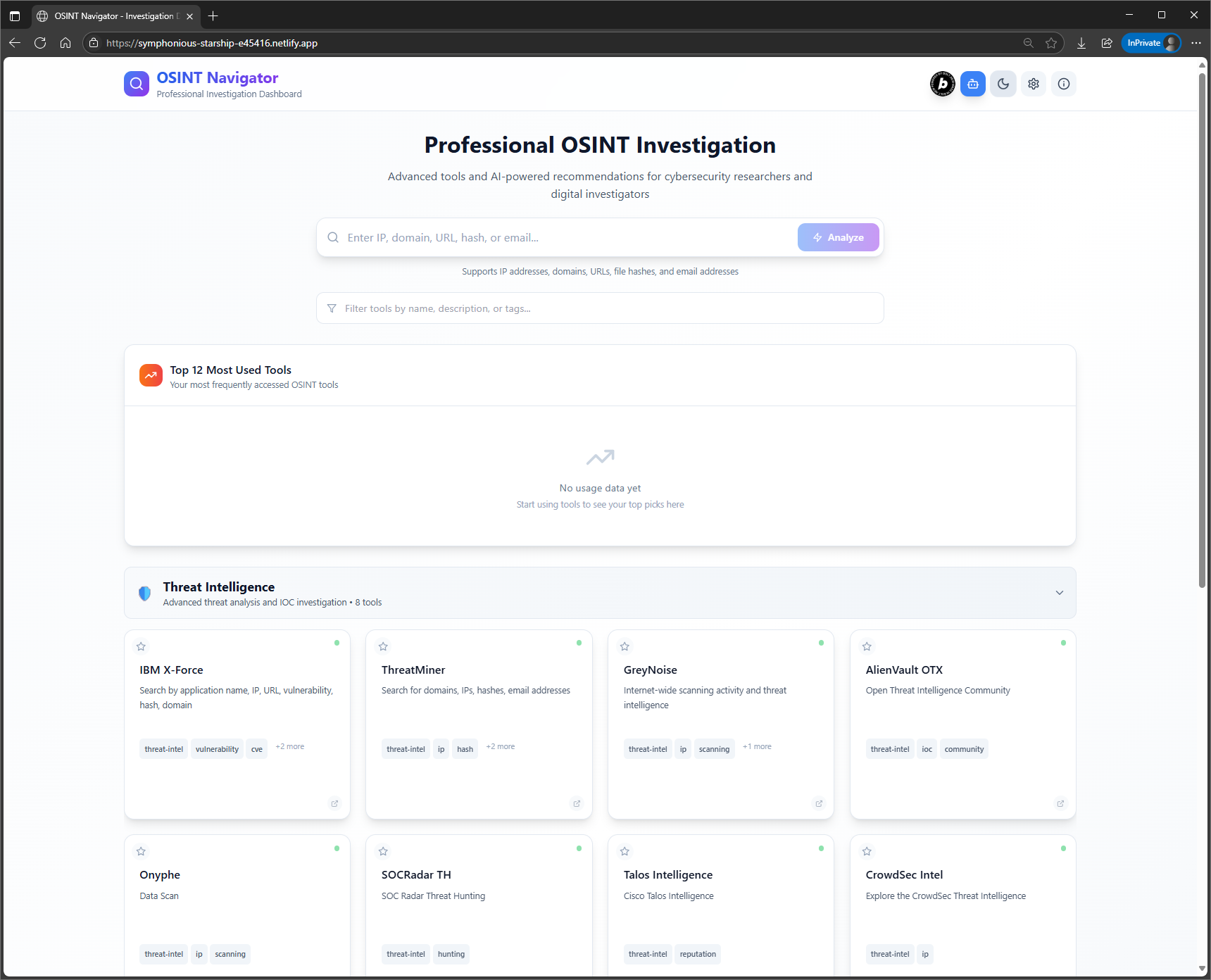
Home screen with light mode
-
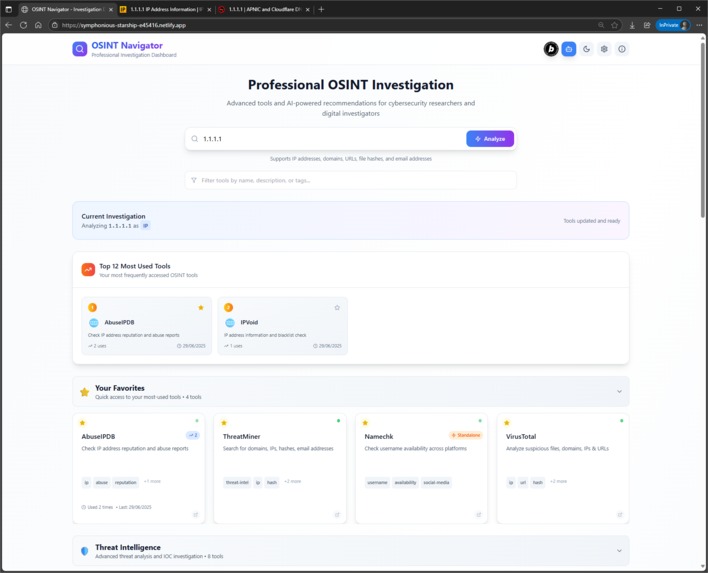
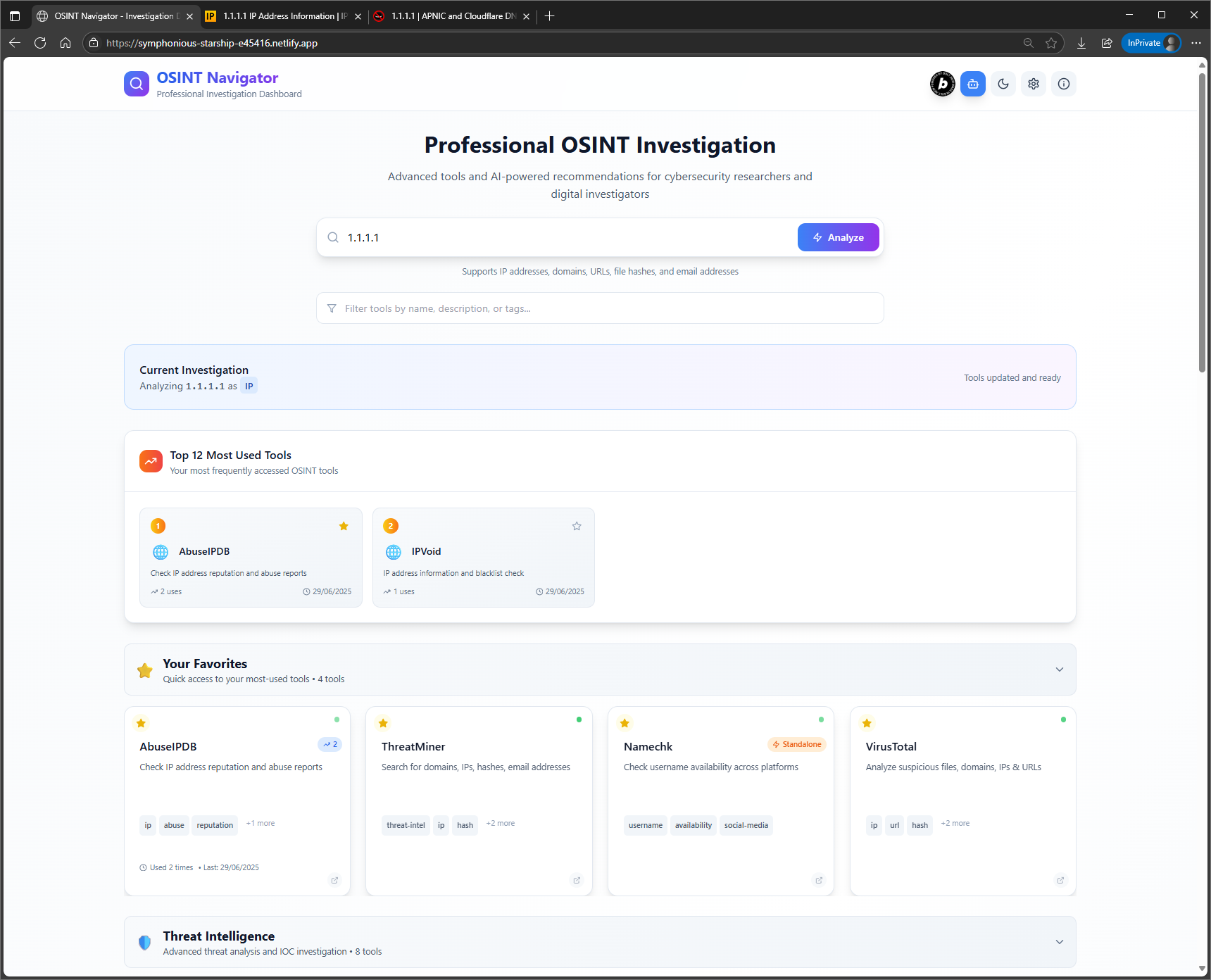
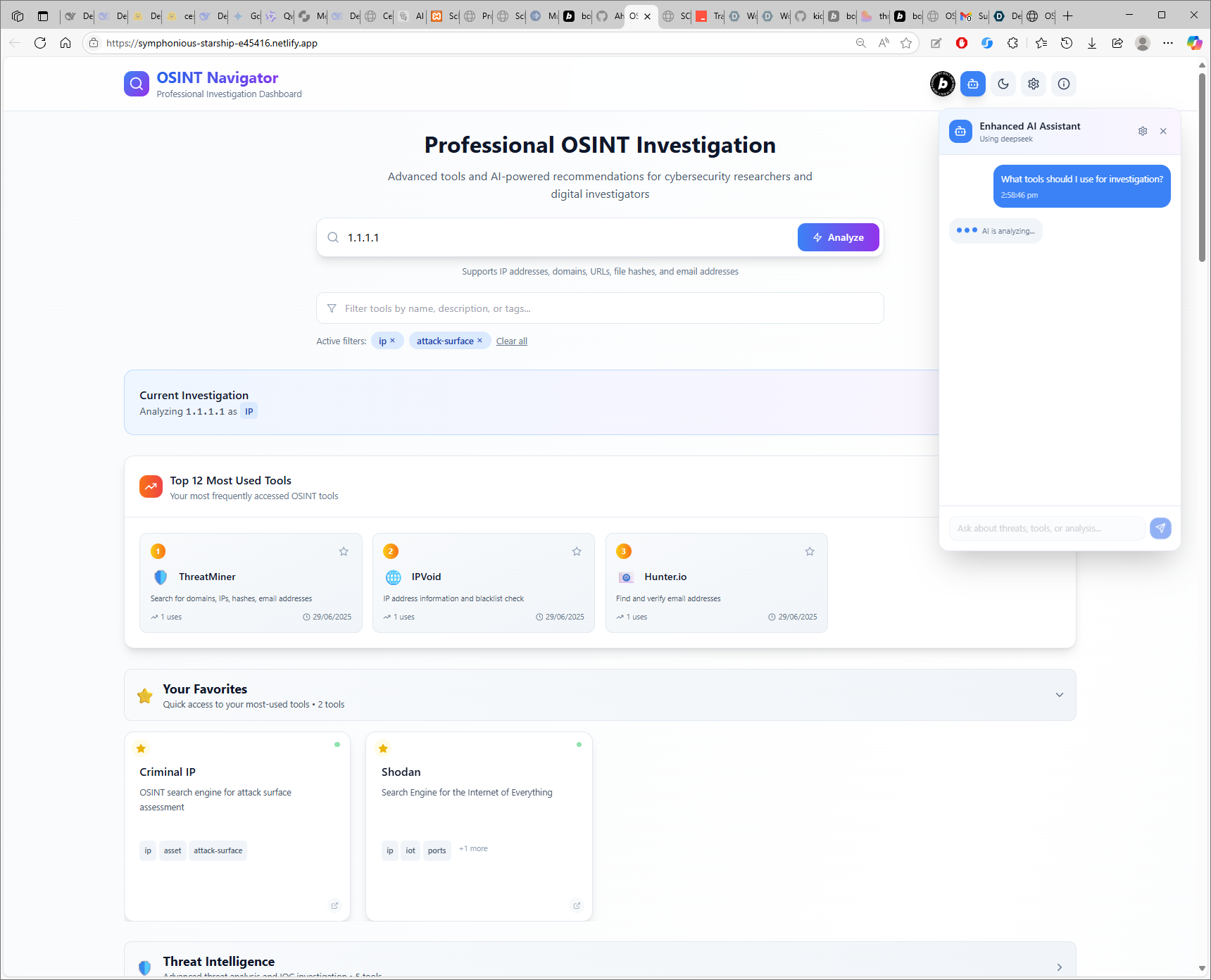
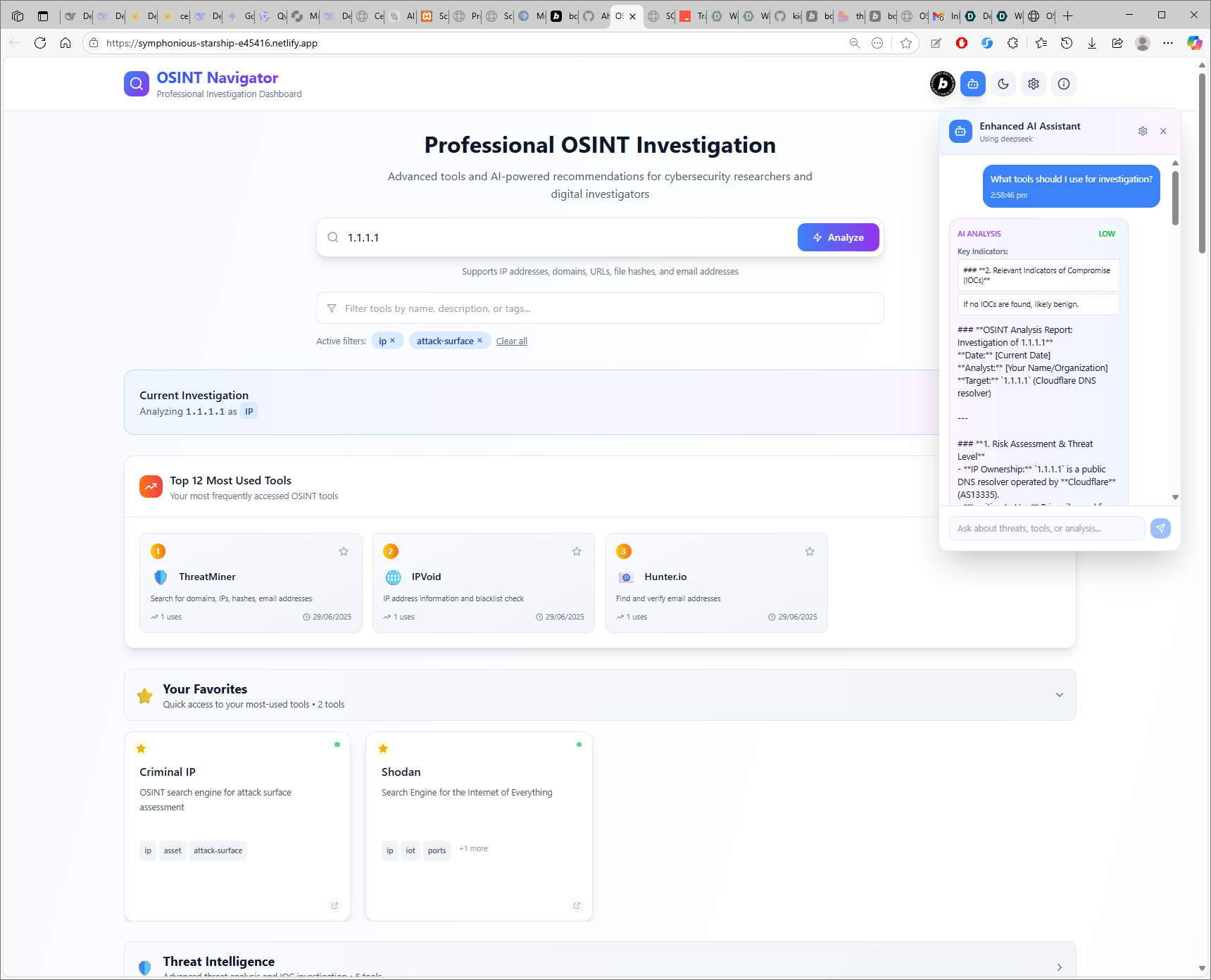
Parsing IP address into tools, analyzing the query, displaying top tools and favorites
-
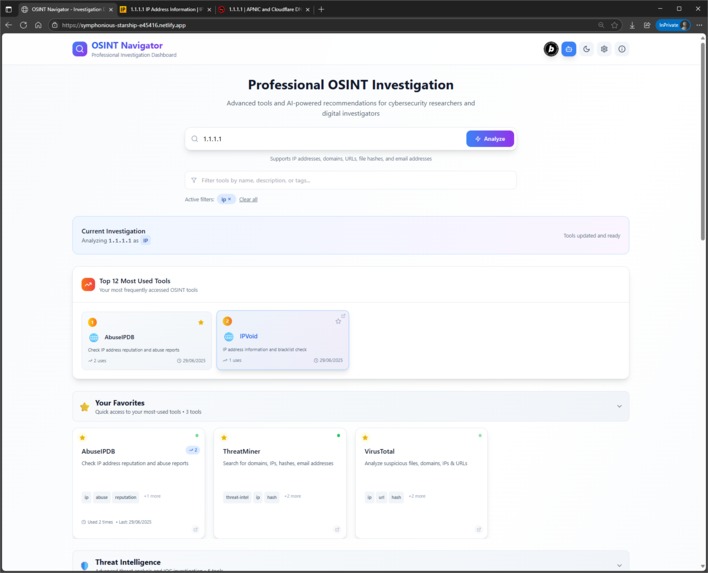
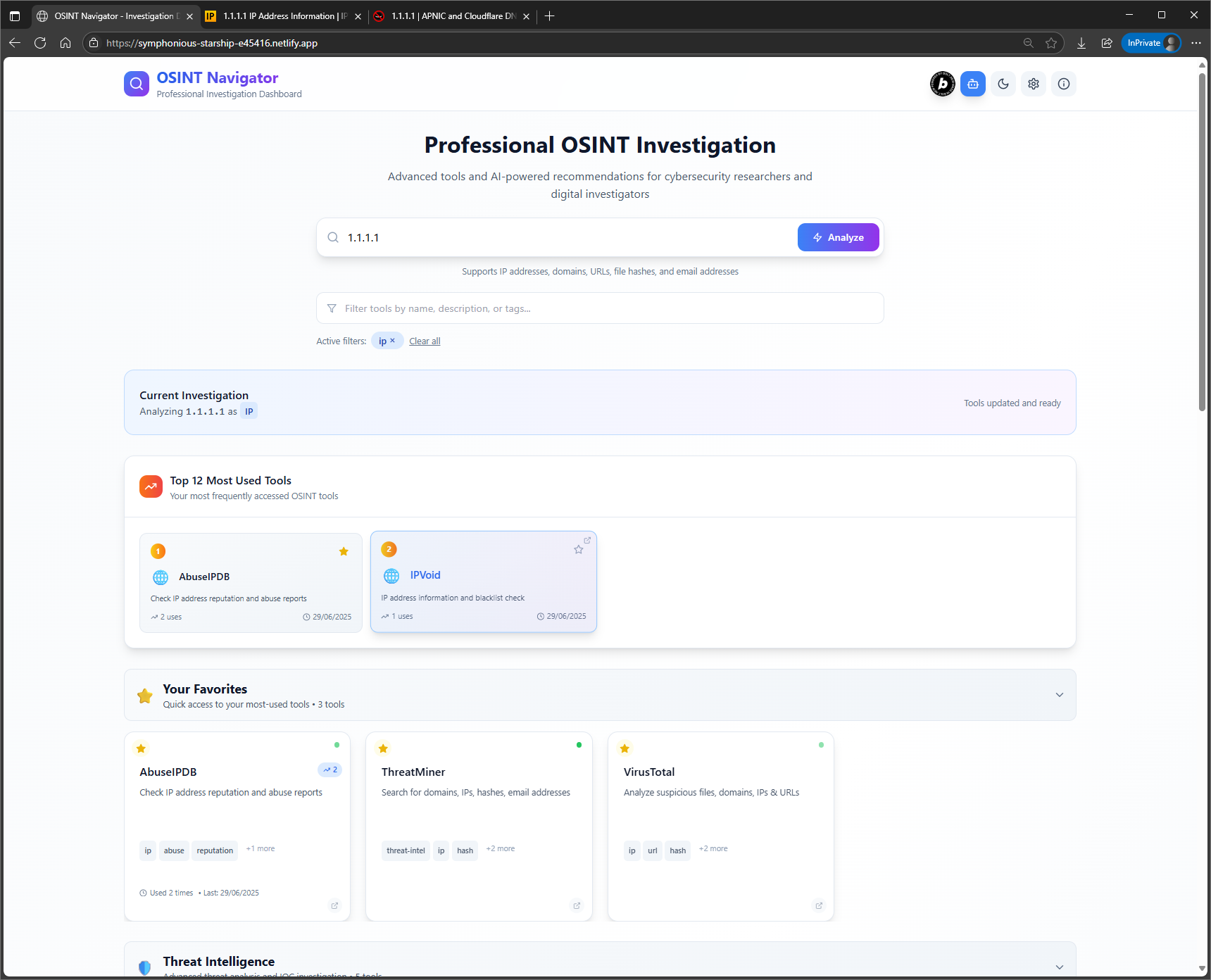
Filtering tools by tags
-
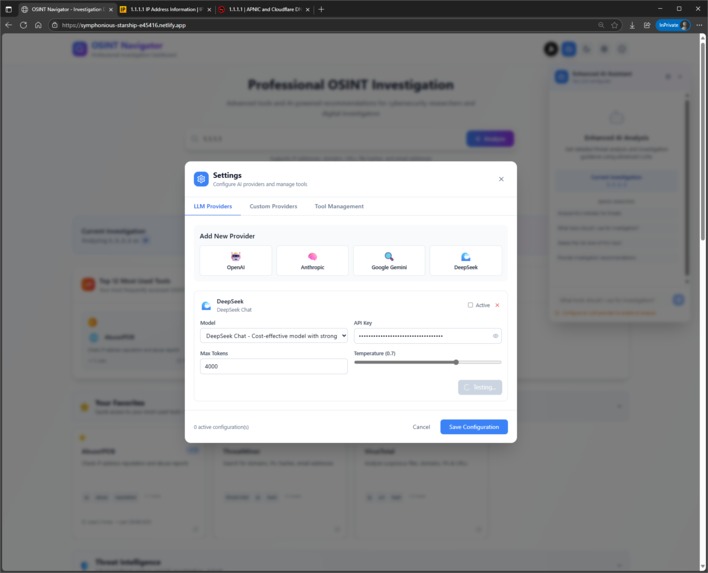
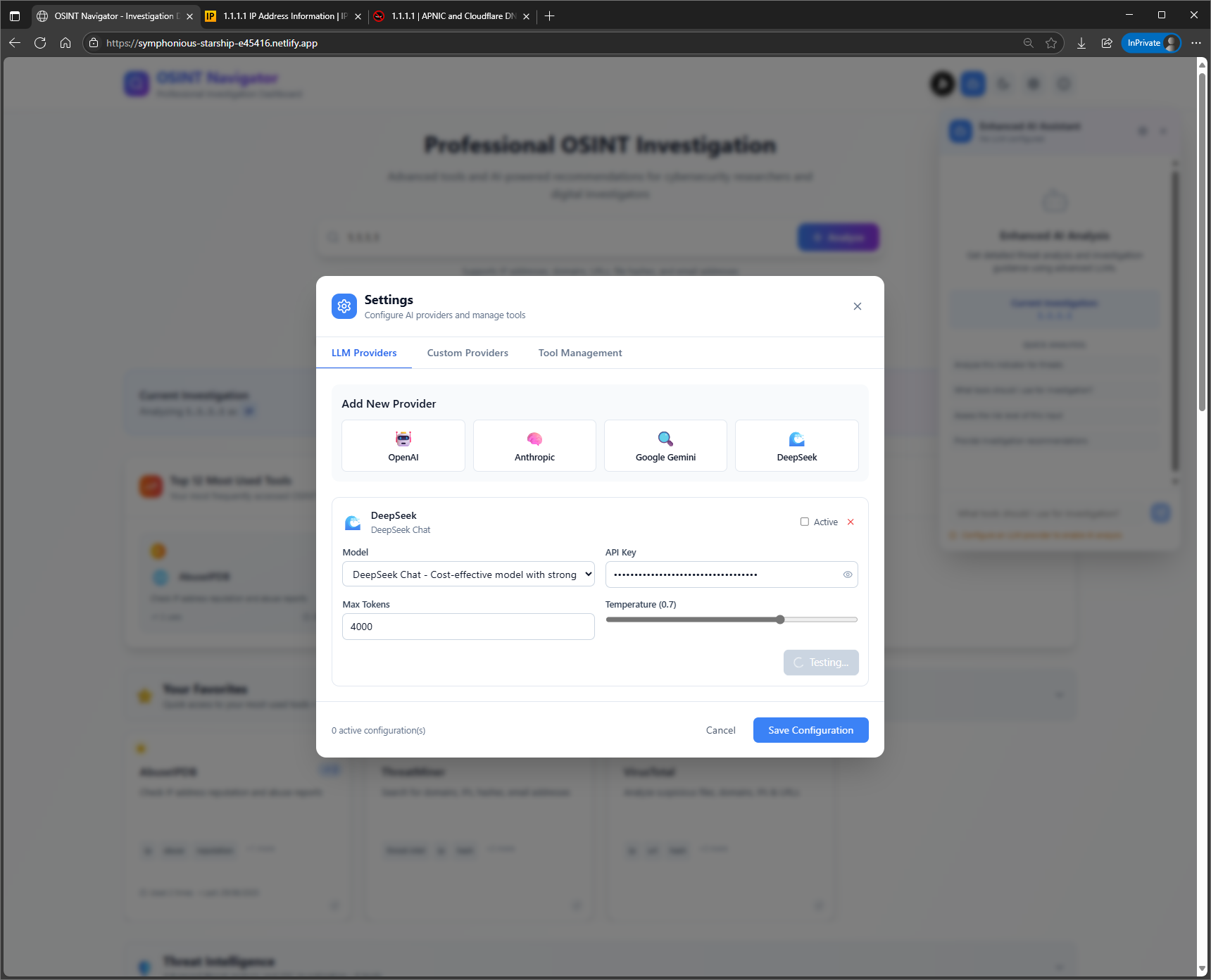
Adding LLM API details
-
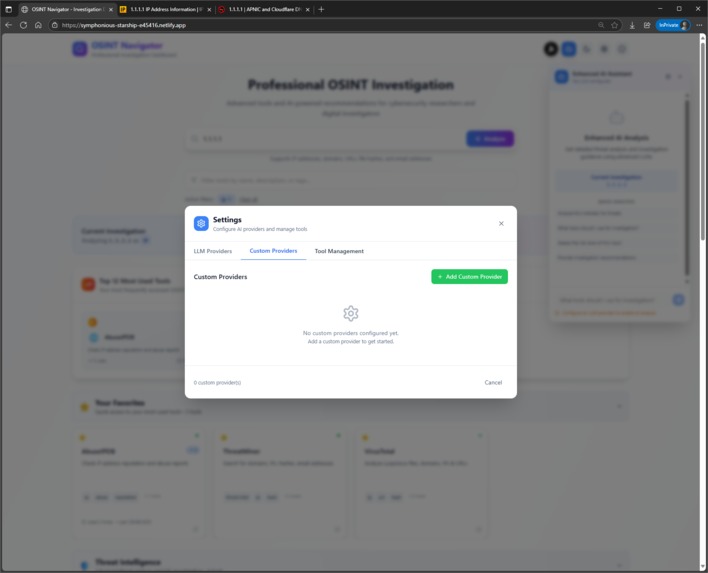
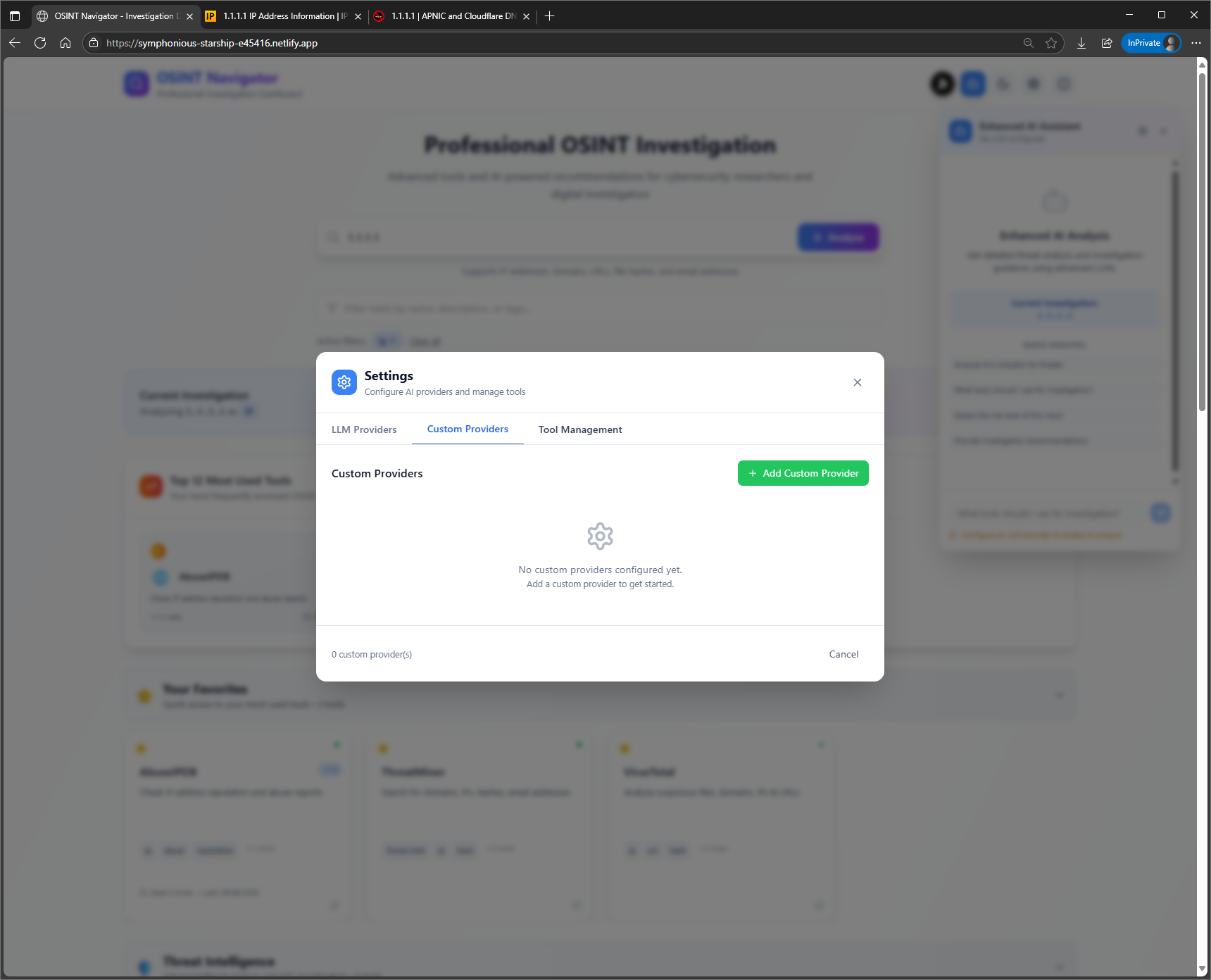
Adding custom LLM API details
-
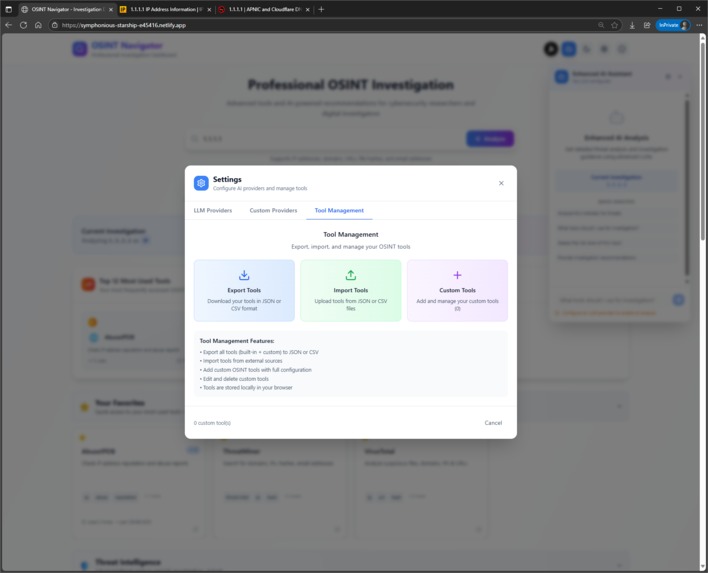
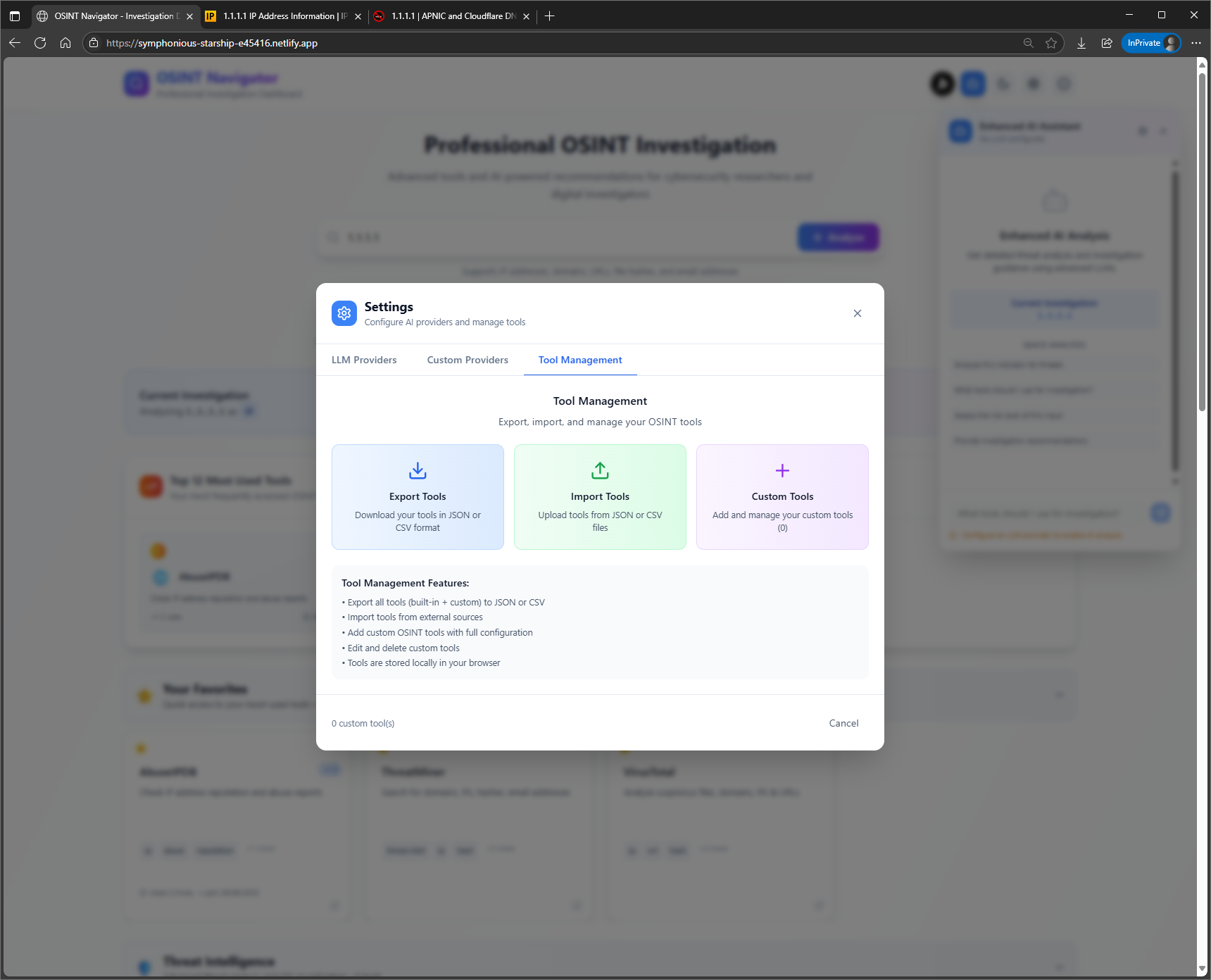
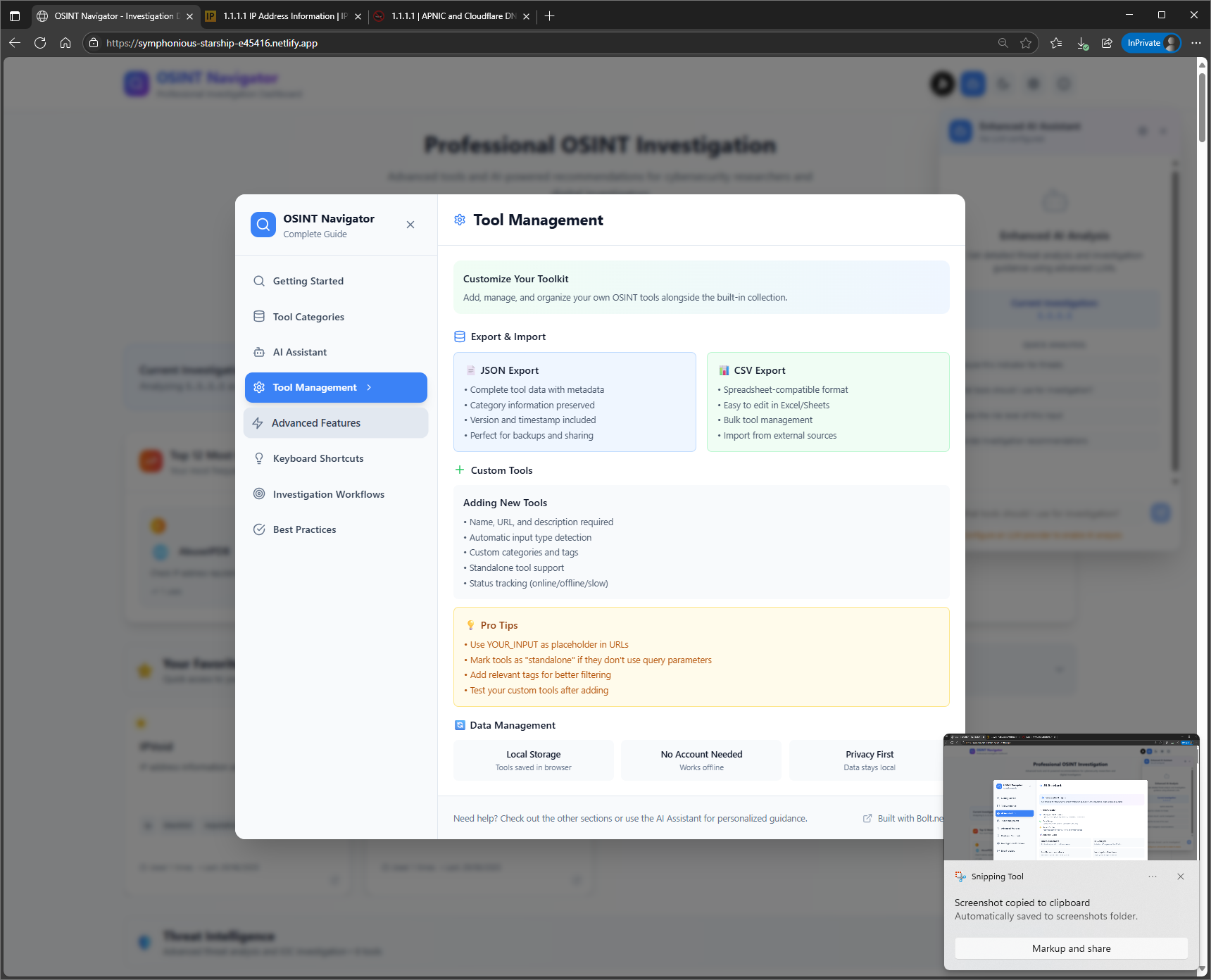
Managing tools. Export, import in common data formats
-
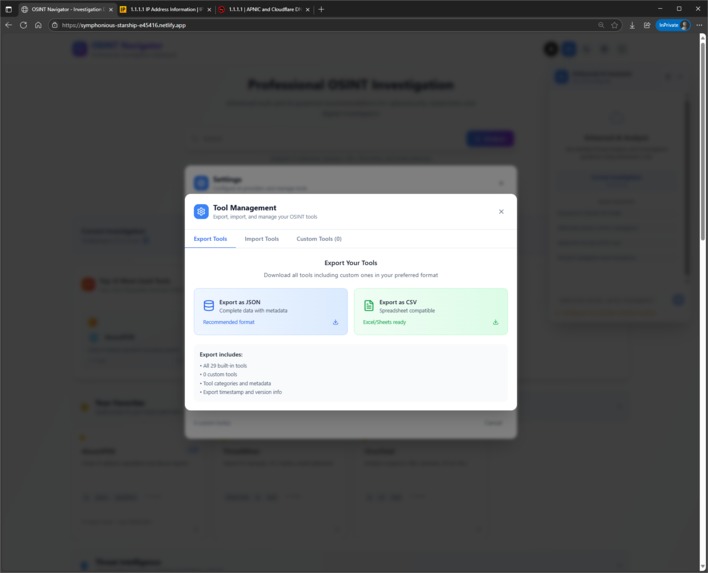
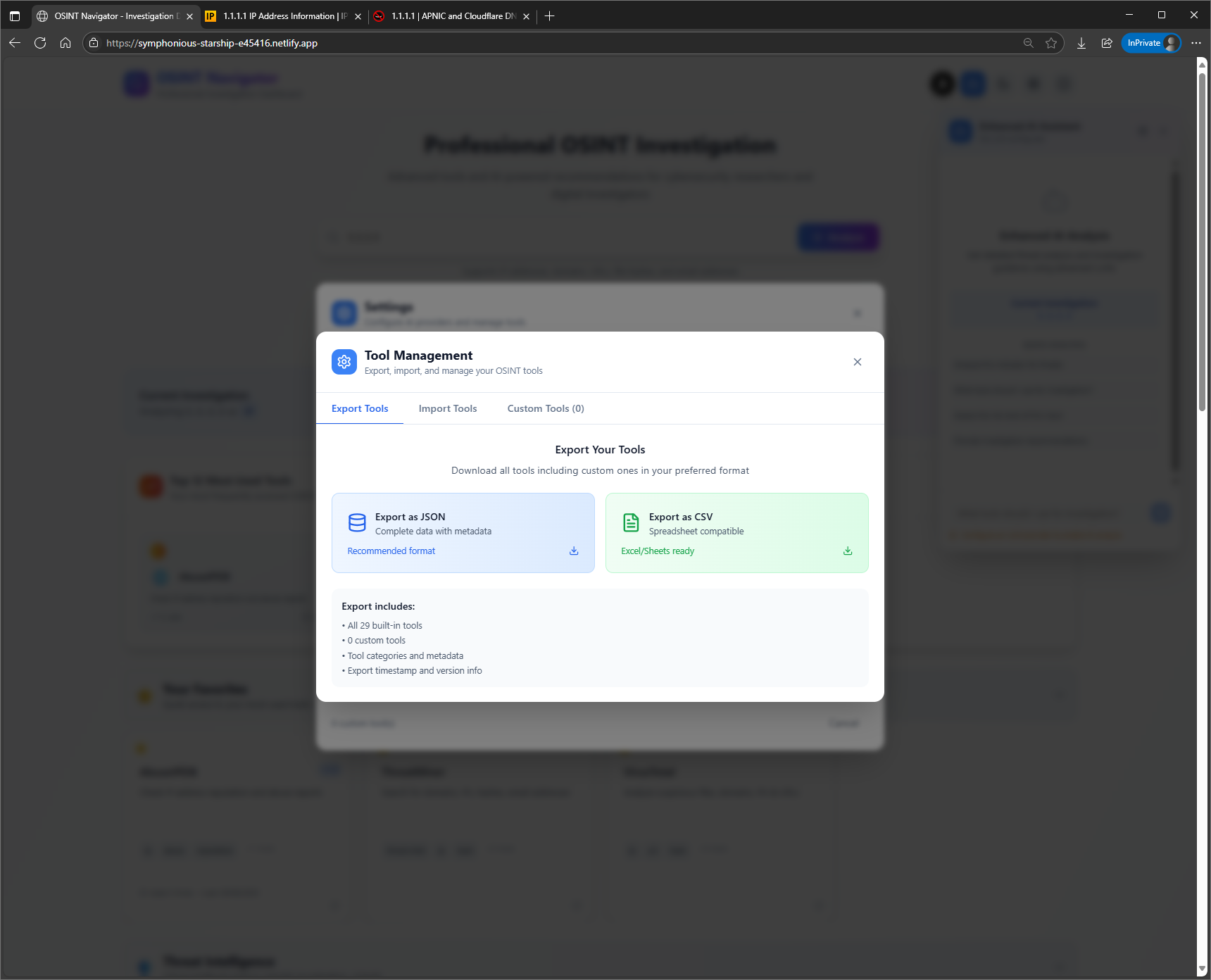
Exporting tools in common data formats
-
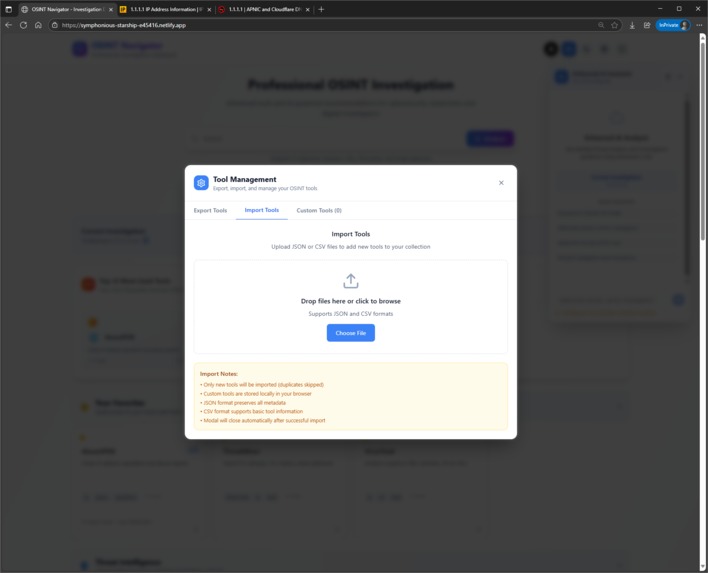
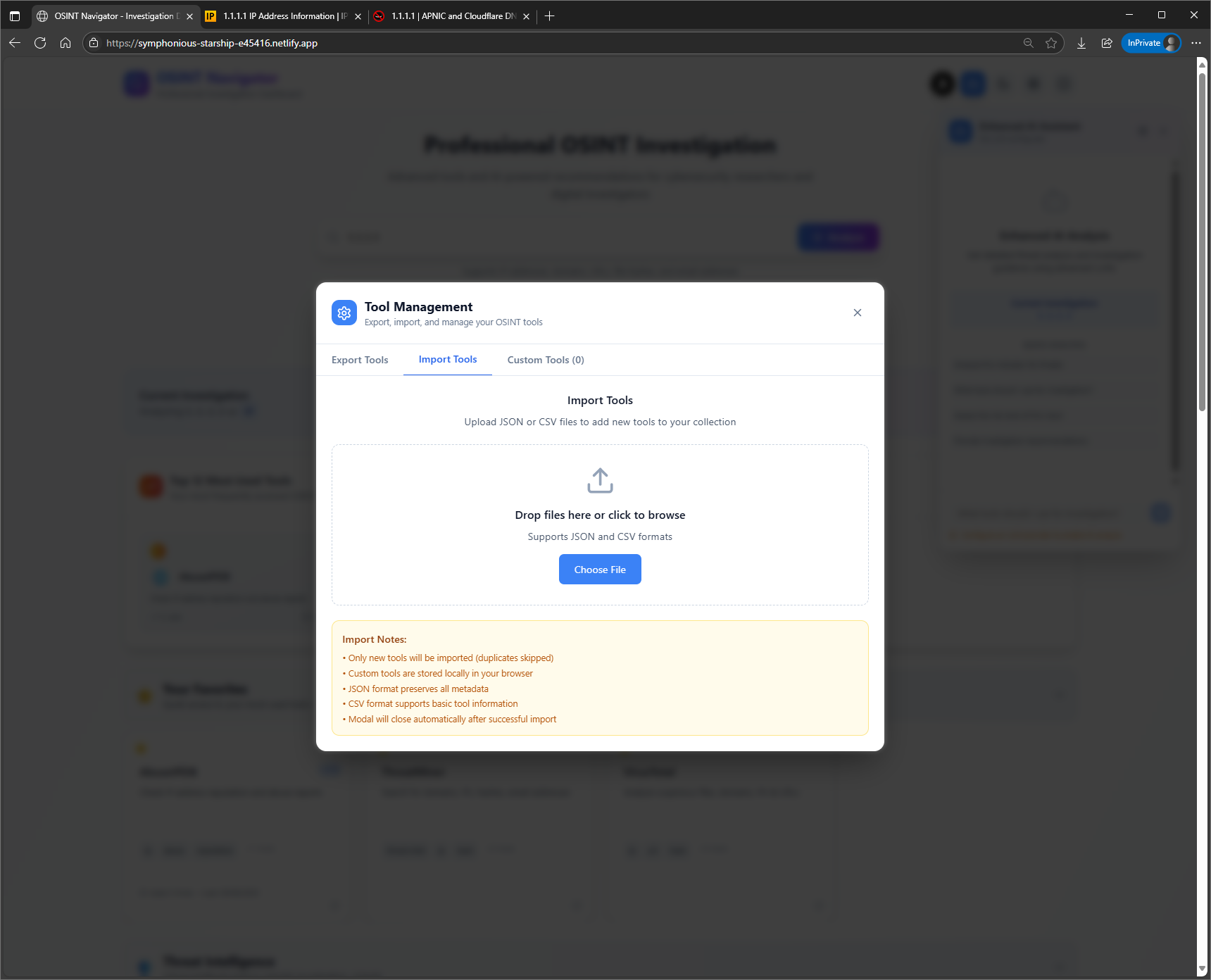
Importing tools in common data formats
-
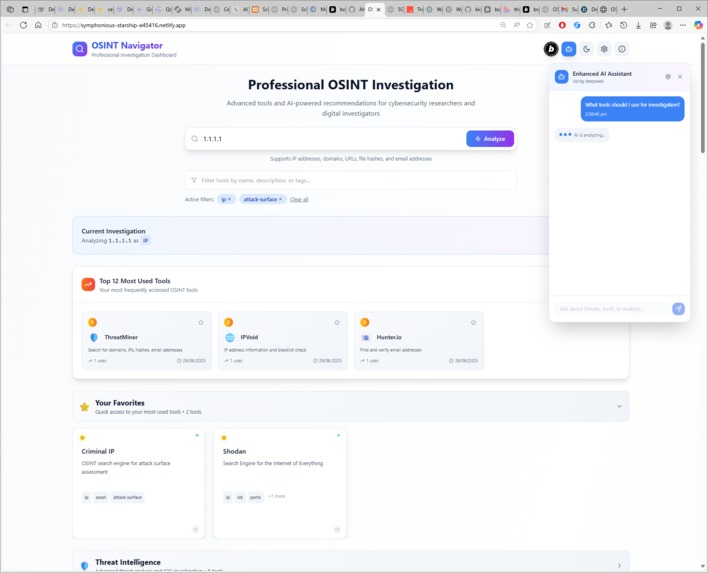
Analyzing query with AI
-
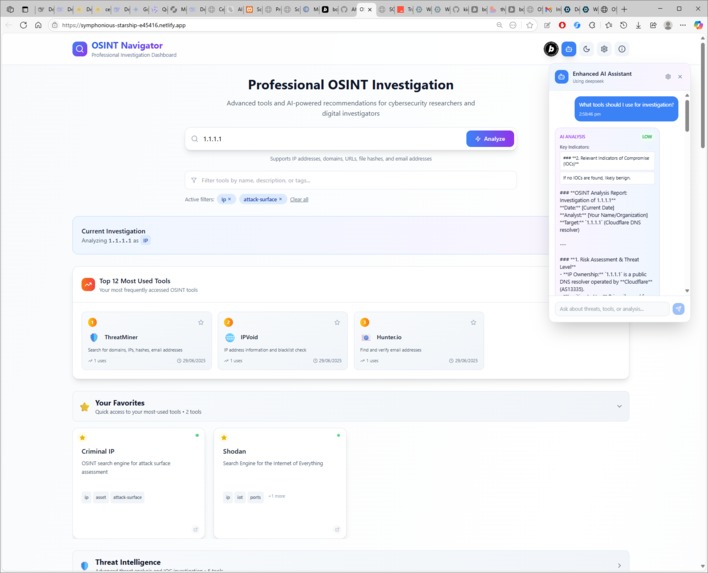
AI suggestions for analysis
-
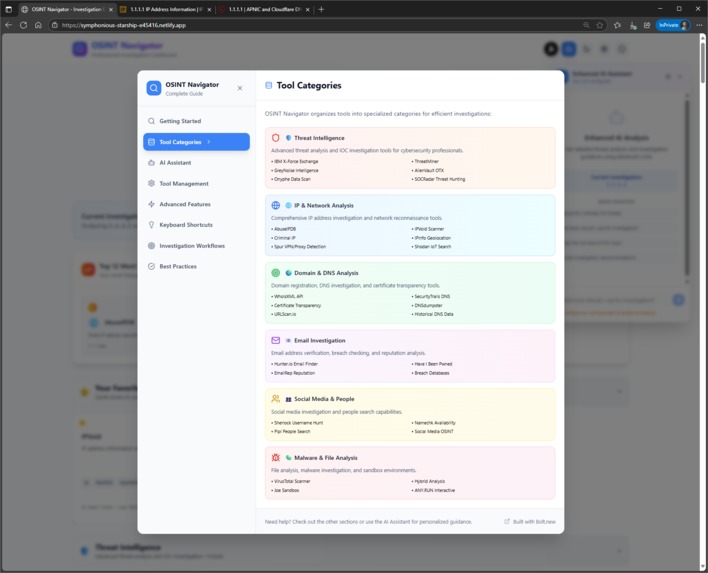
Information about the App-Getting Started
-
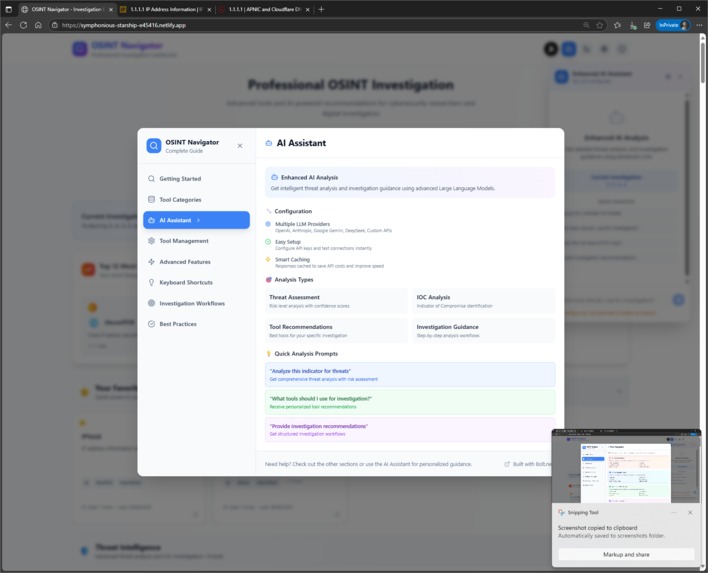
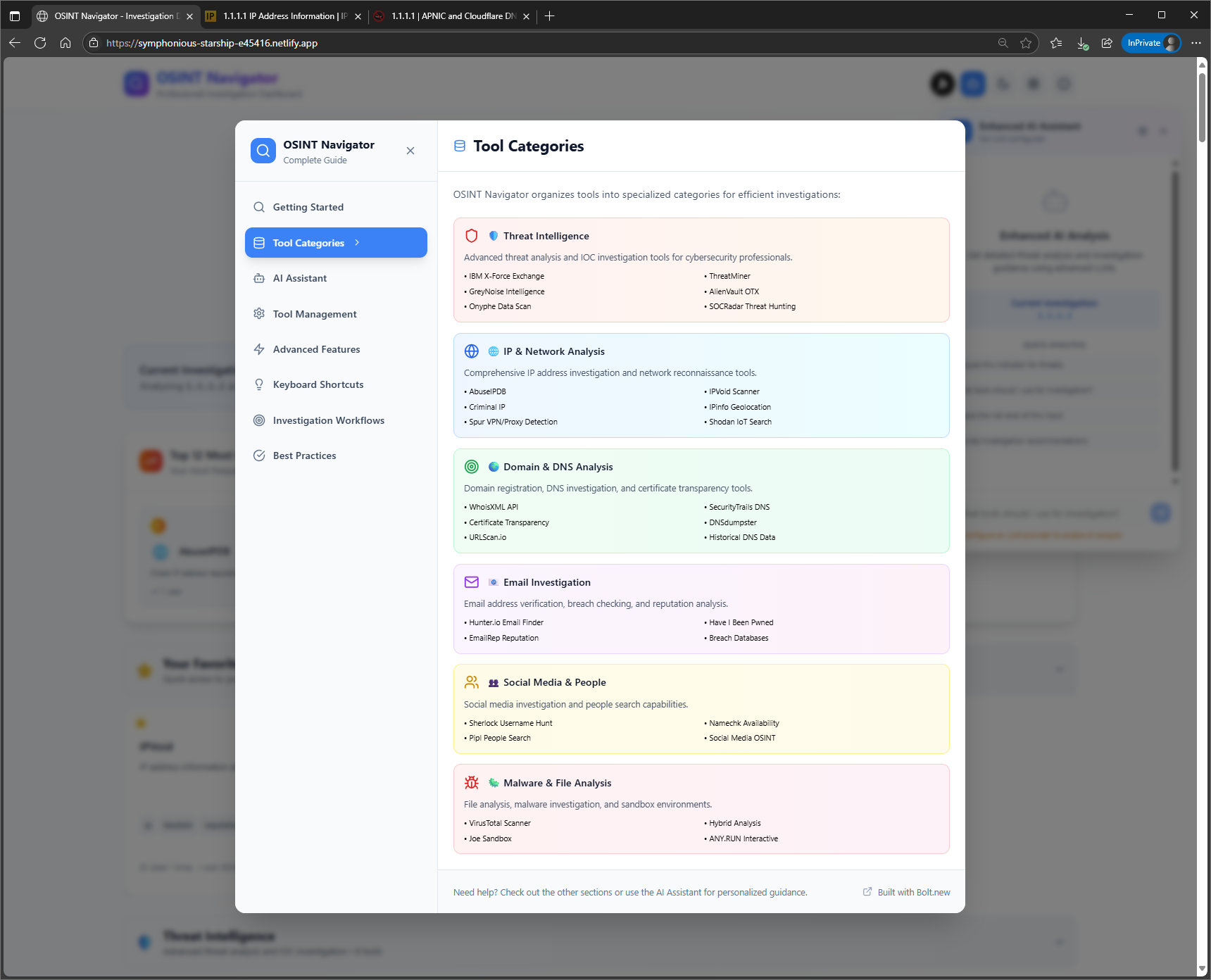
Information about the OSINT Tools
-
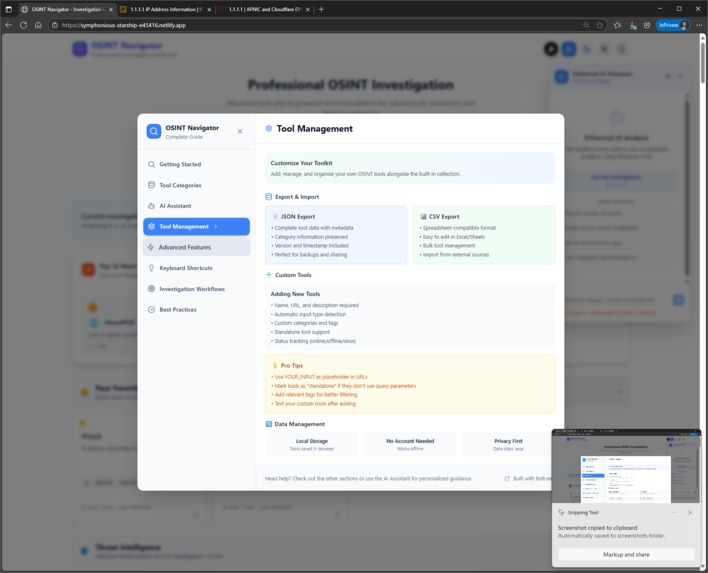
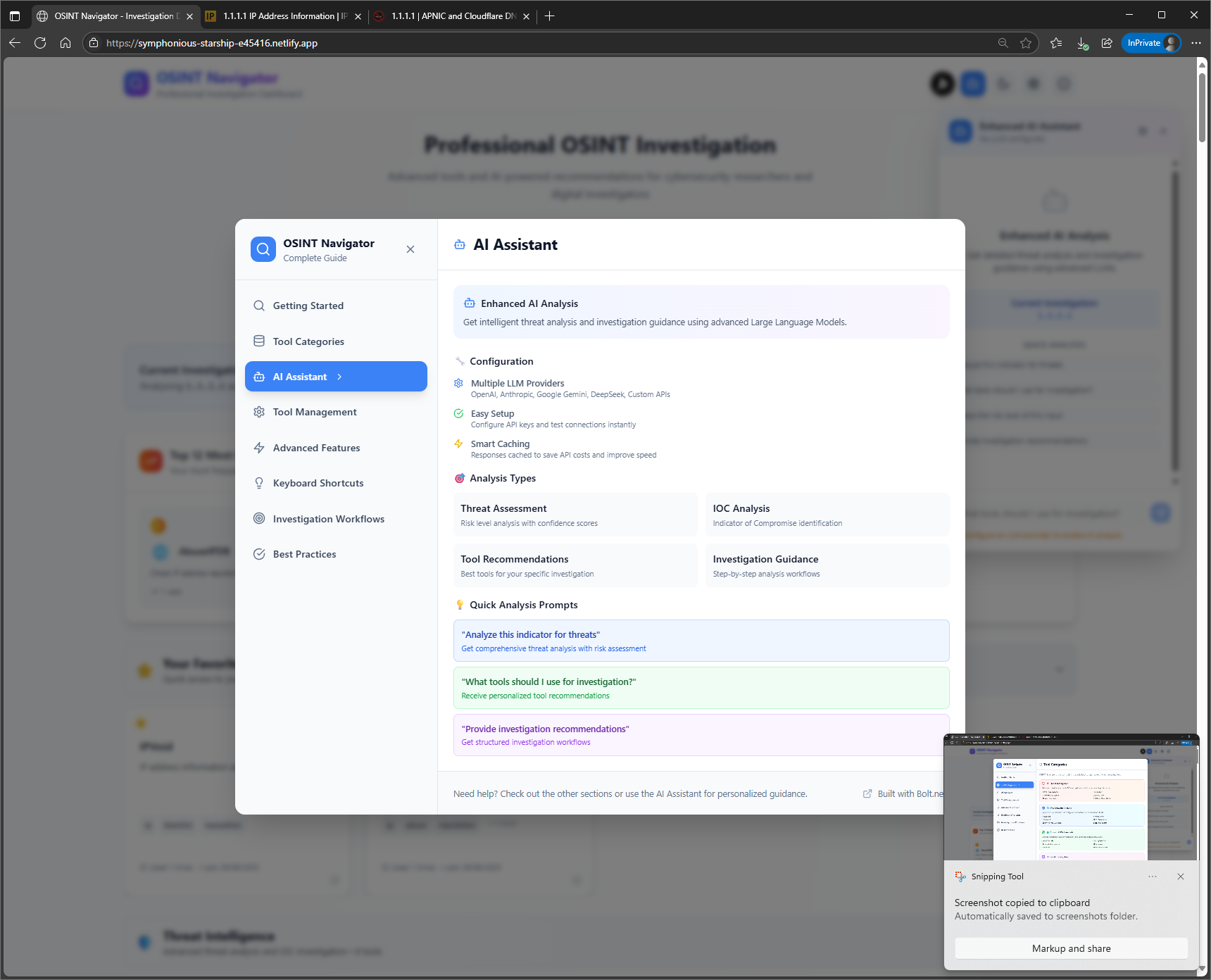
How to use AI
Inspiration
Cybersecurity analysts were frustrated juggling dozens of OSINT tool bookmarks and manually switching between websites during investigations. We wanted to create a unified dashboard that makes threat investigation as efficient as having a senior OSINT expert beside you.
What it does
OSINT Navigator brings 100+ curated OSINT tools into one dashboard. Paste any indicator (IP, domain, hash, email) and it auto-detects the type and updates all relevant tools. Features AI-powered threat analysis, tool recommendations, usage tracking, and investigation guidance.
How we built it
Built with React/TypeScript and Tailwind CSS for a responsive interface. Integrated multiple AI providers (OpenAI, Anthropic, Google, DeepSeek) for flexible analysis. Uses local browser storage for privacy while providing favorites, usage tracking, and custom tool management. Focused on smooth UX with automatic input detection and keyboard shortcuts.
Challenges we ran into
Creating intelligent input detection for different indicator types and automatically formatting them for each tool's unique URL structure was complex. Integrating multiple AI providers with different APIs while maintaining consistent UX was challenging. Balancing feature richness with performance across 100+ tools required careful optimization.
Accomplishments that we're proud of
Built a production-ready tool that cybersecurity professionals can use immediately. Seamless automatic input detection and tool URL updating works across all indicator types. AI integration provides genuinely useful threat analysis. Comprehensive tool management with custom tools, export/import, and usage analytics in a polished, intuitive interface.
What we learned
First of all, I was amazed by the power of Bolt.new. There is a gigantic improvement from the beginning. It absolutely delivers industry-standard projects without any hassle. Besides, gained deep understanding of cybersecurity investigation workflows and specific analyst needs. Learned nuances of different LLM APIs and how to create flexible, provider-agnostic interfaces. Developed expertise in complex React state management and local storage handling. Most importantly, learned to focus on real user problems rather than just adding features.
What's next for OSINT Tools Hub
Planning collaborative features for team investigations, expanded AI capabilities with automated report generation, integration with security platforms and SIEM systems, data visualization for pattern recognition, and a community marketplace for sharing custom tools and investigation templates.
Built With
- react/typescript
- tailwindcss

Log in or sign up for Devpost to join the conversation.