Inspiration
Every OSINT investigator knows the pain: you know a tool exists for what you need, but you can't remember its name. You end up Googling "OSINT tools for email recon" and wading through blog posts from 2019. I wanted a single, always-current, lightning-fast portal that any investigator could use as their starting point — built by someone who actually does OSINT, not just writes about it.
What It Does
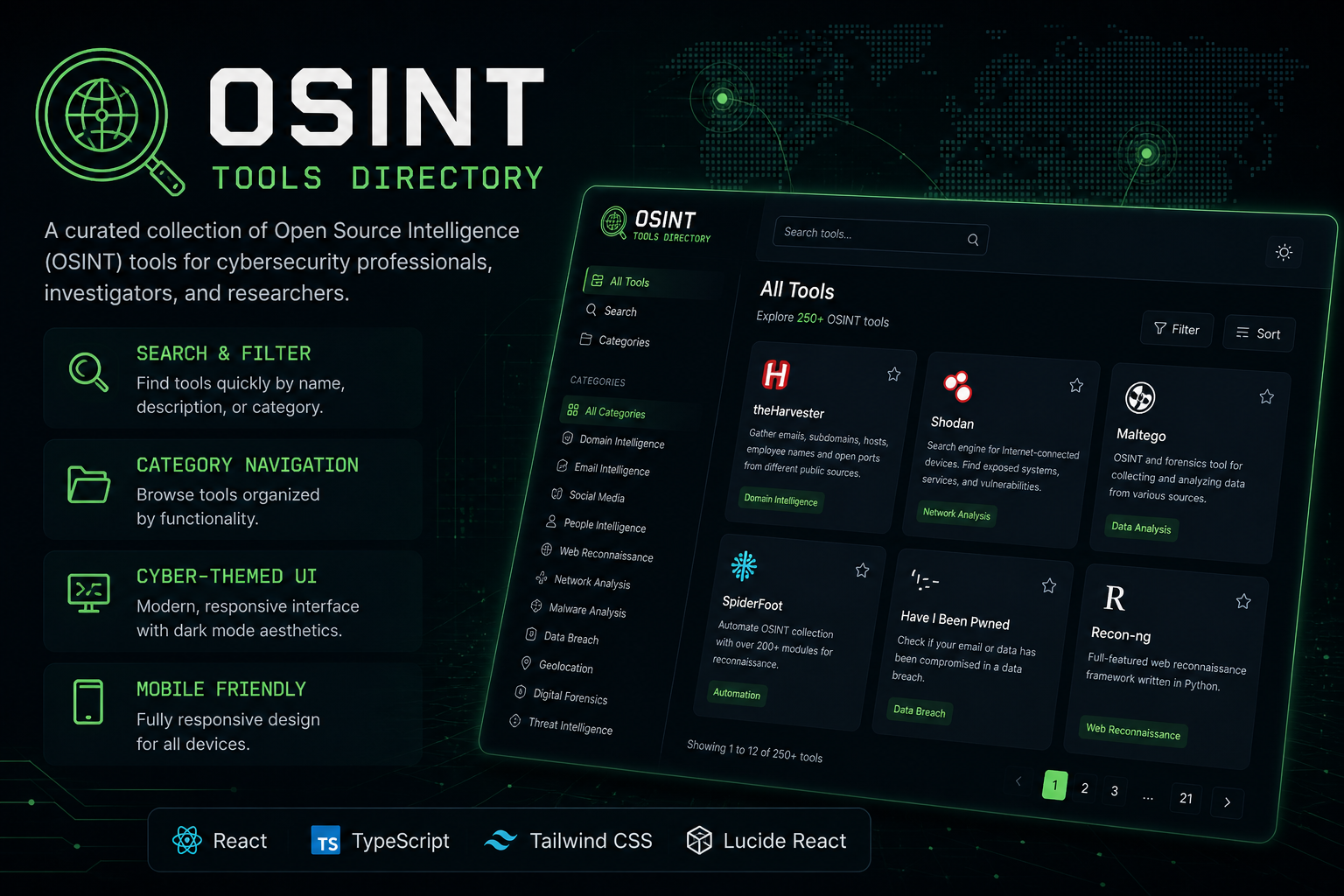
OSINT Tools Directory is a curated, searchable intelligence portal organizing the best OSINT tools and resources into a fast, navigable interface:
- Categorized Navigation — Tools organized by intelligence function: Domain & IP Recon, Social Media Intelligence, Email Investigation, Phone Lookup, Image Reverse Search, Breach Data, Dark Web Monitoring, Geolocation, Username Search, and more.
- Lightning-Fast Search — Real-time client-side search filtering by tool name, description, and category. Finds the right tool instantly without page reloads.
- Rich Tool Cards — Each entry includes a clear description, direct link, use case context, and category tag — so you know what the tool does before you click.
- Cyber-Themed Dark UI — Clean, high-contrast dark mode interface designed for maximum readability during active investigations. Mobile-first responsive design for on-the-go research.
- Zero Backend — Entirely static, loads instantly, works offline once cached. No tracking, no accounts, no friction.
How I Built It
Built with React, TypeScript, and Tailwind CSS, deployed on Vercel. The search engine and filtering system runs entirely client-side against a structured JSON catalog of tools. Each tool entry is defined with name, description, category, URL, and tags — making the catalog easy to expand. The UI uses Lucide React icons throughout for a clean, consistent aesthetic.
Challenges I Ran Into
Curating the tool catalog was the most time-intensive part — determining which tools were actually useful vs. outdated, correctly categorizing tools that span multiple domains, and writing descriptions that were accurate and concise enough to be useful at a glance.
What I Learned
How to design information-dense interfaces that remain navigable, and how much real value a well-organized, curated resource provides compared to a raw search engine result.
What's Next
- Community-submitted tool additions with moderation
- Browser extension for one-click OSINT lookups on any highlighted text
- Beginner's learning path guide built into the directory
- Last-verified dates and status indicators for each tool
Built With
- css
- html
- json
- lucide-react
- react
- tailwind-css
- typescript
- vercel
- vite


Log in or sign up for Devpost to join the conversation.