-
-
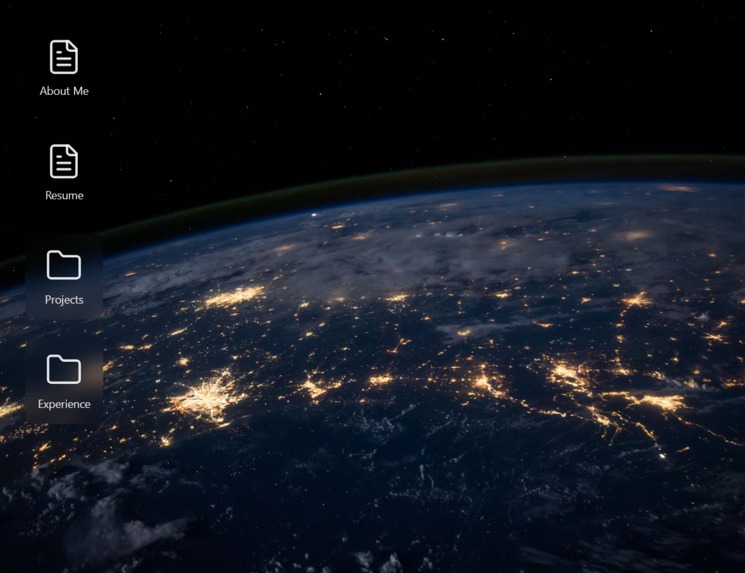
Desktop view of portfolio
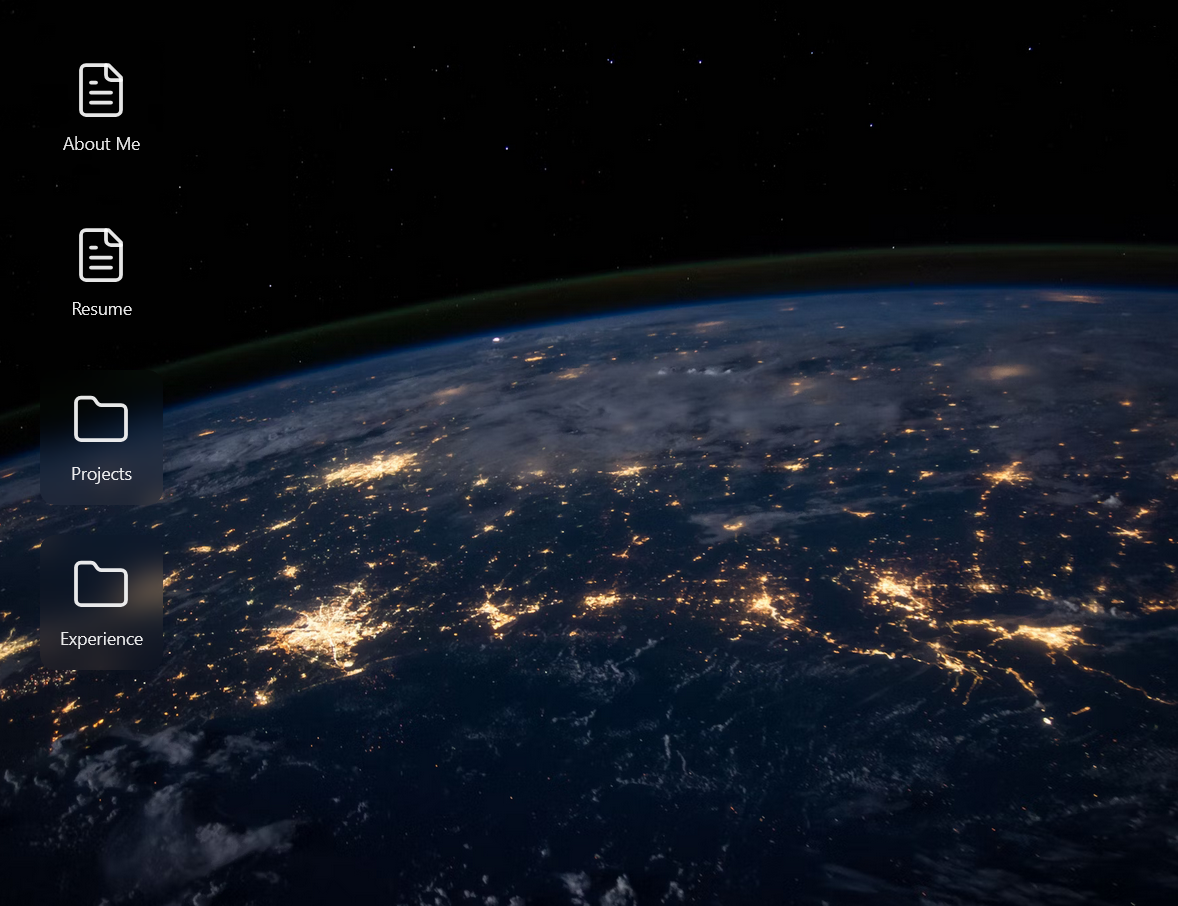
OS-Style Portfolio
Inspiration
I wanted a personal portfolio that stands apart from the usual single-page resumes and galleries. The goal was to recreate the familiarity and playfulness of a desktop operating system in the browser — letting visitors explore my work like they would explore apps on a computer. It’s equal parts portfolio and interactive demo of my UI/UX and front-end skills.
What it does
- Presents portfolio sections as draggable "app windows" (About, Projects, Resume, Contact, etc.).
- Windows can be opened, closed, minimized, and stacked — creating a realistic OS-like experience.
- Interactive project previews that behave like small applications (live demos, screenshots, and code links).
- Keyboard shortcuts and basic window management for power-user interaction.
- Responsive layout that adapts window behavior for smaller screens.
How we built it
- Framework: Next.js for routing and SSR-friendly build.
- Styling: Tailwind CSS for utility-driven styling and fast iteration.
- Interaction: Custom state management for window stacking, dragging, and z-index control.
- Extras: Small animation library for smooth transitions and accessible keyboard shortcuts.
Challenges we ran into
- Implementing robust draggable windows while preserving layout and accessibility.
- Managing window z-index and focus state reliably across multiple components.
- Ensuring performance remained smooth with many dynamic elements on screen.
- Making an OS-like UI still feel usable on mobile and small displays.
Accomplishments that we're proud of
- Created a memorable, interactive portfolio concept that demonstrates both design and engineering skill.
- Implemented polished window-management behavior (drag, stack, minimize) entirely in the browser.
- Turned the portfolio itself into a living demo of my frontend capabilities — visitors interact with the UI rather than just read about it.
What we learned
- Advanced UI state patterns (managing many interactive windows and their lifecycle).
- Trade-offs between visual mimicry of an OS and real-world usability/accessibility.
- Performance tuning techniques for animation-heavy interfaces in React/Next.js.
- How to design for both discovery (new users) and power interaction (keyboard users).
What's next for OS portfolio
- Add theming (dark/light + wallpaper customization).
- Implement a file-explorer app to host downloadable assets (resume, case studies).
- Add deeper project "apps" with embedded code sandboxes and live analytics.
- Improve mobile experience with a touch-first window-management mode.
Link: Add deployed site URL here
Screenshots / GIFs: Add links or embed images to highlight the OS interactions

Log in or sign up for Devpost to join the conversation.