-
-
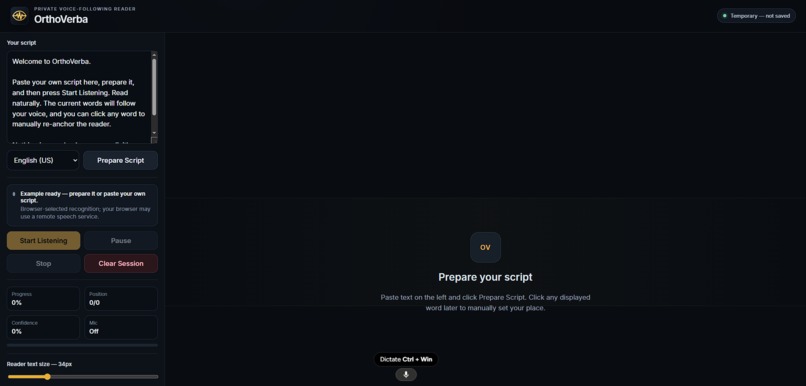
The interface
-
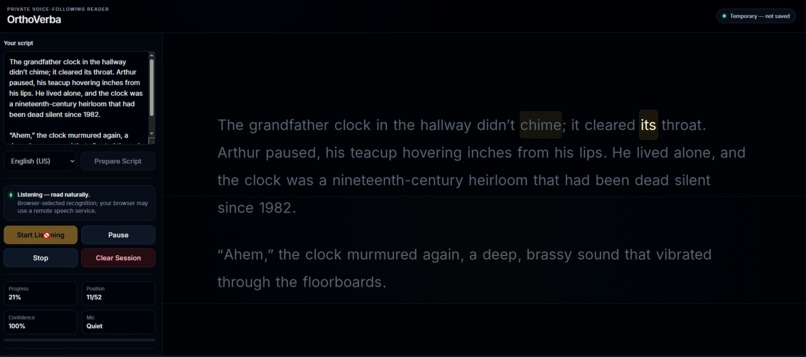
OrthoVerba in action
Inspiration
OrthoVerba came from a very simple but genuinely frustrating problem.
You are reading something out loud, you look away for a second, and when you look back, you have no idea where you stopped. Then you start scanning the same lines again, repeating words, and trying to recover your place.
For some people, especially students and people who struggle with focus or visual orientation, this can happen over and over again. A small distraction can completely break the flow of reading.
That made me think about a different approach.
Instead of making the reader constantly follow the page, why can’t the page follow the reader?
What it does
OrthoVerba is a voice-following reading surface.
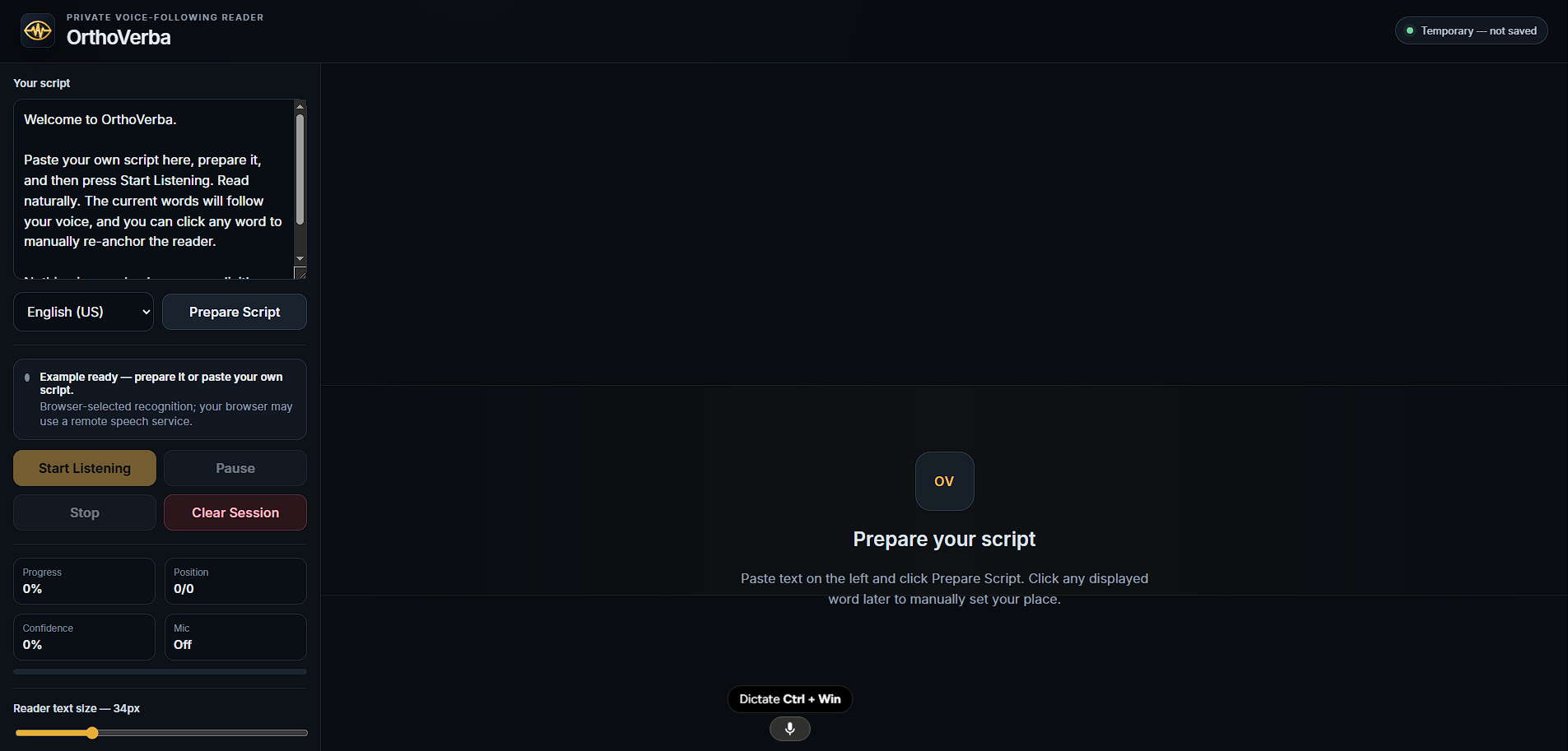
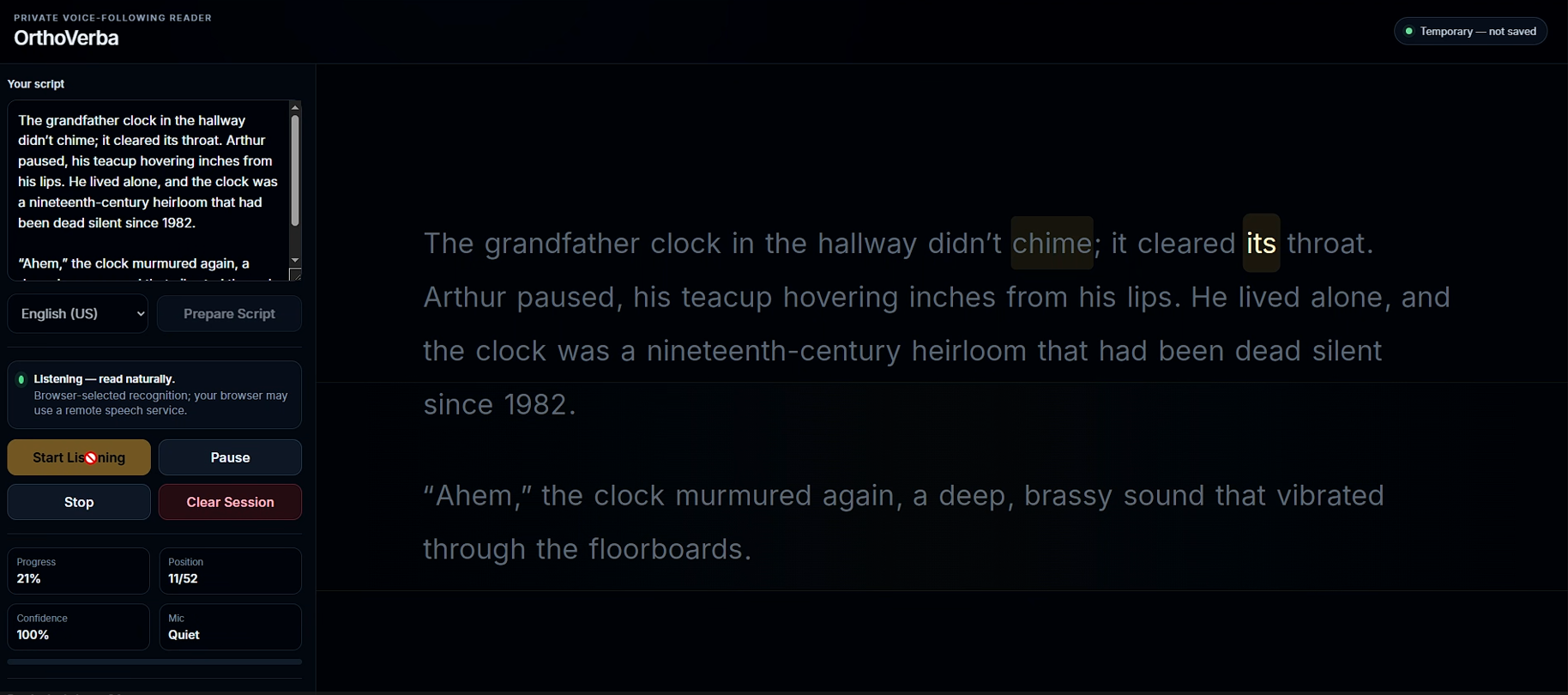
You paste in a script, prepare it, press Start, and begin reading naturally. As you speak, OrthoVerba listens and highlights the part of the script you are currently reading.
Unlike a normal teleprompter, it does not move at a fixed speed. It follows the actual pace of the reader.
You can pause, slow down, repeat something, or continue whenever you are ready. If the tracker ever gets confused, you can click any word and instantly tell it where you want to continue from.
The goal is simple: help people read without constantly losing their place.
How we built it
We built OrthoVerba as a browser-based application using:
- TypeScript
- React
- Vite
- Web Speech API
- Web Workers
- AudioWorklet
The browser provides speech-recognition results, but OrthoVerba does not simply trust the first sentence it hears.
Because the script is already known, the app compares the recognized speech with the actual text and tries to determine where those words most likely belong.
Instead of looking at only one word, it uses phrases, nearby context, recognition alternatives, and the reader’s previous position.
The tracking logic runs inside a Web Worker so the interface stays responsive. AudioWorklet is used for lightweight microphone activity detection, which helps the app understand whether the user is speaking, pausing, or has stopped.
The project runs as a static browser application. It does not require a paid speech API, an account, or a permanent backend.
Challenges we ran into
The biggest challenge was realizing how messy browser speech recognition actually is.
The browser does not always return one clean final sentence. It may first guess one phrase, then change it, and then return something slightly different as the final result.
If every update is treated as brand-new speech, the tracker can move forward multiple times even though the user only said the words once.
Repeated words and sentences were another major challenge. The same word may appear many times throughout a script, so matching one word does not automatically tell us where the reader is.
Recognition restarts were also difficult. Browsers sometimes stop and restart recognition, and the beginning of the new session may repeat words that were already processed.
The hardest part was balancing speed and accuracy. React too quickly and the highlight can jump to the wrong place. Wait too long and the app feels delayed.
We had to make the tracker respond quickly without letting weak recognition results permanently move the reader somewhere incorrect.
Accomplishments that we are proud of
I am proud that OrthoVerba grew far beyond the original basic word matcher.
The new version can process phrases, handle changing recognition results, compare multiple speech alternatives, and maintain several possible script positions before deciding which one is most likely correct.
It can also handle pauses, repeated speech, skipped sections, recognition restarts, and manual re-anchoring.
I am also proud that the application remains accessible without relying on paid services.
There is no required account, no paid API, and no backend automatically storing the user’s script. By default, the script stays only inside the current browser session unless the user chooses to save it locally.
Most importantly, it became a real working product rather than just an idea or a visual prototype.
What we learned
The biggest thing we learned is that this is not really a transcription problem.
OrthoVerba does not need to perfectly understand every spoken word. Since it already knows the script, it only needs enough evidence to determine where the reader most likely is.
We also learned that speed and accuracy cannot be treated as separate goals.
Moving instantly to the wrong place is not useful. Waiting several seconds for complete certainty is not useful either.
The real goal is to reach the correct highlight as quickly as possible without making the reader lose trust in the application.
We also learned that problems that appear small can still deserve serious attention. Losing your place may sound minor, but when it repeatedly interrupts studying, presenting, recording, or reading, it can affect focus, confidence, and productivity.
What’s next for OrthoVerba
The next step is improving how OrthoVerba performs across more browsers, microphones, operating systems, and lower-powered devices.
We also want to improve recovery when someone skips a large part of the script, repeats an earlier paragraph, or changes direction while reading.
Another important goal is adding properly tested support for more languages. Right now, the strongest tracking behavior is built around English, and we do not want to claim full multilingual support without actually building and testing it correctly.
We also want to introduce more accessibility options, including stronger contrast modes, additional reading layouts, better focus controls, and more typography settings.
The main idea behind OrthoVerba will remain the same:
The reader should not have to constantly adapt to the page.
The page should adapt to the reader.
Built With
- accessibility
- api
- app
- assistive
- audio
- audioworklet
- css3
- html5
- indexeddb
- javascript
- language
- natural
- processing
- react
- recognition
- speech
- technology
- typescript
- vite
- web
- workers

Log in or sign up for Devpost to join the conversation.