Reorkut | Bringing Back the Social Web's Golden Era





Executive Summary
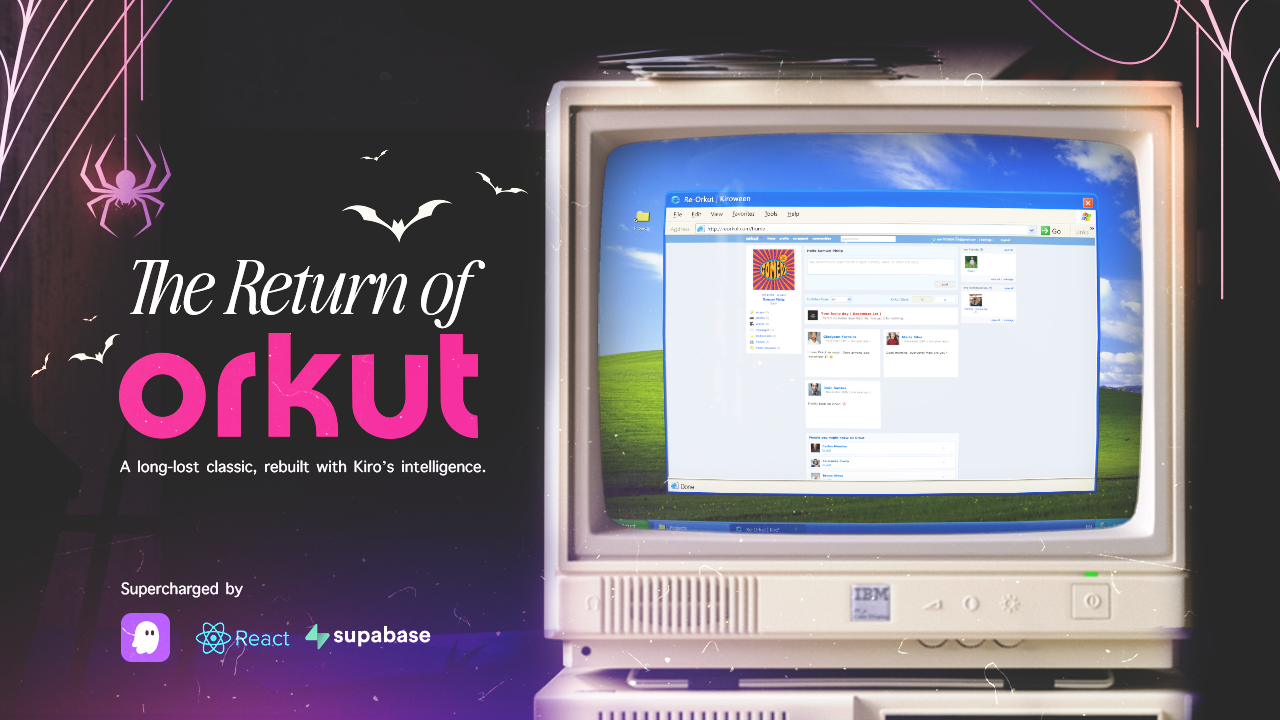
Reorkut is a fully functional clone of Orkut, reimagined with today’s technologies. It is a blend of nostalgia and technical exploration, designed to revive the iconic experience of one of the earliest platforms that made the internet feel personal, friendly, and community-driven.
This project includes profiles, scraps, communities, testimonials, friend systems, real-time interactions, customizable themes, and a clean modern UI. It brings back the classic social experience in a fresh, responsive, and scalable form.
Inspiration
Orkut was one of the earliest platforms that made the internet feel personal, friendly, and community-driven. We wanted to revive that iconic experience while showing how modern full-stack engineering can recreate a legacy platform from scratch. This project is not just a clone; it's a tribute to the era of genuine social connection.
What Makes Reorkut Special
- Pixel-Perfect Nostalgia: A responsive UI that faithfully recreates the original Orkut look and feel.
- Modern Core: Built with React and Node.js for performance and scalability.
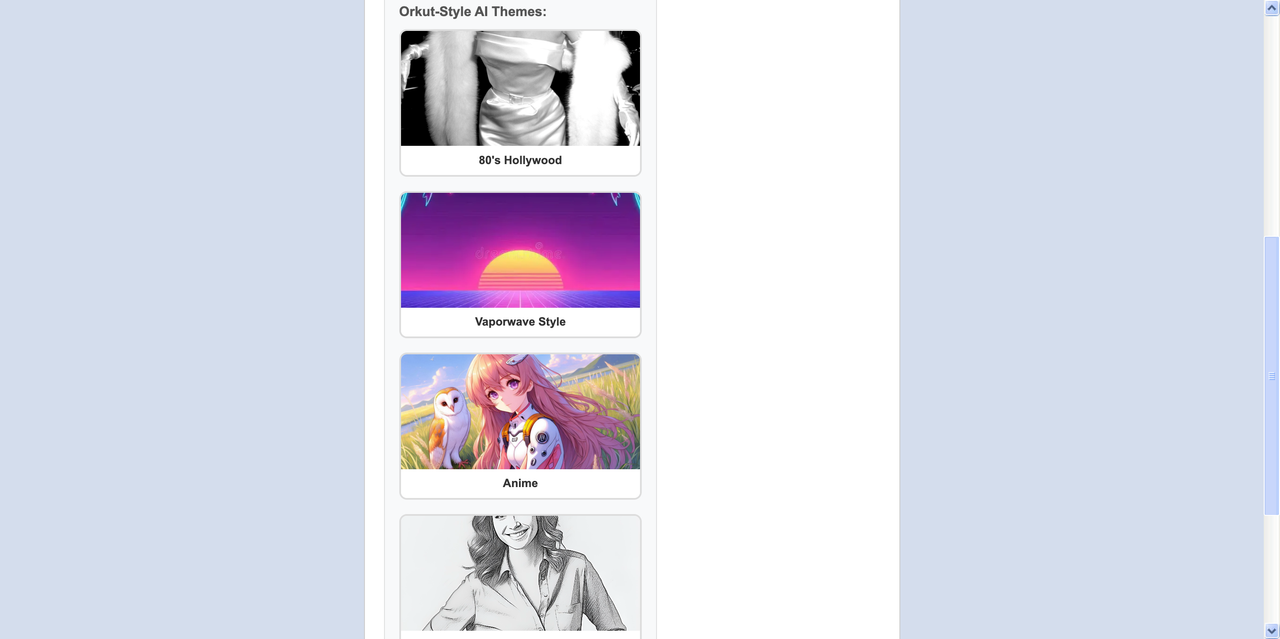
- AI-Enhanced: Integrated with Replicate and Google Gemini for modern features like AI style transfer and content generation.
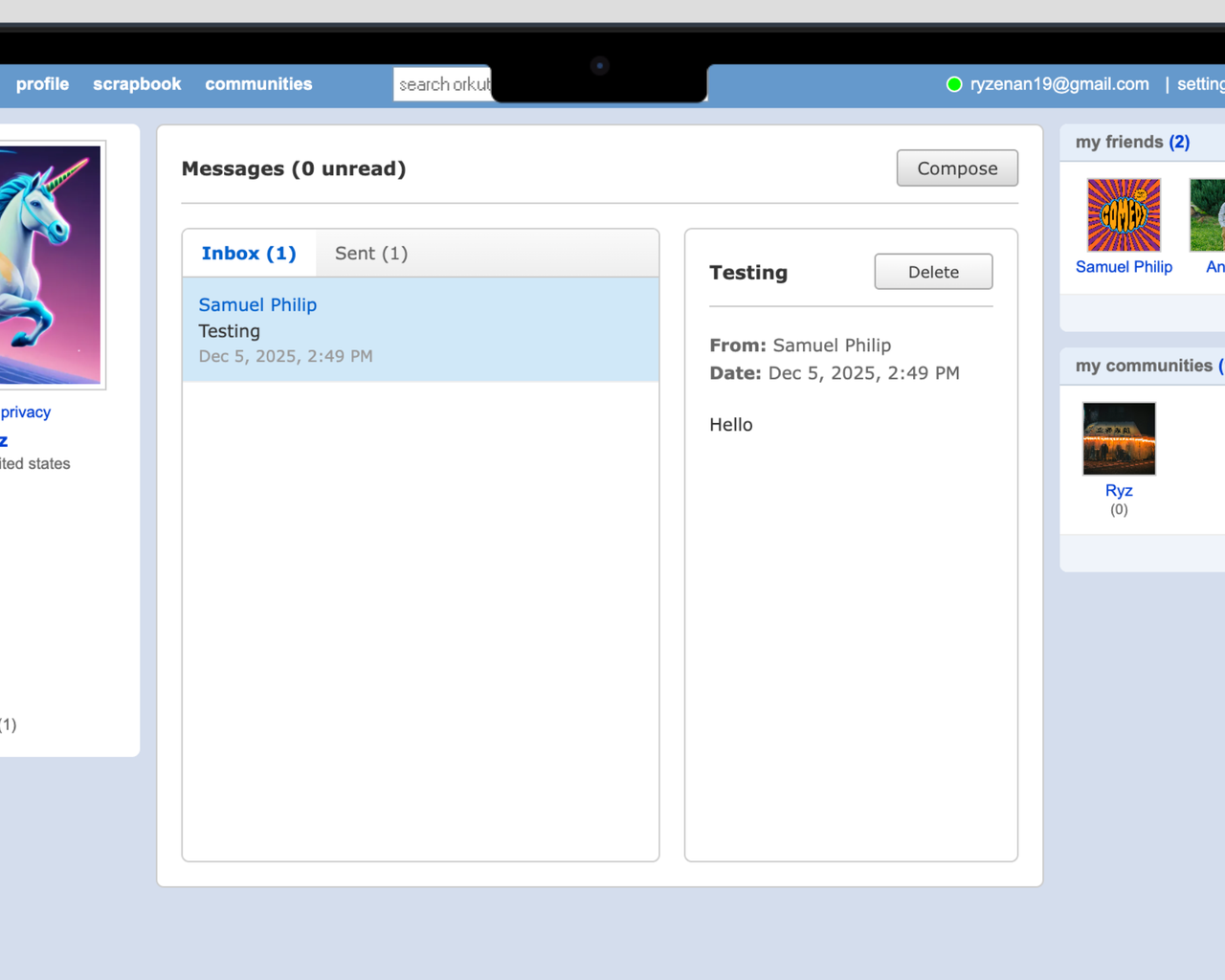
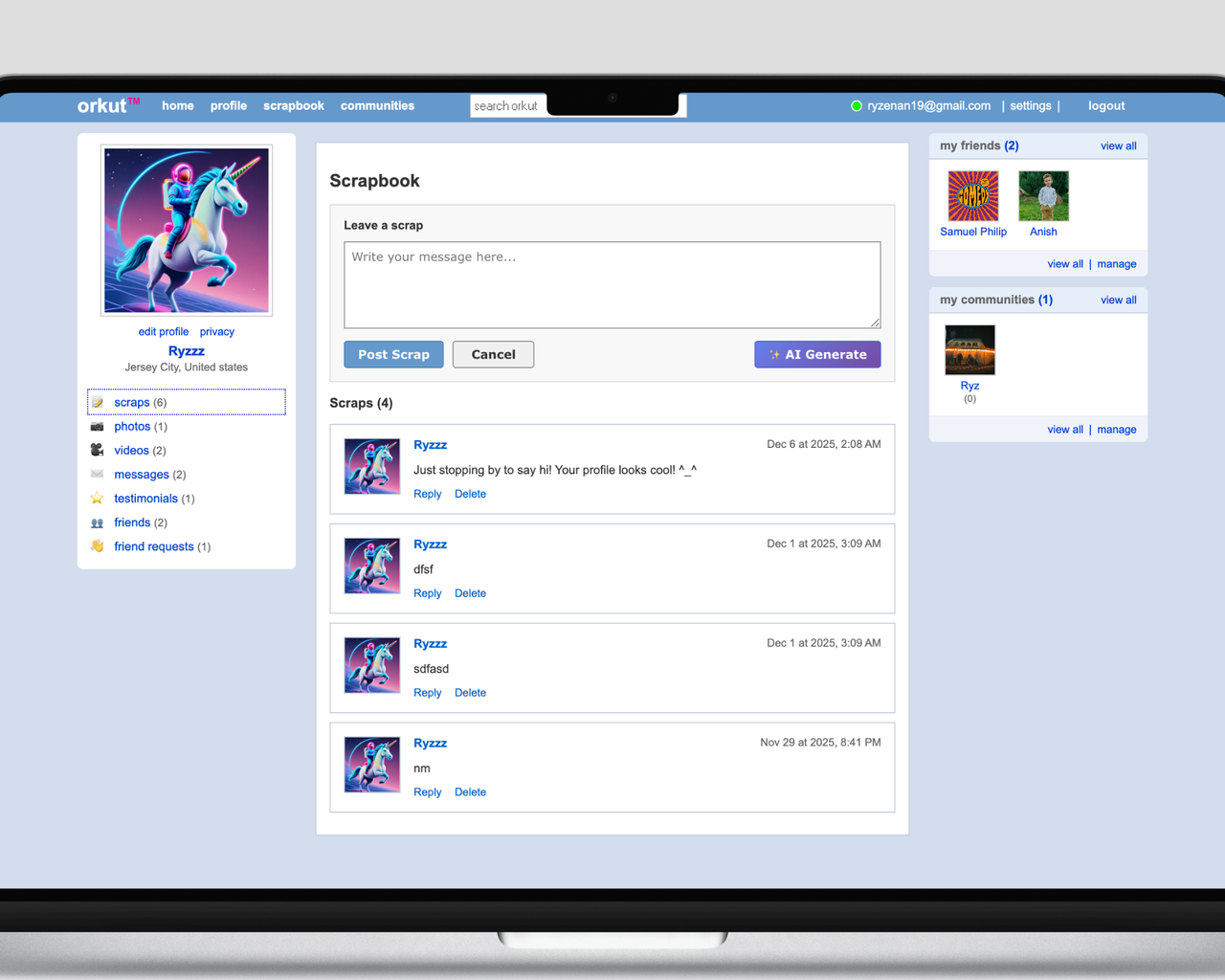
- Real-Time Interactions: Seamless updates for scraps and messages.
Screenshots
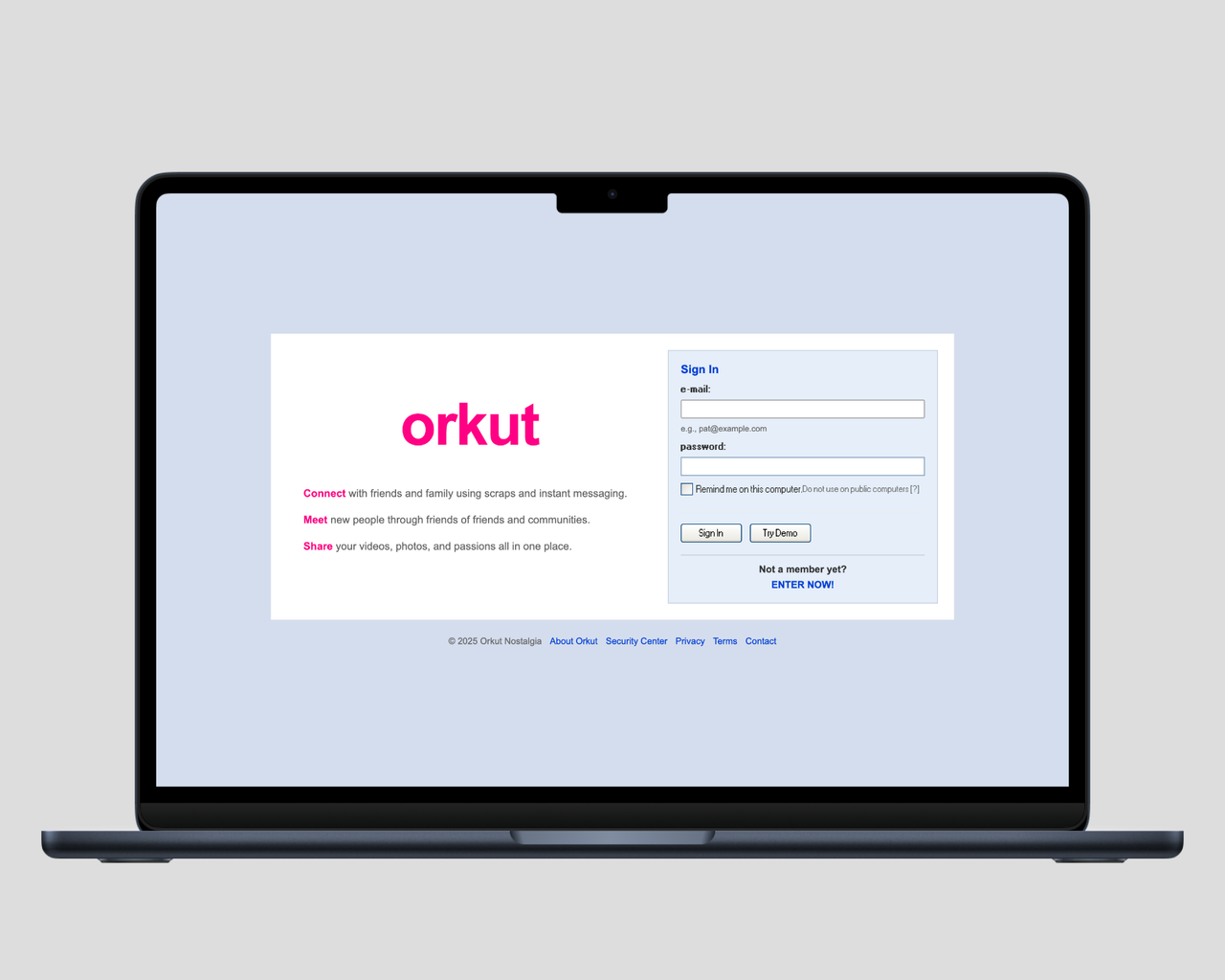
The Authentic Login Experience
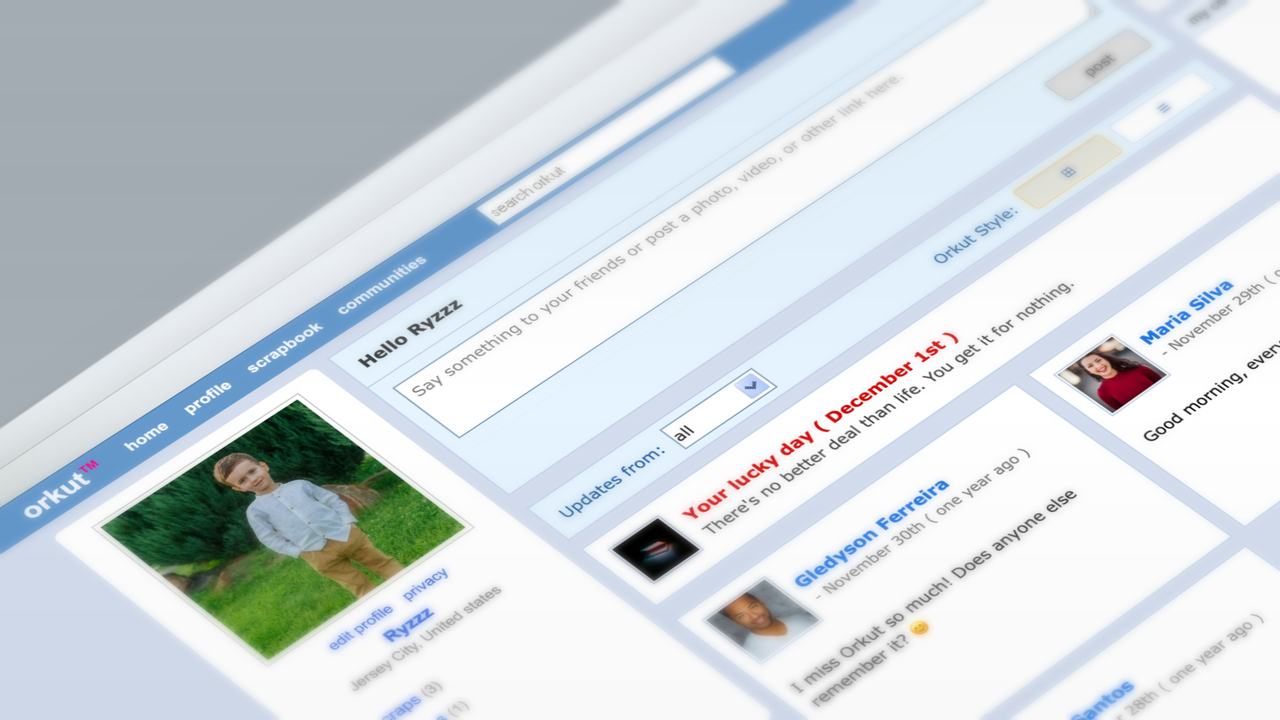
Your Social Hub Reimagined
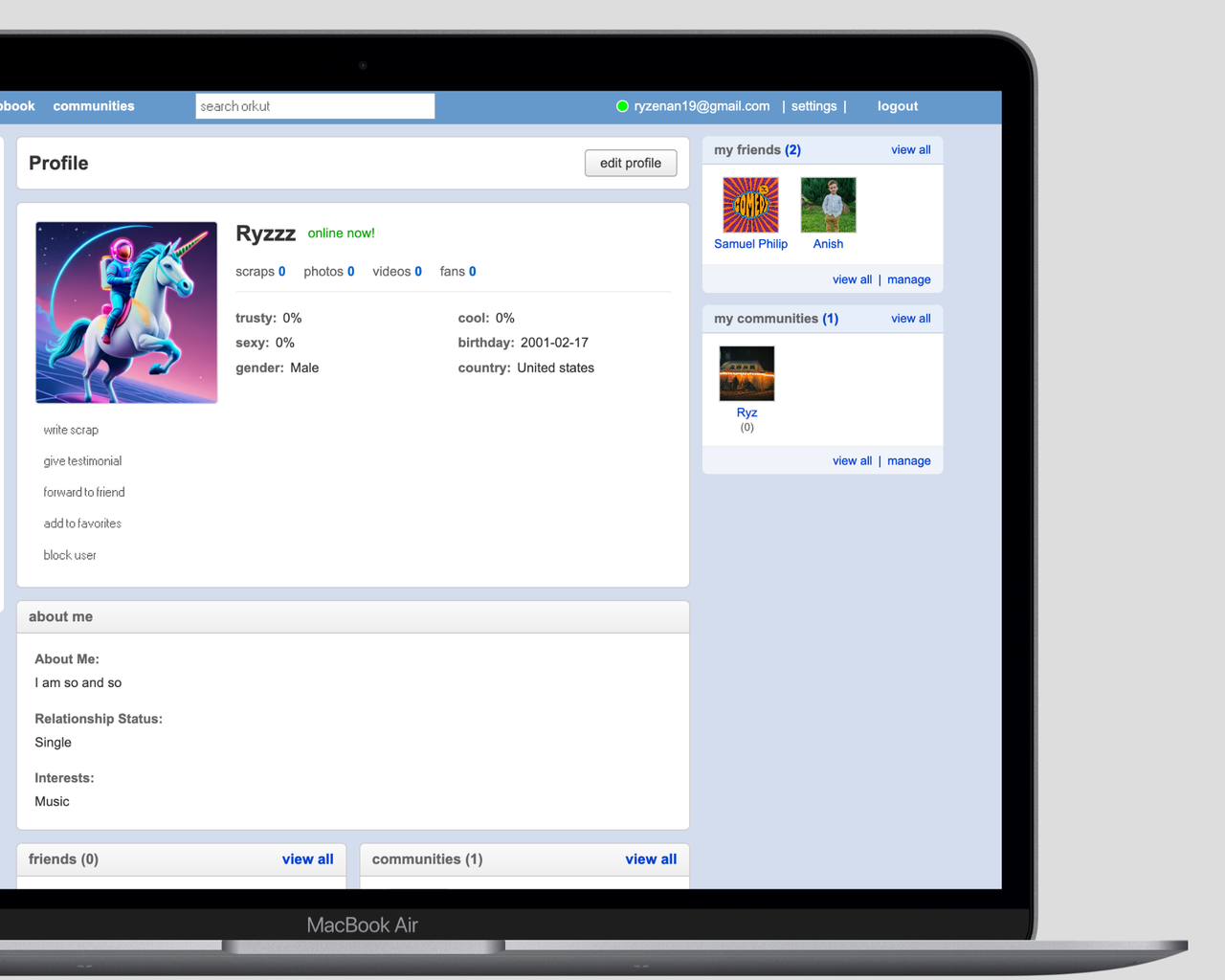
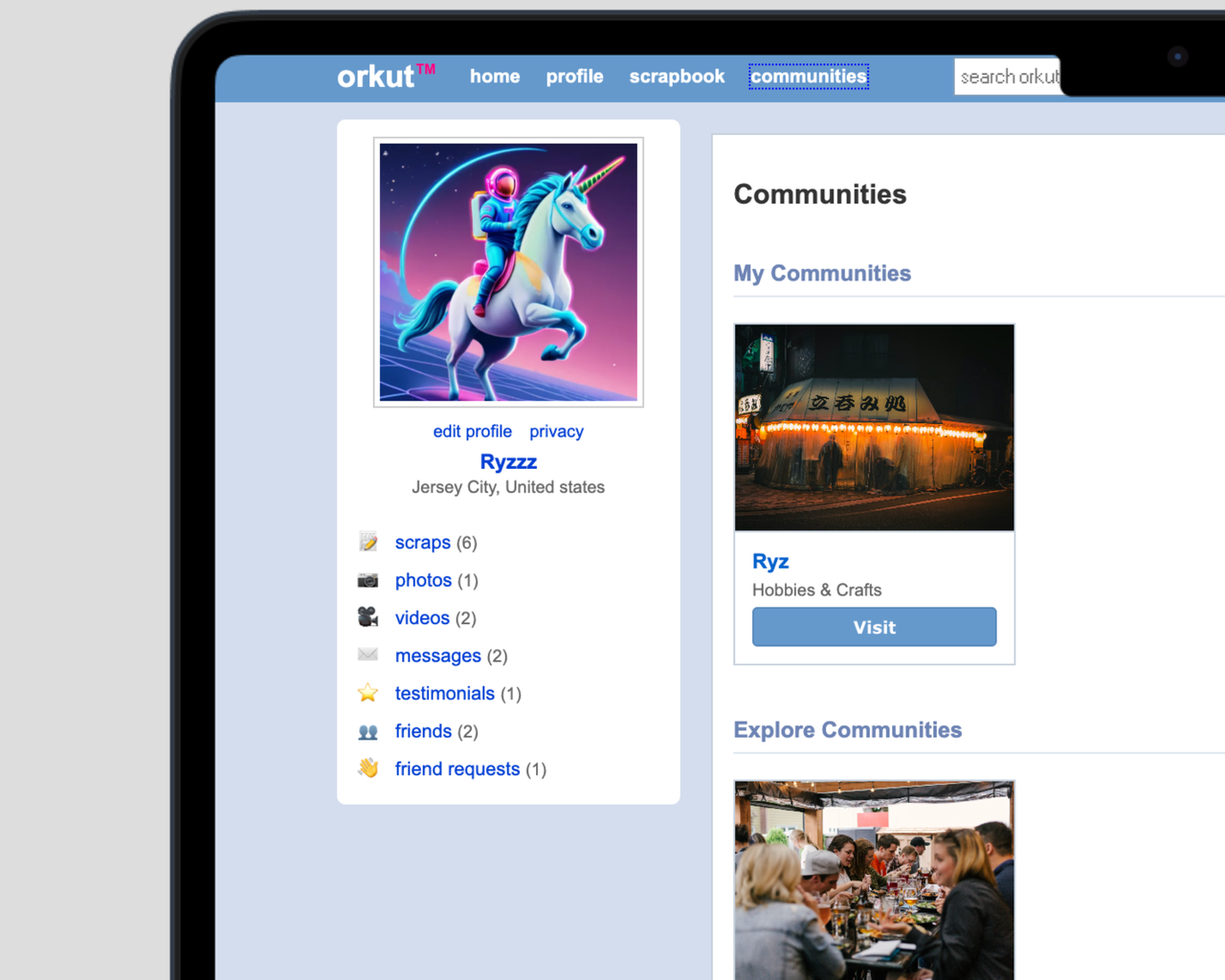
Showcase Your World with Profiles
Explore Orkut style AI-Themes
Discover Vibrant Communities
Seamless Private Messaging
The Iconic Scraps Wall
How It was built
I rebuilt Orkut end-to-end using modern frameworks and best practices.
- Frontend: A responsive, pixel-perfect UI recreates the original look and feel using React and Vite.
- Backend: A scalable Node.js and Express backend handles authentication, posts, communities, messaging, and user interactions.
- Real-time: Implemented features to ensure seamless updates across the platform.
- Database: A clean Supabase (PostgreSQL) database structure supports user relationships and content management.
- AI Integration: Leveraged Replicate for image processing and Gemini for text generation.
Every component from profile pages to community discussions was redesigned and re-engineered from scratch.
Architecture
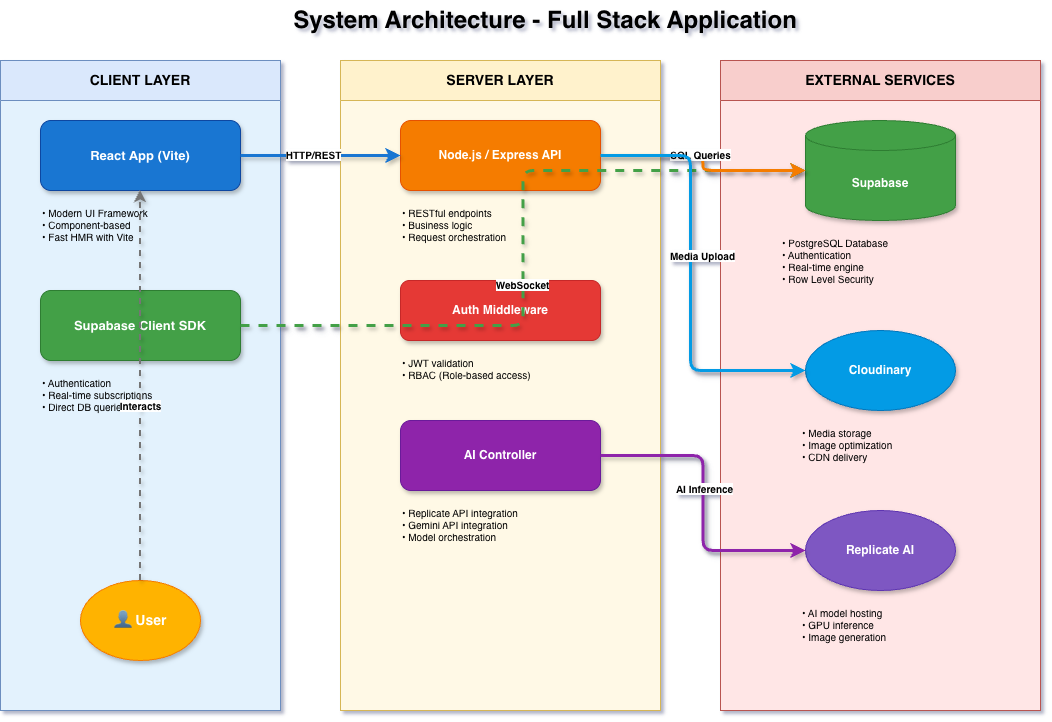
The system accepts requests via the Client (React App), which communicates with the Node.js/Express Server. The server manages authentication and data via Supabase, handles file storage with Cloudinary/Local storage, and delegates AI tasks to Replicate/Gemini APIs.
Challenges we ran into
- Nostalgic vs. Modern: Re-creating the exact nostalgic UI while modernizing responsiveness.
- Complex Relationships: Managing complex user relationship models like scraps, testimonials, and communities.
- Real-Time: Ensuring real-time interactions without compromising performance.
- Design Balance: Balancing “retro design” with modern usability and accessibility.
Accomplishments that we're proud of
- Successfully rebuilt a beloved platform from the ground up.
- Achieved a visually accurate and highly functional Orkut experience.
- Implemented a clean, scalable architecture that can grow like a real social network.
- Delivered a nostalgia-driven product that still feels modern and smooth.
What we learned
We explored the complexities of social media engineering, from designing data models for interconnected users to implementing real-time communication features. We gained deeper insight into UI cloning, state management, and building large-scale, interactive applications.
What's next for Orkut
Bringing back the social web’s golden era.
We plan to expand the experience with modern enhancements like better privacy controls, mobile apps, smarter content recommendations, and cloud scalability. The vision is to evolve this revival into a platform that honors Orkut’s legacy while embracing the future of social networking.
Core Steps: Setup & Installation
Clone the Reorkut repo from GitHub:
git clone https://github.com/anishganapathi/reorkut.git
cd reorkut
1. Environment Setup
Create a .env file in the root directory and add the following keys:
# AI & Media
REPLICATE_API_TOKEN=your_replicate_token
GEMINI_API_KEY=your_gemini_key
CLOUDINARY_CLOUD_NAME=your_cloud_name
CLOUDINARY_API_KEY=your_api_key
CLOUDINARY_API_SECRET=your_api_secret

# Database (Supabase)
VITE_SUPABASE_URL=your_supabase_url
VITE_SUPABASE_ANON_KEY=your_supabase_anon_key
2. Database Setup
- Create a new project on Supabase.
- Navigate to the SQL Editor in your Supabase dashboard.
- Copy the contents of
DATABASE.sqlfrom this repository. - Paste it into the SQL Editor and run it to set up all tables, RLS policies, and storage buckets.
3. Server Setup
The Node.js server handles AI processing and file uploads.
- Install server dependencies:
bash npm install - Start the backend server:
bash
node server.js
The server will run on http://localhost:5000
4. Frontend App Setup
The configuration is built with Vite for fast development.
- Open a new terminal window.
- Run the development server:
bash npm run dev - Open http://localhost:5173 to view the app.
License
MIT License - Open-sourced project.
Acknowledgments
- Google: For the original Orkut platform inspiration.
- Open Source Community: For the tools and libraries that made this possible.
Developed with ❤️ by
| Anish Ganapathi | |
|---|---|
| ✉️ anishganapathi03@gmail.com 🐱 GitHub |
Built With
- express.js
- kiro
- node.js
- react
- replicate
- supabase


Log in or sign up for Devpost to join the conversation.