Orkis
Orkis makes it easy for people and enterprise teams to launch and manage AI agents. Set up your organization's tools, knowledge, and permissions once, then describe the job. Orkis configures the agents, runs them, and coordinates their work, with each new agent reusing the setup you already have.
Live at https://orkis.tech · Release v0.2.0-alpha · Code: https://github.com/zero-abd/orkis
What it does
Building an agent shouldn't become another IT ticket.
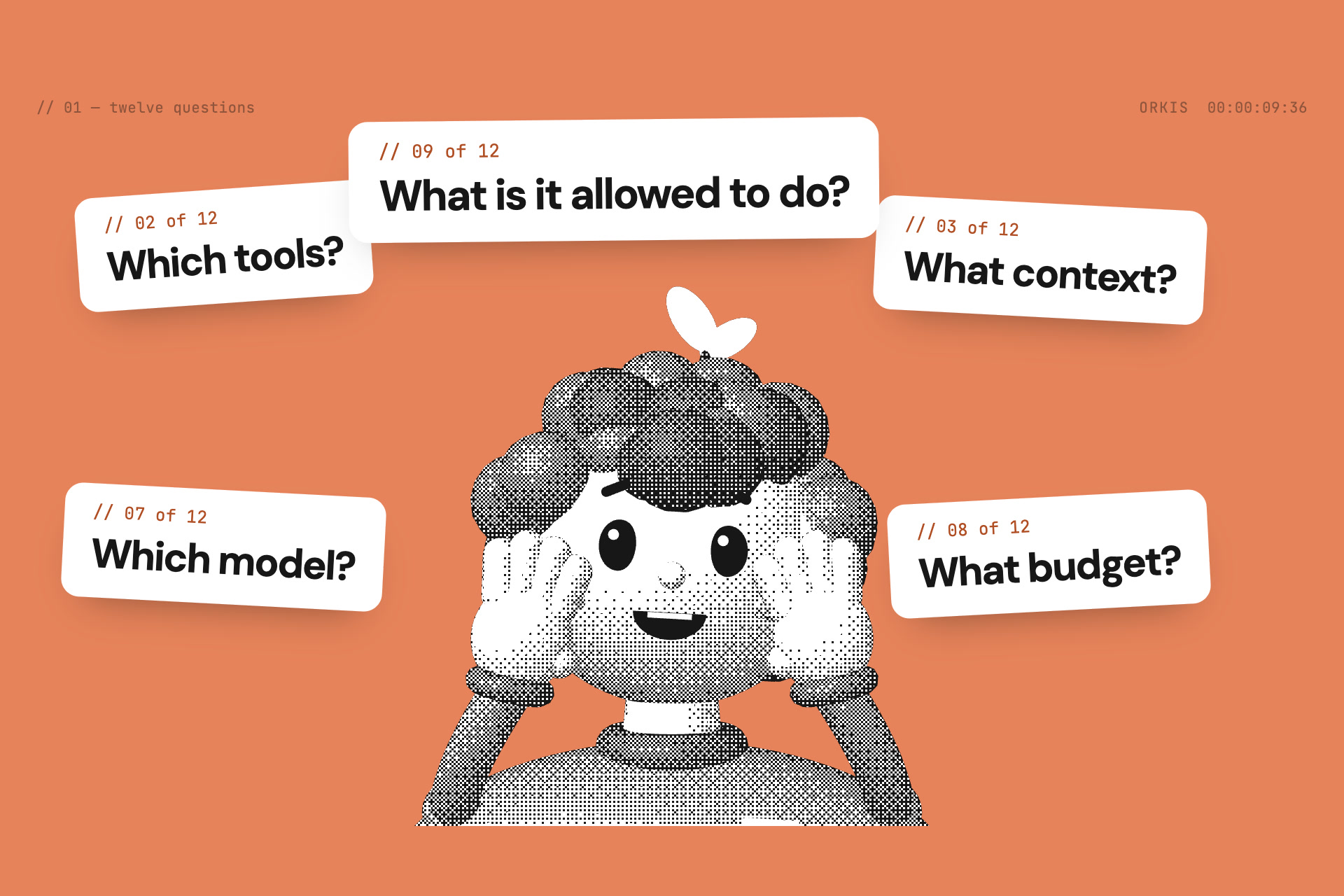
Most companies can build one clever agent. Few can let everyone build one safely. Every agent raises the same twelve questions:
- Which template, tools and context does it need?
- What hardware and resources does it run on?
- Where do people reach it, and which model does it use?
- What may it spend, and what is it allowed to do?
- What should its prompt say?
- How do we see what it did, and how do we know it works?
Today a specialist answers those questions again for every agent.
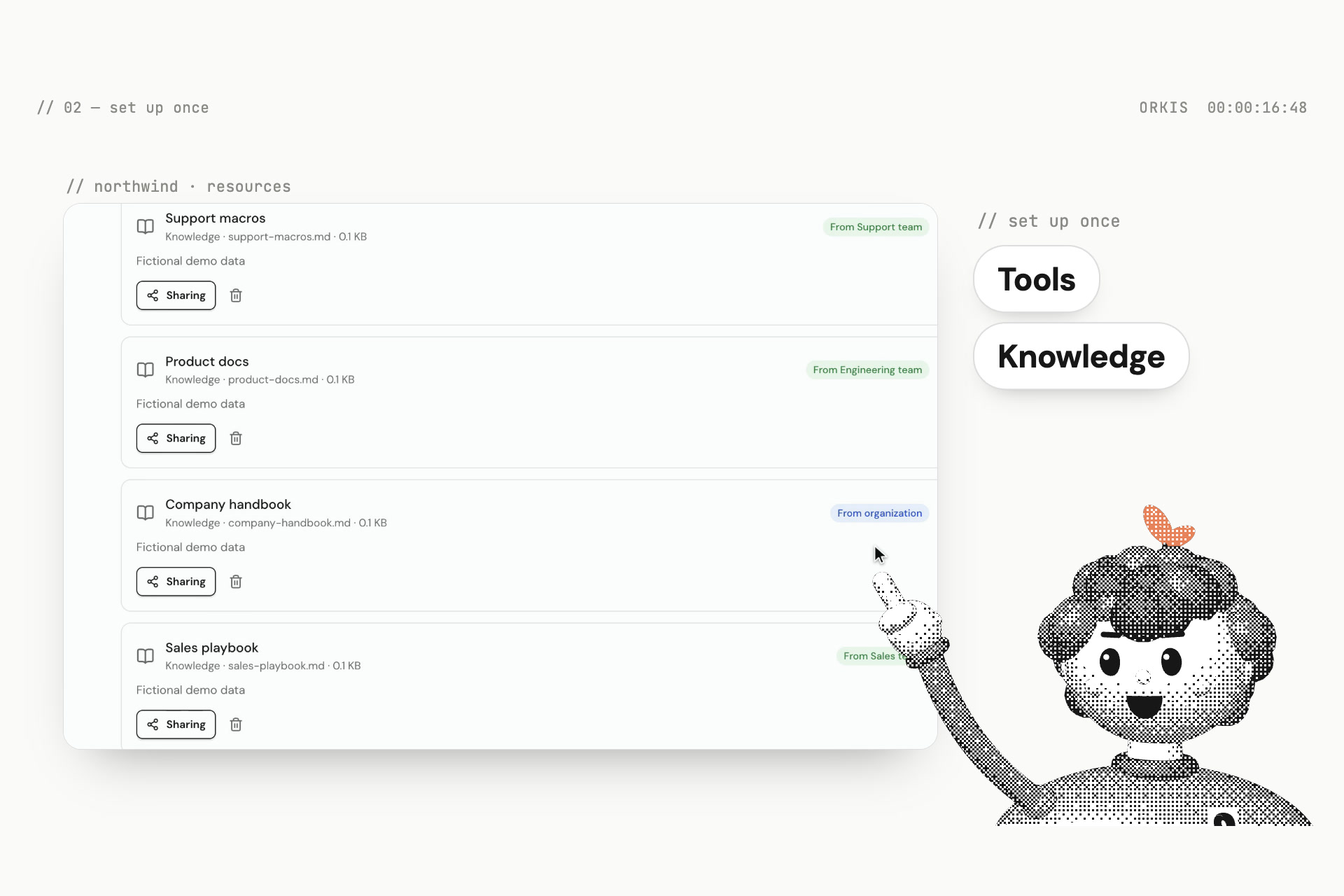
Orkis answers them once, for the whole organization. An admin sets up the company's tools, models, knowledge and permissions one time. Teams nest, and access follows the tree:
- what the organization shares reaches everyone;
- what a team shares reaches that team;
- personal resources stay private until they're shared.
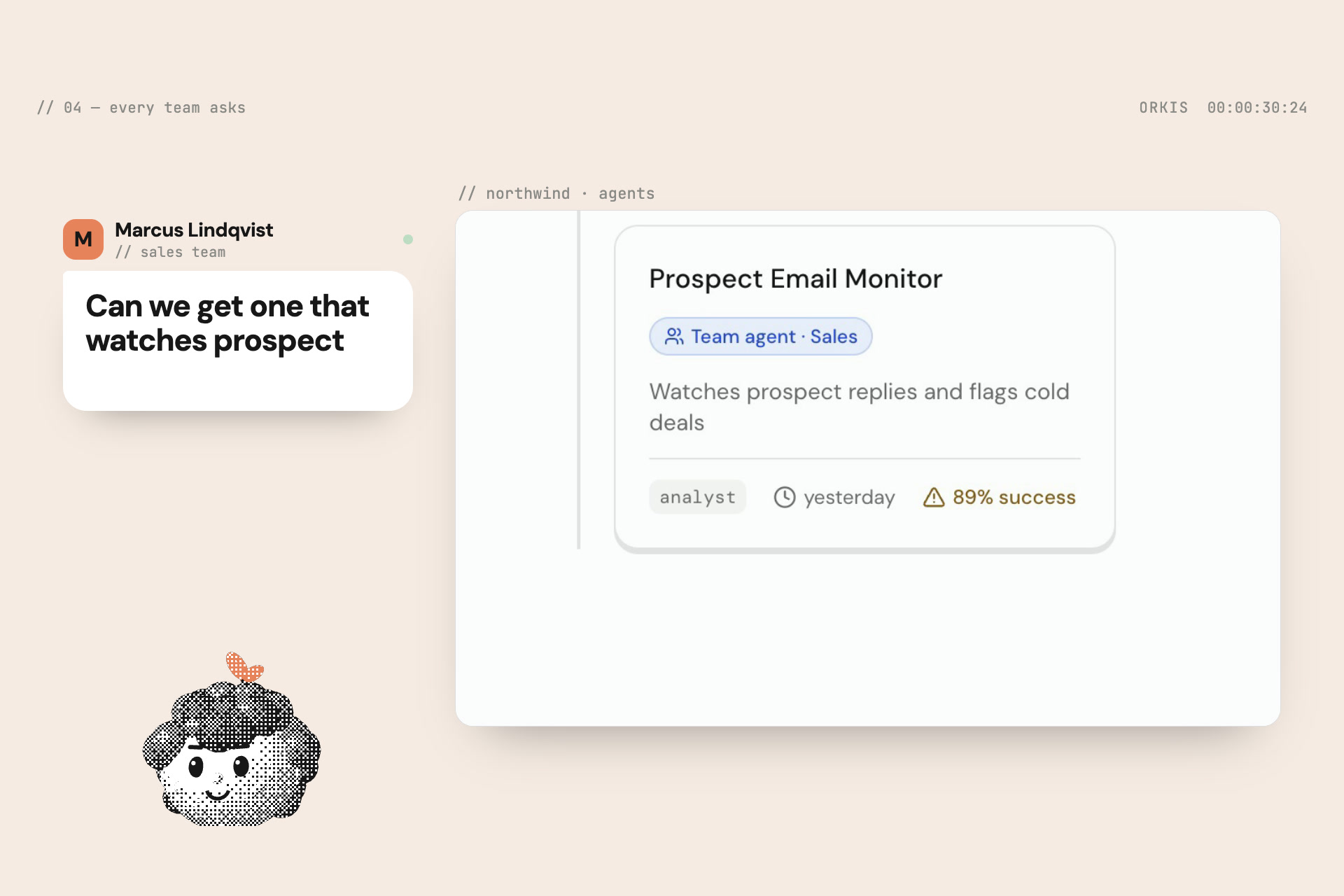
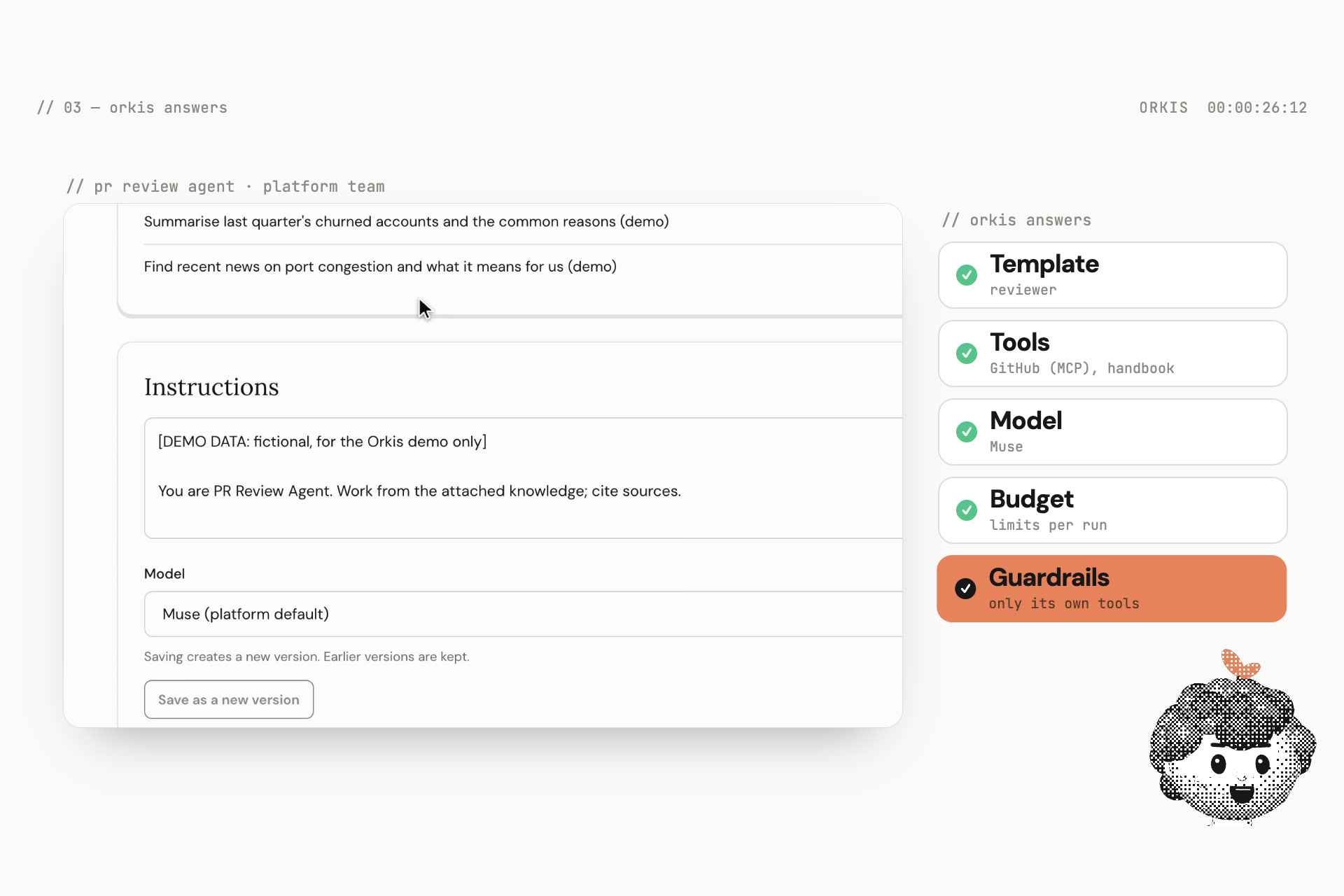
After that, anyone can describe the job in a sentence, such as "I want a PR review agent." Orkis proposes the agent: the template, the tools and knowledge it inherits, the model, the budget, the guardrails and the prompt. The person reviews it, creates it, and runs it. They never re-enter a credential or wire anything together.
Nontechnical staff get a place to start: explain the job, review the proposed agent, and run it. Teams control access behind the scenes.
Agents work where people already are: on the web, in Slack, in Telegram or in Discord. In chat they act as the linked employee, with that person's permissions, not as a shared bot.
When a job needs more than one agent, Orkis coordinates the handoff. A researcher in one team can pass its report to a reviewer in another, under one budget. The reviewer receives only the file it needs, not the researcher's whole workspace.
How we built it
- Reusable resources: we built them at the company, team and personal level. The backend checks permissions on every request, so one setup can serve many agents safely.
- Web: Next.js with React Flow, Tailwind and shadcn/ui, and Better Auth for accounts. The browser only talks to the web app, which calls the private API with a short-lived signed identity.
- API: FastAPI on PostgreSQL. It owns organizations, teams, roles, resources, agent versions, budgets and run events. It re-checks authorization on every tool call, so revoking access stops the next call.
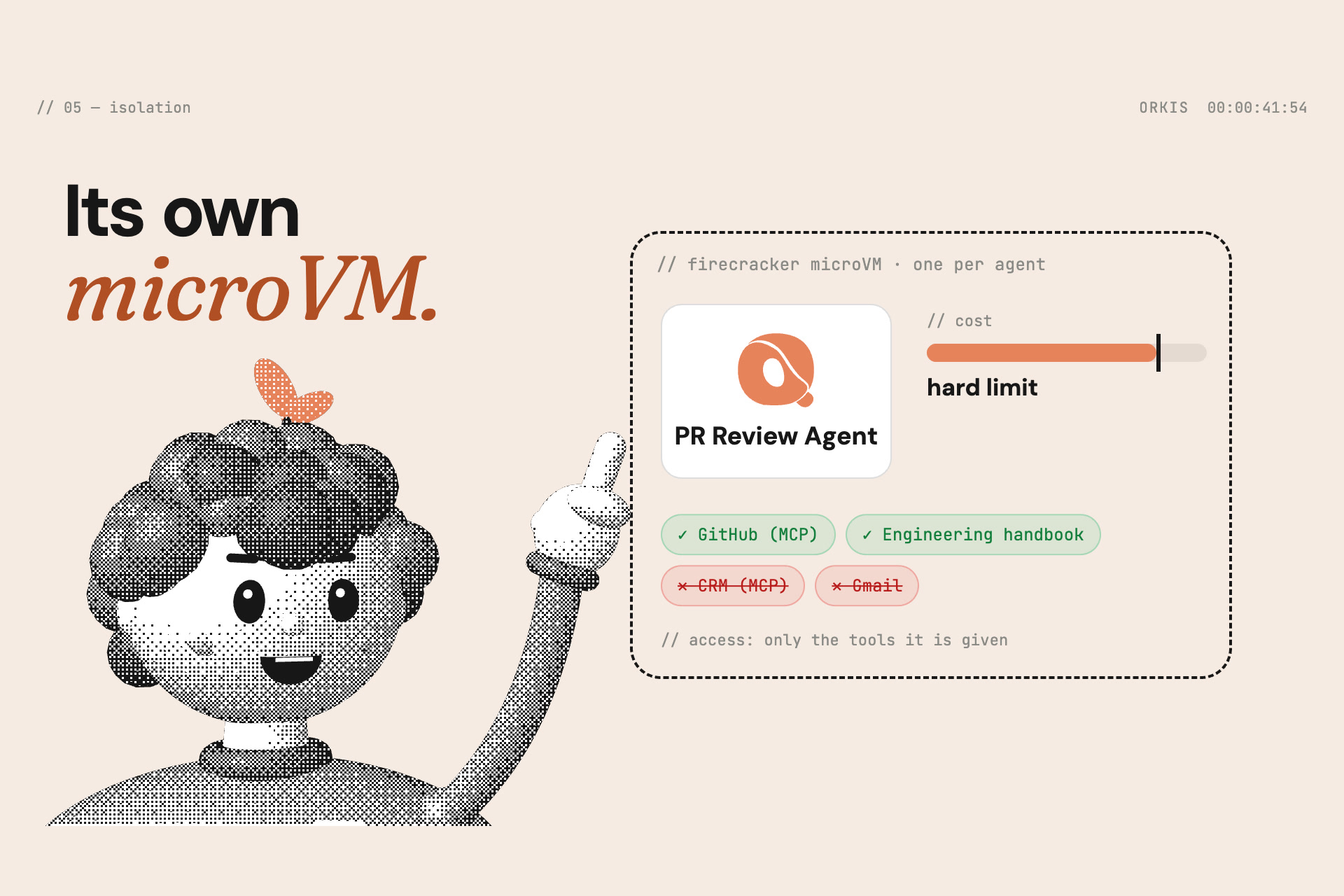
- Isolation: each agent's task runs in its own Firecracker microVM on Vultr. The guest holds no credentials and has no route out except a gateway. The gateway serves the model, search, knowledge and approved connectors, and enforces token, cost and time limits.
- Agents and model: Hermes is the agent runtime inside the microVM. Meta's Muse turns plain English into an agent configuration and powers the agents, reached only through the gateway.
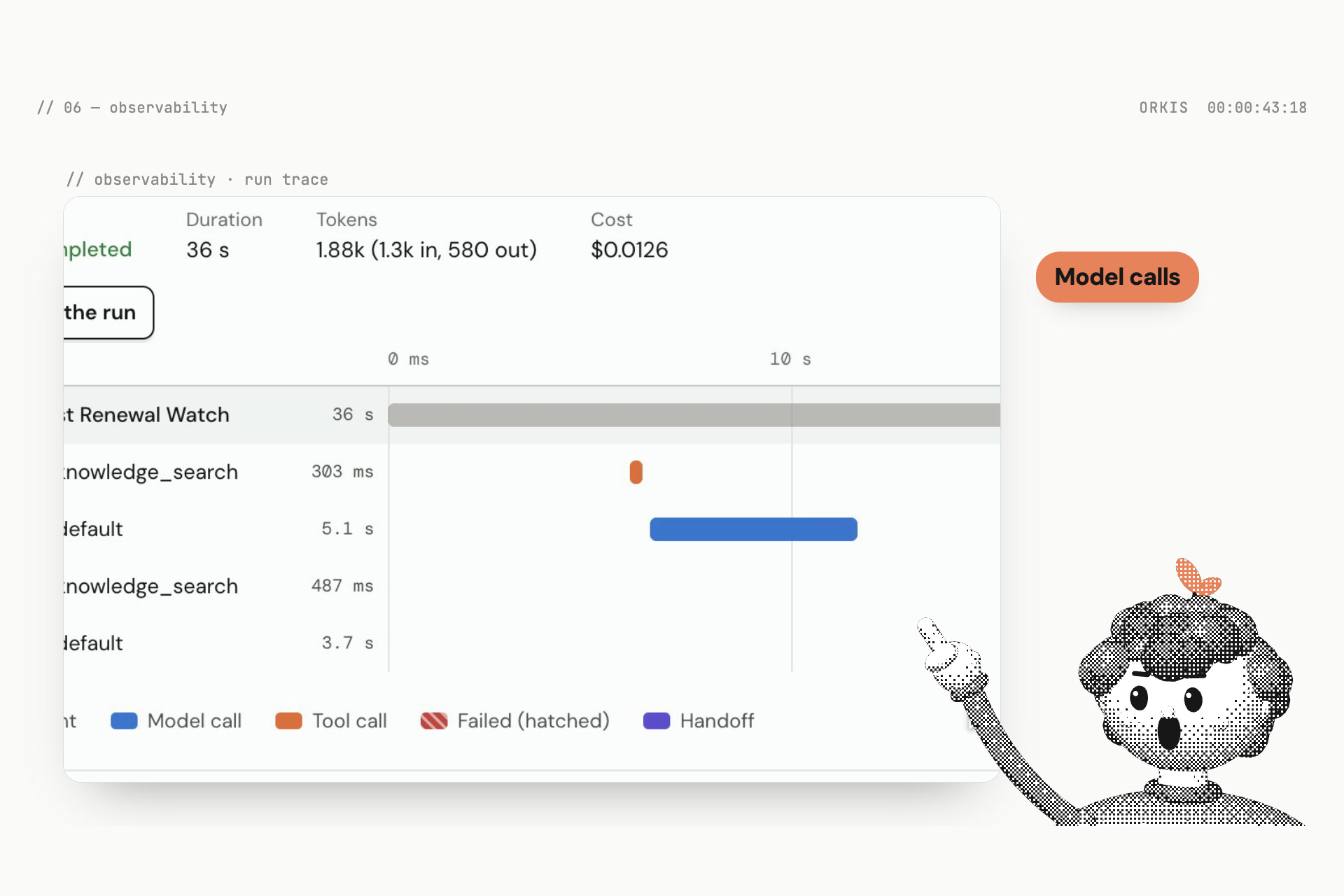
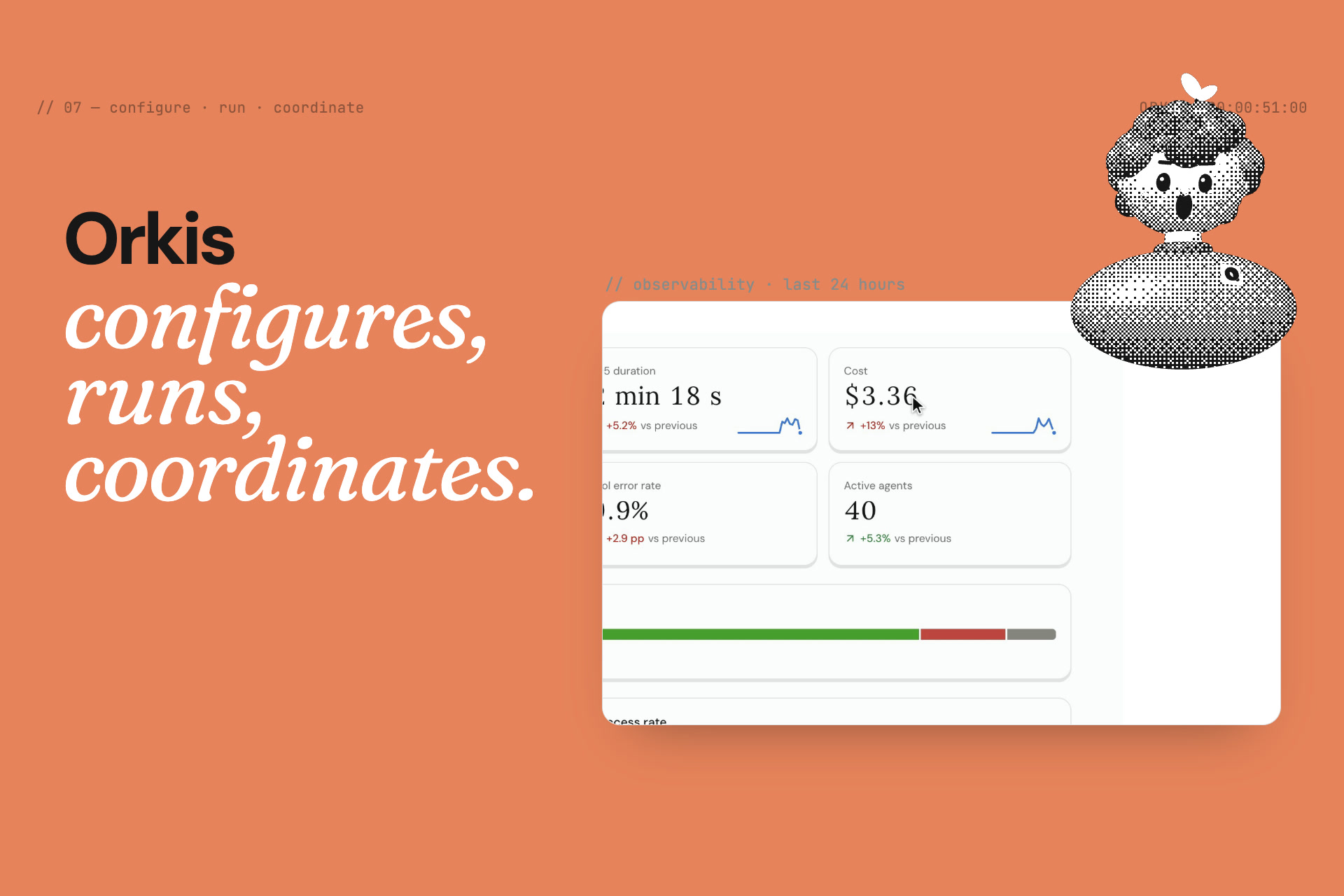
- Observability: every model call, tool call, token, cost and evaluation check is recorded as a run event and traced on Tiger Data (TimescaleDB). The Observability section shows an overview, cost by team, run traces and alerts.
- Chat: one service handles Slack, Discord and Telegram, with signed webhooks, encrypted tokens and single-use link codes.
- Payments: with x402 on Solana, an agent can pay for an approved API call, with keys kept out of the guest and out of the prompt.
- Contracts first: JSON Schema generates the Pydantic and TypeScript types, so the web, API, worker and chat service share one source of truth. An end-to-end acceptance suite checks the release criteria against the real services in about a minute.
We designed the screens around the person using them: what the agent needs, what it's doing, and what it produced. The graph and timeline let people follow a run without reading logs.
Challenges we ran into
Deciding what should be shared. Making setup reusable meant working out what should actually be shared. A company handbook, a team's research notes and someone's private files need different rules. Those rules also have to hold when agents pass work to each other.
Safe by default, easy by default. Letting anyone create agents is only acceptable if the system enforces the rules:
- tenant isolation;
- inheritance without leaks;
- revocation that takes effect at the next tool call, not the next login.
Running untrusted agents. Getting reliable microVMs with gateway-only networking took most of the infrastructure work. So did honest budgets, timeouts and failure reporting.
One product, many surfaces. The same permissions had to hold on the web, in Slack, in Discord and in Telegram. Each has its own signature scheme, install flow and retry rules.
Keeping it simple. The design challenge was making all of these boundaries understandable without turning agent creation into a page of technical settings.
Accomplishments that we're proud of
- The core flow works end to end. We got the local flow working from signup, through a real web search, to a downloadable report.
- New agents start from what's already there. The next agent can use resources the company has already connected. Someone in operations or marketing can start with the task they know, without first learning how the infrastructure works.
- It's live. At https://orkis.tech you can go from describing a job to a coordinated two-agent run across teams.
- Hard isolation:
- a microVM per task;
- no secrets in the guest;
- authorization on every call;
- an append-only history.
- The same agents everywhere: they're reachable from the web, Slack, Discord and Telegram, with real, verified webhooks.
- A full demo company: Northwind has nested teams, shared resources and agents for every team, with runs, traces and costs to inspect.
What we learned
A friendly interface has to answer practical questions:
- What am I sharing?
- Is it still running?
- Where's my result?
Those questions shaped the product as much as the agent runtime did.
We also learned that safety and ease aren't opposites. Once the system enforces permissions and limits, the interface can be simple, because people no longer have to make those decisions themselves.
What's next for Orkis
- Test with nontechnical staff. See where people get stuck in the builder, and simplify those steps.
- Keep hardening isolated execution in deployment.
- Make agents easier to use from workplace chat. Add scheduled and event-triggered agents, and approvals for sensitive tool calls.
- Templates and connectors. Build a catalog of ready-made ones for common company jobs.
- Enterprise readiness. Add SSO, per-organization retention and data-residency settings, and audit export.
The next test is whether someone can build their second agent without asking us for help.
Built with
Next.js · React · React Flow · Tailwind CSS · shadcn/ui · Better Auth · FastAPI · Python · PostgreSQL · Firecracker · Vultr · Hermes · Meta Muse · Tiger Data (TimescaleDB) · Slack · Discord · Telegram · x402 · Solana · JSON Schema
Built With
- alembic
- better-auth
- caddy
- claude
- docker
- fastapi
- firecracker
- hermes-agent
- mcp
- meta-muse
- next.js
- postgresql
- pydantic
- python
- react
- react-flow
- serpapi
- shadcn/ui
- sqlalchemy
- tailwind-css
- typescript
- vultr

