Inspiration
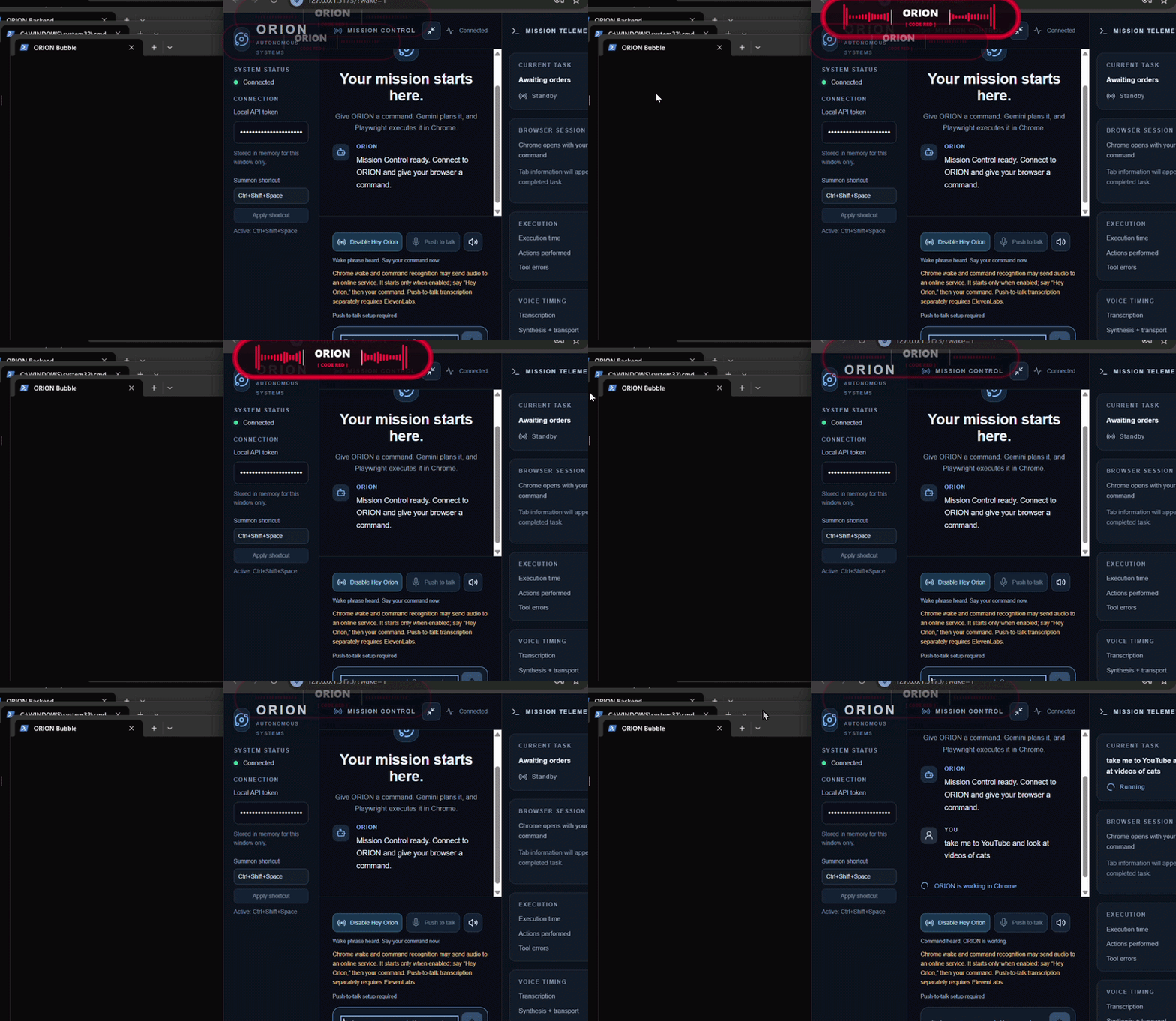
Talking to a computer should be as easy as talking to a person, but most "AI assistants" still live in a chat box you have to type into. We wanted an agent that's always one word away: no window switching, no typing, no friction. ORION is a voice-first desktop assistant that floats on your screen and reacts to you in real time.
What it does
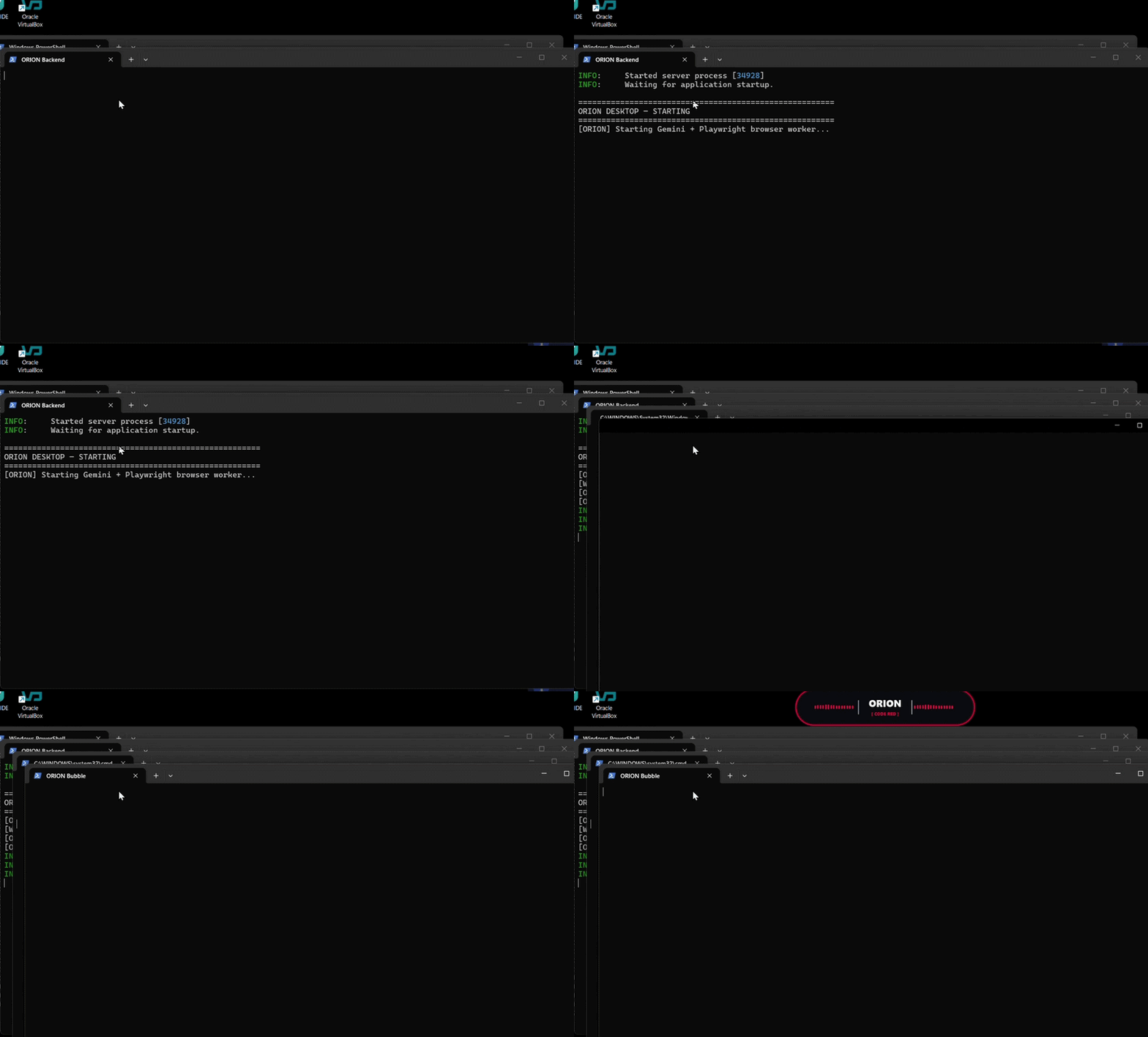
- Always-on overlay: a frameless, transparent, always-on-top bubble pinned top-center of your screen, draggable, with
ESCto exit. - Reacts to your voice: live, mic-reactive radial bars animate as you speak, so you know it's listening.
- Hands-free control: speech-to-text via ElevenLabs feeds a browser agent that acts on what you say.
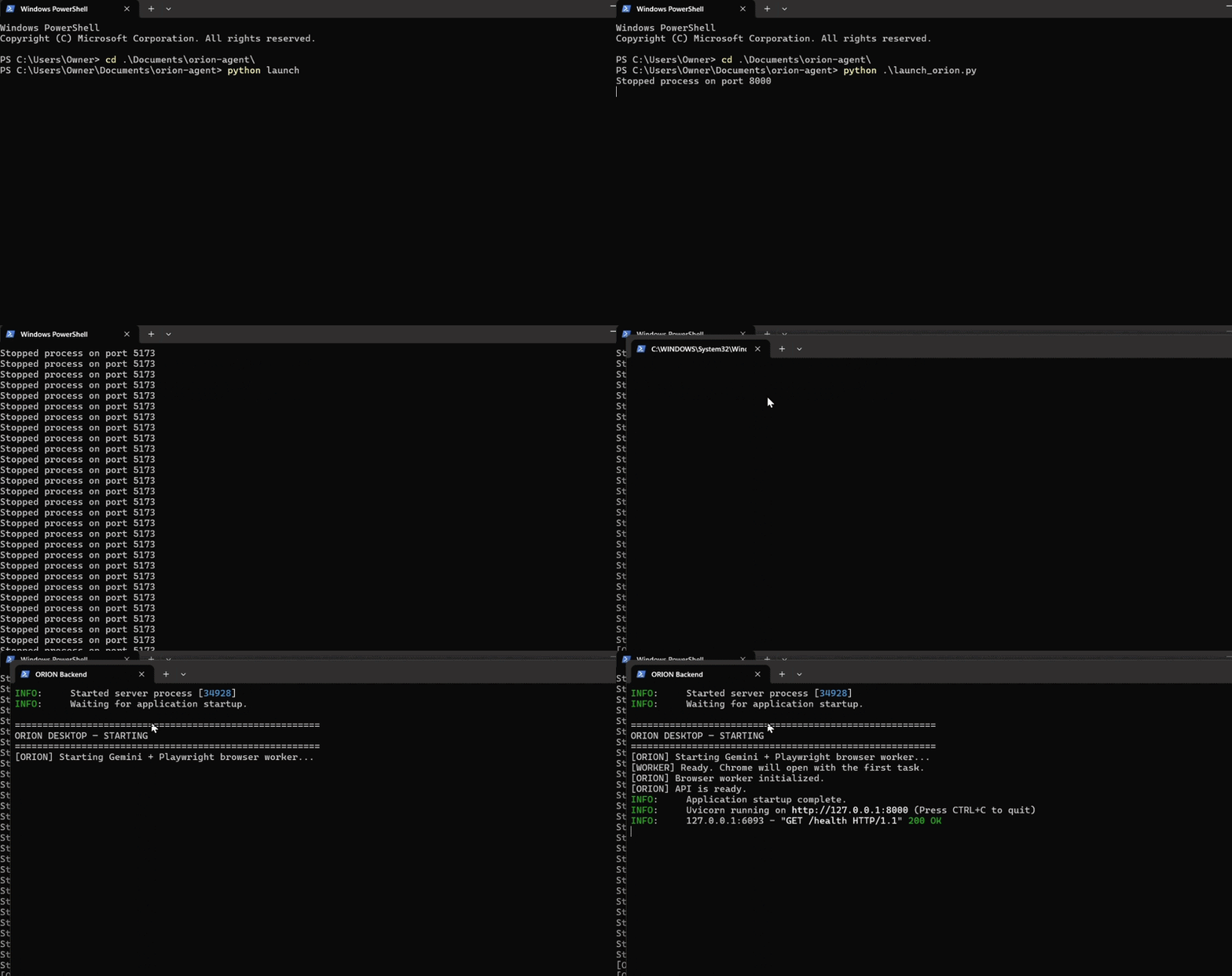
- One-click launch: a single Python script starts every terminal and service the stack needs.
How we built it
| Layer | Tech |
|---|---|
| Overlay UI | Python, PyQt6 (orion_bubble.py) |
| Audio visualization | Live mic input, bars scaled by signal amplitude |
| Speech-to-text | ElevenLabs |
| Agent | Browser agent (Python) |
| Orchestration | Launcher script that spawns all processes |
The branding follows the CodeRED look: a rounded-rectangle bubble holding a red multi-point star and the ORION wordmark, with red/white bars.
The bars are driven by the RMS amplitude of each audio frame:
$$ A = \sqrt{\frac{1}{N}\sum_{i=1}^{N} x_i^2} $$
where \( x_i \) is the i-th mic sample and \( N \) is the frame size.
# core idea: map mic amplitude to bar length
level = np.sqrt(np.mean(frame.astype(float) ** 2))
bar_length = min(MAX_LEN, level * GAIN)
Challenges we ran into
- Transparent, always-on-top windows in PyQt6 behave differently across platforms; getting a frameless, draggable, click-friendly overlay took iteration.
- Real-time audio without lag: keeping the visualization smooth while the mic stream also fed speech-to-text.
- Merging parallel work: the voice bubble and the browser-agent/ElevenLabs pipeline were built on separate branches and had to be integrated cleanly.
- Orchestration: getting several terminals and services to start in the right order from one script.
What we learned
- Building responsive, custom-painted UIs in PyQt6.
- Streaming and processing live audio.
- Wiring speech-to-text into an agent loop.
- Coordinating a team across feature branches under a deadline.
What's next
- [Wake word instead of push-to-talk]
- [More agent skills and integrations]
- [Cross-platform packaging]
Built with
python · pyqt6 · elevenlabs · numpy · git
Built With
- batchfile
- chatgpt
- claude
- copilot
- css
- gemini
- github
- html
- javascript
- python
- typescript


Log in or sign up for Devpost to join the conversation.