-
-
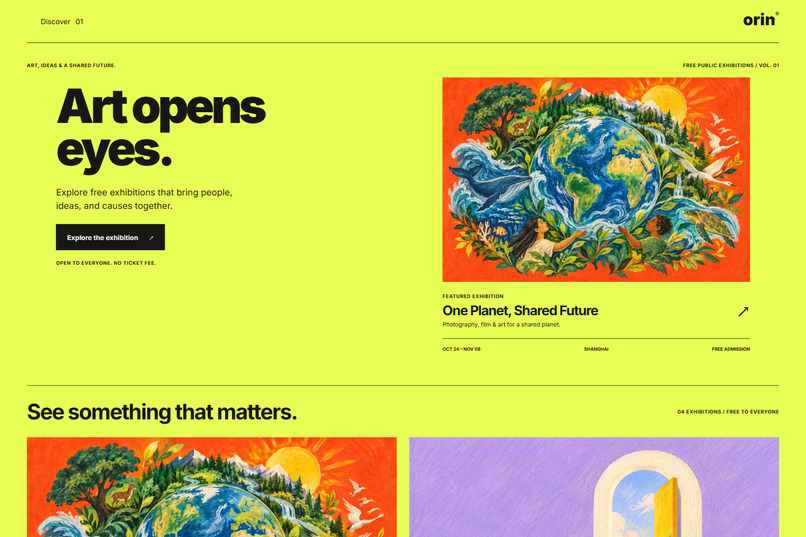
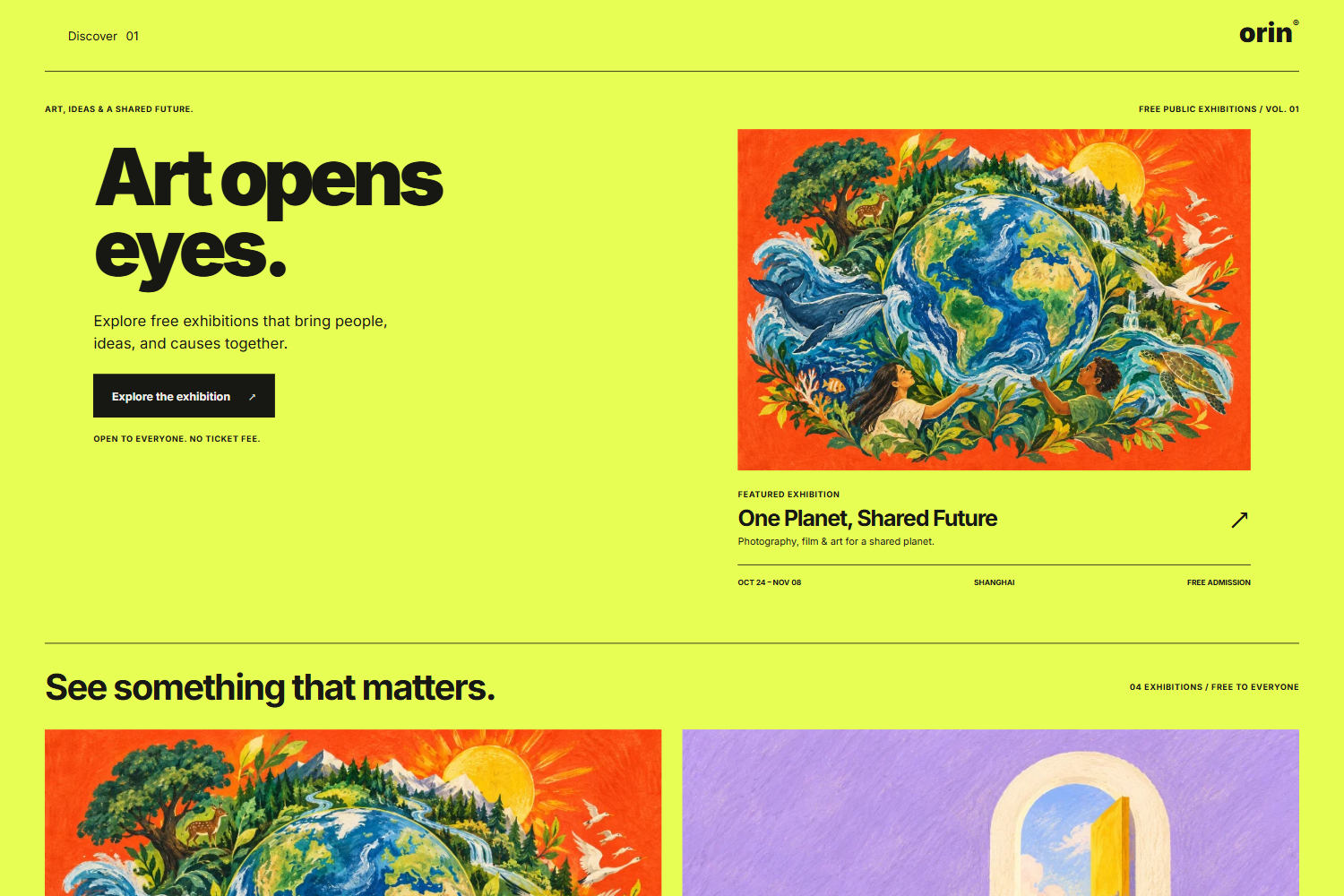
Discover free public-interest exhibitions through bold typography and hand-drawn illustrations.
-
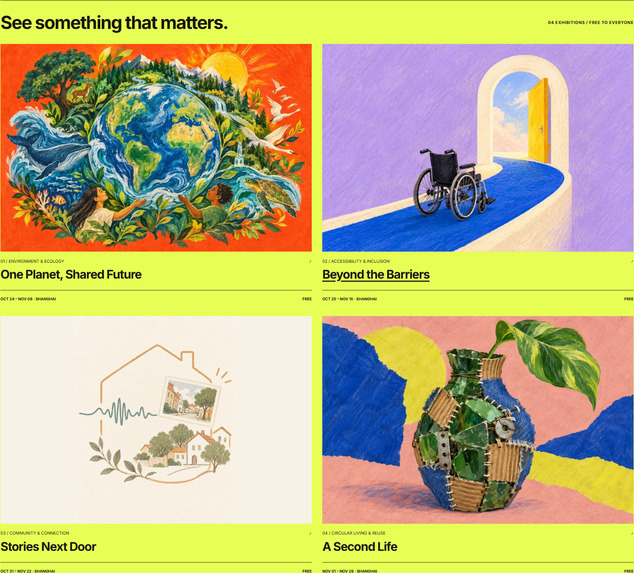
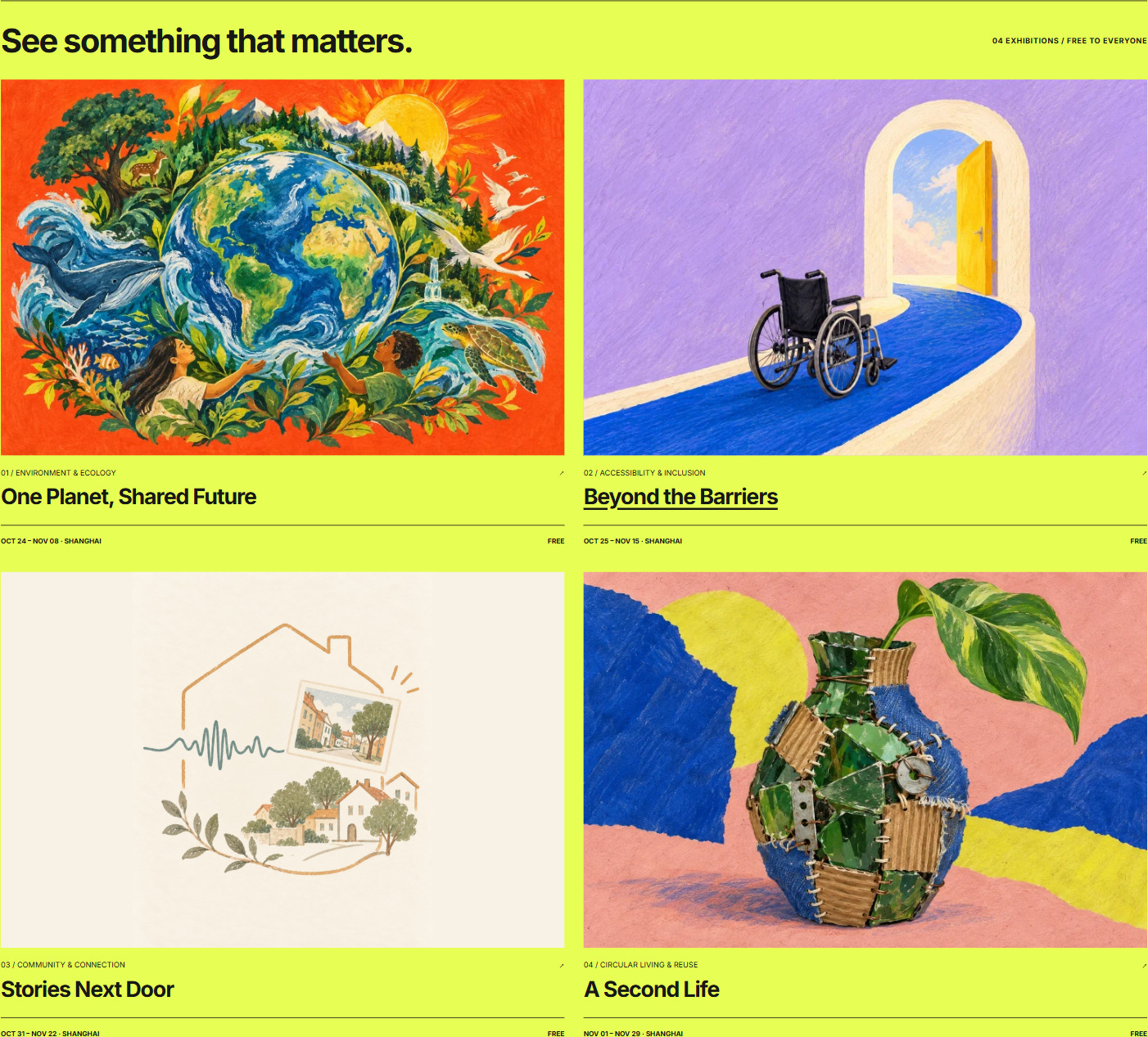
Four exhibition themes explore ecology, accessibility, community stories, and creative reuse.
-
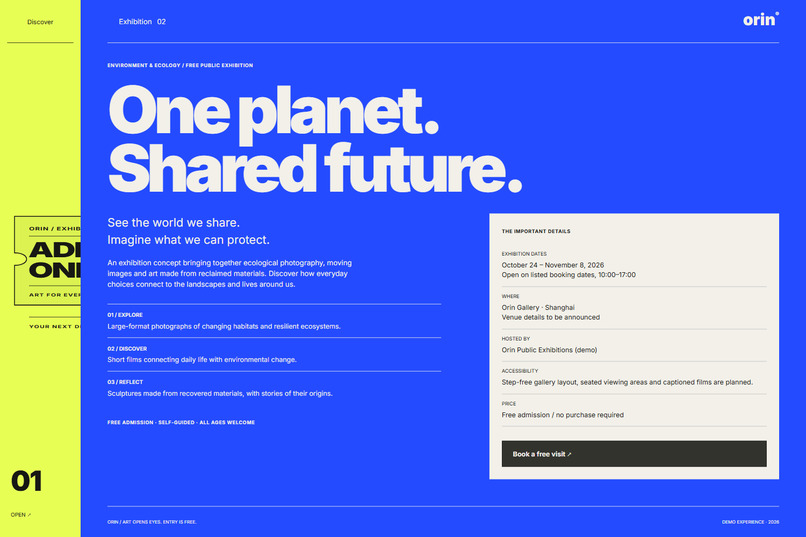
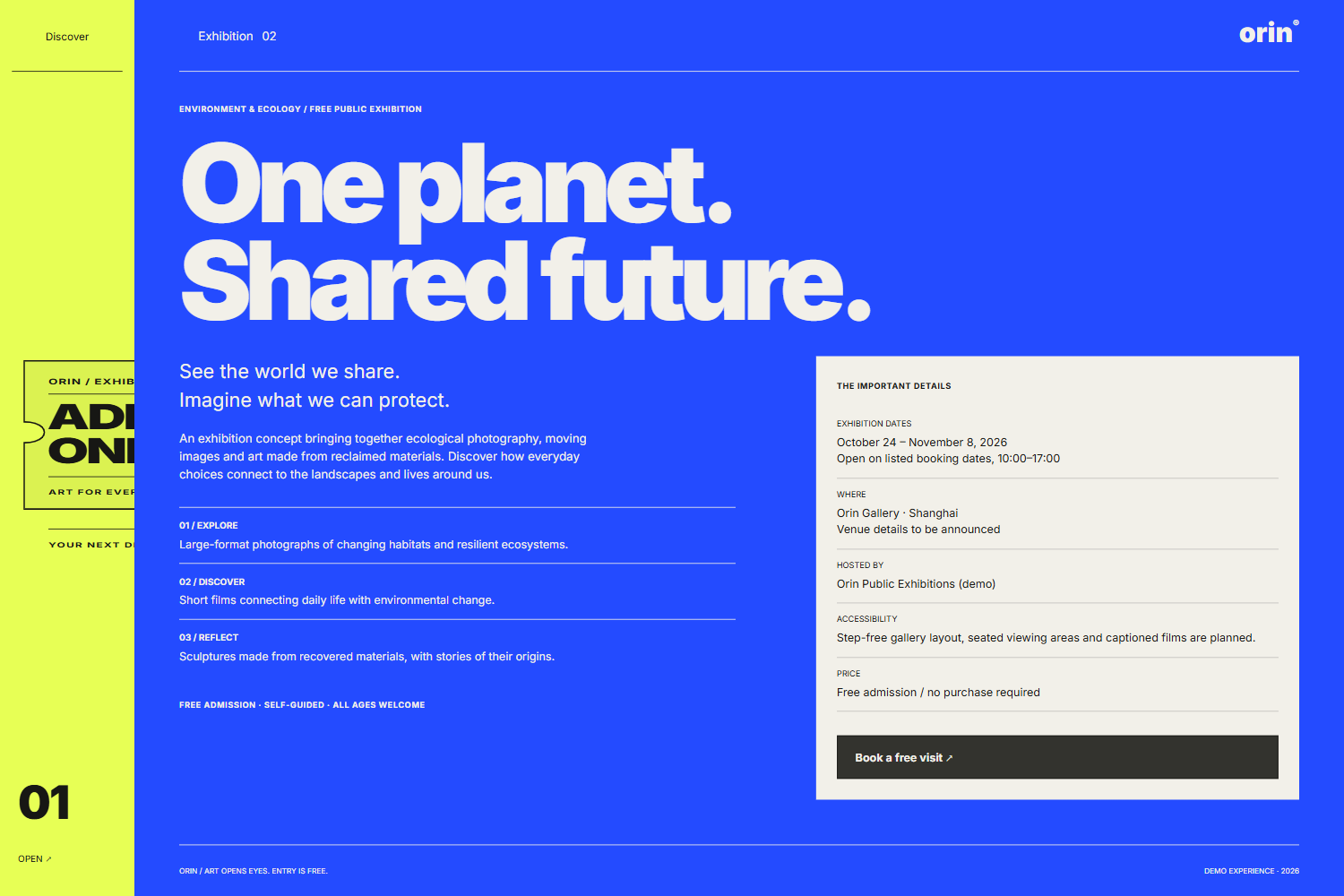
Explore exhibition highlights, dates, and planned accessibility features before booking a free visit.
-
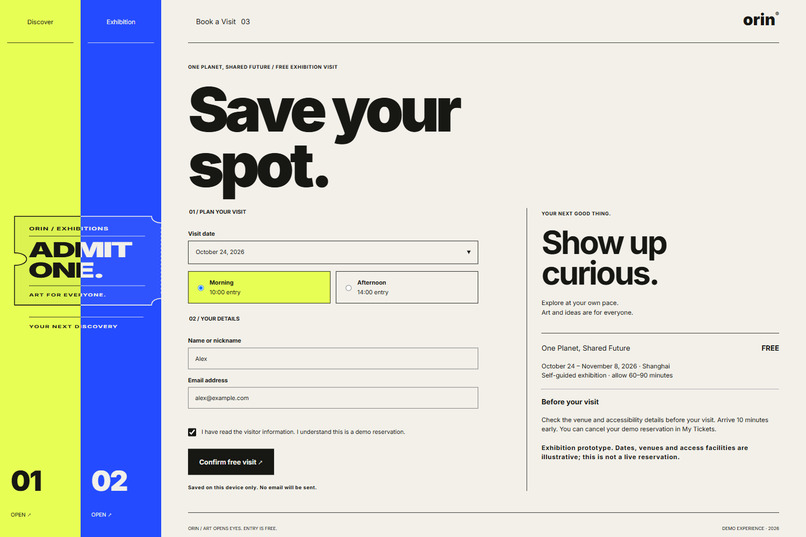
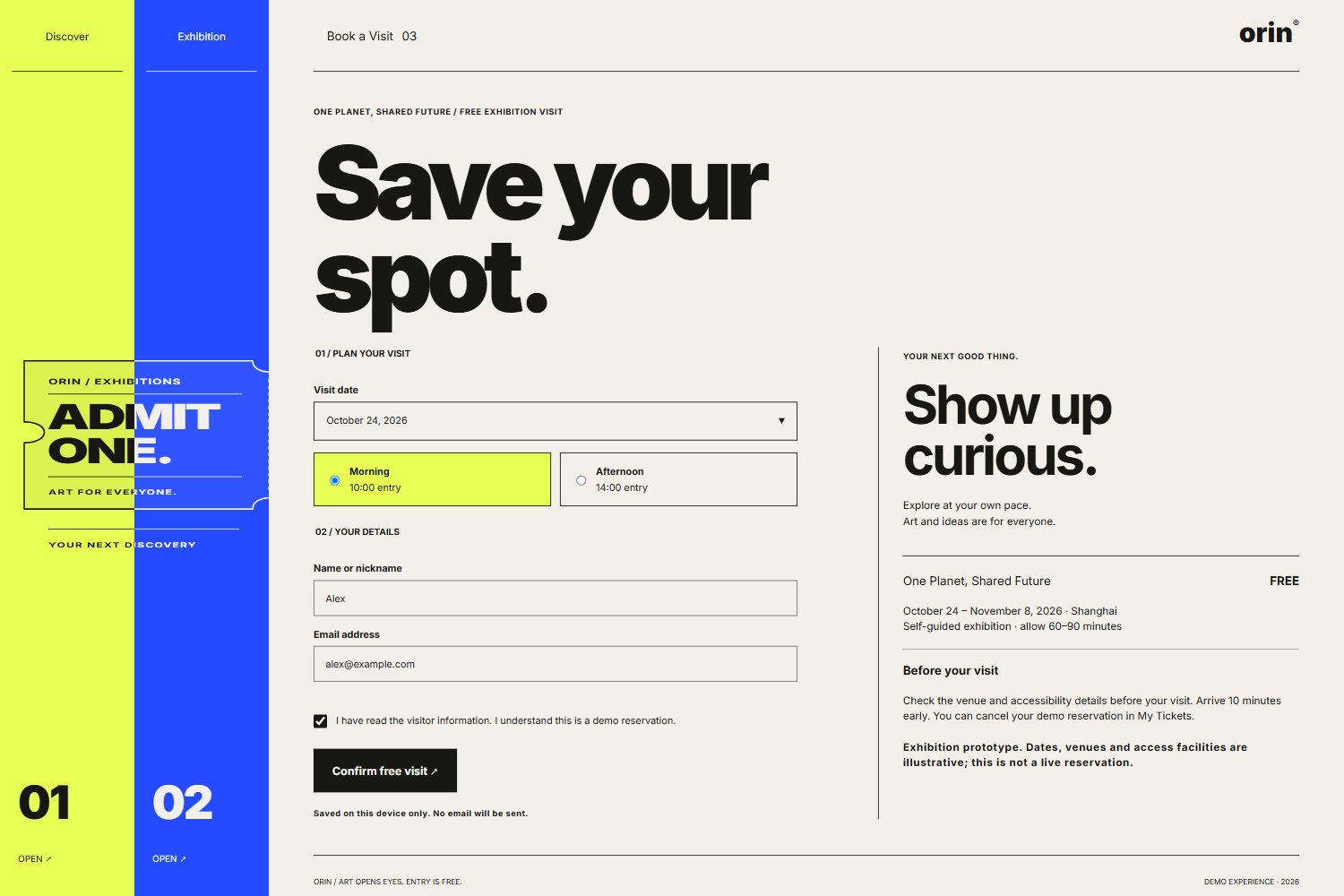
Choose a date and entry time as the navigation panels gradually assemble an exhibition ticket.
-
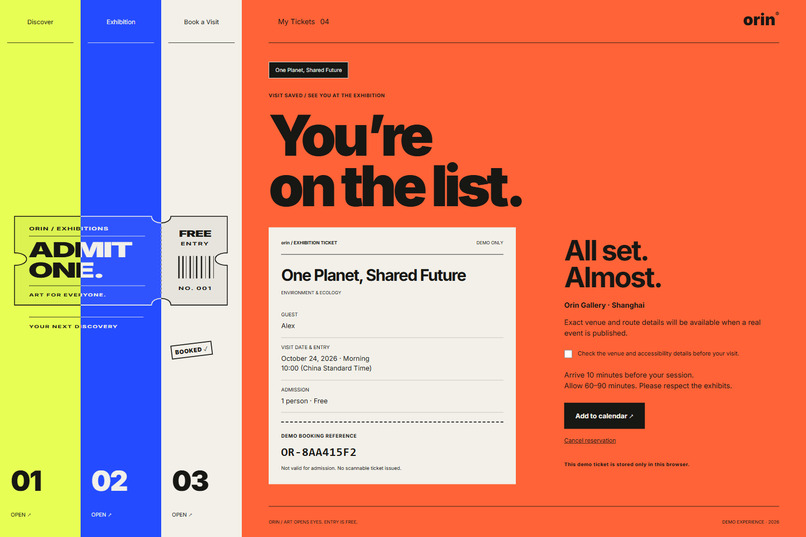
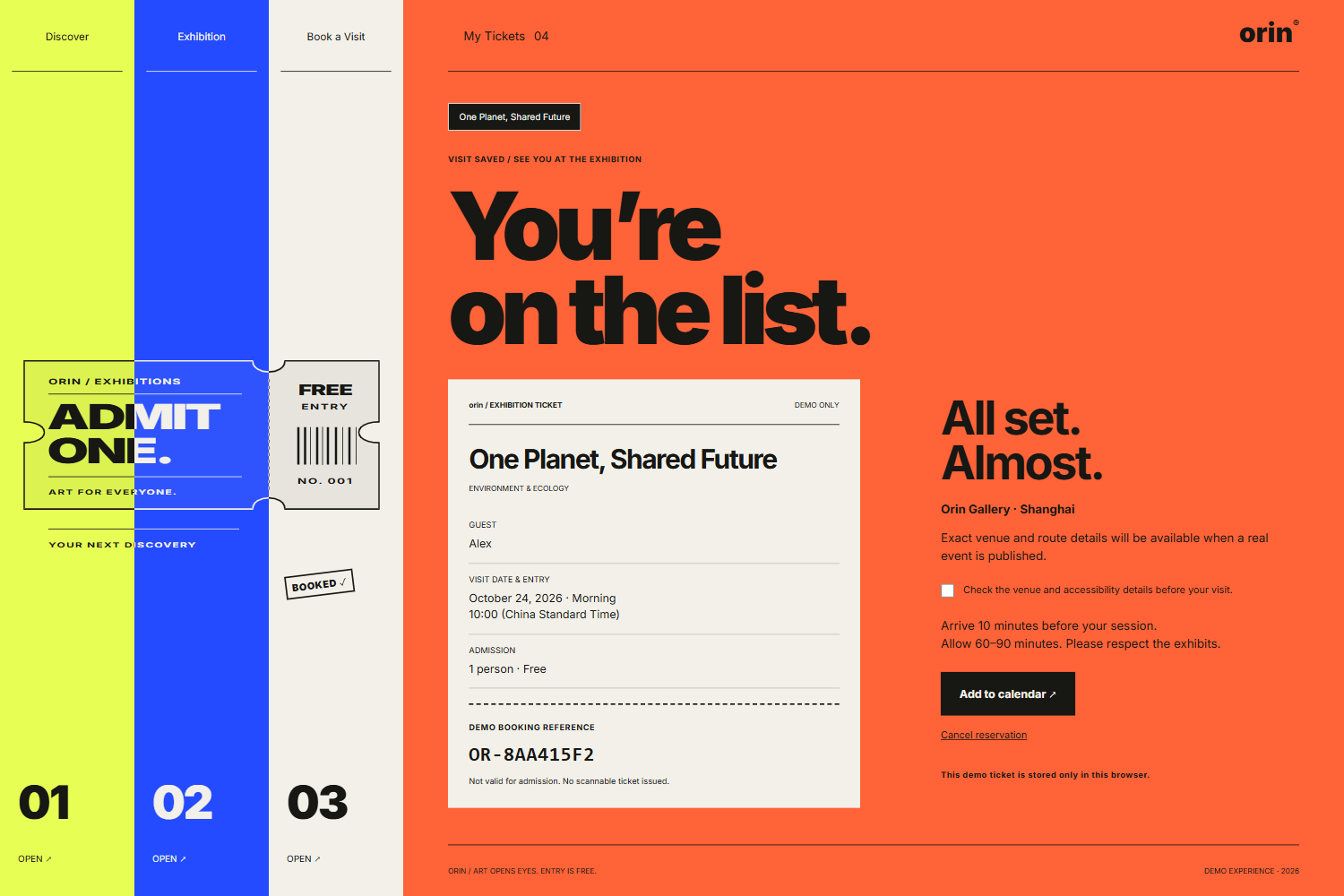
A completed ticket marks your demo reservation, with visit details, calendar export, and cancellation controls.
Inspiration
Orin began with an interaction idea: what if navigating a website felt like unfolding an exhibition poster?
I wanted to connect that visual experience to a practical purpose—helping people discover and reserve visits to free exhibitions about the environment, accessibility, community, and reuse.
The guiding idea is simple: Art opens eyes.
What it does
Orin is an interactive prototype for discovering and booking free public-interest exhibitions.
Visitors can:
- Explore four exhibition concepts with hand-drawn-style covers.
- Read exhibition themes, highlights, dates, and visitor information.
- Select a visit date and entry time.
- Save a demo reservation, view their ticket, and download a calendar reminder.
- Switch between saved reservations or cancel a visit.
The experience has four pages: Discover, Exhibition, Book a Visit, and My Tickets.
How I built it
The frontend uses HTML, CSS, and vanilla JavaScript, with Vite for development and production builds.
Page transitions use the Web Animations API. As the main page slides down from above, the exposed navigation strips slide up from below. Three strips gradually assemble a ticket illustration while remaining clickable navigation controls.
Reservations are stored in localStorage. Calendar reminders are exported as ICS files. Responsive image sizes and WebP compression keep the exhibition covers lightweight.
I used AI coding assistance during implementation and AI image generation to create hand-drawn-style cover artwork. One cover was replaced with a supplied illustration. Browser checks and interaction tests were performed with Playwright.
Challenges I faced
The main challenge was making expressive motion work consistently across different navigation states.
Transitions needed to behave correctly when users scrolled, clicked a navigation strip, opened a full-screen page, or submitted a booking form. On mobile, longer content also needed to scroll naturally before advancing to the next page.
Another challenge was separating browsing progress from booking status. The ticket illustration assembles as visitors move through the pages, but the BOOKED stamp appears only after a reservation is confirmed.
Accomplishments
I built a working journey from exhibition discovery to a saved demo ticket, with a consistent visual identity and coordinated transitions.
The interface combines bold typography, colorful page layers, illustrated covers, and a ticket assembled from navigation strips. Desktop and mobile layouts, reservation persistence, cancellation, date selection, and calendar export have been checked.
What I learned
Motion is most useful when it explains relationships between pages and helps users understand where they are.
I also learned that visual progress should not imply a completed action. Exploring an exhibition and confirming a reservation need distinct feedback.
What's next
The next steps are usability testing with visitors, connecting real exhibition information, and adding a backend for availability, reservations, and admission verification.
The current version is a frontend prototype. Exhibitions and venue details are illustrative, reservations are saved only in the current browser, and demo tickets are not valid for admission.
Built With
- css3
- html5
- javascript
- localstorage
- playwright
- svg
- vite


Log in or sign up for Devpost to join the conversation.