OrchestrateLive
Selected Track: General Innovation (Developer Tooling & Productivity)
📌 Problem Statement
As software engineering shifts toward autonomous AI CLI workflows (e.g., Claude Code, Cursor CLI, Kilo CLI, Antigravity), developers face severe terminal chaos. Running multiple agents concurrently floods developer consoles with hundreds of lines of unstructured text logs.
- The Blind Spot: It is nearly impossible to track real-time agent lifecycle states (Planning, Reading, Writing, Executing MCP Tools), leading to developer fatigue and constant screen babysitting.
- Invisible Costs & Limits: CLI agents provide little immediate visibility into real-time token burn (input/output counts), processing latency, or context window saturation until an agent abruptly crashes or costs escalate.
- Intrusive Overhead: Existing monitoring platforms often demand heavy, vendor-locked SDKs or cloud integrations that pollute local code repositories and compromise code privacy.
💡 What We Built & Key Features
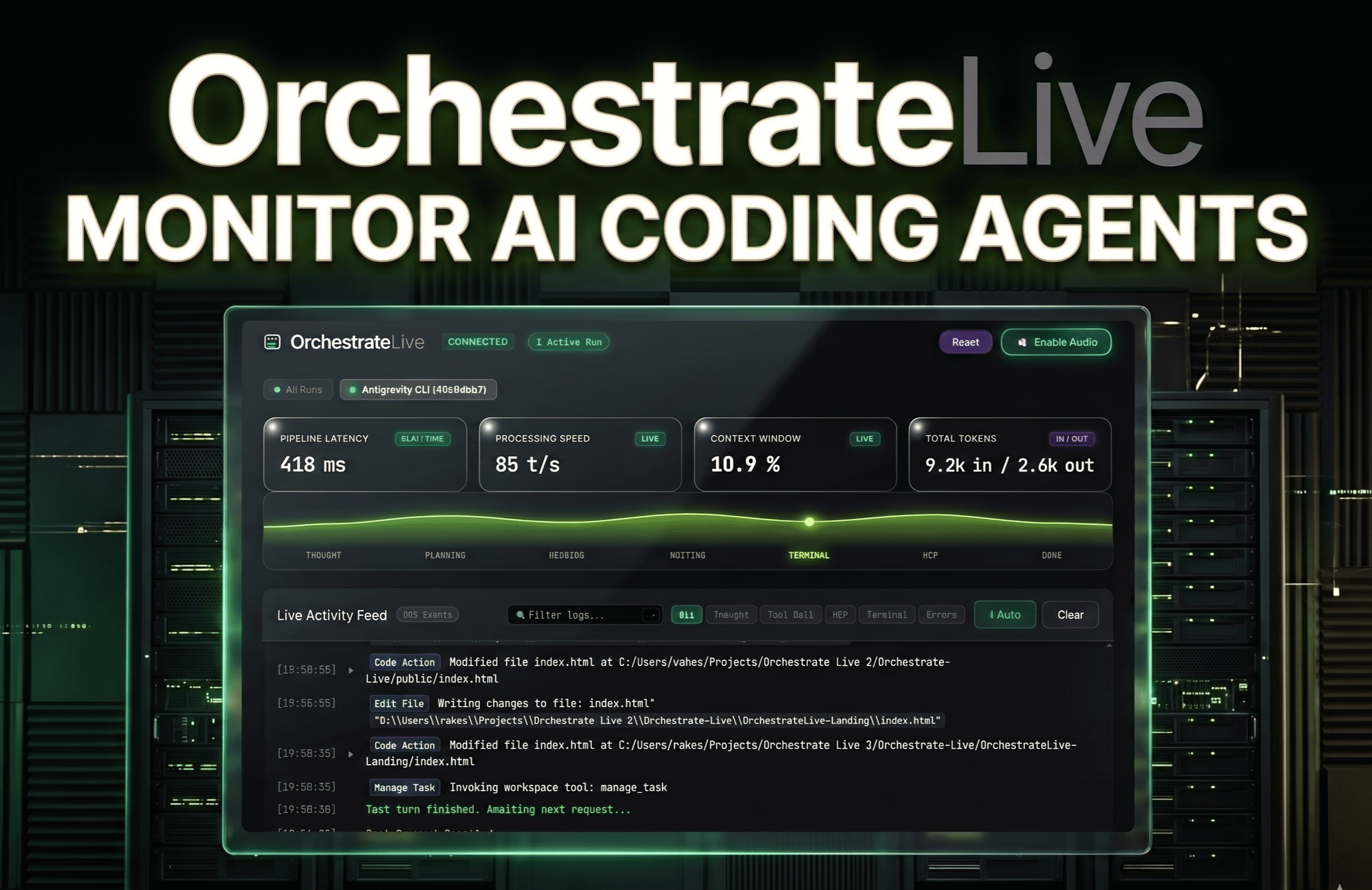
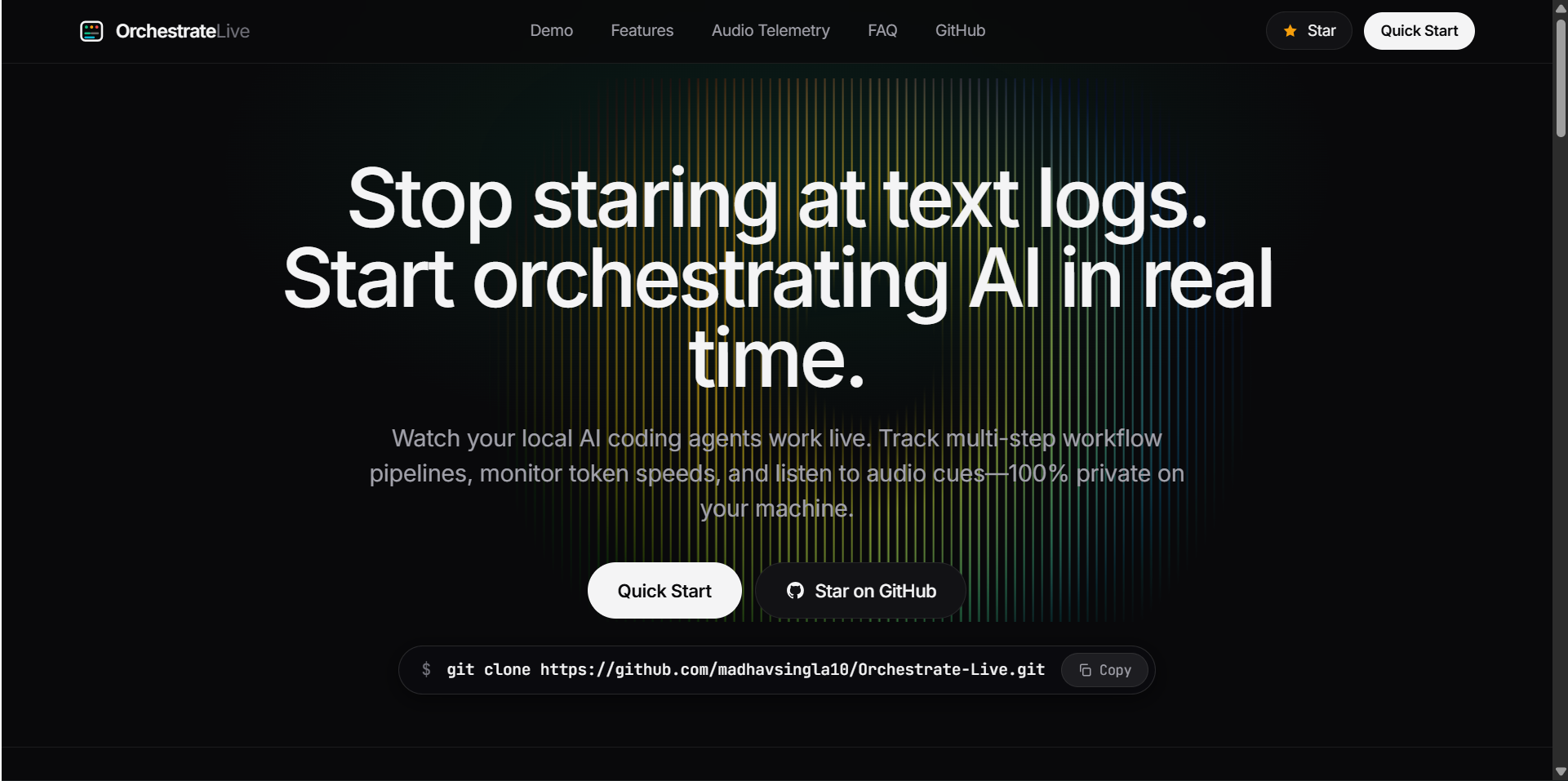
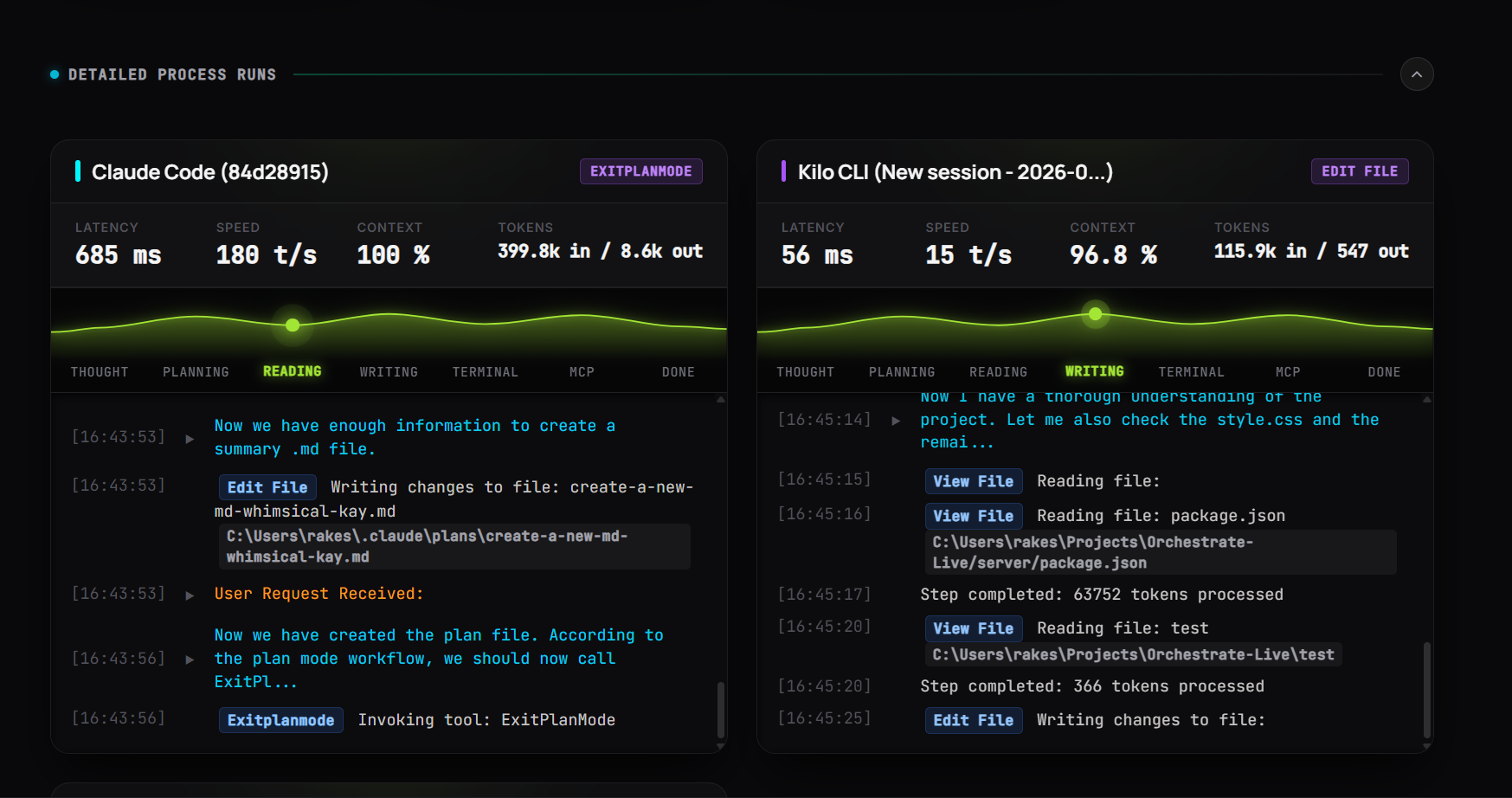
OrchestrateLive is a lightweight, zero-dependency, local-first telemetry command center that converts raw CLI agent event streams into a real-time visual monitoring dashboard with ambient synthesized audio cues.
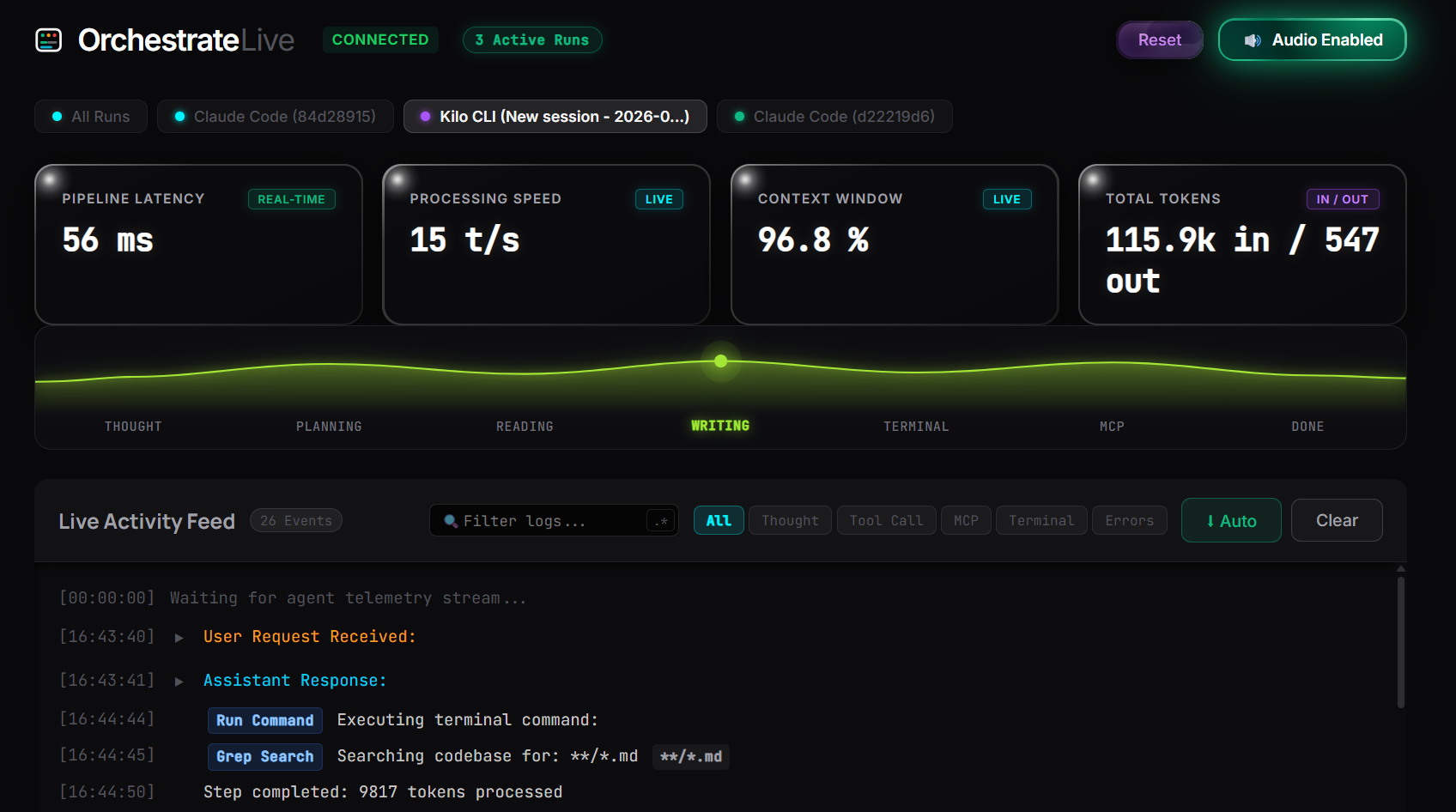
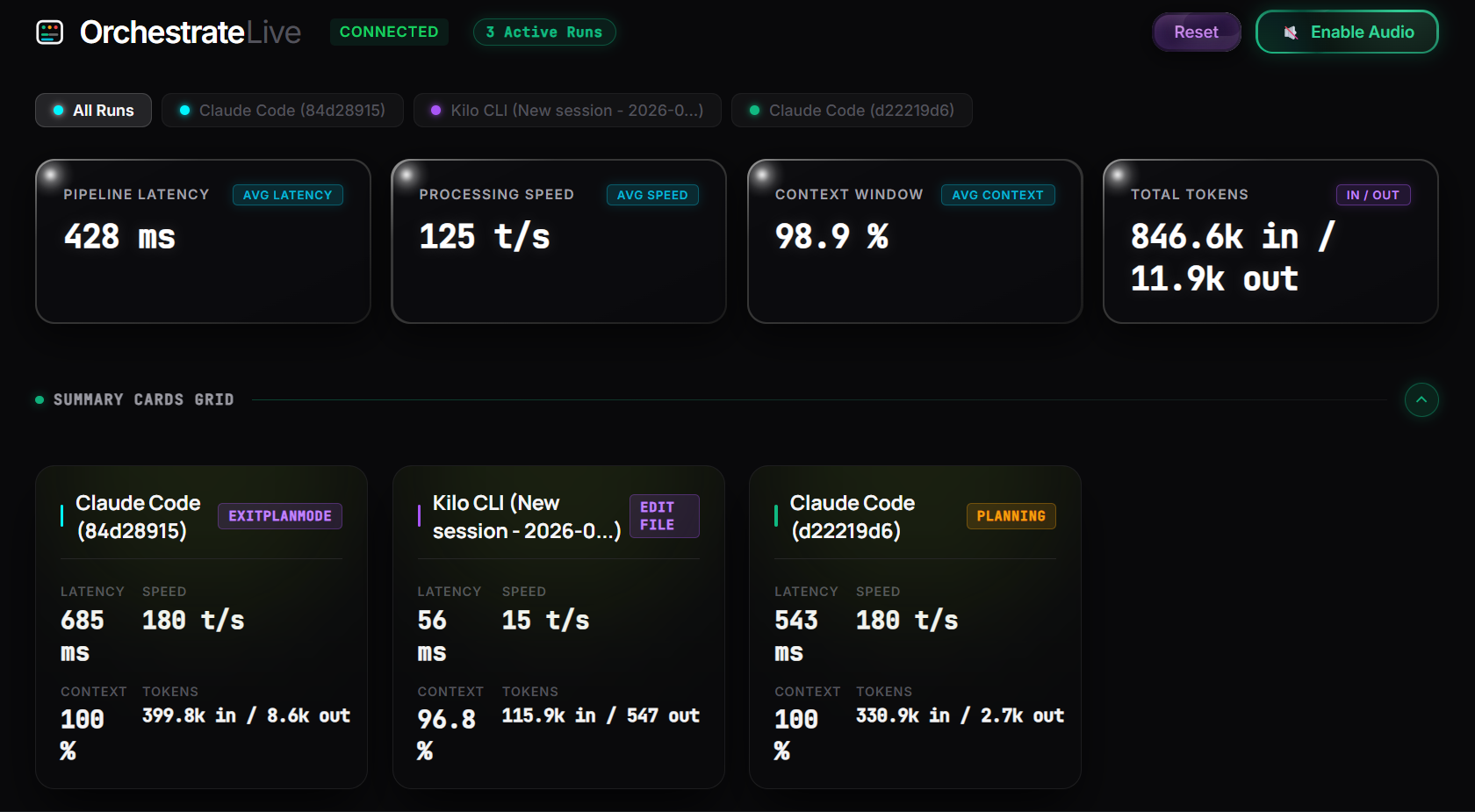
- Unified Multi-Agent Dashboard: Aggregates concurrent agent runs into one unified interface with auto-focusing tabs and isolated run drill-downs.
- Dynamic Lifecycle Pipeline: Visualizes live execution phases along a responsive telemetry curve: Thought ➜ Planning ➜ Reading ➜ Writing ➜ Terminal ➜ MCP ➜ Done.
- Live Telemetry & Token Metrics: Tracks token consumption (in/out), pipeline latency (ms), context window saturation (%), and generation speed (tokens/sec) in real time.
- Ambient Web Audio Telemetry: Uses native browser oscillators to programmatically synthesize distinct audio feedback cues for agent milestones, eliminating the need to stare at the screen.
- One-Click Diagnostic Filters: Quickly isolates runtime errors, MCP tool invocations, and agent thought processes without manual log scrolling.
- 100% Local & Privacy-Preserving: Operates entirely on
localhostvia WebSockets without storing data in the cloud or requiring code changes inside active project repositories.
⚙️ Tech Stack & Architecture
[ Active CLI Agents (Claude Code / Kilo / Antigravity) ]
                        │
                        ▼ (Local File / Process Telemetry Stream)
             [ Node.js Broker & Workspace Watcher ]
                        │
                        ▼ (Sub-millisecond WebSockets - `ws`)
          [ Vanilla JS & Web Audio Engine Frontend ]
   (Real-time Canvas Waveform + State Tracking + Local Storage)
- Frontend: Native HTML5, CSS3 (glassmorphic dark UI with hardware-accelerated animations), and Vanilla JavaScript for maximum rendering performance without heavy framework overhead.
- Audio Engine: Code-driven synthesizer built on the native browser Web Audio API to generate real-time ambient cues without loading external audio assets.
- Backend Broker: Node.js and Express server with a high-throughput WebSocket (
ws) layer to ingest, serialize, and broadcast telemetry payloads at sub-millisecond latency. - Storage & Privacy: Zero cloud footprint; session state is maintained securely in the browser's local storage.
⚠️ Challenges We Ran Into
- Real-Time Synchronization & Burst Ingestion: AI coding agents emit data in irregular bursts rather than smooth streams. We engineered an event-driven serialization queue to prevent packet collisions and UI rendering stutter during high-volume tool executions.
- Accurate Token & Metric Parsing: Accurately calculating speed (tokens/sec) and context window limits on the fly required developing lightweight parsing heuristics that do not consume host CPU cycles.
- Zero Repo Pollution: Decoupling the observability agent from user repositories required designing an external workspace discovery listener, enabling developers to run
node server.jsfrom any separate directory without altering project codebases.
🚀 Setup & Quickstart
# 1. Clone the repository
git clone https://github.com/madhavsingla10/OrchestrateLive

# 2. Navigate to the Serve inside the project directory
cd server

# 3. Install lightweight dependencies
npm install

# 4. Start the local telemetry server
node server.js

# 5. Open the dashboard in your browser
# Visit: http://localhost:3000


Log in or sign up for Devpost to join the conversation.