Orchestrate-Live
Selected Track: Developer Tools
📌 Project Overview & Purpose
- Target Audience: Modern software engineers, AI developers, and technical teams orchestrating autonomous AI coding CLI tools (such as Claude Code, Cursor CLI, Kilo CLI, and custom agent workflows).
- The Problem: Running concurrent CLI coding agents floods developer terminals with hundreds of lines of unstructured text logs. Tracking whether an agent is thinking, modifying code, calling MCP tools, or stalling causes severe cognitive fatigue and forces constant manual screen babysitting. Furthermore, CLI agents obscure token consumption and context window saturation until an agent crashes or costs spike.
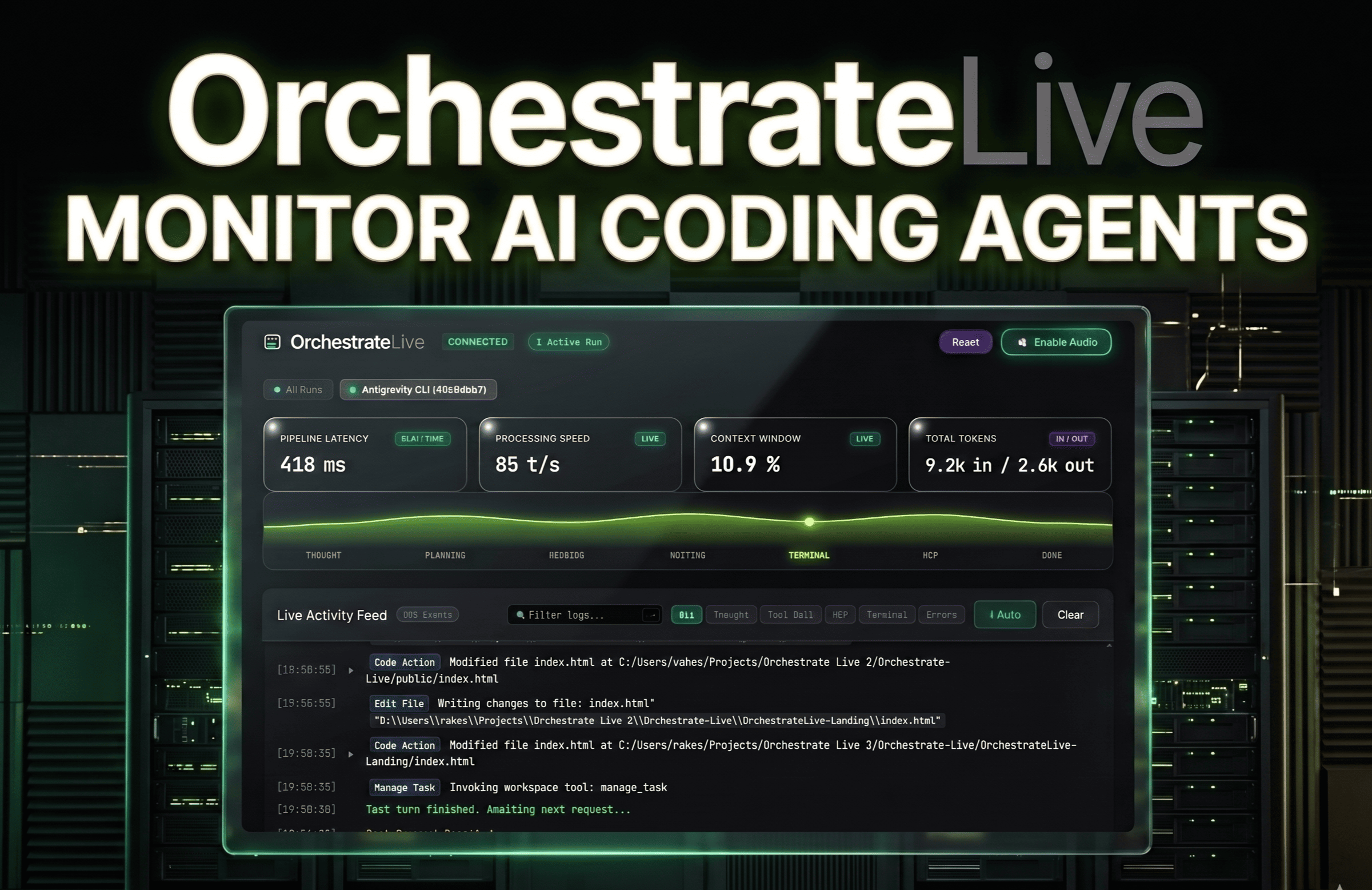
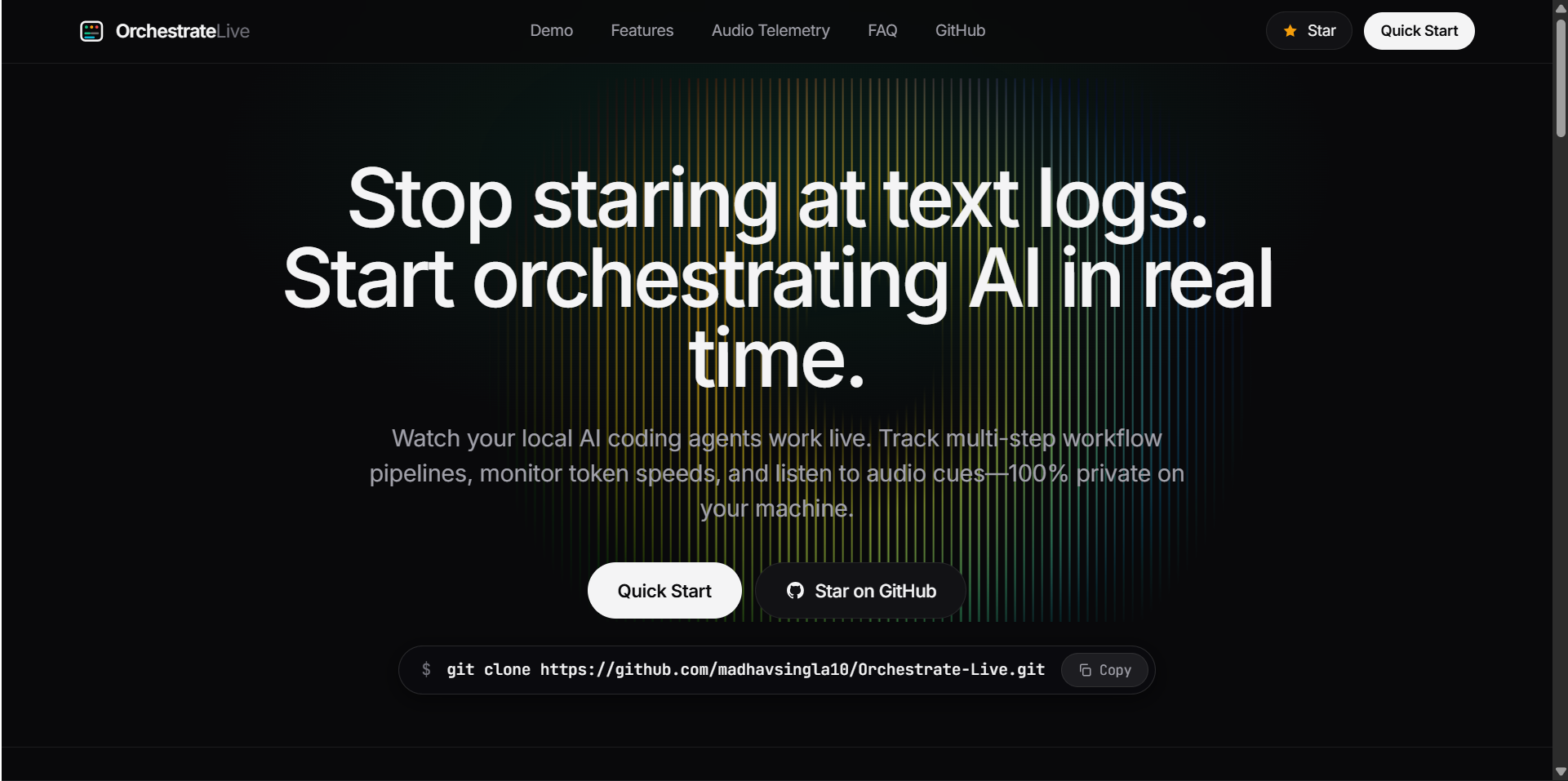
- The Solution: OrchestrateLive is a lightweight, zero-dependency, local-first observability control center that parses raw CLI agent event streams and visualizes them on an interactive dashboard with ambient synthesized audio telemetry.
💡 Main Features
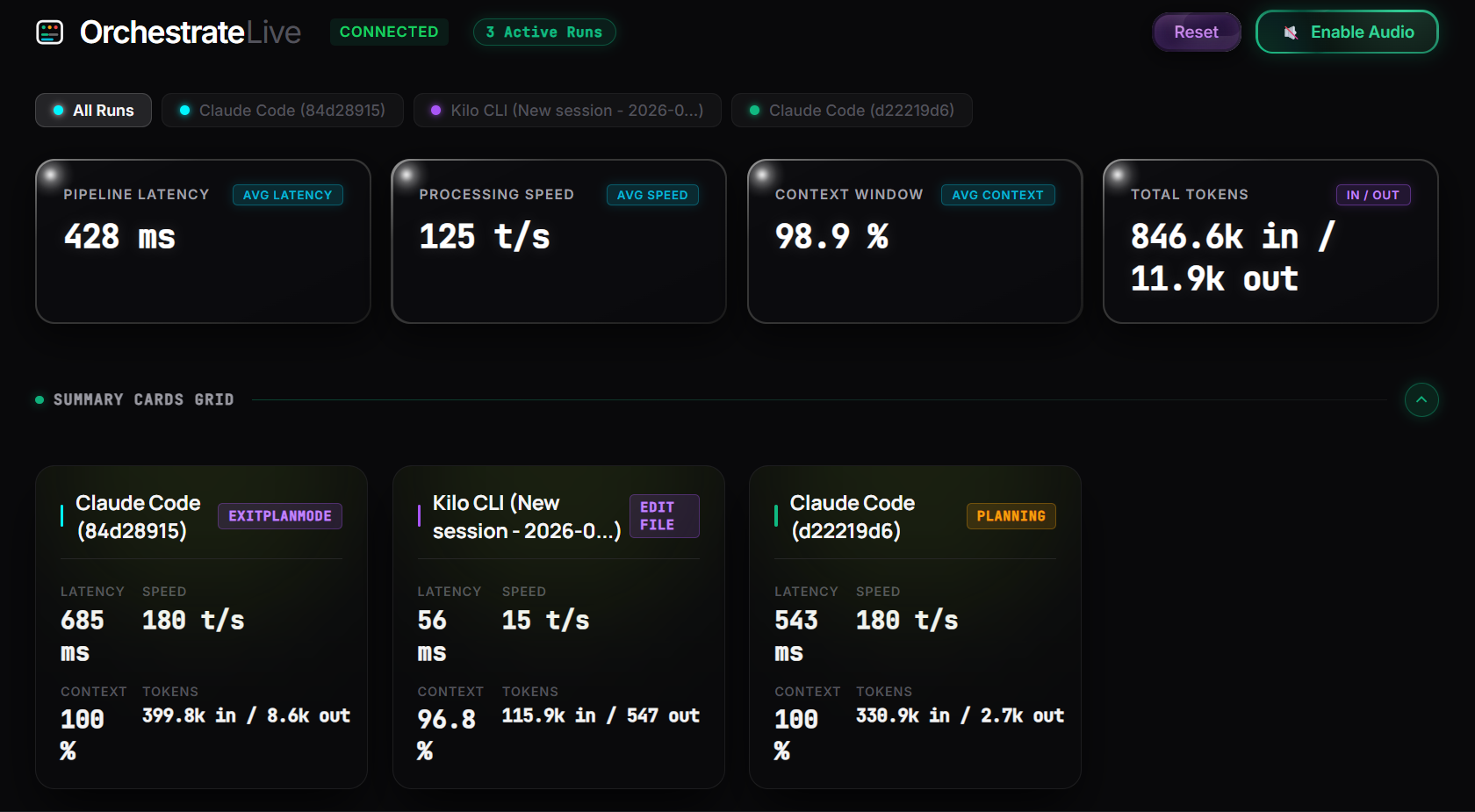
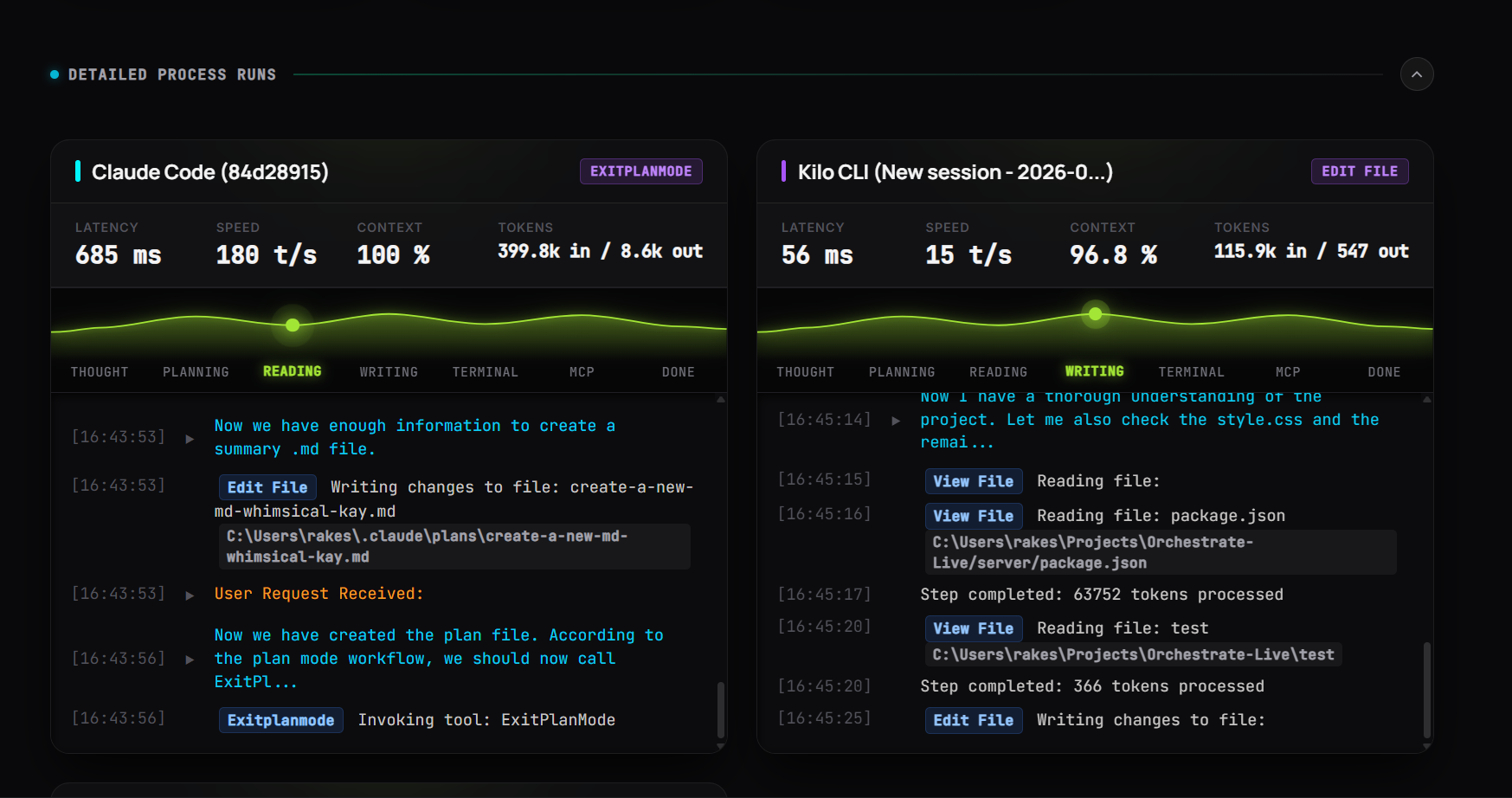
- Unified Multi-Agent Dashboard: Aggregates concurrent agent executions in one place, allowing users to switch seamlessly between a global multi-agent overview and dedicated single-agent inspection tabs.
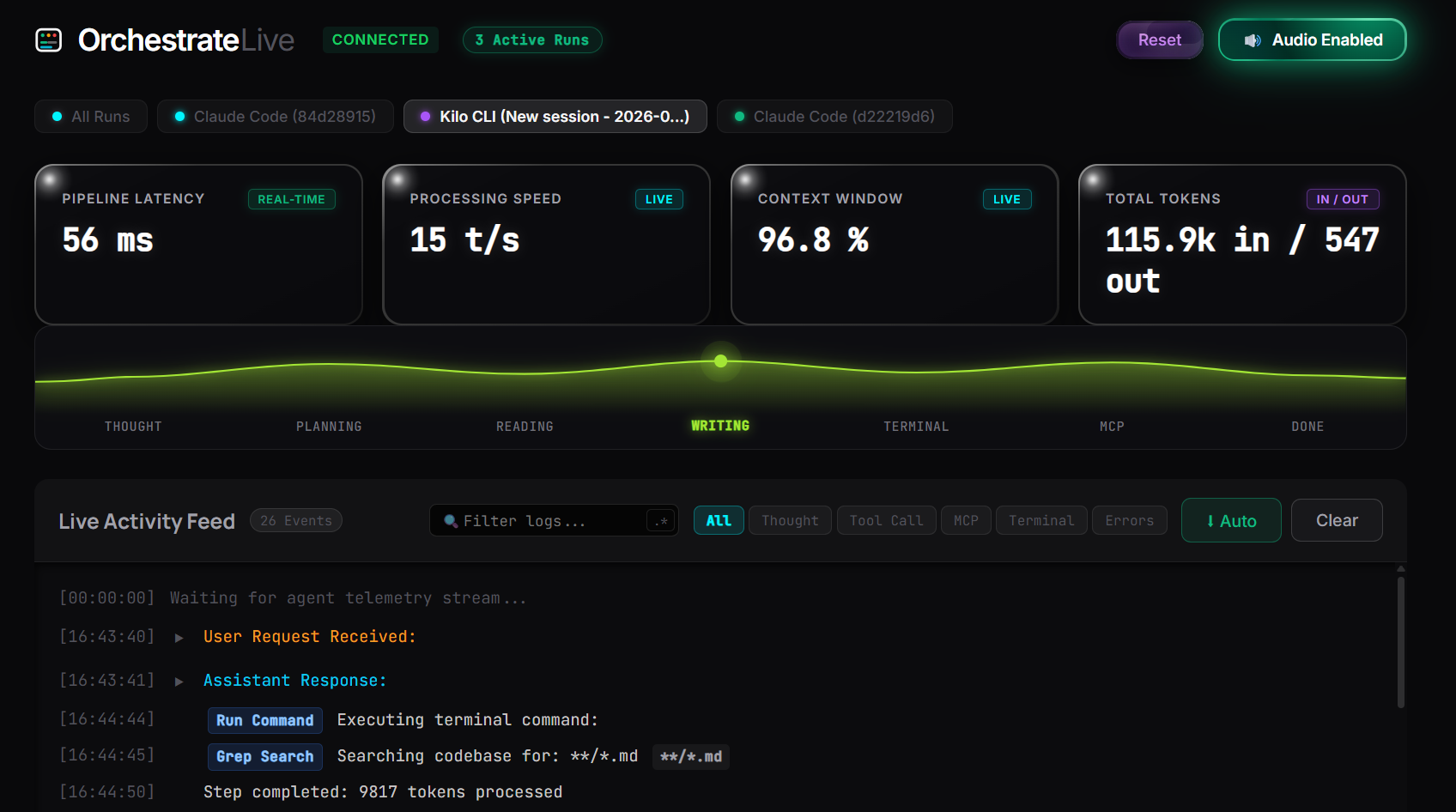
- Live Visual Lifecycle Map: Maps real-time agent execution across clear stages: Thought ➜ Planning ➜ Reading ➜ Writing ➜ Terminal ➜ MCP ➜ Done.
- Real-Time Performance Telemetry: Displays continuous stats for pipeline latency (ms), processing speed (tokens/sec), total tokens (in/out), and context window capacity (%).
- Ambient Web Audio Telemetry: Uses native browser oscillators to procedurally synthesize distinct audio feedback cues for agent milestones (e.g., thinking pings, file edit clicks, completion chimes), enabling hands-off monitoring.
- Instant Diagnostic Filters: Isolates runtime errors, tool calls, and planning thoughts with one click, bypassing manual log scrolling.
- 100% Local & Zero Repo Clutter: Fully decoupled architecture that runs standalone from any separate directory, storing session states in browser local storage without modifying active project codebases.
⚙️ Technical Architecture & Stack
┌───────────────────────────────────────────────────────────┐
│ Active CLI Agents (Claude Code, Kilo CLI, Custom Agents)  │
└─────────────────────────────┬─────────────────────────────┘
                              │ (Local File / Process Telemetry Stream)
                              ▼
┌───────────────────────────────────────────────────────────┐
│ Node.js Server & Local Workspace Watcher (Broker)         │
└─────────────────────────────┬─────────────────────────────┘
                              │ (Sub-millisecond WebSockets: `ws`)
                              ▼
┌───────────────────────────────────────────────────────────┐
│ Vanilla JS Frontend + Web Audio Synthesis Engine          │
│ • Hardware-accelerated telemetry waveform                 │
│ • Multi-agent state machine & error isolation filters     │
│ • 100% private, local-storage state persistence           │
└───────────────────────────────────────────────────────────┘
- Frontend: Vanilla HTML5, CSS3 (glassmorphic dark UI, CSS variables, hardware-accelerated animations), Native JavaScript (no heavy framework overhead).
- Audio Synthesis Engine: Native browser Web Audio API generating procedural audio waves dynamically without external audio assets or network requests.
- Backend Ingestion Broker: Node.js, Express, and WebSocket (
ws) server engineered for low-latency serialization and multi-agent message routing. - Storage & Privacy: Browser
localStoragefor session history, ensuring 100% local data privacy with zero cloud dependencies.
🛠️ Installation & Setup Guide
Prerequisites
- Node.js (v18.0.0 or higher)
- npm (v9.0.0 or higher)
- A modern web browser with Web Audio API support (Chrome, Edge, Firefox, Brave)
Quickstart Instructions
# 1. Clone the repository
git clone https://github.com/[your-username]/OrchestrateLive.git

# 2. Navigate to project root
cd OrchestrateLive

# 3. Enter the server directory and install dependencies
cd server
npm install

# 4. Start the telemetry server
node server.js

# 5. Open the control center in your browser
# Navigate to: http://localhost:3000
💡 Audio Tip: Click Enable Audio at the top-right of the dashboard to enable programmatic sound cues for thinking, writing, and task completion.
Testing with Built-in Simulation
To test the multi-agent UI without running live agents:
cd server
npm run simulate:multi
Configuration & Running with Live Agents
- Keep the
node server.jsterminal process active in the background. - Run your preferred AI coding CLI agent (Claude Code, Kilo CLI, Antigravity, or custom agent) in your working repository.
- OrchestrateLive's workspace watcher will automatically detect the active session, compute real-time metrics, and stream live events to the dashboard.
⚠️ Challenges & Technical Hardships
- Burst Token & Speed Computation: AI agents emit data in irregular bursts rather than smooth streams. We calibrated dynamic token and speed computation algorithms to handle sudden high-volume bursts without dropping metrics or stuttering the UI.
- Parallel Stream Synchronization: Multiplexing multiple independent agent streams without race conditions required implementing an event-driven serialization handler on the WebSocket broker.
- Zero-Dependency High Performance: Designing a fully featured, visually responsive monitoring UI without external libraries (like React or heavy charting kits) to keep CPU and RAM utilization near zero while developer machines run intensive AI agent builds.


Log in or sign up for Devpost to join the conversation.