-
-
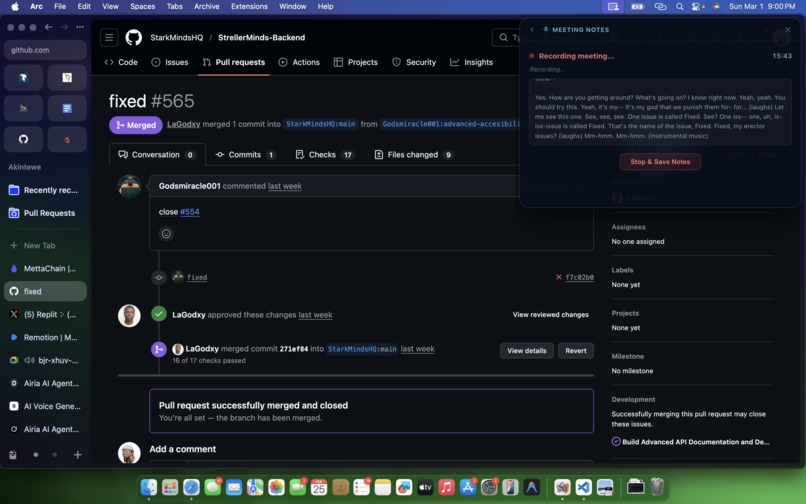
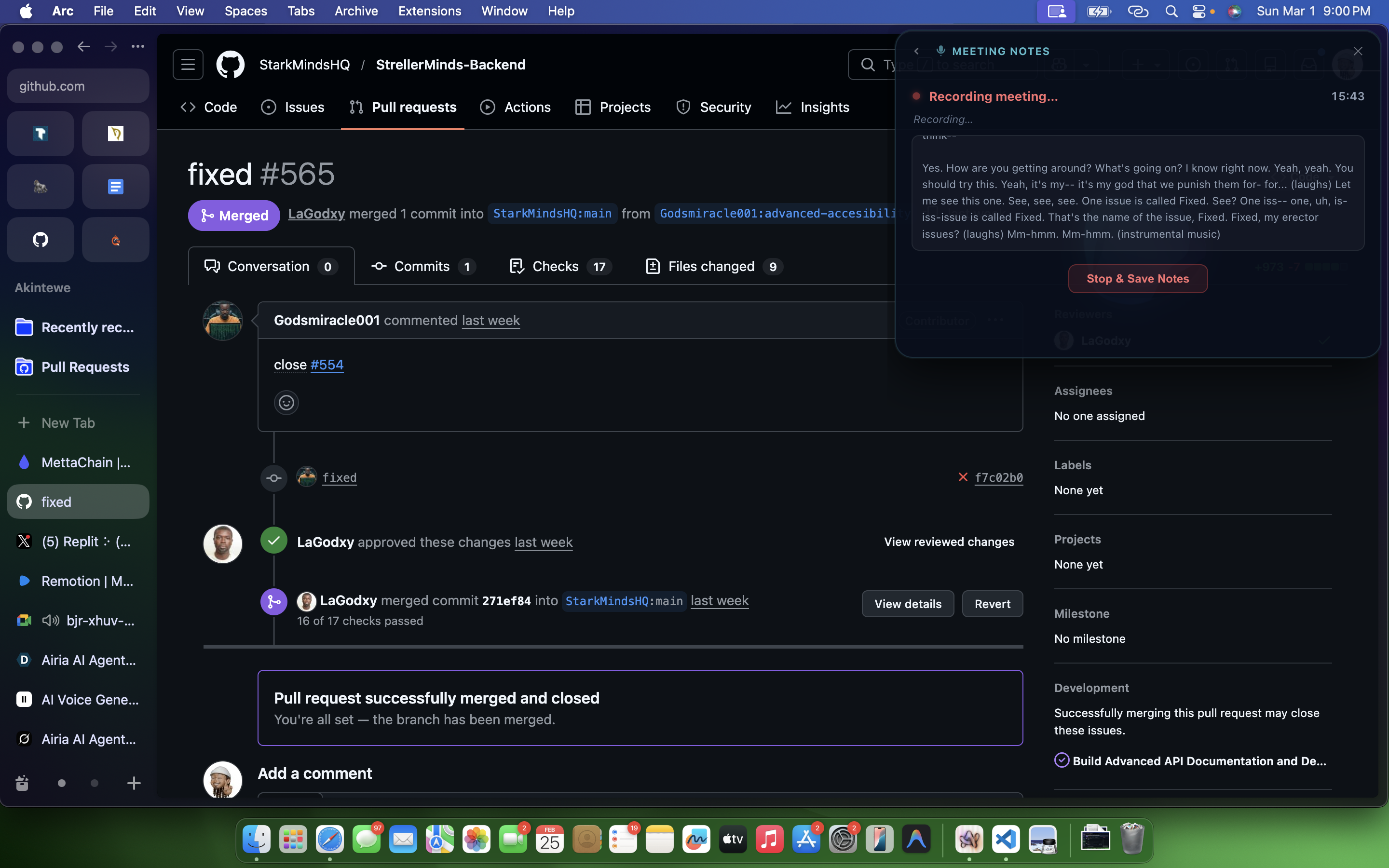
Take Meeting Notes With Orbiv
-
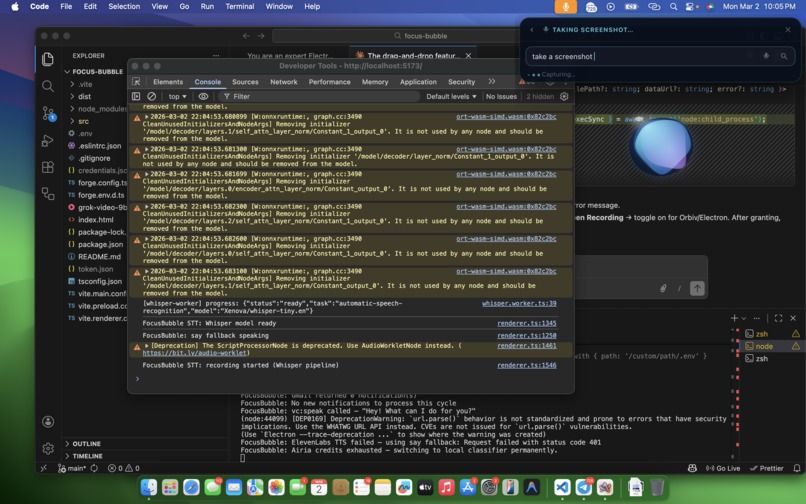
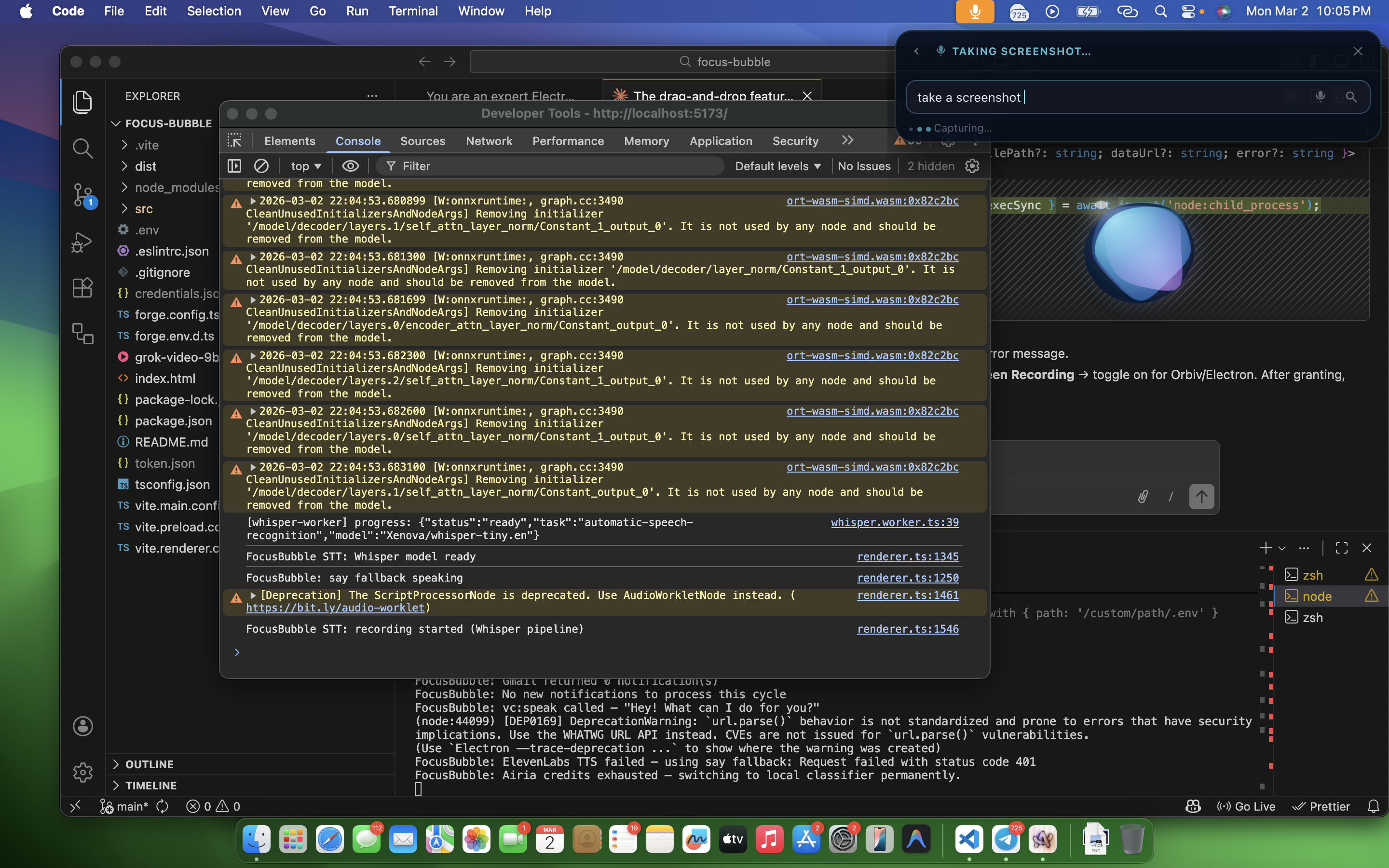
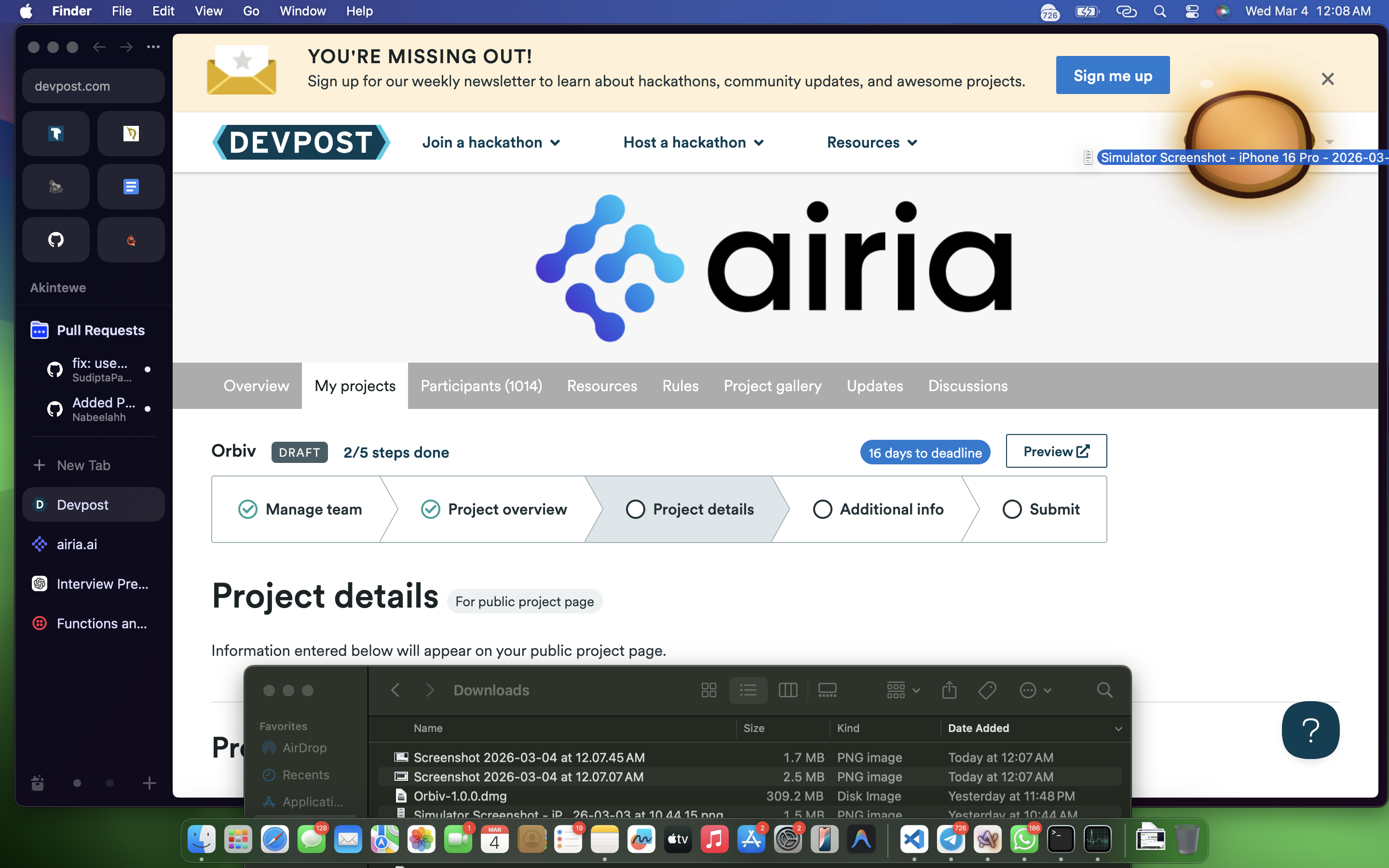
Take A Screenshot Easily With Orbiv
-
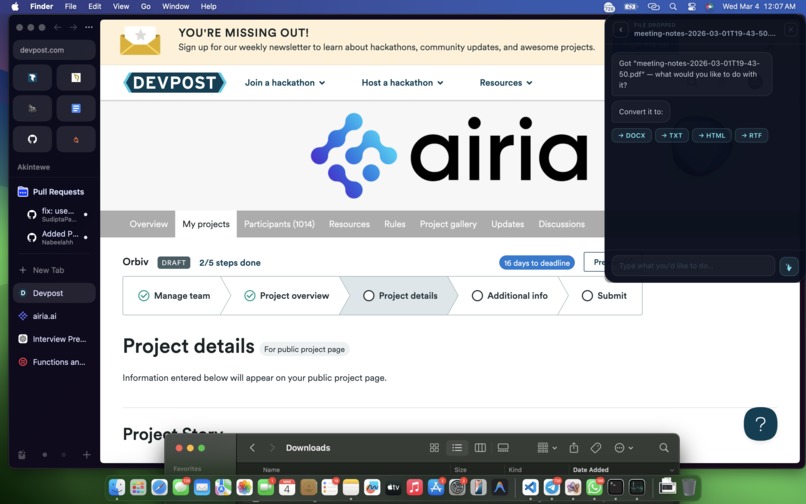
Convert Files At A Go With Orbiv
-
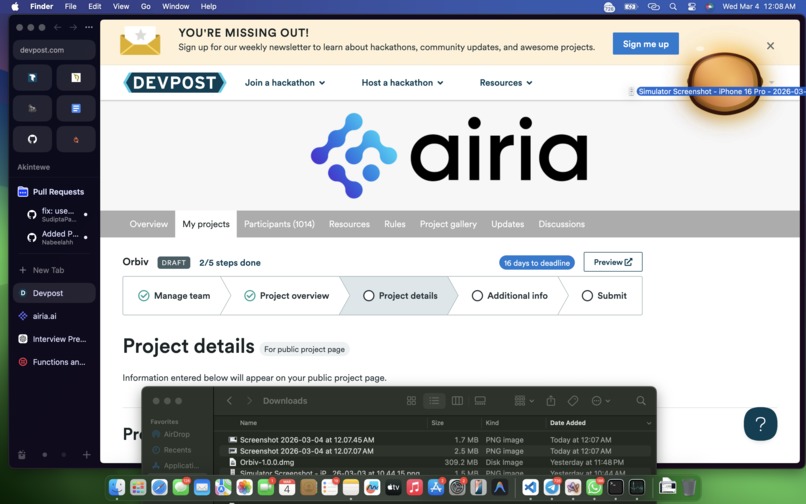
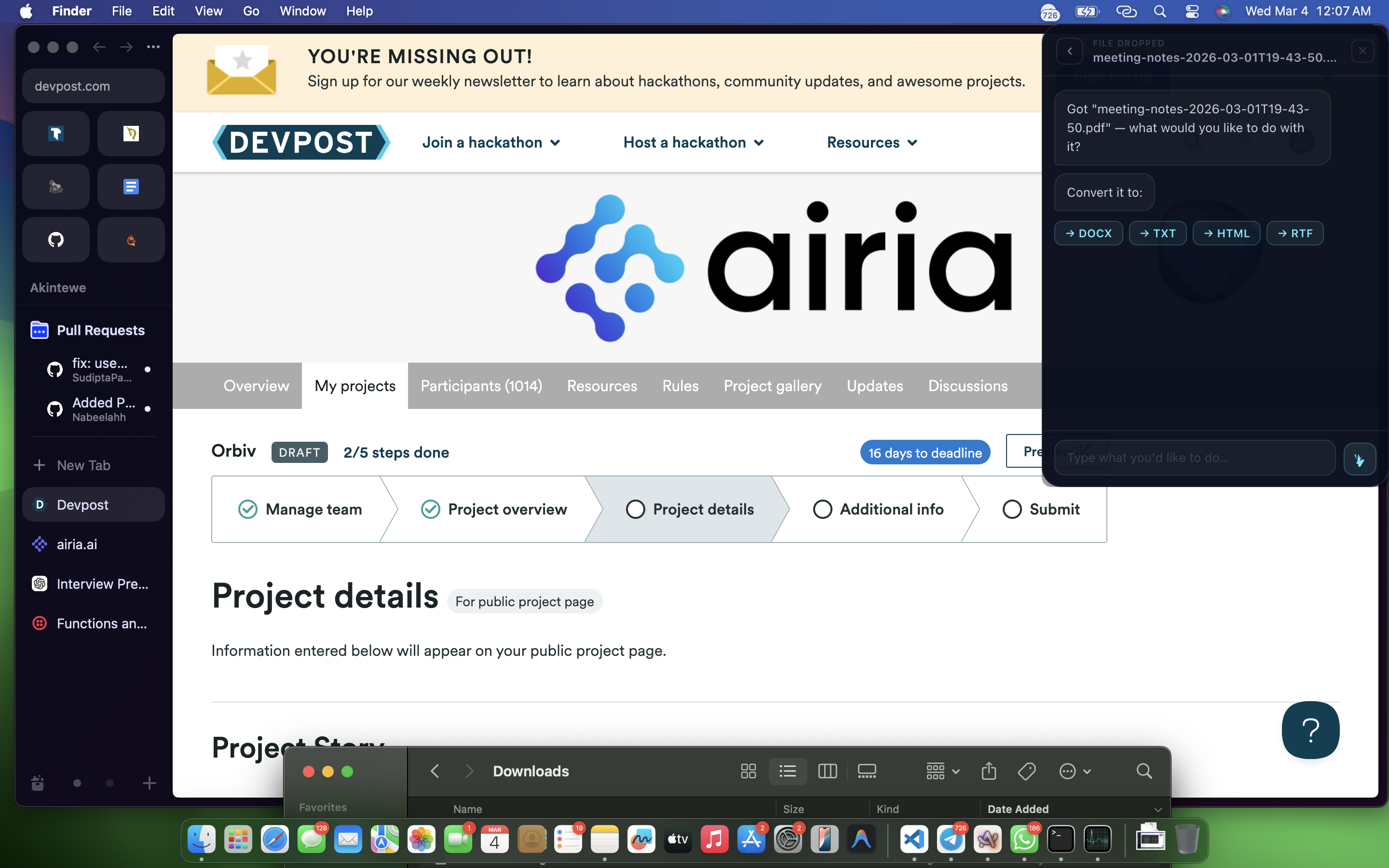
Drag And Drop Files To Convert
-
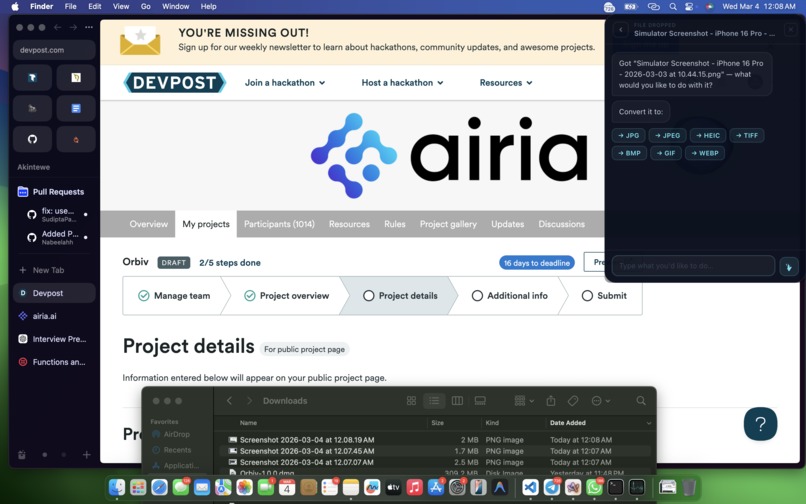
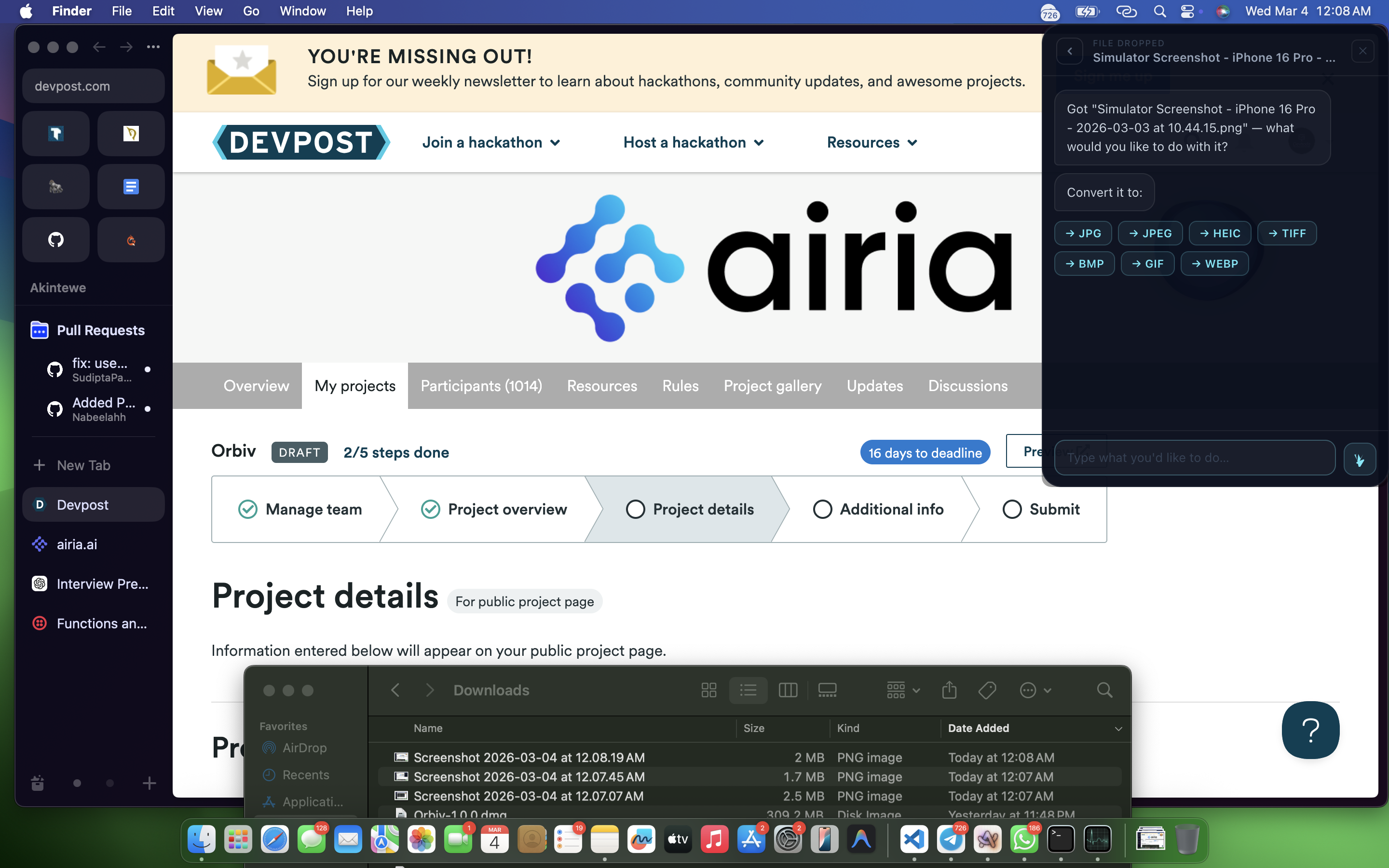
Convert Images At A Go With Orbiv
-
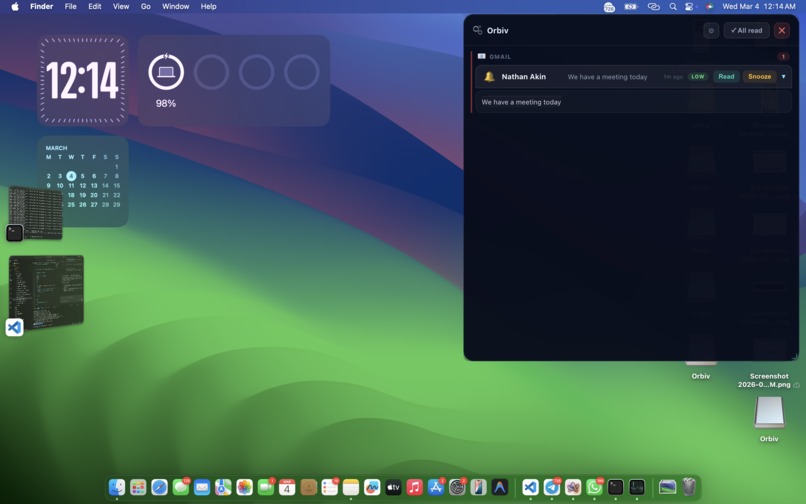
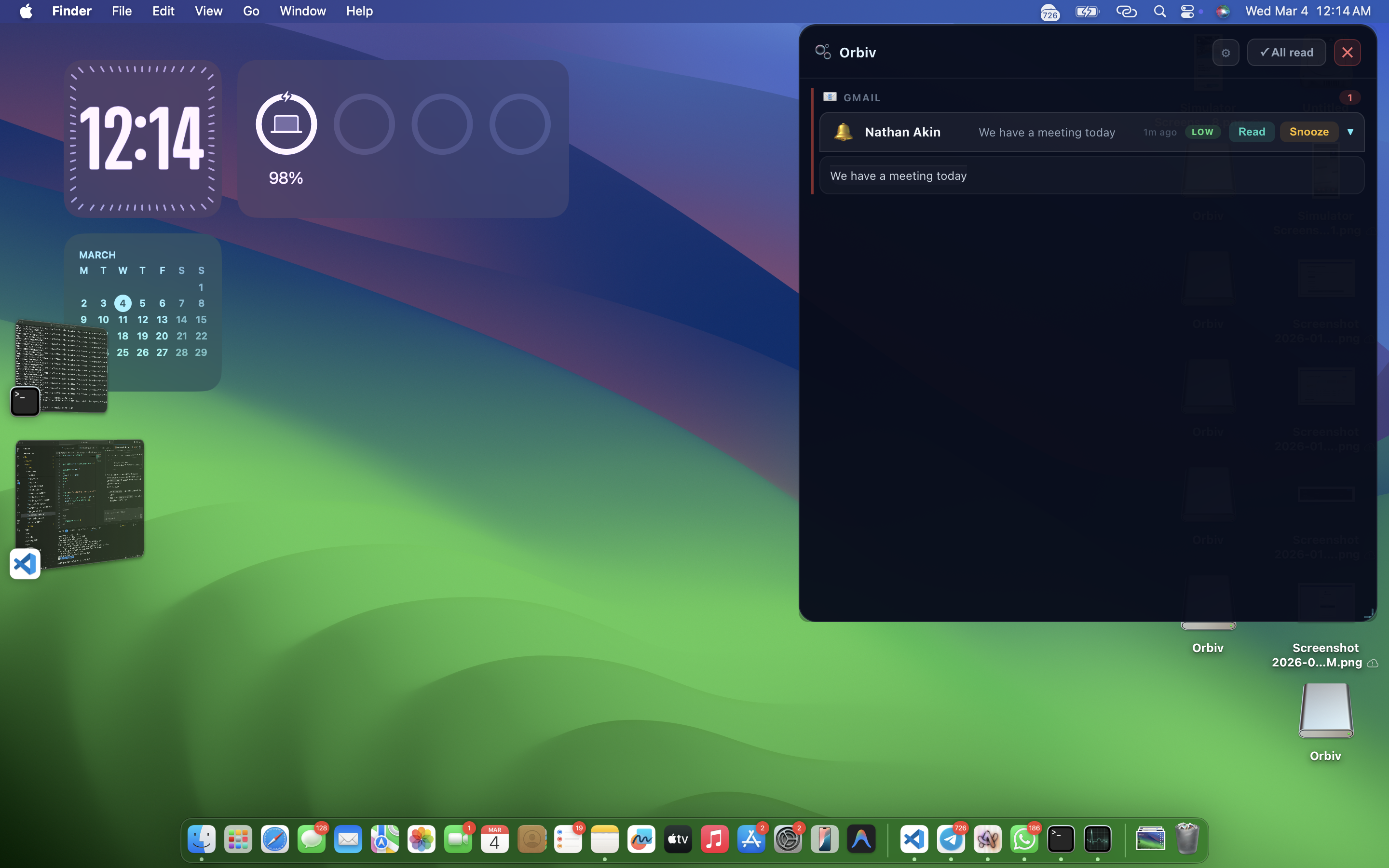
Never Miss A Notification, You Always Get Notified
-
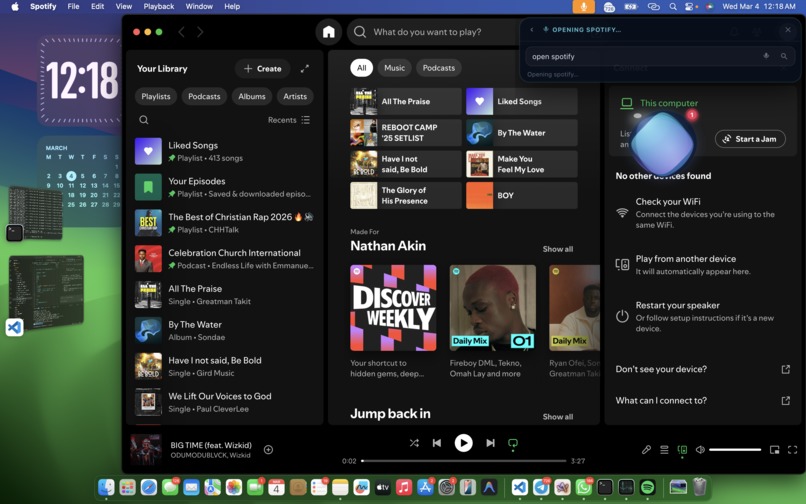
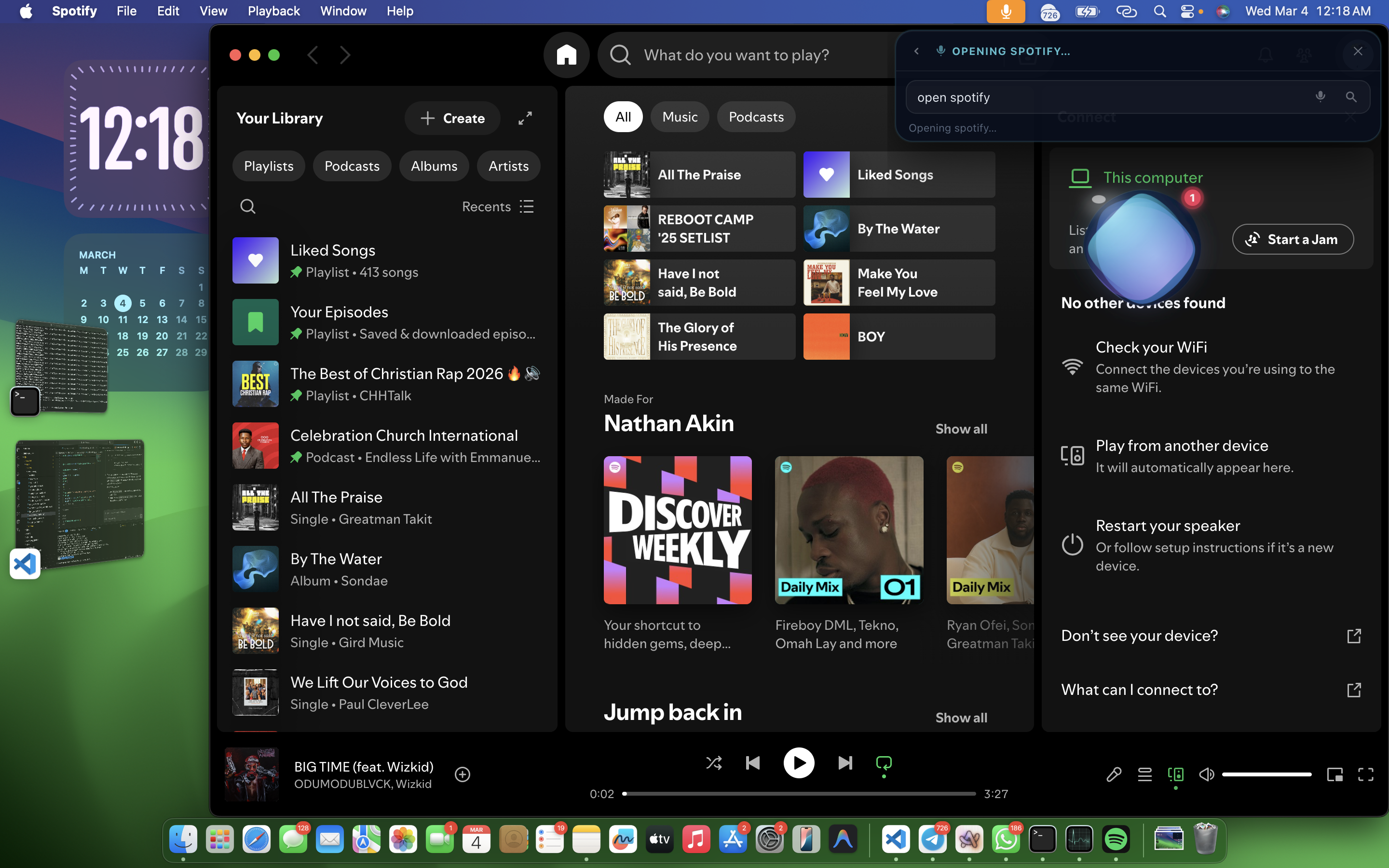
Open your favourite apps easily on your PC
-
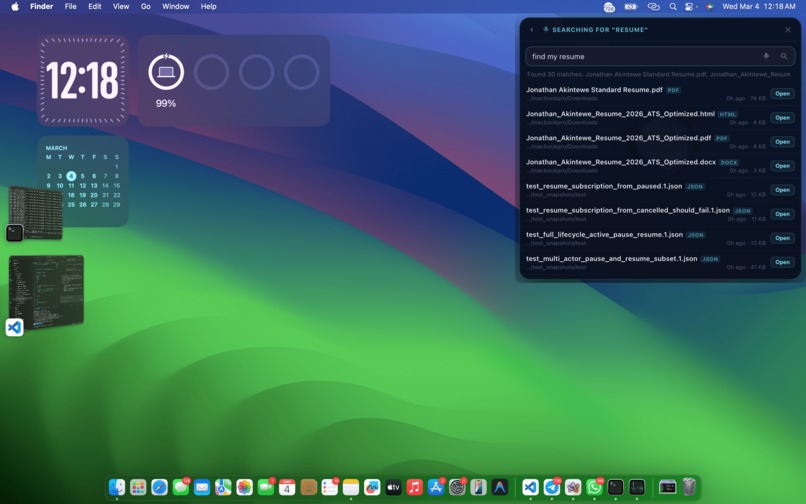
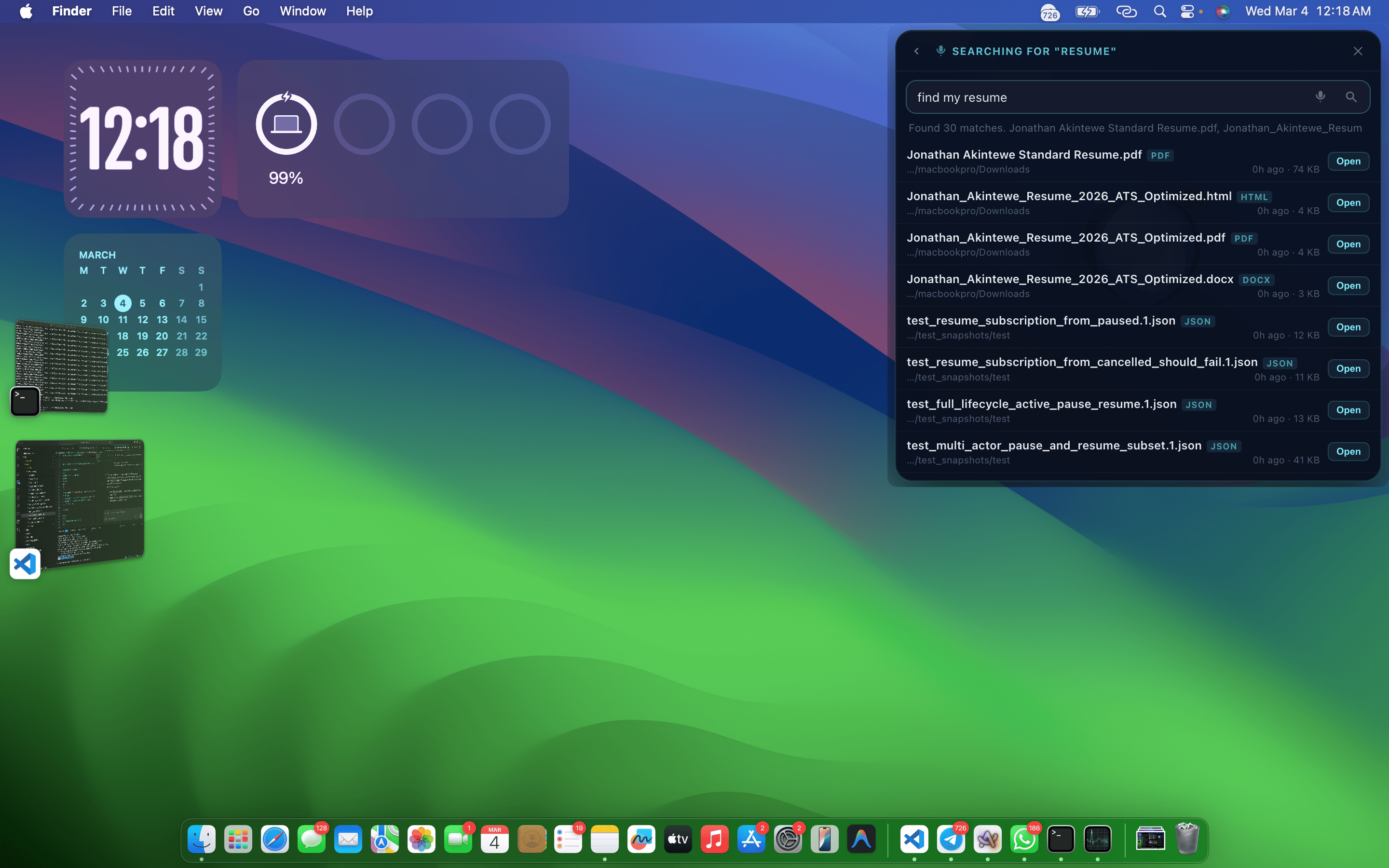
Easily locate files and folders on your system
-
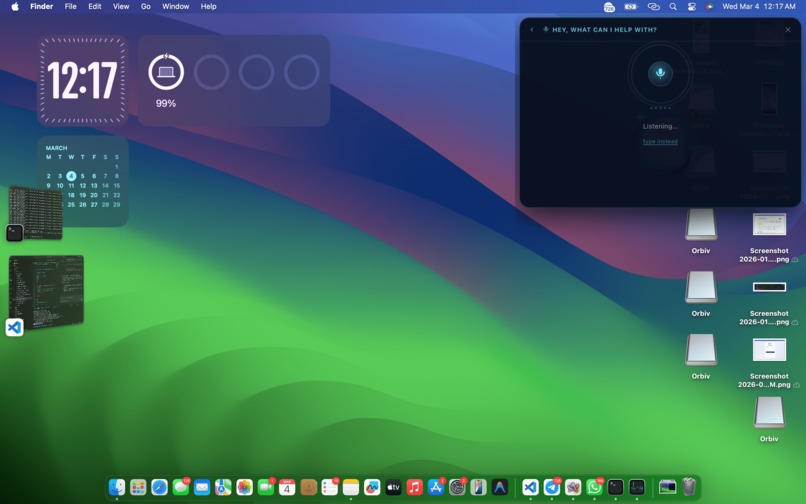
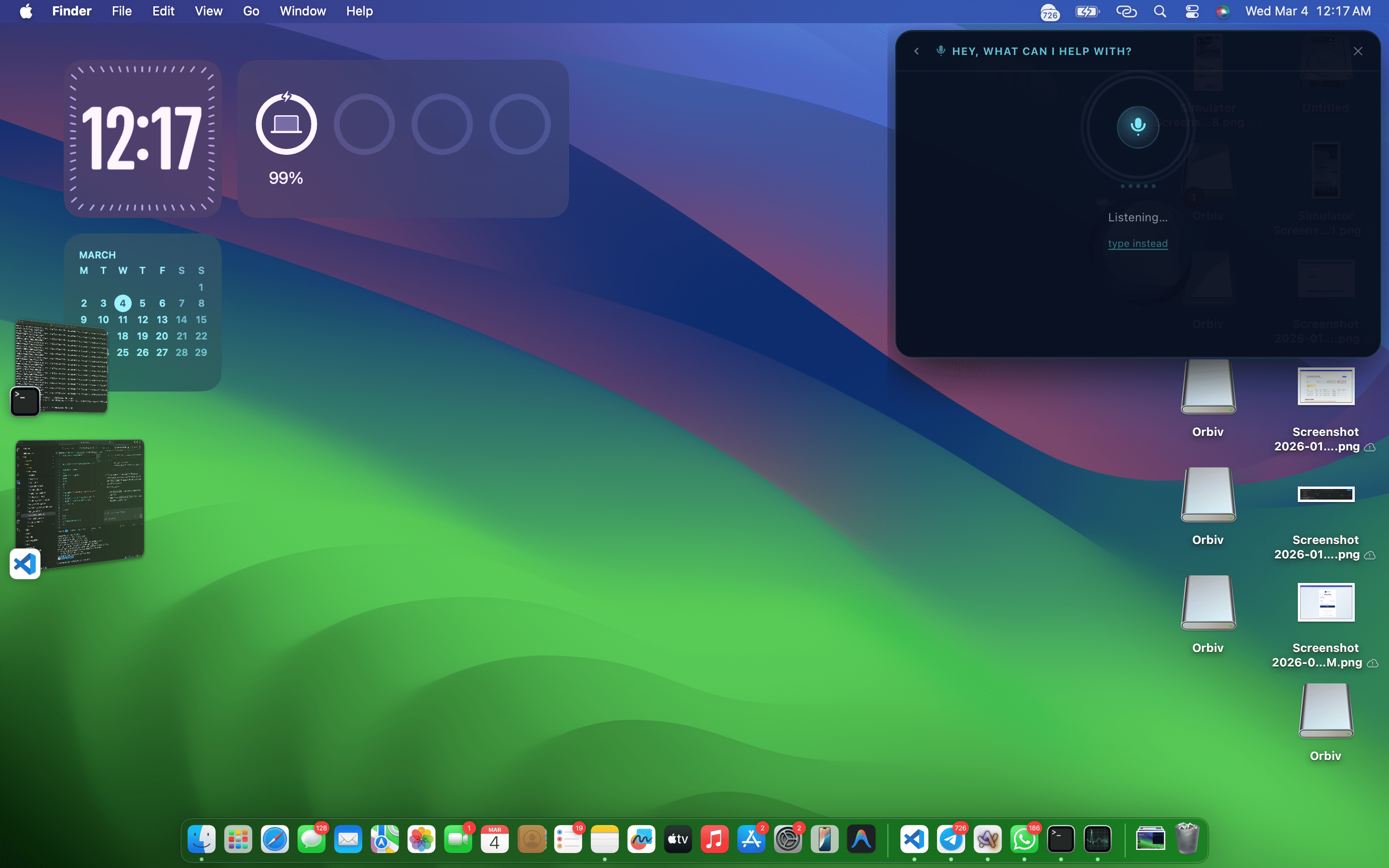
Activate voice command to get things done without stress
-
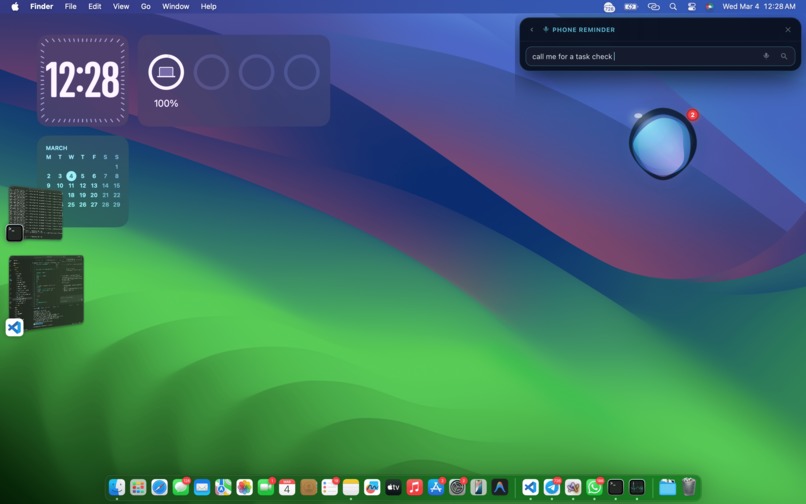
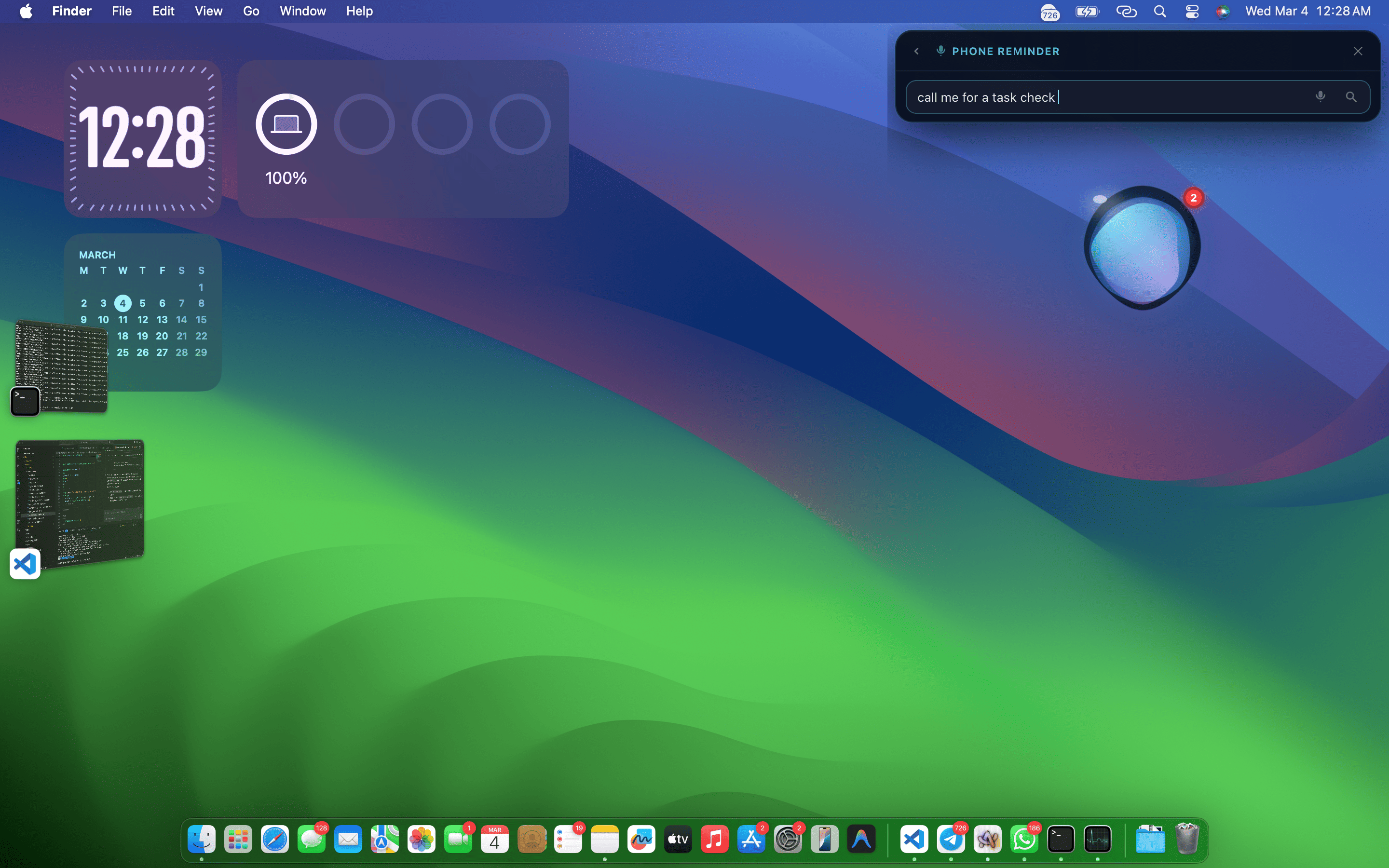
Get Phone Call Reminders Directly To your mobile device when you have a task checkup
About the Project
Orbiv started as a personal frustration: I have ADHD, and my desktop + phone felt like two chaotic universes constantly pulling my attention. Notifications pinged everywhere, files got lost in folders, meetings slipped through the cracks, and every task required context-switching that killed my focus. I wanted one calm, always-present helper that lived on my screen not buried in apps or browser tabs something playful, fluid, and intelligent enough to reduce overwhelm instead of adding to it.
So I built Orbiv: a floating, morphing AI companion that drifts around your desktop, listens to your voice, handles notifications from laptop and phone, converts files on the fly, takes automatic meeting notes, and shrinks into a subtle Dynamic Island-style orb when idle. It’s designed specifically for ADHD brains short summaries, urgency colors, batching low-priority noise, gentle animations for dopamine hits, and zero friction.
What Inspired Me
The biggest inspiration was my own daily struggle: I’d get a WhatsApp message, an email, and a Teams ping all at once, then lose 20 minutes hunting for a file or trying to remember what was said in a call. Existing tools felt rigid chatbots in corners, notification centers that overwhelm, file converters that require opening five tabs. I kept thinking: What if the helper was alive, floating right where I already look, and could just… understand me?
The liquid, blob-like design came from fidget toys and lava lamps things that calm ADHD minds through gentle motion. The voice commands and ElevenLabs human-like voice came from wanting it to feel like a real friend, not a robot. And using Airia as the brain let me focus on the experience instead of reinventing NLP.
What I Learned
- ADHD is a feature, not a bug designing for neurodiversity (short text, visual cues, low friction, dopamine rewards) actually makes the tool better for everyone.
- Fluid animations matter people respond emotionally to smooth morphs and playful states (idle pill, mouth open on drag, success bursts). GSAP + MorphSVG became my secret weapon.
- Offline-first voice is king Web Speech API failed me repeatedly on macOS; switching to local Whisper via Transformers made input reliable and private.
- Airia is powerful but credit-sensitive I learned to build smart fallbacks (local keyword matching, raw data display) so the app never dies when credits run out.
- Hackathons reward iteration starting with notifications, then adding drag-drop, voice, idle mode, and meeting notes step-by-step turned a simple idea into something that feels magical.
How I Built It
- Core: Electron (Vite + TypeScript) for cross-platform desktop app with transparent, frameless, always-on-top window.
- UI/Animations: GSAP + MorphSVG for the liquid blob morphs (mouth on drag, pill idle state, success bursts, pulsing listening mode).
- Voice: ElevenLabs for natural TTS output (human-like responses), Whisper (@xenova/transformers) for offline, accurate speech-to-text input after Web Speech failed.
- Notifications: Gmail API polling + Airia agent for summarization, grouping, urgency, and batching. Fallback to raw data when Airia 402s.
- File handling: Drag-drop detection → options menu or voice → Mammoth.js + pdf-lib for DOCX → PDF conversion.
- Meeting notes: Mic recording + Whisper transcription + Airia summarization → pdf-lib PDF generation on meeting end (detected via screen OCR or voice command).
- Idle/Dynamic Island: 60s inactivity timer → shrink + reposition to top-center + pill morph; reactivates on interaction/notification.
- Other: electron-store for settings, dotenv for secrets, ipcMain for OS-level actions (screenshot, file open).
Challenges I Faced
- Voice input hell Web Speech API broke repeatedly on macOS (empty transcripts, permission glitches after sleep). Switching to local Whisper fixed it completely.
- Airia 402 errors Ran out of credits mid-build → learned to build robust local fallbacks and smart error handling.
- Drag-drop on transparent window Files passed under the blob on macOS → fixed with preventDefault, invisible drop zone, and dynamic ignoreMouseEvents toggle.
- Idle mode polish Getting smooth window reposition + shape morph without jank took many GSAP tweaks.
- Time crunch Balancing features (notifications → files → voice → idle → meeting notes) while debugging macOS quirks was intense, but iterative building saved me.
Orbiv is still young, but it already feels like a real companion not just another tool. I’m excited to keep growing it, and I’d love feedback on what would make it even more helpful for ADHD minds like mine.
Built with love, caffeine, and a lot of trial-and-error 💙

Log in or sign up for Devpost to join the conversation.