Inspiration
Modern photo managers organize files, but they don't really understand them.
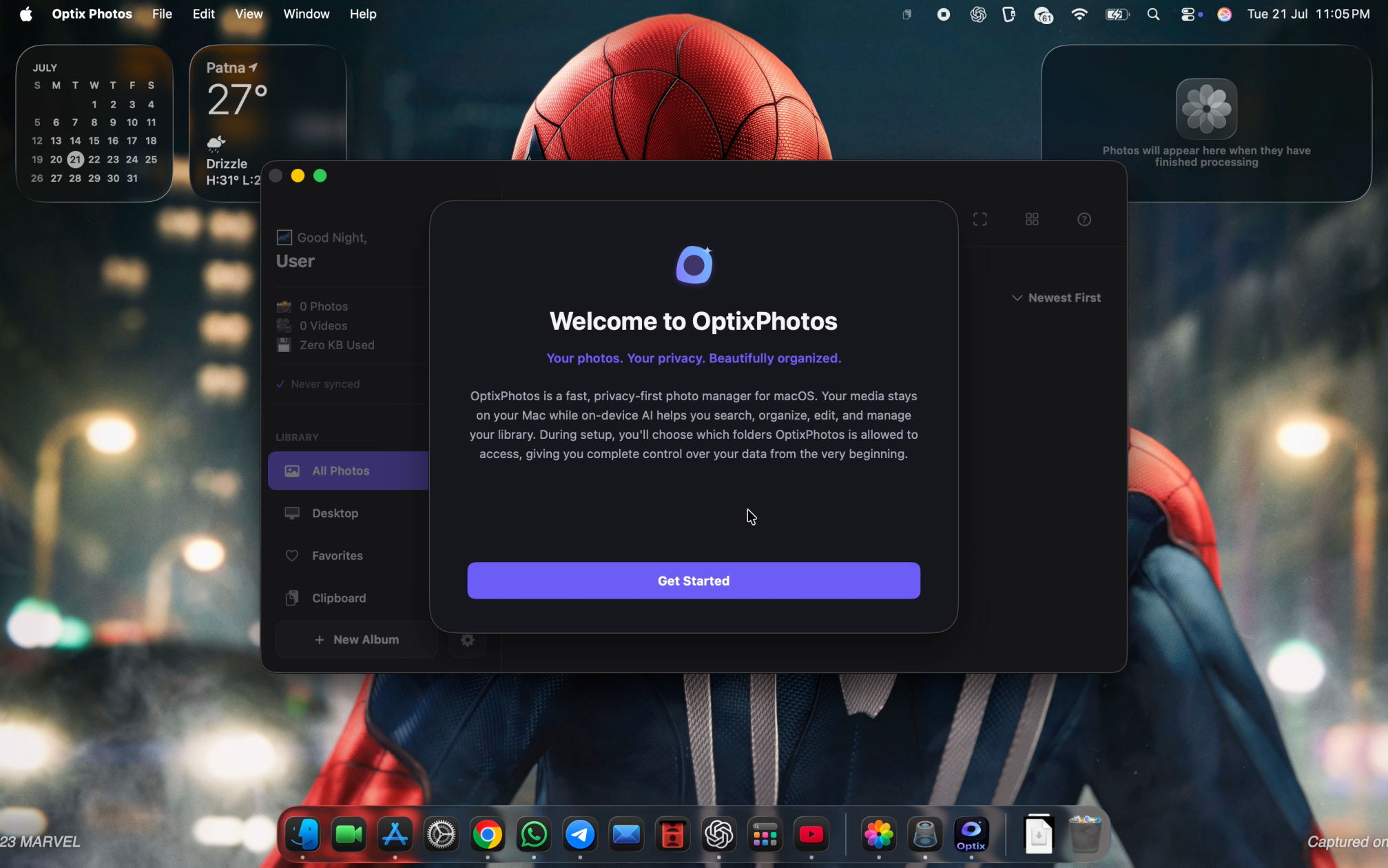
Almost every day, I found myself losing screenshots, copied images, receipts, UI references, and documents because I remembered what was inside them, not where I had saved them or what I had named them.
I wanted to build something that could understand my visual content instead of making me organize folders all the time. At the same time, I didn't want to sacrifice privacy by sending everything to the cloud.
That idea became OptixPhotos.
What it does
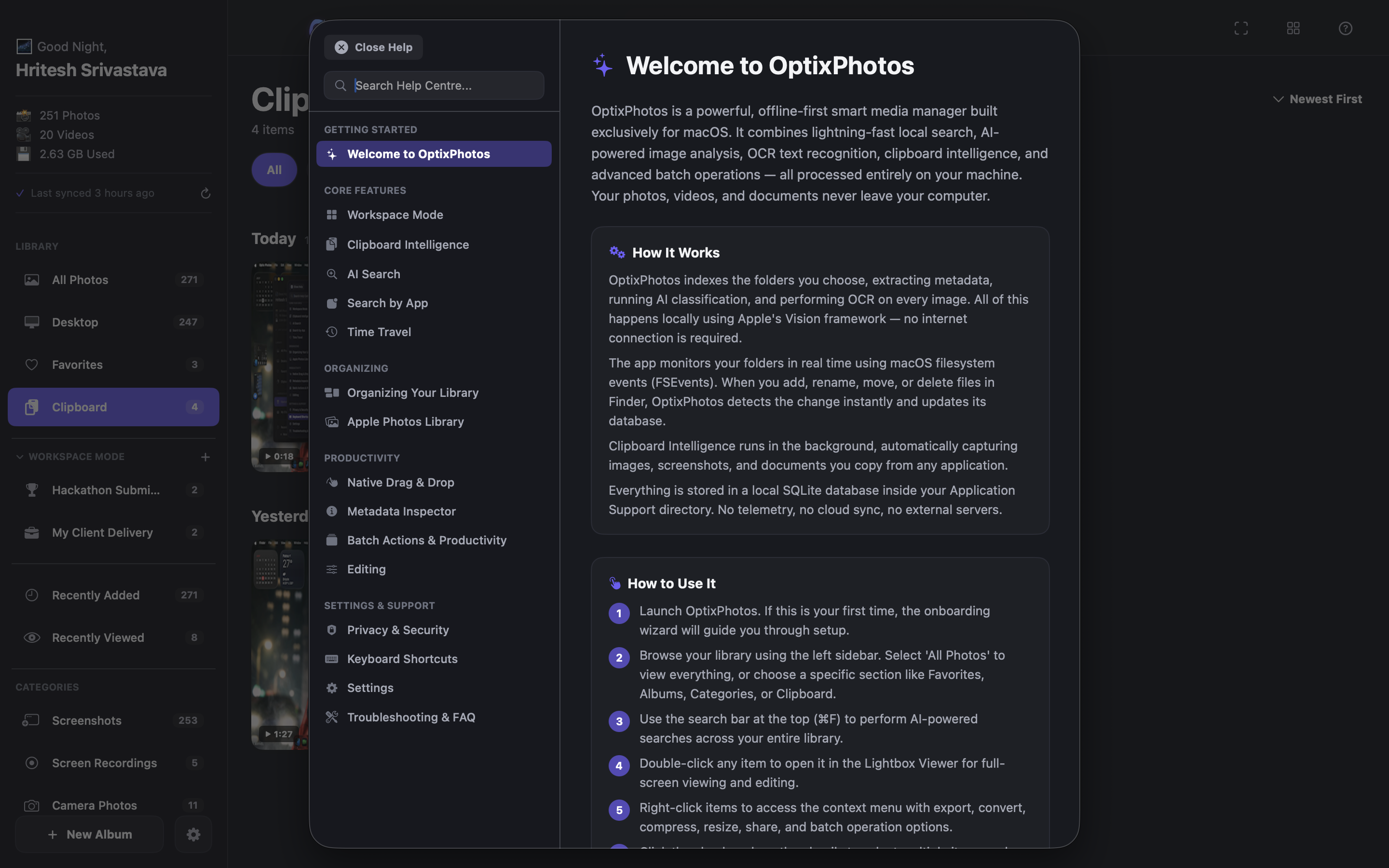
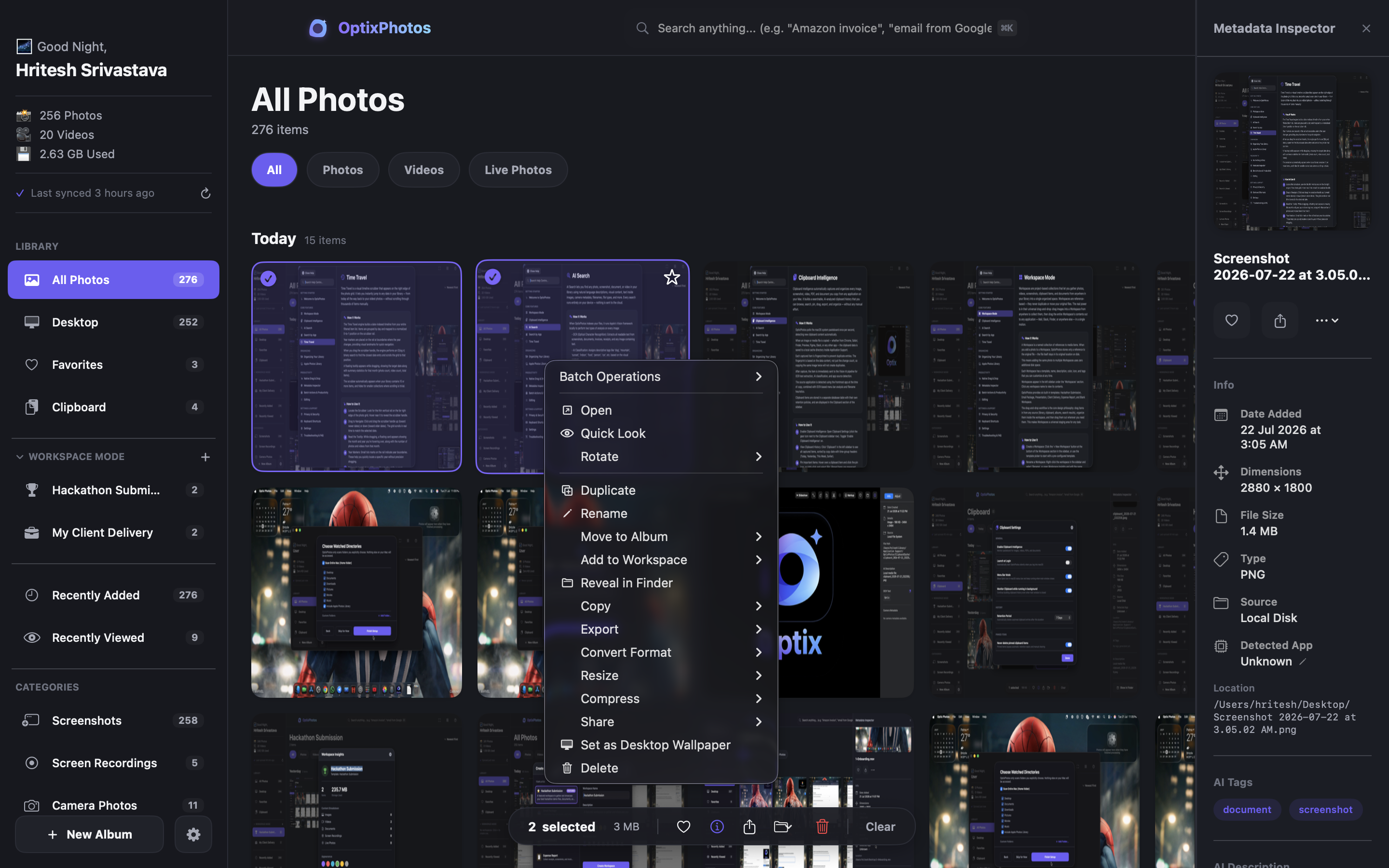
OptixPhotos transforms everything visual into one intelligent, private workspace.
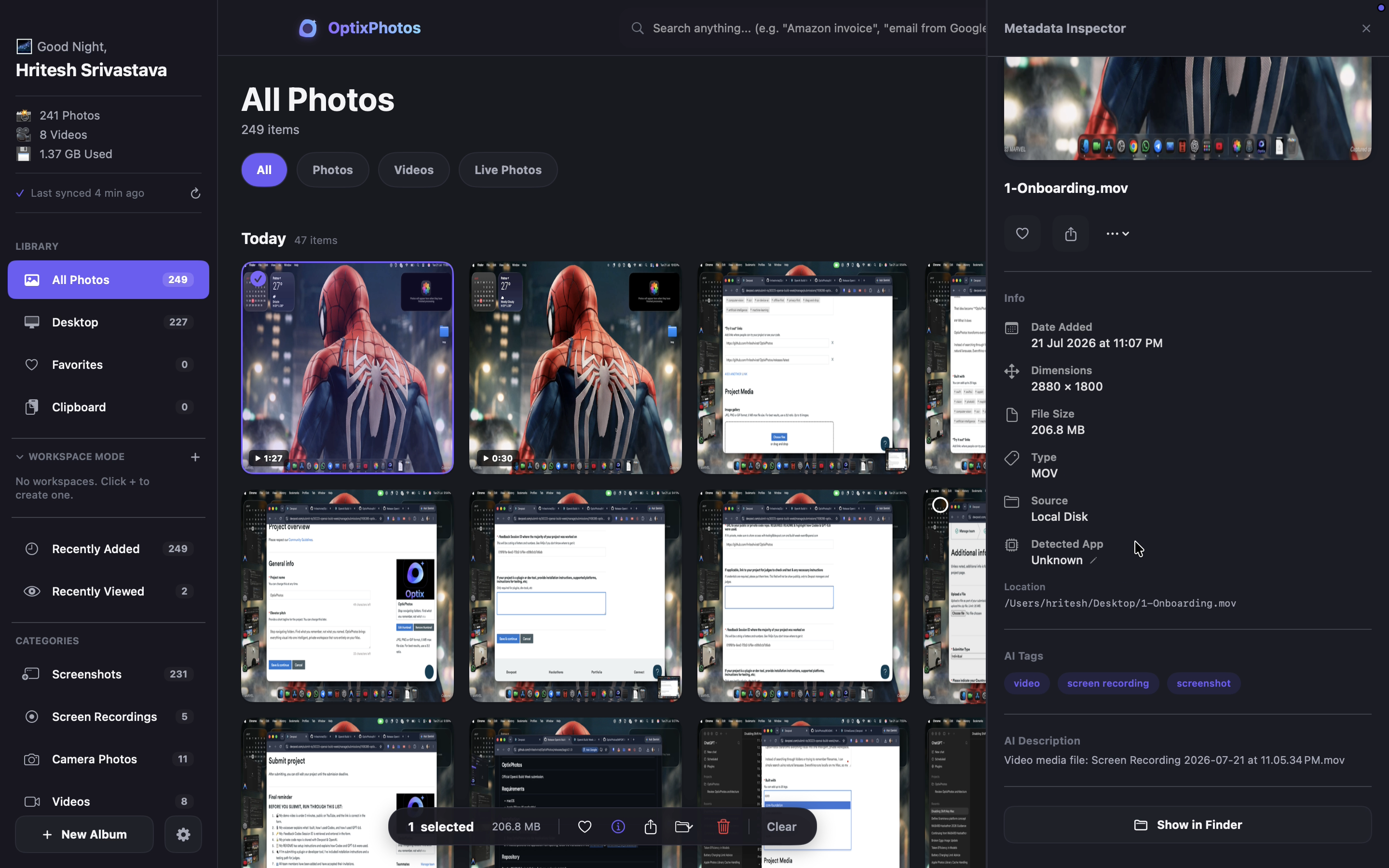
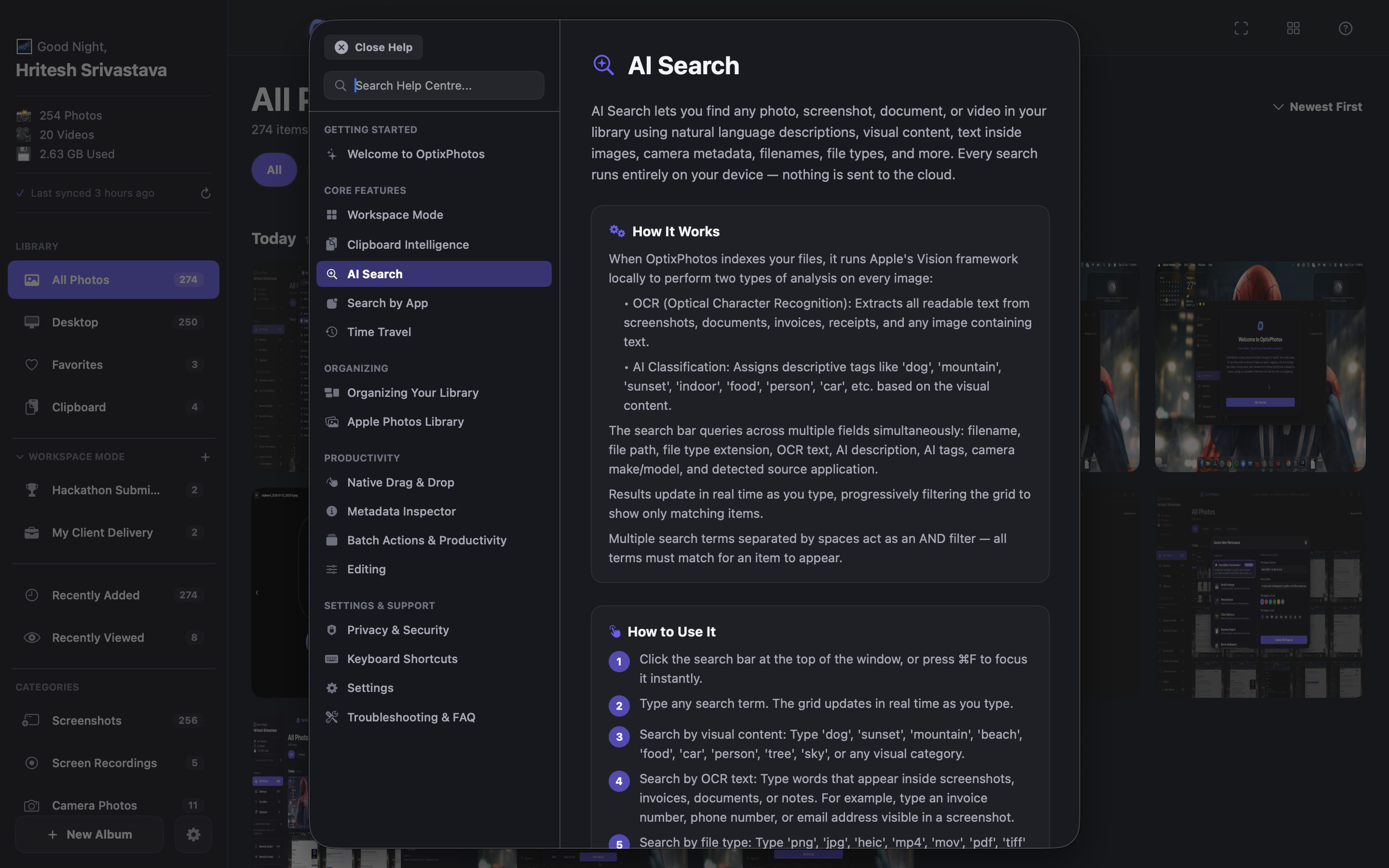
Instead of searching through folders or trying to remember filenames, I can simply search using natural language. Everything runs locally on my Mac, so my photos, screenshots, clipboard history, and documents never leave my device.
Some of the core features include:
- 🔍 Instant AI-Powered Search
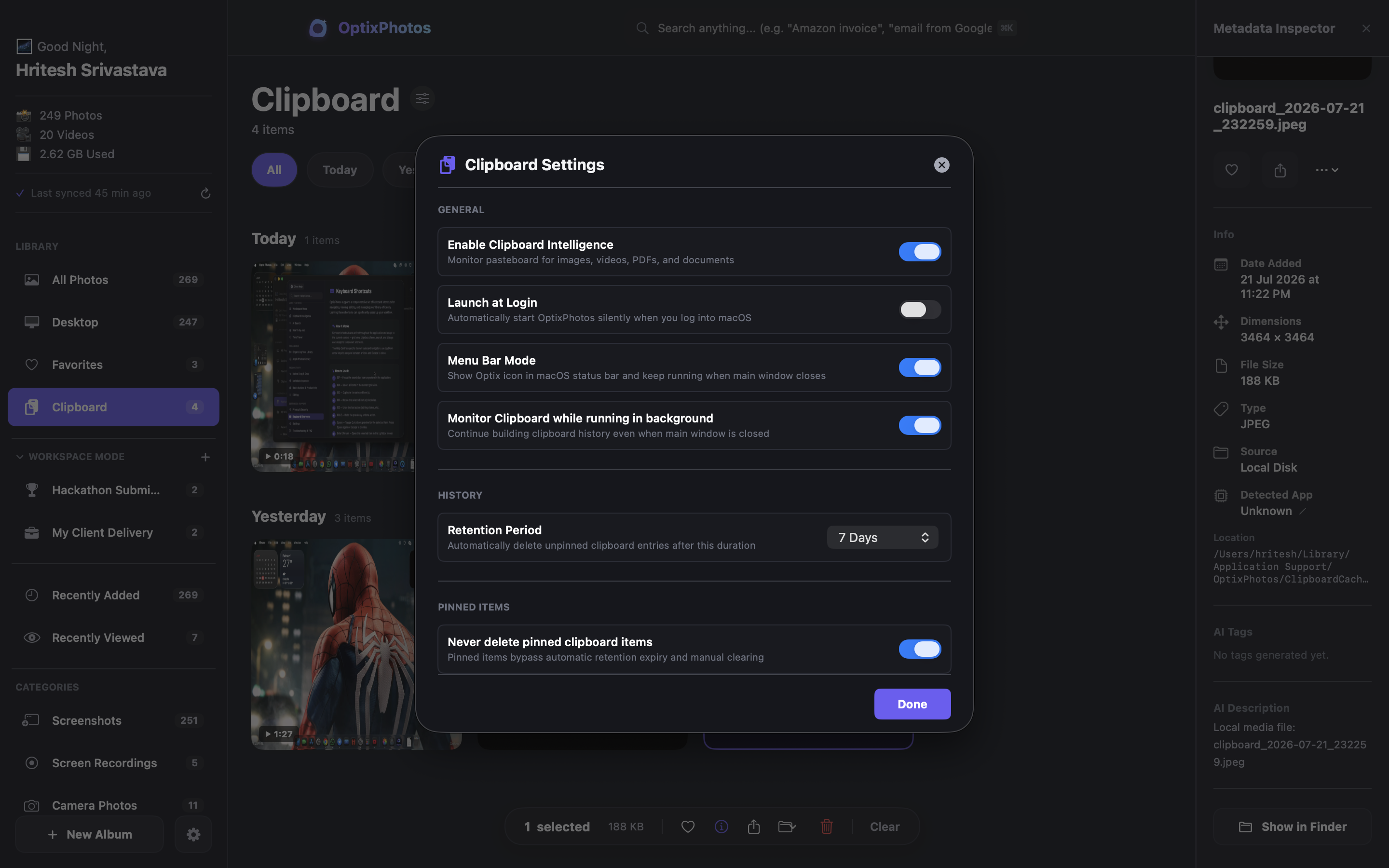
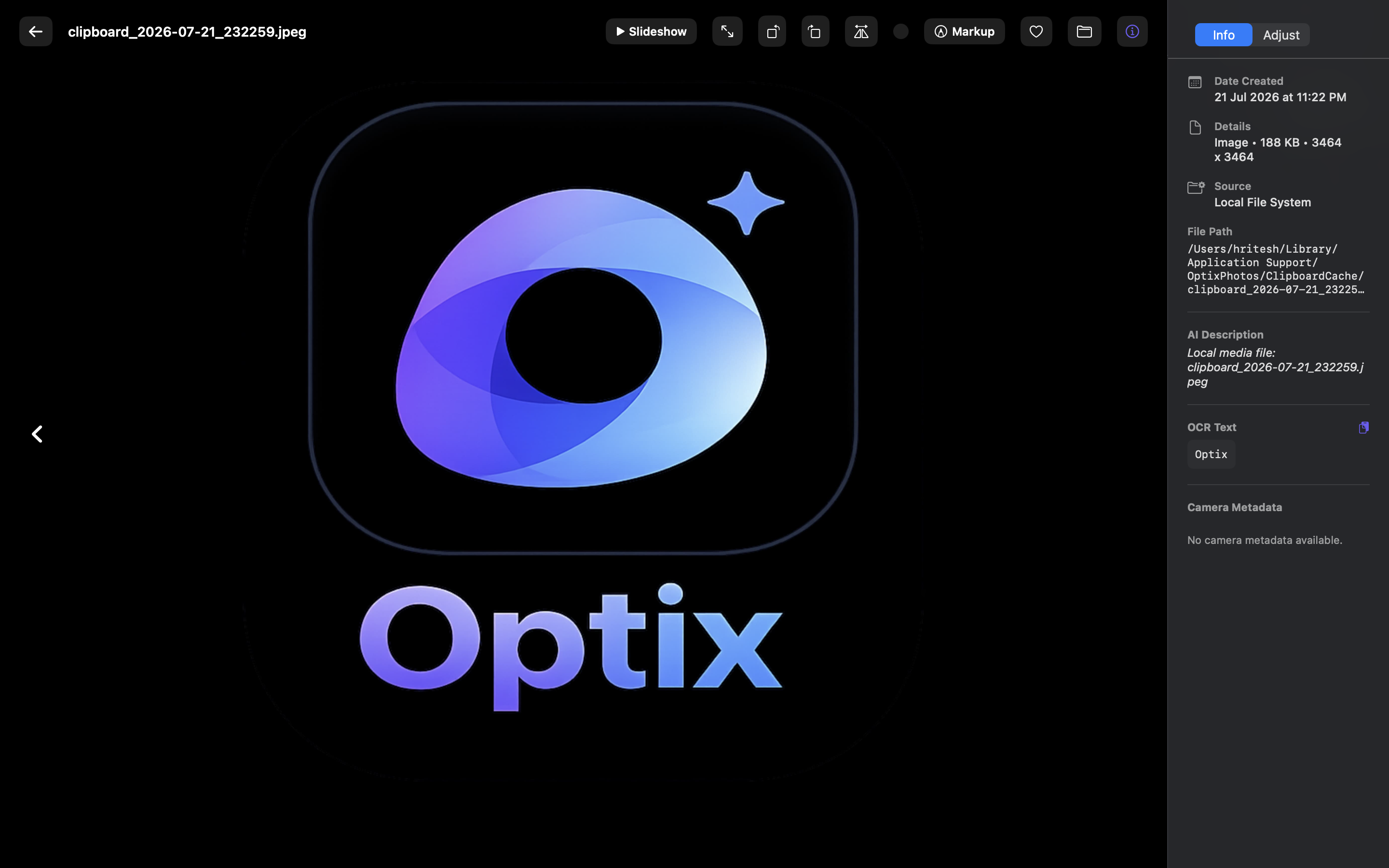
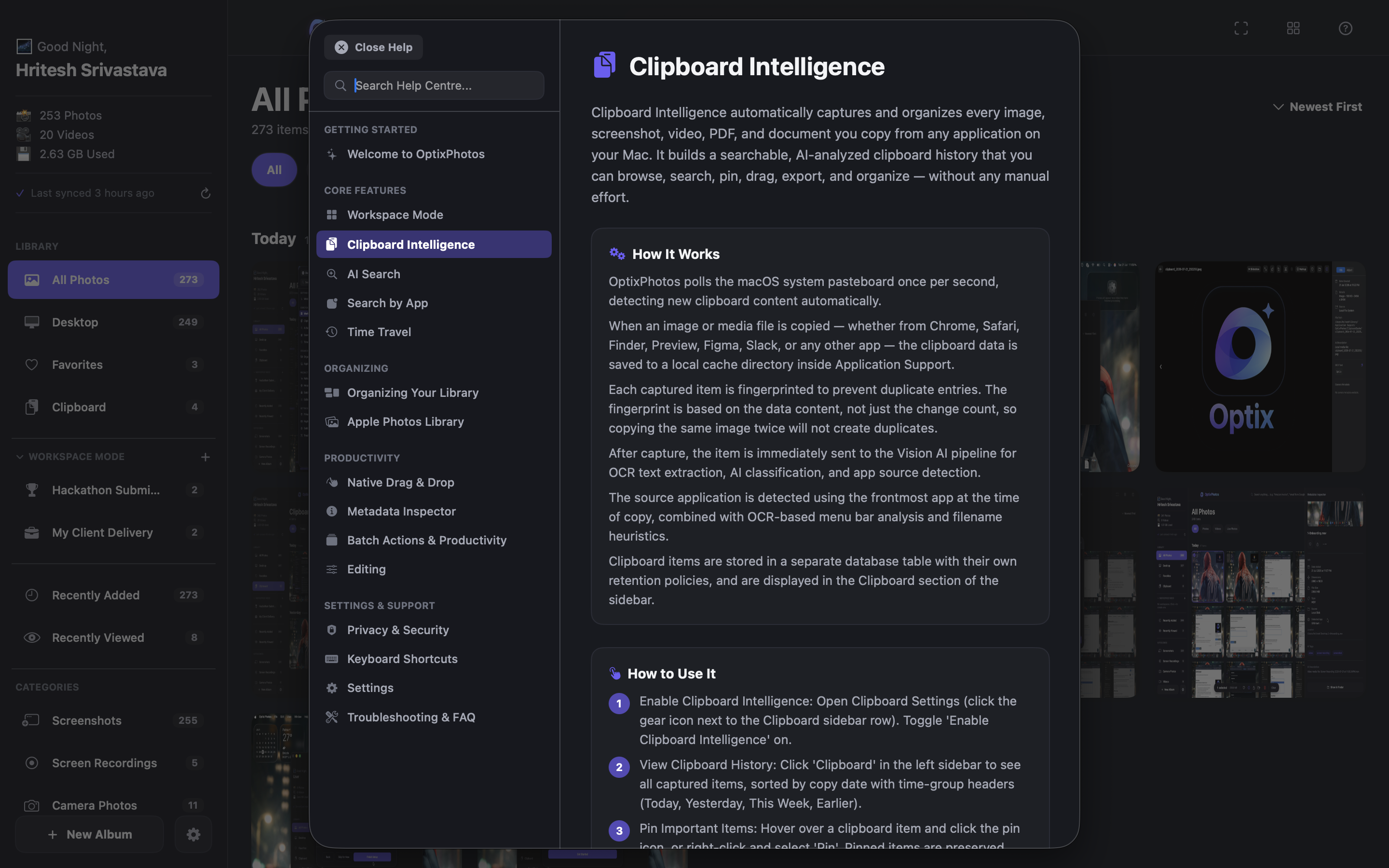
- 📋 Real-Time Clipboard Intelligence
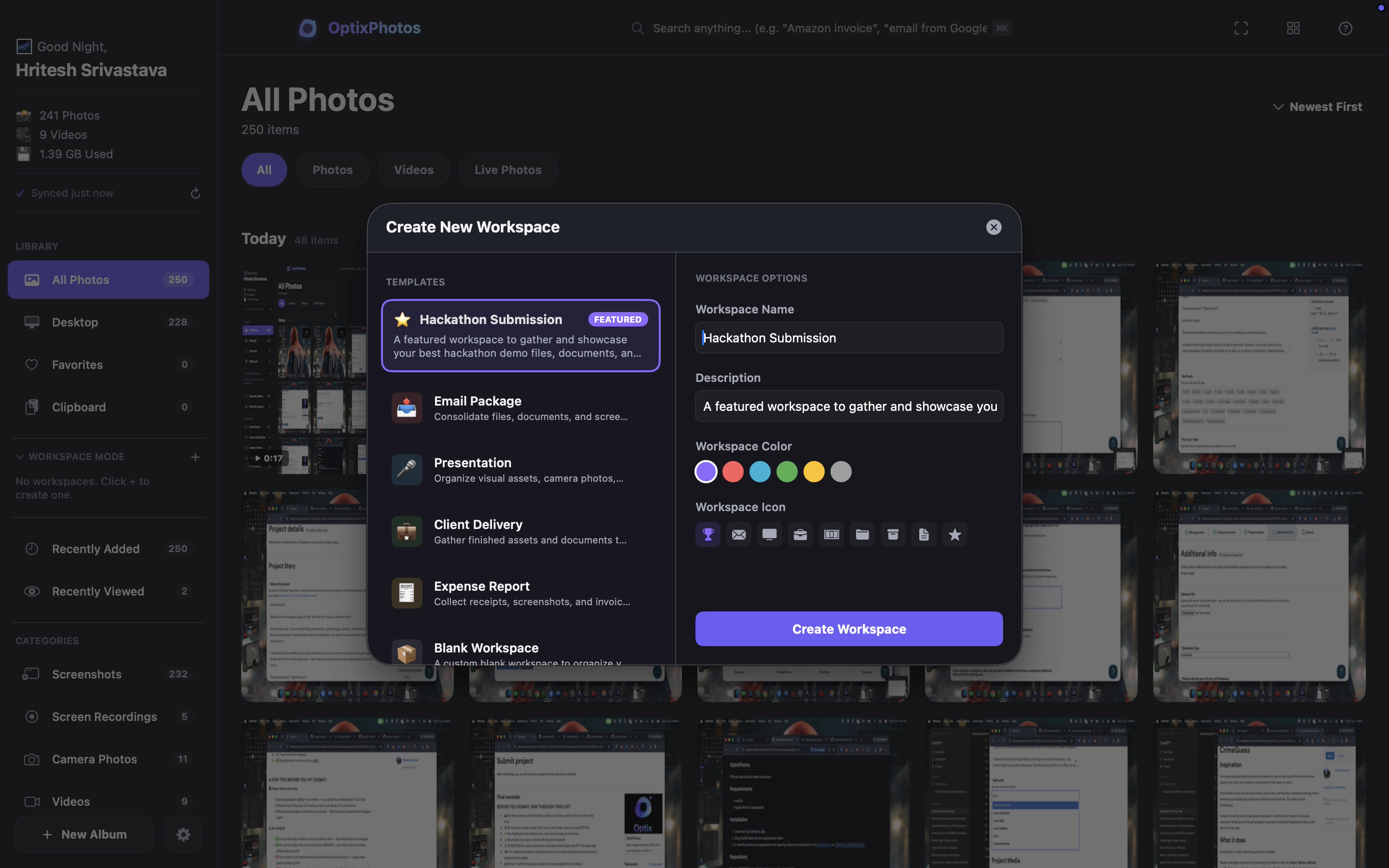
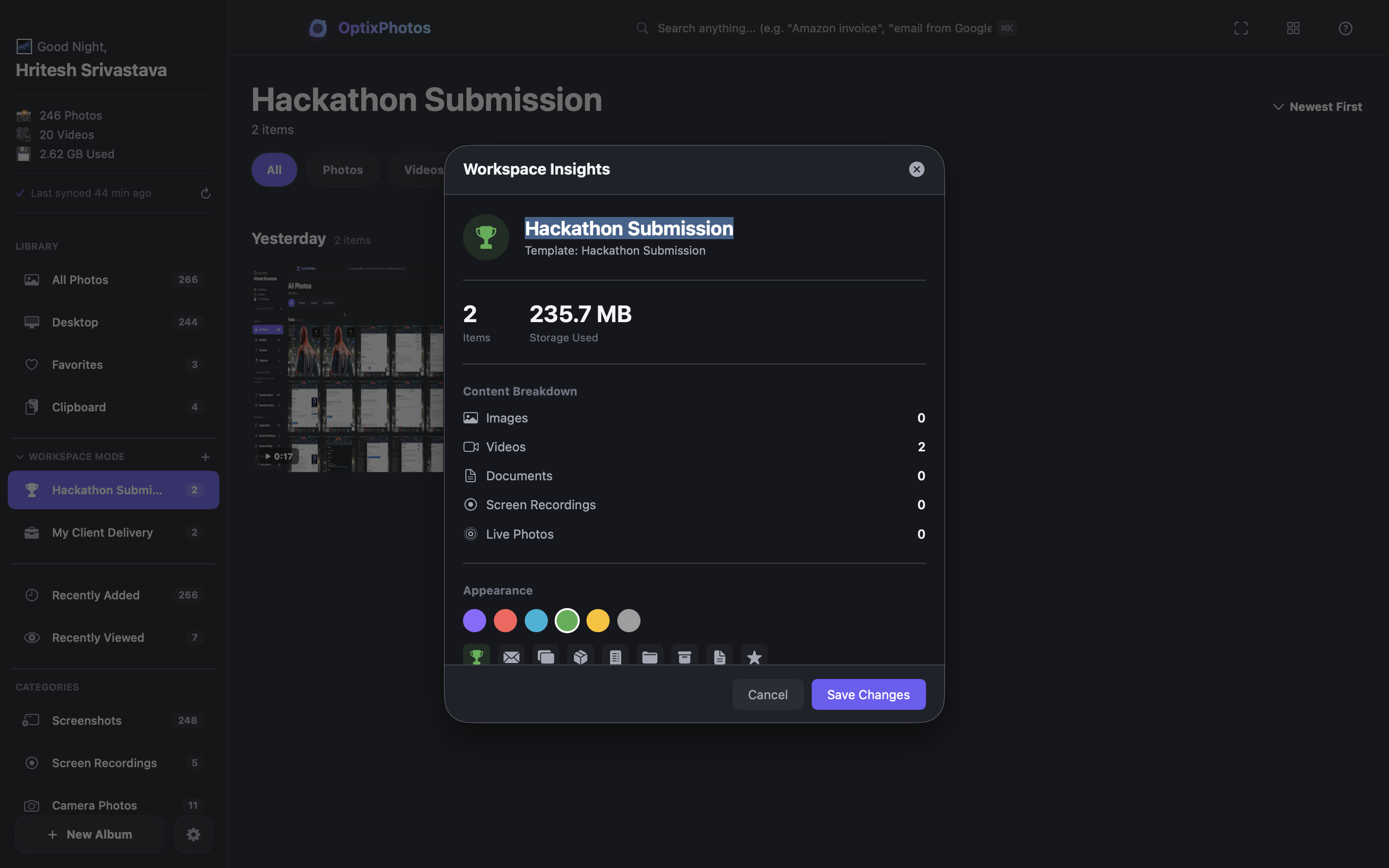
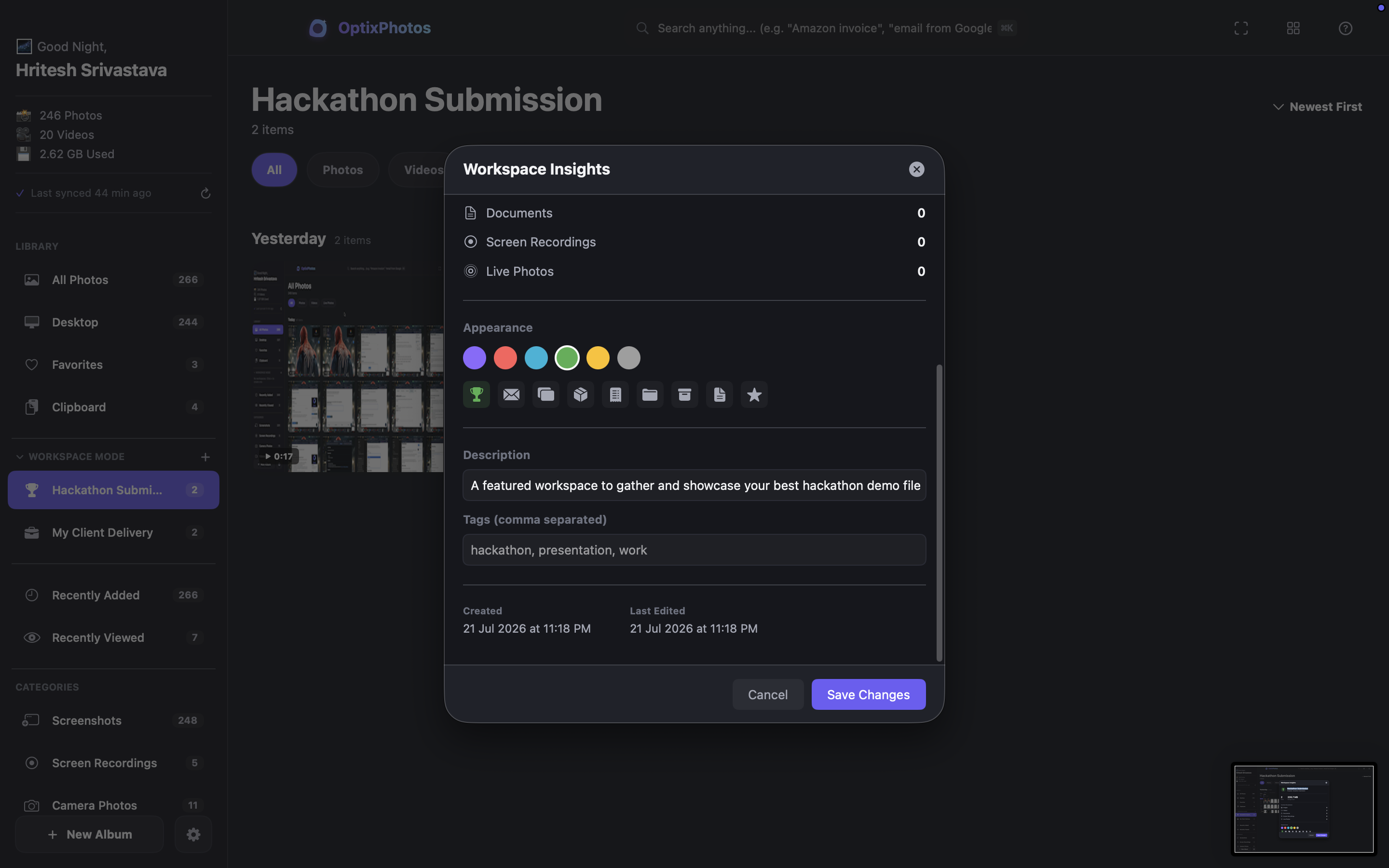
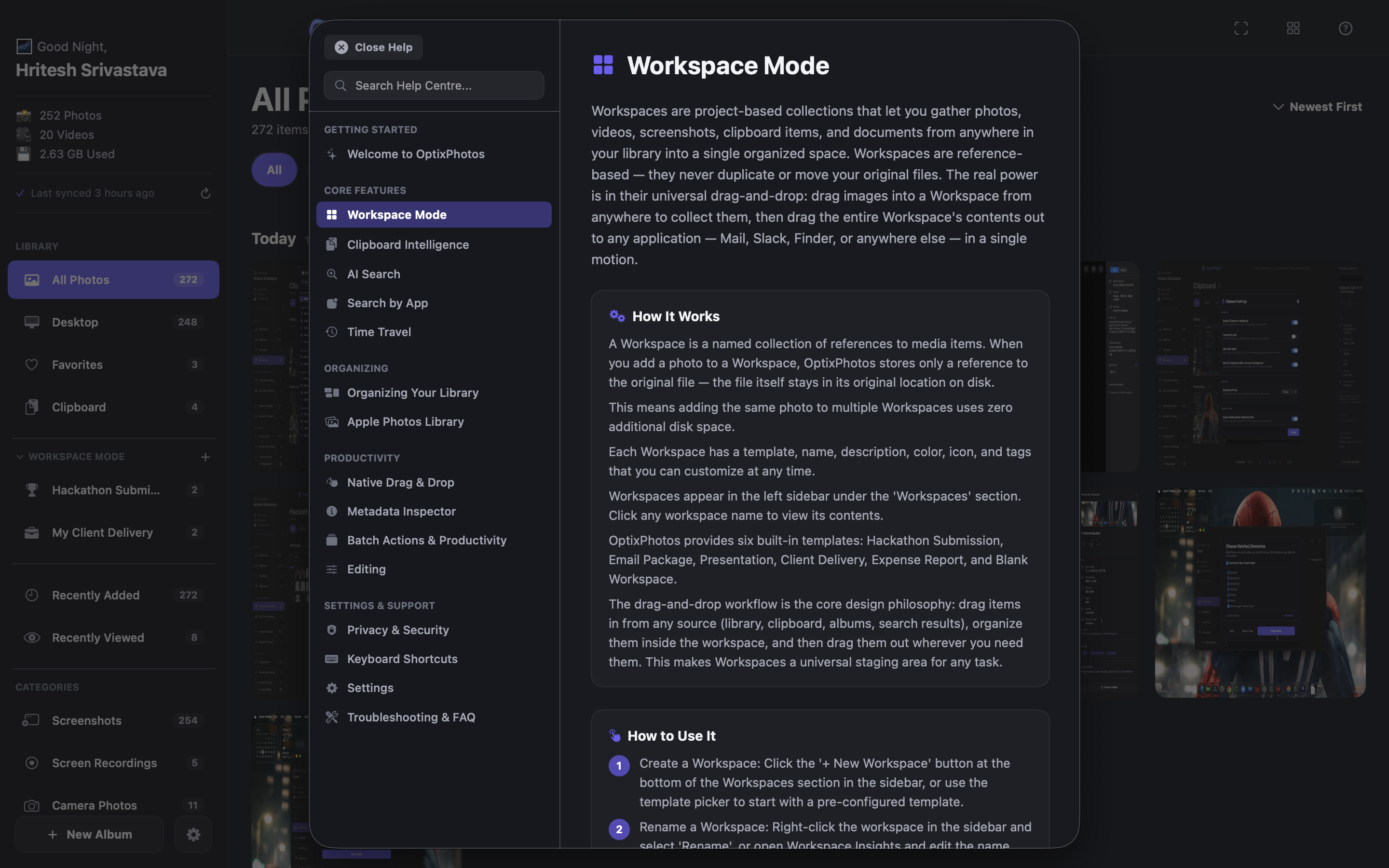
- 🗂️ Workspace Mode
- 🖥️ Native macOS Experience
- 🖱️ Universal Drag & Drop
- 📱 Search by App
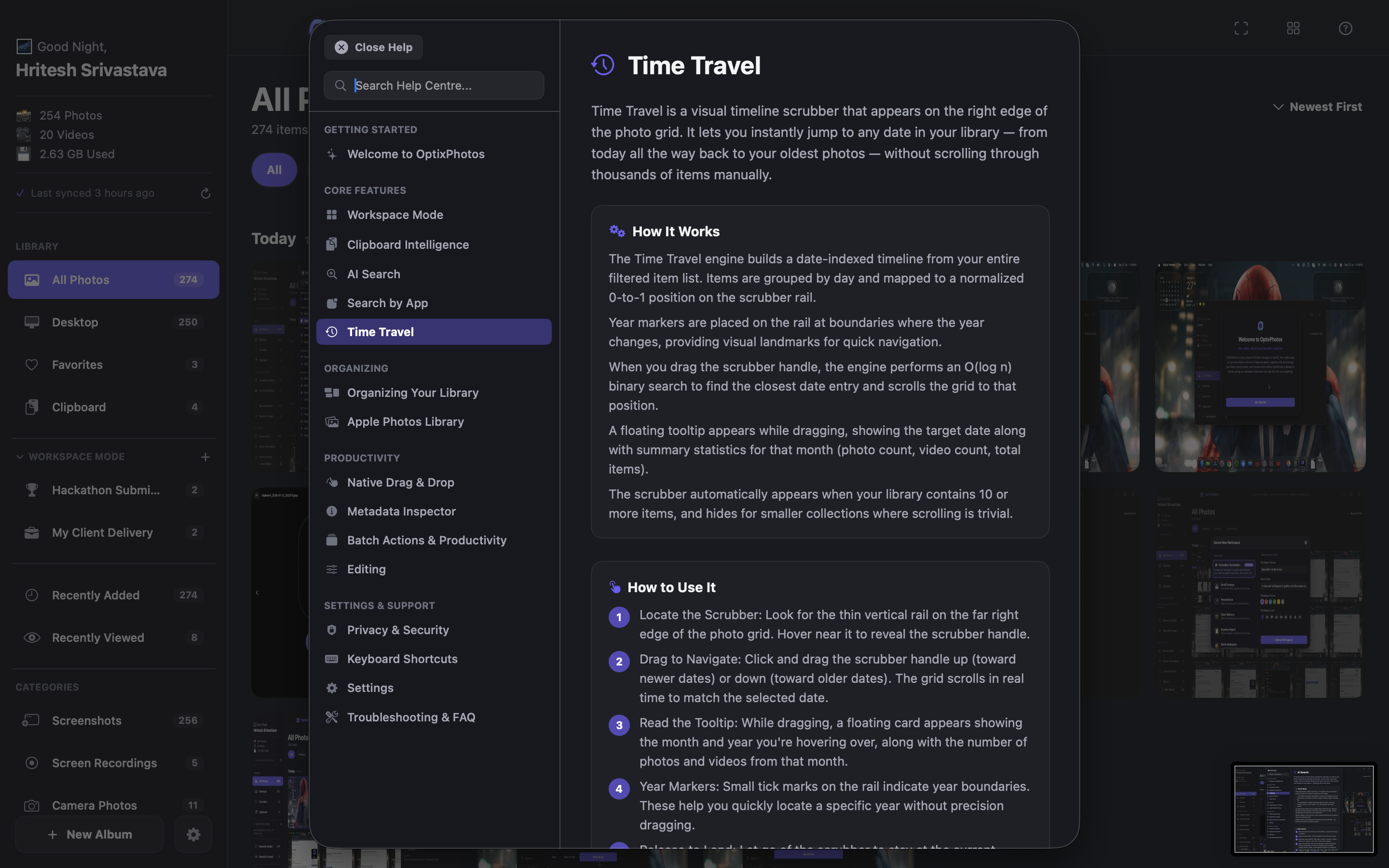
- 🕒 Time Travel Scrubber
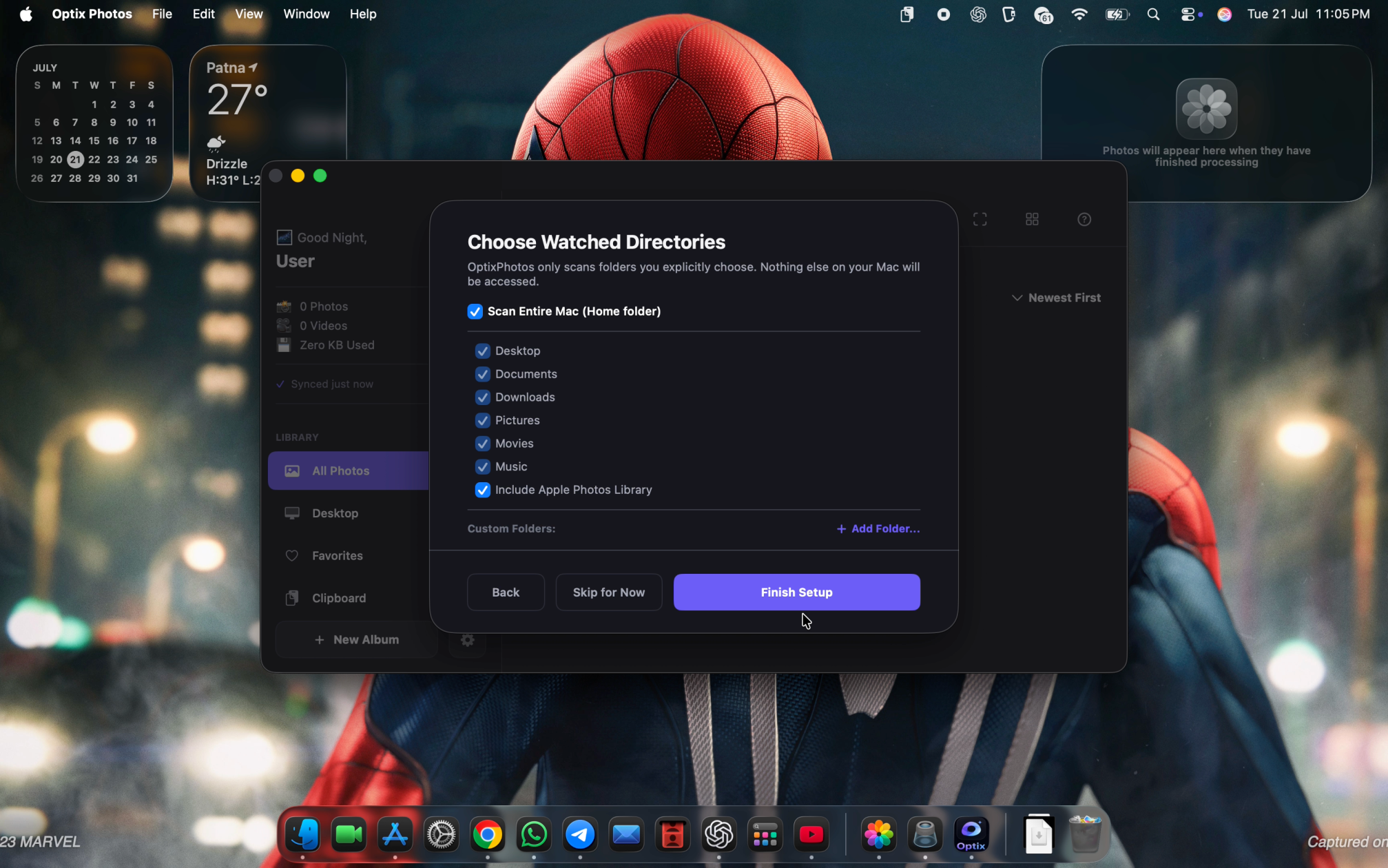
- 🔒 100% On-Device & Private by Design
How I built it
I built OptixPhotos as a fully native macOS application using SwiftUI and AppKit because I wanted it to feel like an app that naturally belongs on macOS.
Under the hood, it combines Apple Vision for OCR and image understanding, SQLite with FTS5 for fast offline search, PhotoKit for Apple Photos integration, FSEvents for real-time folder monitoring, and native drag-and-drop APIs such as NSItemProvider and NSFilePromiseProvider.
Throughout development, OpenAI Codex with GPT-5.6 became an important part of my workflow. It helped me iterate faster, solve difficult SwiftUI and AppKit problems, refine the architecture, and spend more time improving the overall user experience instead of getting stuck on implementation details.
Challenges I ran into
The hardest part wasn't adding AI. It was making everything feel native.
Building reliable drag and drop across macOS applications, keeping AI indexing fast without slowing down the interface, preventing duplicate clipboard captures, and making search feel instant all took much more work than I expected.
I also spent a lot of time polishing small interactions like onboarding, search focus, keyboard navigation, animations, and resizing behavior. Individually they seem small, but together they make the application feel polished.
Many features went through several redesigns before I was happy with the experience.
Accomplishments that I'm proud of
I'm most proud that OptixPhotos feels like a real macOS application instead of a typical hackathon project.
Some highlights include:
- Clipboard Intelligence that automatically creates a searchable visual history.
- AI-powered offline search that never uploads user data.
- Workspace Mode for organizing projects without duplicating files.
- Native drag and drop that works naturally with Finder, Mail, Discord, Slack, browsers, and other macOS applications.
- Fast local indexing with a smooth and responsive user experience.
- A privacy-first architecture where everything stays on the user's Mac.
More than any individual feature, I'm proud of how all of these capabilities work together as one seamless workflow.
What I learned
This project taught me that building great AI software isn't about adding as many AI features as possible.
The real challenge is making AI feel invisible so people can focus on their work instead of the technology behind it.
I learned a tremendous amount about SwiftUI, AppKit, Apple Vision, concurrent processing, native drag and drop, and designing software that respects user privacy.
More than anything, I learned that the small details matter. A polished interaction can have just as much impact as a powerful feature.
What's next for OptixPhotos
This hackathon version is very close to what I consider production ready.
My next goal is to continue polishing the experience, gather feedback from real users, and publish OptixPhotos so anyone with a Mac can download and use it.
Beyond that, I plan to add smarter semantic search, improved visual understanding, duplicate detection, workflow automation, and more productivity-focused features while keeping everything private and on-device.
My long-term vision is simple.
I want OptixPhotos to become the visual workspace I always wished existed. A place where people can instantly find, organize, and reuse everything they create without giving up ownership of their data.

Log in or sign up for Devpost to join the conversation.