-
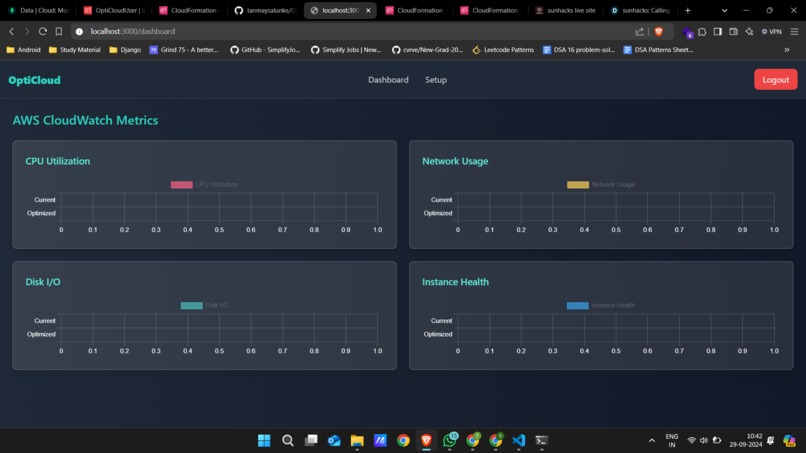
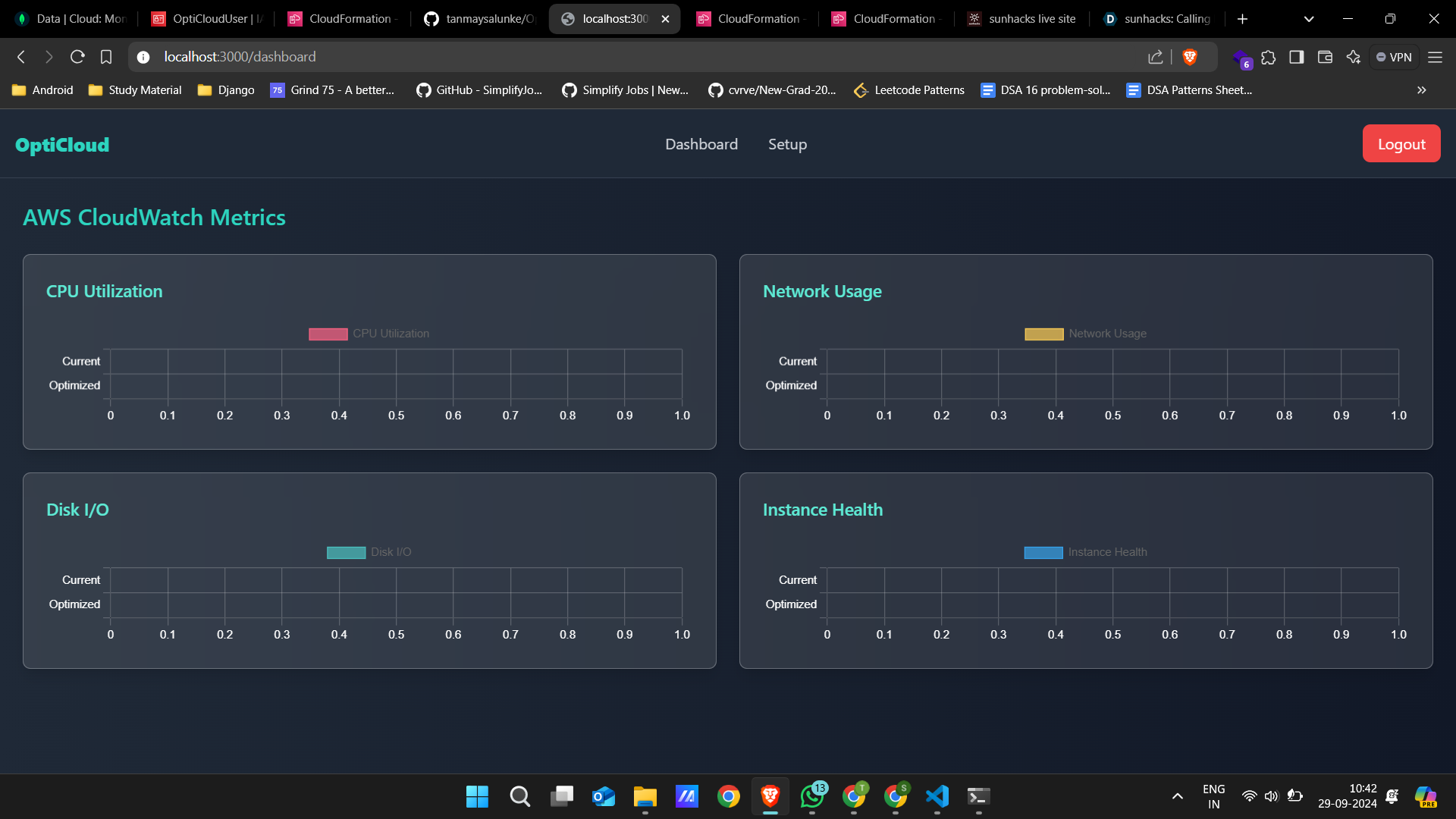
Dashboard before setup
-
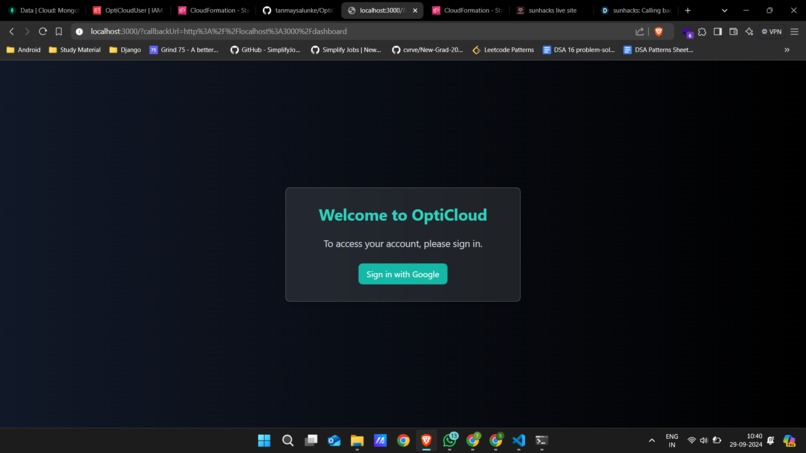
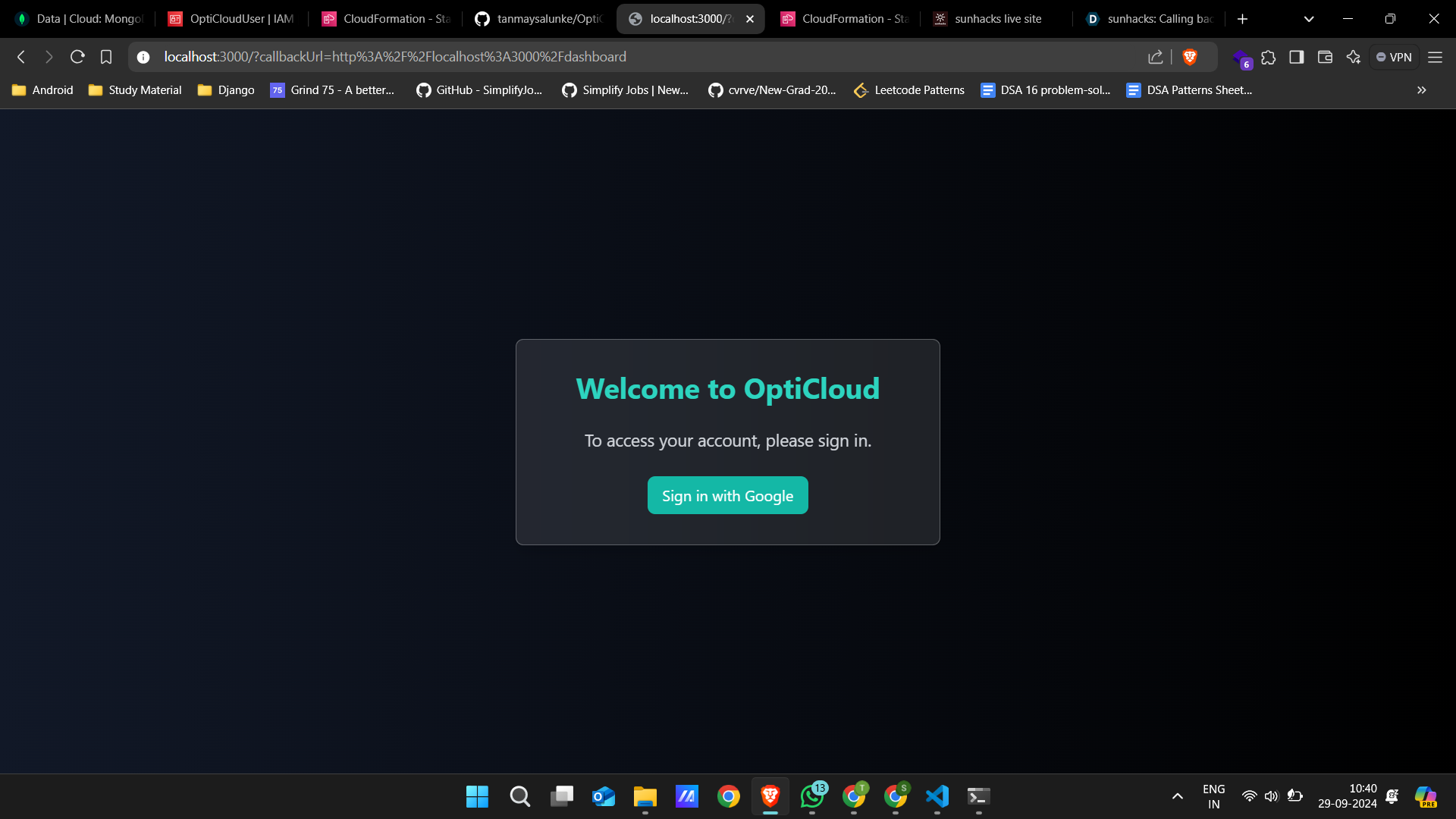
Login Page. Google OAuth
-
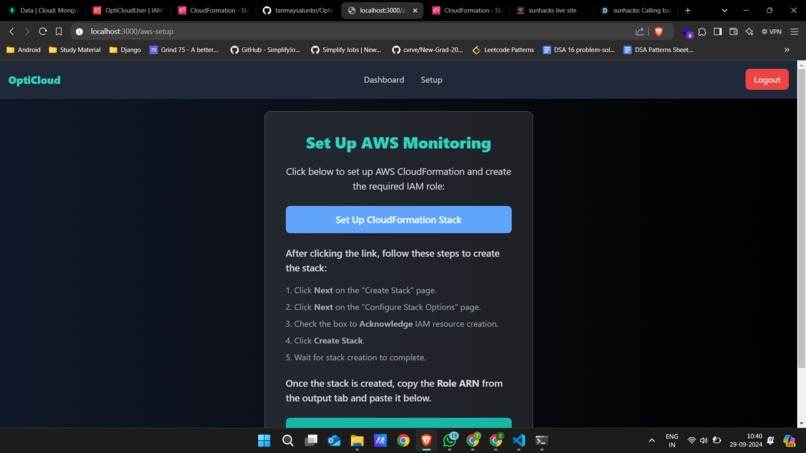
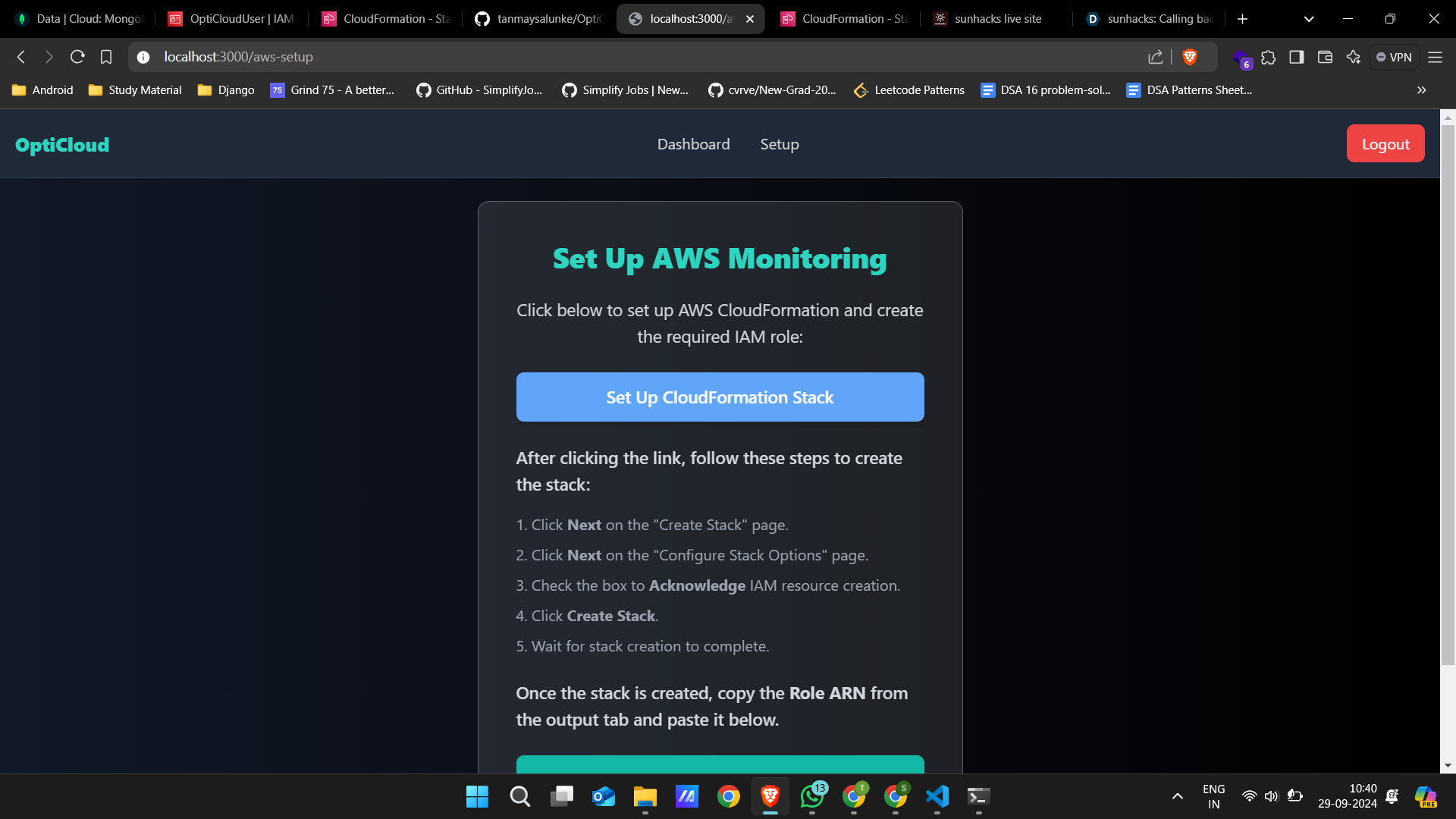
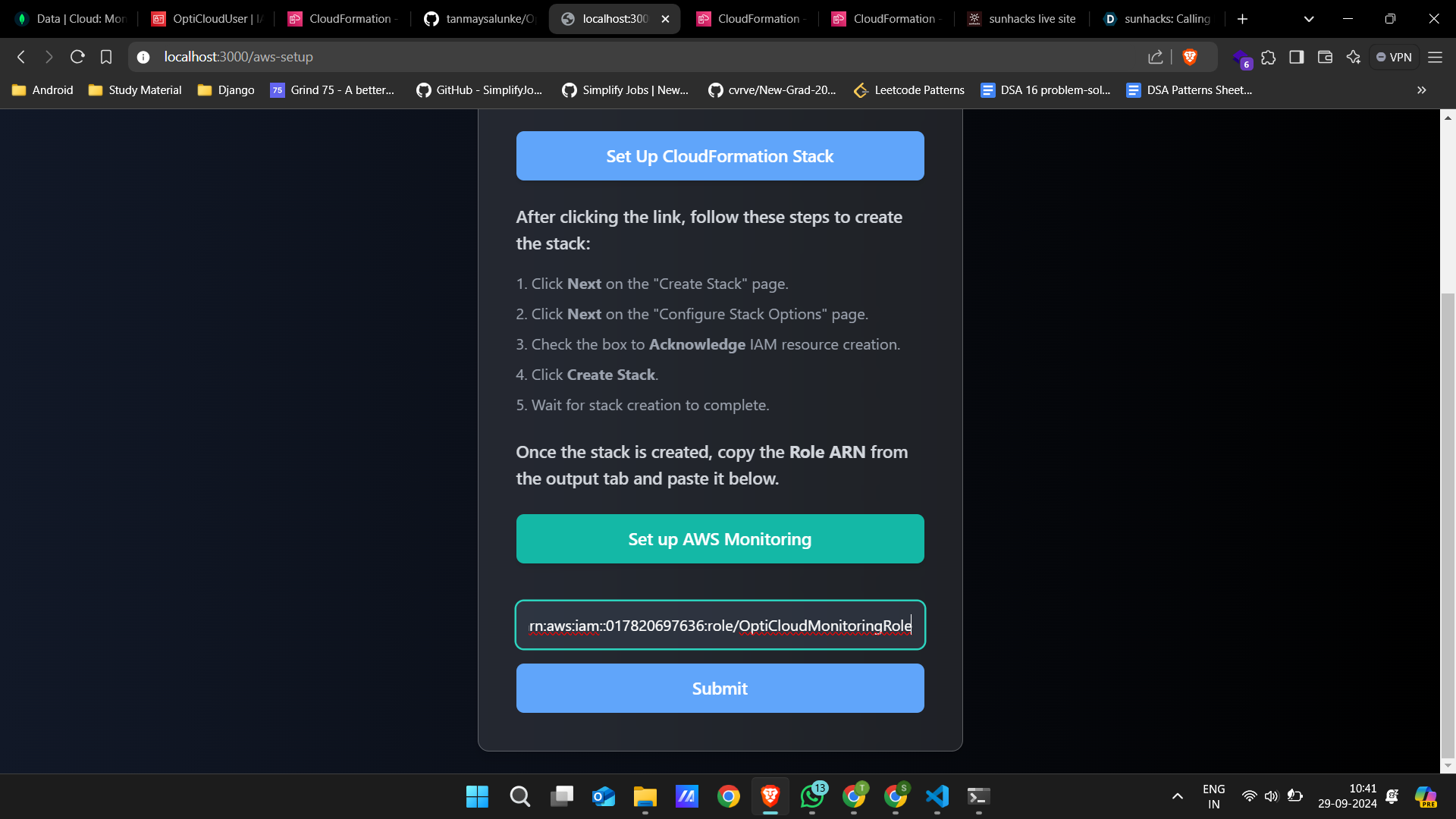
Click "Set Up CloudFormation Stack" to start running the script.
-
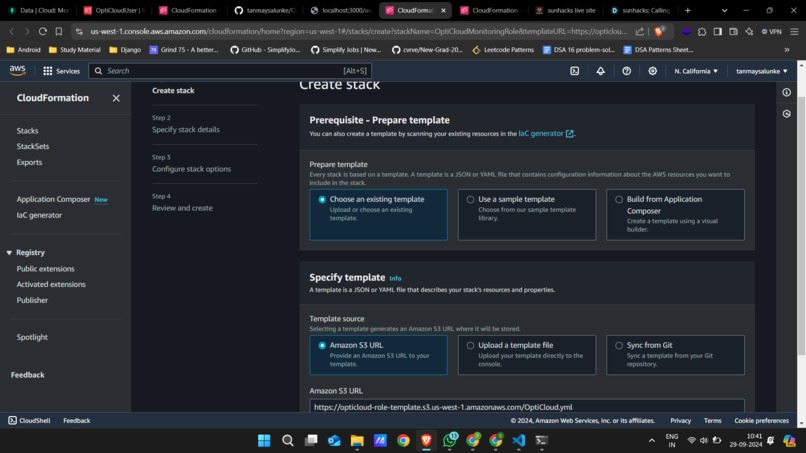
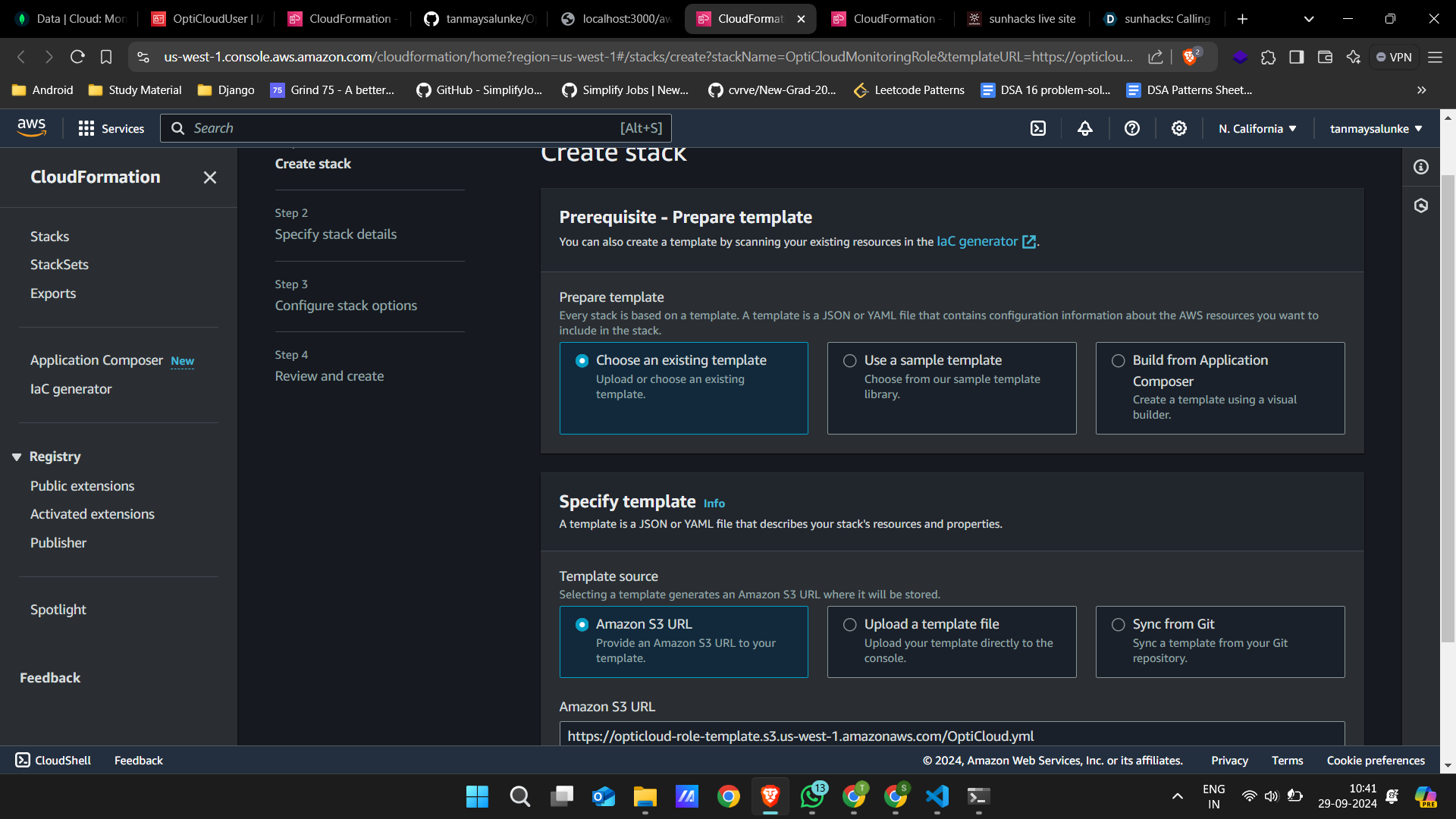
The template automatically fills required data allowing user to click next and create stack to initiate monitoring role.
-
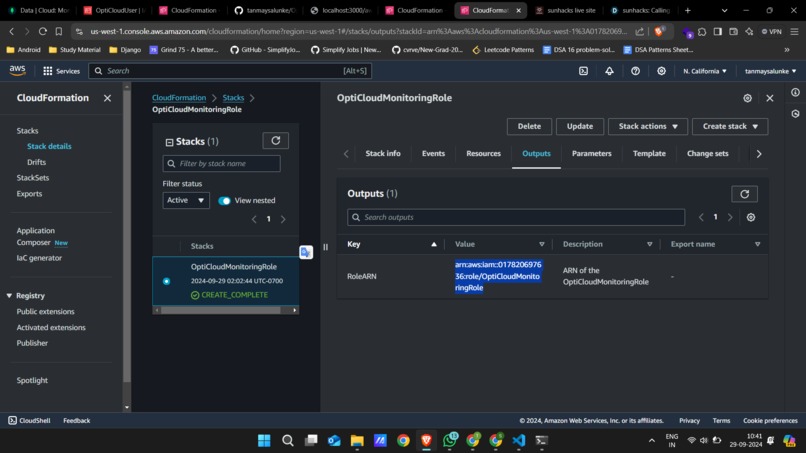
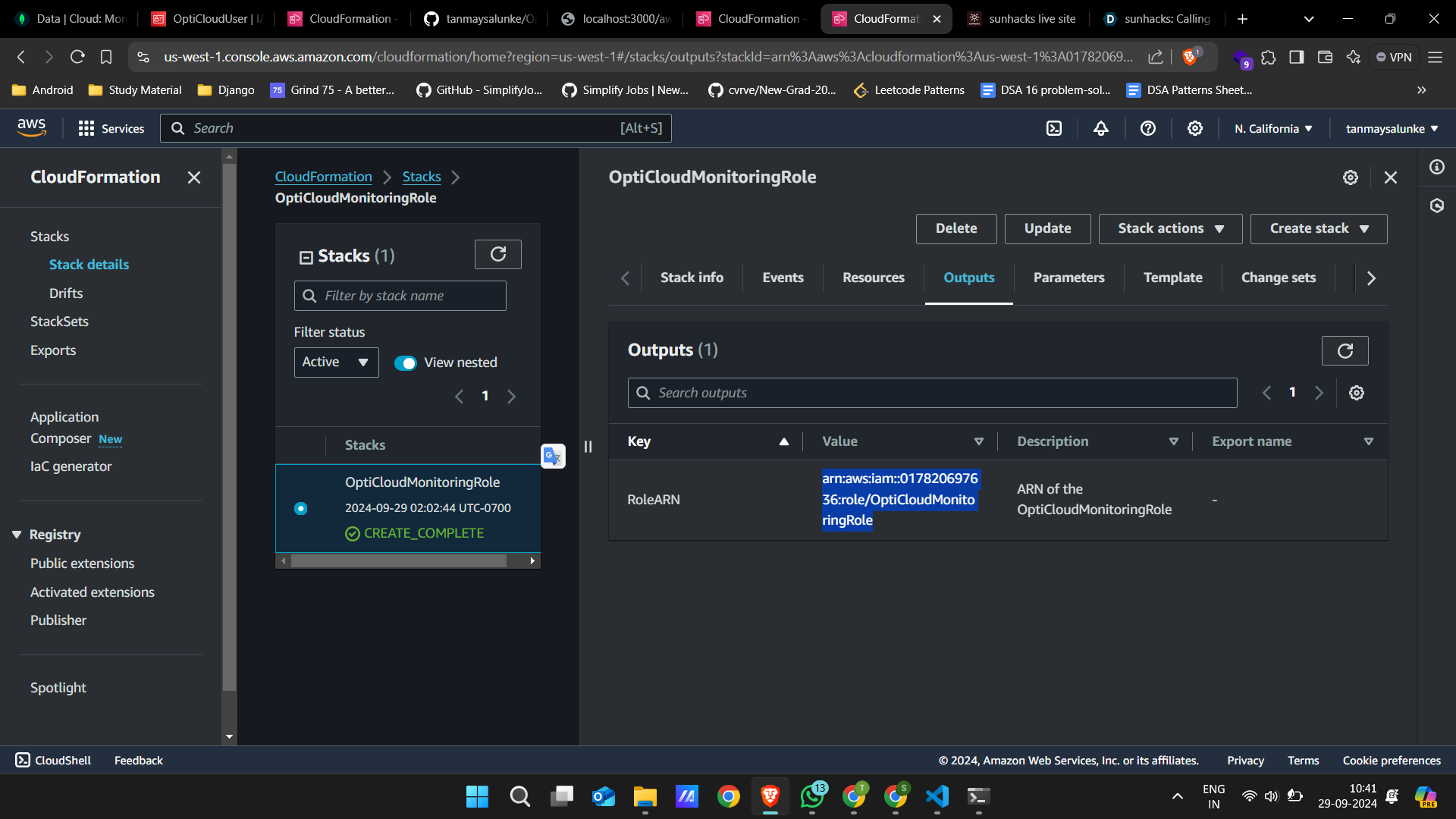
Copy ARN after stack is created
-
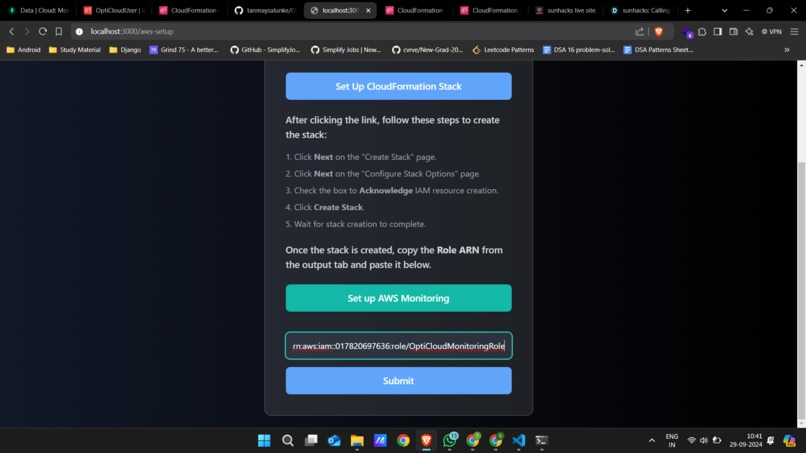
Paste the RoleArn to connect AWS account
-
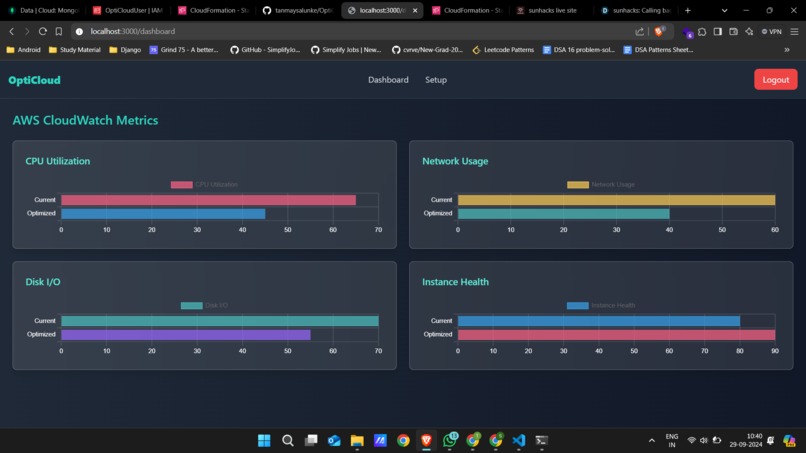
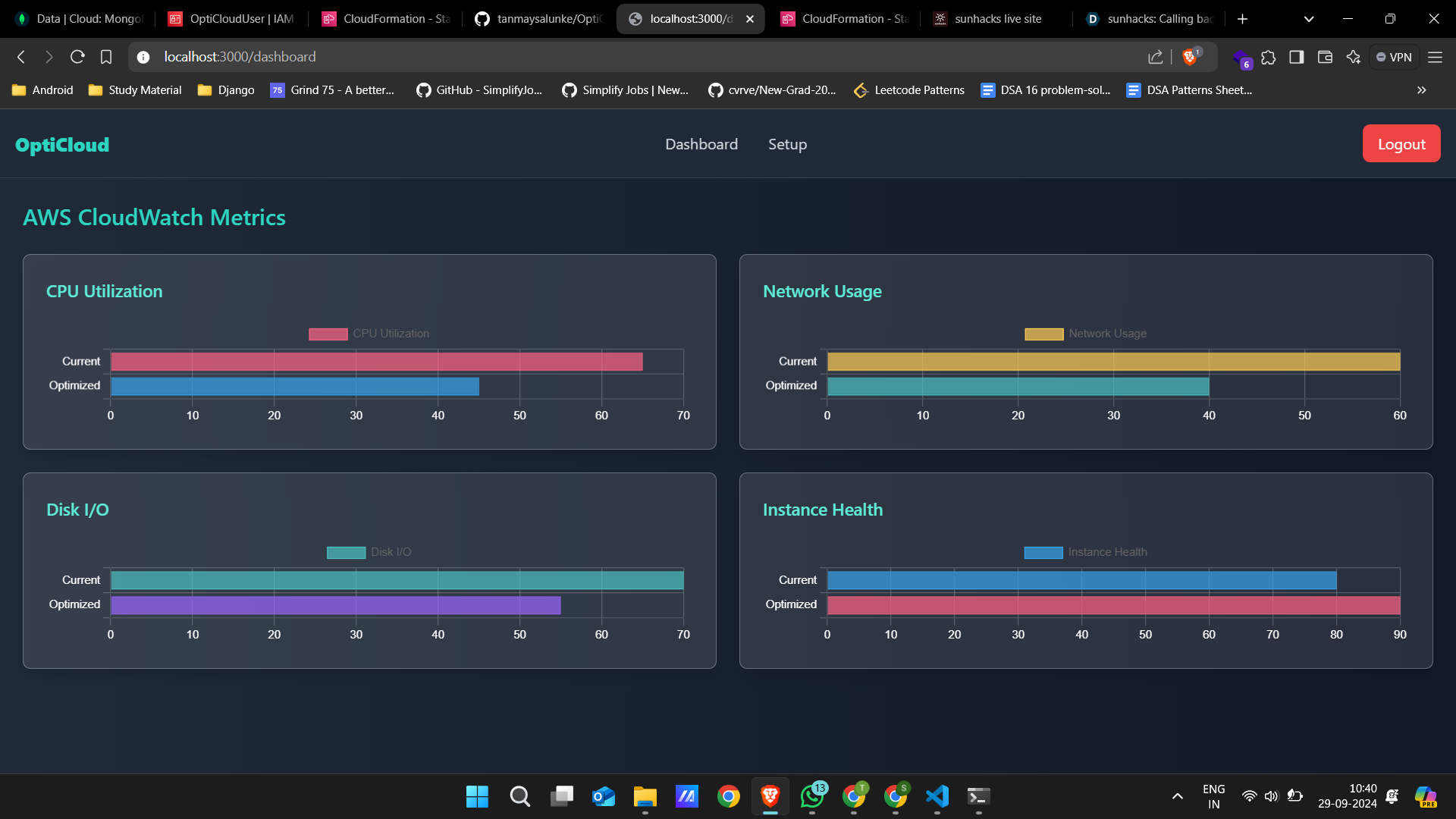
Dashboard after cloudform makes a monitoring role and data is fetched using cloudWatch API.
OptiCloud: AWS Optimization with AI
Inspiration
The rising costs of cloud resources often go unnoticed by businesses, and current tools like AWS CloudWatch provide data but don’t offer actionable insights. I was inspired to create OptiCloud to help businesses not only monitor but also optimize their cloud usage automatically, reducing cloud costs and improving system efficiency.
What I Learned
Building OptiCloud taught me the importance of integrating cloud services efficiently with AI. I deepened my knowledge of AWS services such as CloudWatch, EC2, and IAM, as well as Python integration with boto3 and MongoDB for scalable, cloud-based applications. I also learned how AI-driven models can interpret cloud metrics and offer valuable insights.
How I Built It
I used Django for the backend to handle user data and role management. The application fetches AWS usage metrics using CloudWatch and analyzes the data using an AI model. I integrated the system with MongoDB to store user roles and metrics. boto3 was used to interact with AWS, while an LLM (Large Language Model) processed the metrics and provided optimization suggestions.
# Example of fetching CloudWatch metrics
response = cloudwatch_client.get_metric_statistics(
    Namespace='AWS/EC2',
    MetricName='CPUUtilization',
    Dimensions=[{'Name': 'InstanceId', 'Value': instance_id}],
    StartTime=start_time,
    EndTime=end_time,
    Period=3600,
    Statistics=['Average']
)
Built With
- amazon-web-services
- cloudform
- django
- llm
- nextjs
- python
- restful-api
- typescript

Log in or sign up for Devpost to join the conversation.