-
-
Thumbnail
-
Architecture Diagram
Inspiration
I'm a Data/ML Engineering student who kept thinking about one problem: organizations collect terabytes of operational data in Splunk every day — yet when something breaks at 3 AM, an engineer still has to manually dig through dashboards, correlate metrics, and write an incident report by hand. That takes 30–60 minutes every time.
The data to answer "what happened and what do I do" was already there. I just wanted to make it act.
What it does
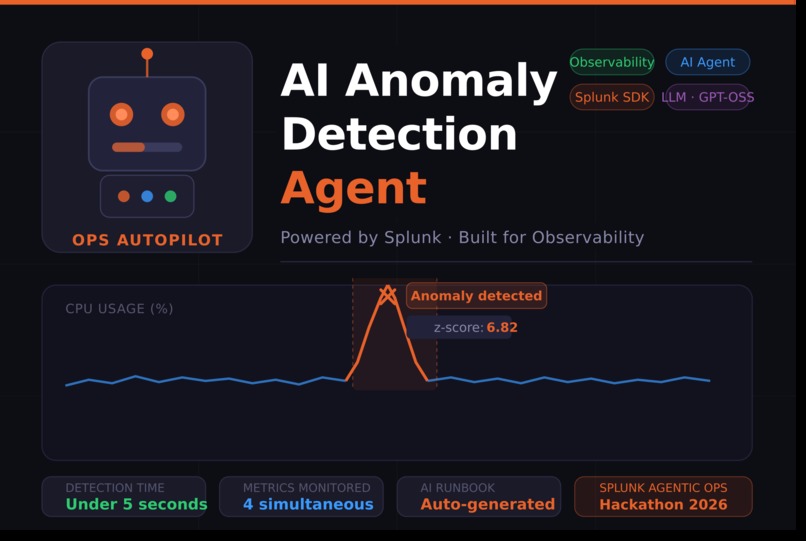
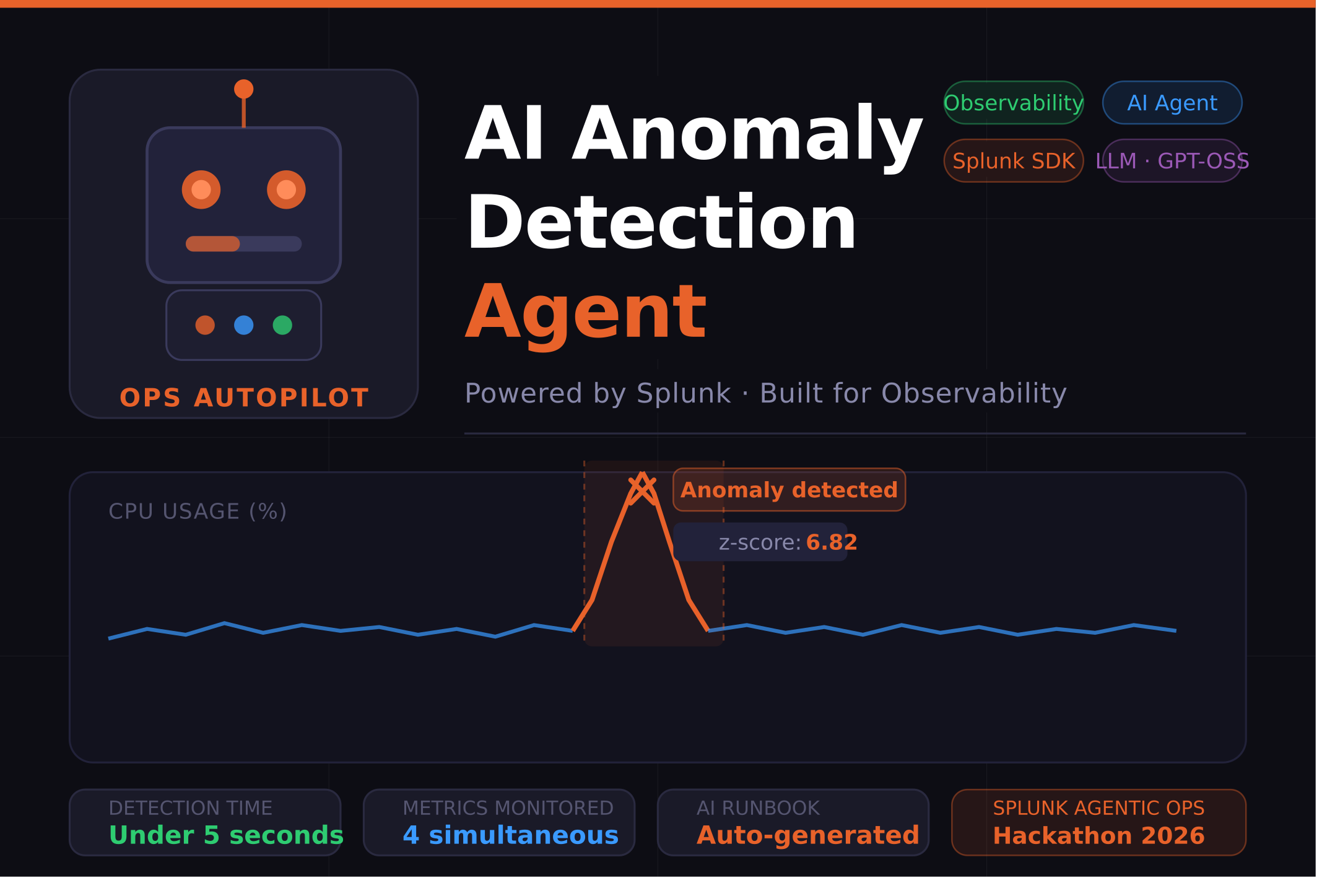
Ops Autopilot is an AI agent that watches your Splunk metrics 24/7 and generates a plain-English incident runbook in under 5 seconds — no human triage required.
Every 60 seconds it:
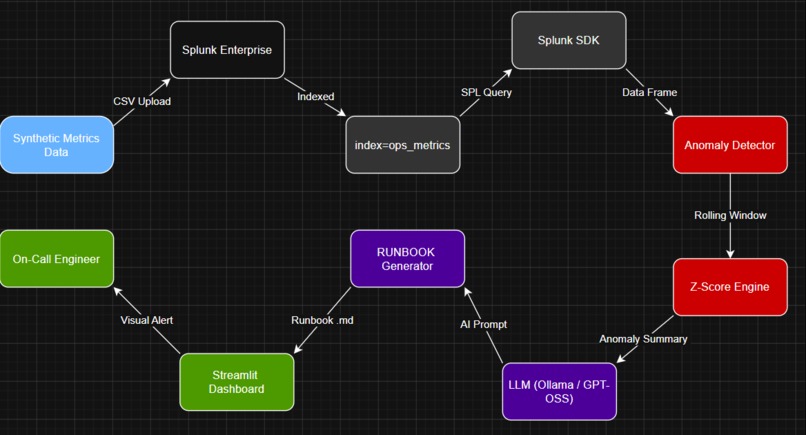
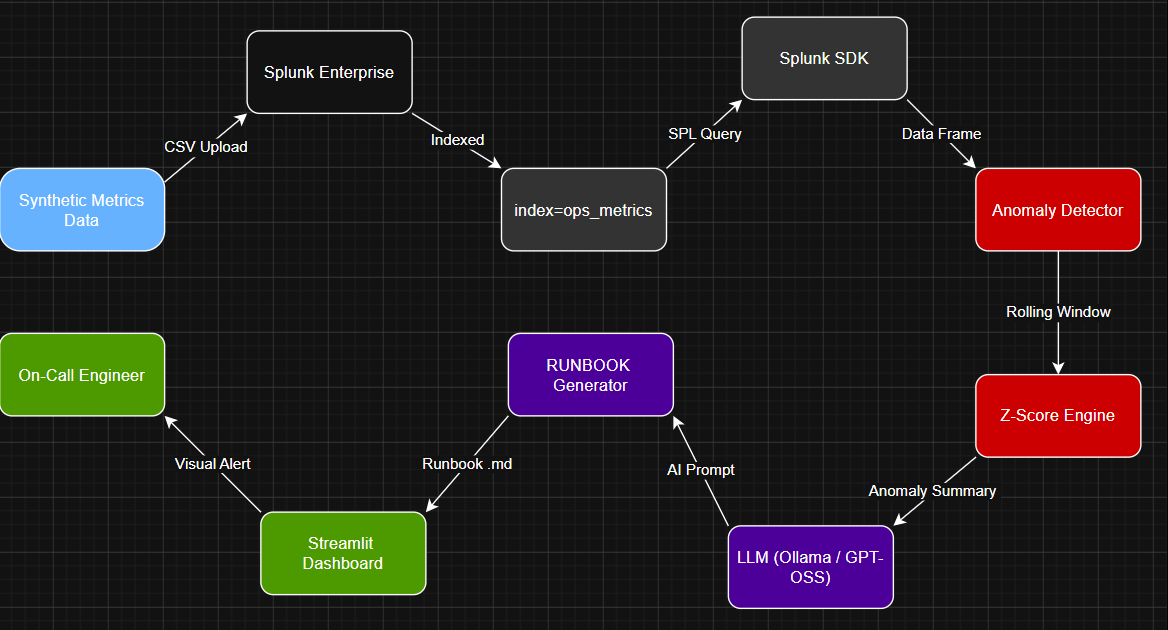
- Queries Splunk via the SDK for CPU, memory, request rate, and error rate
- Runs a rolling z-score anomaly detector across all four metrics simultaneously
- Calls an LLM to generate a structured runbook with root cause analysis, immediate actions, and Splunk SPL investigation queries
- Displays everything live on a Streamlit dashboard with interactive charts
What used to take 30–60 minutes of manual work now happens automatically.
How we built it
Stack: Splunk Enterprise · Splunk AI Toolkit · Splunk SDK for Python · Streamlit · Plotly · Ollama (LLaMA 3.2) · Pandas · NumPy
The pipeline has five components:
splunk_client.py— connects to Splunk on port 8089, runs SPL queries, returns a pandas DataFrame every 60 secondsanomaly.py— rolling z-score detection engine. Any metric deviating more than \( |z| > 2.5 \) standard deviations from its recent baseline is flagged:
$$z_i = \frac{x_i - \mu_{window}}{\sigma_{window} + \epsilon}$$
runbook.py— passes anomaly context to LLaMA 3.2 via Ollama with a structured SRE prompt, returns a formatted markdown runbookmain.py— orchestrates the loop with smart deduplication — only triggers a new runbook when genuinely new anomalies appeardashboard/app.py— live Streamlit UI with anomaly markers, highlighted incident windows, and the latest runbook rendered inline
Challenges we ran into
Zero Splunk experience. I had never used Splunk before this hackathon. Days 1–2 were pure setup — Windows path-length errors during app installation, manually extracting apps via PowerShell, and learning SPL from scratch.
Hosted model unavailability. Splunk's GPT-OSS hosted models require Splunk Cloud — not available on a local Enterprise install. I solved this with Ollama running LLaMA 3.2 locally, exposing a compatible REST API. The agent falls back gracefully to a template runbook if the LLM is unreachable.
Noisy anomaly markers. The first dashboard flagged minor deviations everywhere. Tuning the visual threshold to \( |z| > 3.5 \) and adding shaded peak windows made real incidents immediately obvious.
Accomplishments that we're proud of
- ✅ Built a fully working AI agent from scratch in a weekend with zero prior Splunk experience
- ✅ Correctly detected all 4 injected anomaly types — z-scores from 3.45 to 7.54, zero false negatives on real incident windows
- ✅ AI runbook generated in under 5 seconds end-to-end
- ✅ Clean open-source project with architecture diagram, full README, and MIT license
What we learned
Splunk is a serious AI platform — SPL, the AI Toolkit, and the Python SDK together make it far more than a log search tool.
Simple beats complex for operational detection. I considered LSTMs. The rolling z-score — zero training, fully interpretable — caught everything cleanly. For observability, explainability matters more than sophistication.
LLMs belong at the reasoning layer, not the detection layer. Statistics detects. The LLM explains. Keeping these separate made both more reliable.
What's next for Ops Autopilot
- 🔹 Splunk Cloud deployment with native GPT-OSS and Foundation-Sec hosted models
- 🔹 HTTP Event Collector (HEC) for real-time streaming instead of CSV ingestion
- 🔹 Multi-host correlation — anomaly detection across an entire infrastructure fleet
- 🔹 Slack and PagerDuty integration — AI runbooks pushed to on-call phones instantly
- 🔹 Automated remediation — not just generating runbooks, but executing first-response actions automatically via Splunk alerting and webhooks


Log in or sign up for Devpost to join the conversation.