-
-
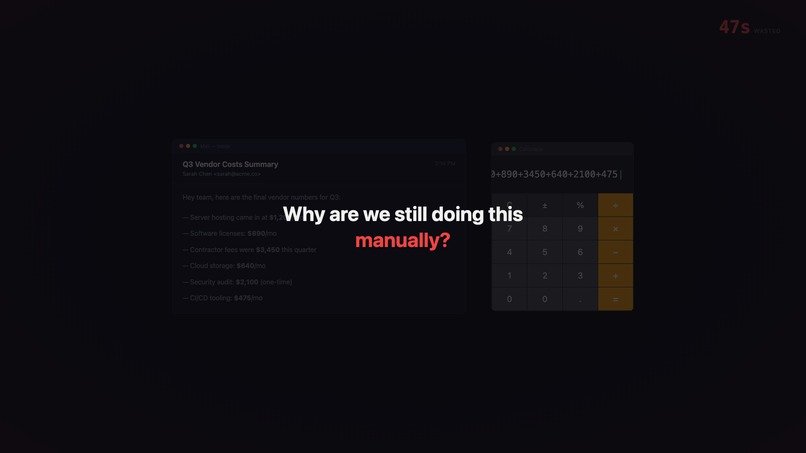
Every number buried in an email means another round-trip to the calculator. Copy, paste, type, repeat. 47 seconds gone.
-
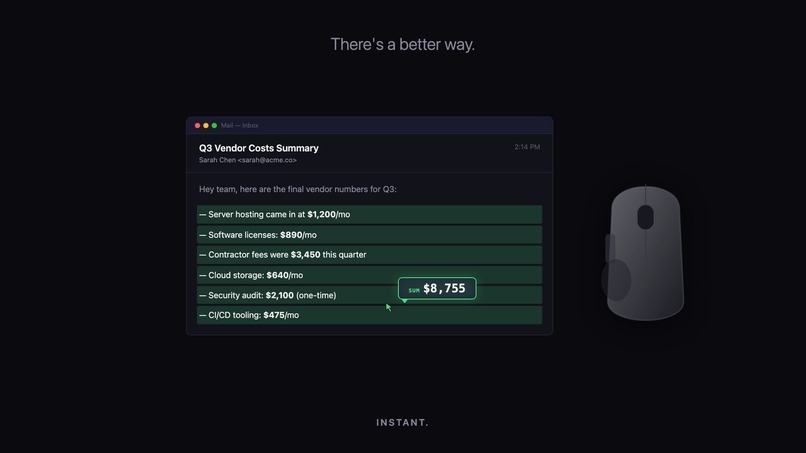
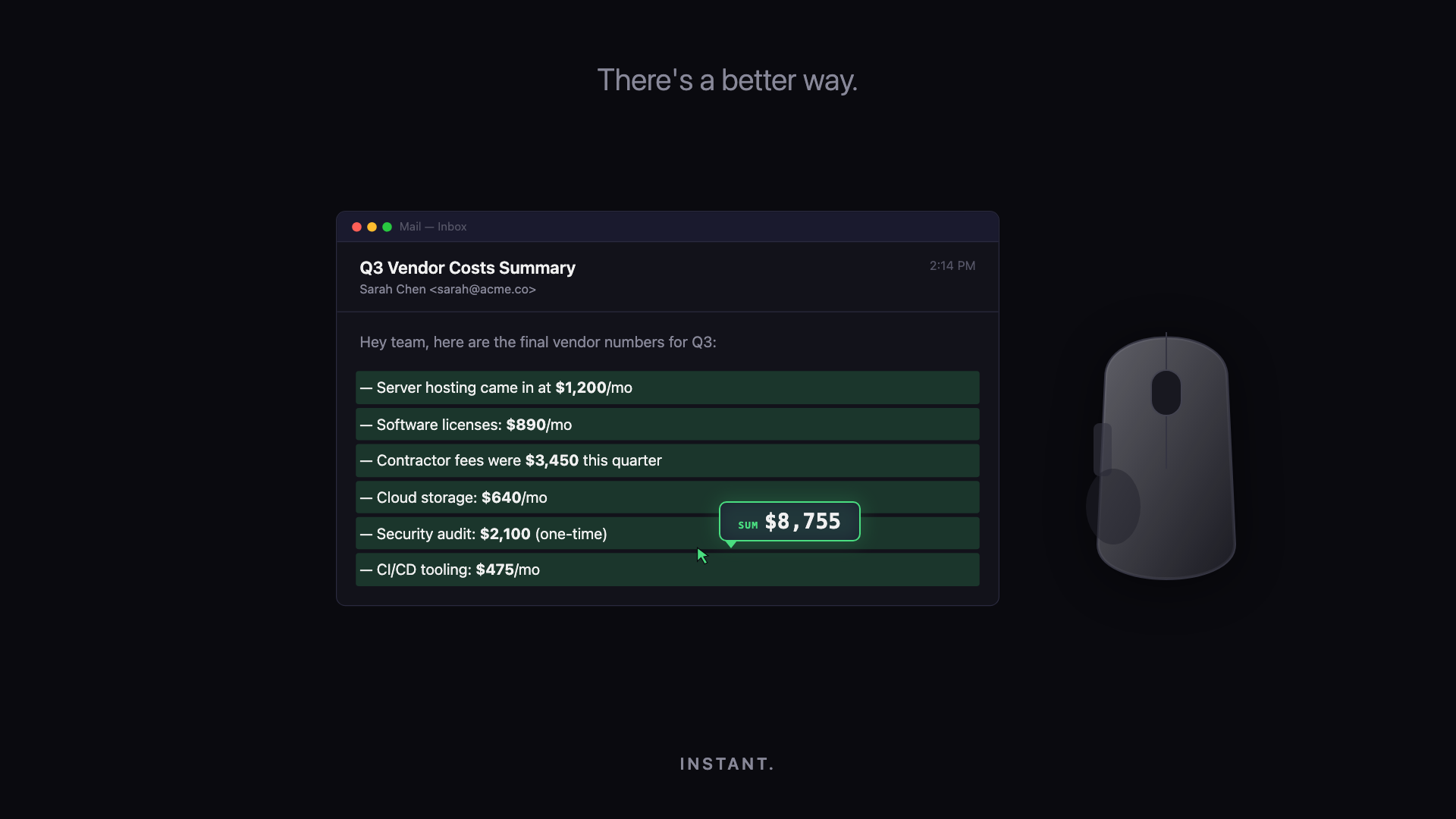
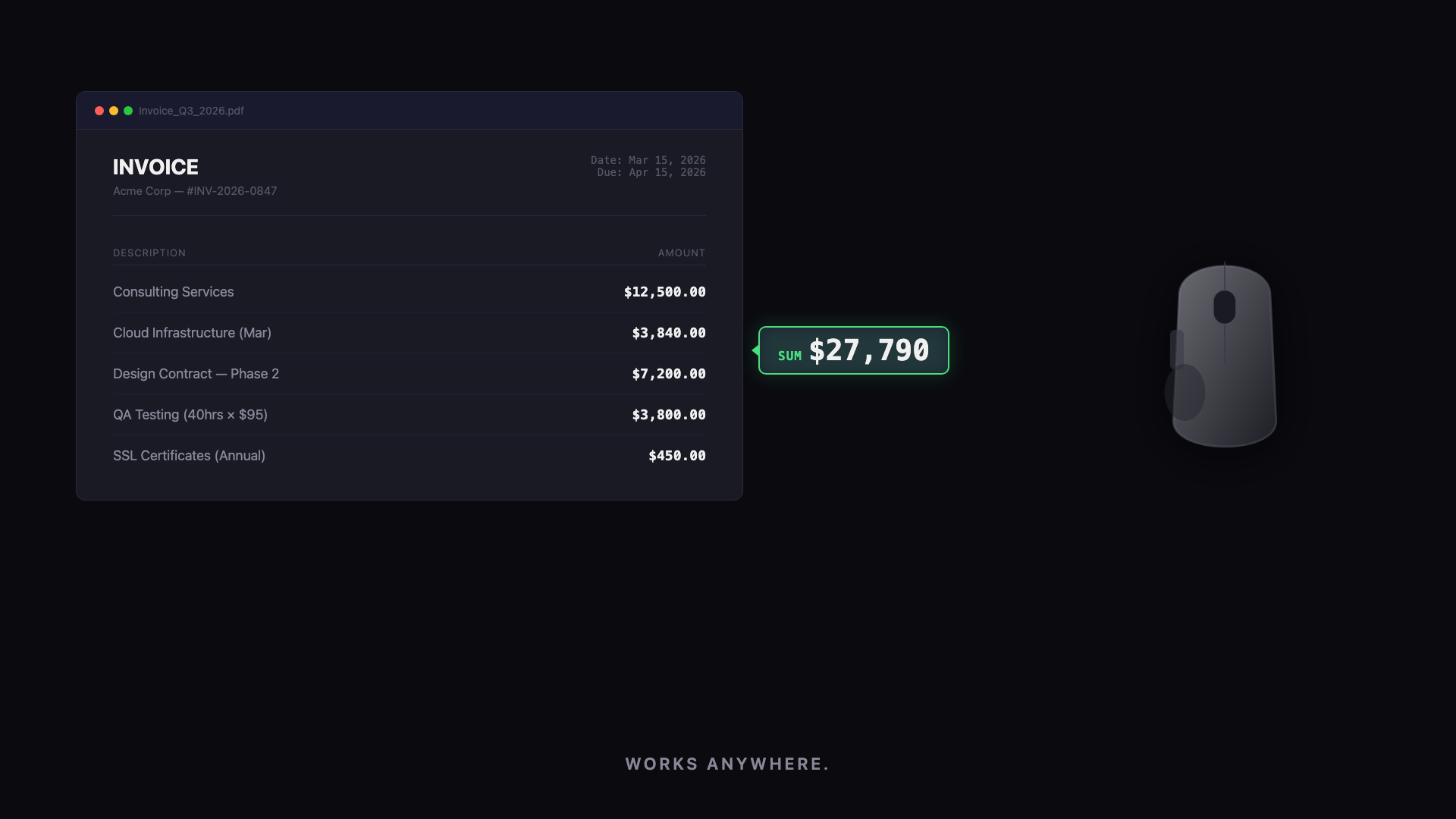
Highlight the numbers. Press the button. Get the sum instantly - no app switching, no calculator, no wasted time.
-
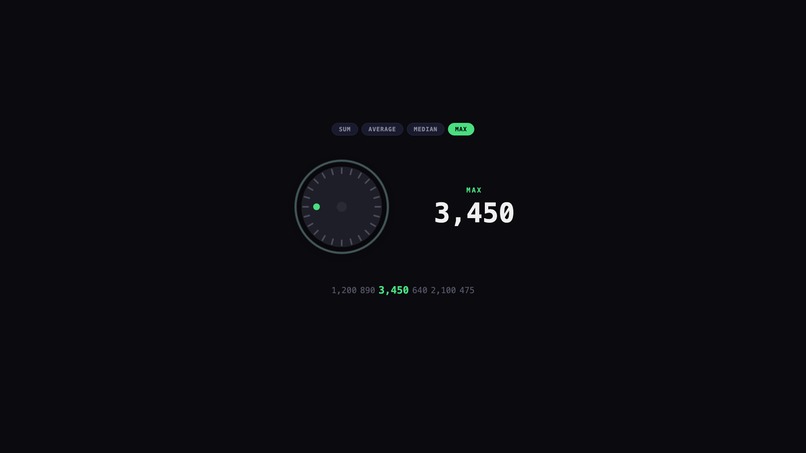
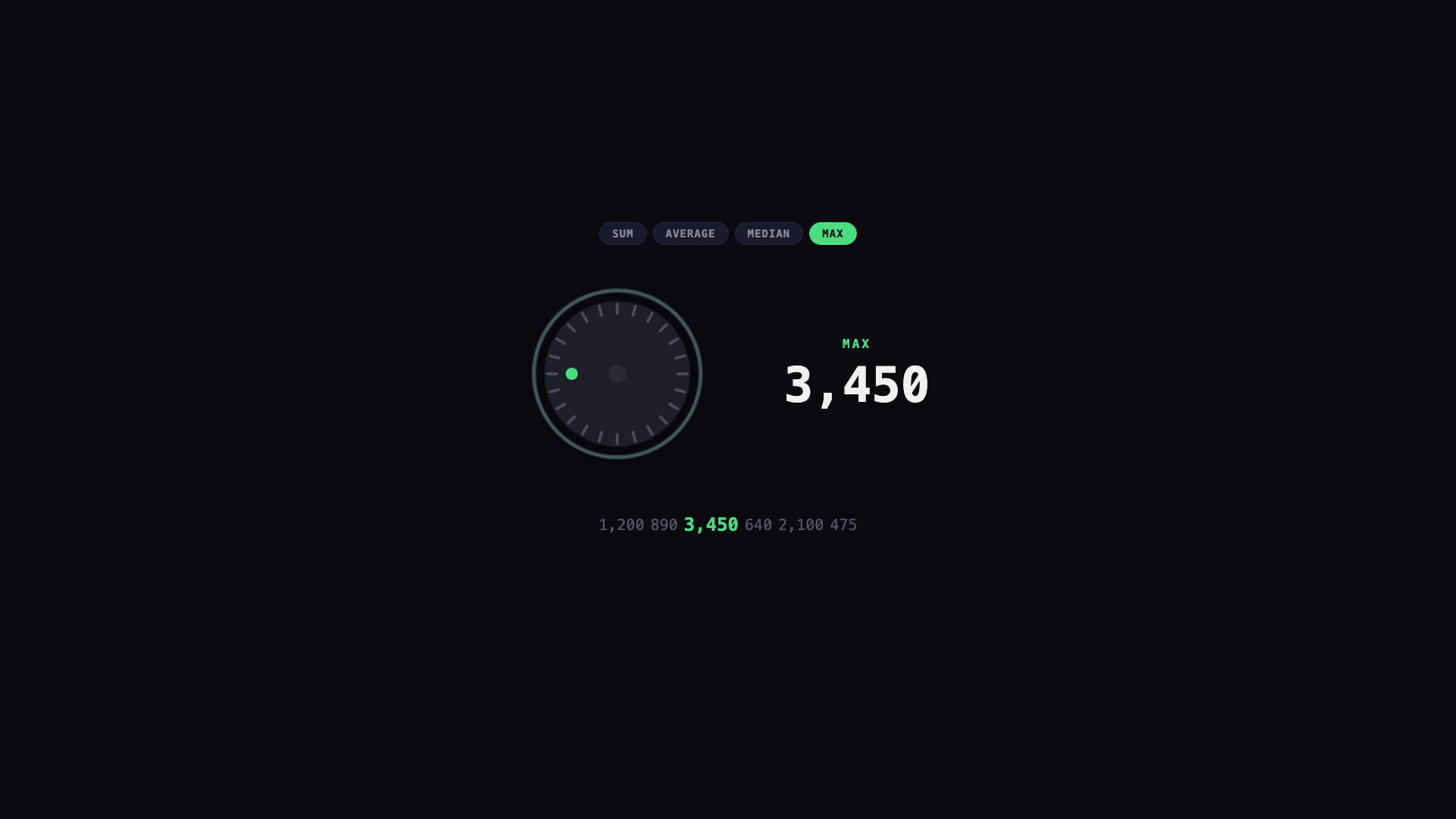
Rotate the MX Master dial to flip between SUM, AVERAGE, MEDIAN, and MAX. The hardware is the interface.
-
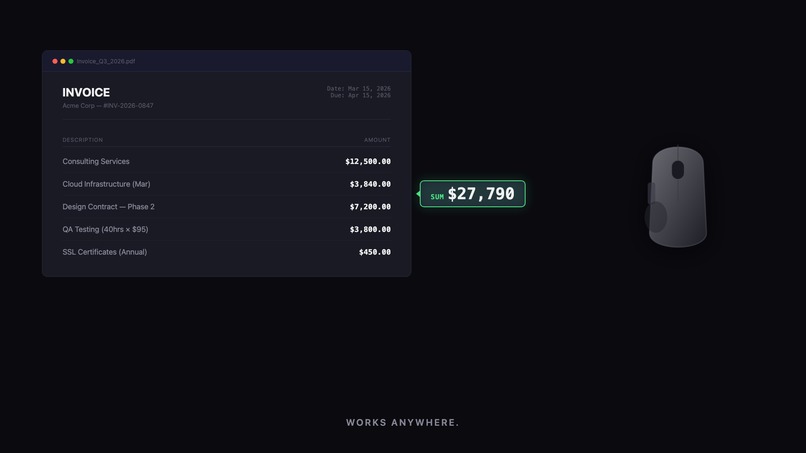
Select any region of any document. Compute Ring extracts the numbers and crunches them on the spot. Works anywhere.
-
Compute Ring. Tactile text computation, built for Logitech MX Master. Highlight, press, compute - that's it.
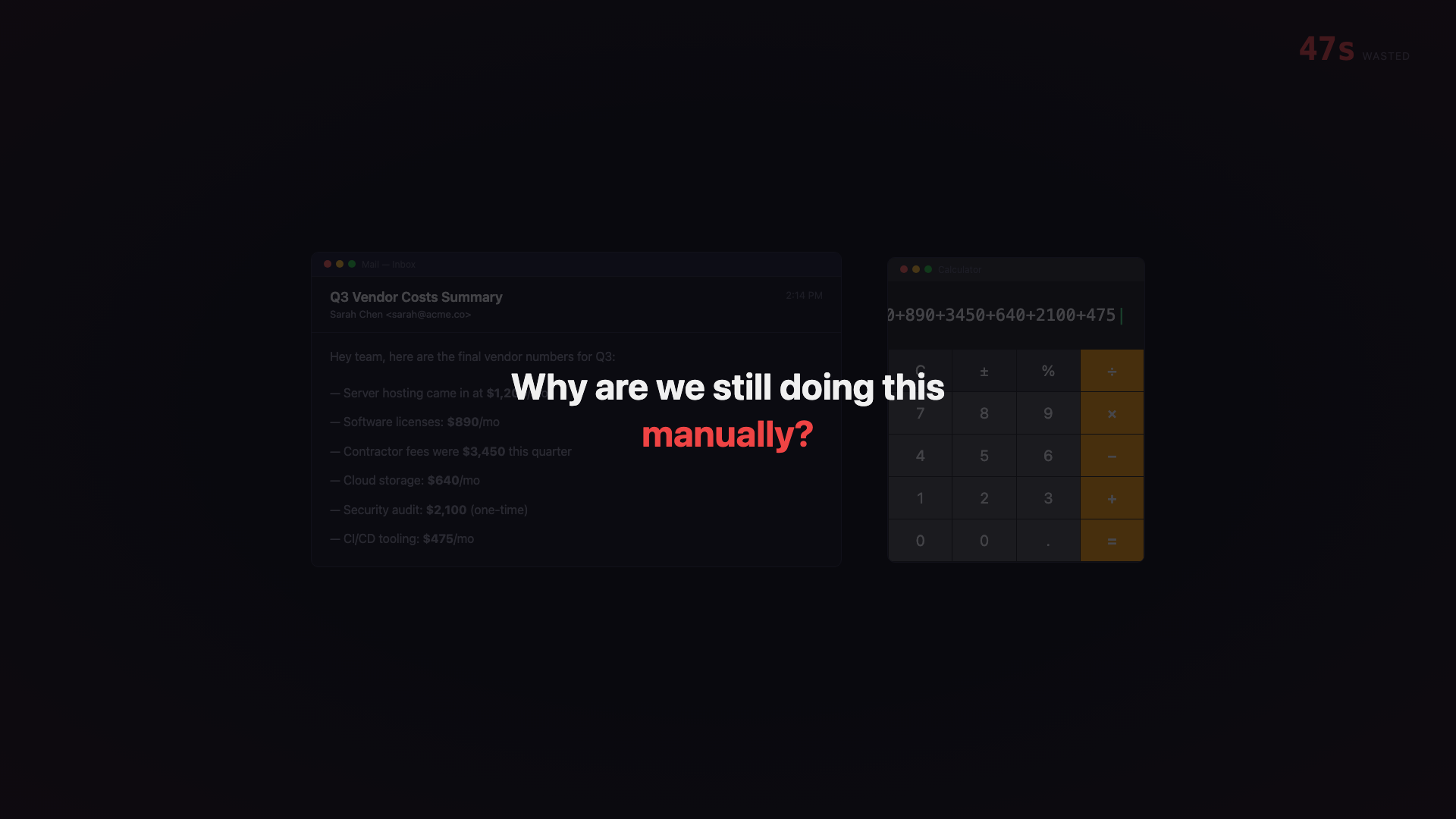
Every knowledge worker hits the same wall daily: you spot numbers in an email, invoice, or dashboard and need a quick calculation. So you copy, open a calculator, paste, type, switch back. Multiply that by dozens of times a day and you're bleeding focus to context switches.
We asked: what if the hardware you're already touching could do the math for you, right where the numbers live?
What it does
Compute Ring turns the MX Master into an instant, universal calculator. Highlight numbers in any app -- email, PDF, browser, spreadsheet -- press the button, and get the result immediately. Rotate the dial to switch between SUM, AVERAGE, MEDIAN, and MAX. Results appear inline, right where you're working.
It also supports screenshot-compute: drag-select a region of any document, and Compute Ring extracts the numbers and crunches them on the spot.
How we built it
Native Logitech Actions SDK plugin written in C#/.NET 8 for Logi Options+. The plugin registers button-press and dial-rotation actions that read highlighted content, parse numeric values, and compute results. Demo video built with Remotion (React + TypeScript).
Challenges we faced
Mapping continuous dial rotation to discrete computation modes required careful threshold tuning to feel natural rather than jittery. Ensuring number extraction works reliably across different text formats (currency symbols, commas, decimals) also took iteration.
What we learned
The MX Master dial is a surprisingly powerful interaction primitive -- continuous rotation mapped to discrete state changes creates an experience that feels physical and immediate in a way keyboard shortcuts never do.
Built With
- .net-8
- c#
- logi-options+
- logitech-actions-sdk
- react
- remotion
- typescript

Log in or sign up for Devpost to join the conversation.