-
-
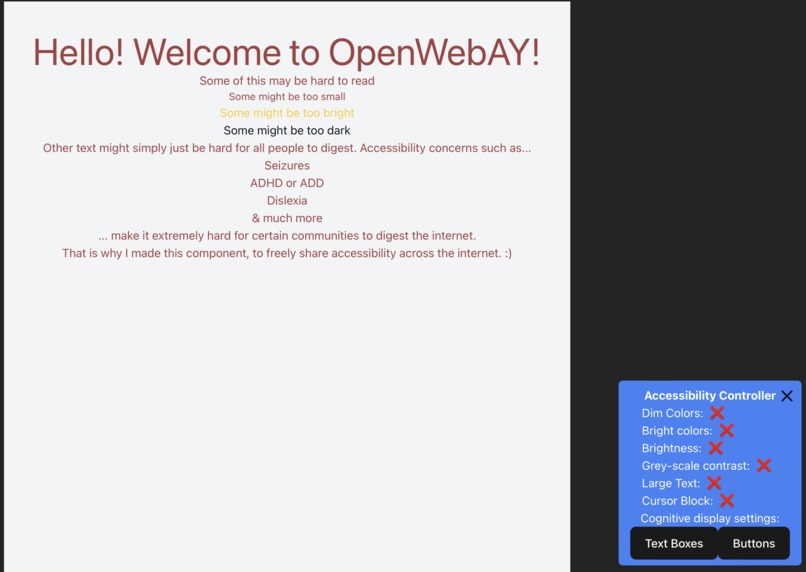
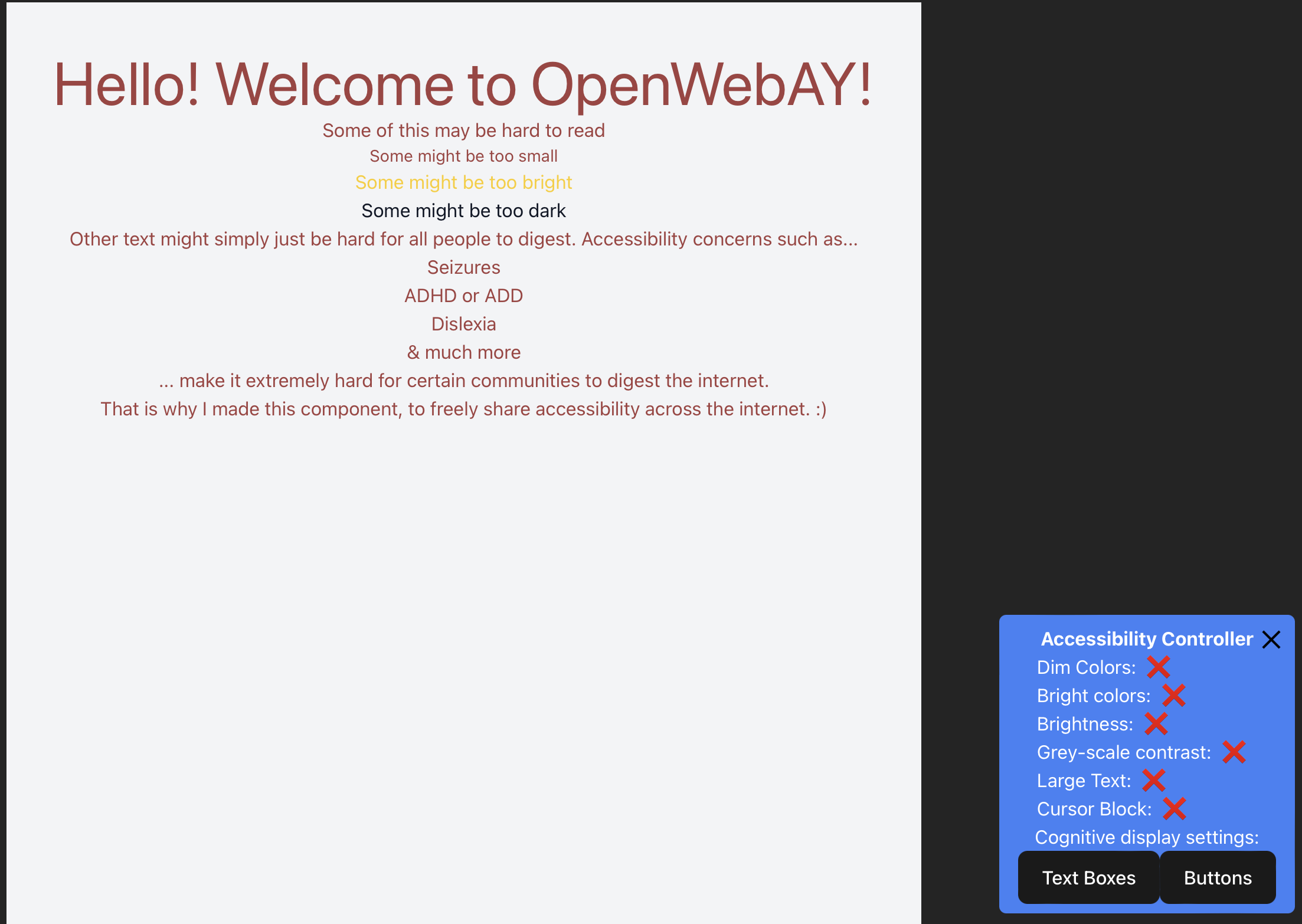
Screenshot of the open tool.
-
Benefits panel from video.
Inspiration
Web accessibility is extremely important, and I find it interesting that more websites do not have accessibility features. There is a list of Open-source web accessibility tools see here, but none (that I found) that you can plug-in to a web project and be able to dynamically change the elements of a page for accessibility purposes. I have found one proprietary tool that does this, but it is not open source and it cost money. Why should accessibility ever be put behind a pay wall?
Additionally, I wanted a tool available for the casual developer who might be making their personal website and wants something lightweight, customizable, and simple.
What it does
This component you can simply install into your codebase and it will appear on the website. The key features include...
- Dim colors
- This feature is designed to help those who suffer from seizures or epilepsy have a safer browser experience by dimming the brightness and reducing chances of bright flashes and bright color combinations.
- Bright colors
- This feature is geared towards those with tunnel vision, glaucoma, deteriorating eyesight, and more. By brightening the contrast, elements are more pronounced and easier to see.
- Brightness
- Sometimes web pages are just dark, and that can be hard for people to view. This feature simply turns up the brightness of a page.
- Greyscale
- This converts the page to greyscale. Greyscale has been shown to reduce eye strain, headaches and improve sleep patterns. This feature also makes certain websites easier to see. Very useful when colors light bright yellow are used.
- Large text
- This feature increases the text size of the words on a page. Extremely useful for those with deteriorating eyesights who struggle to see objects up close.
- Cursor block
- Designed for people with ADHD and ADD who struggle with focusing on text. This feature blocks out text around the cursor, and allows easier focus on the text.
- Cognitive display settings
- Similar feature to code code highlighting in a text editor. This feature draws boxes around certain element types in the webpage. This is useful for those who need further clarity on certain web sight features.
How we built it
Using React, Tailwind CSS, and Vite
Challenges we ran into
Time. I was at a conference on the day of the hackathon so I had to scope my project down severely.
Accomplishments that we're proud of
It works!
What's next for OpenWebAY | An open source web tool for accessibility
Allowing others to build upon the tool and hopefully being implemented in more websites to bring a more accessible internet.
Built With
- react
- tailwindcss
- vite

Log in or sign up for Devpost to join the conversation.