-
-
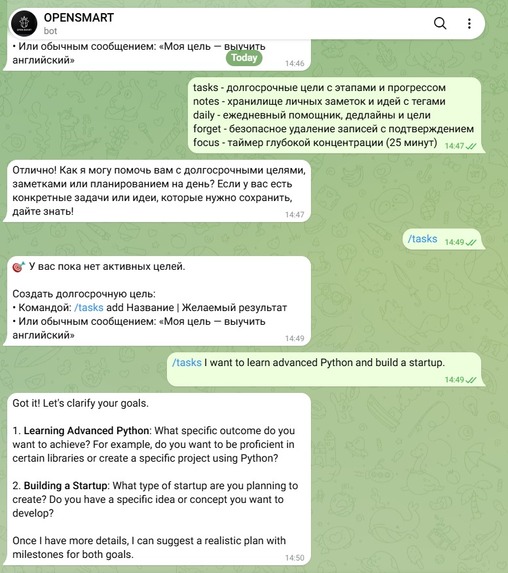
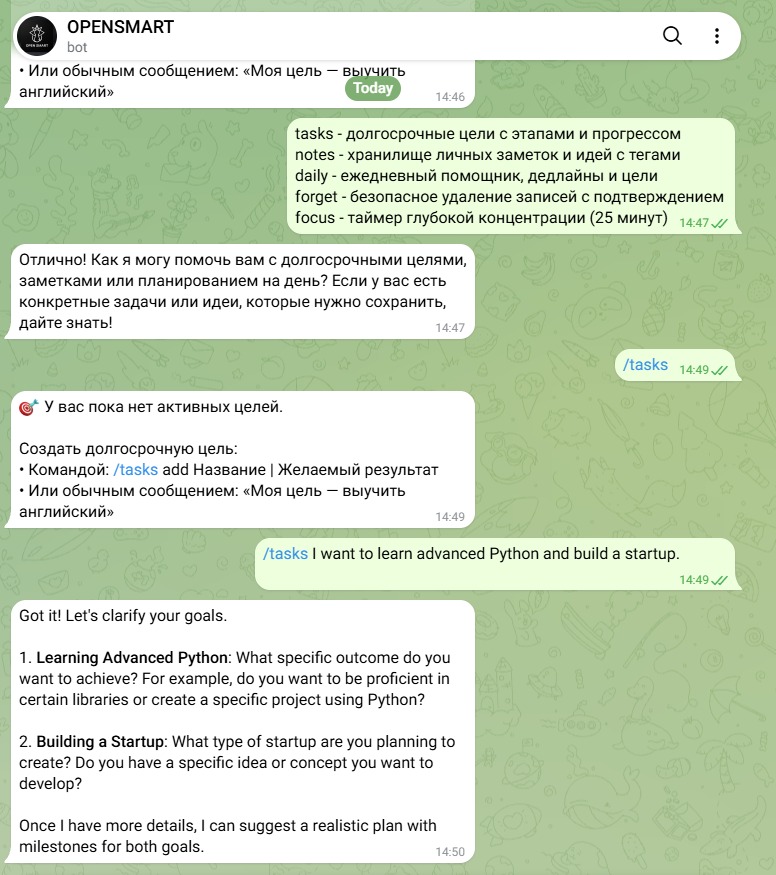
OPENSMART AI Assistant: Real-time interactive goal breakdown using the /tasks command.
-
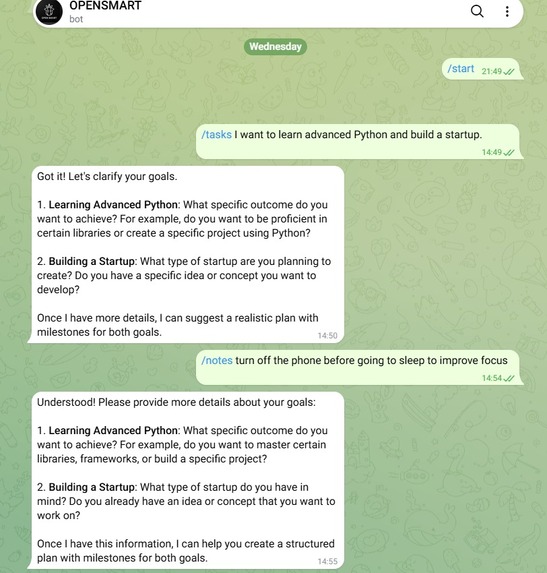
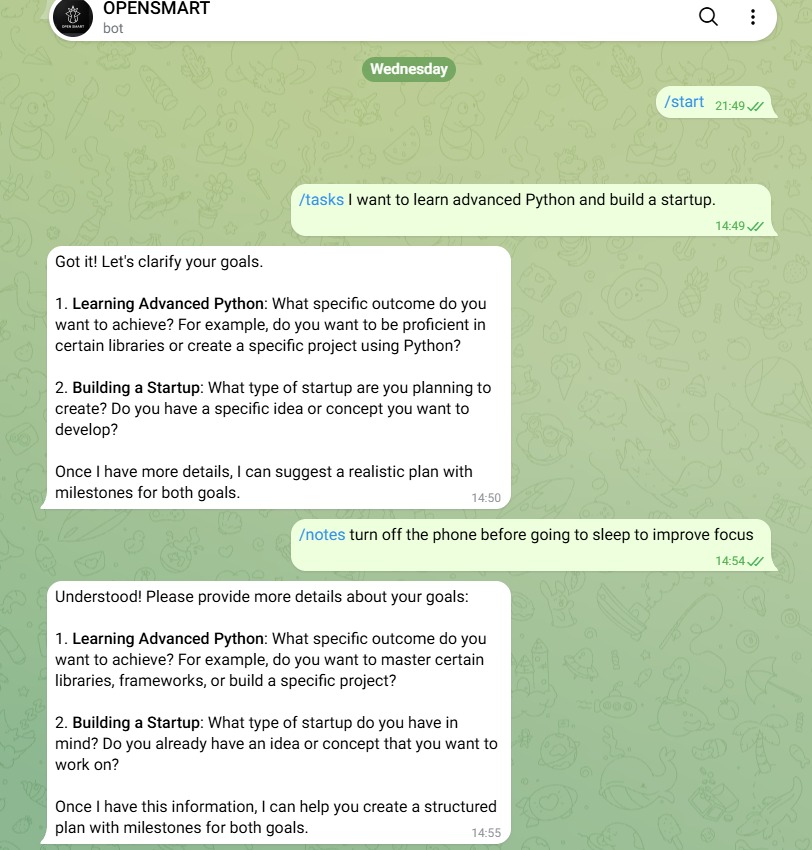
Managing personal notes and ideas in real-time using the /notes command.
Inspiration
We wanted to solve the everyday fatigue of context-switching between endless note apps, task lists, and calendar planners. We aimed to build a seamless, centralized productivity hub where users can interact with an AI assistant directly inside Telegram using @open_smart_bot.
What it does
OPENSMART (@open_smart_bot) is a 24/7 personal AI assistant and productivity bot integrated into Telegram. It processes complex tasks, manages structured notes, handles smart scheduling, and interacts with users in real time to optimize their daily workflow.
How we built it
- Core Logic & Bot: Built using Python 3 and
aiogramfor fast asynchronous event handling. - Task Scheduling: Powered by
apschedulerto run background triggers and automated checks 24/7. - Deployment: Containerized via Docker and securely deployed on cloud hosting infrastructure for high availability.
Challenges we ran into
Configuring reliable 24/7 background worker processes without unexpected downtime was tricky, but we successfully resolved it by properly containerizing the application using Docker and setting up cloud PaaS deployment.
Accomplishments that we're proud of
- Successfully launched a fully functional, production-ready AI bot (@open_smart_bot) that runs autonomously around the clock.
- Created a clean, robust asynchronous architecture capable of handling multiple requests simultaneously.
What we learned
We gained deep practical experience in asynchronous Python programming, setting up automated background task queues, and packaging applications using Docker for cloud environments.
What's next for OPENSMART
- Integrating advanced vector databases for context-aware long-term memory.
- Adding automated calendar sync and voice-command processing features.


Log in or sign up for Devpost to join the conversation.