-
-
Logo
-
Landing Page
-
Live Library Status
-
Under Construction
Inspiration
Our inspiration for building this app came from our personal experiences as library users. We realized that it can be frustrating to walk to the library only to find out that it is crowded and difficult to find a quiet spot to study. Some of our team members prefer to study in the same spot, so the idea of being able to check the occupancy levels of the library before leaving home was appealing. We wanted to create a tool that would make it easier for library users to plan their visits and find an available seat quickly, without having to walk around the library searching for an open spot. That's why we decided to develop an app that uses NFC tags to track the occupancy levels of the library in real-time, providing library users with the information they need to make informed decisions about when to visit the library and where to study.
What it does
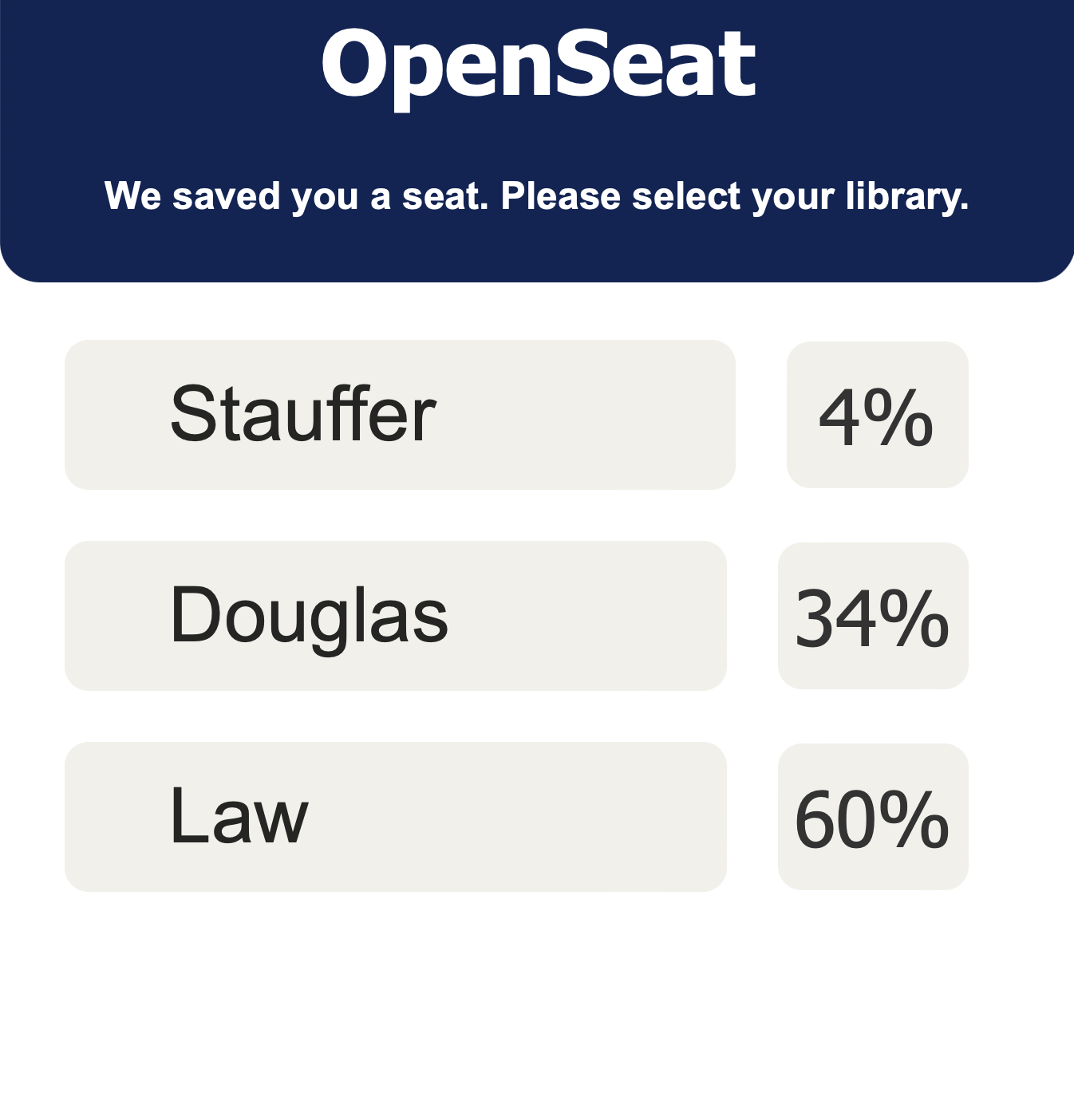
Our software is a library occupancy tracker that uses NFC (Near Field Communication) technology to provide real-time updates on the busyness of the library. The software is comprised of two main components: NFC tags placed throughout the library and a smartphone with a built in NFC scanner to scan these tags and update the live occupancy.
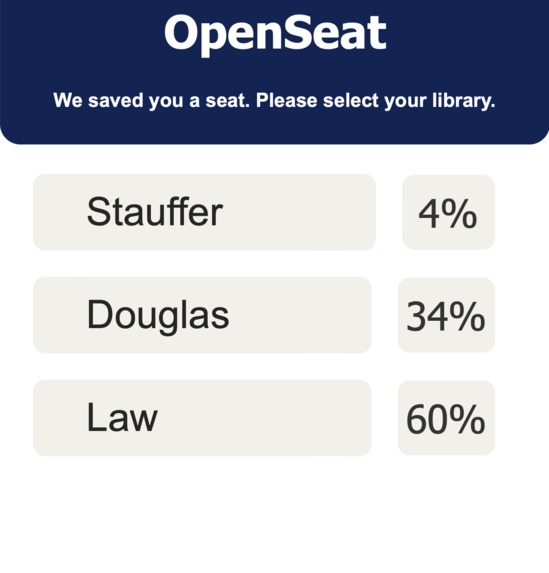
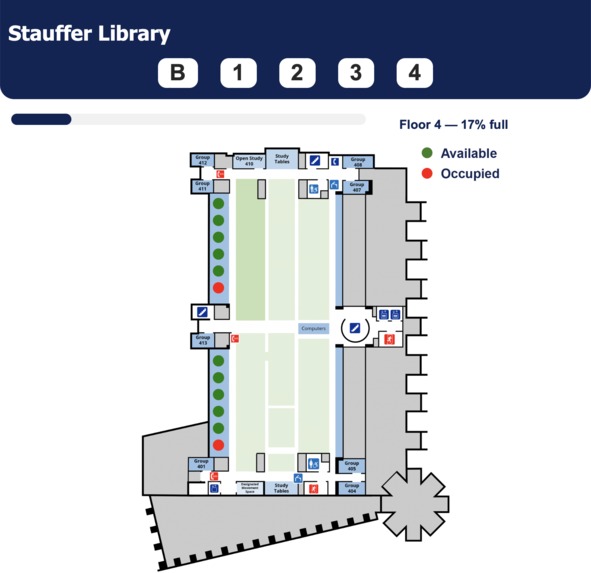
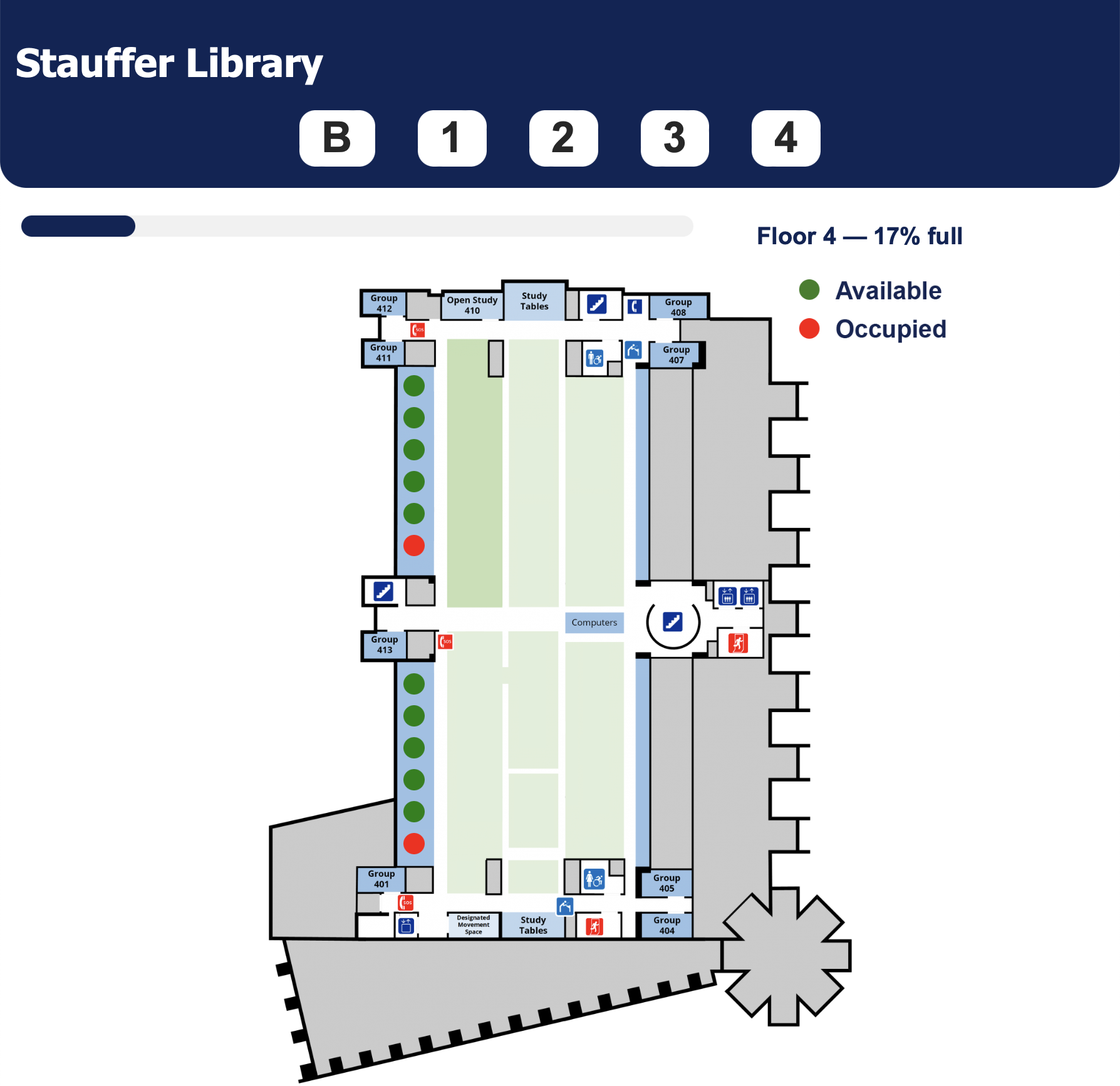
The NFC tags are placed in every seat throughout the library. These tags can be scanned using the your smartphone, which then displays the occupancy levels of that specific area in real-time. The app also includes a map feature that shows the location of available seats and study spaces.
The app also allows library staff to monitor the library's resources more efficiently.
In summary, our software aims to provide students with real-time information on the busyness of the library, allowing them to plan their visit and make the most of their time. It also helps library staff to manage resources and provide a better service to students.
How we built it
We used XAMPP to host a local Apache server and store an online MySQL database on this server to store live “occupancy” results. The website we made allows users to modify seat entries from a live database. In order to make the local server public, we utilized ngrok to create a secure tunnel to our localhost and assigned it a specific domain name. On the front-end, we used HTML, CSS, and Javascript to create the user interface. We also used PHP to make requests to the online MySQL database to retrieve data and update the specific occupancy in the designated location on the map. To change the "occupied" entry in the database, we used data munging skills to change the request after the "?" in the URL. Each NFC tag has a specific URL encoding, which corresponds to a specific seat in the library. Each time an HTTP request is made with this URL, this toggles the “occupancy” result from on/off and vice-versa. Integrating these technologies allowed us to create a dynamic and functional website that can retrieve data from the database in real-time.
Challenges we ran into
One of the main challenges we encountered while developing our project was hosting a server. Initially, we attempted to use Google Cloud, but we were unable to get it to work properly. We then decided to try forwarding our local host to ngrok, which allowed us to redirect HTTP requests to our local host. This proved to be a successful solution and allowed us to continue with our project development.
Accomplishments that we're proud of
One of the accomplishments we are most proud of is how well our team worked together to develop our app. We effectively split up tasks among team members and then reconvened to ensure everything was working seamlessly together. Additionally, we are proud of how much we have learned through this process. None of us had any prior web development experience on the front or back end, but through this project, we have acquired a solid foundation of knowledge. We are leaving this project with a newfound appreciation for the hard work and dedication that goes into creating a functional and user-friendly app.
What we learned
What we learned from this project is the potential of using NFC tags to program live updates on a website. None of us had any previous experience in website development, but through this project, we were able to learn and apply new skills. We discovered the complexity and effort required to build a project like this, but also the power of teamwork and passion for learning. We all came into the project with limited knowledge, but through the process of collaboration and problem-solving, we were able to achieve our goals and create a functional software. It was a valuable learning experience that has allowed us to grow both technically and as a team.
What's next for OpenSeat
What's next for OpenSeat is to continue scaling our solution to accurately track every seat in every library at Queens University and all levels. We hope to pitch this idea to the university and see if they would be open to subsidizing the project as it is relatively inexpensive to develop, and NFC tags are inexpensive. We plan to expand the number of NFC tags placed throughout the library and improving the accuracy of the occupancy levels reported by the tags. Additionally, we hope to integrate the software with existing library systems such as the library's website or catalog. This would allow students to access the occupancy information directly from the library's website.
Furthermore, we plan to add more features to our software, such as past statistics on library busyness. This would allow library staff to better understand and manage the usage of the library's resources. We also would like to explore the possibility of pitching this solution to other universities and even other areas such as hospitals, to track and manage the wait times and available spaces. We believe that this software has the potential to greatly benefit any organization that needs to manage the usage of its resources. We hope that by expanding and enhancing our solution, we can make it more widely available to other organizations.

Log in or sign up for Devpost to join the conversation.