-
-
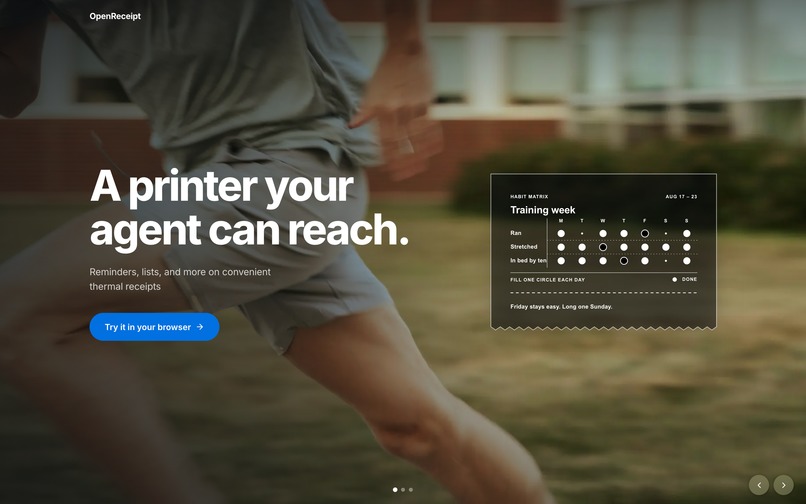
Open source receipt editor
-
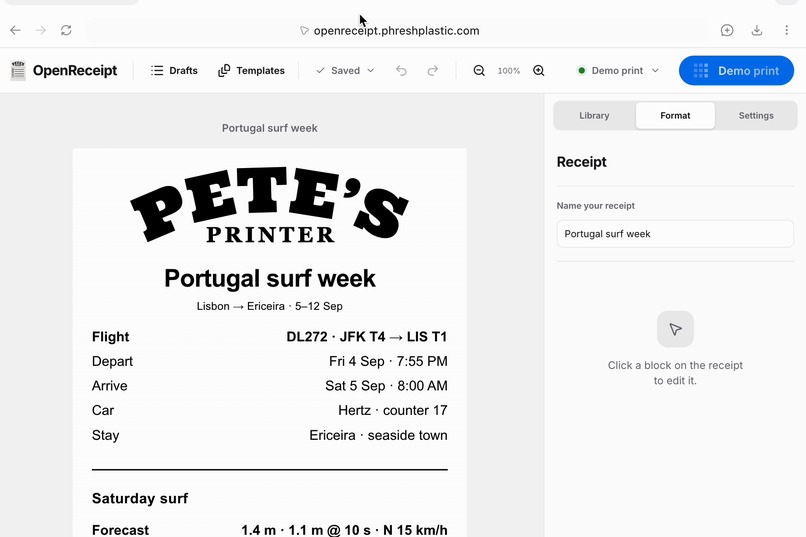
Just tell your agent what you want – and boom, ready for print!
-
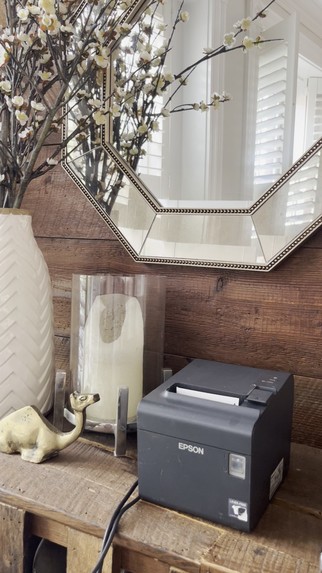
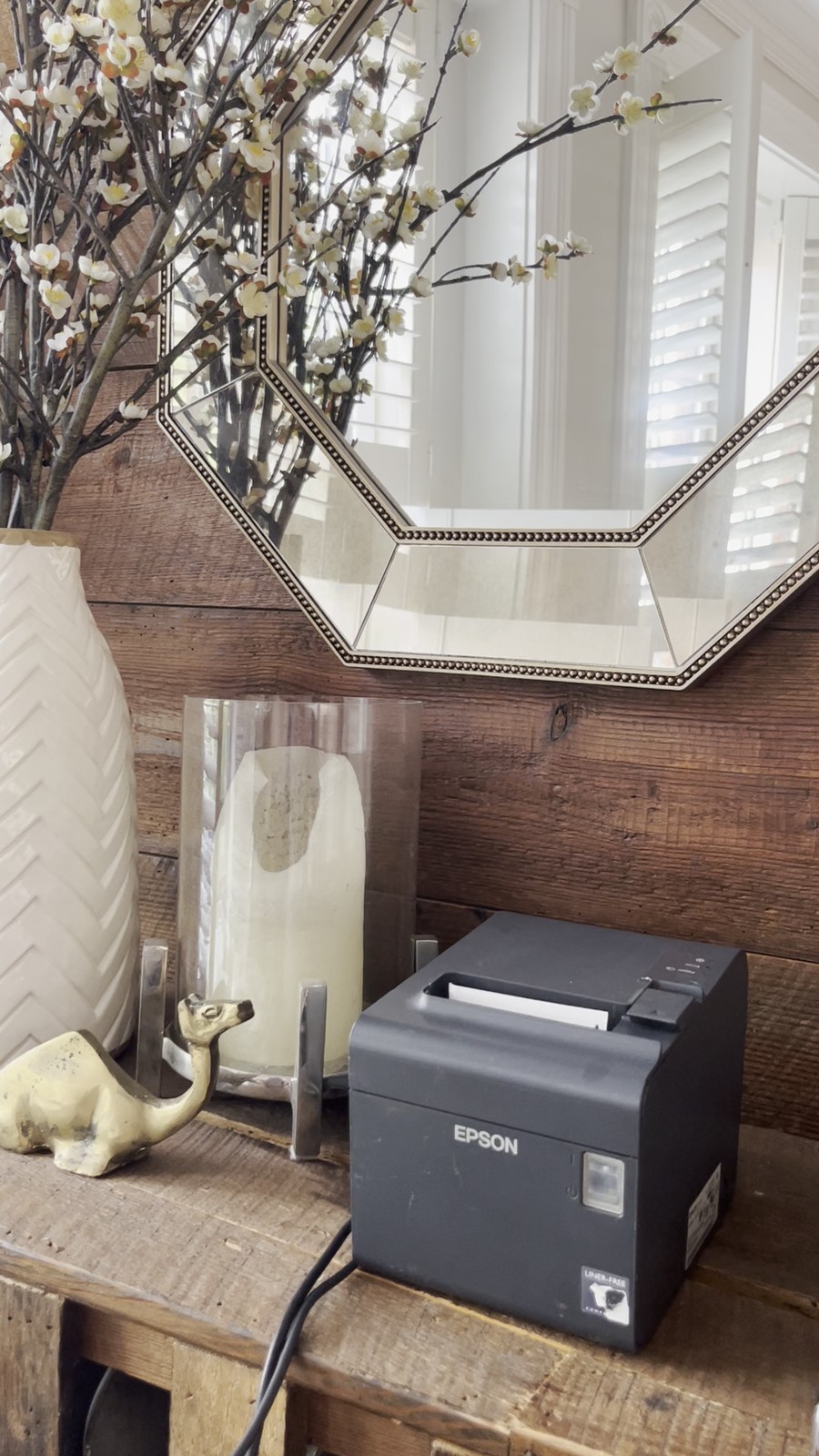
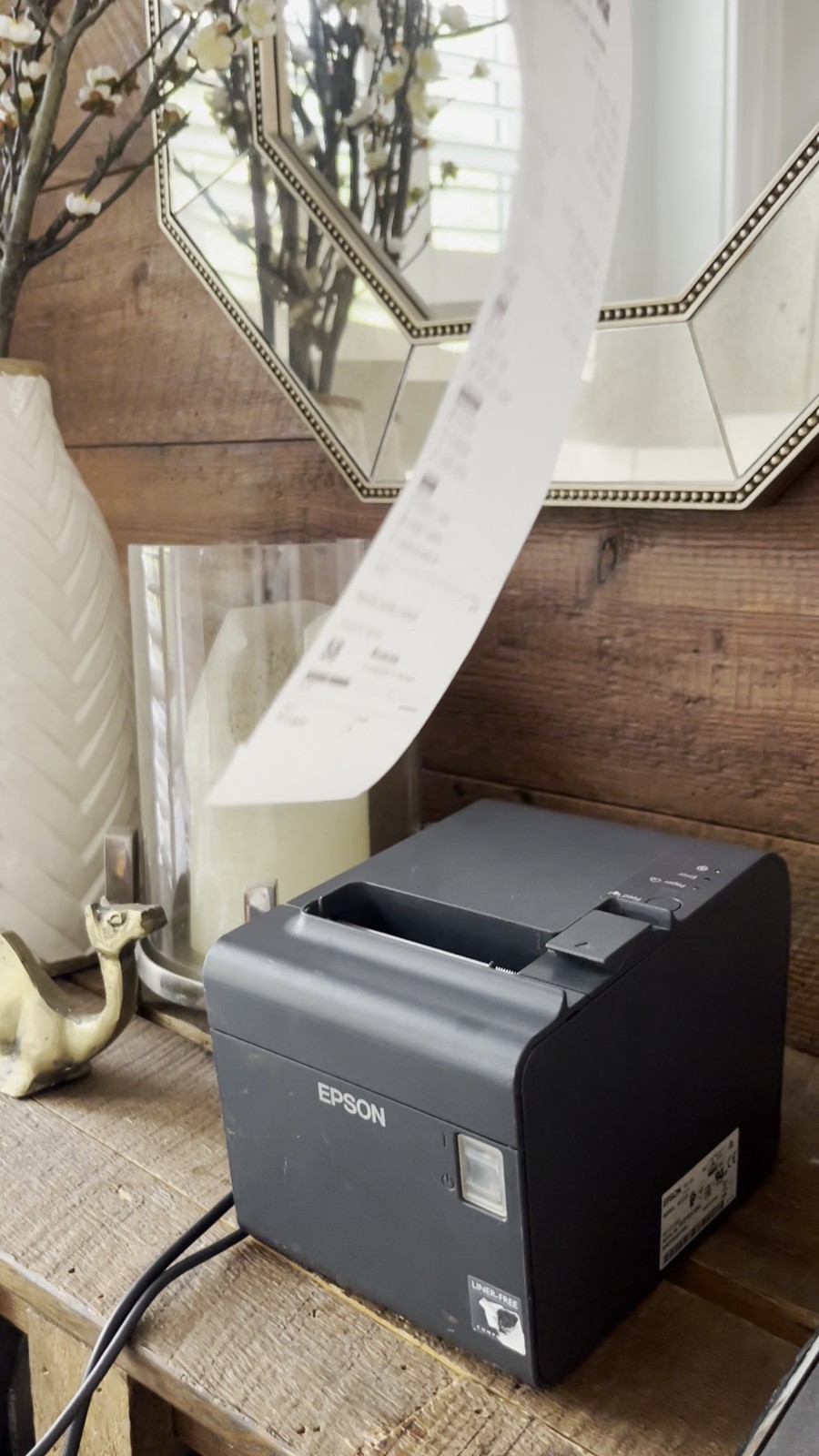
Epson TM-L90 (many options on ebay)
-
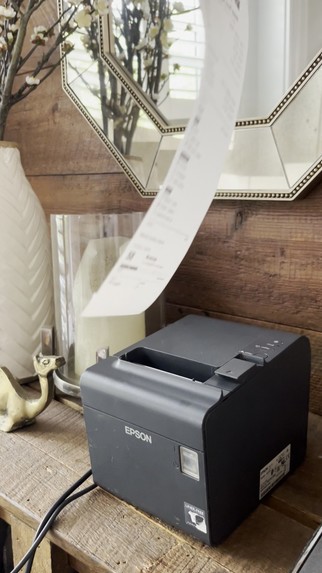
Physical receipts to go! Infinite possibilities
-
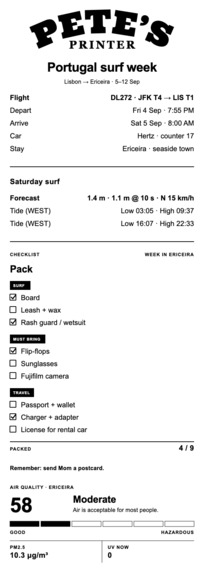
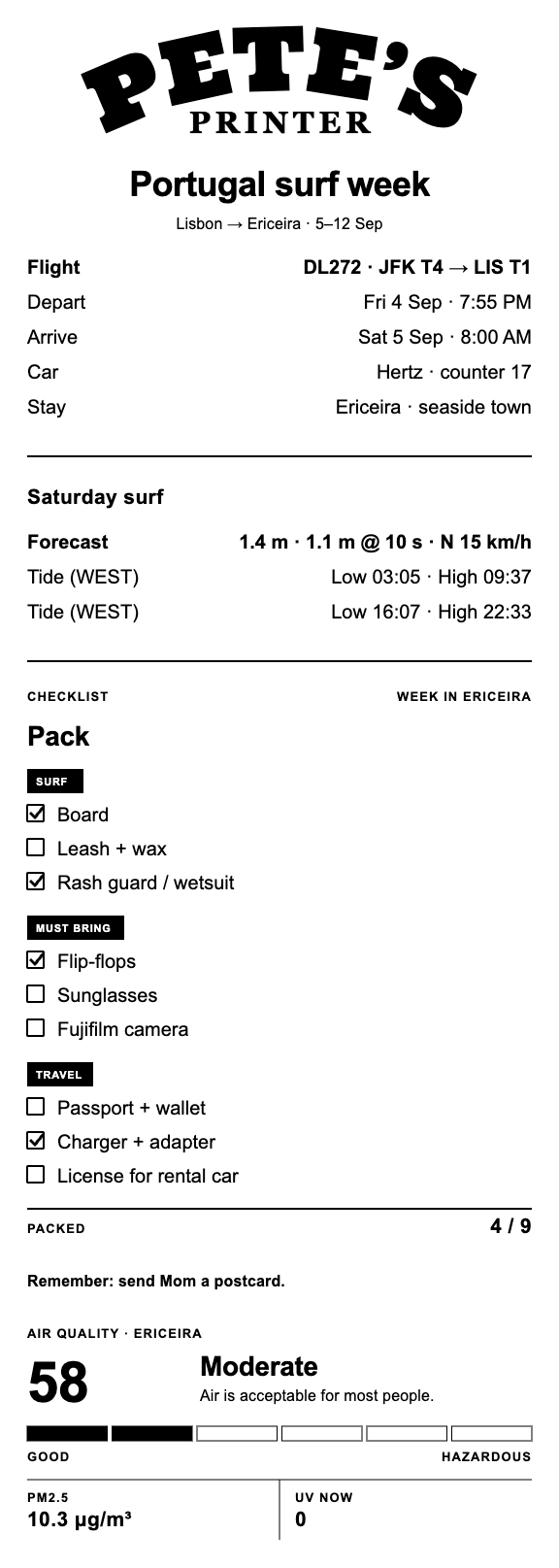
Portugese surf trip packing list
Inspiration
My friends can attest I've always had an odd fascination with receipt printers. In fact, my inaugural Taobao purchase while visiting Shanghai for the first time was a Niimbot pocket receipt printer that I adored. It was a small little device that could print tiny designs from a fixed list of on-device templates. We played with it for two days before it lost its allure... but my fascination with the medium never left.
"Why are thermal prints so cool?", you might be wondering. Well, thermal printers are cheap, resource-light tools that allow for limitless printing of physical artifacts in the real world. What more is there to love?
With this project, I've developed an open-source, local-first platform to effortlessly design, iterate, and print receipts with the help of AI agents via WebMCP.
What I built
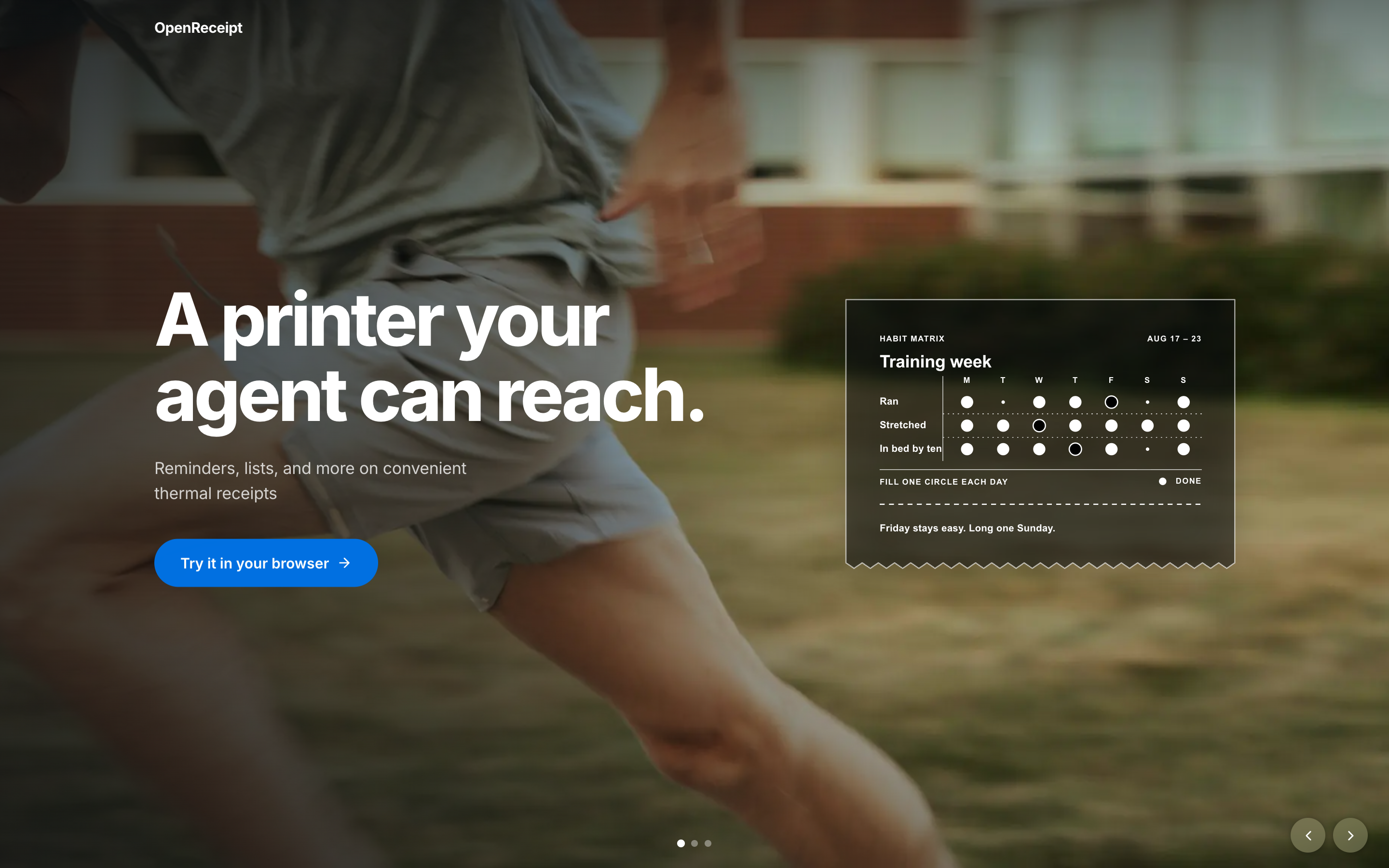
OpenReceipt is a local-first receipt editor and thermal printer bridge, designed for human-agent collaboration via WebMCP. It gives agents a structured way to draft clean, crisp paper slips that you can take away to go, all while keeping the user in control of the content and the final print.
Suppose you're heading out to the grocery store. Simply tell your agent what you want to cook and ask it to draft a shopping list in OpenReceipt. The agent will then use its in-app browser to open the site, call WebMCP tools that enable easy receipt construction, and prepare a first draft for your review. Under the hood, it selects from a suite of plug-and-play blocks – think checklists, reminders, even weather reports – that it then stacks together like bricks to form a cohesive receipt.
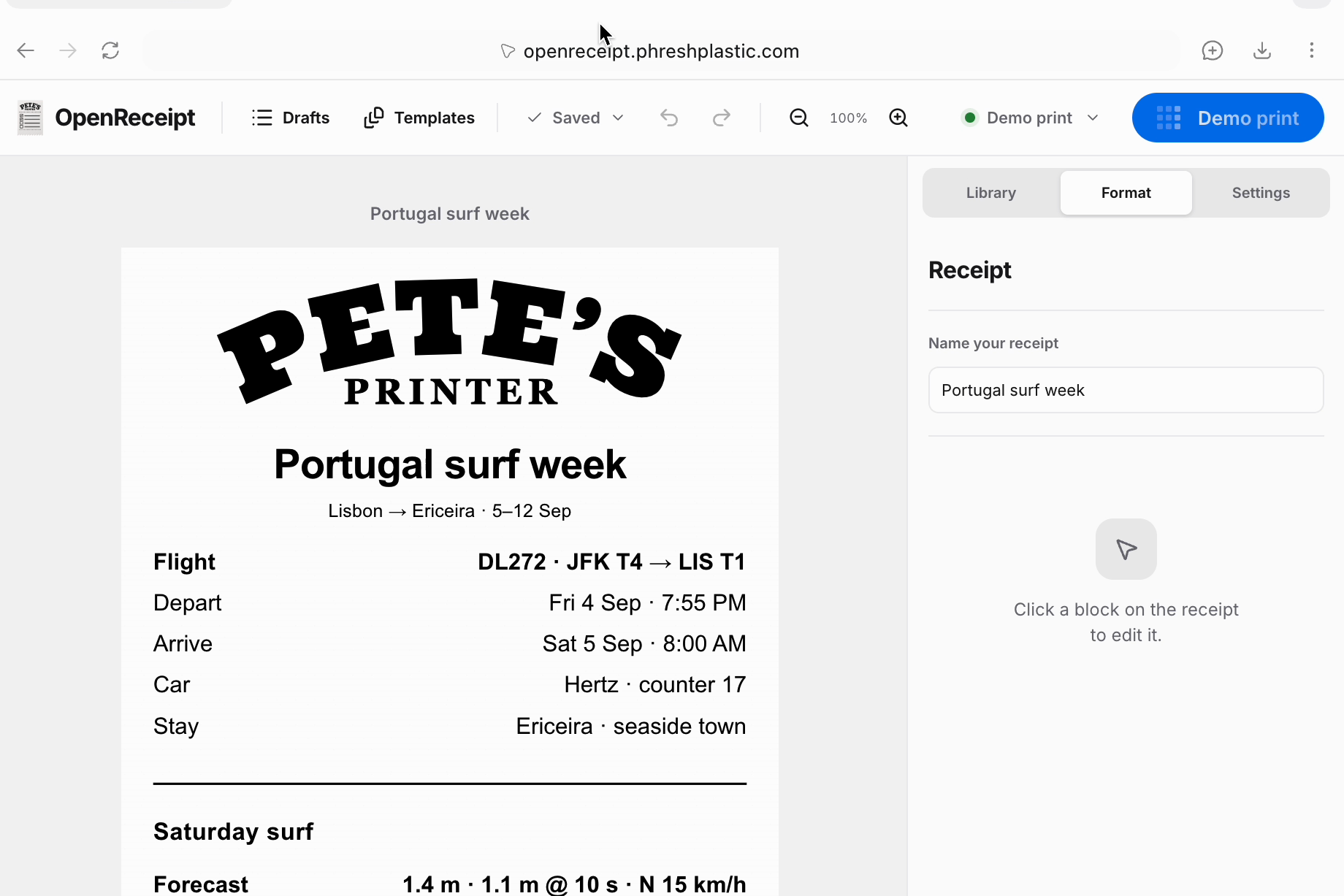
The best part is that it's a shared human-agent experience. You can edit the receipt yourself, ask the agent to make changes, or do both together on the same shared canvas. When everything looks right, you review the exact print preview, approve it, and boom – a physical receipt!
The same flow works for a packing list, a morning brief, a reminder, meeting notes, or any short document that is more useful on paper than on a screen. OpenReceipt turns a chat into something you can carry, keep by the door, or write on while you work.
Why WebMCP helps
WebMCP gives agents an easy way to draft structured receipts from unstructured user prompts. Here, the OpenReceipt app exposes 14 WebMCP tools that allow agents to quickly design, iterate, and print paper receipts. Humans stay in the loop by reviewing a shared canvas in the browser, with the flexibility to make direct edits to the receipt before giving the greenlight to print.
This opens the door for next-level human-agent convenience. Agents can now draft limitless receipt combinations from a simple text prompt or voice chat, making the human's job as easy as saying what's on their mind and letting their agent do the work.
How it works
The browser registers tools through document.modelContext when WebMCP is available. The same tool definitions also power the headless MCP server, so the browser and agent use the same receipt model and operations.
The local bridge stores the receipt, settings, events, and print jobs in SQLite. OpenReceipt renders the approved document as an SVG and monochrome PNG at the selected paper width, then the bridge sends it to the thermal printer over USB, such as the Epson TM-L90. Printing stays on the local machine and requires explicit approval by default, unless you select the “Allow agent to print autonomously” option.
The public browser build works without a printer, so anyone can explore the editor and WebMCP tools. Physical printing uses the same app served locally beside the printer. I've tested the project with my trusty Epson TM-L90 over USB using 80 mm and 58 mm paper. A Raspberry Pi can also run the bridge beside the printer as a permanent local host, which is my preferred home setup for sending receipts while my laptop is off.
What I learned
WebMCP is awesome! I can think of many ways this might enhance my other hobbyist projects through more seamless human-agent collaboration. It made this project more durable because I don't need to manually construct receipts for whatever one-off use case I have at a given moment; I just ask my agent to draft it and it's magically done.
Even though the challenge was specifically for WebMCP, I decided it would be best to still build a base API and conventional MCP server so I can enable headless receipt printing alongside the collaborative experience. I suspect that websites will offer all of the above as the gold standard so that more options are available for human and/or agent interaction.
It was difficult to keep the human-facing browser, agent tools, preview slip, and printer queue all aligned on the same document. This was a major technical challenge to ensure that humans and agents could effortlessly collaborate on the same slip without erasing each other's work. Additionally, the workflow broke a few times when trying to connect live site <–> local bridge <–> USB-enabled printer due to a number of edge-case issues (sometimes the USB port codes changed, CORS forced a block, live site was waiting for agent approval, etc.). Codex and I hardened the workflow on my devices, though YMMV. I'll keep working to make sure it's stable for all.
Thanks to the power of AI, a Raspberry Pi can be a cheap, effective gateway to make analog technology – like a USB-enabled commercial kitchen printer – come alive. The result is that it feels like witchcraft every time I send a receipt to the printer through the Pi.
Not all receipt paper is made equally! Be sure to purchase phenol-free paper, which skips harmful chemicals that aren't too safe for human touch. I personally like paper with weight so I suggest also searching for rolls that are 70-80 GSM for a more premium feel.
What's next for OpenReceipt
I hope this project finds kinship with fellow receipt geeks who contribute to its open-source development. Would love a community of builders to craft off-the-shelf blocks for receipts, editor enhancements, and added support for additional thermal printers. A spotlight on this project would go a long way!
Built With
- fastapi
- love
- python
- python-escpos
- raspberry-pi
- react
- sqlite
- typescript
- vite
- webmcp

Log in or sign up for Devpost to join the conversation.