

Inspiration
Most (but not all) people are visual learners in my experience - they have trouble just learning through speech. IMO, having a visual helps people gain a better understanding of a concept because it's another way for their brain to process the concepts. ~ Carey Nachenberg, Data Structures and Algorithm Professor at UCLA
STEM is hard. Many students and learners—including us—face the challenge of comprehending STEM notes due to the complex concepts being taught, missed lectures because of schedule conflict, or the pace at which the material is being presented. Limited time and resources of educators only exacerbates this issue.
Our inspiration stems from our firsthand experience with these challenges, along with the dynamic teaching style of our professor who created animated slides to teach Data Structures and Algorithms. With the majority of students being visual learners, we were motivated to innovate a solution that incorporates digital media with an interactive platform that transforms traditional notes into immersive visual animations.
What it does
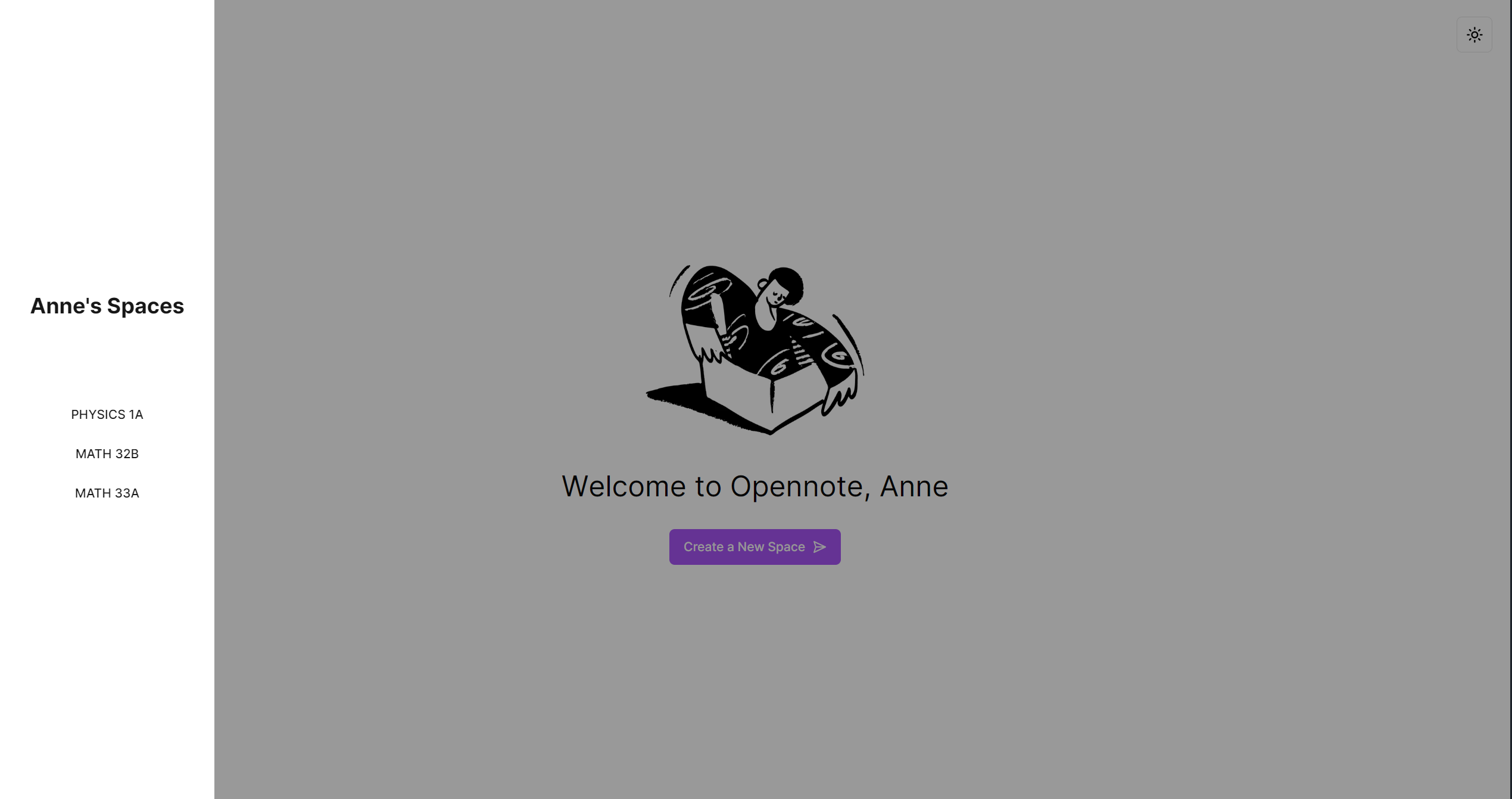
opennote is a multimodal web platform designed to revolutionize the way learners engage with their notes. Whether it’s handwritten or digital, opennote transforms static notes into dynamic animations complete with voiceovers. These animations help students visualize theoretical concepts using models, graphs, and solved examples.
Each animation is presented as a voiceovered video, accompanied by a chatbot on the right-hand side. This feature enables users to engage with their notes directly, asking questions and gaining clarification on the material.
opennote supports .png, .pdf, and .jpg files, as well as direct integration with Notion for a seamless user experience. Users have the flexibility to upload additional files to generate more animations, as well as easily share their animations by generating a unique link for each animation. Our website offers the option to clear animation and chatbot history, providing a fresh space for the user at any time.
How we built it
- Prompt engineering
- OpenAI GPT4 API and Google Gemini 1.5 Pro
- Convex
- YouTuber 3Blue1Brown’s Manim library
- Python
- Clerk Authentication
- FastAPI
- nGrok
- Edgestore CDN
- HTML, TailwindCSS, NextJS with TypeScript, node.js, FFMPEG
Challenges we ran into
- Getting the MANIM animations to render cleanly and without overlaps, line breaks, graph discrepancies, and other errors was definitely our biggest roadblock. With the depth of our AI data pipeline that goes through multiple Gemini Pro models and OpenAI models for both text and code generation, it took time but we were able to work through this by training GPT4 with existing MANIM animation code samples that we knew were reliable.
- Stitching the AI Text-To-Speech API to the generated MANIM animations was our next challenge; at first we tried to trim and speed up the audio file to fit the length of the MANIM video animation, but this approach was short lived, as the speech rarely aligned with the animations, making it more confusing to follow at times. Eventually, we had a eureka moment when we decided to use FFMPEG, a command-line interface for audio and video editing, which helped us run a command line subprocess to stitch the audio and video animations at runtime.
- A persisting challenge we had throughout our LAHacks development was getting all of our generative AI models to give us precisely what we wanted and in the exact format we wanted, especially since a lot of our API requests were being sent directly between our different Gemini and OpenAI models. But after a painstakingly long process of prompt engineering and alterations, we were able to fine-tune all of our generative AI requests word by word, paying great attention to detail in how we could best communicate our requirements to each LLM.
Accomplishments that we're proud of
- Experimenting with recursively calling LLMs, so that the model teaches itself and has an automated process for catching its own errors, filtering them down to be more readable, and then using those errors to reimplement the MANIM animations as many times as needed. This was really tough to implement, especially with how many AI models we had communicating with each other, but in the end it was incredibly rewarding and served as a cornerstone for the streamlined nature of our data pipeline.
- Being able to integrate smooth animations into each part of our app and really paying close attention to detail and striving to make each part of our app as smooth as possible, especially when deployed.
What we learned
We learned…
- Prompt engineering techniques, namely manual chain-of-thought prompting and one-shot learning
- How to orchestrate drawings and animations into website design
- Integrating different LLMs with each other and have a streamlined pipeline for them to communicate with each other and handle potential errors
- How to do video and audio editing through the command line
- Making a cool UI :)
What's next for opennote
- We want to promote inclusivity in opennote by allowing users to choose their preferred language, even if it isn’t English.
- We want to implement subtitles for each animation to increase accessibility.
- We wish to extend opennote’s capabilities to cover more disciplines in the future, creating tables, venn diagrams, and flow charts.
- Each animation can generate a brief summary with key concepts and terms at the end.
- Including further resources with each animation, such as Khan Academy or 3Blue1Brown links, will encourage learners to explore the concepts more in-depth.
- We want to continue optimizing backend requests and implement MANIM auto-recompile correction.


Log in or sign up for Devpost to join the conversation.