-
-
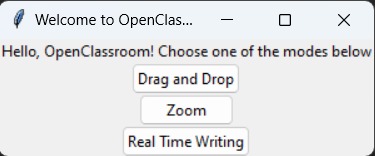
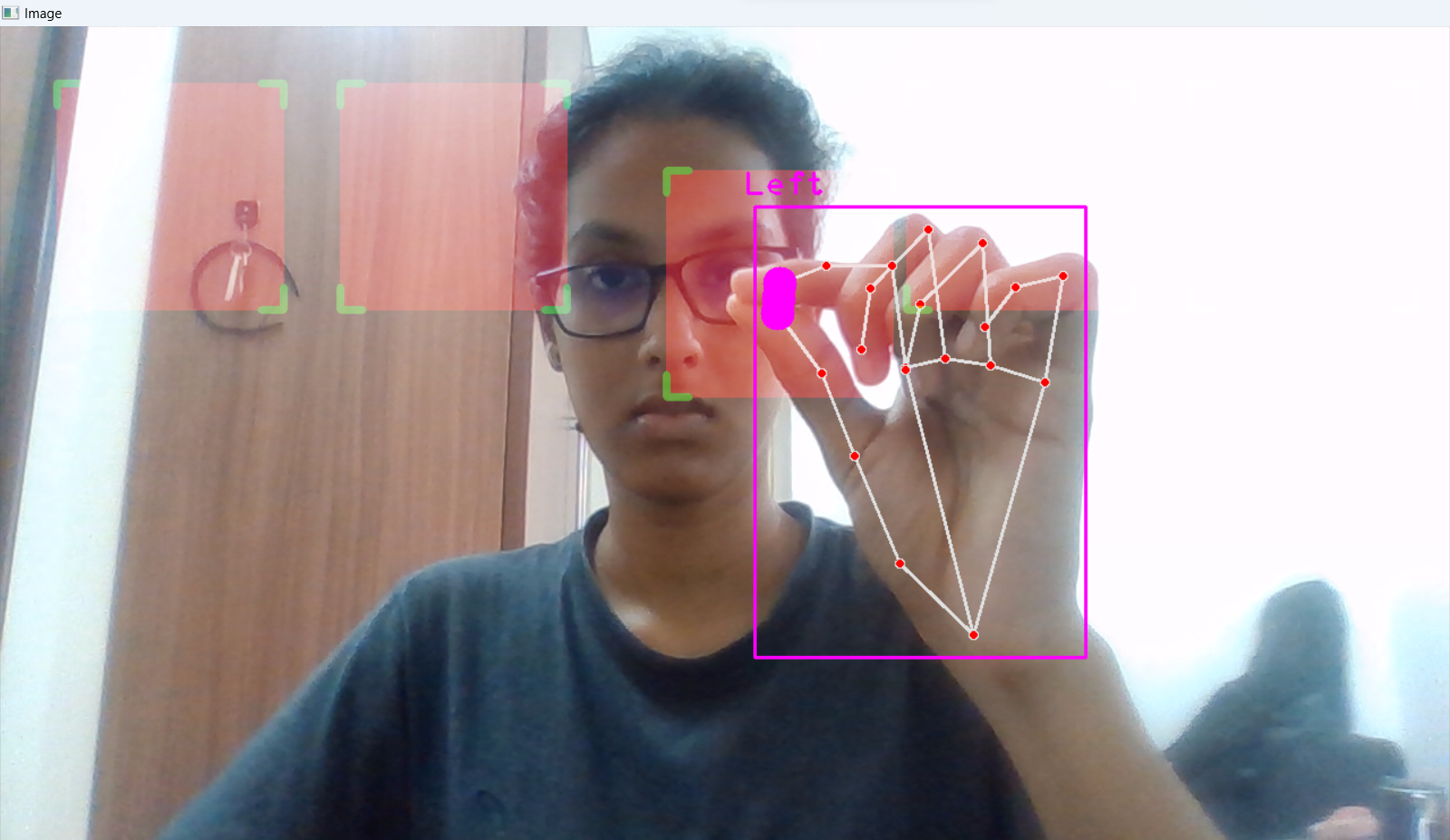
GUI
-
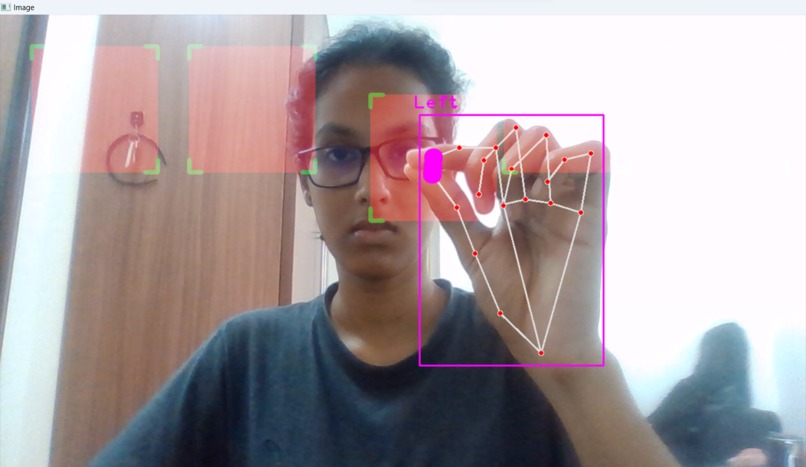
drag and drop
-
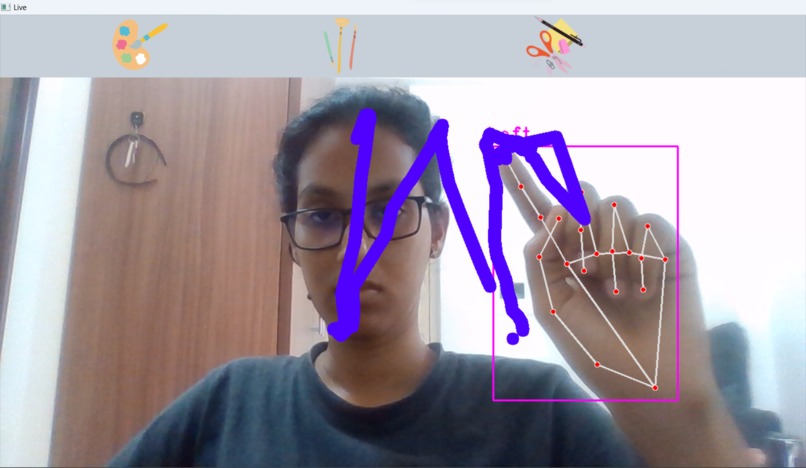
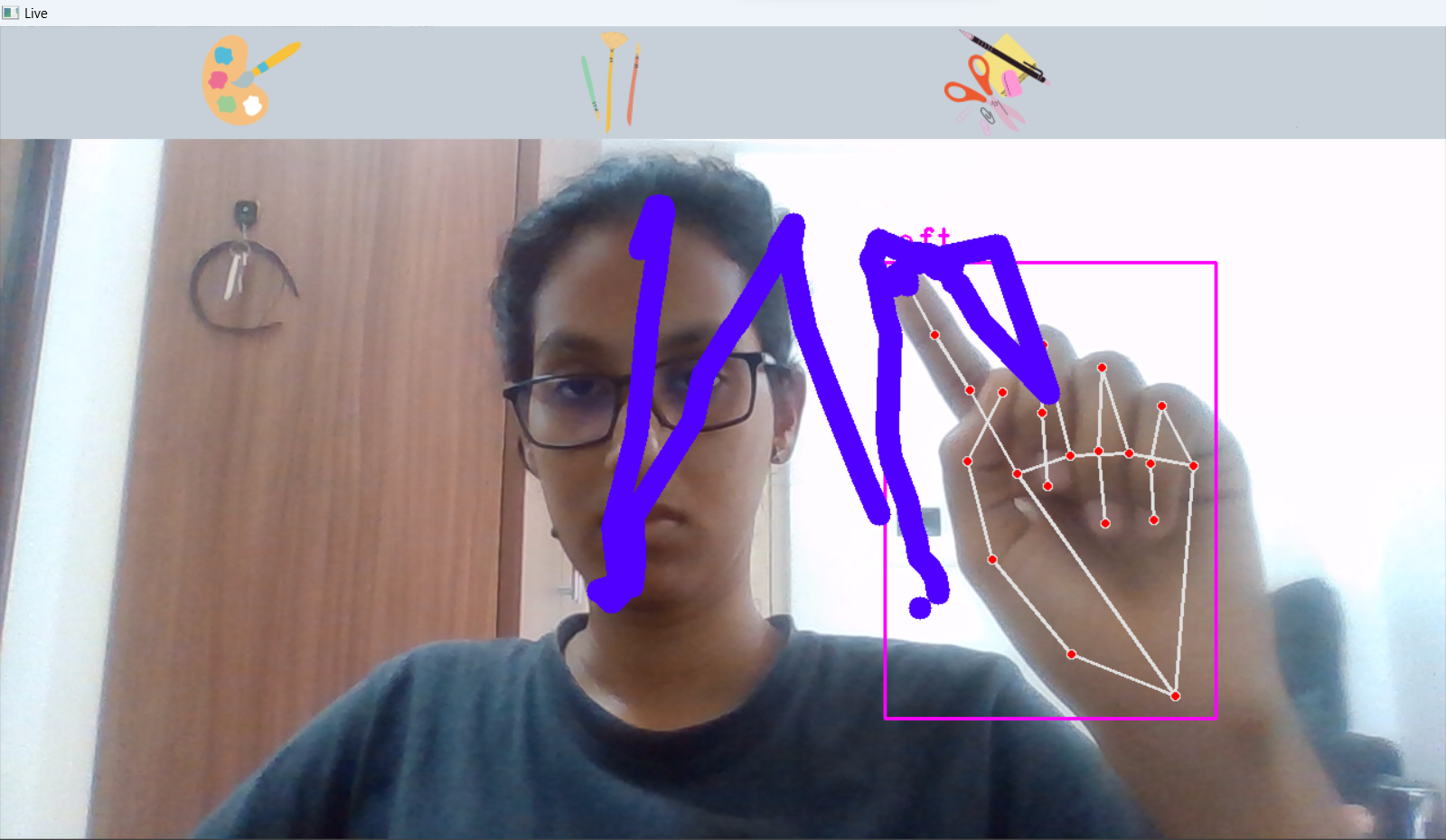
real time writing
Inspiration
The COVID-19 pandemic has drastically changed the way we learn and teach, with online classes becoming the new norm. However, many students and teachers have found that traditional online classes can be dull and uninspiring. As a result, I was inspired to create a virtual classroom application that would make online learning more fun and immersive. By leveraging computer vision and machine learning, we aimed to create an engaging and interactive learning environment that would keep students motivated and interested. Thumbnail credit: Image by macrovector on Freepik
What it does
The virtual classroom application offers three modes: drag and drop, virtual zoom, and real-time writing. Users can select the mode that best suits their needs and record a video or stream it live. The application incorporates computer vision to provide an immersive and interactive experience for users. Additionally, the application includes a machine learning model that recognizes and transcribes what is written in real-time writing mode. The generated transcript is printed to the console, making note-taking and studying more efficient. Overall, the virtual classroom application provides a comprehensive and engaging learning experience for students and teachers alike.
How we built it
I used a combination of tools for computer vision, including OpenCV and Google's MediaPipe library, which provides pre-trained models for hand and face detection. In addition to computer vision, I also used machine learning algorithms for handwriting recognition, which converted whatever was written by the teacher to text. This involved training a custom model on a large dataset of handwriting samples and integrating it with the application.
Challenges we ran into
- Developing an effective and efficient computer vision system
- Integrating the trained model for real time handwriting recognition. Unfortunately I was unable to do the same
Accomplishments that we're proud of
- Training my own machine learning model
- Learning the basics of openCV and computer vision in the span of the hackathon
- Creating something cool
What we learned
- Training and saving a machine learning model
- Basics of computer vision
What's next for OpenLearn
- A screen recording feature could be added to allow users to record their entire screen or a specific window while recording a video.
- Integration with a Learning Management Systems (LMS): The application could be integrated with popular LMS platforms to streamline the classroom experience for both teachers and students.
- Cloud storage: A cloud storage feature could be added to allow users to store their recorded videos securely and access them from anywhere.
