-
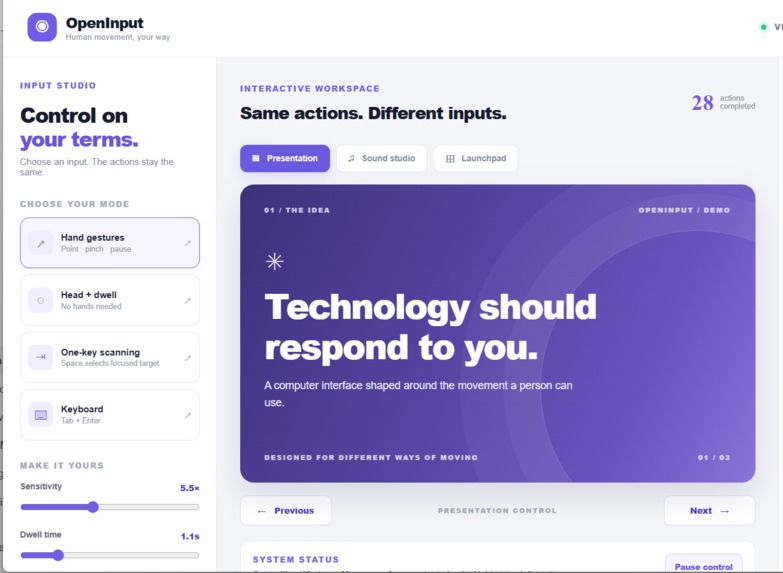
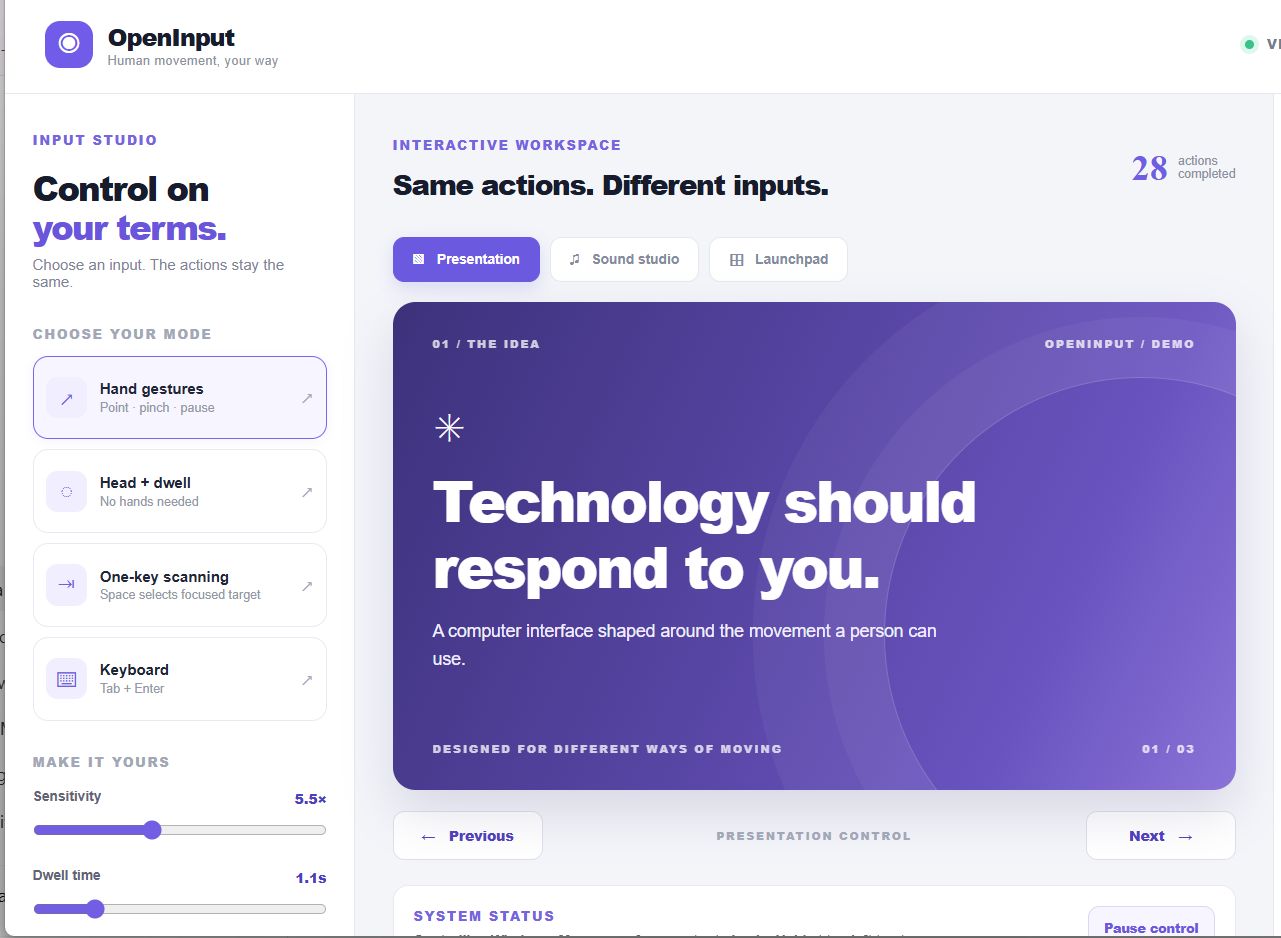
OpenInput’s control dashboard lets users choose hand gestures, head and dwell, one-key scanning, or keyboard input.
Inspiration
Inspiration
We wanted to make everyday computer use possible for someone who cannot rely on a mouse or hand gestures. A webcam is already built into many laptops, so we asked: could one laptop support different ways of controlling a computer, including for a person with no arms?
What OpenInput does
OpenInput is a Windows desktop prototype that uses a laptop webcam for computer control. A user can choose hand gestures or head movement. In head mode, gentle movement steers the pointer, and holding it steady over a target performs a dwell click. The desktop mode can move, click, and scroll across Windows applications.
We also built one-key scanning for actions inside the OpenInput interface. It highlights choices in sequence so a user can select one by pressing Space or using a switch that sends a Space keypress.
How we built it
We built the interface with React and TypeScript and packaged it as an Electron desktop app. MediaPipe models process webcam frames to track hand and face landmarks. We translate those landmarks into pointer movement and selections, with smoothing, a neutral head position, adjustable sensitivity, and an adjustable dwell time. A Windows PowerShell bridge sends pointer and click actions to the operating system.
Challenges and what we learned
An early head-control test exposed a practical accessibility problem: the pointer could interfere with normal typing, and it was difficult to exit or reopen the controls after minimizing the app. We added automatic pausing when physical keyboard activity is detected, a head-controlled stop action, keyboard shortcuts, and a tray icon that reopens the controls.
This taught us that accessibility is more than recognizing a gesture. People also need clear ways to pause, recover, and switch between input methods. OpenInput is a hackathon prototype, and we want to test it with more users and devices before treating it as a dependable assistive tool.
Built With
- electron
- mediapipe
- powershell
- react
- typescript
- windows

Log in or sign up for Devpost to join the conversation.