-
-
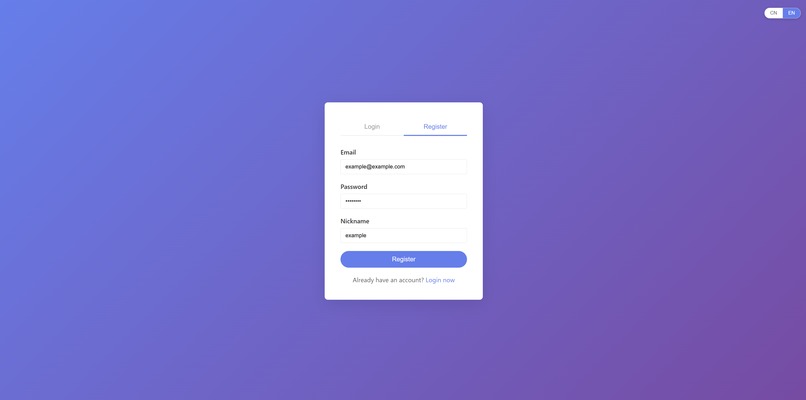
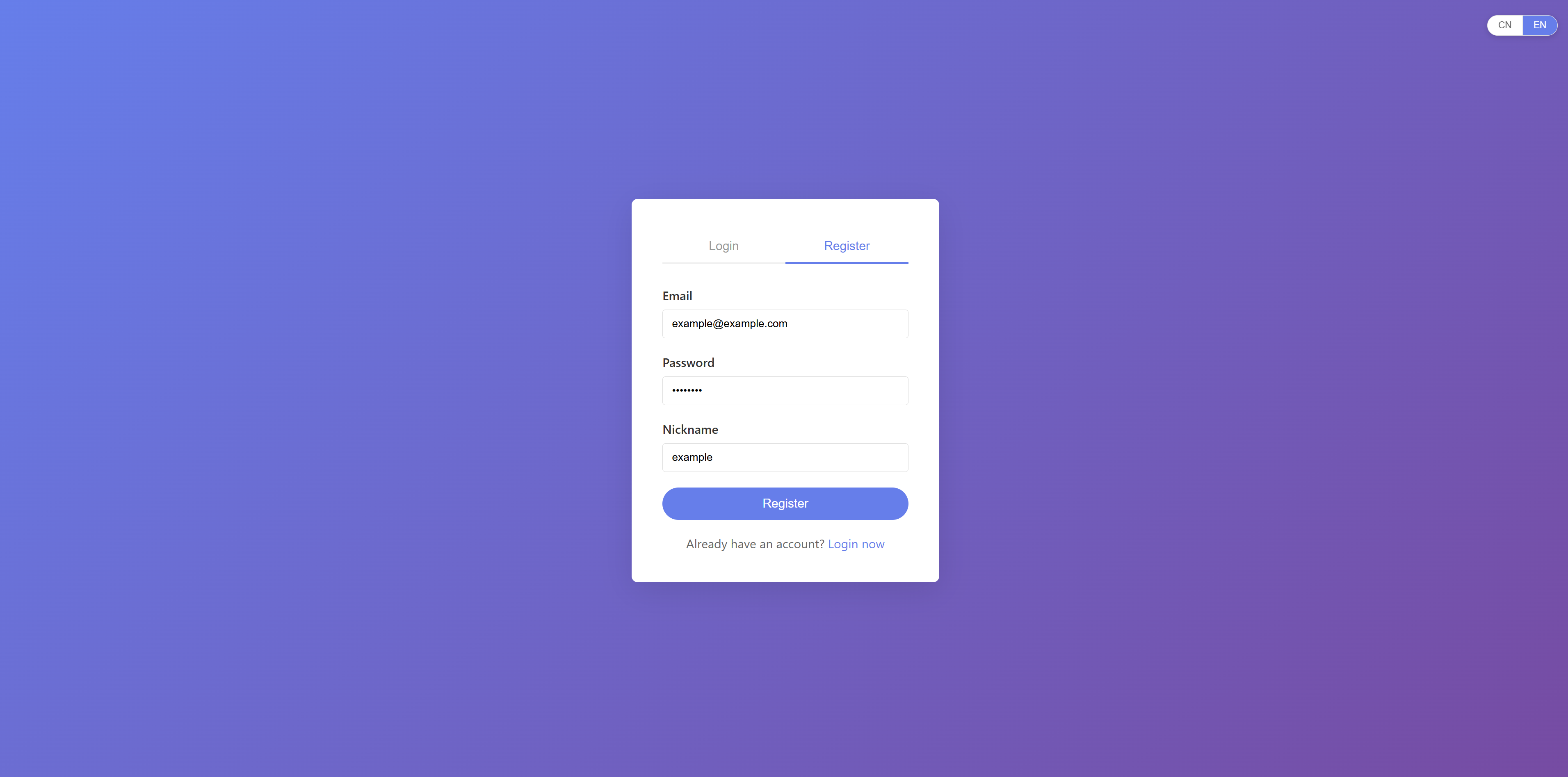
Register an account
-
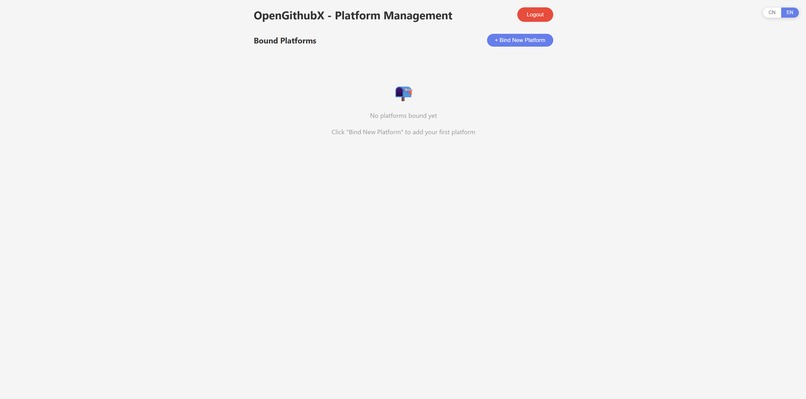
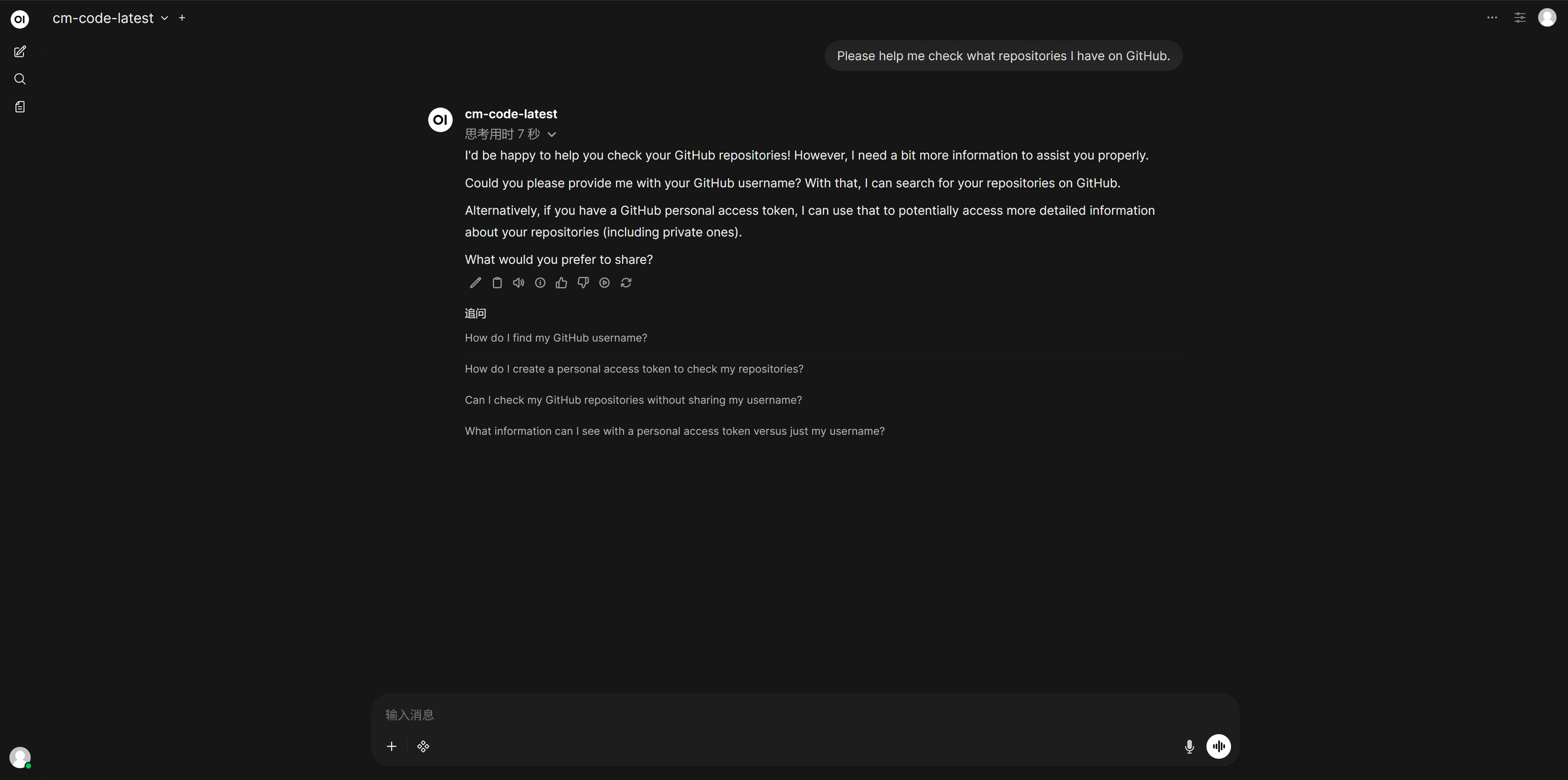
The platform's homepage does not currently have Auth0 authorization.
-

No need to register again, just log in to OpenWebUI using the same username and password.
-
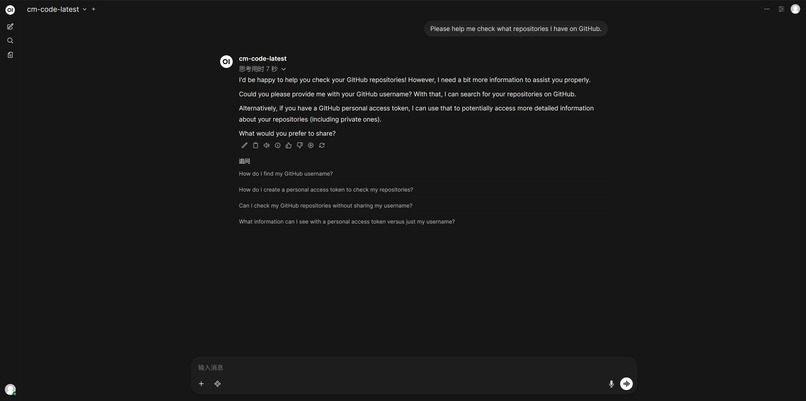
Because there is no authorization at this time, it is impossible to access any content on the individual's GitHub.
-
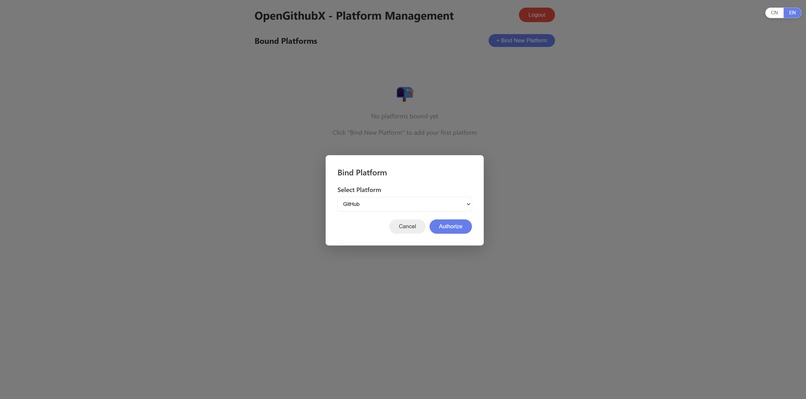
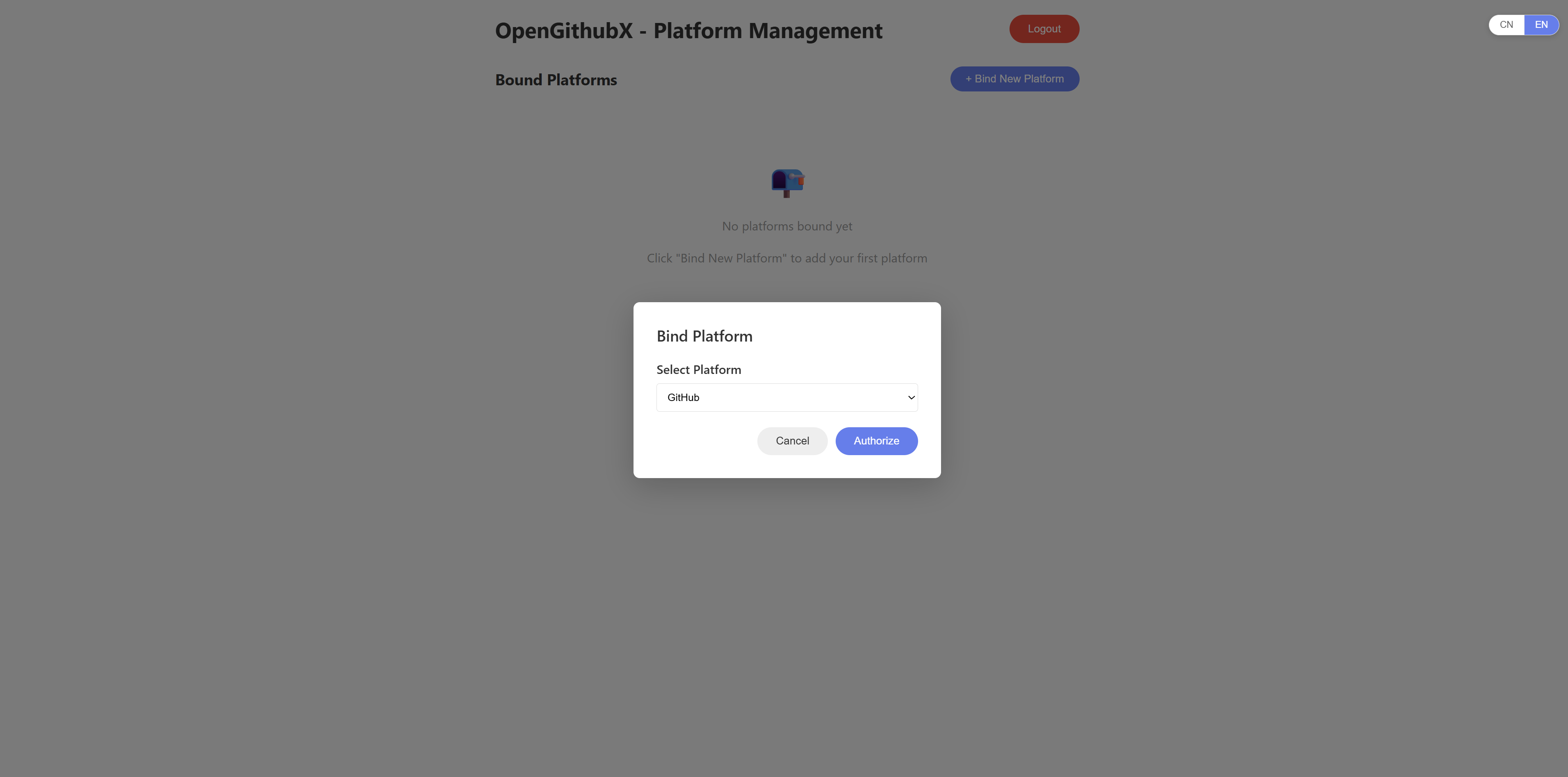
Add personal GitHub authorization
-
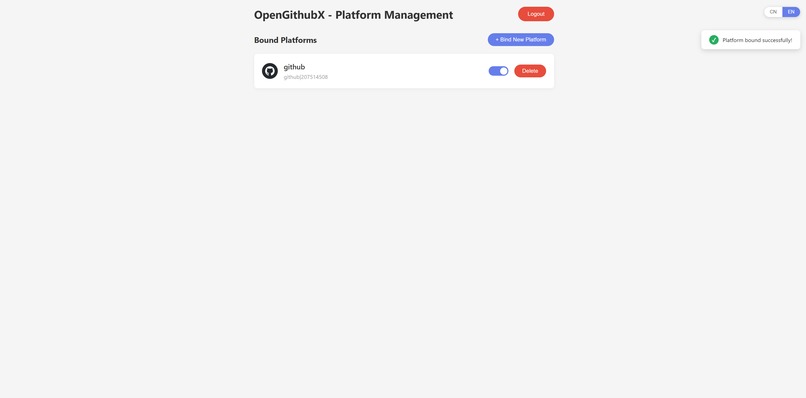
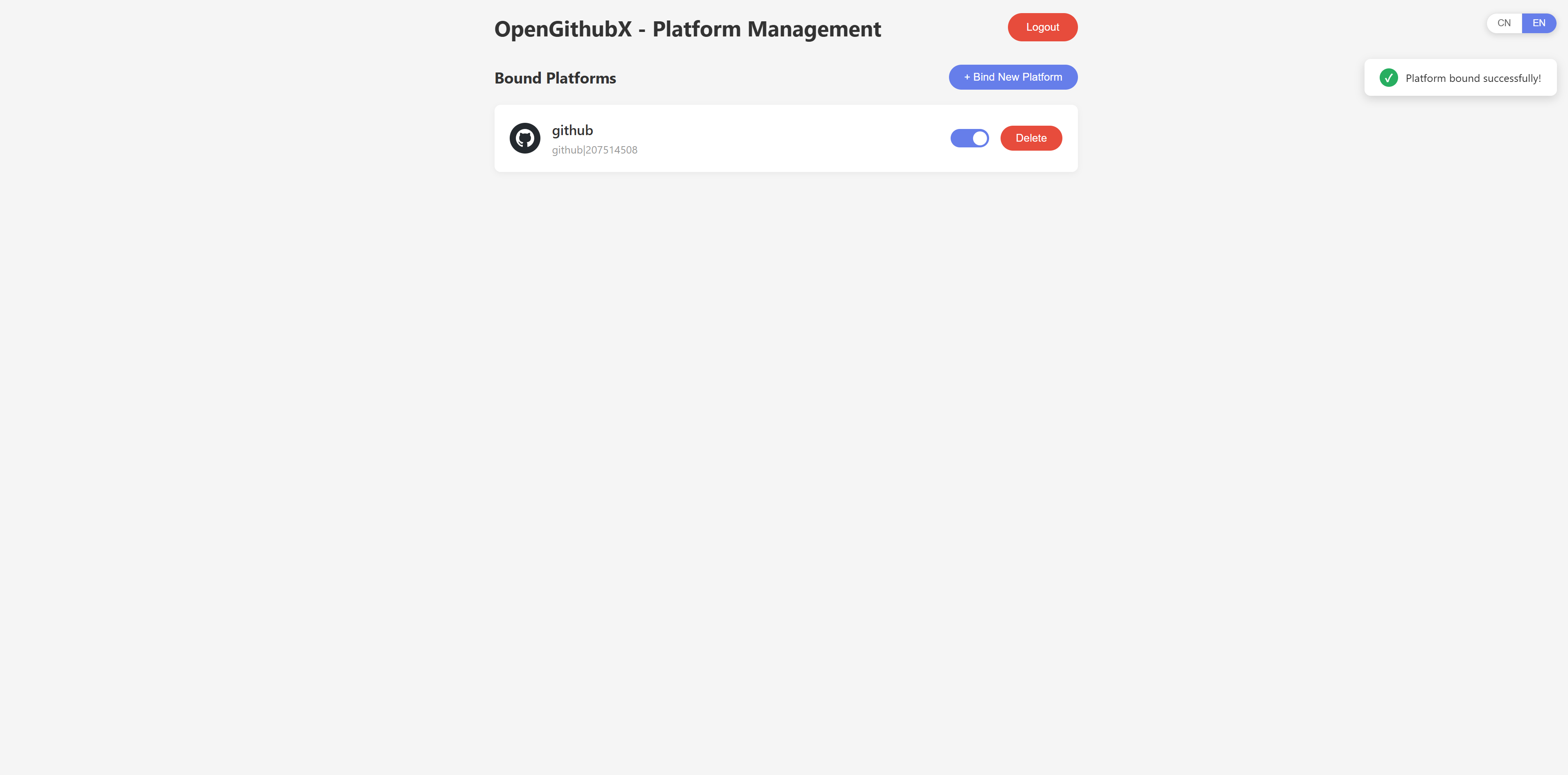
Authorize and enable your personal GitHub achievements.
-
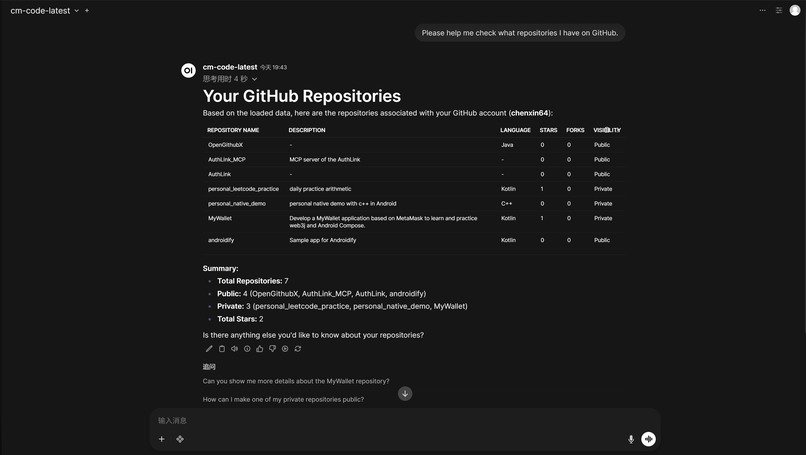
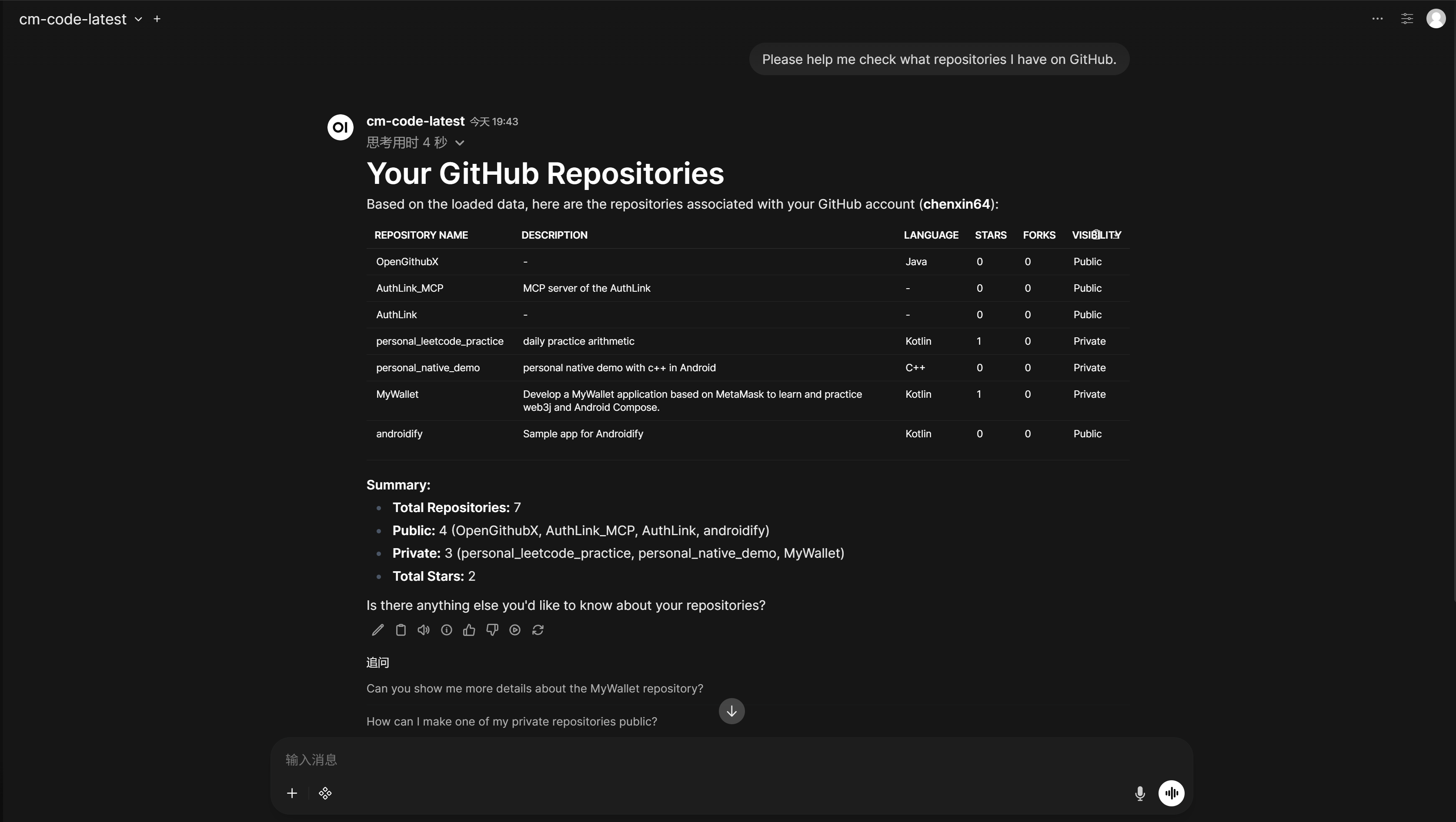
At this point, GPT can intercept session keywords and then obtain the corresponding repository information.

Inspiration
As AI agents like OpenClaw and Claude Code begin to run locally on our machines, a massive security dilemma arises: how do we give these agents access to our digital lives (GitHub, Slack, Notion) without handing over our master API keys?
Inspired by the Sovereign AI movement, I wanted to build a "Security Air-gap" for agents. The goal was to create a middleware where the AI can be "Authorized to Act" without ever actually "Holding the Token." This led to OpenGithubX.
What it does
OpenGithubX is a secure middleware platform that decouples Identity from Execution.
- Seamless Sync: Users log in via Auth0, and their identity is automatically synced to a private OpenWebUI instance.
- Zero-Token Exposure: When a user asks the AI to "Summarize my private GitHub commits," the AI context contains only the Auth0 UserId, not the GitHub Token.
- Automated Proxying: Our backend intercepts the request, uses the UserId to securely fetch a scoped token from the Auth0 Token Vault, retrieves the data from GitHub, and feeds the sanitized context back to the LLM.
How we built it
- Identity Layer: Integrated Auth0 for AI Agents to handle OAuth flows and user consent.
- Token Management: Leveraged Auth0 Token Vault to store and rotate GitHub personal access tokens (PATs) securely.
- Backend: Built a custom proxy server (Node.js/Express) that acts as the "Intermediary Agent" between OpenWebUI and external APIs.
- AI Integration: Deployed OpenWebUI with a custom model pipe that directs sensitive data requests to our secure backend..
Accomplishments that we're proud of
- End-to-End Security: We achieved a Zero-Token-Leak architecture. Even if the AI model or chat history is compromised, the attacker never gets the user's GitHub Token.
- Seamless UX: Users only need to "Log in with Auth0" once; the backend handles all the complex "Token Dance" in the background.
- Success on Mobile/Desktop: Successfully demonstrated the flow on both browser-based agents and local setups.
What we learned
- The Power of Identity: We learned that Identity is the new Perimeter for AI. Managing "Who is the agent acting for?" is more important than the agent's logic itself.
- Auth0 Token Vault Utility: We discovered how much time is saved when you don't have to build your own encrypted token storage and rotation logic.
What's next for OpenGithubX
- Expanding the Vault: Adding support for more platforms like Google Workspace, Slack, and Notion to create a unified "Digital Butler" hub , Extend OpenGithubX into OpenAuthX.
* MCP Integration: We plan to transform OpenGithubX into a standardized Model Context Protocol (MCP) server, making it compatible with tools like Cursor, Claude Code, and Cline.
BONUS BLOG POST
Why We Chose UserId Over Tokens Using Auth0 Token Vault
Introduction: The Battle Between Capability and Security
As large language models and AI Agent technologies explode, we are increasingly eager to integrate AI deeply into our daily development and digital lives. To make AI "smart" and "useful," we often have to compromise by giving API tokens for various platforms (like GitHub, Google, Notion) directly to the AI to manage and invoke.
However, this practice has a critical security flaw in its architectural design. Exposing real credentials in the context or local environment—whether in a cloud-based LLM or a locally deployed open-source model—is akin to handing the keys to your front door to a third party.
Our mission is clear: Let the AI have the authority to execute tasks, but never let it touch the real keys. This is the core concept that prompted me to develop this middleware platform. With the help of the Token Vault feature provided by Auth0 for AI Agents, I built a sturdy identity proxy defense line.

Current Achievement: An End-to-End "Proxy Authentication" Demo
In this Hackathon, I successfully built and ran an end-to-end Proof of Concept (PoC) platform. Currently, the system has deeply integrated Auth0, my personally deployed OpenWebUI (GPT), and real data links from GitHub.
The core operation flow is as follows:
Seamless Identity Sync: When users complete registration on my platform via Auth0, the system automatically synchronizes that identity into OpenWebUI. This provides a perfectly smooth Single Sign-On (SSO) experience.
Zero-Token Exposure Request: When a user asks the AI to "Summarize my private GitHub commits," the magic begins.
Backend Interception: The AI only knows the user's Auth0 UserId; it does not hold any GitHub Token. It initiates a request to my backend carrying only this UserId.
Token Vault Intervention: My backend intercepts the request and uses the UserId to securely exchange it for a scoped GitHub Token via the Auth0 Token Vault.
Secure Prompt Assembly: The backend fetches data from GitHub, assembles it into a prompt, and submits it to the LLM to generate the final answer.
System Interaction Flow

Ultimate Vision: A Unified Authorization Hub Embracing MCP
The current GitHub integration is just the beginning. My ultimate vision is to turn this platform into a generalized, highly secure AI dispatch center for personal digital assets.
Future plans include:
Universal Integration: Connecting all platforms supporting Auth0/OAuth (Slack, Google Workspace, Notion) to a single management console.
MCP Standardization: Aligning this architecture with the Model Context Protocol (MCP). By generating specific-permission keys, this platform can transform into a standard MCP Server node.
In this future, AIs only need to send instructions to the platform like calling standard tools. The platform acts as a "Digital Butler," completing all external interactions within an absolutely secure sandbox.
Let the user have control, let the agent focus on intelligence, and let Auth0 guard security—this is the future of AI applications.

Finally, you can try out my small demo using the following link.
First, open the OpenGitHubX management platform and register an account.

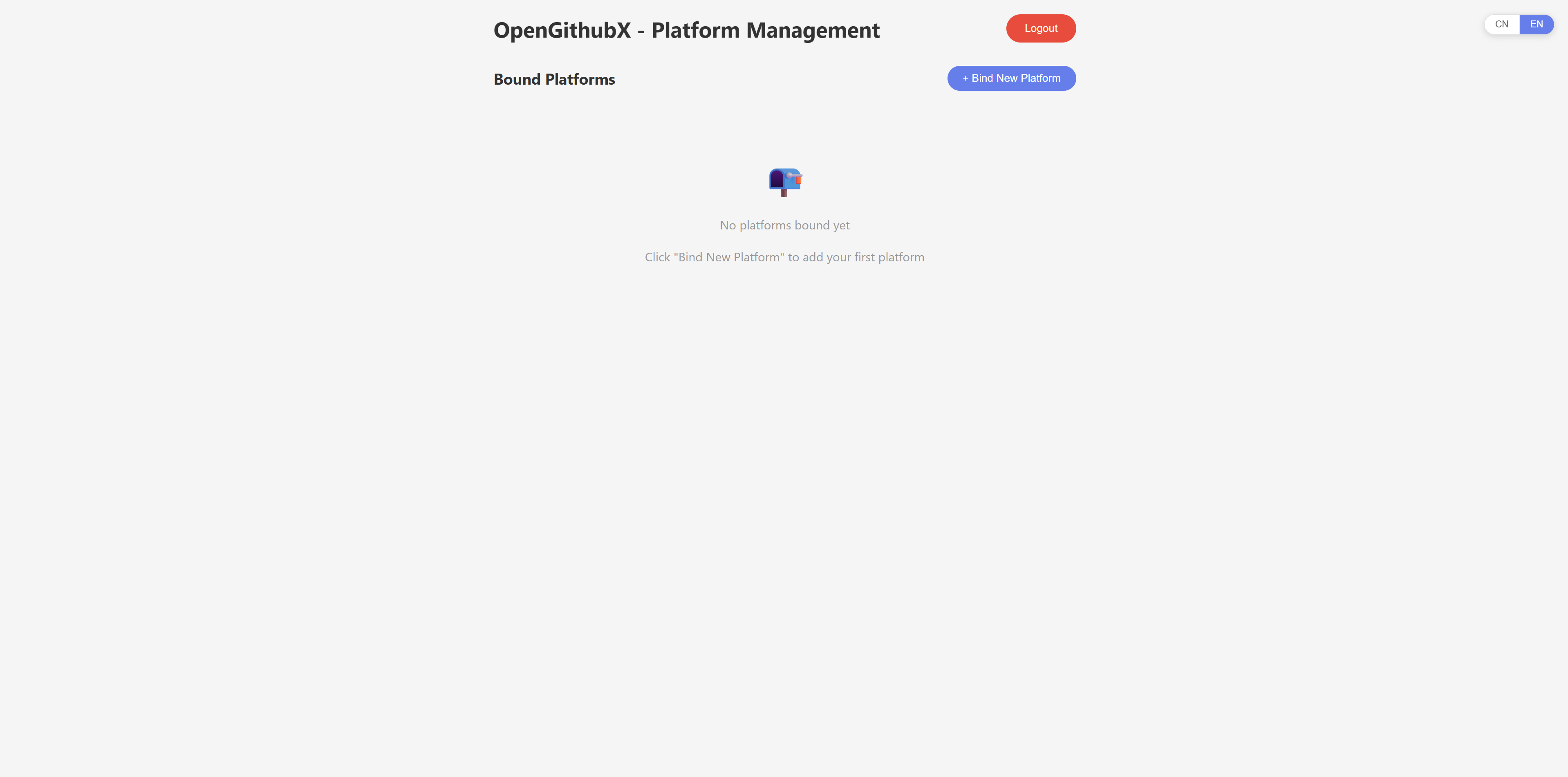
After registering an account, you will be automatically logged in to the OpenGithubX homepage. At this point, there is no platform authorization.

After registering your account, your email address and password will be synchronized to the self-deployed Open Web UI. At this point, OpenGithubX and Open Web UI are already associated, so you don't need to register again. Just log in with the same email address and password.

At this time, no account authorization is available, so private details cannot be obtained.

Adding platform authorization on the OpenGithubX homepage will authorize Auth0.

After adding platform authorization on the OpenGithubX homepage.

OpenGithubX now has account authorization available for testing. It allows AI to access your authorized account's private information. At this time, the AI does not have your account token; it only obtains the relevant information through the backend, combines it with prompts, uses it as trusted input, and then performs large-scale model analysis to output conclusions.

Built With
- github-api
- java
- javascript
- mysql
- openwebui


Log in or sign up for Devpost to join the conversation.