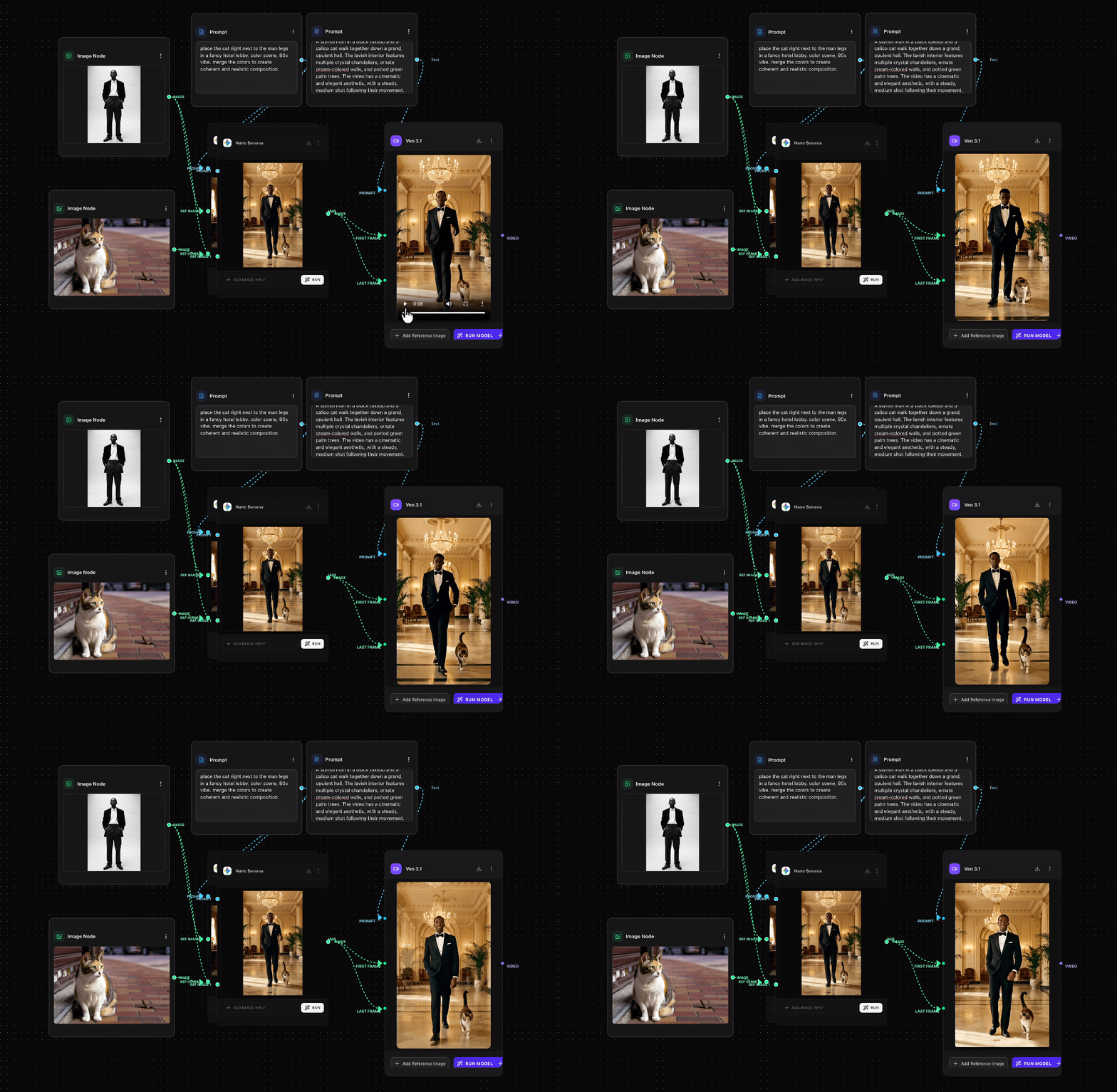
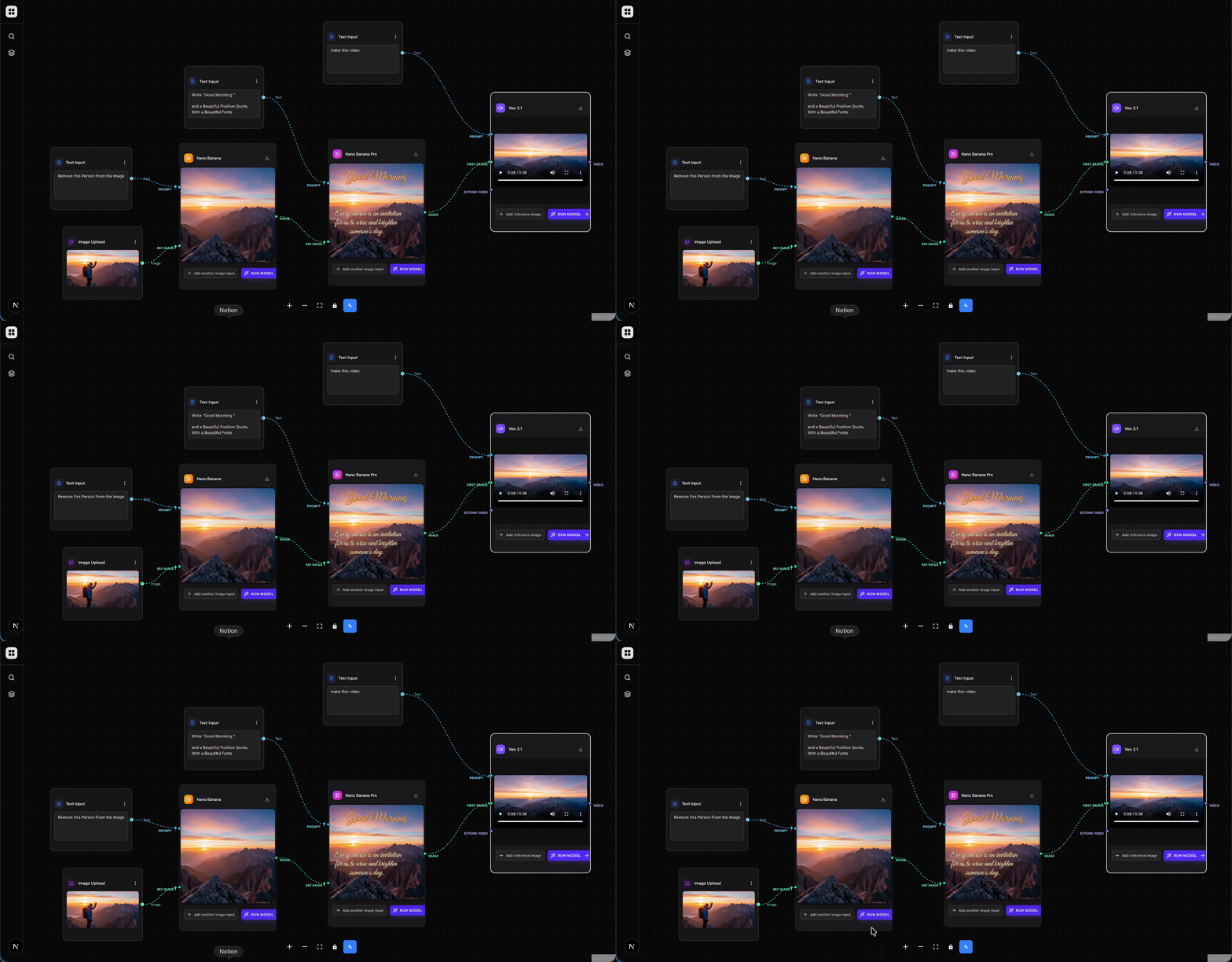
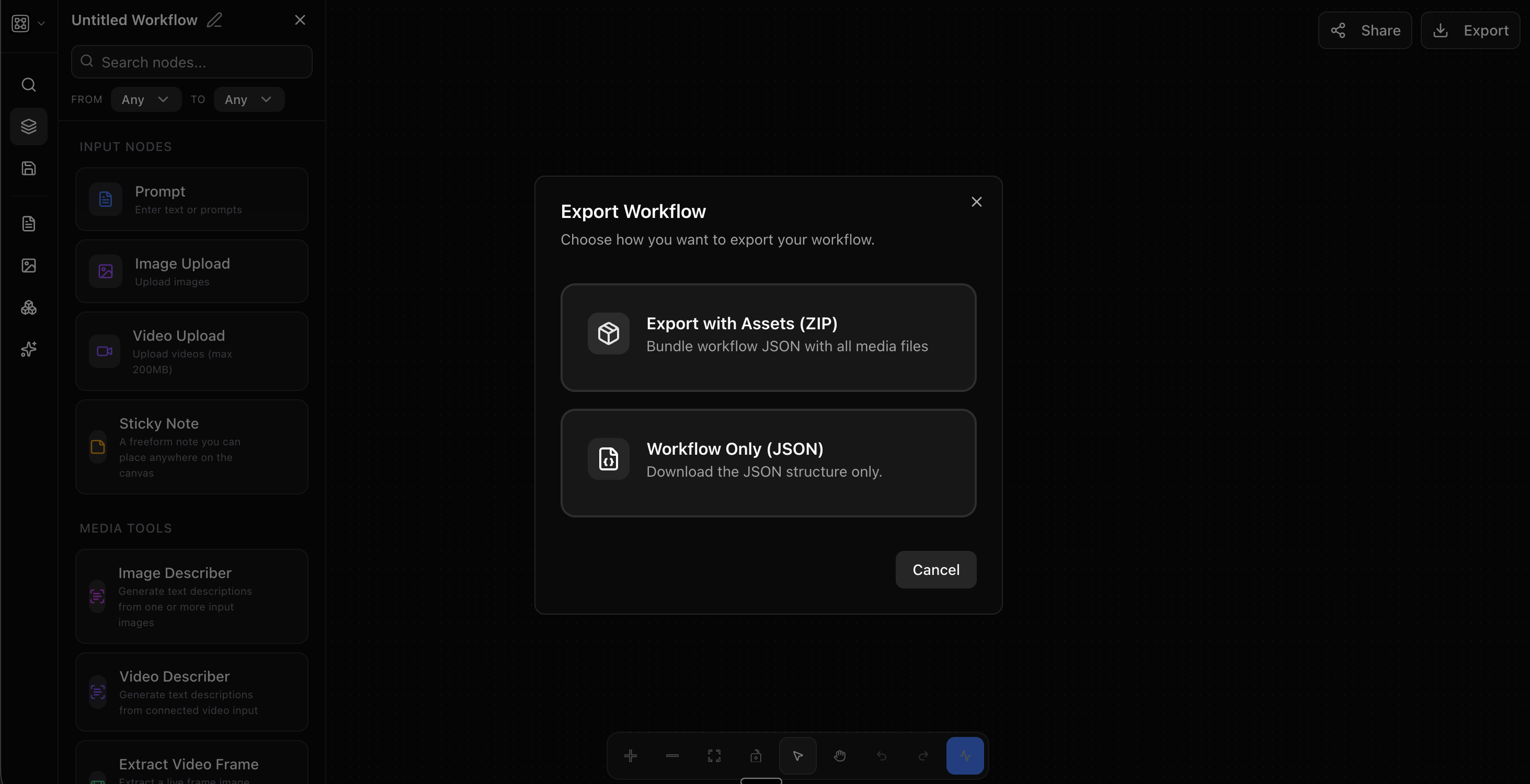
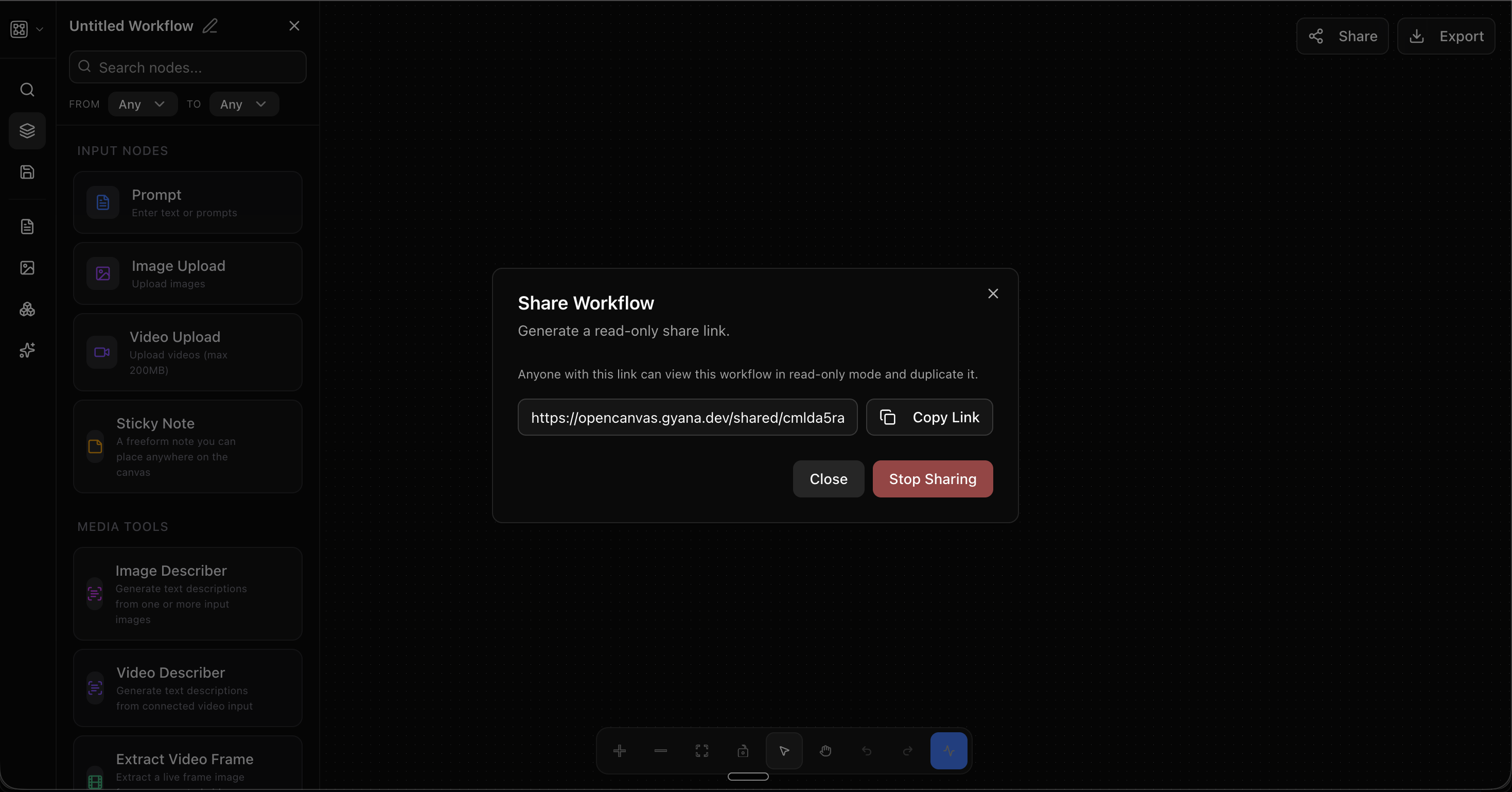
Demo Video (Made inside Opencanvas AI)
1968 SHELBY MUSTANG GT500KR FPV camera Shots Using OpenCanvas AI x Veo 3
Workflow : https://opencanvas.gyana.dev/shared/cmnhvgam1000004jvag3vot3w
Inspiration
While working with modern generative tools, one thing became very clear: most tools are optimized for quick experiments, not for real workflows.
Chat-based interfaces work well when you want a single answer. But as soon as the work involves multiple steps, iterations, or repeated runs, things start to break down.
Context becomes hard to manage. Instructions need to be repeated. Small changes require starting over. And running the same task twice often produces different results.
This makes it difficult for creators and teams who want consistency, reuse, and control.
The inspiration for OpenCanvas came from a simple question:
What if intelligent tools worked like systems you design, not conversations you repeat?
About the Project
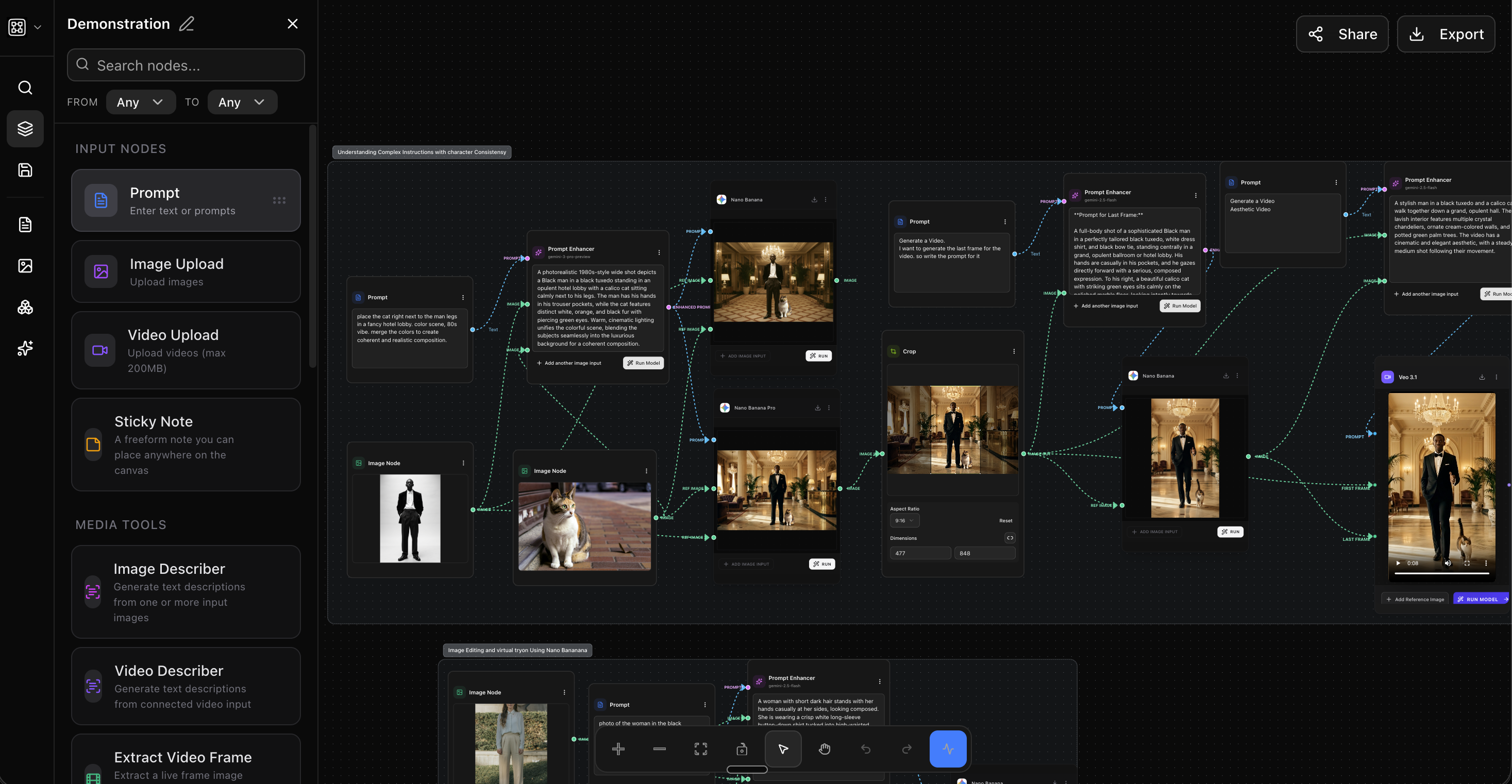
OpenCanvas is a visual workflow builder that allows users to design structured, repeatable workflows instead of relying on chat-based interactions.
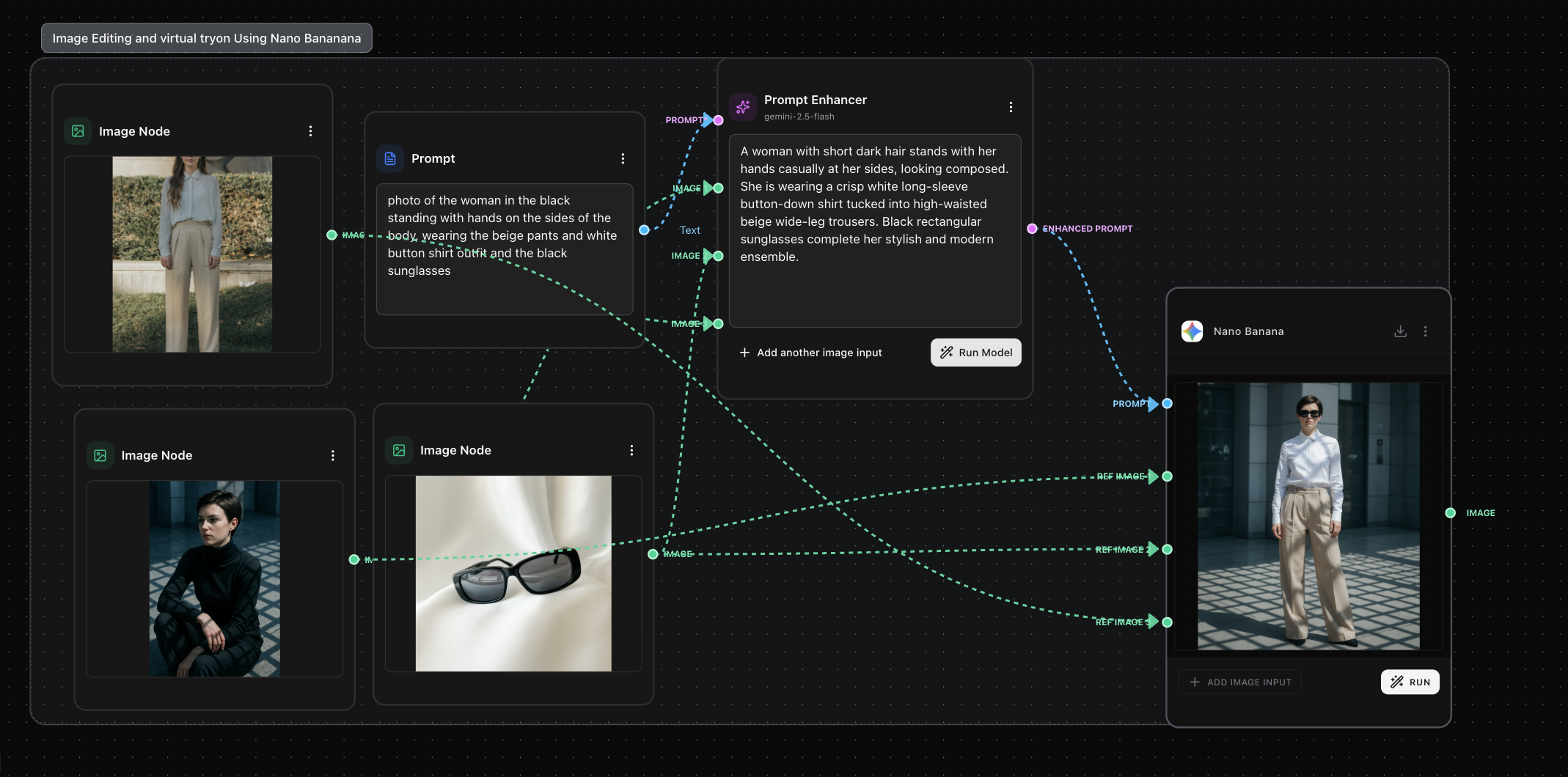
Instead of typing instructions again and again, users build workflows visually on a canvas. Each step is represented as a node, and connections between nodes make the flow explicit.
This approach keeps context visible, makes workflows reusable, and improves consistency across repeated runs.
OpenCanvas is designed to support the creative process rather than replace it. It gives users a clear view of how inputs, instructions, and models work together.
How We Built It
The project is built as a web-based application with a strong focus on usability, clarity, and modular design.
The core idea was to treat workflows as first-class data:
- Nodes represent individual steps
- Edges represent flow and dependency
- Workflows can be saved, duplicated, and reused
A visual editor was implemented to allow users to build and modify workflows intuitively. The backend handles workflow storage, execution, and media handling.
Special attention was given to keeping the interface minimal and readable so that users can focus on structure rather than complexity.
What We Learned
- Visual structure makes complex processes easier to understand
- Reusability reduces trial-and-error and saves time
- Consistency is a major missing piece in current tools
- Simplicity in UI design helps users trust the system
We also learned that explaining complex systems becomes much easier when the system itself is visible.
Challenges We Faced
- Designing a visual system that remains clear as workflows grow
- Managing state, undo/redo, and workflow persistence
- Balancing flexibility with simplicity
- Ensuring performance while handling media-heavy workflows
Many challenges were solved by keeping the design modular and focusing on clarity first.
Built With
- Languages: TypeScript, JavaScript
- Frontend: Next.js, React
- UI: shadcn/ui, Tailwind CSS
- Workflow Engine: React Flow
- Backend: Node.js
- Database: PostgreSQL with Prisma
- Authentication: Better Auth
- Storage: Cloudflare R2
- AI Models: Google Gemini APIs
Built With
- cloudflare
- gemini
- nextjs
- react
- reactflow
- typescript


Log in or sign up for Devpost to join the conversation.