
Inspiration
Managing multiple CLI harnesses simultaneously creates a constant headache. When dealing with just one or two, handling them directly from the main OS works fine. But once you scale to multiple CLI harnesses, security anxiety shoots through the roof. Seeing isolated personal computer sandboxes for AI agents (like GrokBot) sparked the idea: why not give my AI agents their own personal computer too?
However, running arbitrary or hard system commands on a regular computer is unsafe and restricted. That is why I decided to build a virtual computer—a real Linux environment where both my AI and I can work completely safely.
To bridge the AI from the main OS and harnesses into this container, we utilized the Model Context Protocol (MCP). Now, Claude, Codex, and other local harnesses on my host machine can securely access this virtual container Linux via MCP + API and a Base URL. The biggest win? No more fear of breaking or crashing the main OS when running heavy or risky shell commands, because all code runs safely inside the Docker container's sandbox first. Managing multiple AI agents through this virtual platform—instead of juggling a single harness—is now as smooth as butter!
What it does
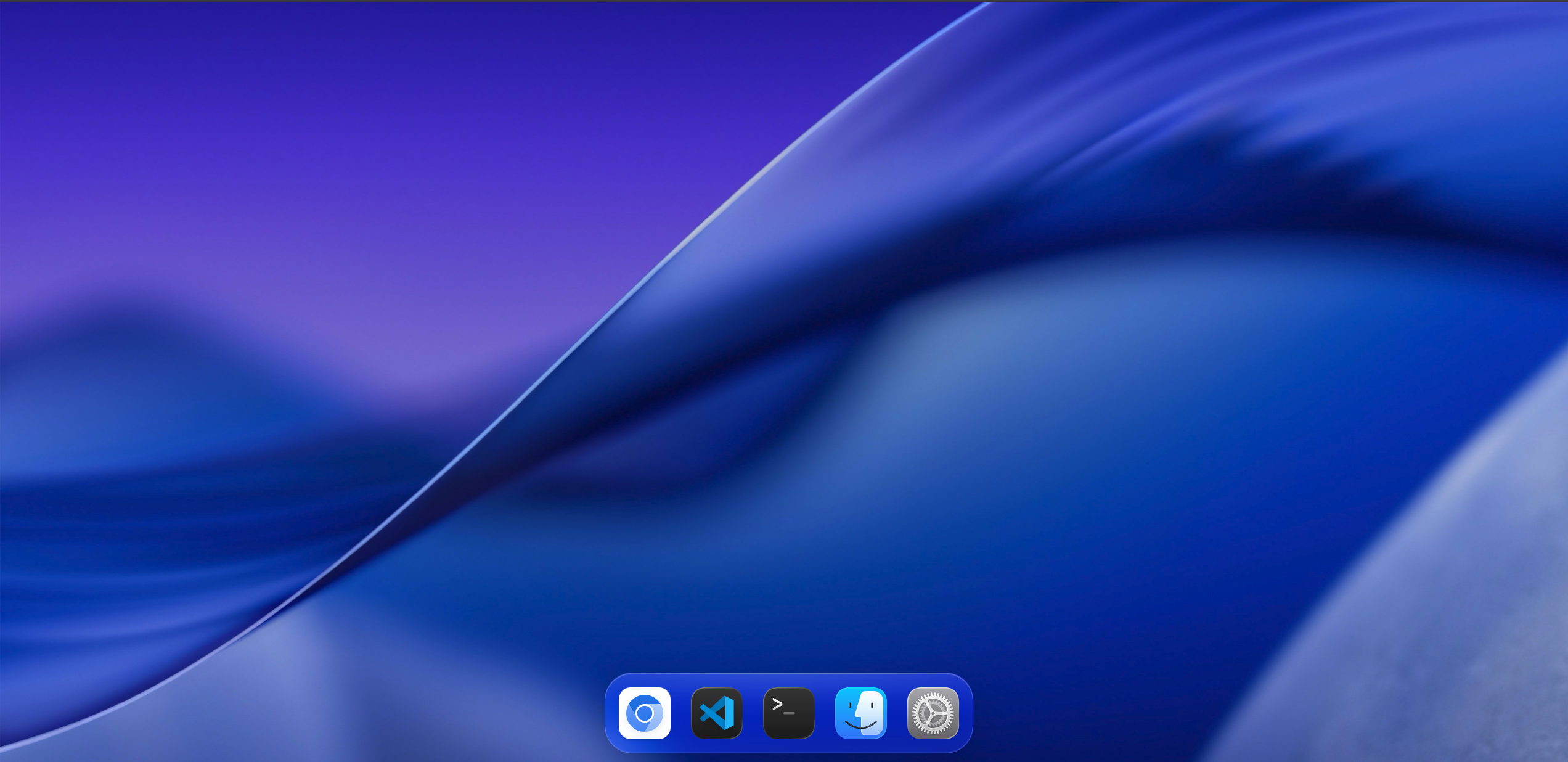
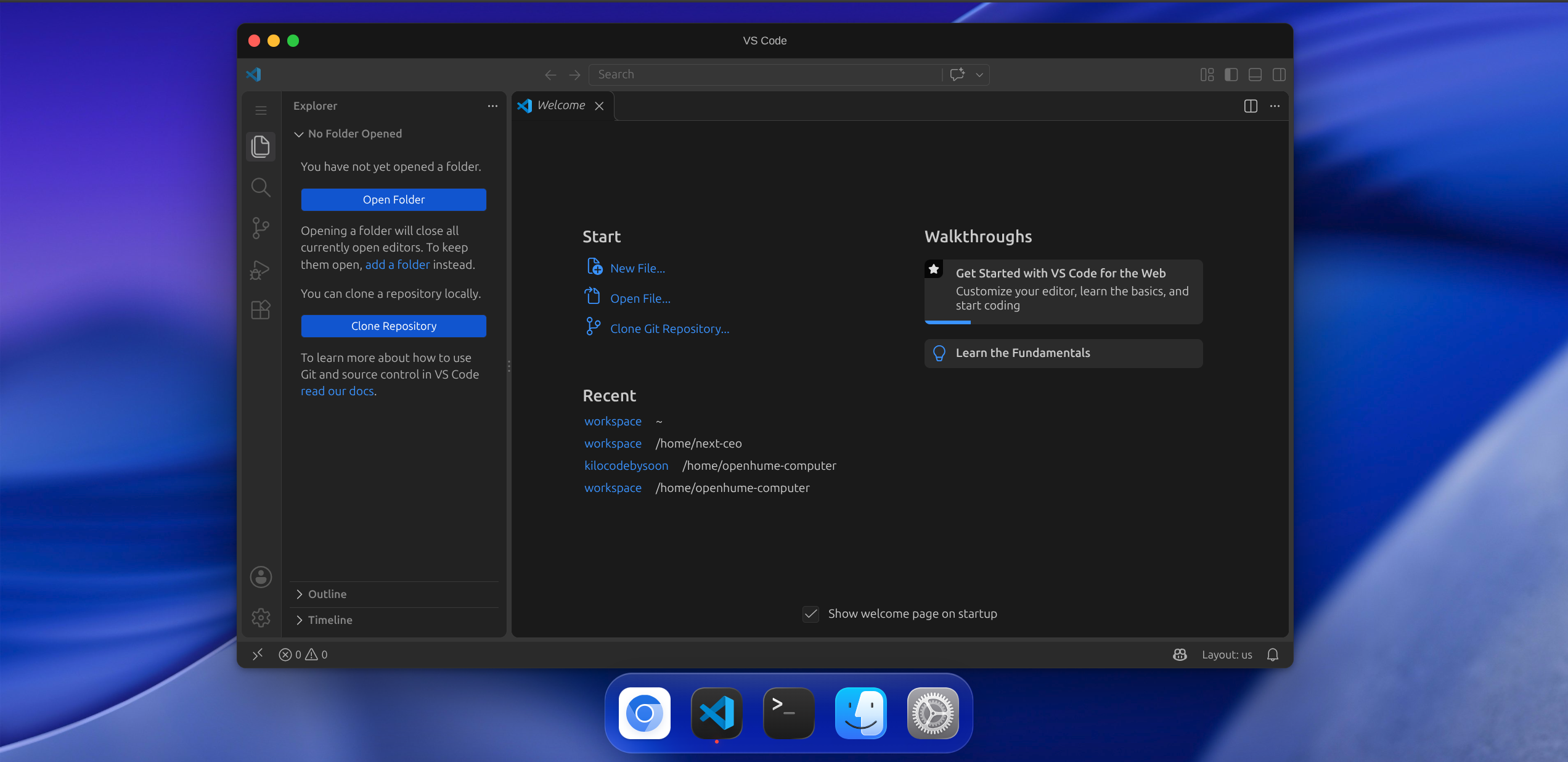
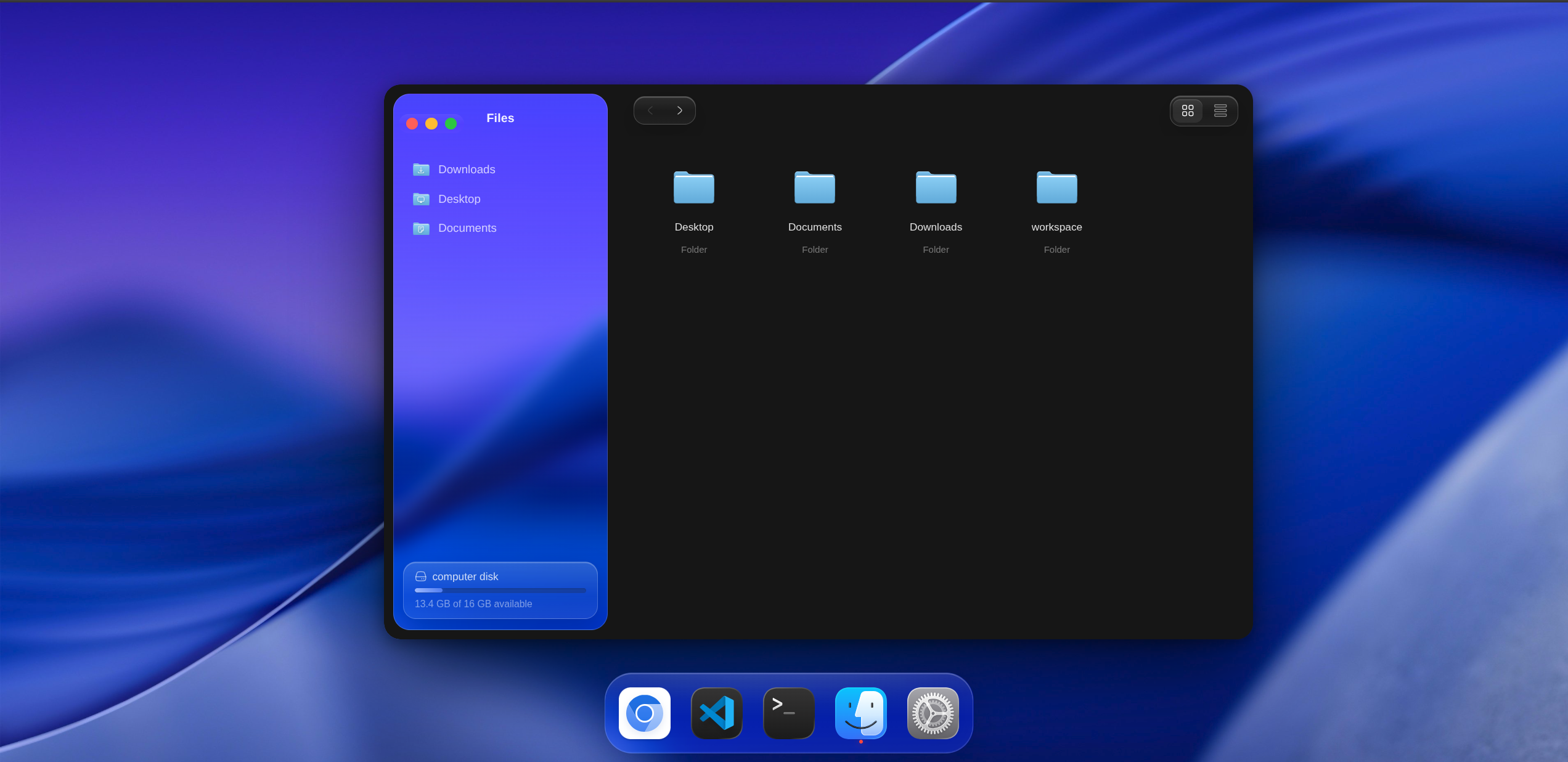
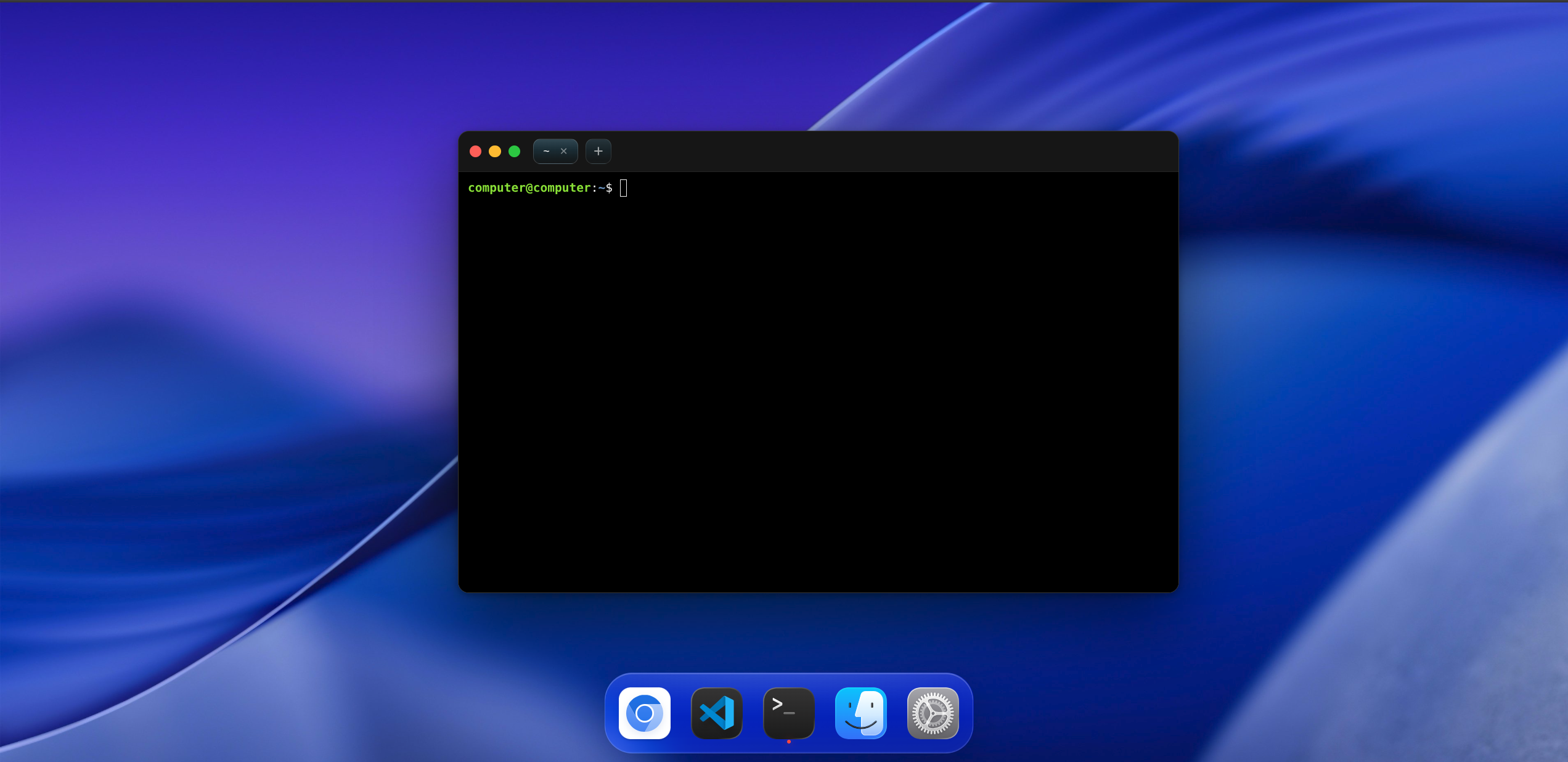
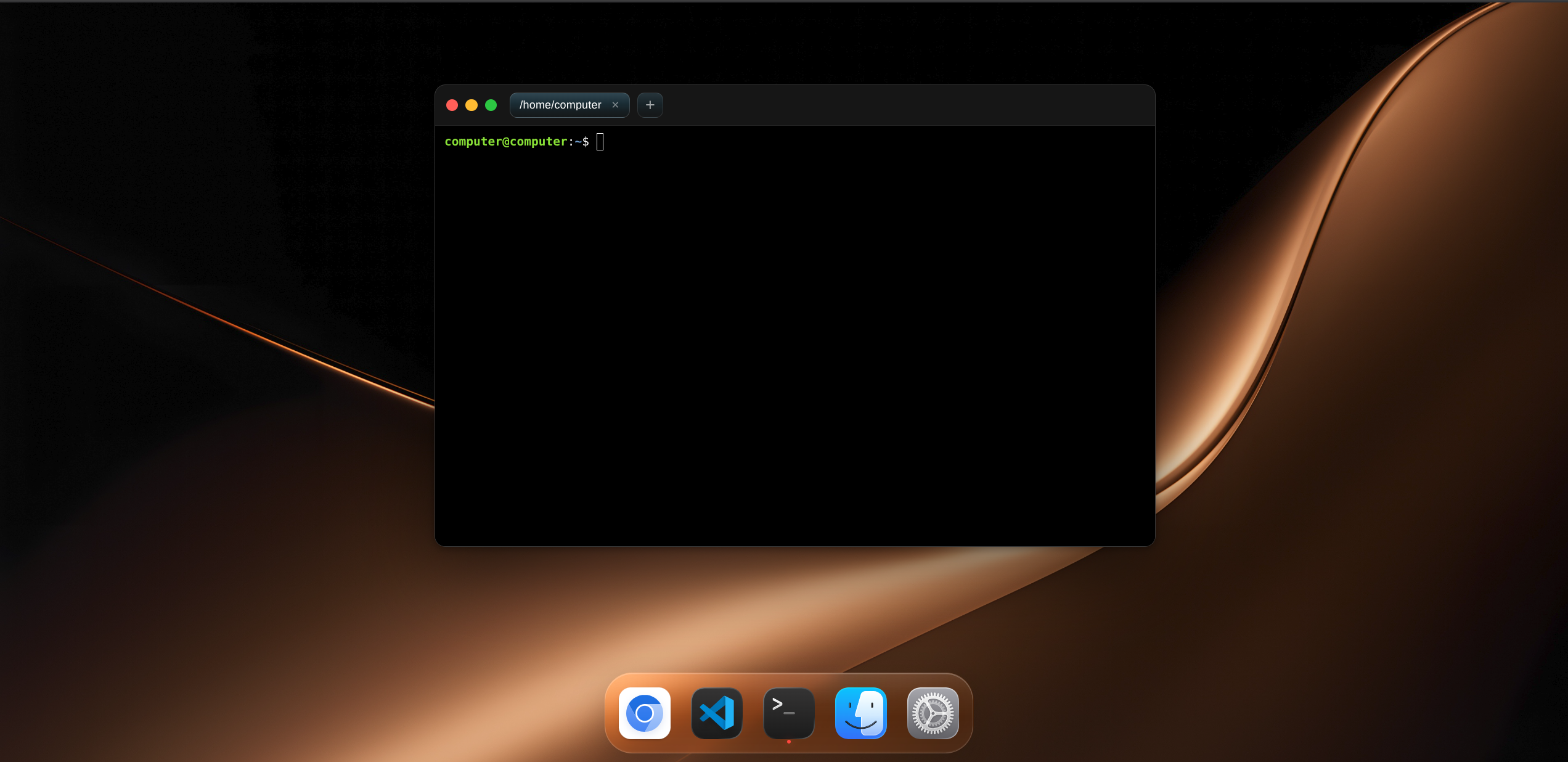
OpenAgentHumenComputer is a lightweight, containerized virtual Linux operating system built for seamless human-AI collaboration. It enables users to:
Instantly spin up an isolated Docker Linux desktop environment.
Connect local AI harnesses effortlessly via API and Model Context Protocol (MCP).
Manage multiple AI agents simultaneously from a single interface without needing expensive multi-VPS setups.
Run .deb applications, utilize full sudo privileges, and conduct network or cybersecurity research safely within a sandboxed GUI (noVNC).
How we built it
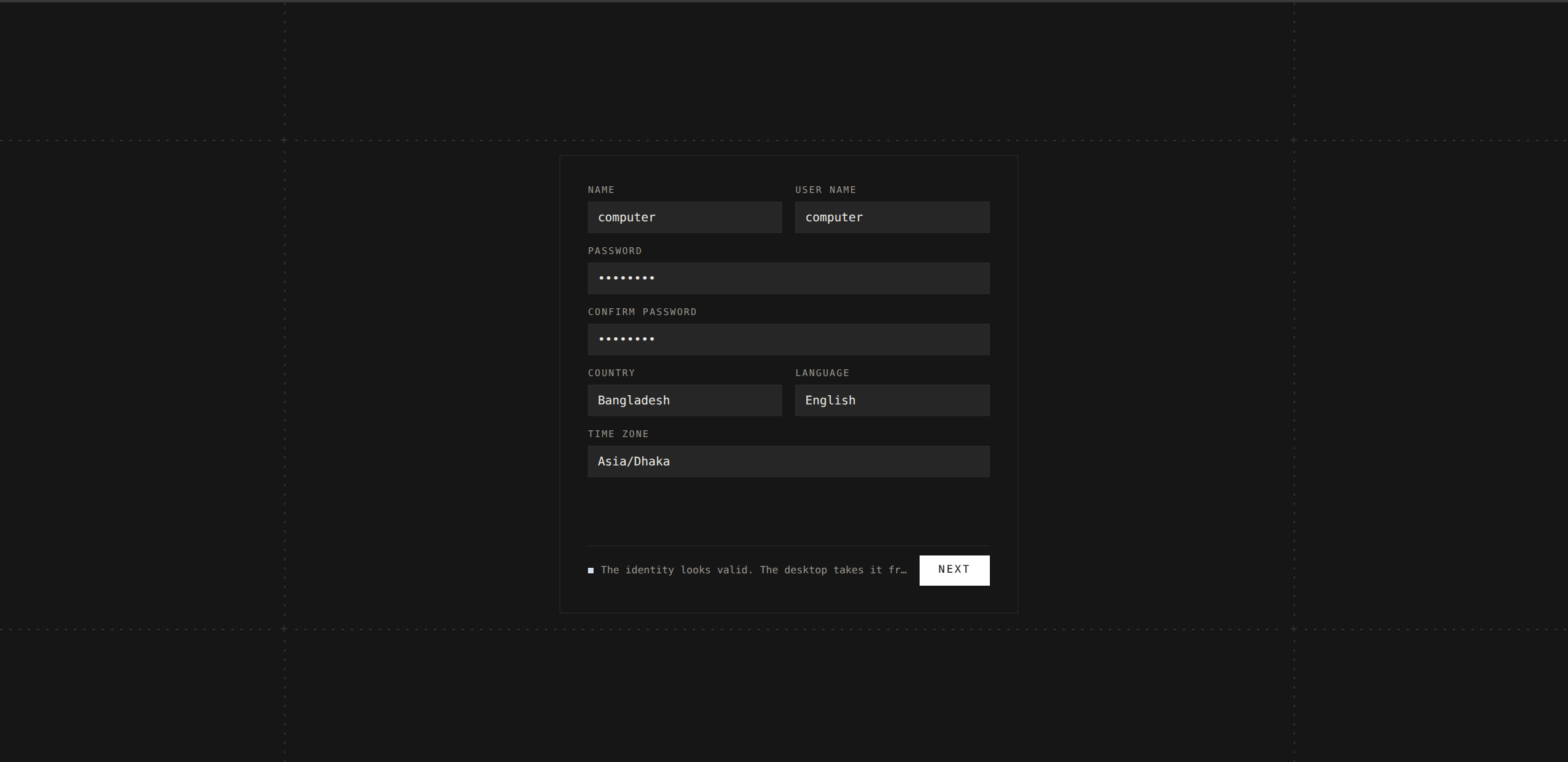
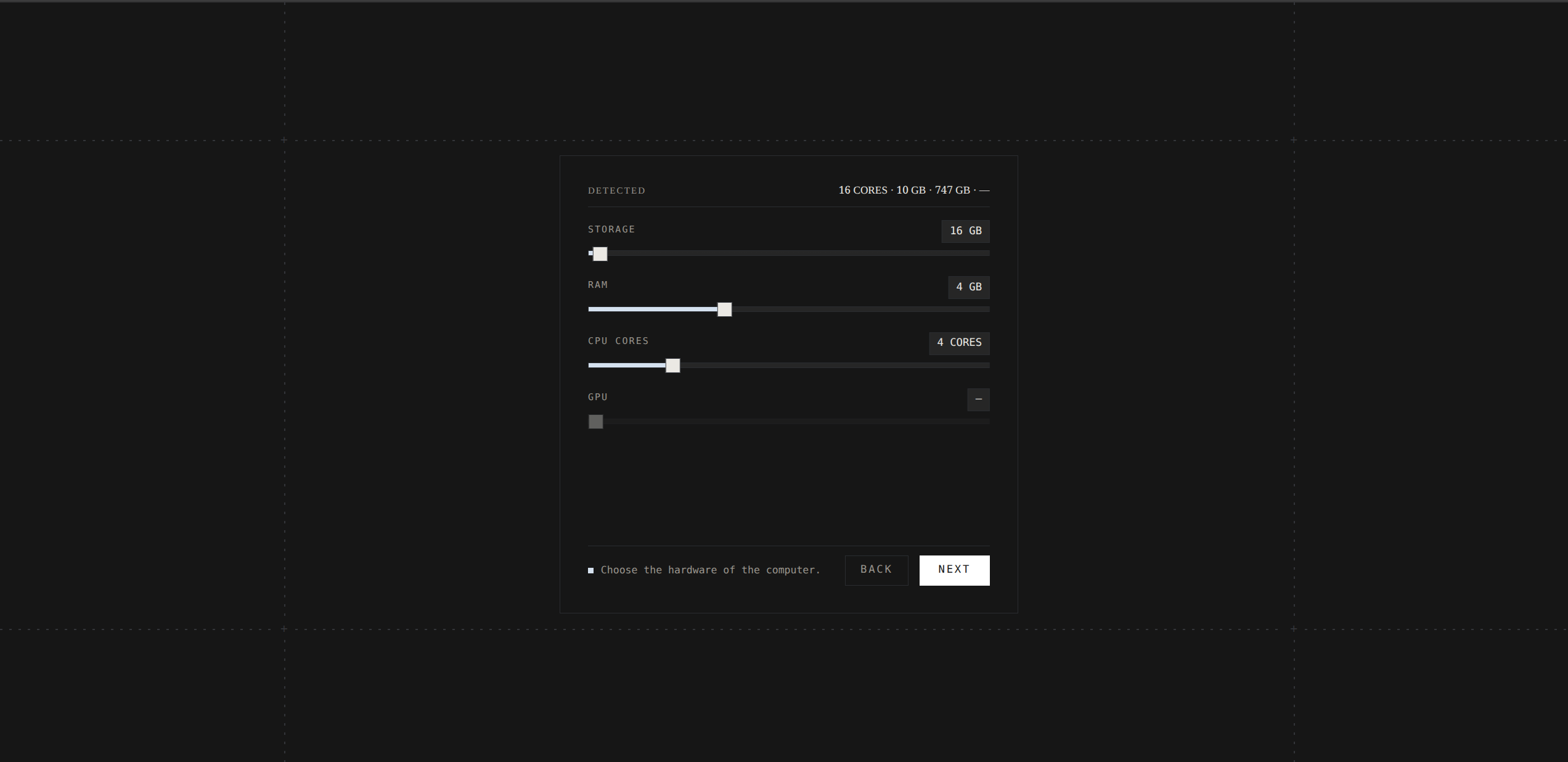
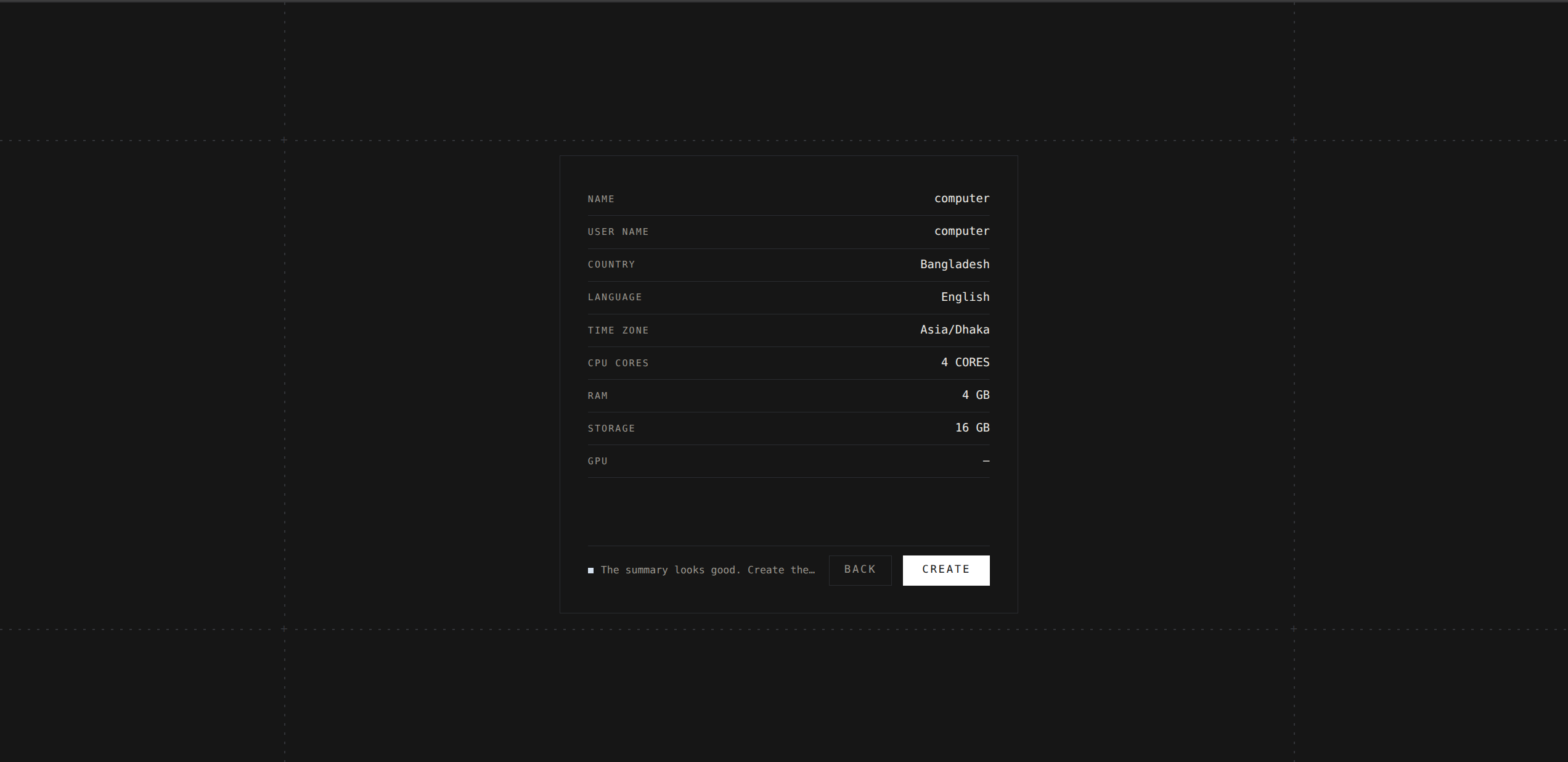
We leveraged Docker to guarantee absolute system isolation and security, coupled with a web-based graphical interface (noVNC) for smooth remote accessibility. Model Context Protocol (MCP) and API support were integrated to bridge local AI harnesses directly into the containerized workspace. The automated provisioning workflow allows users to configure custom computer names, credentials, timezones, and dynamic hardware resources (RAM, CPU, storage) on the fly.
Challenges we ran into
noVNC & CDP Integration: Perfectly aligning native Chrome browsers, noVNC, and CDP to match our custom UI seamlessly was quite a tough challenge.
System Dependency & Isolation: To ensure anyone could easily clone and run the project with complete freedom, every folder had to be structured meticulously, complete with .md files to guide the order of execution. At the start, the entire system risked crashing multiple times! To solve this, I created a minimal isolated project first, connected the core components inside it, and developed outwards while keeping the main host OS completely safe and untouched.
Docker, API, and MCP Connectivity: Running a full Ubuntu GUI directly can heavily burden local hardware. Maintaining low-latency API responses, stable MCP servers, and connecting Docker smoothly to the UI involved a lot of complex plumbing.
Code Rewriting & Script Management: Building this project required breaking and rewriting the core structure from scratch about 4 to 8 times! The mental pressure was real, and the biggest technical hurdle was figuring out how to perfectly mix and orchestrate .sh (Shell Script) files with Python (.py) scripts.
Accomplishments that we're proud of
Successfully engineered a fully functional, browser-accessible Linux GUI sandbox running entirely within an isolated Docker container.
Eliminated the need for expensive multi-VPS setups by enabling multi-agent management through a single unified interface.
Implemented robust safety layers and rootless-friendly container features that give AI complete autonomy while fully protecting the host machine.
What we learned
Deepened our mastery of Docker containerization, system-level isolation, and browser-based VNC streaming.
Learned how to effectively harness the Model Context Protocol (MCP) to bridge local developer tools with sandboxed remote environments.
Realized the massive potential of building developer-first tooling that bridges the gap between terminal automation and user-friendly GUI workspaces.
What's next for OpenAgentHumenComputer
Native IDE & Harness Integration: Introducing built-in support for popular IDEs and harnesses like Codex, Claude, and VS Code, allowing users to get started instantly without complex manual setups.
Zero-Config Linux & Automatic Path Management: Completely eliminating manual Linux PATH and dependency configuration hassles. Users won't need to configure environment variables or paths on their local machines anymore—the system will handle everything automatically.
Cloud VPS Integration: Releasing an upcoming hosted version packed with advanced security hardening for cloud deployments.
Global Timezone & Localization: Expanding dynamic timezone and internationalization support globally.
Advanced Multi-Agent Orchestration: Building smarter dashboard controls to monitor, switch, and command dozens of AI agents in real-time.
Note for Evaluators
We cordially invite the honorable evaluation panel to test and review the live deployment of OpenAgentHumenComputer.
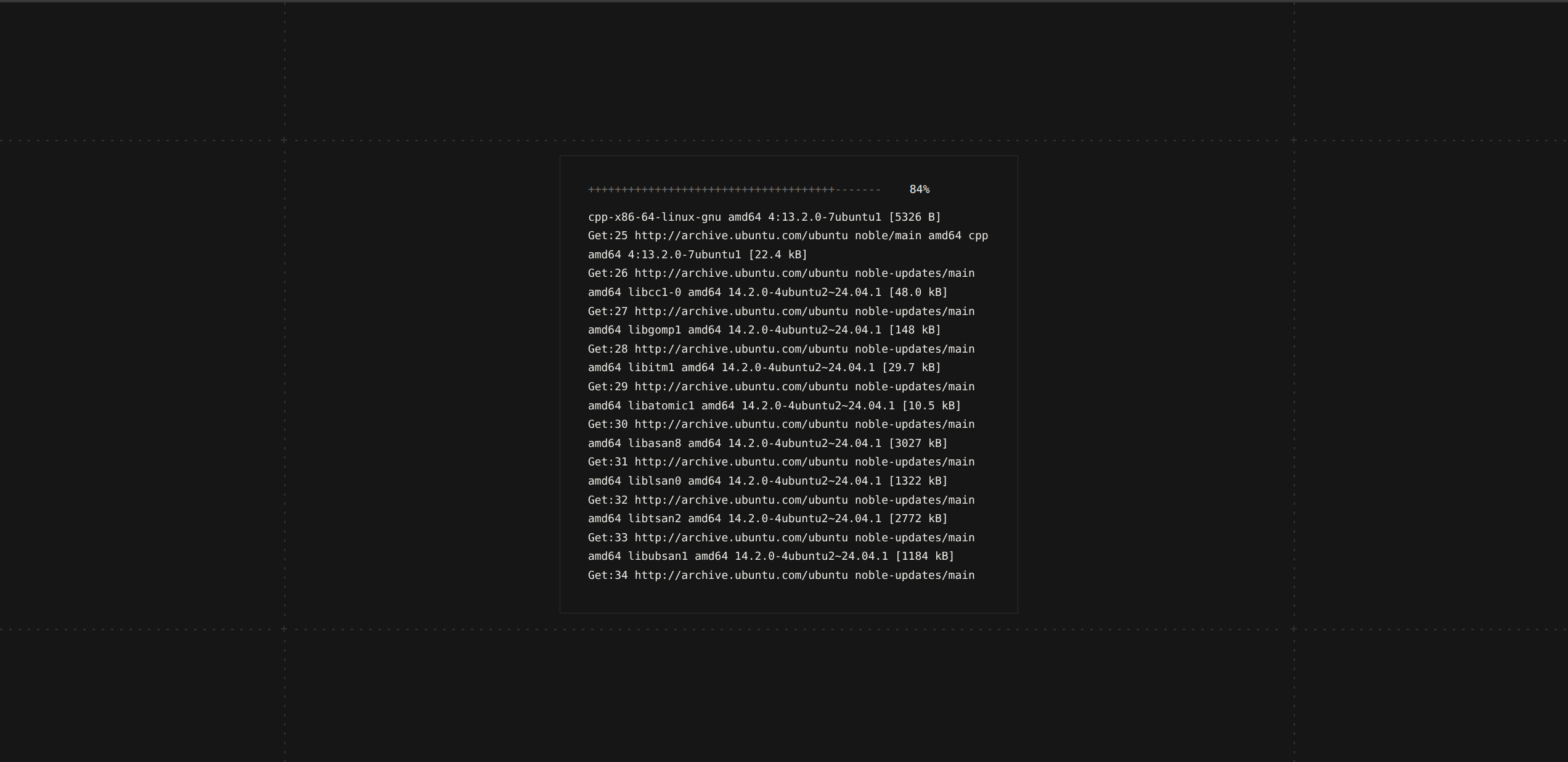
Since the initial phase requires a brief amount of time for Docker image building and dependency resolution, evaluators may initiate the container build process and return shortly after to review the fully operational virtual Linux environment. Thank you very much for your valuable time and cooperation in reviewing this project.


Log in or sign up for Devpost to join the conversation.